Herramientas de IA recomendadas
5Hemos analizado el mercado. Estas herramientas ofrecen características específicas para crear intro/outro videos.
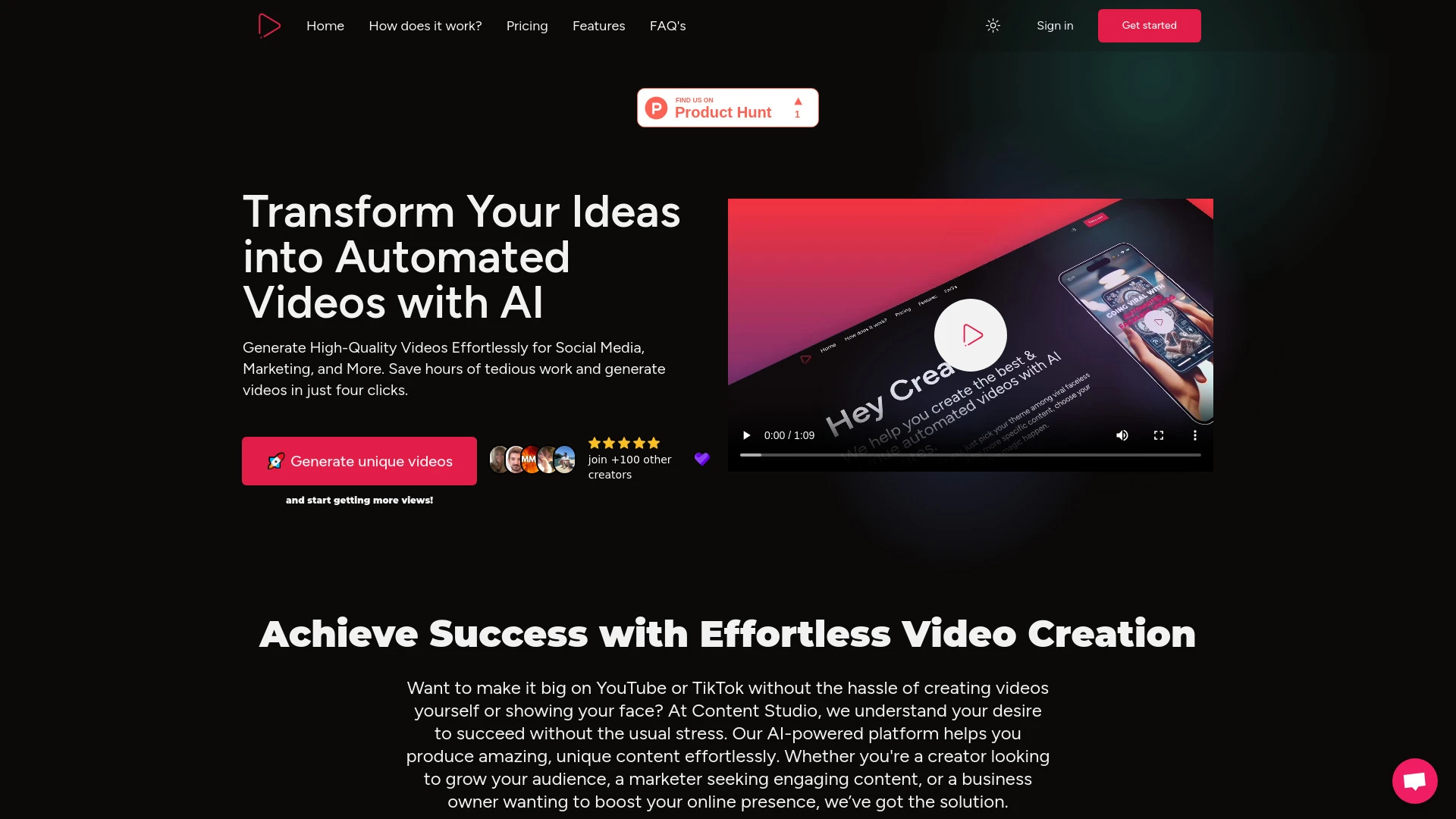
Content Studio AI optimiza la creación de videos con guiones personalizados e integración de redes sociales.
- Creación de video automatizada
- Personalización de guiones
- Integración de redes sociales
Análisis de IA
Por qué usar esta IA Content Studio AI para Crear Intro/Outro Videos?
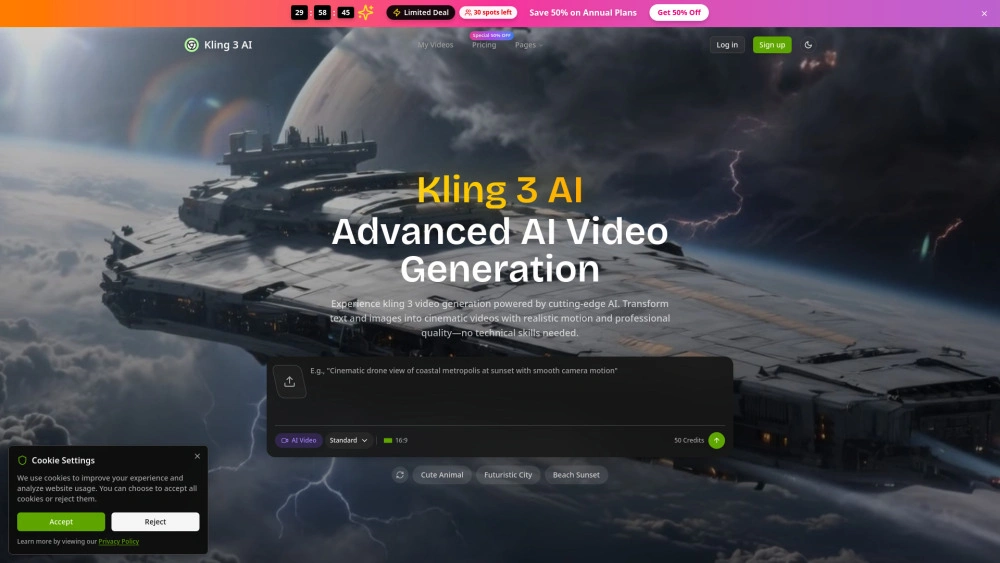
Kling 3 AI
Rápido video cinematográfico a partir de texto - generador impulsado por IA para mercadólogos y creadores
- Salida de ultra alta definición: calidad de video cinematográfico 4K
- Control avanzado de movimiento: movimiento preciso y fiel a la física
- Generación intuitiva de texto a video: convierte indicaciones en escenas rápidamente
Análisis de IA
Por qué usar esta IA Kling 3 AI para Crear Intro/Outro Videos?
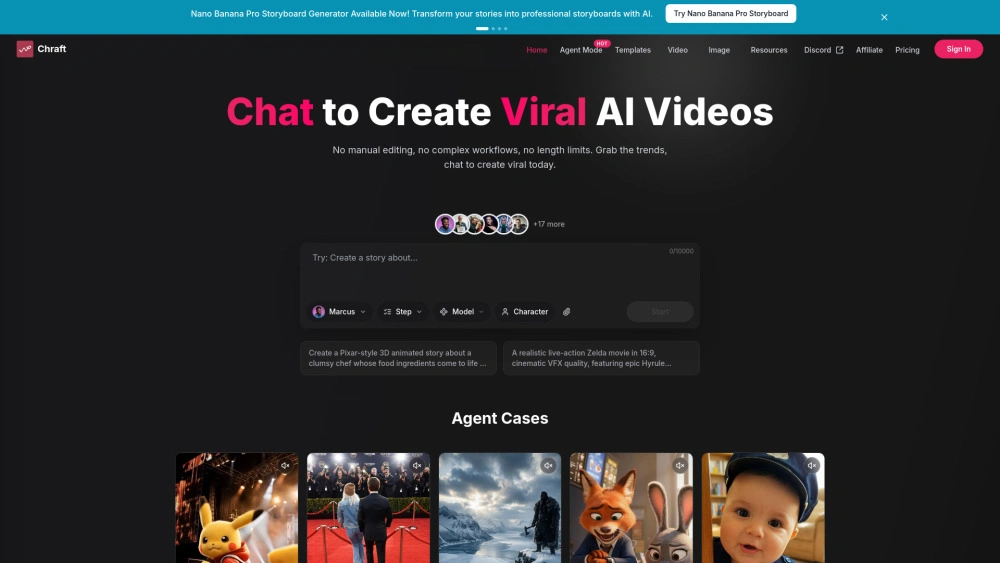
Chraft
Chraft es un generador de video impulsado por IA para mercadólogos y creadores
- Agentes de IA: Automatiza scripts, escenas y edición
- Consistencia de personajes: Mantiene los personajes idénticos entre escenas
- Sincronización de labios y video musical con IA: Sincroniza las letras con el video
Análisis de IA
Por qué usar esta IA Chraft para Crear Intro/Outro Videos?
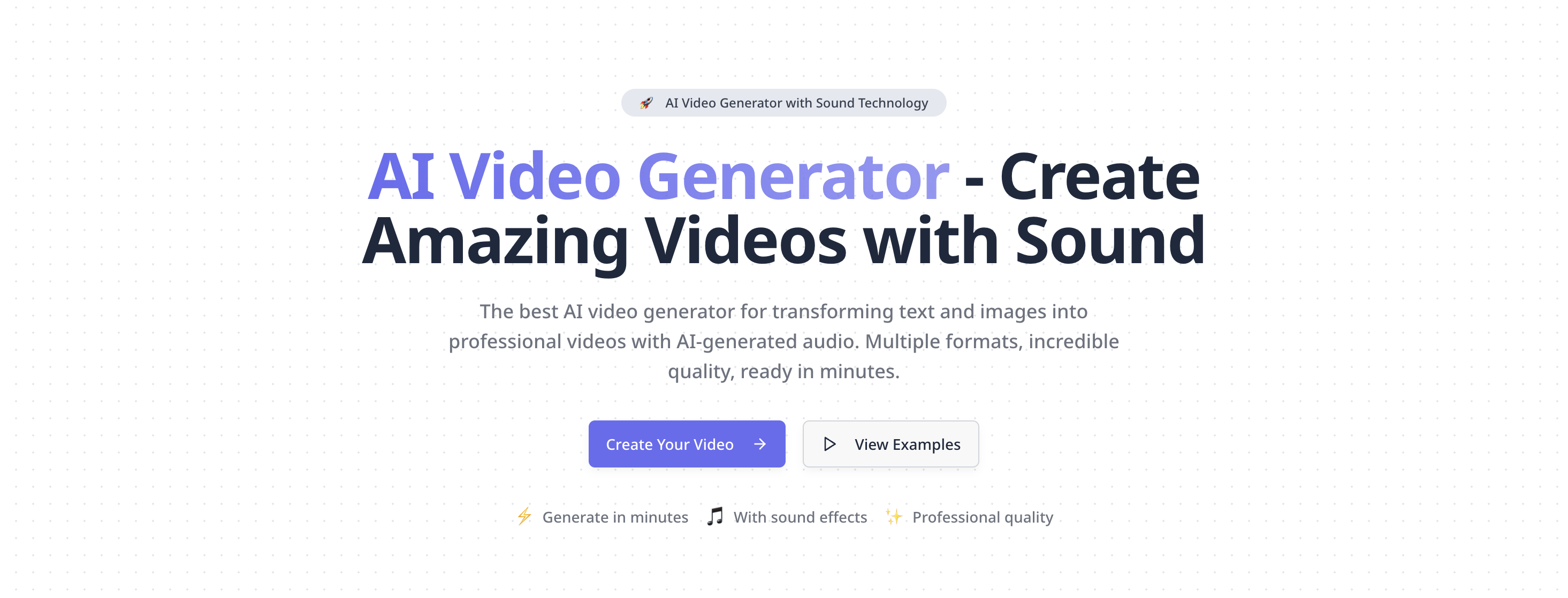
Mejor generador de video con sonido. Crea videos profesionales a partir de texto e imágenes. Generación de video con IA de alta calidad, múltiples for...
- Texto a video y imagen a video con audio integrado
- soporte Google VEO 3 para física realista y audio nativo
- reformatear, ampliar y vistas previas de muestra
Análisis de IA
Por qué usar esta IA Plexigen AI - AI Video Generator with Sound para Crear Intro/Outro Videos?
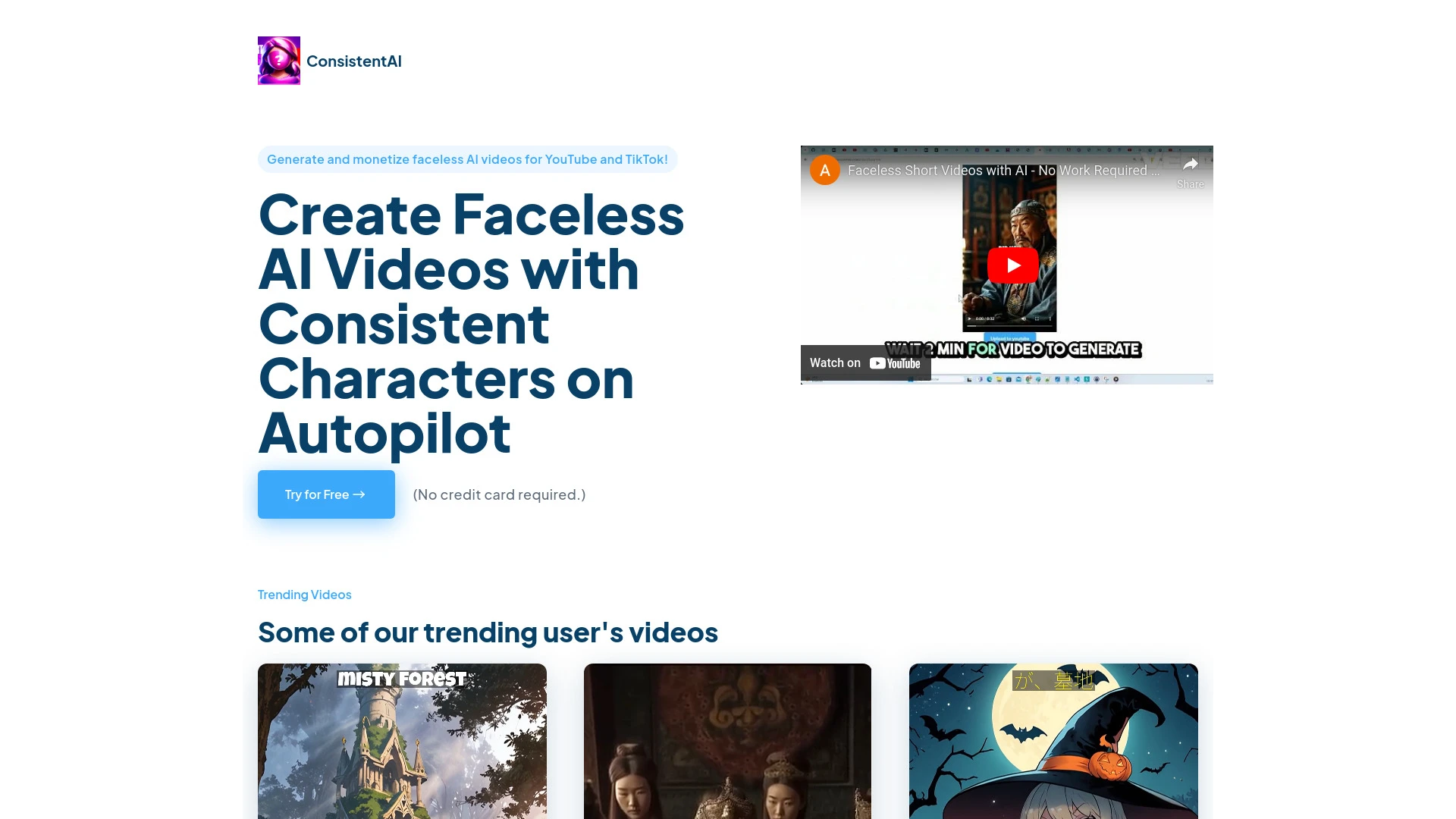
AI Video Generator Hub es una plataforma para crear videos de IA personalizados para YouTube Shorts, permitiendo a los usuarios personalizar personaje...
- Narración impulsada por IA
- selección de personajes y movimientos personalizados
- opciones de voz en off personalizables
Análisis de IA
Por qué usar esta IA AI Video Generator Hub para Crear Intro/Outro Videos?
Flujos de trabajo prácticos
No solo compres herramientas—construye un sistema. Aquí están 3 maneras probadas de integrar la IA en tu crear intro/outro videos proceso.
Workflow 1 – Complete beginner: Produce first polished intro/outro
- Choose a beginner-friendly AI tool with built-in templates for intros/outros and drag-and-drop editing.
- Upload your logo and brand colors; apply a ready-made intro/outro scene that matches your niche.
- Generate a 5–7 second logo reveal and 5–8 second outro with synchronized music, export in 4K, and review for branding alignment.
Workflow 2 – Regular user: Accelerate daily intro/outro tasks
- Create a reusable template pack (color, font, animation style) for your recurring videos.
- Automate scene sequencing: define a standard intro duration, middle sequence, and outro CTA with auto-edit rules.
- Batch process: queue 10–20 videos, apply consistency checks, and export with watermarked previews for review.
Workflow 3 – Power user: Full automation of Create Intro/Outro Videos
- Integrate AI tool with your CMS/Video Platform to pull episode metadata (title, season, episode) automatically.
- Develop a dynamic outro that adapts to each video’s content length and target action (subscribe, watch next, promo).
- Set up a CI/CD-like pipeline: auto-generate intros/outros, render, and publish to channels with version control and analytics tracking.
Prompts efectivas for Crear Intro/Outro Videos
Copiar y personalizar estos prompts probados para obtener mejores resultados de tus herramientas de IA
Principiante: Crear introducción/conclusión sencilla
Crea una introducción de 6 segundos con nuestros colores de marca #1A73E8 y #FFFFFF, incluye el logotipo a los 2 segundos, añade el texto Your Brand Slogan, música de fondo upbeat corporate, y finaliza con una outro de 4 segundos con el CTA Subscribe. Produce como MP4 4K 60fps.Avanzado: Rol + Contexto + Restricciones
Rol: Productor de video para un canal tecnológico. Contexto: Revisión semanal de 4 minutos de un producto. Restricciones: intro de 8 segundos, outro de 6 segundos con CTA para ver el siguiente video, sin auto-omitir, mantener área de seguridad del logo píxel-perfecta, exportar en 4K con opción de subtítulos SRT lista.Análisis: Evaluar/Crear Mejorar
Dado tres intros/outros generados para un vlog de moda, compara la consistencia de la marca, el ritmo y la claridad del CTA. Recomienda una variante para adoptar como plantilla oficial y proporciona un plan de optimización en 3 pasos.
Qué es Crear Intro/Outro Videos IA?
Crea videos de introducción y cierre AI se refiere a software que diseña y renderiza automáticamente segmentos de video de apertura y cierre usando plantillas gráficos en movimiento y optimización de IA Es ideal para equipos de marketing creadores de contenido y agencias que buscan una marca coherente y una producción más rápida en varios videos.
Beneficios de usar IA para crear videos de introducción y outro
Cómo elegir la herramienta de IA adecuada para crear intro/outro videos
- Compatibilidad de marca: asegúrese de que las plantillas soporten su logotipo, paleta de colores y tipografía.
- Profundidad de personalización: considere variedad de animación, flexibilidad de longitud y opciones de CTA.
- Nivel de automatización: evalúe procesamiento por lotes, adaptaciones basadas en metadatos e integraciones con CMS.
- Formatos de salida: verifique soporte 4K, relaciones de aspecto y preajustes de exportación específicos de la plataforma.
- Precios y soporte: compare planes, límites de uso y recursos de incorporación.
Mejores prácticas para implementar creación de videos de introducción y outro con IA
- Haz definir un kit de intro/outro listo para la marca antes de que comience la automatización.
- Haz establecer control de versiones para plantillas y mantener una biblioteca compartida.
- Haz realizar verificaciones de control de calidad en una muestra de salidas antes de la publicación por lotes.
- Haz que las intros sean concisas (5–8 segundos) y los outros con un CTA claro.
- No dependas de una sola plantilla; rota estilos para mantener el contenido fresco y prueba la respuesta de la audiencia.
IA para Crear Intro/Outro Videos: Clave Estadísticas
El flujo de trabajo habilitado por IA para Crear videos de introducción y outro reduce el tiempo de producción hasta en un 62% en promedio.
76% de creadores reportan una mayor consistencia de la marca tras implementar plantillas de IA para intros/outros.
El tiempo promedio para publicar un video con intro/outro generado por IA se reduce de 45 minutos a ~15 minutos.
Las mejores herramientas que ofrecen exportación 4K y preajustes de plataforma muestran una tasa de adopción un 48% más alta en 2026.
Las plantillas automatizadas con CTAs impulsadas por metadatos aumentan la participación de la audiencia entre 18 y 25%
Freemium y gratuito Crear Videos de Introducción/Conclusión Opciones de IA capturan el 32% de los nuevos usuarios, con conversión a planes de pago al 28% dentro de 3 meses.
Preguntas Frecuentes
Obtén respuestas a las preguntas más comunes sobre el uso de herramientas de IA para crear intro/outro videos .
Crear videos de introducción y outro el software de IA son herramientas que generan automáticamente segmentos de apertura y cierre con la marca para los videos. Utilizan plantillas, gráficos en movimiento y optimización impulsada por IA para alinear con tu marca, acortar el tiempo de producción y mantener la coherencia entre los videos.
Comienza seleccionando una herramienta de IA con plantillas de introducción/conclusión listas, importa tu logotipo y kit de marca, elige un estilo, personaliza el texto y los CTA, luego exporta. Para obtener los mejores resultados, prueba varias plantillas y configura una plantilla reutilizable en tu flujo de trabajo.
El software de IA pago suele ofrecer plantillas de mayor calidad, mejor personalización y funciones para empresas (automatización, analítica). Las herramientas gratuitas son adecuadas para intros/outros simples o para probar conceptos, pero las opciones de pago suelen ofrecer flujos de trabajo más rápidos y una marca más consistente.
Los problemas comunes incluyen incoherencia de marca, niveles de audio o ritmo. Soluciones: verificar la alineación del kit de marca, ajustar la sincronización de la animación, normalizar el audio y realizar una revisión de calidad con una revisión humana antes de la exportación final.
Categorías de herramientas de IA relacionadas
Explora otras categorías de herramientas de IA similares a Crear Intro/Outro Videos eso podría interesarte
Generador de Video AI
AI Video Generators utilize algorithms to create videos from text, images, or audio, enhancing content creation. Applica...
Generador de Video Personalizado por IA
The AI Personalized Video Generator leverages AI algorithms to create tailored video content for users, analyzing prefer...
Generador de Videos de Contenido Generado por Usuarios de IA
The AI User-Generated Content Video Generator leverages artificial intelligence to automate video creation from user inp...
Generador de Videos Musicales con IA
AI Music Video Generators leverage machine learning to create visuals that sync with music, enhancing creativity and acc...
Asistente Creativo de Anuncios de IA
The AI Ad Creative Assistant leverages machine learning to generate tailored ad content, optimizing messaging for target...
Texto a Video
'Text to Video' in AI transforms written content into dynamic visual narratives. By utilizing natural language processin...