Recommended AI Tools
5We've analyzed the market. These tools offer specific features for create intro/outro videos.
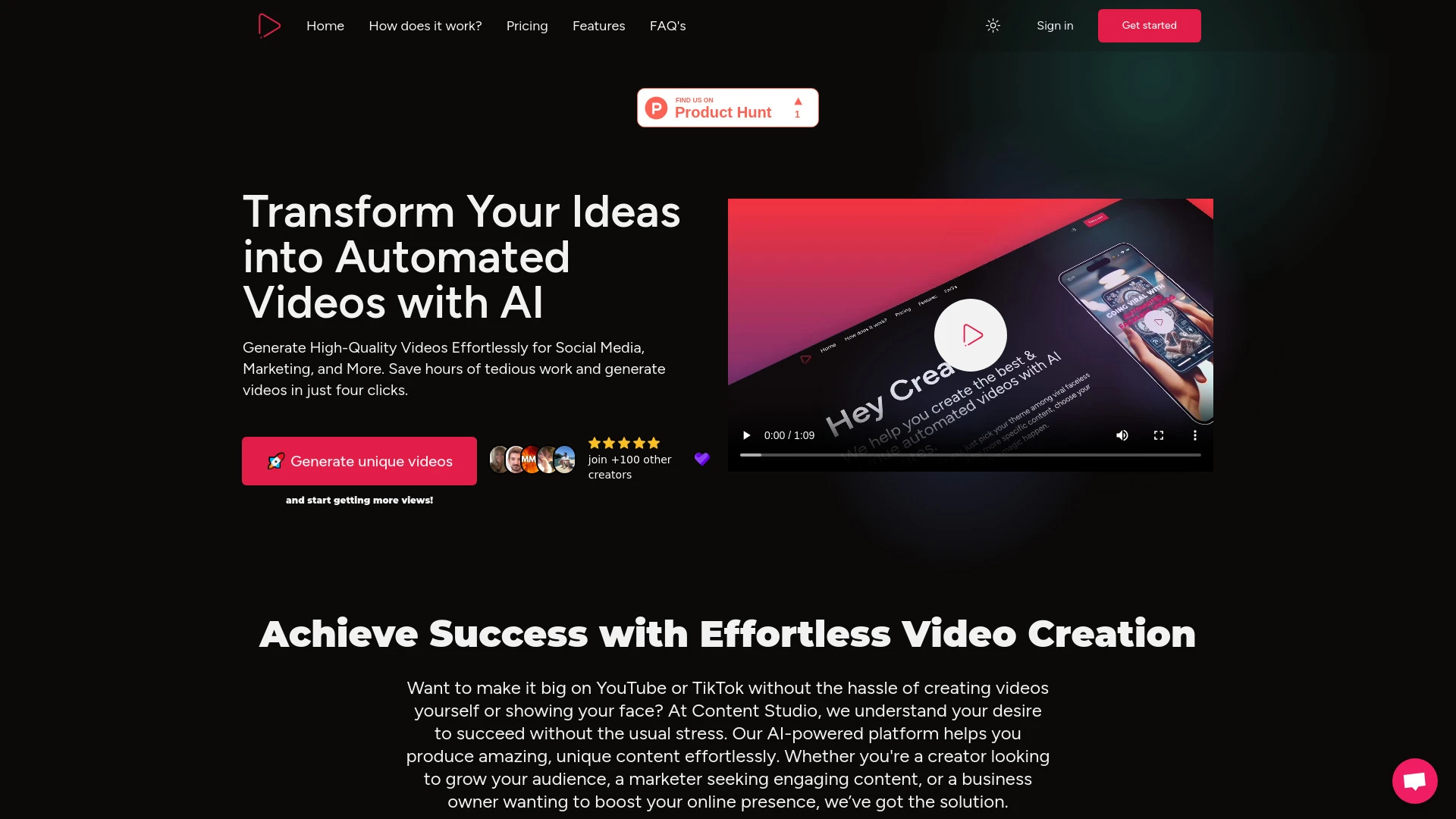
Content Studio AI streamlines video creation with personalized scripts and social media integration.
- Automated video creation
- Script customization
- Social media integration
AI Analysis
Why use this AI Content Studio AI for Create Intro/Outro Videos?
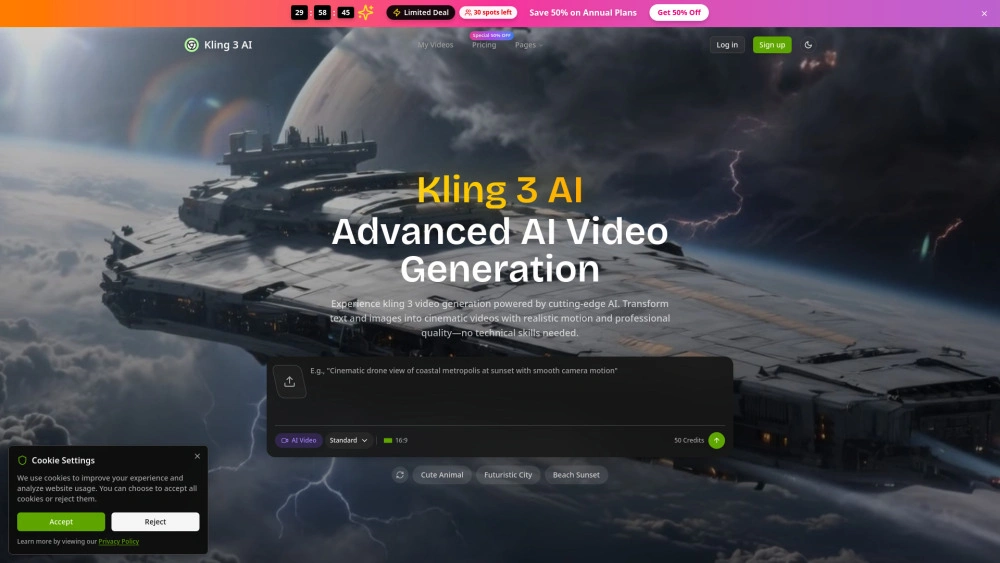
Kling 3 AI
Fast, cinematic video from text—AI-powered generator for marketers and creators.
- Ultra-High Definition Output: 4K cinematic video quality
- Advanced Motion Control: precise, physics-accurate movement
- Intuitive Text-to-Video Generation: convert prompts into scenes quickly
AI Analysis
Why use this AI Kling 3 AI for Create Intro/Outro Videos?
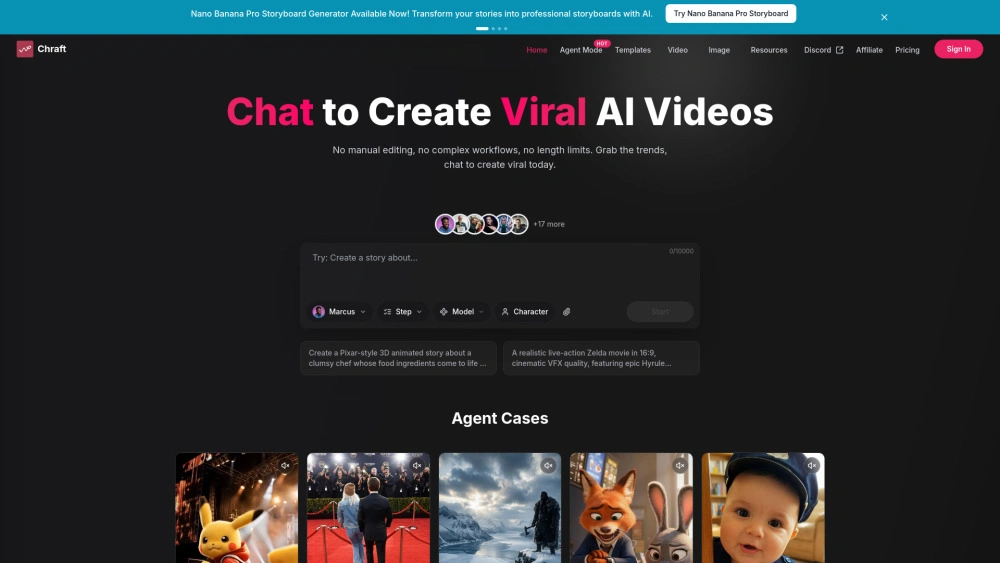
Chraft
Chraft is an AI-powered video generator for marketers and creators.
- AI Agents: Automates scripts, scenes, and editing
- Character Consistency: Keeps characters identical across scenes
- Lip-Sync & AI Music Video: Syncs lyrics to video
AI Analysis
Why use this AI Chraft for Create Intro/Outro Videos?
Best AI video generator with sound. Create professional videos from text & images. High-quality AI video generation, multiple formats, fast rendering.
- Text-to-video and image-to-video with integrated audio
- Google VEO 3 support for realistic physics & native audio
- Reframe, upscale, and sample previews
AI Analysis
Why use this AI Plexigen AI - AI Video Generator with Sound for Create Intro/Outro Videos?
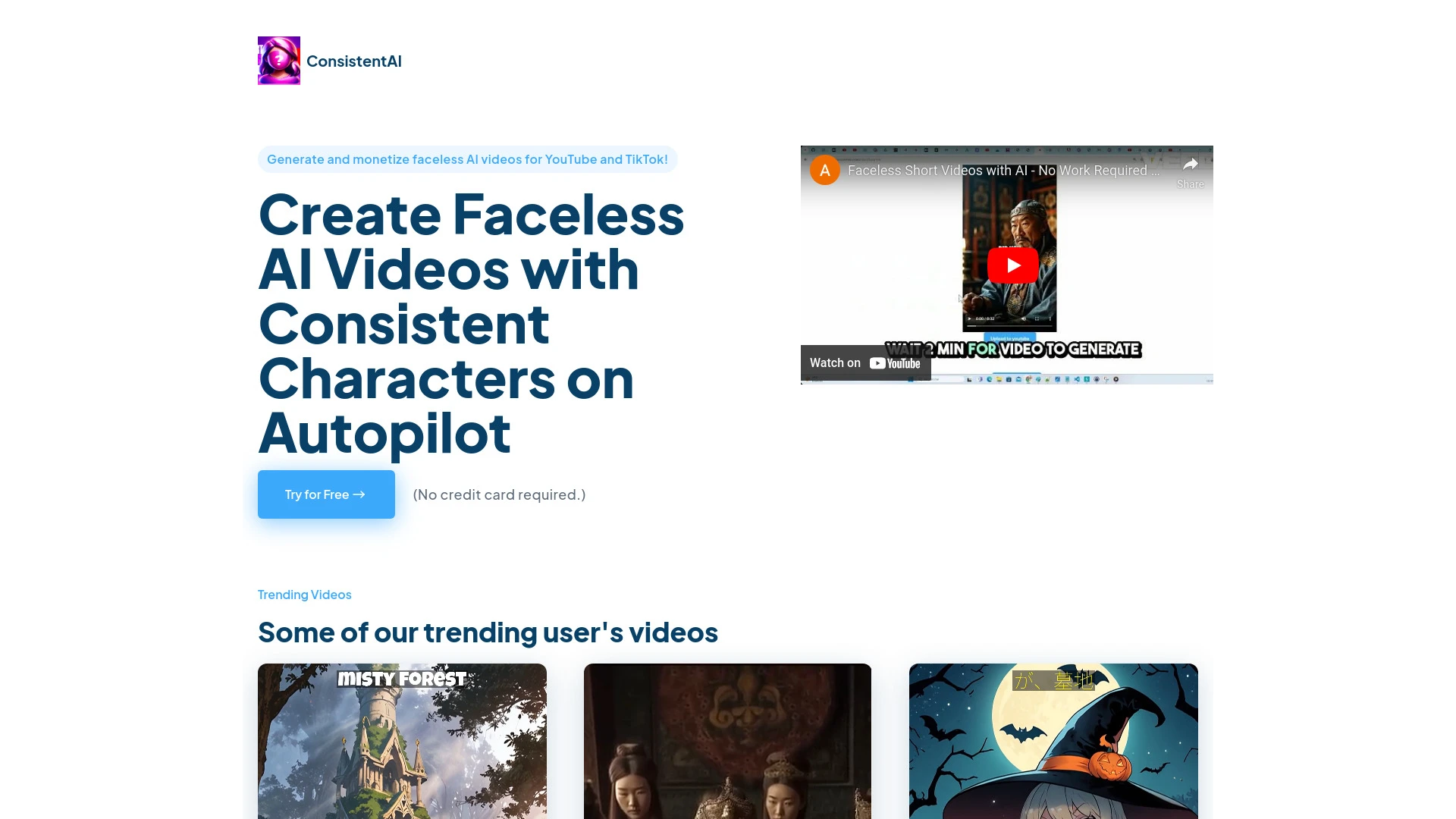
AI Video Generator Hub is a platform for creating tailored AI videos for YouTube Shorts, allowing users to personalize characters, motions, and voiceo...
- AI-powered storytelling
- personalized character and motion selection
- customizable voiceover options
AI Analysis
Why use this AI AI Video Generator Hub for Create Intro/Outro Videos?
Practical Workflows
Don't just buy tools—build a system. Here are 3 proven ways to integrate AI into your create intro/outro videos process.
Workflow 1 – Complete beginner: Produce first polished intro/outro
- Choose a beginner-friendly AI tool with built-in templates for intros/outros and drag-and-drop editing.
- Upload your logo and brand colors; apply a ready-made intro/outro scene that matches your niche.
- Generate a 5–7 second logo reveal and 5–8 second outro with synchronized music, export in 4K, and review for branding alignment.
Workflow 2 – Regular user: Accelerate daily intro/outro tasks
- Create a reusable template pack (color, font, animation style) for your recurring videos.
- Automate scene sequencing: define a standard intro duration, middle sequence, and outro CTA with auto-edit rules.
- Batch process: queue 10–20 videos, apply consistency checks, and export with watermarked previews for review.
Workflow 3 – Power user: Full automation of Create Intro/Outro Videos
- Integrate AI tool with your CMS/Video Platform to pull episode metadata (title, season, episode) automatically.
- Develop a dynamic outro that adapts to each video’s content length and target action (subscribe, watch next, promo).
- Set up a CI/CD-like pipeline: auto-generate intros/outros, render, and publish to channels with version control and analytics tracking.
Effective Prompts for Create Intro/Outro Videos
Copy and customize these proven prompts to get better results from your AI tools.
Beginner: Simple Create Intro/Outro
Create a 6-second intro with our brand colors #1A73E8 and #FFFFFF, include logo at 2s, add 'Your Brand Slogan' text, background music 'upbeat corporate', and end with a 4-second outro featuring 'Subscribe' CTA. Output as MP4 4K, 60fps.Advanced: Role + Context + Constraints
Role: Video producer for a tech channel. Context: Weekly 4-minute product review. Constraints: 8-second intro, 6-second outro with CTA to watch next video, no auto-skip, maintain pixel-perfect logo safe area, export in 4K with SRT subtitle option ready.Analysis: Evaluate/Create Improve
Given three generated intros/outros for a fashion vlog, compare branding consistency, pacing, and CTA clarity. Recommend one variant to adopt as the official template and provide a 3-step optimization plan.
What is Create Intro/Outro Videos AI?
Create Intro/Outro Videos AI refers to software that automatically designs and renders opening and closing video segments using templates, motion graphics, and AI optimization. It’s ideal for marketing teams, content creators, and agencies seeking consistent branding and faster production across multiple videos.
Benefits of Using AI for Create Intro/Outro Videos
- Consistent branding across all videos with centralized templates.
- Faster production timelines from automated template adaptation and batch rendering.
- Improved production quality with AI-assisted motion design and audio balancing.
- Easy scaling for channels, campaigns, or series with reusable assets.
- Cost efficiency by reducing manual editing time and needing fewer designers for routine tasks.
How to Choose the Right Create Intro/Outro Videos AI Tool
- Brand compatibility: ensure templates support your logo, color palette, and typography.
- Customization depth: consider animation variety, length flexibility, and CTA options.
- Automation level: assess batch processing, metadata-driven adaptations, and CMS integrations.
- Output formats: verify 4K support, aspect ratios, and platform-specific export presets.
- Pricing and support: compare plans, usage limits, and onboarding resources.
Best Practices for Implementing Create Intro/Outro Videos AI
- Do define a clear brand-ready intro/outro kit before automation begins.
- Do establish version control for templates and keep a shared library.
- Do run QA checks on a sample of outputs before batch publishing.
- Do keep intros concise (5–8 seconds) and Outros with a clear CTA.
- Don’t rely on a single template; rotate styles to keep content fresh and test audience response.
AI for Create Intro/Outro Videos: Key Statistics
The AI-enabled workflow for Create Intro/Outro Videos reduces production time by up to 62% on average.
76% of creators report improved branding consistency after implementing AI templates for intros/outros.
Average time to publish a video with AI-generated intro/outro drops from 45 minutes to ~15 minutes.
Top tools offering 4K export and platform presets show a 48% higher adoption rate in 2026.
Automated templates with metadata-driven CTAs increase viewer engagement by 18–25%.
Freemium and free Create Intro/Outro Videos AI options capture 32% of new users, with conversion to paid plans at 28% within 3 months.
Frequently Asked Questions
Get answers to the most common questions about using AI tools for create intro/outro videos .
Create Intro/Outro Videos AI software are tools that automatically generate branded opening and closing segments for videos. They use templates, motion graphics, and AI-driven optimization to align with your brand, shorten production time, and maintain consistency across videos.
Start by selecting an AI tool with ready-made intro/outro templates, import your logo and brand kit, choose a style, customize text and CTAs, then export. For best results, test multiple templates and set up a reusable template in your workflow.
Paid AI software often offers higher-quality templates, better customization, and enterprise features (automation, analytics). Free tools are suitable for simple intros/outros or testing concepts, but paid options typically deliver faster workflows and more consistent branding.
Common issues include mismatched branding, audio levels, or pacing. Solutions: verify brand kit alignment, adjust animation timing, normalize audio, and run a quality pass with a human review step before final export.
Related AI Tool Categories
Explore other AI tool categories similar to Create Intro/Outro Videos that might interest you.
AI Video Generator
AI Video Generators utilize algorithms to create videos from text, images, or audio, enhancing content creation. Applica...
AI Personalized Video Generator
The AI Personalized Video Generator leverages AI algorithms to create tailored video content for users, analyzing prefer...
AI User-Generated Content Video Generator
The AI User-Generated Content Video Generator leverages artificial intelligence to automate video creation from user inp...
AI Music Video Generator
AI Music Video Generators leverage machine learning to create visuals that sync with music, enhancing creativity and acc...
AI Ad Creative Assistant
The AI Ad Creative Assistant leverages machine learning to generate tailored ad content, optimizing messaging for target...
Text to Video
'Text to Video' in AI transforms written content into dynamic visual narratives. By utilizing natural language processin...