Sponsored by BrandGhost BrandGhost is a social media automation tool that helps content creators efficiently manage and schedule their social media... Visit now

Code to Flowchart versus Docugram

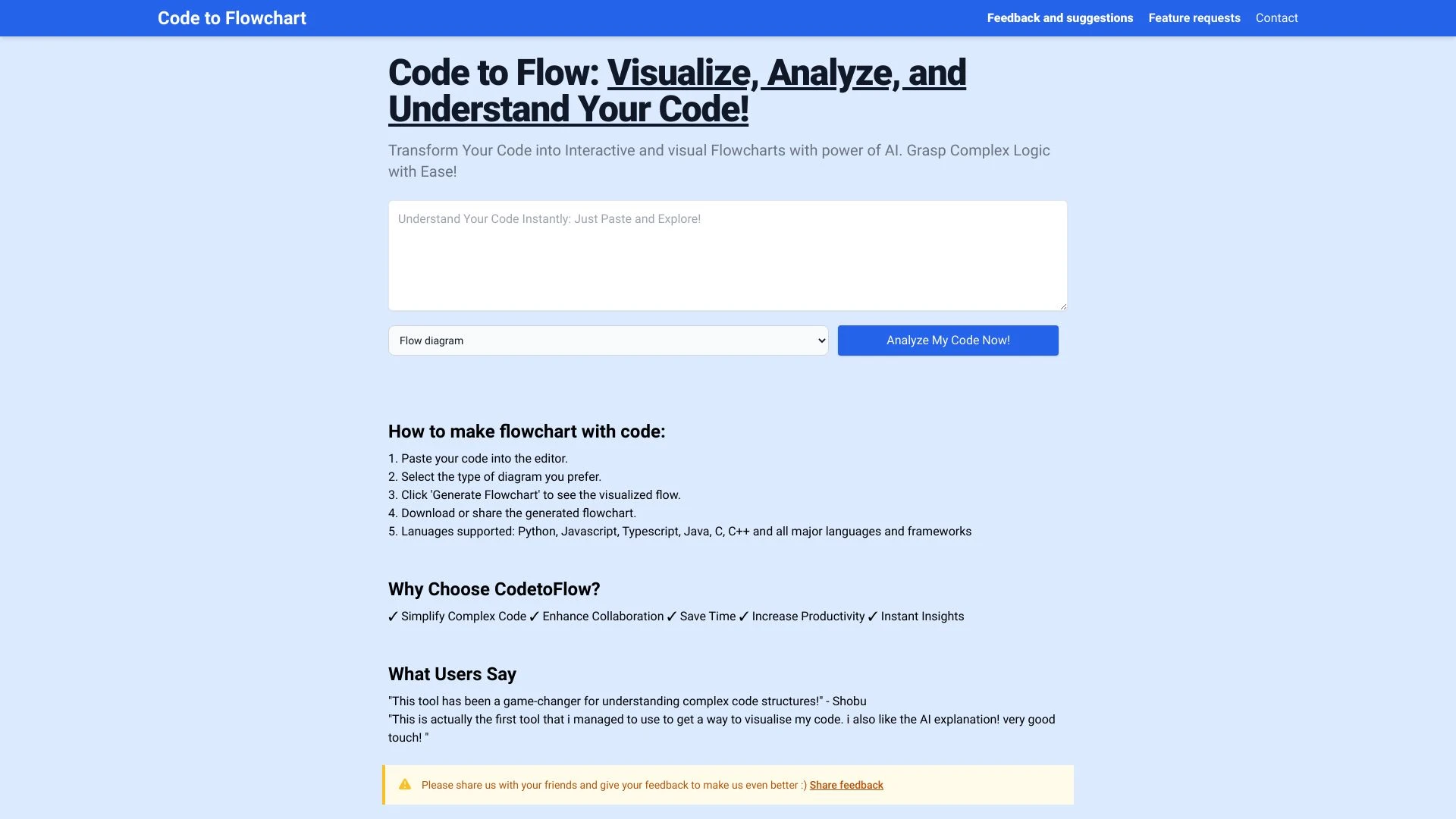
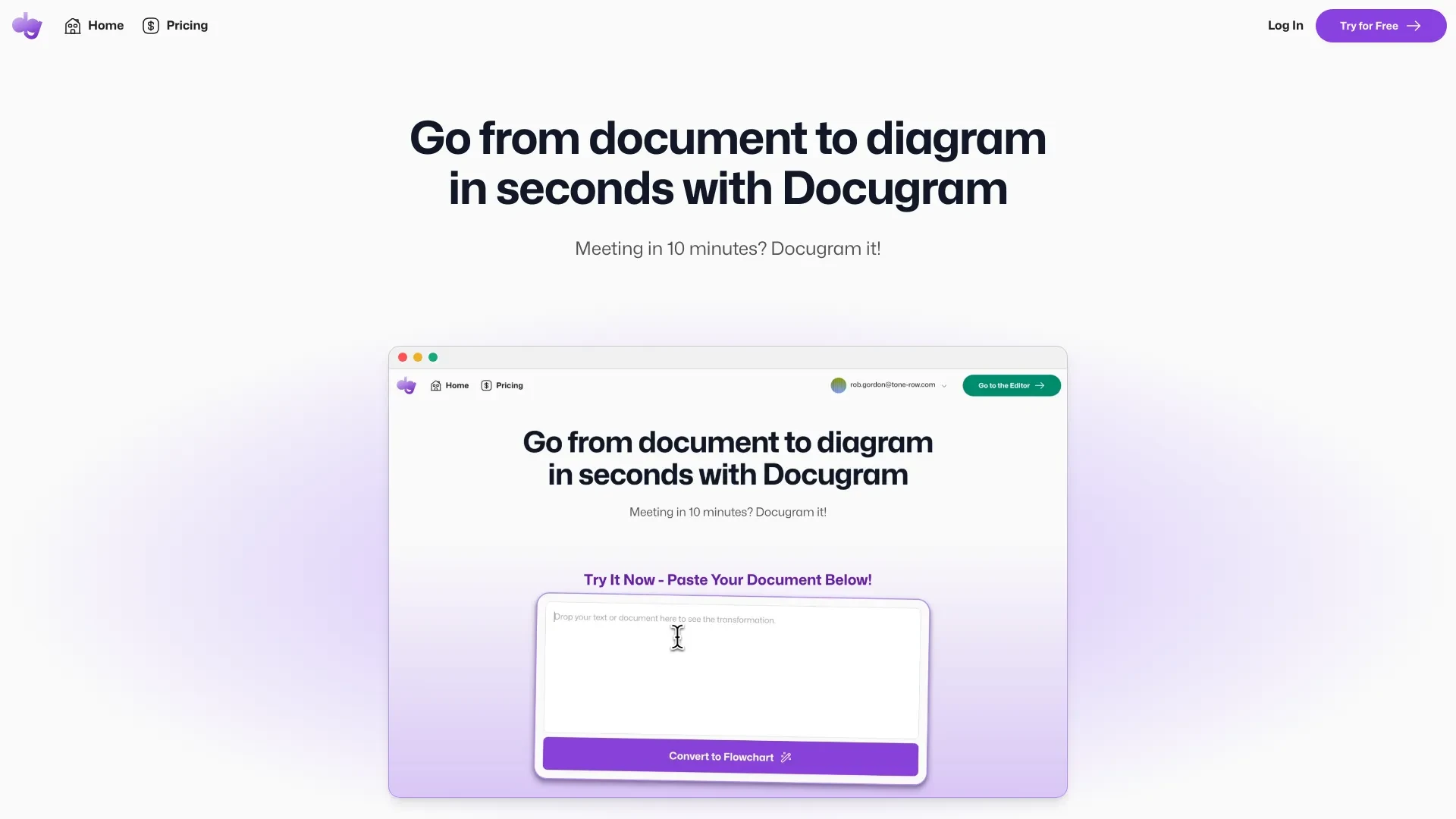
Docugram turns text into interactive flowcharts, while Code to Flowchart turns code into flowcharts. Both are web based freemium tools designed for individuals, teams and educators to visualize information quickly and share diagrams with collaborators.

Code to Flowchart vs Docugram Overview

Last updated: May 2026

Ideal For

    visualizing complex code logic

    teaching programming fundamentals

    creating clear code documentation

    enhancing team collaboration during code reviews

Key Strengths

    Improves understanding of complex code

    Interactive visual representation aids learning

    Easy to share and collaborate on flowcharts

Core Features

    AI-driven code analysis

    interactive flowchart generation

    supports multiple programming languages

    aids in teaching and learning programming

    enhances code documentation

Docugram

0

Ideal For

    Creating professional flowcharts for presentations

    visualizing meeting notes

    enhancing brainstorming sessions

    representing complex processes visually

Key Strengths

    Saves time in creating diagrams

    enhances understanding of complex topics

    facilitates better communication

Core Features

    AI-driven flowchart generation

    seamless text-to-diagram transformation

    rapid conversion of documents

    user-friendly interface

    integration with various document formats

Popularity

High 53,900 visitors
Growing popularity
Very Low Unknown number of visitors
Growing popularity

At a Glance

Docugram is well suited for transforming textual content into business oriented visuals for presentations and reports, while Code to Flowchart excels at making code logic visible for teaching and development workflows. If your primary input is documents or notes, Docugram is the practical choice; if your focus is understanding and communicating software logic, Code to Flowchart should be your default. Using both in parallel can cover a broad range of visualization needs across teams.

Pricing and Subscription Plans

Both tools are offered as freemium with a 0.00 price and monthly subscription billing. Specific tier details are not provided here, but the freemium entry makes them accessible to individuals and small teams. The value lies in rapid diagram generation and cross domain usefulness for documents and code.

Performance Metrics

Docugram advertises rapid conversion of documents into flowcharts in seconds and Code to Flowchart emphasizes AI driven interactive flowcharts. No public numeric speed or reliability benchmarks are provided, but both are built for web based, scalable generation of diagrams.

User Experience

Both tools offer user friendly interfaces with simple workflows. Docugram relies on pasting documents and converting to diagrams, while Code to Flowchart uses code file uploads to produce diagrams. Because inputs align with common work tasks, the learning curve is expected to be low and onboarding streamlined for both technical and non technical users.

Integrations and Compatibility

Docugram integrates with various document formats and is web based. Code to Flowchart supports multiple programming languages and runs in a browser, enabling integration into learning and development workflows.

Limitations and Drawbacks

Outputs depend on AI interpretation and may require manual adjustments for complex documents or code. The lack of published detailed tiers or performance metrics means users should pilot first to gauge fit for their needs.

Frequently Asked Questions

What is the main difference between Code to Flowchart and Docugram?
The key difference between Code to Flowchart and Docugram lies in their core use cases, pricing models, and feature depth. Code to Flowchart typically focuses on specific workflows, while Docugram offers broader capabilities suitable for different teams and scenarios.
Which is better for teams: Code to Flowchart or Docugram?
Docugram is often a better fit for growing teams that need collaboration, governance, and integrations, while Code to Flowchart can be ideal for individuals or smaller teams who want a simpler, more focused solution.
Is Code to Flowchart more affordable than Docugram?
Pricing depends on your usage and plan tiers. Code to Flowchart may offer a lower entry price, while Docugram can provide more value at scale with advanced features included in higher-tier plans.
Can I use both Code to Flowchart and Docugram together?
Yes, many teams combine both tools in their workflows to cover different use cases. Always review integrations and overlapping features to avoid paying twice for similar functionality.

Related Comparisons