Herramientas de IA recomendadas
5Hemos analizado el mercado. Estas herramientas ofrecen características específicas para crear pistas de audio de meditación.
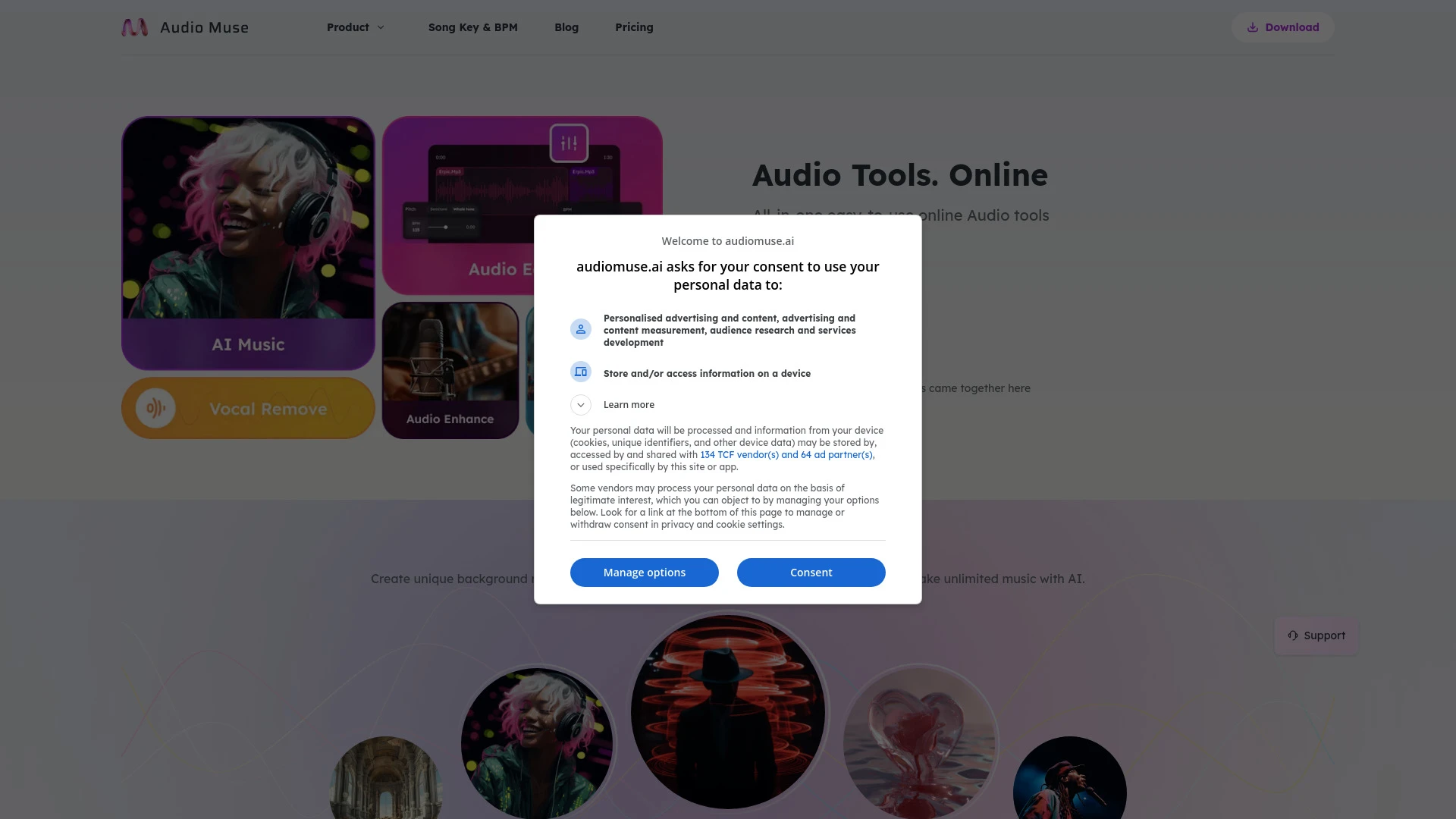
Audio Muse
Audio Muse es una plataforma en línea impulsada por IA para crear y editar música con facilidad.
- Generador de Música AI
- Mejorador de Audio
- Editor de Audio
Análisis de IA
Por qué usar esta IA Audio Muse para Crear pistas de audio de meditación?
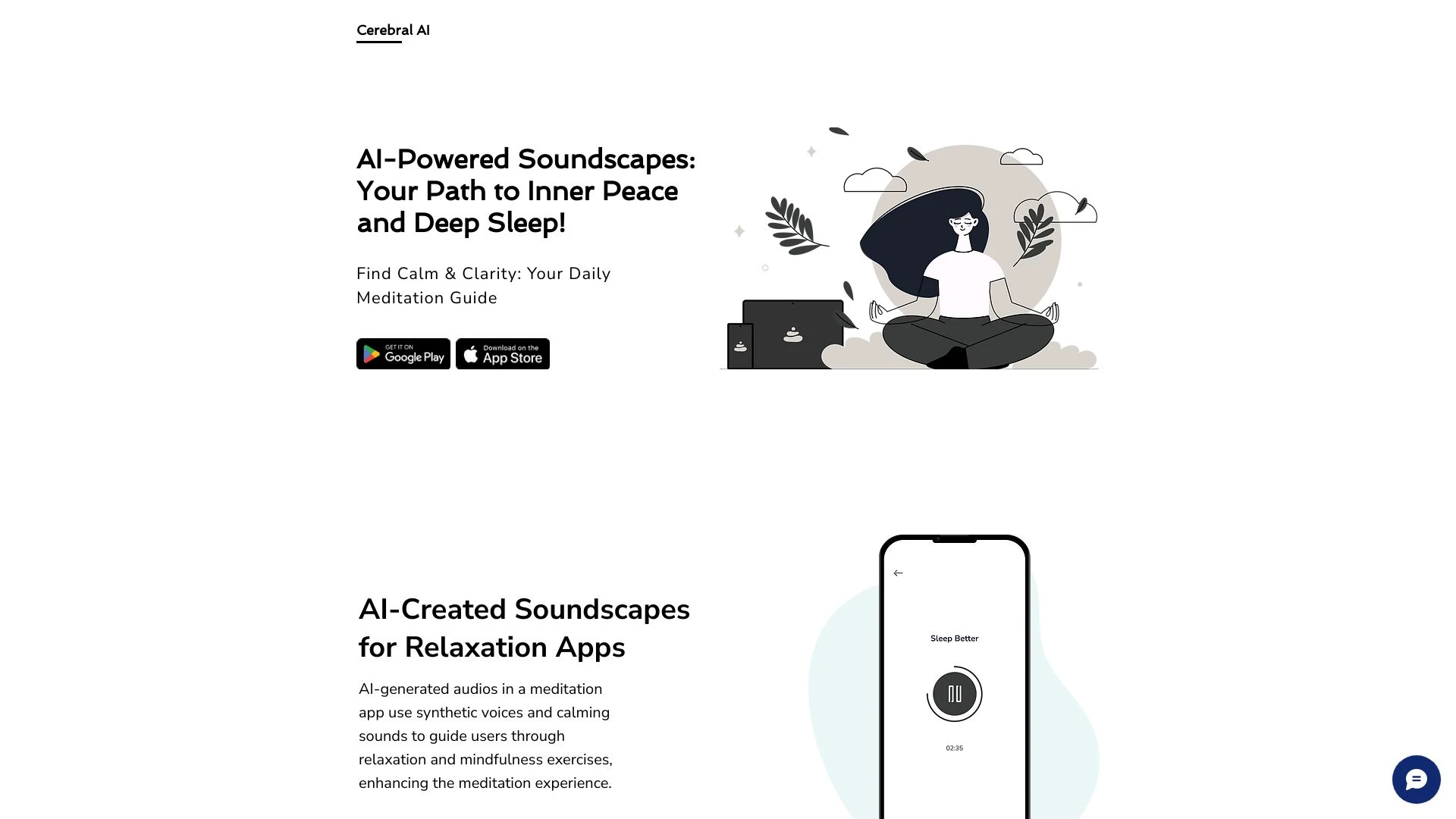
Cerebral AI
Cerebral AI crea audio generado por IA para mejorar la meditación y promover un sueño reparador.
- Voces sintéticas
- Sonidos calmantes
- Integración de aplicaciones móviles
Análisis de IA
Por qué usar esta IA Cerebral AI para Crear pistas de audio de meditación?
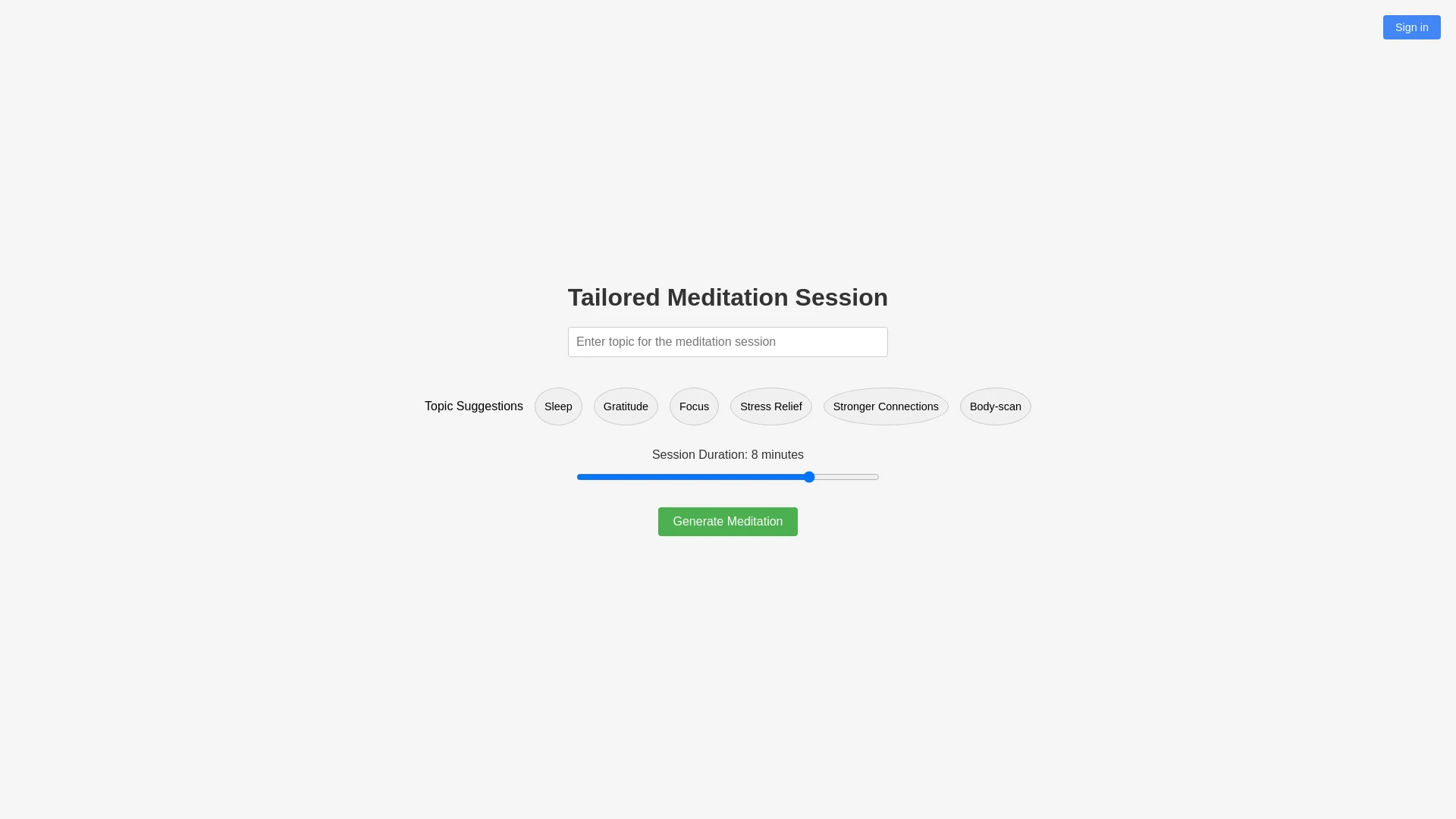
Meditación impulsada por IA adaptada a necesidades individuales.
- Sesiones de meditación generadas por IA
- una variedad de temas que incluyen sueño, gratitud y alivio del estrés
- longitudes de sesión ajustables
Análisis de IA
Por qué usar esta IA Personalised Meditation para Crear pistas de audio de meditación?
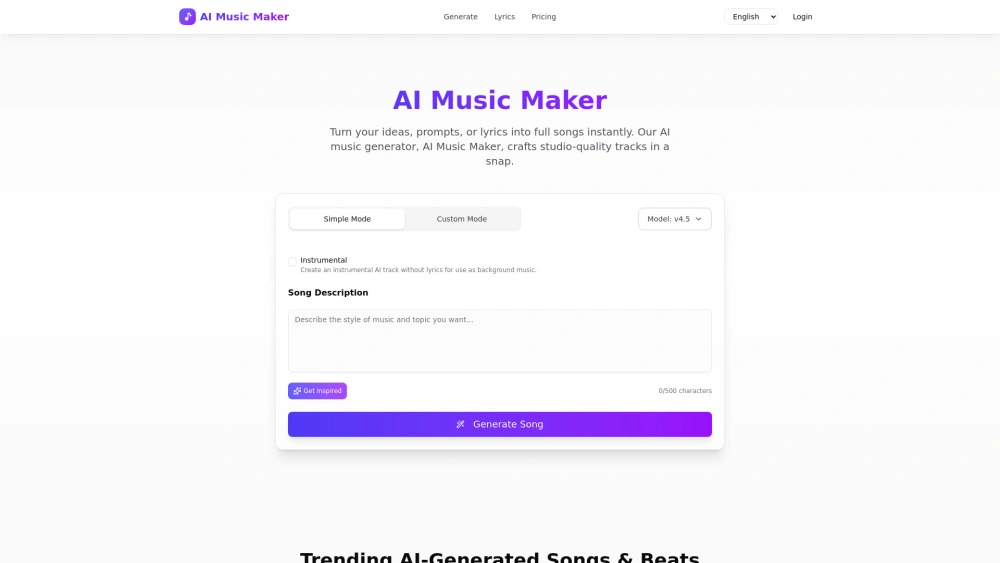
AI Music Maker (MusicMakerApp)
AI Music Maker es un generador de música impulsado por IA para creadores que necesitan pistas libres de regalías
- Generación de texto a canción: convierte indicaciones o letras en canciones completas con melodía y voz
- Generación de letra a canción: convierte letras en pistas completas con armonías
- Personalización de estilo/género/modo: alinea la música a la marca o escena
Análisis de IA
Por qué usar esta IA AI Music Maker (MusicMakerApp) para Crear pistas de audio de meditación?
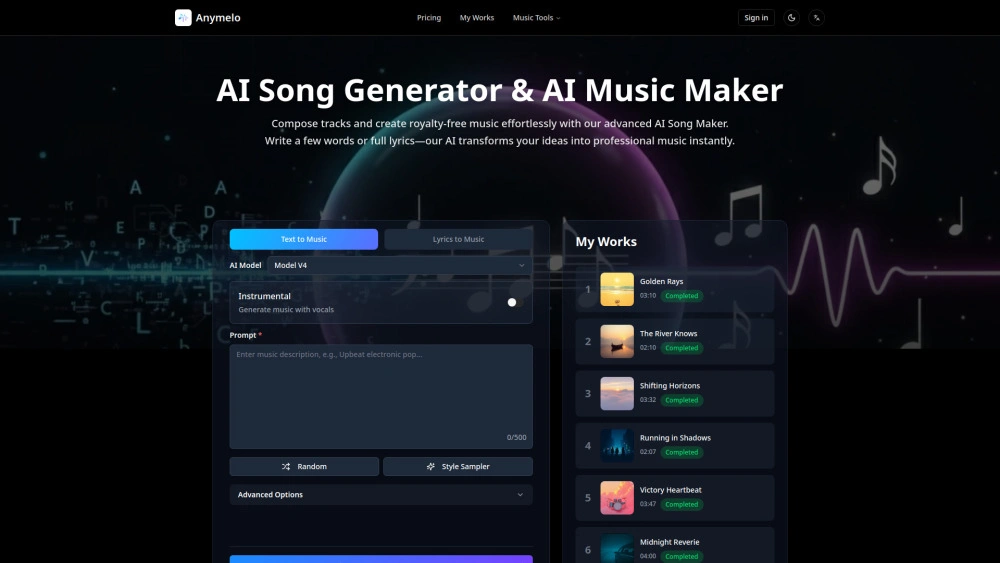
Anymelo
Generador de música impulsado por IA que convierte texto o letras en pistas libres de regalías para marketers
- Generador de canciones con IA: Convierte rápidamente texto o letras en pistas completas
- Extensor de música con IA: Extiende melodías para piezas más largas
- Generador de doblaje de canciones con IA: Crea acompañamientos vocales impulsados por IA
Análisis de IA
Por qué usar esta IA Anymelo para Crear pistas de audio de meditación?
Flujos de trabajo prácticos
No solo compres herramientas—construye un sistema. Aquí están 3 maneras probadas de integrar la IA en tu crear pistas de audio de meditación proceso.
Workflow 1: From concept to first successful meditation track (Complete beginner)
- Define the calming goal and target length (e.g., 12 minutes) for the meditation track.
- Input a brief including tone (soft, grounding), purpose (sleep, focus), and desired instruments to an AI audio tool to generate stems.
- Assemble generated stems in the DAW, apply EQ and gentle compression, and export a proof-of-concept track for review.
Workflow 2: Daily optimization for regular Create Meditation Audio Tracks users
- Create a reusable template for typical meditation sessions (start cue, mid-session breathing cue, end cue).
- Batch-generate ambient textures and loops with consistent tempo and key using AI presets.
- Annotate outputs with metadata (title, length, mood), then automate naming and export routines via your workflow software.
Workflow 3: Full automation for power users
- Define a library of track briefs (lengths, themes, voiceover vs. ambient) and push them to an AI orchestration tool.
- Automate selection of mood, instrument palette, and spatial audio settings per brief.
- Pipeline: AI generation → human review → batch render → CDN-ready uploads with metadata and chapters.
Prompts efectivas for Crear pistas de audio de meditación
Copiar y personalizar estos prompts probados para obtener mejores resultados de tus herramientas de IA
Principiante: Boceto de pista de meditación simple
Crea una pista de audio de meditación de 12 minutos con un ambiente tranquilo y aireado. Usa pads suaves, campanillas lejanas y una textura de viento suave. Incluye una entrada progresiva de 5 segundos, una indicación de respiración de 2 compases a mitad de la pista y una salida progresiva de 4 segundos. Genera stems etiquetados 'pads', 'textures', 'chimes', y 'guide' en formato WAV.Avanzado: Rol + contexto + restricciones + formato
Eres un diseñador de sonido de meditación. Produce una pista de 15 minutos para la atención plena matutina con una paleta inspirada en la naturaleza (lluvia, pájaros distantes, tormentas suaves). Restricciones: compatibilidad mono, 44.1kHz, 16 bits, pico máximo de 0 dB, master final no más alto que -12 LUFS. Entrega una mezcla de 6 capas con una pista de orientación hablada y señales incrustadas en un solo WAV estéreo.Análisis: Evalúa/crea prompts de optimización
Dado 3 variantes generadas para una meditación guiada de 10 minutos, compara la fidelidad del estado de ánimo (calma, enfoque, calidez), la consistencia de la intensidad y la variedad de la textura. Recomienda cuál variante finalizar y proporciona un prompt revisado para mejorar los aspectos elegidos en la próxima ejecución.
¿Qué es Create Meditation Audio Tracks AI?
Crea Pistas de Audio de Meditación AI combina generación de audio por aprendizaje automático, síntesis de texturas y mezcla inteligente para ayudar a los productores a crear pistas de meditación relajantes. Es para diseñadores de audio, estudios, marcas de bienestar y creadores individuales que buscan producción más rápida, variación escalable y resultados de estado de ánimo consistentes.
Beneficios de usar IA para crear pistas de audio de meditación
- Cronogramas de creación más rápidos desde el concepto hasta la exportación
- Estado de ánimo y ritmo consistentes a través de varias pistas
- Bibliotecas de textura expandibles y variaciones aleatorias
- Eficiencia de costos al reducir el diseño de sonido manual
- Metadatos y capítulos automatizados para plataformas de streaming
Cómo Elegir la Herramienta de IA Adecuada para Crear Pistas de Audio de Meditación
- Evaluar la calidad de la salida: realismo de la muestra, reverberación y espacialidad
- Verificar licencias para uso comercial y redistribución
- Evaluar la facilidad de prompts, plantillas y renderizado por lotes
- Considerar la integración con tu DAW y capacidades de automatización
- Priorizar soporte al cliente y recursos de capacitación
Buenas prácticas para implementar pistas de audio de meditación creadas por IA
- Definir instrucciones de estado de ánimo claras y longitudes objetivo antes de la generación
- Utilizar un paso de revisión humana para el pulido de textura y desvanecidos
- Mantener un tempo y una tonalidad consistentes para sesiones cohesivas
- Organizar las salidas con metadatos para agilizar la catalogación
- Respetar las licencias y el origen de las muestras al publicar
IA para Crear pistas de audio de meditación: Clave Estadísticas
Adopción global de Create Meditation Audio Tracks AI aumentó 48% en 2025, con 62% de estudios adoptando texturas automatizadas
Tiempo promedio para entregar una pista de meditación de 12 minutos pasó de 6 horas a 2.5 horas utilizando flujos de trabajo asistidos por IA
Clara de licencias mejorada; el 78% de las herramientas de IA pagas para crear pistas de audio de meditación incluyen derechos de uso comercial.
Satisfacción del usuario con la ambientación generada por IA puntuó 4.2/5 en encuestas de producción de bienestar
10x ciclos de iteración más rápidos reportados al combinar la generación de IA con revisión humana para pistas de meditación
Entre principiantes, el 54% usó herramientas de IA para producir la primera pista de meditación completa en 1 día
Preguntas Frecuentes
Obtén respuestas a las preguntas más comunes sobre el uso de herramientas de IA para crear pistas de audio de meditación .
Crear Pistas de Audio de Meditación AI se refiere a herramientas y modelos impulsados por IA que ayudan a producir, mezclar y organizar audio específicamente para pistas de meditación. Estas herramientas generan sonidos ambientales, texturas de sintetizador, entradas en fade y guías, permitiendo a los productores diseñar sesiones calmantes más rápido y a gran escala.
Comienza definando tus objetivos de pista (longitud, estado de ánimo, necesidades de voz en off). Selecciona una herramienta de IA con preajustes aptos para la meditación, genera texturas base, superpone elementos de calma, aplica dinámicas suaves y exporta un borrador para pulido humano. Guarda plantillas para formatos de meditación recurrentes.
Las herramientas pagadas suelen ofrecer muestras de mayor calidad, mejor licencia y conjuntos de funciones más robustos para una producción de meditación consistente. Las opciones gratuitas pueden ser útiles para prototipos o aprendizaje, pero pueden requerir más trabajo manual y verificaciones de licencia para uso comercial.
Causas comunes incluyen tasas de muestreo desajustadas, presets de estado de ánimo inapropiados, sobreprocesamiento y falta de revisión humana. Alinea tus indicaciones a objetivos de estado de ánimo claros, selecciona texturas de alta calidad e implementa un paso de revisión para ajustar dinámicas y efectos espaciales.
Categorías de herramientas de IA relacionadas
Explora otras categorías de herramientas de IA similares a Crear pistas de audio de meditación eso podría interesarte
Síntesis de Voz AI
AI Speech Synthesis transforms text into natural-sounding speech using advanced algorithms, deep learning, and neural ne...
Generador de Video Personalizado por IA
The AI Personalized Video Generator leverages AI algorithms to create tailored video content for users, analyzing prefer...
Cancelación de Ruido por IA
AI Noise Cancellation leverages machine learning algorithms to intelligently filter out unwanted sounds from audio signa...
Generador de Sincronización Labial AI
The AI Lip Sync Generator uses artificial intelligence to synchronize facial movements and lip motions with audio, enhan...
Generador de Videos Musicales con IA
AI Music Video Generators leverage machine learning to create visuals that sync with music, enhancing creativity and acc...
Generador de Letras de IA
The AI Lyrics Generator uses machine learning to create original song lyrics by analyzing vast datasets of existing musi...