Sponsored by BrandGhost BrandGhost is a social media automation tool that helps content creators efficiently manage and schedule their social media... Visit now

CurseCut versus Wisecut

CurseCut vs Wisecut Overview

Last updated: March 2025

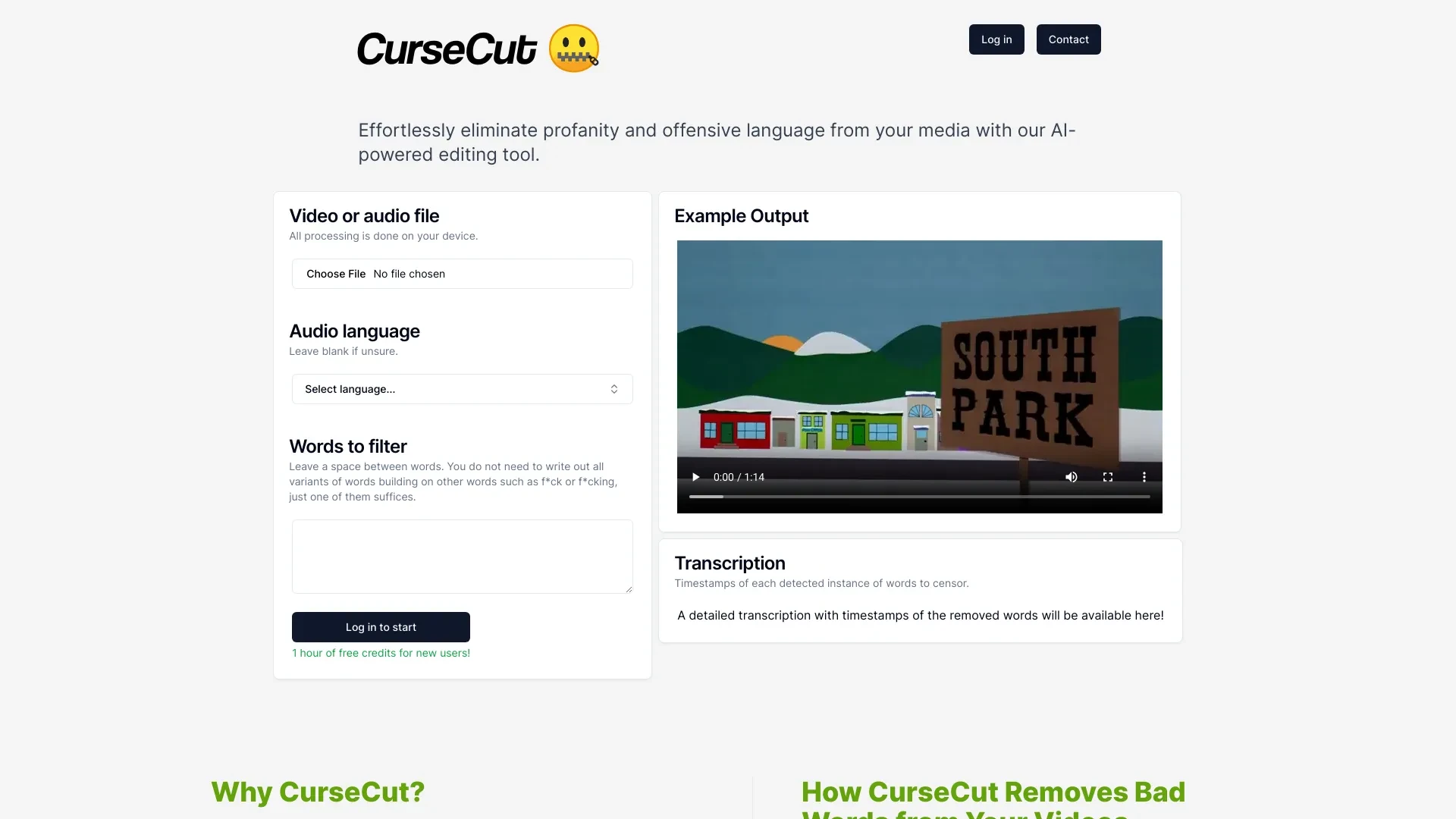
CurseCut

0

Ideal For

    Creating child-friendly edits of content

    Polishing workplace videos

    Filtering explicit language from YouTube videos

    Enhancing public speeches

Key Strengths

    Ensures family-friendly content

    Saves time in editing

    Increases audience reach

Core Features

    Easy Upload

    Comprehensive Censorship

    Data Security

    Customized Keyword Lists

    Quick Editing Process

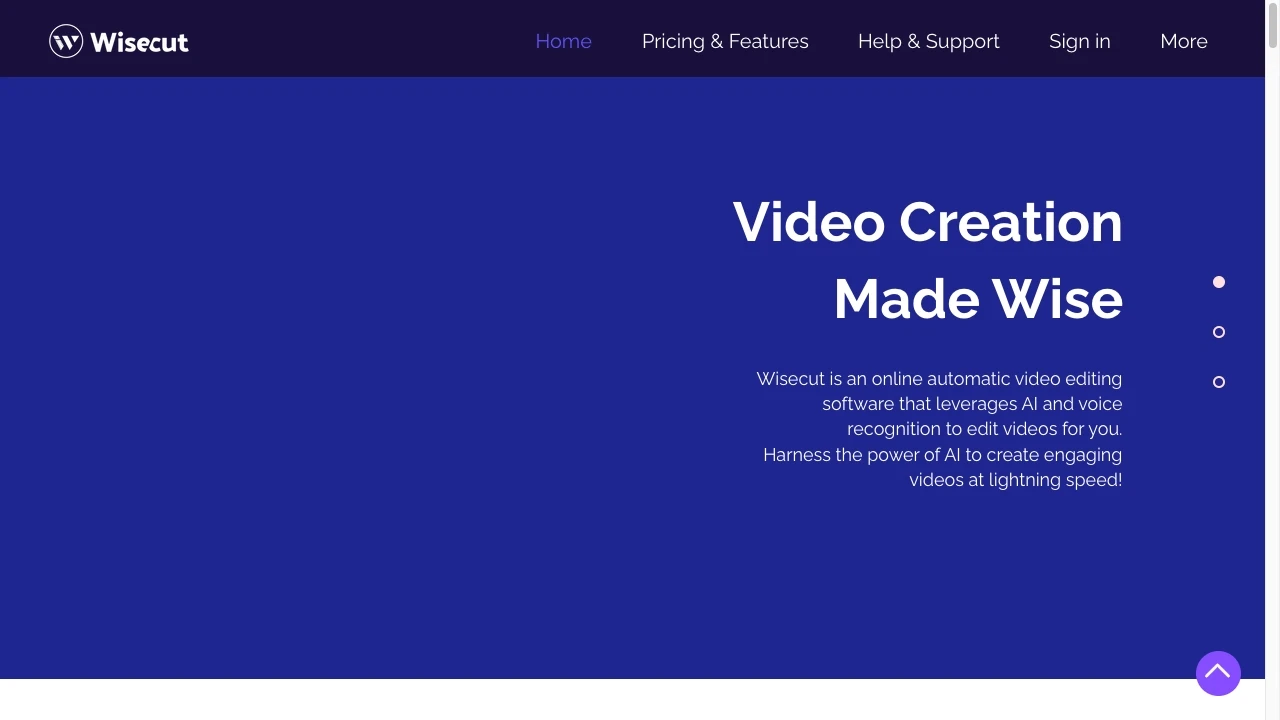
Wisecut

0

Ideal For

    Creating short clips from long-form content for social media

    Developing educational materials and training videos

    Editing testimonials by adding subtitles and removing pauses

    Enhancing promotional content with engaging edits.

Key Strengths

    Saves time by automating the editing process

    Enhances audience engagement with subtitles and music

    Easy to use for all skill levels

Core Features

    Automatic voice recognition-based video editing

    Automatic silence removal

    Auto-generated subtitles and translations

    Smart music selection

    Audio ducking for balanced sound

Popularity

Low 8,300 visitors
Growing popularity
Medium 17,800 visitors
Growing popularity

Decision Matrix

Factor CurseCut Wisecut
Ease of Use
7.5/10
7.5/10
Features
8.2/10
8.0/10
Value for Money
8.0/10
8.0/10
Interface Design
8.8/10
7.0/10
Learning Curve
7.0/10
8.5/10
Customization Options
8.4/10
7.0/10

Quick Decision Guide

Choose CurseCut if:
  • You want seamless content moderation for your projects.
  • You aim to enhance user experience with profanity filtering.
  • You value real-time AI-driven text analysis capabilities.
  • You look for customizable options to fit your brand voice.
  • You want to maintain community standards effortlessly.
Choose Wisecut if:
  • You want automated video editing for quick results
  • You aim to enhance videos with minimal manual effort
  • You value user-friendly tools that simplify workflows
  • You look for AI features that improve video quality
  • You want to streamline post-production for faster uploads

Frequently Asked Questions

What is the main difference between CurseCut and Wisecut?
The key difference between CurseCut and Wisecut lies in their core use cases, pricing models, and feature depth. CurseCut typically focuses on specific workflows, while Wisecut offers broader capabilities suitable for different teams and scenarios.
Which is better for teams: CurseCut or Wisecut?
Wisecut is often a better fit for growing teams that need collaboration, governance, and integrations, while CurseCut can be ideal for individuals or smaller teams who want a simpler, more focused solution.
Is CurseCut more affordable than Wisecut?
Pricing depends on your usage and plan tiers. CurseCut may offer a lower entry price, while Wisecut can provide more value at scale with advanced features included in higher-tier plans.
Can I use both CurseCut and Wisecut together?
Yes, many teams combine both tools in their workflows to cover different use cases. Always review integrations and overlapping features to avoid paying twice for similar functionality.