Sponsored by BrandGhost BrandGhost is a social media automation tool that helps content creators efficiently manage and schedule their social media... Visit now

Storyboard Hero versus Storyboarder.ai

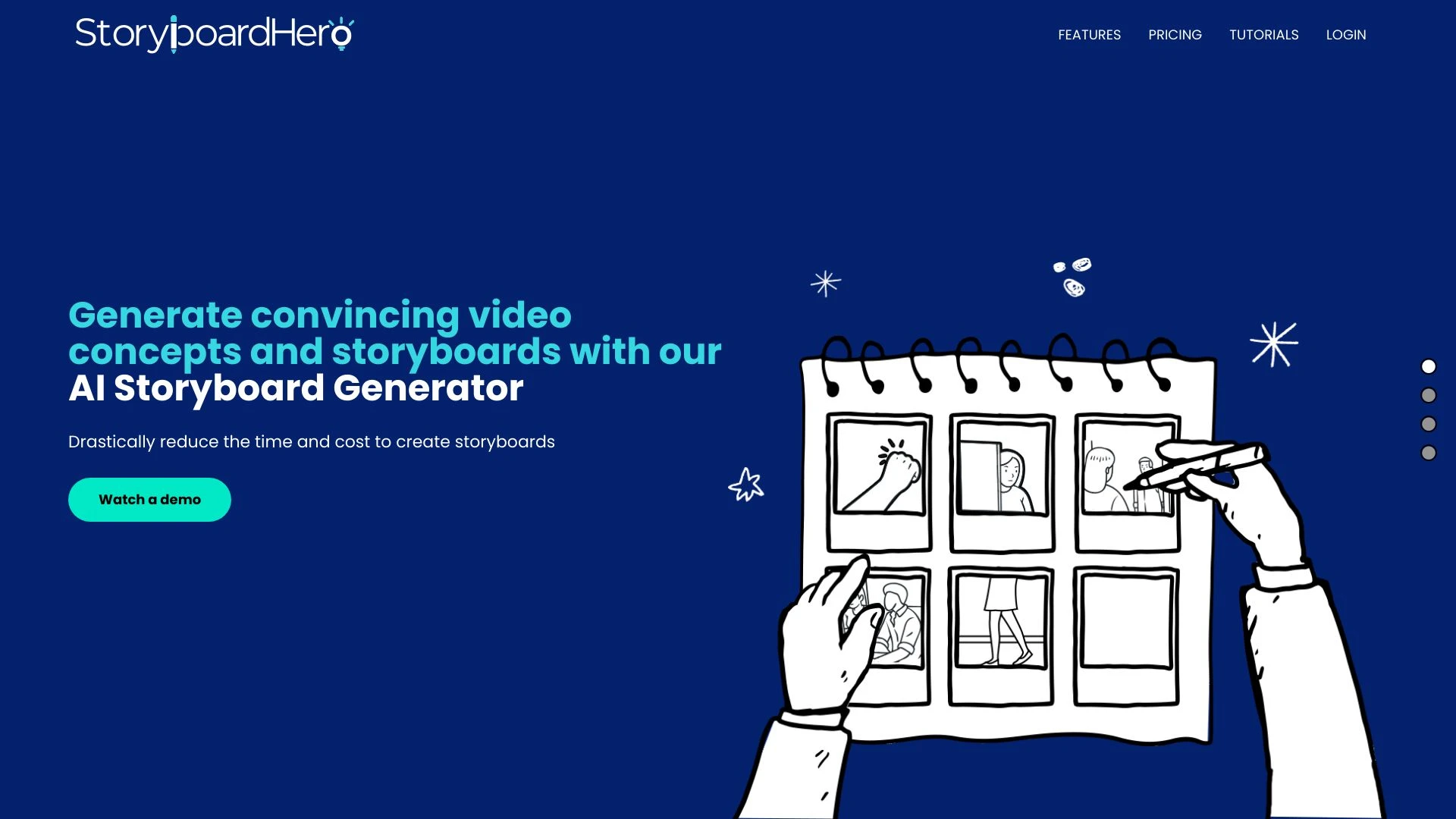
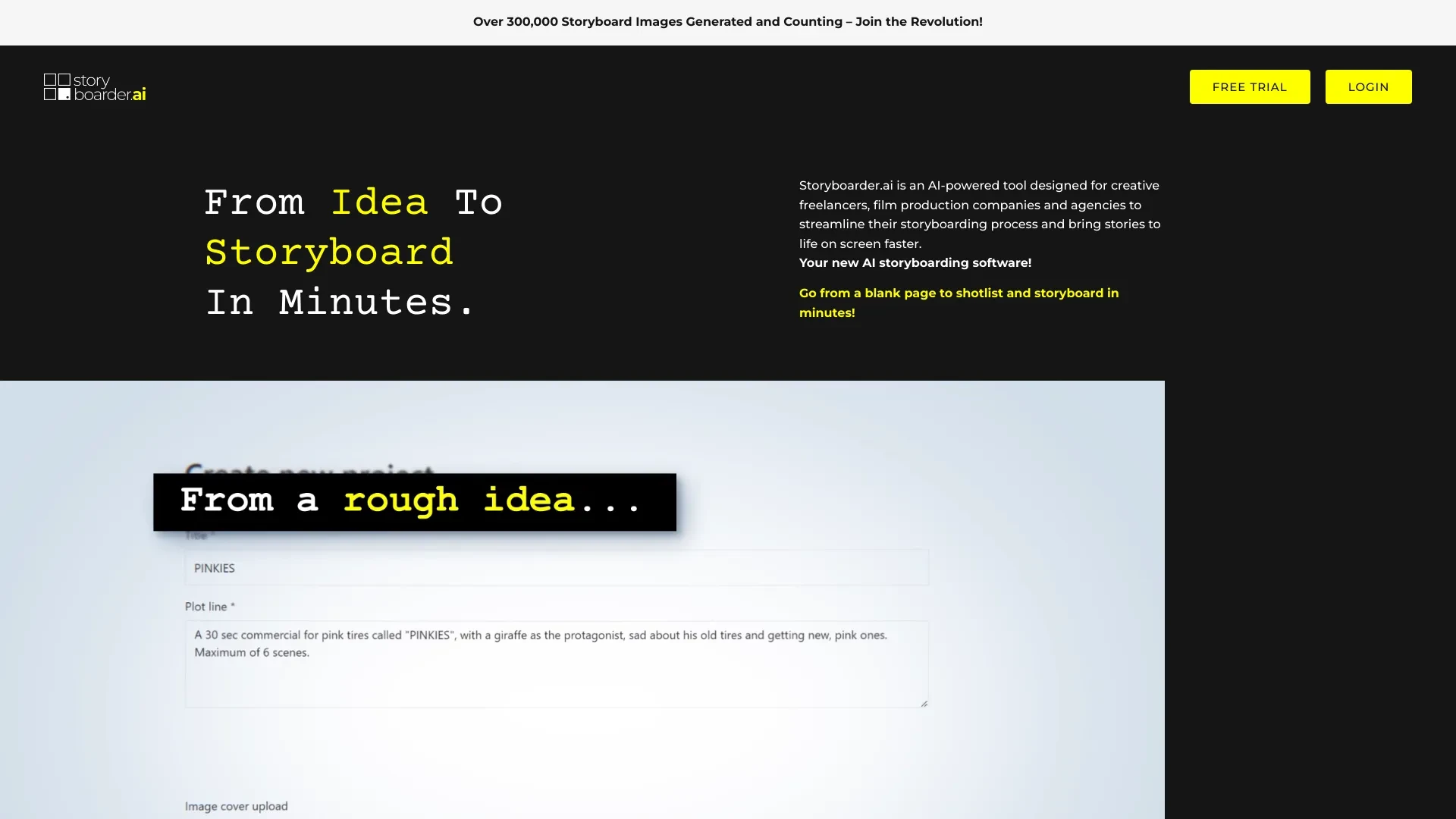
Storyboard Hero and Storyboarder.ai are AI driven tools for planning and visual storytelling. Storyboard Hero focuses on rapid video concepts and branded storyboards, while Storyboarder.ai emphasizes shotlists high quality images and cloud collaboration. Both serve creators, agencies and freelancers aiming to accelerate pre production and client alignment.

Storyboard Hero vs Storyboarder.ai Overview

Last updated: May 2026

Ideal For

    Video agencies creating faster concepts

    Freelancers streamlining their storyboard process

    Pitching concepts to clients with visuals

    Enhancing client alignment during production

Key Strengths

    Boosts creative efficiency

    Reduces costs of storyboard creation

    Provides quick turnaround on ideas

Core Features

    AI-generated scripts

    Seamless storyboard organization

    Storyboard scene image generation

    Option for hand-drawn images

    Branded PDF export

Ideal For

    Creating commercials

    Developing short films

    Crafting feature films

    Producing documentaries

Key Strengths

    Streamlined storyboarding process

    High-quality outputs for visual storytelling

    Real-time collaboration capabilities

Core Features

    Automated shotlist and storyboard generation

    High-quality image creation

    Easy PDF or Excel exporting

    Cloud-based for real-time editing

    User-friendly customization options

Popularity

Medium 15,200 visitors
Growing popularity
High 53,300 visitors
Growing popularity

Decision Matrix

Factor Storyboard Hero Storyboarder.ai
Ease of Use
7.5/10
7.5/10
Features
8.2/10
8.0/10
Value for Money
8.0/10
8.5/10
Interface Design
8.3/10
8.0/10
Learning Curve
7.0/10
7.0/10
Customization Options
8.1/10
7.5/10

Quick Decision Guide

Choose Storyboard Hero if:
  • You want efficient visual storytelling tools.
  • You aim for seamless collaboration with team members.
  • You value user-friendly interface and quick setup.
  • You look for customizable templates to enhance creativity.
  • You want to streamline your project planning process.
Choose Storyboarder.ai if:
  • You want intuitive storyboarding with easy drag-and-drop features.
  • You aim for rapid visualization of your creative ideas.
  • You value seamless collaboration with your team in real-time.
  • You look for integration with popular creative tools and software.
  • You want to enhance your storytelling with customizable templates.

What Our Experts Say

Use Storyboard Hero for rapid pitches, early client concepts, and cost sensitive projects. Use Storyboarder.ai for production workflows that require team collaboration, shotlists, and cross device access. For implementation, run a trial with Storyboard Hero to validate speed and client alignment, followed by a rollout of Storyboarder.ai to support larger teams and ongoing revisions.
JD

Jamie Davis

Software Analyst

At a Glance

Storyboard Hero is the better fit for fast ideation and low cost visuals, while Storyboarder.ai shines for collaborative production planning and real time editing. If you need both speed and collaboration, consider a phased approach that starts with Storyboard Hero for ideation and adds Storyboarder.ai for production planning and execution.

Pricing and Subscription Plans

Storyboard Hero offers a freemium model with a 0.00 price and a monthly subscription for premium features. Storyboarder.ai is a paid option at 39.00 per month with a monthly subscription. The pricing approach reflects different value propositions: Hero lowers entry barriers for quick ideation, while Storyboarder.ai emphasizes collaborative capabilities and formal export options. Accessibility and total value depend on team size and project needs.

Performance Metrics

Explicit performance metrics are not provided. Storyboard Hero emphasizes rapid concept formulation and seamless organization, while Storyboarder.ai highlights cloud based real time editing and high quality image generation, suggesting strong suitability for scalable collaborative workflows.

User Experience

Storyboard Hero offers a straightforward workflow from idea to branded PDF, with optional hand drawn images, which can simplify onboarding for solo creators and small teams. Storyboarder.ai provides cloud based real time collaboration, shotlist generation, and easy PDF or Excel exporting, supporting larger teams and cross department reviews. Both are web based, with Hero prioritizing speed and simplicity and Storyboarder.ai prioritizing collaboration and customization.

Integrations and Compatibility

Both are Web based platforms with no explicit external integrations mentioned in the provided data.

Limitations and Drawbacks

Storyboard Hero emphasizes speed and cost efficiency which may come at the expense of built in real time collaboration. Storyboarder.ai delivers collaboration and multi-format exports but requires a paid plan to access its full feature set.

Frequently Asked Questions

What is the main difference between Storyboard Hero and Storyboarder.ai?
The key difference between Storyboard Hero and Storyboarder.ai lies in their core use cases, pricing models, and feature depth. Storyboard Hero typically focuses on specific workflows, while Storyboarder.ai offers broader capabilities suitable for different teams and scenarios.
Which is better for teams: Storyboard Hero or Storyboarder.ai?
Storyboarder.ai is often a better fit for growing teams that need collaboration, governance, and integrations, while Storyboard Hero can be ideal for individuals or smaller teams who want a simpler, more focused solution.
Is Storyboard Hero more affordable than Storyboarder.ai?
Pricing depends on your usage and plan tiers. Storyboard Hero may offer a lower entry price, while Storyboarder.ai can provide more value at scale with advanced features included in higher-tier plans.
Can I use both Storyboard Hero and Storyboarder.ai together?
Yes, many teams combine both tools in their workflows to cover different use cases. Always review integrations and overlapping features to avoid paying twice for similar functionality.

Related Comparisons