Outils d IA recommandés
5Nous avons analysé le marché. Ces outils offrent des fonctionnalités spécifiques pour conceptions de présentations et diaporamas.
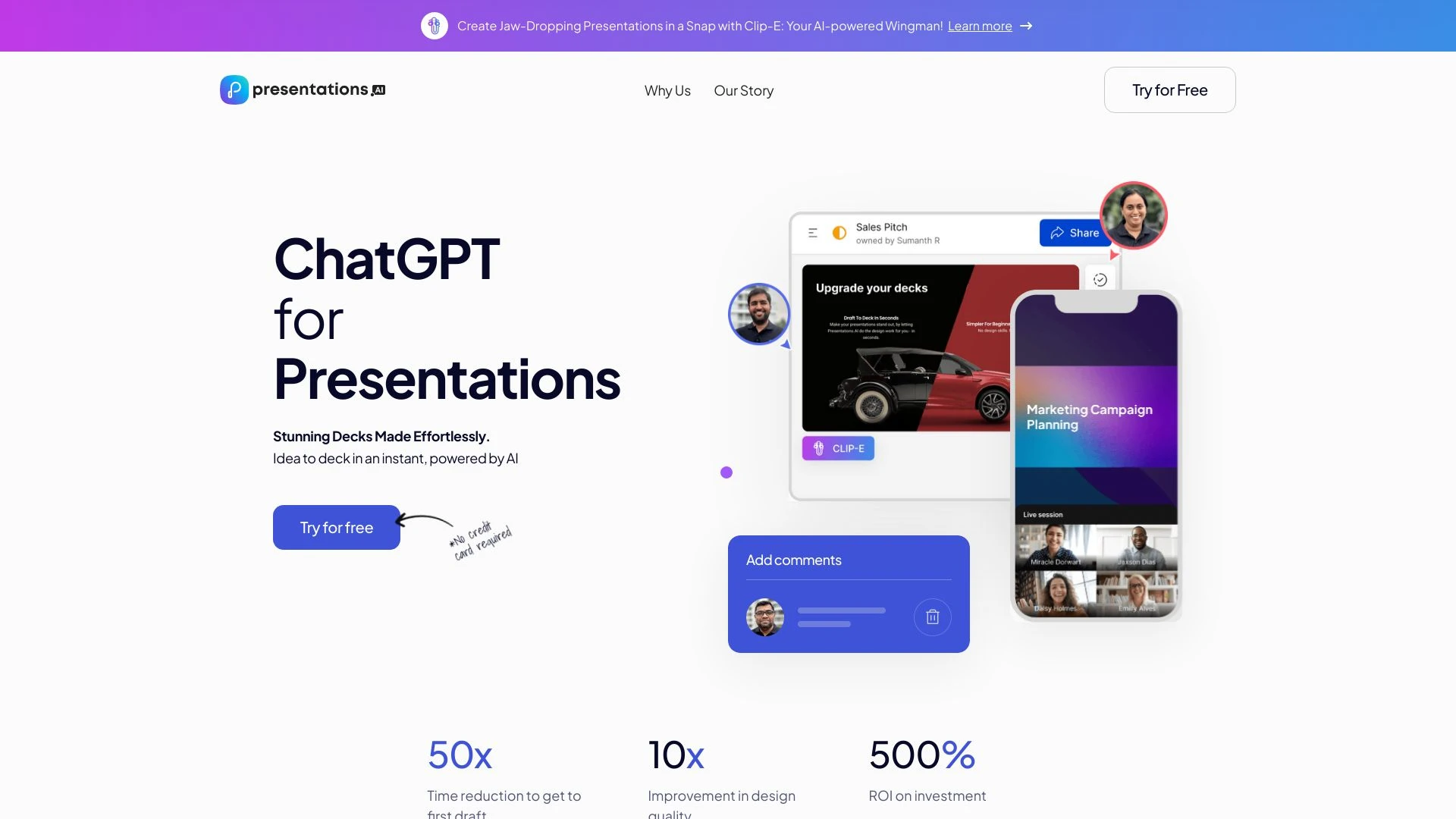
Presentations.AI
Presentations.AI est un outil piloté par l'IA qui simplifie et améliore la création de présentations, permettant aux utilisateurs de générer de magnif...
- Génération de présentations rapide
- Designs personnalisables
- Collaboration en temps réel
Analyse IA
Pourquoi utiliser cette IA Presentations.AI pour Conceptions de présentations et diaporamas?
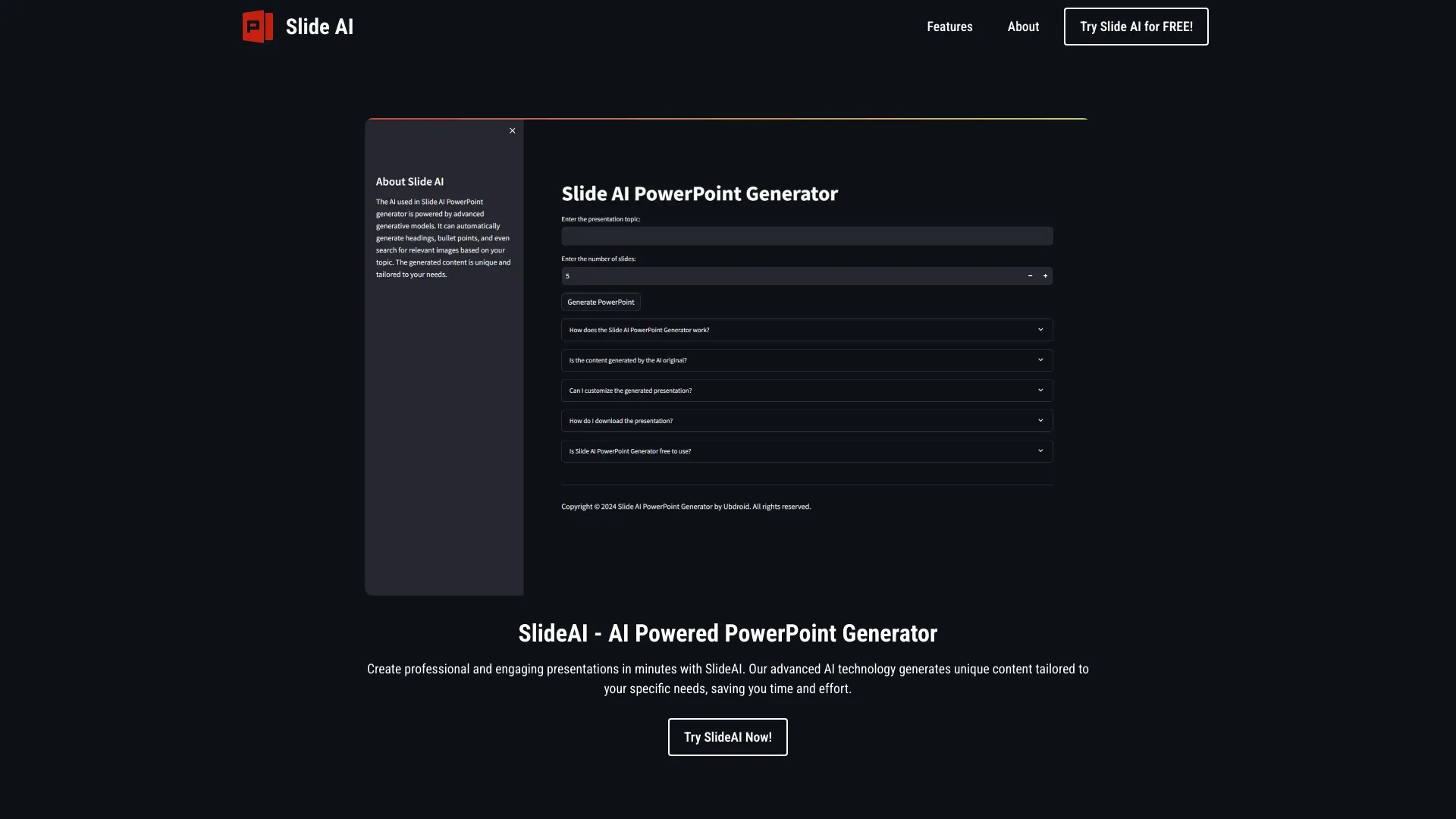
SlideAI
SlideAI est un outil IA innovant qui génère des présentations professionnelles en quelques minutes, rationalisant le processus de création en fourniss...
- Génération automatique de contenu
- Contenu unique et sur mesure
- Modèles génératifs avancés
Analyse IA
Pourquoi utiliser cette IA SlideAI pour Conceptions de présentations et diaporamas?
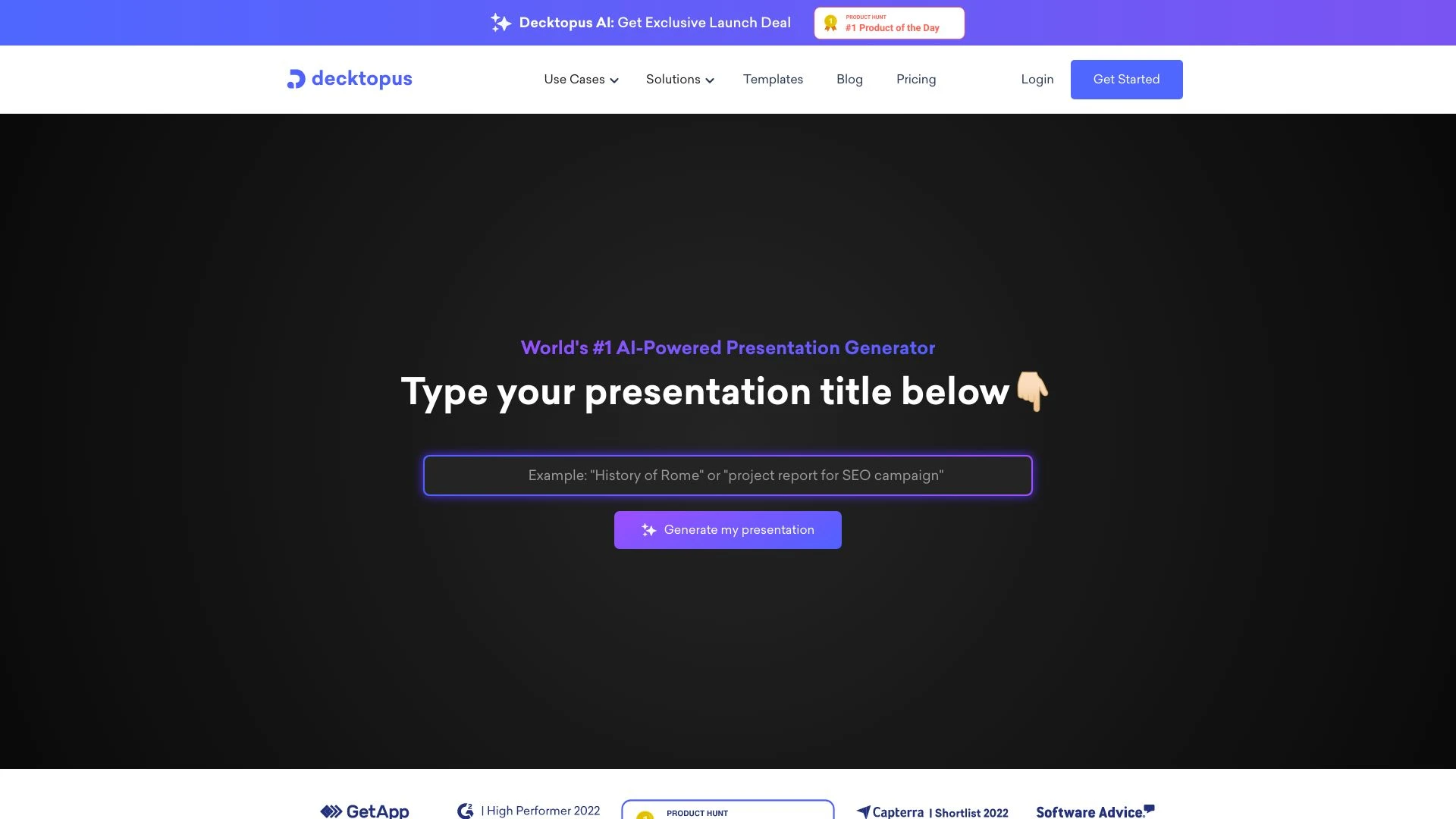
Decktopus AI
Decktopus AI est un outil piloté par IA qui permet aux utilisateurs de créer rapidement des présentations époustouflantes en saisissant simplement leu...
- Génération de présentations alimentée par l'IA
- mises en page de diapositives auto-ajustées
- options de design en un clic
Analyse IA
Pourquoi utiliser cette IA Decktopus AI pour Conceptions de présentations et diaporamas?
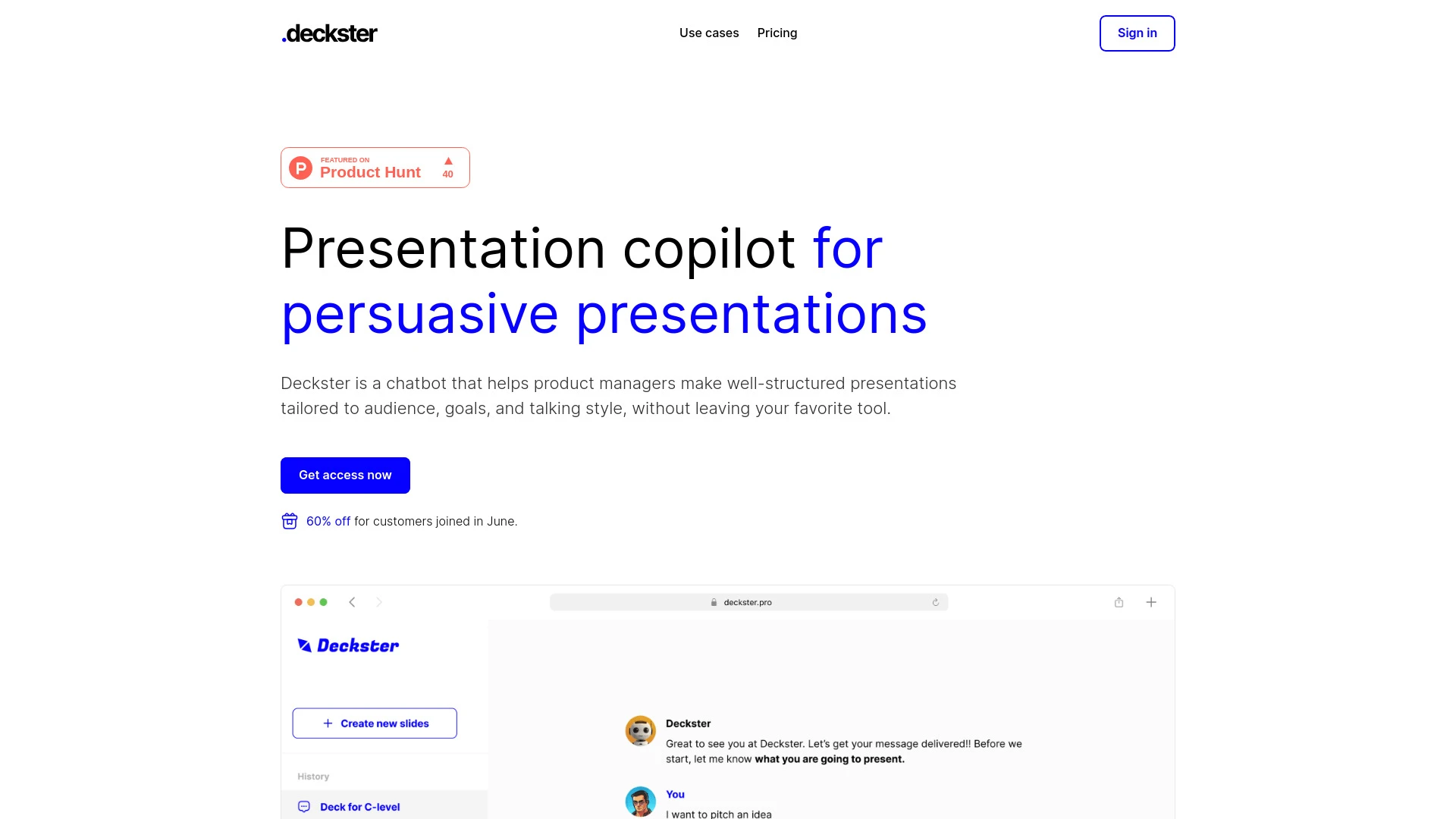
Deckster
Deckster est un outil de chatbot IA conçu pour créer des présentations personnalisées de manière efficace et intuitive.
- Création de présentations pilotée par IA
- Ciblage d'audience personnalisé
- Intégration fluide avec des outils populaires
Analyse IA
Pourquoi utiliser cette IA Deckster pour Conceptions de présentations et diaporamas?
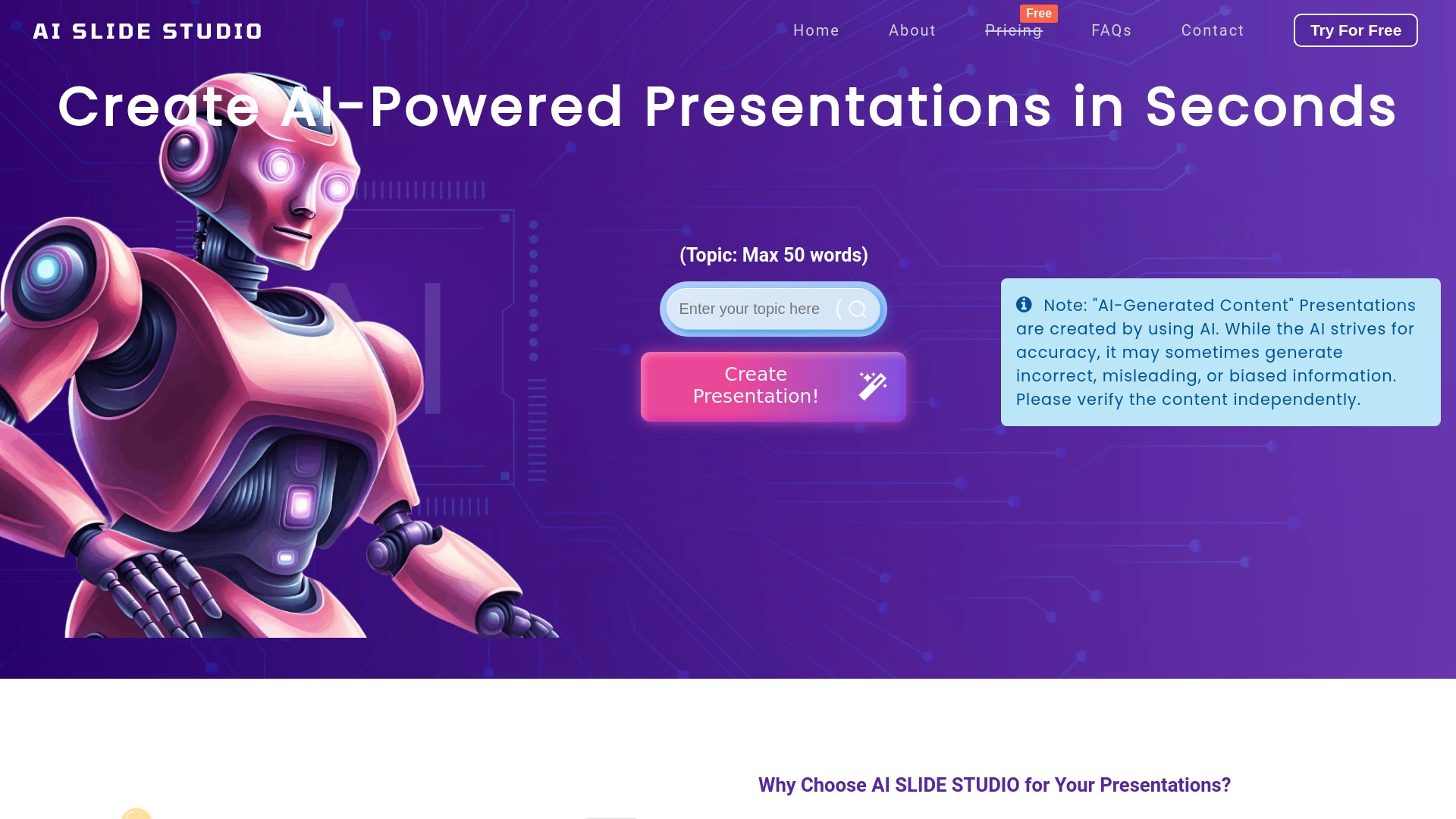
AI Slide Studio
AI Slide Studio est un outil puissant qui utilise la technologie de l'IA pour créer des présentations professionnelles rapidement et sans effort.
- Génération de diapositives alimentée par l'IA
- Présentations entièrement personnalisables au format PowerPoint
- Édition directe sur la plateforme
Analyse IA
Pourquoi utiliser cette IA AI Slide Studio pour Conceptions de présentations et diaporamas?
Pratiques de travail
Ne vous contentez pas dacheter des outils—construisez un système. Voici 3 preuves pour intégrer l’IA dans votre conceptions de présentations et diaporamas processus
Workflow 1: Create a polished deck from a outline (beginner)
- Paste your outline into the AI tool and select a Design Presentations & Decks template aligned with your industry.
- Automatically generate slide copy with concise bullet points and speaker notes, then adjust typography and color to brand guidelines.
- Export a slide deck in PowerPoint and PDF formats, review a one-page design audit, and implement suggested tweaks.
Workflow 2: Daily deck optimization for regular users
- Import yesterday’s slide deck, run a style-consistency check, and apply a unified font, color palette, and layout grid.
- Auto-suggest image and icon replacements to improve visual hierarchy and accessibility (contrast, alt text).
- Publish a versioned deck with summarized executive slides and a designer-ready export package.
Workflow 3: Full automation for power users
- Create a master deck template with reusable slide blocks (problem, solution, metrics, next steps) using AI-defined layouts.
- Set up rules for auto-updating data-driven slides from connected sources (Sheets/Sheets-like data); push to multiple formats automatically.
- Schedule weekly refresh and generate a one-click deck pack for client-ready presentations with branded cover, agenda, and closing slide.
Mots efficaces pour Conceptions de présentations et diaporamas
Copiez et personnalisez ces invites éprouvées pour obtenir de meilleurs résultats avec vos outils d’IA
Débutant: Créez un plan de deck en diapositives
Vous êtes un assistant de design. Donnez le contour : [Fournir le contour], générez une présentation de 10 diapositives avec un ton professionnel, couleurs de marque #123456 et #abcdef, choisissez des polices sans-serif propres, créez des puces concises, ajoutez une diapositive de titre, flux problème/solution, diapositive métriques et appel à l’action de clôture. Sortie en diapositives prêtes pour les puces avec les titres des diapositives et les notes du présentateur.Avancé: Rôle + contexte + contraintes + format
En tant que concepteur IA, agissez comme Responsable du design pour un lancement de produit. Créez une présentation de 15 diapositives au format PowerPoint en utilisant notre kit de marque. Contraintes : format 16:9, accessible, graphiques basés sur les données du jeu de données joint, inclure au moins 3 visuels de données, fournir du texte alternatif pour les images, et livrer une diapositive de résumé exécutif sur une page.Analyse : Évaluer/comparer/optimiser les sorties
Comparer deux decks générés pour la même présentation produit Évaluer la cohérence visuelle la clarté du message la qualité de la visualisation des données et l incertitude des diapositives Fournir une liste priorisée de trois améliorations pour chaque deck et une version finale recommandée avec justificationQu'est ce que les présentations et decks d'IA pour la conception?
Avantages de l IA dans les présentations et les diaporamas de design
- Vitesse : générer des diapositives soignées en quelques minutes à partir d’esquisses ou de sources de données.
- Cohérence : appliquer les polices de la marque, les couleurs et les mises en page sur l’ensemble du deck.
- Visuels basés sur les données : transformer les tableaux et les métriques en graphiques clairs et engageants.
- Accessibilité : améliorer automatiquement le contraste, les textes alternatifs et la lisibilité.
- Collaboration : partager des modèles et des bibliothèques de blocs pour une utilisation à l’échelle de l’équipe.
Comment choisir le bon outil d’IA pour les présentations et les decks de design
- Compatibilité de la marque: prend en charge votre kit de marque et vos masques de diapositives.
- Largeur du modèle: propose des modèles spécifiques à l industrie (tech, finance, éducation).
- Intégration de données: se connecte à Sheets, Excel ou sources de données que vous utilisez.
- Formats d exportation: PowerPoint, PDF, Google Slides et visuels de marque.
- Débutants vs avancé: prenez en compte la littératie IA de votre équipe et vos besoins d automation.
Bonnes pratiques pour mettre en œuvre l IA dans les présentations et les slides de design
- Commencez par un kit de marque central et un modèle de diapositive maître.
- Utilisez l IA pour rédiger le contenu, puis faites affiner les visuels par un designer pour la nuance.
- Définissez des garde-fous pour le ton, la longueur et la densité des diapositives afin d éviter l encombrement.
- Examinez régulièrement les visuels de données pour l exactitude et l accessibilité.
- Documentez les invites et les résultats pour améliorer les résultats futurs.
IA pour Conceptions de présentations et diaporamas: Statistiques clés
D’ici 2026, 68% des équipes de conception utilisent des outils alimentés par l’IA pour au moins une tâche de diapositives, contre 42% en 2024.
Le temps moyen de production de deck passe de 6 heures à 90 minutes avec des flux de travail assistés par IA
87% des decks assistés par IA respectent automatiquement les directives de la marque grâce à l’application des modèles
L’automatisation de la visualisation des données réduit le temps de création manuelle de graphiques de 55 %
72% des professionnels signalent une meilleure cohérence entre les présentations en utilisant des modèles d’IA
Des outils d’IA gratuits ou freemium représentent 33% des utilisateurs adoptant des présentations et des decks d’IA en 2026
Questions Fréquemment Posées
Obtenir des réponses aux questions les plus fréquentes sur l’utilisation des outils d’IA pour conceptions de présentations et diaporamas .
Conceptions de présentations et diaporamas LIA se réfère à des outils et fonctionnalités d intelligence artificielle qui aident à créer, styliser et affiner les diapositives et les jeux de diapositives. Ils aident à la génération de mise en page, à la cohérence visuelle, aux suggestions de contenu et au formatting automatisé pour des jeux de diapositives professionnels
Commencez par décrire vos objectifs de présentation, choisir un modèle pertinent et saisir les points clés. Choisissez un outil avec prise en charge du kit de marque, définissez les maîtres de diapositives, puis laissez l IA rédiger le contenu, organiser les visuels et exporter vers vos formats préférés pour révision.
IA-only accélère la production et la cohérence, tandis qu'une approche hybride associe automatisation et polissage humain pour une identité de marque unique. Pour la plupart des équipes en 2026, un flux de travail hybride offre le délai de conception le plus rapide avec des résultats de haute qualité
Les problèmes courants incluent des modèles mal alignés, une visualisation de données faible ou des éléments de marque manquants. Vérifiez la compatibilité des modèles, fournissez des données exactes, téléchargez les directives de la marque et ajustez finement les invites pour aligner les visuels avec vos objectifs de présentation.
Catégories d’outils d’IA liées
Explorer d autres catégories d out ils similaires à Conceptions de présentations et diaporamas cela pourrait vous intéresser
Assistant de réaffectation AI
The AI Repurpose Assistant employs advanced algorithms to transform content across formats, enhancing creativity and eff...
Assistant créatif publicitaire IA
The AI Ad Creative Assistant leverages machine learning to generate tailored ad content, optimizing messaging for target...
Générateur d'art IA
AI Art Generators utilize deep learning algorithms to create visuals based on user input or existing art styles. Tools l...
Outils de productivité IA
AI productivity tools enhance efficiency by automating repetitive tasks, analyzing data, and facilitating decision-makin...
Générateur de présentations IA
The AI Presentation Generator utilizes artificial intelligence to create visually appealing and structured presentations...
Générateur de paysage IA
The AI Landscape Generator utilizes algorithms to create complex, realistic environments for various applications, such...