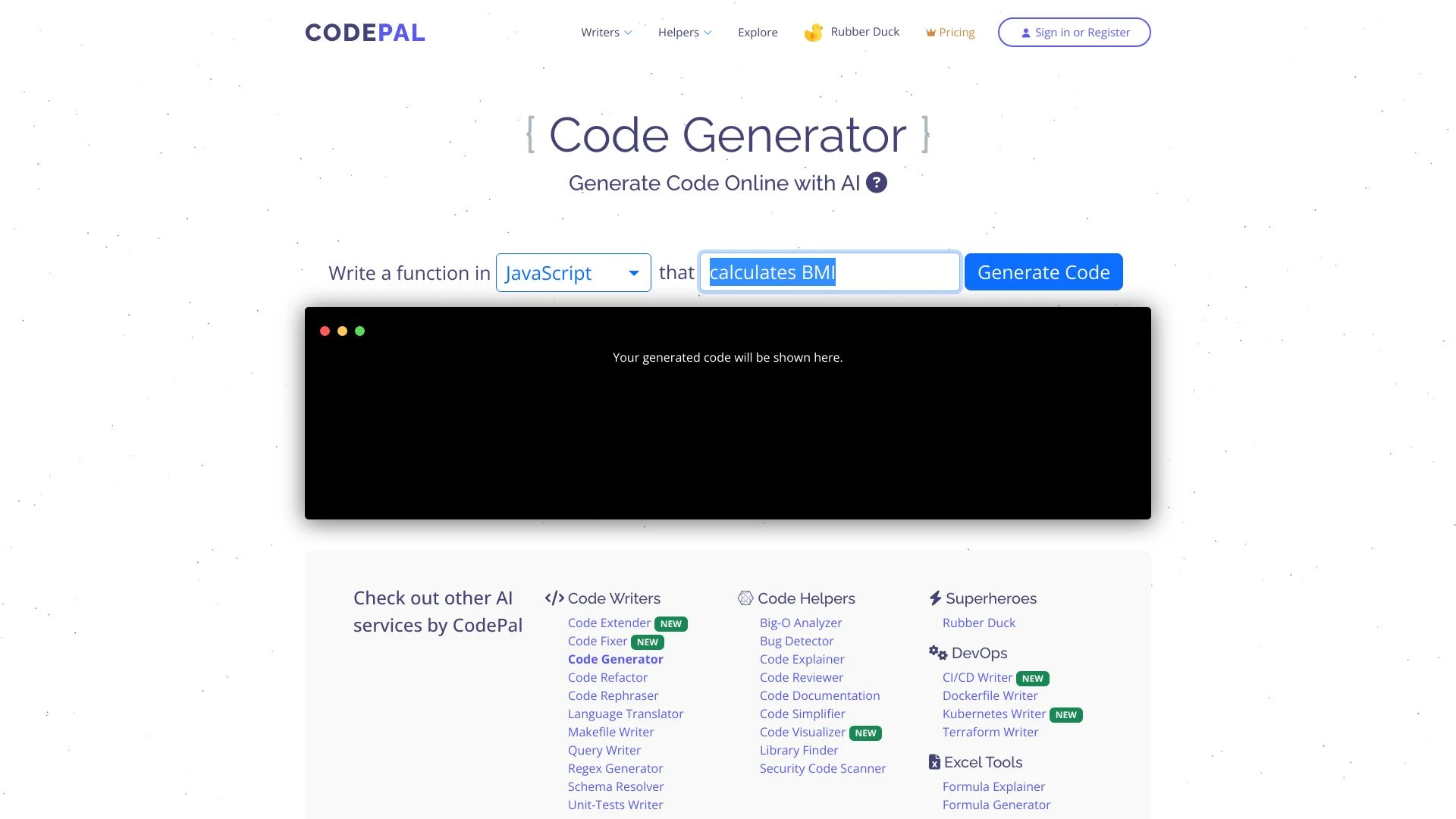
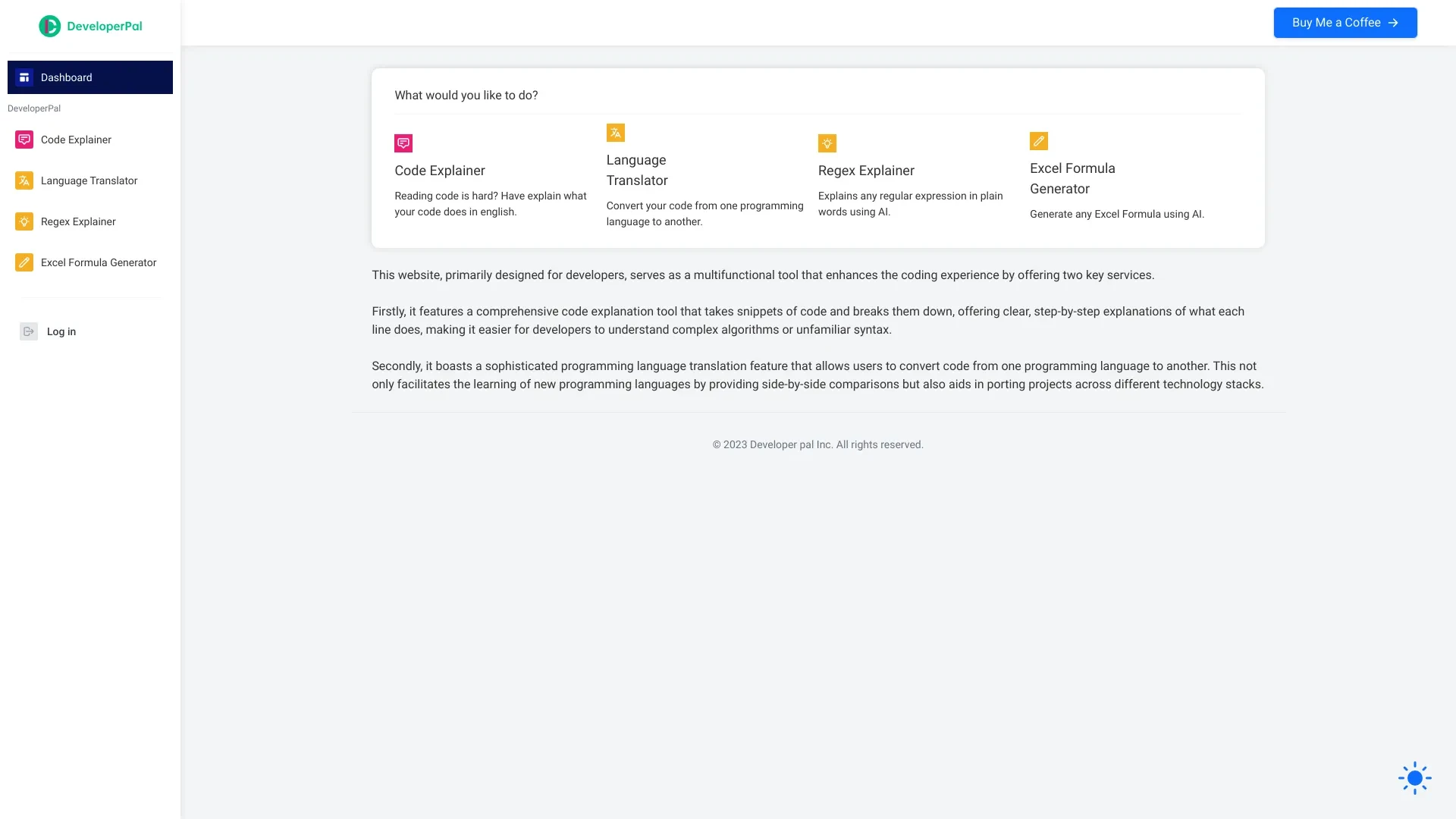
CodePal automates code creation, analysis, and testing across many languages, while DeveloperPal clarifies and documents code by translating it into plain English. Both are web-based subscription tools designed to boost developer productivity in distinct ways. They complement each other by addressing different parts of the coding workflow.
Generating boilerplate code
Generating database schemas or queries
Automatically generating test cases
Automating repetitive coding tasks
Enhances coding speed
Reduces human errors
Provides comprehensive code support
AI-powered code generation
Code analysis and bug detection
Code review and documentation
Code simplification and visualization
Unit test generation
Understand complex algorithms
Convert code between programming languages
Enhance documentation
Improve collaboration on coding projects
Simplifies code comprehension
Enhances productivity
Supports learning and collaboration
Code explanation tool
Language translation feature
User-friendly interface
Supports multiple programming languages
Instant feedback on code
CodePal is the better choice for teams prioritizing end-to-end coding automation, multi-language support, and faster development cycles. DeveloperPal shines when the priority is code comprehension, documentation, and learning, and can be used alongside CodePal to bridge understanding. If resources permit, employing both tools gives comprehensive coverage: generate, test, and optimize with CodePal while using DeveloperPal to translate and document for collaboration.
Both tools offer a freemium access model with monthly subscription plans. CodePal positions itself as a comprehensive AI coding assistant that accelerates production-ready development, while DeveloperPal targets clarity, documentation, and learning through English explanations. Because explicit tiered pricing is not published, users can start with the free tier and evaluate fit before expanding usage.
No explicit speed or reliability metrics are provided. The tools are web-based and claim real-time feedback for code generation and explanations, with CodePal supporting over 30 languages and DeveloperPal handling multiple languages for explanations and translations, indicating scalable language support.
CodePal offers a rich, feature-packed interface designed to integrate with popular development environments; the learning curve may be steeper due to the breadth of tools; onboarding likely focuses on getting started with code generation and testing. DeveloperPal emphasizes a simple, user-friendly interface with instant feedback on code explanations, making it approachable for learners and collaborative teams.
CodePal lists integration with popular development environments; DeveloperPal's integrations are not listed.
CodePal trades breadth for potential complexity, so teams should validate AI outputs and manage integration points across environments. DeveloperPal excels at understanding and documenting code but may provide less direct support for writing or debugging code.