Sponsored by BrandGhost BrandGhost is a social media automation tool that helps content creators efficiently manage and schedule their social media... Visit now
CommandBar
7.9
VS
7.6
Pineapple Builder
CommandBar
CommandBar
by command.ai
VS
Pineapple Builder
Pineapple Builder
by www.pineapplebuilder.com
Automated comparison

CommandBar and Pineapple Builder are both popular AI tools, but they serve different needs. This automated comparison highlights the key differences to help you decide.

Last updated:
Overall Score
CommandBar 7.9
Pineapple Builder 7.6
Verdict CommandBar leads in 3 of 6 criteria · 2 tied
Ease of Use
8.5
7.5
Features
8
8
Value
7.5
8
Interface
8
7
Learning
7
6.5
Customization
8.5
8.5
Higher score Lower score Based on 6 criteria
The Bottom Line
Pick CommandBar if you...
You want increased user engagement through features.
You aim for streamlined access to product functionalities.
You value customizable interfaces for brand consistency.
Pick Pineapple Builder if you...
You want intuitive drag-and-drop features for easy design.
You aim for seamless integration with popular platforms.
You value responsive designs for all device types.
CommandBar
CommandBar ⭐ 0.0 · 0 reviews

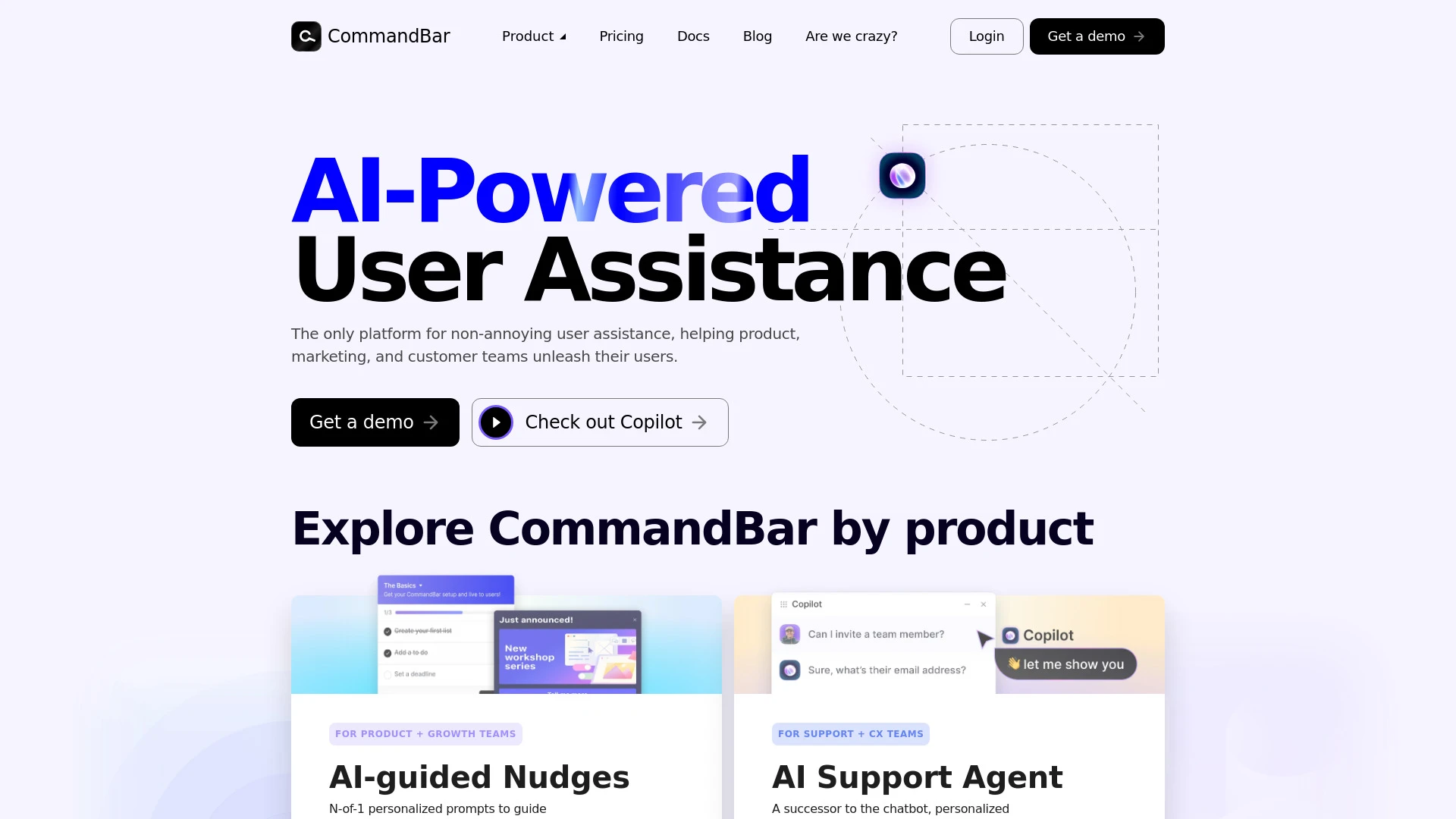
CommandBar enhances user engagement through AI-powered assistance tools, making onboarding and user support seamless.

Freemium AI Chatbot
Pineapple Builder
Pineapple Builder ⭐ 0.0 · 0 reviews

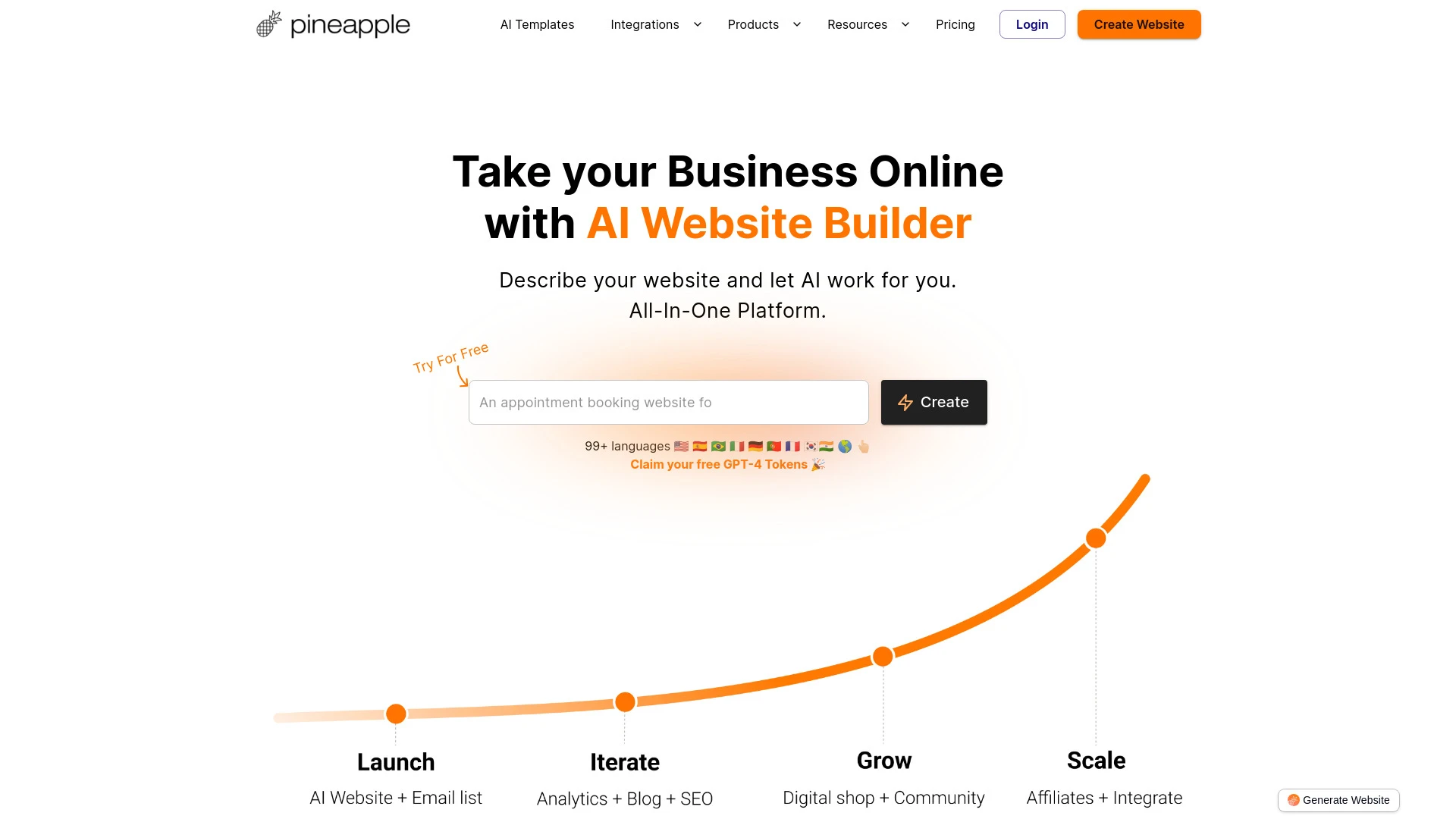
Pineapple Builder is an AI-driven website creation tool that simplifies building stunning online platforms for businesses, complete with blogs, newsletters, and payment options.

Freemium AI Landing Page Builder AI Website Builder
Score Radar

Performance Comparison

Ideal For

    Enhance onboarding with interactive product tours

    Gather user feedback through surveys

    Improve customer support efficiency

    Boost user engagement through non-intrusive nudges

Key Strengths

    Increases user engagement

    Streamlines onboarding processes

    Facilitates real-time feedback collection

Core Features

    AI-guided Nudges

    AI Support Agent

    In-app Help

    Product Tours

    Checklists

Ideal For

    Create websites for personal use

    Showcase skills

    Sell products online

    Display portfolios

Key Strengths

    User-friendly interface

    Fast website deployment

    AI-driven tools enhance creativity

Core Features

    AI-generated website creation

    AI blog creation

    CMS integration

    SEO management

    Analytics integration

Integrations and Compatibility

CommandBar supports standard integrations. Pineapple Builder offers standard integrations. Check compatibility with your existing tools before committing.

What Our Experts Say

"This is an automated comparison. CommandBar and Pineapple Builder each have unique strengths. Choose based on your specific needs, budget, and preferred user experience."

Final Verdict

Both CommandBar and Pineapple Builder are capable tools. CommandBar has a slight edge based on our evaluation criteria. We recommend trying both to see which fits your specific workflow better.

Detailed Scores
Criterion CommandBar Pineapple Builder
Ease of Use 8.5 +1 7.5
Features 8 Tie 8
Value for Money 7.5 +0.5 8
Interface 8 +1 7
Learning Curve 7 +0.5 6.5
Customization 8.5 Tie 8.5
Shaded rows = Pineapple Builder wins
Feature Comparison
Feature CommandBar Pineapple Builder
Free Plan
Pricing
CommandBar is available as $0.00/monthly (freemium). Pineapple Builder is available as $0.00/monthly (freemium). Choose based on your budget and the features included in each plan.
Performance
CommandBar
High 85,600 visitors
Growing popularity
Pineapple Builder
Medium 48,200 visitors
Growing popularity

Which tool do you prefer?

Based on our evaluation, CommandBar scores 8/10 and Pineapple Builder scores 7.8/10 in key performance areas. Both tools offer solid performance for their target use cases.
Reviews
CommandBar
0.0 / 5.0
0 reviews
Pineapple Builder
0.0 / 5.0
0 reviews
CommandBar is known for Increases user engagement, Streamlines onboarding processes, Facilitates real-time feedback collection. Pineapple Builder excels at User-friendly interface, Fast website deployment, AI-driven tools enhance creativity. Your choice depends on which strengths align better with your workflow.
CommandBar may have limitations with some limitations. Pineapple Builder may have limitations with some limitations. Consider these trade-offs when making your decision.
FAQ
What is the main difference between CommandBar and Pineapple Builder?
The key difference between CommandBar and Pineapple Builder lies in their core use cases, pricing models, and feature depth. CommandBar typically focuses on specific workflows, while Pineapple Builder offers broader capabilities suitable for different teams and scenarios.
Which is better for teams: CommandBar or Pineapple Builder?
Pineapple Builder is often a better fit for growing teams that need collaboration, governance, and integrations, while CommandBar can be ideal for individuals or smaller teams who want a simpler, more focused solution.
Is CommandBar more affordable than Pineapple Builder?
Pricing depends on your usage and plan tiers. CommandBar may offer a lower entry price, while Pineapple Builder can provide more value at scale with advanced features included in higher-tier plans.
Can I use both CommandBar and Pineapple Builder together?
Yes, many teams combine both tools in their workflows to cover different use cases. Always review integrations and overlapping features to avoid paying twice for similar functionality.

Made your choice? Keep both handy.