Sponsored by BrandGhost BrandGhost is a social media automation tool that helps content creators efficiently manage and schedule their social media... Visit now

Dora versus Framer

Dora vs Framer Overview

Last updated: March 2025

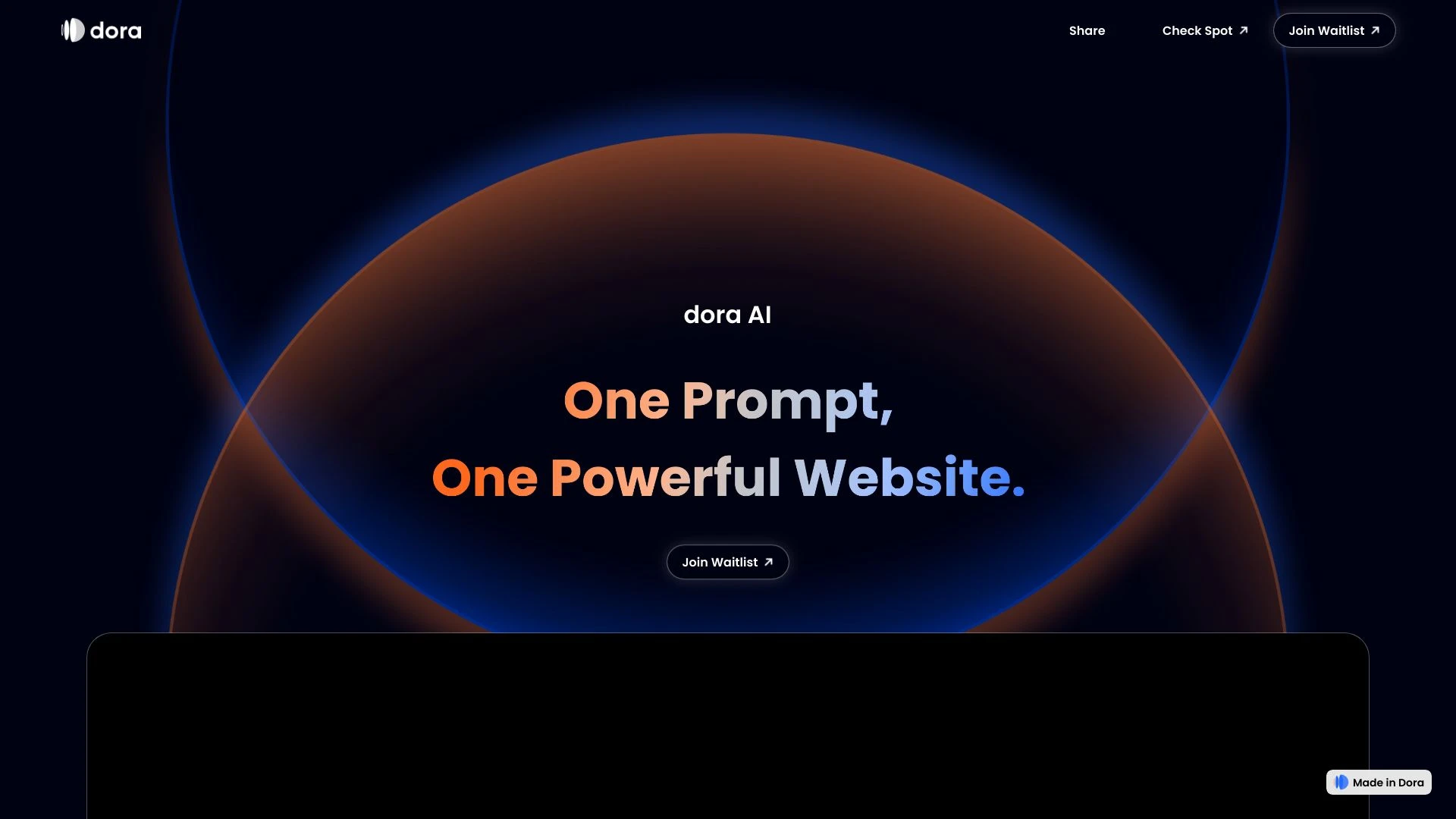
Dora

0

Ideal For

    Build captivating portfolio websites

    Design interactive landing pages for promotions

    Create product showcases that engage users

    Develop storytelling websites that captivate audiences

Key Strengths

    No coding necessary, making it accessible for all users

    Provides a visual interface for intuitive design

    Seamlessly integrates with design tool Figma

Core Features

    Create interactive 3D and animated websites

    No coding required for design

    Visual canvas for easy web development

    Fully responsive design for all devices

    Import 3D objects with ease

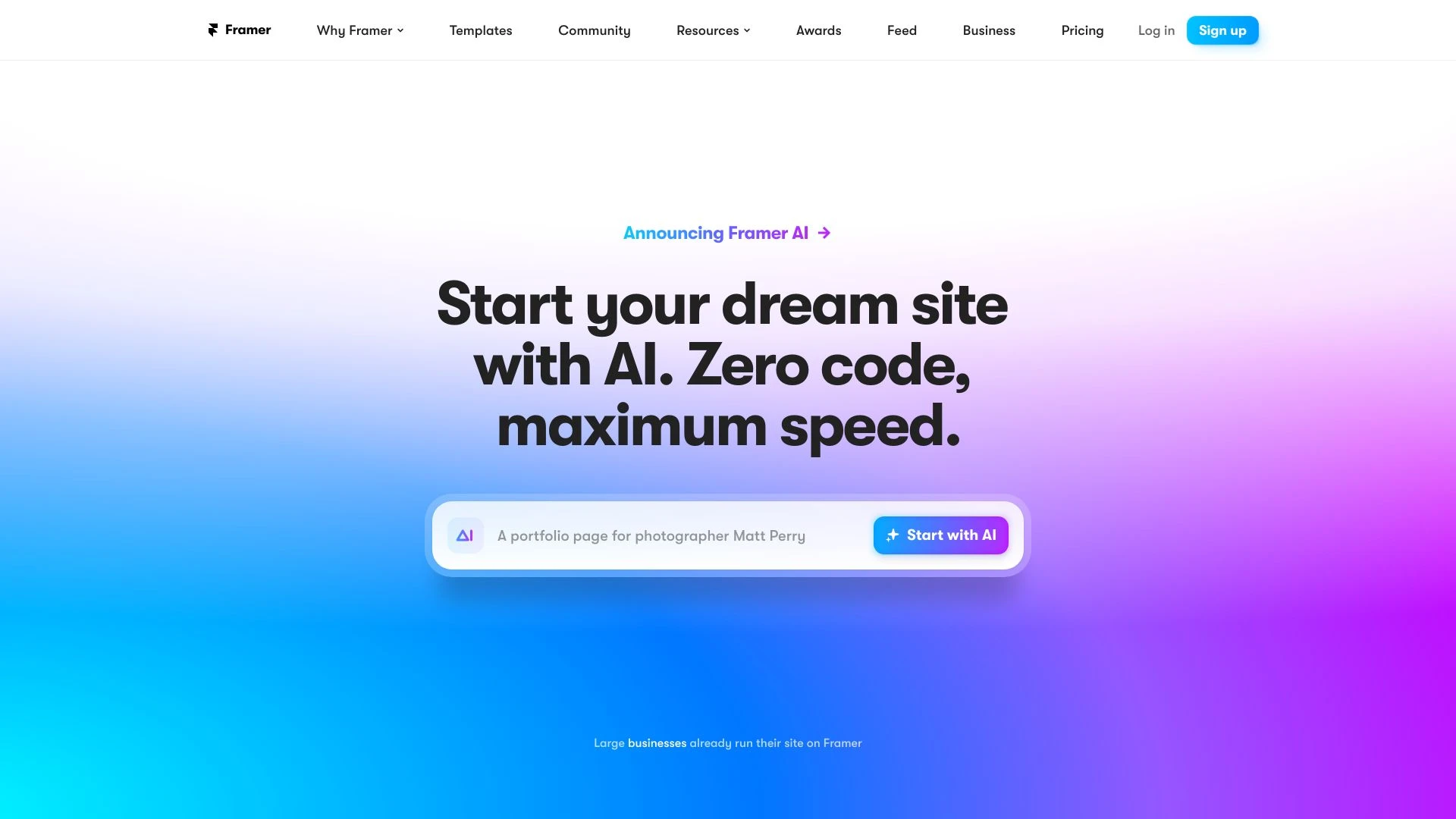
Framer

0

Ideal For

    Creating personal websites

    Building portfolios

    Developing professional business sites

    Designing landing pages for campaigns

Key Strengths

    User-friendly interface

    Quick site creation and publishing

    No coding required

Core Features

    No-code website design

    Freeform design canvas

    Integrated content management system

    AI-generated design starters

    Responsive and performance-optimized layouts

Popularity

Very High 479,200 visitors
Growing popularity
Very High 3,300,000 visitors
Growing popularity

Decision Matrix

Factor Dora Framer
Ease of Use
8.0/10
7.8/10
Features
9.0/10
8.5/10
Value for Money
7.5/10
7.0/10
Interface Design
8.5/10
9.0/10
Learning Curve
9.0/10
7.5/10
Customization Options
8.0/10
8.0/10

Quick Decision Guide

Choose Dora if:
  • You want intuitive user experience for easy navigation.
  • You aim for advanced analytics to drive better decisions.
  • You value seamless integration with existing tools and platforms.
  • You look for 24/7 support to resolve issues swiftly.
  • You want customizable features to suit specific needs.
Choose Framer if:
  • You want seamless design-to-code workflow.
  • You aim for intuitive collaboration with teams.
  • You value customizable templates for quick starts.
  • You look for great performance in responsive design.
  • You want powerful prototyping capabilities.

Frequently Asked Questions

What is the main difference between Dora and Framer?
The key difference between Dora and Framer lies in their core use cases, pricing models, and feature depth. Dora typically focuses on specific workflows, while Framer offers broader capabilities suitable for different teams and scenarios.
Which is better for teams: Dora or Framer?
Framer is often a better fit for growing teams that need collaboration, governance, and integrations, while Dora can be ideal for individuals or smaller teams who want a simpler, more focused solution.
Is Dora more affordable than Framer?
Pricing depends on your usage and plan tiers. Dora may offer a lower entry price, while Framer can provide more value at scale with advanced features included in higher-tier plans.
Can I use both Dora and Framer together?
Yes, many teams combine both tools in their workflows to cover different use cases. Always review integrations and overlapping features to avoid paying twice for similar functionality.

Related Comparisons