On this page
ChatDaddy
FreemiumChatDaddy is a robust WhatsApp automation tool designed to enhance business efficiency and save time.
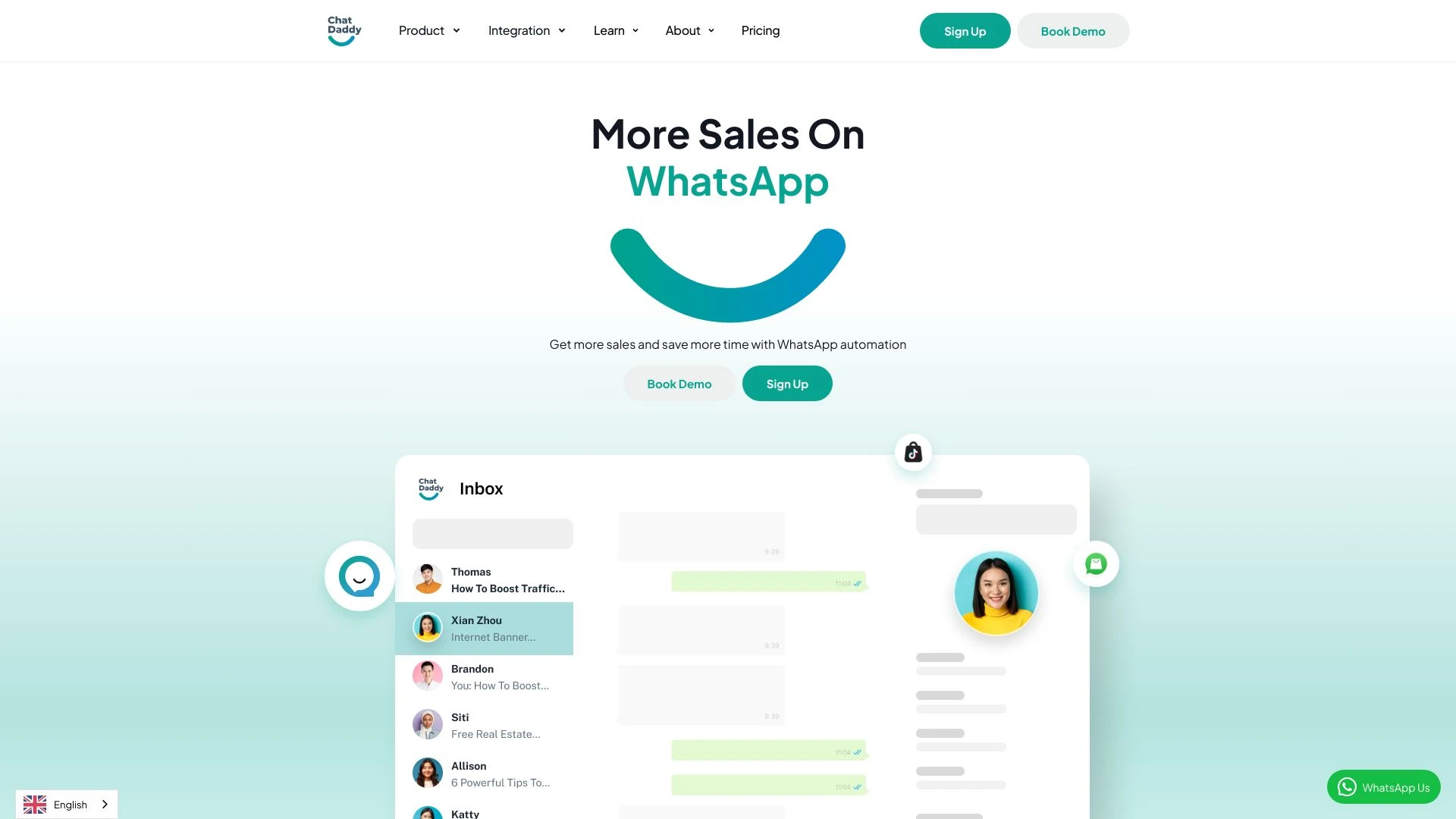
Choosing ChatDaddy? Compare on what actually matters
- you want seamless conversation management and automation.
- you aim to enhance customer engagement effortlessly.
- you value quick and accurate responses for users.
- you look for scalable solutions for growing interactions.
- you seek customizable features to fit your brand's voice.
Discussion
Ask questions, share feedback, and discuss this tool.
Start with one of these:
No discussion yet. Start the conversation.
Price History
How ChatDaddy's price has moved over time.
Availability
Is ChatDaddy up or down? Weekly reachability checks of its website.
Uptime
100%
Currently reachable
Over the last 5 weekly checks
How it works
How ChatDaddy Works In 3 Steps?
-
Step 1
Access ChatDaddy Dashboard
Log in to your ChatDaddy account to view the main dashboard.
-
Step 2
Set Up Automation Bot
Configure your WhatsApp Automation Bot with desired responses and triggers.
-
Step 3
Launch WhatsApp Broadcast
Create and send a broadcast message to your contact list for effective outreach.
ChatDaddy: Features, Advantages & FAQs
Explore everything you need to know about ChatDaddy
-
Core Features
-
- Team Inbox
- WhatsApp Automation Bot
- WhatsApp Broadcast
- Marketing Notification API
- Customer Support Workflow
- Personalization Options
-
Advantages
-
- Saves time on messaging tasks
- Enhances customer interaction management
- Increases response efficiency
- Offers customizable automation
- Supports team collaboration
- Reduces operational overhead
-
Use Cases
-
- Handling customer inquiries efficiently
- Integrating e-commerce interactions
- Providing 24/7 customer support
- Sending tailored promotional messages
- Streamlining team communications
- Automating routine tasks
-
Platform & Licensing
-
Web
Ask AI about ChatDaddy
A straight answer grounded in our directory — alternatives, pricing, fit for your workflow.
Frequently Asked Questions
How do I sign up for ChatDaddy?
You can sign up by visiting the ChatDaddy website and clicking the sign-up link, then following the prompts to create your account.
What platforms does ChatDaddy integrate with?
ChatDaddy integrates with various platforms, including e-commerce systems and payment gateways, to streamline business operations.
Can I use ChatDaddy for customer support?
Yes, ChatDaddy is designed to facilitate customer support workflows, allowing businesses to manage inquiries effectively.
Can I send personalized promotional messages with ChatDaddy?
Absolutely! ChatDaddy allows for sending personalized promotional messages to your customers with just a few clicks.
Does ChatDaddy offer an API for integration?
Yes, ChatDaddy provides an API that allows for integration with other tools and systems, enhancing its functionality.
Top Alternatives to ChatDaddy
Curated options ranked by similarity, features, and value.
Get personal picks
Take the 2-min quiz for tools matched to your work.
Promoted tools worth a look.
- No stacks yet
-
- No similar tools found.
- No stacks yet
-
- No similar tools found.
- No stacks yet
-
- No similar tools found.
- No stacks yet
-
- No similar tools found.
- No stacks yet
-
- No similar tools found.
- No stacks yet
-
- No similar tools found.
- No stacks yet
-
- No similar tools found.
- No stacks yet
-
- No similar tools found.
- No stacks yet
-
- No similar tools found.
- No stacks yet
-
- No similar tools found.
- No stacks yet
-
- No similar tools found.
- No stacks yet
-
- No similar tools found.
- No stacks yet
-
- No similar tools found.
- No stacks yet
-
- No similar tools found.
- No stacks yet
-
- No similar tools found.
Best Primary Tasks for ChatDaddy — Top Use Cases & Workflows
Discover the most common tasks where ChatDaddy excels: curated, high-relevance suggestions to help you get started faster.
Rate this tool
Help others by sharing your experience with ChatDaddy
Anything to add? (optional)
Weekly AI Digest: Tools, Cases, Guides
-
Top 5 Tools 01
Save your time
-
Practical Use Cases 02
Applying AI in your workflow
-
Quick Guides 03
Try it in 5 minutes
Customer Reviews for ChatDaddy
Overall Analytics
Comprehensive review insights and historical performance
6-month timeline
Recent Review Statistics
Sentiment analysis and trends from the last Last 30 days
No reviews yet in this period
Be the first to share your experience!
Write a Review
Share your experience to help others make better decisions