Outils d IA recommandés
5Nous avons analysé le marché. Ces outils offrent des fonctionnalités spécifiques pour automatiser le scoring des leads.
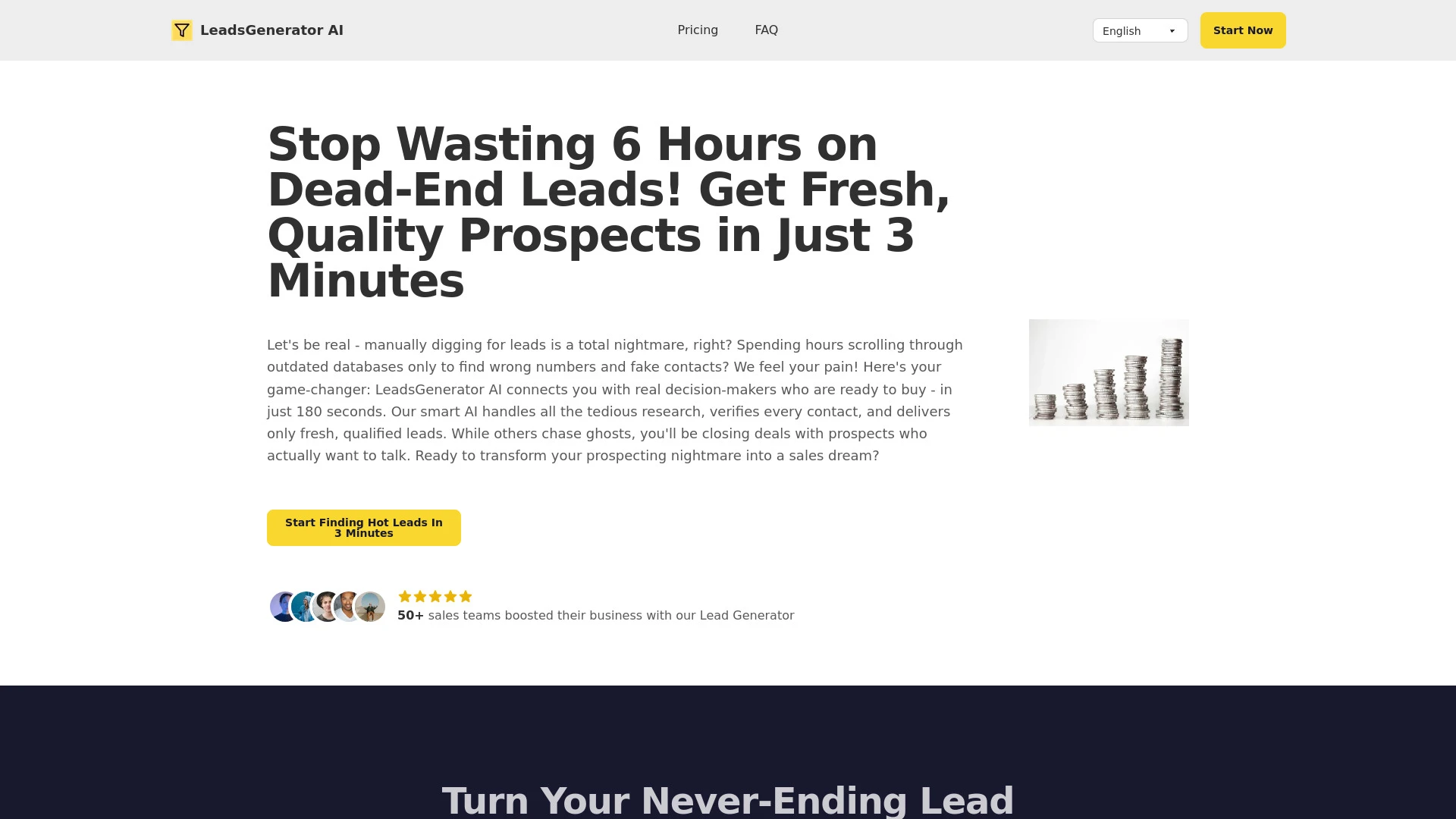
LeadsGenerator AI est un outil automatique de génération de leads qui vérifie les prospects pour une efficacité des ventes améliorée.
- Génération de leads automatisée
- vérification de prospects en temps réel
- accès aux décideurs
Analyse IA
Pourquoi utiliser cette IA LeadsGenerator AI pour Automatiser le scoring des leads?
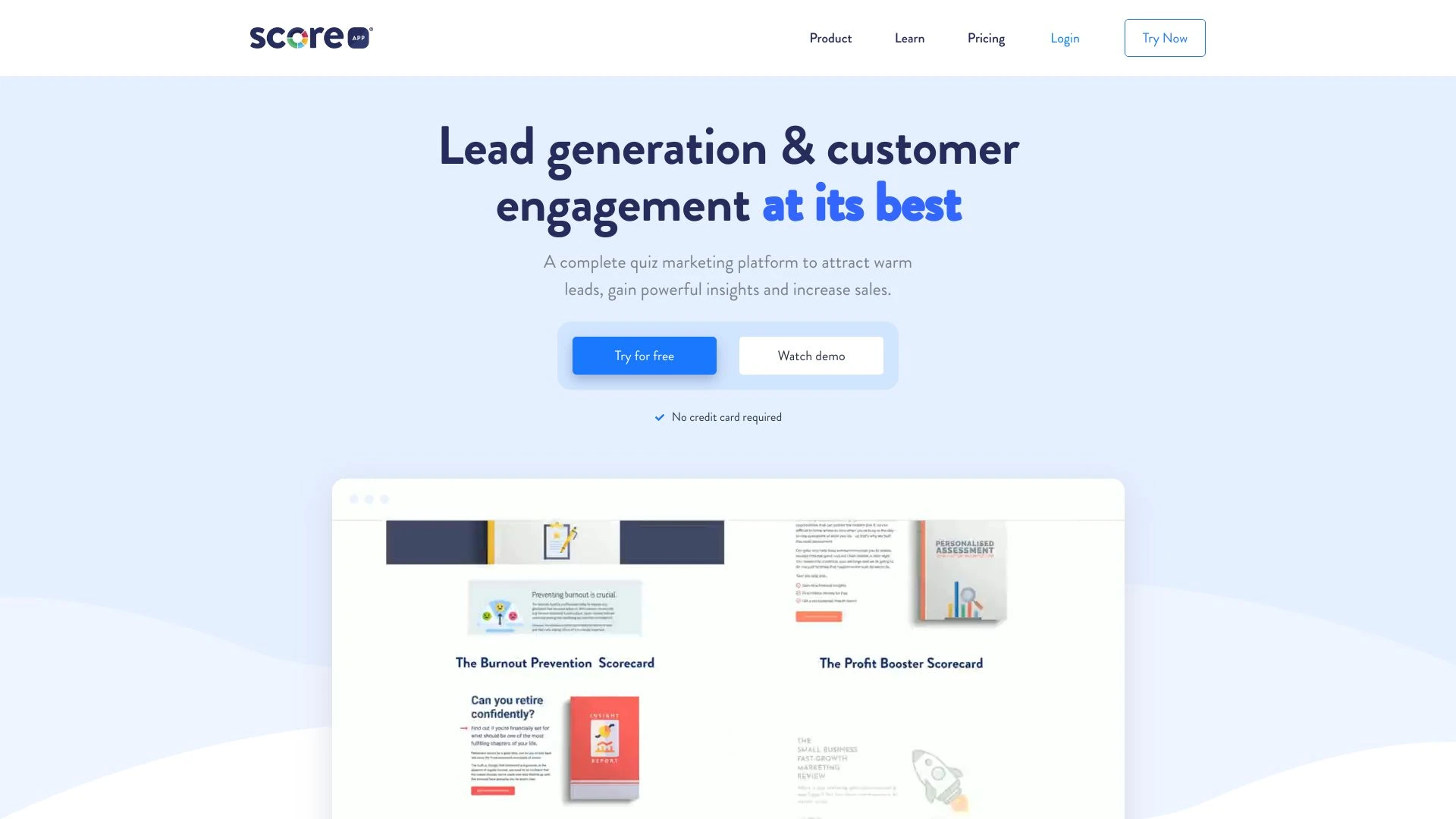
ScoreApp est une plateforme innovante qui simplifie le marketing funnel de quiz pour attirer des leads chauds, recueillir des informations précieuses...
- Constructeur de pages par glisser-déposer
- Entonnoirs de quiz personnalisés
- Résultats personnalisés
Analyse IA
Pourquoi utiliser cette IA ScoreApp: Advanced Quiz Funnel Marketing | Quiz Software pour Automatiser le scoring des leads?

LeadsMe
LeadsMe est un assistant de vente alimenté par l'IA conçu pour améliorer la gestion des prospects grâce à une communication client personnalisée.
- Sourcer: Découvrir des profils LinkedIn idéaux
- Collecter: Analyser et organiser les données des prospects
- Mailer: Créer des e-mails de vente personnalisés
Analyse IA
Pourquoi utiliser cette IA LeadsMe pour Automatiser le scoring des leads?
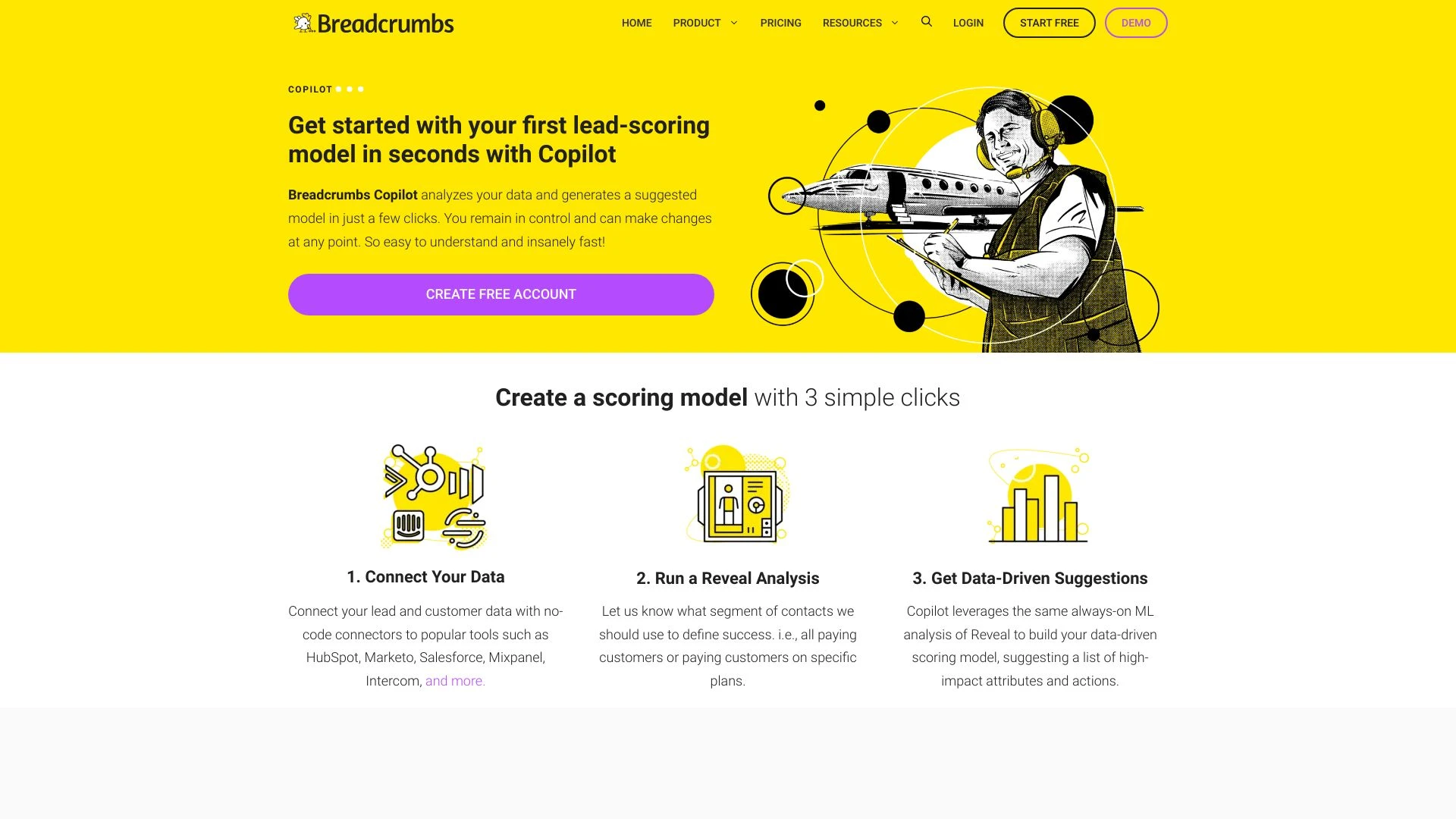
Breadcrumbs
Breadcrumbs améliore l'efficacité du tunnel de vente, atteignant une augmentation de 30 % de la conversion MQL en Opportunité, adaptée à divers modèle...
- Scoring automatique de leads
- Intégrations OAuth natives
- Analytique approfondie à chaque niveau
Analyse IA
Pourquoi utiliser cette IA Breadcrumbs pour Automatiser le scoring des leads?
Des quiz alimentés par l'IA qui aident les entreprises à capturer et convertir des prospects sans effort.
- Génération de quiz IA personnalisée
- Intégration fluide au site web
- Résultats personnalisés basés sur les entrées des utilisateurs
Analyse IA
Pourquoi utiliser cette IA NewLeadMagnet.com pour Automatiser le scoring des leads?
Pratiques de travail
Ne vous contentez pas dacheter des outils—construisez un système. Voici 3 preuves pour intégrer l’IA dans votre automatiser le scoring des leads processus
Workflow 1: First successful Automate Lead Scoring task for complete beginner
- Import 20 historical leads with basic fields (job title, company size, industry, engagement) into the scoring tool.
- Create a starter score model using a guided template: assign initial weights to key fields (fit, interest, intent).
- Run a test batch, review top 5 scoring leads, adjust weights for at least one field, and export a simple CSV for sales outreach.
Workflow 2: Optimize daily Automate Lead Scoring work for regular users
- Set up daily data ingestion: pull new leads from CRM and marketing platforms at 6 AM.
- Implement rule-based refinements: add attribution for recent engagement (email opens, site visits) to adjust scores by +2 or -1.
- Review a 50-lead sample, calibrate thresholds (MQL > 75), and push updated scores to the CRM with a note for sales reps.
Workflow 3: Full Automate Lead Scoring automation for power users
- Configure a multi-model ensemble: combine behavior signals, firmographic signals, and predicted conversion likelihood.
- Automate weekly recalibration: retrain scoring model with the latest closed-won data and new leads.
- Publish a live dashboard showing top 50 leads, score drift alerts, and automatic lead routing to owner segments.
Mots efficaces pour Automatiser le scoring des leads
Copiez et personnalisez ces invites éprouvées pour obtenir de meilleurs résultats avec vos outils d’IA
Débutant : Tâche simple d’automatisation du scoring des leads
Vous êtes un assistant IA m’aidant à automatiser le scoring des prospects. Donnez un CSV de 200 prospects avec les champs : email_engagement, page_views_last_7d, company_size, industry, et job_title, produire un seul Lead Score par ligne (0-100) en utilisant une approche simple basée sur des règles : attribution par seuils d engagement et indicateurs d adéquation. Fournir une brève justification par prospect dans une seconde colonne.Avancé: Rôle + contexte + contraintes + format
[
  {
    "Role": "Architecte de score des leads",
    "Context": "Nous utilisons un modèle hybride (règles + ML) pour classer les leads pour une équipe commerciale SaaS",
    "Constraints": "explicabilité requise, alertes de dérive de seuil, scoring en temps réel vers le CRM, et export vers JSON avec les champs lead_id, score, confidence et routing",
    "Output": "un tableau JSON d objets"
  }
]Analyse: Evaluer/comparer/optimiser les résultats de l’évaluation des leads
Vous êtes un analyste en optimisation. Étant donné deux résultats de score de leads générés des modèles A et B pour 1000 leads, comparez leur précision prédictive par rapport aux données closes gagnées, identifiez quel modèle performe mieux sur les leads du top décile et proposez trois optimisations concrètes pour améliorer les scores futursQu est ce que l automatisation du scoring des leads IA
Automatisez le scoring des leads L intelligence artificielle applique l apprentissage automatique et des règles pour attribuer un score de qualification à chaque lead en se basant sur les conversions historiques les signaux d engagement et les données firmographiques Cela aide les équipes marketing et commerciales à prioriser les prospects à fort potentiel et à raccourcir le cycle de vente Cette approche pilotée par l IA est idéale pour les équipes de taille moyenne à grande qui cherchent à scaler la qualification des leads tout en maintenant l exactitude et la rapidité
Avantages de l IA pour l Automatisation du score des leads
- Priorisation plus rapide des leads réduit le temps avant premier contact
- Qualité des leads améliorée avec un scoring basé sur les données
- Modèles adaptatifs qui apprennent des résultats et des retours
- Répartition cohérente vers le bon propriétaire des ventes
- Scalabilité pour gérer des volumes de leads croissants
Comment choisir l IA pour automatiser le scoring des leads
- Compatibilité des données : intégration des plateformes CRM et marketing
- Transparence du modèle : pondérations ajustables et scores interprétables
- Délai de valeur : mise en œuvre rapide avec des modèles éprouvés
- Capacités d’automatisation : scoring en temps réel, routage et alertes
- Sécurité et conformité : gouvernance des données et contrôle d’accès
Meilleures pratiques pour mettre en œuvre l’IA de scoring automatique des leads
- Commencer avec un seuil MQL clair et surveiller les dérives
- Impliquer les ventes dans la validation du modèle et les boucles de rétroaction
- Combiner les signaux de comportement avec des données firmographiques pour des scores plus riches
- Planifier des retrainings réguliers avec les derniers résultats
- Documenter les correspondances de données et fournir des rationales de score explicables
IA pour Automatiser le scoring des leads: Statistiques clés
D’ici 2026, 62% des organisations B2B utiliseront le scoring automatique des leads alimenté par l’IA à grande échelle, contre 38% en 2024.
Les leads acheminés automatiquement grâce à un scoring piloté par l’IA voient un taux de conversion 18–28% plus élevé dans les 60 premiers jours
Le temps moyen jusqu’au premier contact avec des leads à haut score chute de 2,5 heures à moins de 45 minutes grâce au routage automatisé
94% des équipes rapportent une amélioration de la précision des prévisions après avoir intégré le scoring lead par IA avec les systèmes CRM
Des essais gratuits pour les outils dAutomate Lead Scoring AI sont disponibles pour 71% des fournisseurs, accélérant lévaluation en 2026
Les modèles activés par l'IA réduisent le temps de nettoyage des données de 40% et augmentent la fréquence de réentraînement des modèles de 3x par rapport à l'année précédente.
Questions Fréquemment Posées
Obtenir des réponses aux questions les plus fréquentes sur l’utilisation des outils d’IA pour automatiser le scoring des leads .
Automatiser le scoring des leads l Intelligence artificielle utilise l apprentissage automatique et des règles pour attribuer une note de qualification aux leads sur la base de données historiques, d engagement et d adéquation, permettant aux équipes commerciales de se concentrer sur les prospects à fort potentiel
Commencez par connecter vos données CRM et marketing, définissez les critères de scoring initiaux, validez avec les résultats historiques et configurez les mises à jour et le routage automatisés vers les représentants des ventes.
Une approche hybride fonctionne souvent mieux: commencez par une évaluation basée sur des règles transparentes pour la clarté, puis superposez des modèles d'IA pour capturer des patrons non linéaires et obtenir une précision plus élevée au fil du temps.
Les causes possibles incluent des données obsolètes, des seuils mal alignés, des problèmes de qualité des données ou des mappings de données mal configurés. Validez les pipelines de données, re-calibrez les seuils et ré-entraînez avec des résultats frais.
Catégories d’outils d’IA liées
Explorer d autres catégories d out ils similaires à Automatiser le scoring des leads cela pourrait vous intéresser
Génération de leads par intelligence artificielle
AI Lead Generation leverages machine learning and data analysis to identify potential customers and optimize engagement...
Générateur d'idées commerciales d'IA
The AI Business Ideas Generator harnesses machine learning algorithms to analyze market trends, consumer behavior, and e...
Formulaires et Enquêtes IA
AI Forms & Surveys leverage machine learning to optimize data collection and analysis. By automating responses, personal...
Quizzes IA
AI Quizzes leverage artificial intelligence to create personalized, adaptive learning experiences for users. Application...
Générateur d'emails IA
The AI Email Generator uses natural language processing to create personalized emails efficiently. By analyzing context,...
Constructeur d'applications IA
The 'AI App Builder' streamlines app development using AI tools, automating coding, design, and testing. Examples includ...