Outils d IA recommandés
5Nous avons analysé le marché. Ces outils offrent des fonctionnalités spécifiques pour automatiser l’édition de podcast.
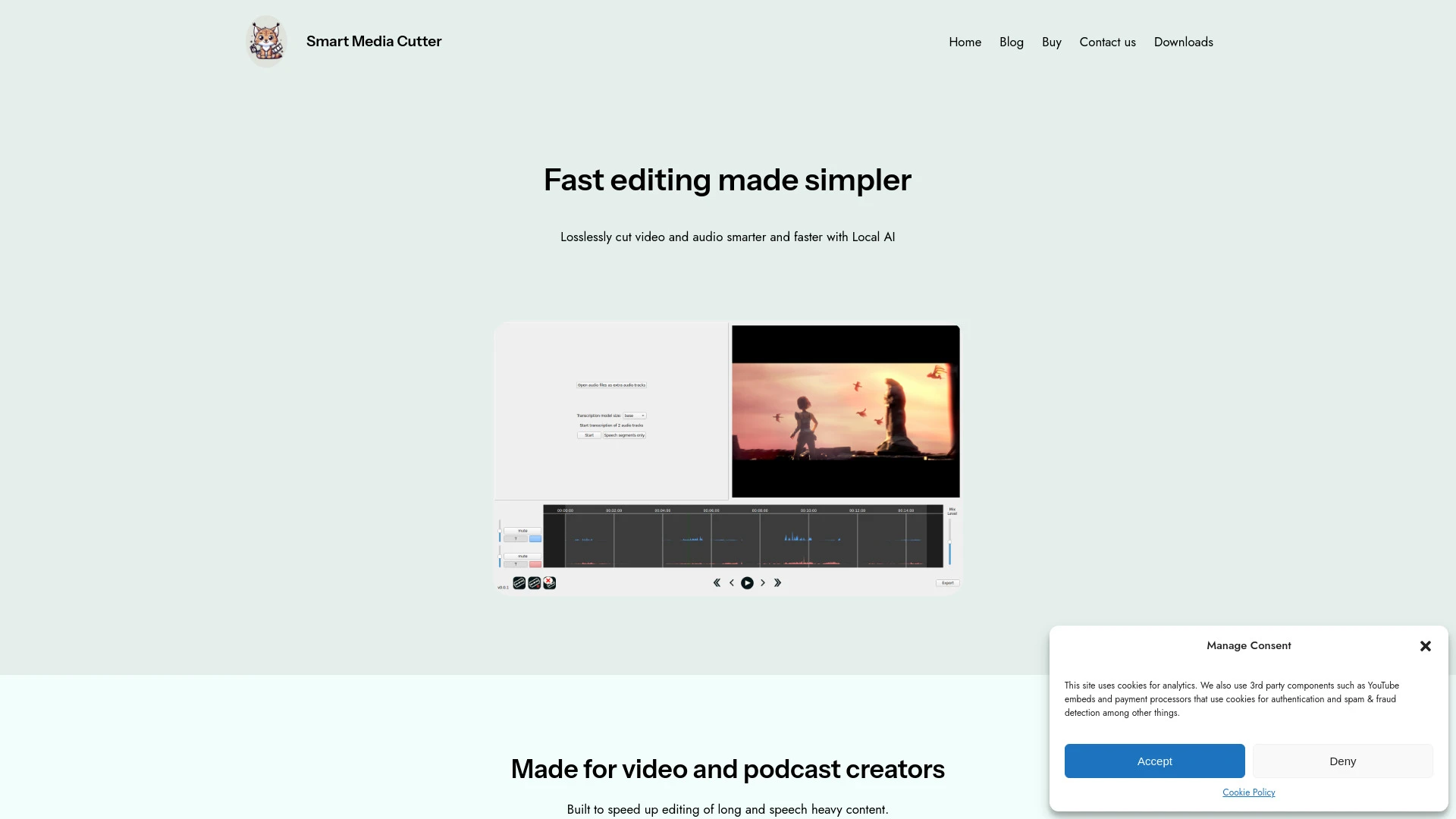
Smart Media Cutter est un outil alimenté par l'IA pour un découpage rapide et de haute qualité des vidéos et de l'audio, idéal pour les créateurs.
- Coupe sans perte
- Transcriptions alimentées par l'IA
- Édition multi-pistes
Analyse IA
Pourquoi utiliser cette IA Smart Media Cutter pour Automatiser l’édition de podcast?
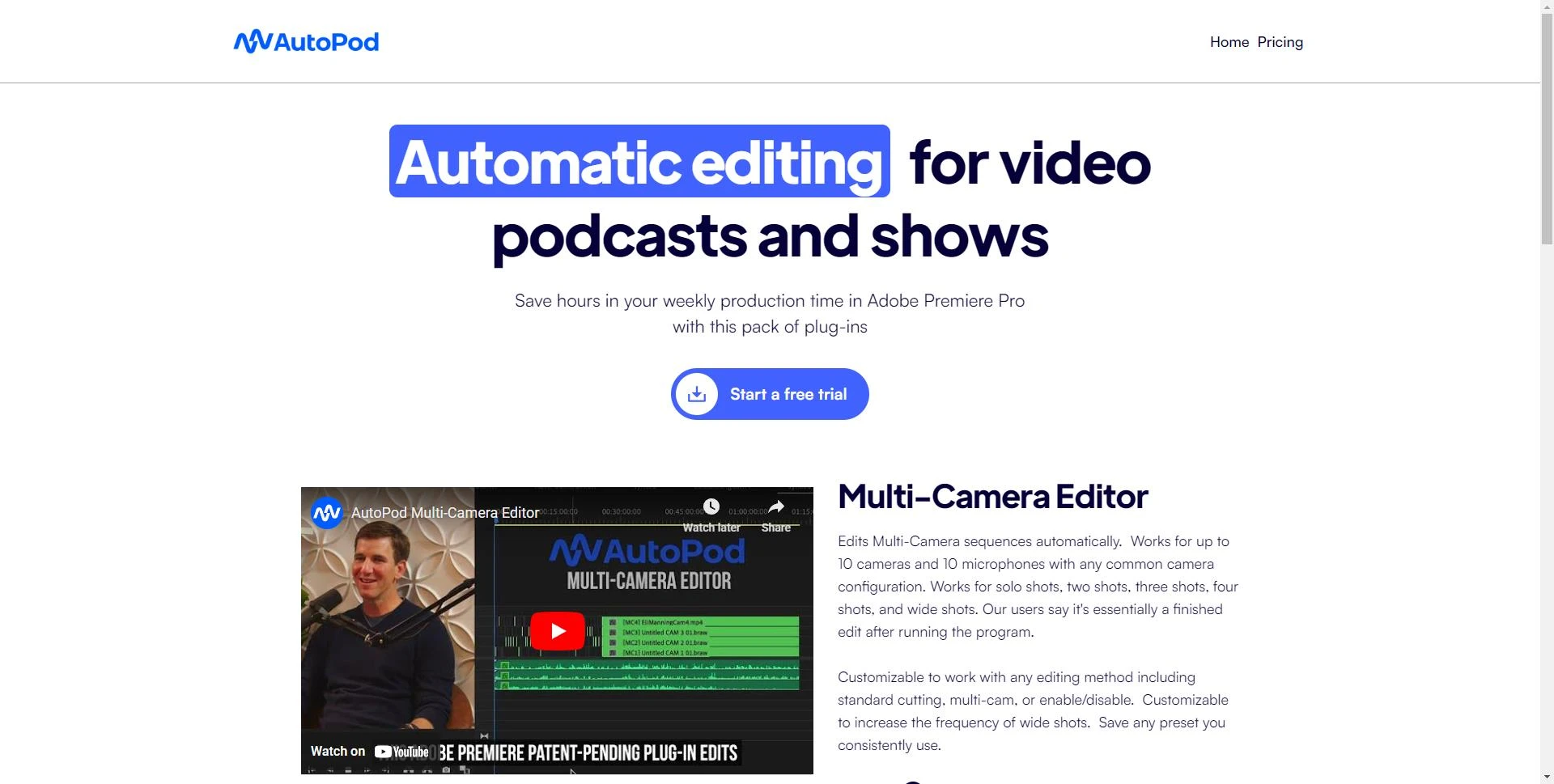
AutoPod
AutoPod améliore la production de podcasts vidéo avec des plug-ins Adobe Premiere Pro, automatisant les tâches de montage pour plus d'efficacité.
- Montage multi-camera avec jusqu'à 10 caméras et microphones
- Approches d'édition personnalisables
- Génération automatique de clips pour les réseaux sociaux
Analyse IA
Pourquoi utiliser cette IA AutoPod pour Automatiser l’édition de podcast?
Adobe Podcast
Une plateforme web pour l'enregistrement et l'édition audio basée sur l'IA, Adobe Podcast simplifie la création, la transcription et le partage de con...
- Enregistrement audio IA
- Transcription audio
- Édition audio
Analyse IA
Pourquoi utiliser cette IA Adobe Podcast pour Automatiser l’édition de podcast?
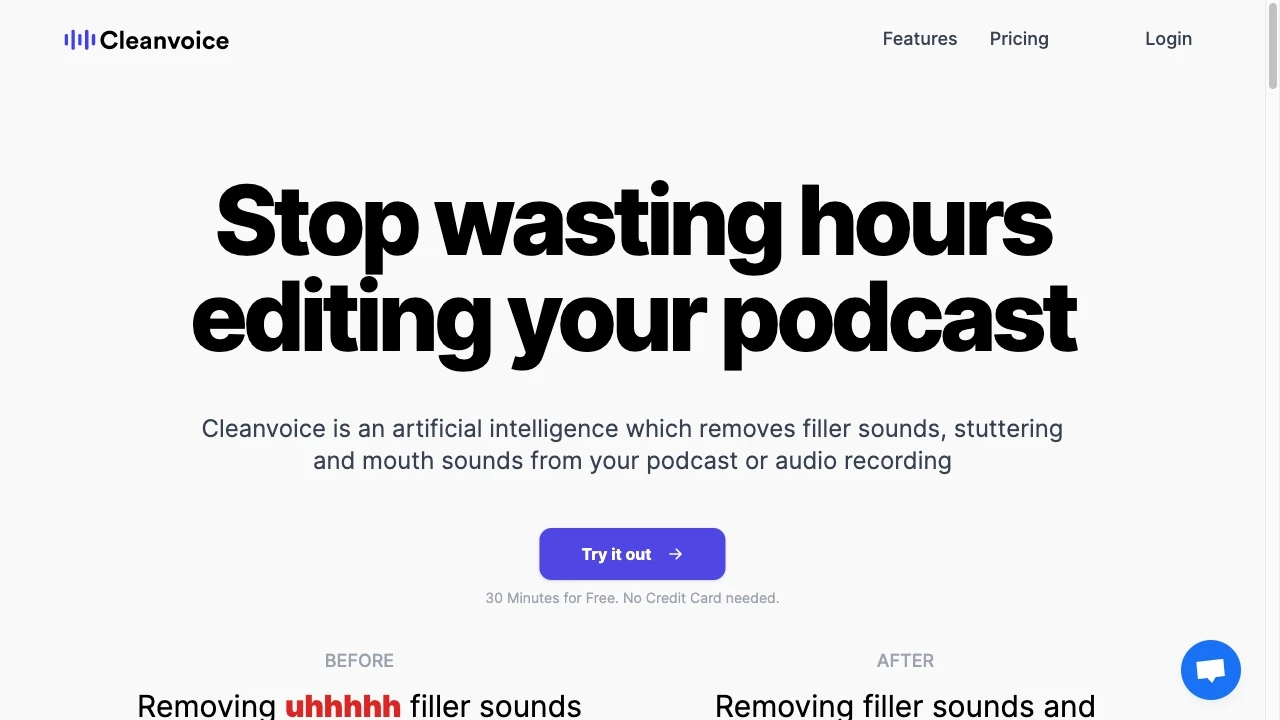
Cleanvoice AI
Cleanvoice AI est un outil avancé d'amélioration audio qui élimine les mots de remplissage, les sons de bouche et les bégaiements des enregistrements...
- Retireur de mots de remplissage
- Retireur de sons de bouche
- Retireur de bégaiement
Analyse IA
Pourquoi utiliser cette IA Cleanvoice AI pour Automatiser l’édition de podcast?
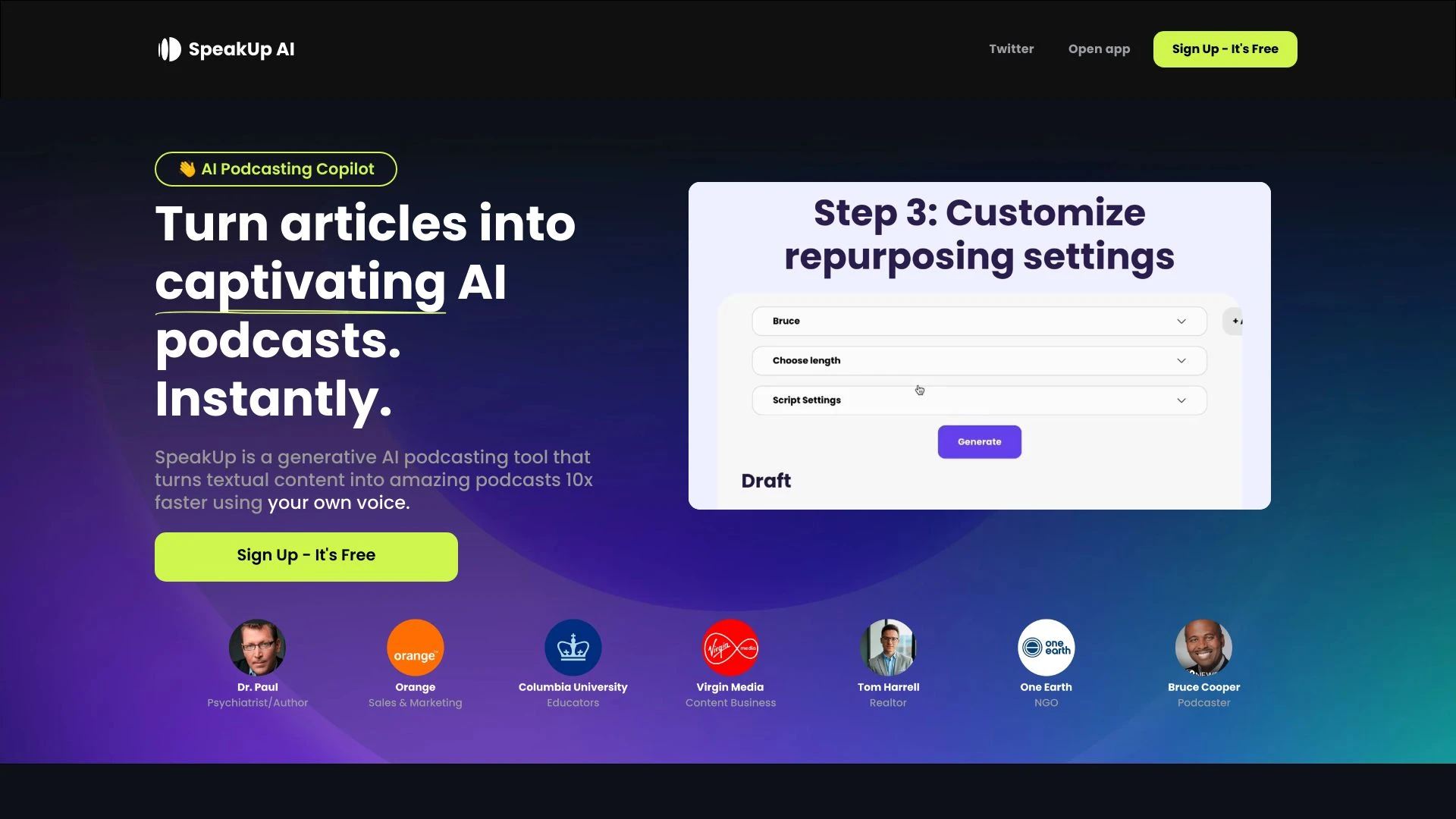
SpeakUp AI est un outil alimenté par l'IA qui transforme sans effort le contenu écrit en podcasts engageants d'un simple clic.
- AI Réutilisation d'Articles
- AI Édition de Scripts
- AI Mixage Musical Automatique
Analyse IA
Pourquoi utiliser cette IA SpeakUp AI - AI Podcasting Copilot pour Automatiser l’édition de podcast?
Pratiques de travail
Ne vous contentez pas dacheter des outils—construisez un système. Voici 3 preuves pour intégrer l’IA dans votre automatiser l’édition de podcast processus
Workflow 1: First successful Automate Podcast Editing task for complete beginner
- Import raw podcast file and apply a preset normalization profile to standardize loudness.
- Run a noise-reduction pass and auto-click track segmentation to identify intro, content, and outro segments.
- Generate a rough cut with silence removal and export a draft for review inside your editing tool.
Workflow 2: Daily optimization for regular user of Automate Podcast Editing AI tools
- Create a reusable macro to apply EQ, noise gate, and level balancing across all episodes.
- Schedule an auto-clicked chapter marker generation based on silence detection and speech density.
- Publish a studio-ready master with metadata, ID3 tags, and show notes synced to timestamps.
Workflow 3: Full automation for power users to scale Automate Podcast Editing
- Define a master template with vocal tuning, compression curves, and loudness normalization targets (LUFS) for all episodes.
- Integrate automated episode index generation, transcript alignment, and automatic show-notes formatting.
- Queue episodes for automated export to multiple formats (MP3, AAC) with per-platform encoding profiles and QA checks.
Mots efficaces pour Automatiser l’édition de podcast
Copiez et personnalisez ces invites éprouvées pour obtenir de meilleurs résultats avec vos outils d’IA
Débutant
Vous êtes un éditeur de podcast. Importez un MP3 de 45 minutes, appliquez une normalisation de loudness à -16 LUFS, lancez une réduction de bruit, supprimez les silences de plus de 0,3 seconde, et exportez un brouillon en WAV pour examen.Avancé
Rôle: ingénieur audio. Contexte: Podcast hebdomadaire avec deux animateurs, plusieurs sponsors et pauses publicitaires. Contraintes: Maintenir une intelligibilité vocale constante, insérer des marqueurs de chapitre, aligner les transcriptions sur le discours et sortir la version maîtresse à -14 LUFS. Format: MP3 320kbps et notes de présentation synchronisées avec les horodatages.Analyse
Évaluez trois résultats autoédités pour l’épisode 12 : comparez les cibles de loudness, les niveaux de réduction de bruit et la qualité de la suppression du silence. Fournissez une recommandation classée avec une justification et des ajustements de paramètres suggérés.
Qu est ce que l autom azi e d i po dcast edit ing IA
Avantages d’utiliser l’IA pour automatiser le montage de podcasts
- Temps de retour plus rapide : réduire le temps de montage avec réduction du bruit automatisée, équilibrage et suppression du silence.
- Cohérence : normalisation du niveau sonore et mastering précis sur les épisodes.
- Évolutivité : traiter par lots plusieurs épisodes avec des modèles partagés.
- Transcriptions et notes de l’émission : alignement et mise en forme automatiques qui gagnent du temps de production.
- Réduction des erreurs manuelles : l’IA applique les préréglages et assure l’exactitude des métadonnées.
Comment choisir la bonne IA pour automatiser le montage de podcasts
- Définissez vos LUFS cibles, niveaux de crête et exigences d imaging stéréo.
- Évaluez la profondeur d automatisation : édition de bout en bout vs plugins modulaires.
- Vérifiez l intégration avec votre flux de travail : DAW, plateformes d hébergement et services de transcription.
- Évaluez la courbe d apprentissage pour votre équipe et les modèles disponibles.
- Envisagez les tarifs, le support et la feuille de route pour 2026 et au-delà.
Meilleures pratiques pour mettre en œuvre l’IA d’automatisation de l’édition de podcasts
- Commencez par une base solide : fixez des cibles de loudness et un profil de bruit propre par micro.
- Utilisez des étapes de révision : vérifiez toujours les auto-modifications avant de publier.
- Documentez des modèles et des macros pour assurer la cohérence entre les épisodes.
- Mettez régulièrement à jour les préréglages IA pour s’aligner sur les formats de podcast en évolution.
- Surveillez l’impact sur l’expérience auditeur et les délais de production.
IA pour Automatiser l’édition de podcast: Statistiques clés
En 2026, 68% des nouvelles productions de podcasts déclarent utiliser au moins un outil d Automate Podcast Editing AI.
Il est temps de publier par épisode en moyenne passant de 4,5 heures à 1,2 heures avec l’automatisation en place
91% des rédacteurs remarquent une amélioration de la cohérence du niveau sonore entre les épisodes lors de l’utilisation des préréglages IA
Précision de transcription avec alignement IA atteint 92-98% selon la langue et les accents
Les outils d’IA d’édition de podcast d’automatisation de premier plan part de marché croît de 22% d’une année sur l’autre en 2025–2026
Les créateurs DIY qui adoptent le montage assisté par IA voient une augmentation de 30 % de la production hebdomadaire d’épisodes.
Questions Fréquemment Posées
Obtenir des réponses aux questions les plus fréquentes sur l’utilisation des outils d’IA pour automatiser l’édition de podcast .
Logiciel d IA d édition de podcast Automate Podcast Editing AI software fait référence à des applications qui utilisent l intelligence artificielle pour réaliser des tâches d édition pour des podcasts telles que réduction du bruit mise à niveau égalisation suppression du silence alignement de transcription et génération de notes de présentation permettant une production plus rapide et une qualité sonore constante
Choisissez un outil convivial pour les débutants, importez votre épisode, appliquez un préréglage d’édition prêt à l’emploi, passez en revue les modifications générées automatiquement et exportez un brouillon. Ajoutez progressivement des étapes telles que des marqueurs de chapitre automatiques et des transcriptions à mesure que vous gagnez en confiance
Toutes les solutions tout-en-un offrent une automatisation de bout en bout avec un flux de travail unifié, tandis que les plugins spécialisés peuvent exceller dans des tâches spécifiques (réduction du bruit, mastering, transcription). De nombreuses équipes bénéficient d'une approche hybride alignée sur leur processus.
Les suggestions d IA peuvent mal interpréter le contexte ou les niveaux pour les types de voix Veillez à ce que les cibles LUFS les ratios de compression l échantillonnage et les métadonnées soient appropriés pour votre podcast et effectuez une passe QA humaine rapide pour affiner les résultats
Catégories d’outils d’IA liées
Explorer d autres catégories d out ils similaires à Automatiser l’édition de podcast cela pourrait vous intéresser
Édition de voix et de son
AI in voice and audio editing revolutionizes the industry by enhancing quality, automating processes, and personalizing...
Assistant créatif publicitaire IA
The AI Ad Creative Assistant leverages machine learning to generate tailored ad content, optimizing messaging for target...
Améliorateur Audio IA
AI Audio Enhancer leverages machine learning algorithms to improve sound quality by reducing noise, enhancing clarity, a...
Améliorateur de vidéo IA
AI Video Enhancer utilizes machine learning algorithms to upscale video resolution, improve clarity, and stabilize image...
Assistant de Podcast IA
The AI Podcast Assistant enhances content creation by automating editing, transcription, and summarization. For instance...
Éditeur de vidéo AI
AI Video Editors leverage machine learning algorithms to automate video editing tasks, enhancing efficiency and creativi...