Empfohlene KI-Tools
5Wir haben den Markt analysiert. Diese Werkzeuge bieten spezifische Funktionen für code-assistent und autovervollständigung.
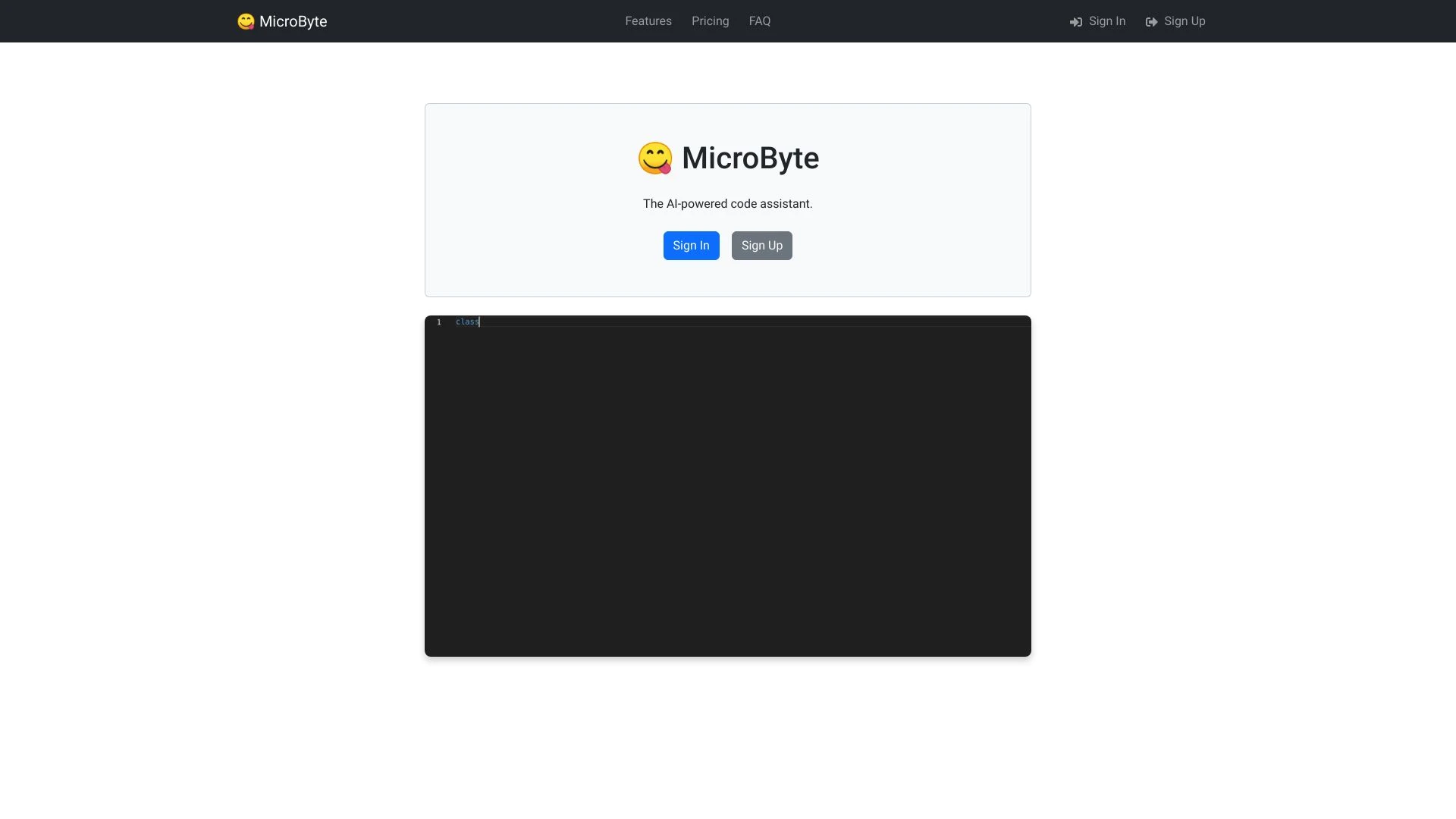
AI-gesteuerter Code-Assistent der die Produktivität von Entwicklern steigert indem er Code vorschlägt während sie tippen
- Echtzeit-Codevorschläge
- Unterstützung für mehrere Programmiersprachen
- Natürliche Sprachaufforderungen zur Codeerstellung
KI-Analyse
Warum diese KI verwenden The Indie AI Code Assistant für Code-Assistent und Autovervollständigung?
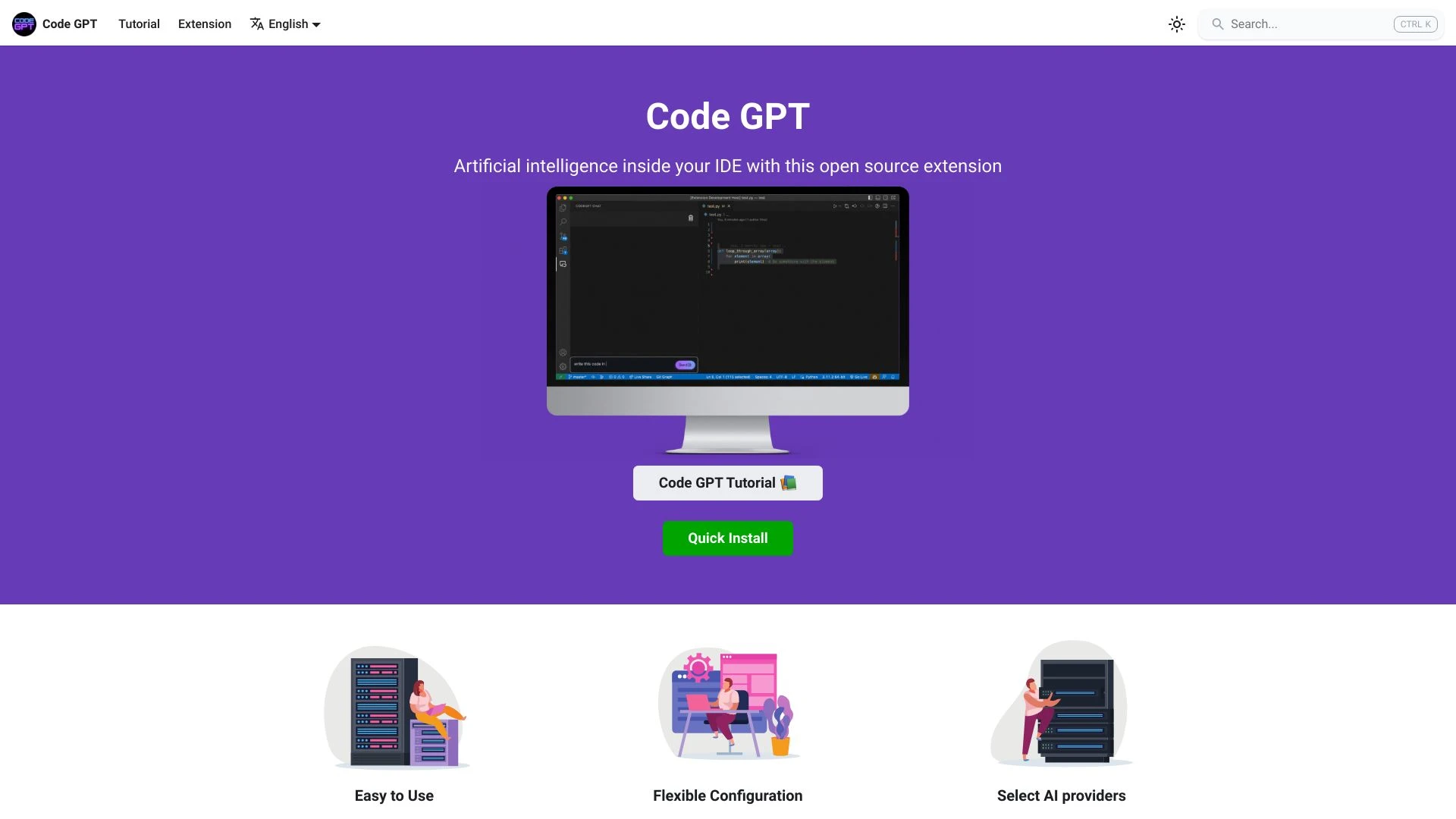
CodeGPT
CodeGPT ist ein fortschrittlicher KI-Code-Assistent, der das Softwareentwicklungs-Erlebnis für Entwickler optimiert.
- coding chat assistant
- context management
- AI agent creation
KI-Analyse
Warum diese KI verwenden CodeGPT für Code-Assistent und Autovervollständigung?
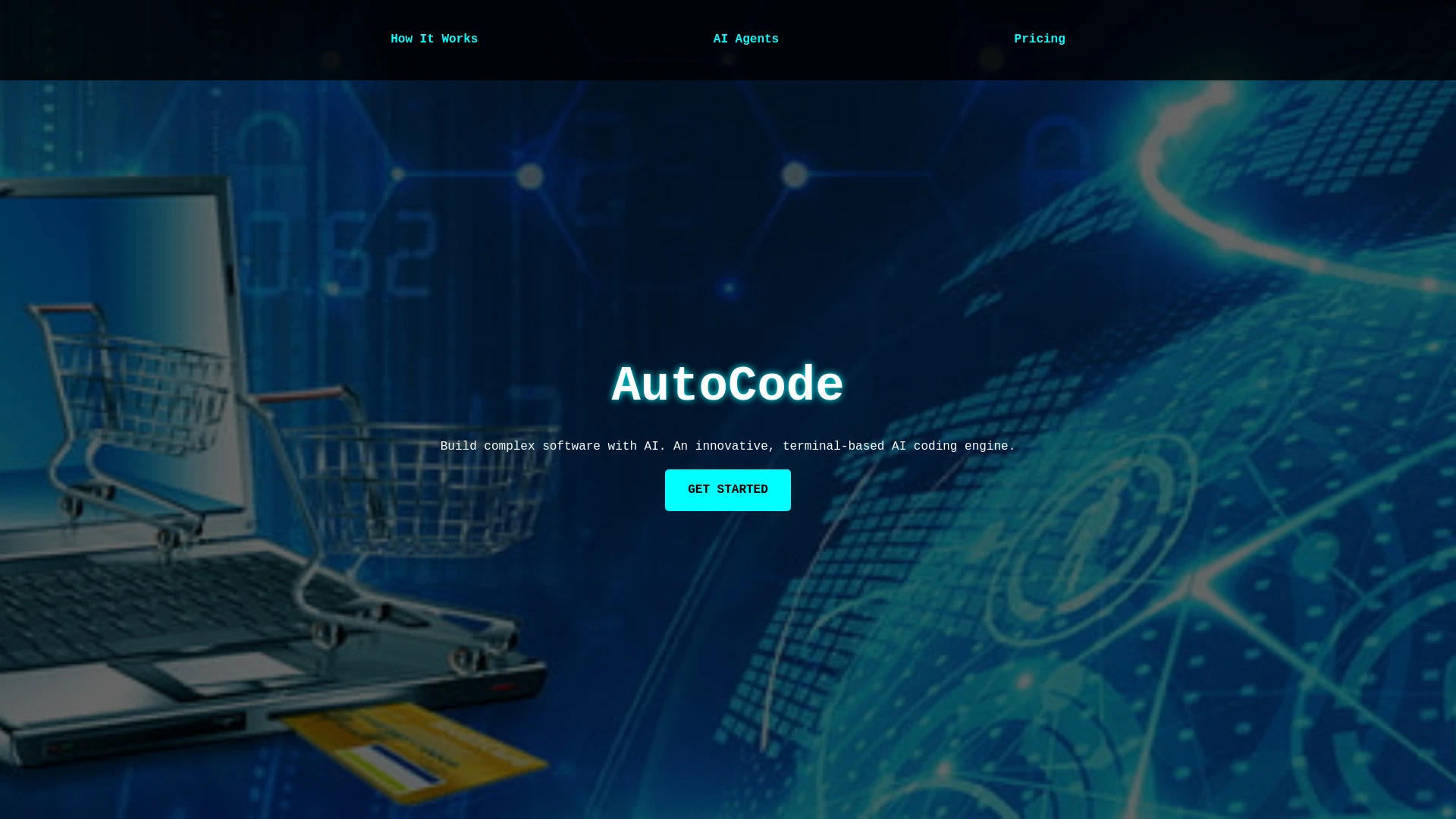
AutoCode
AutoCode ist ein KI-gesteuertes Werkzeug, das die Erstellung von Softwareprojekten aus README.md-Dateien automatisiert und den Codierungsprozess mithi...
- Automatische Codegenerierung
- Mehrsprachige Unterstützung
- Inkrementelles Bauen
KI-Analyse
Warum diese KI verwenden AutoCode für Code-Assistent und Autovervollständigung?
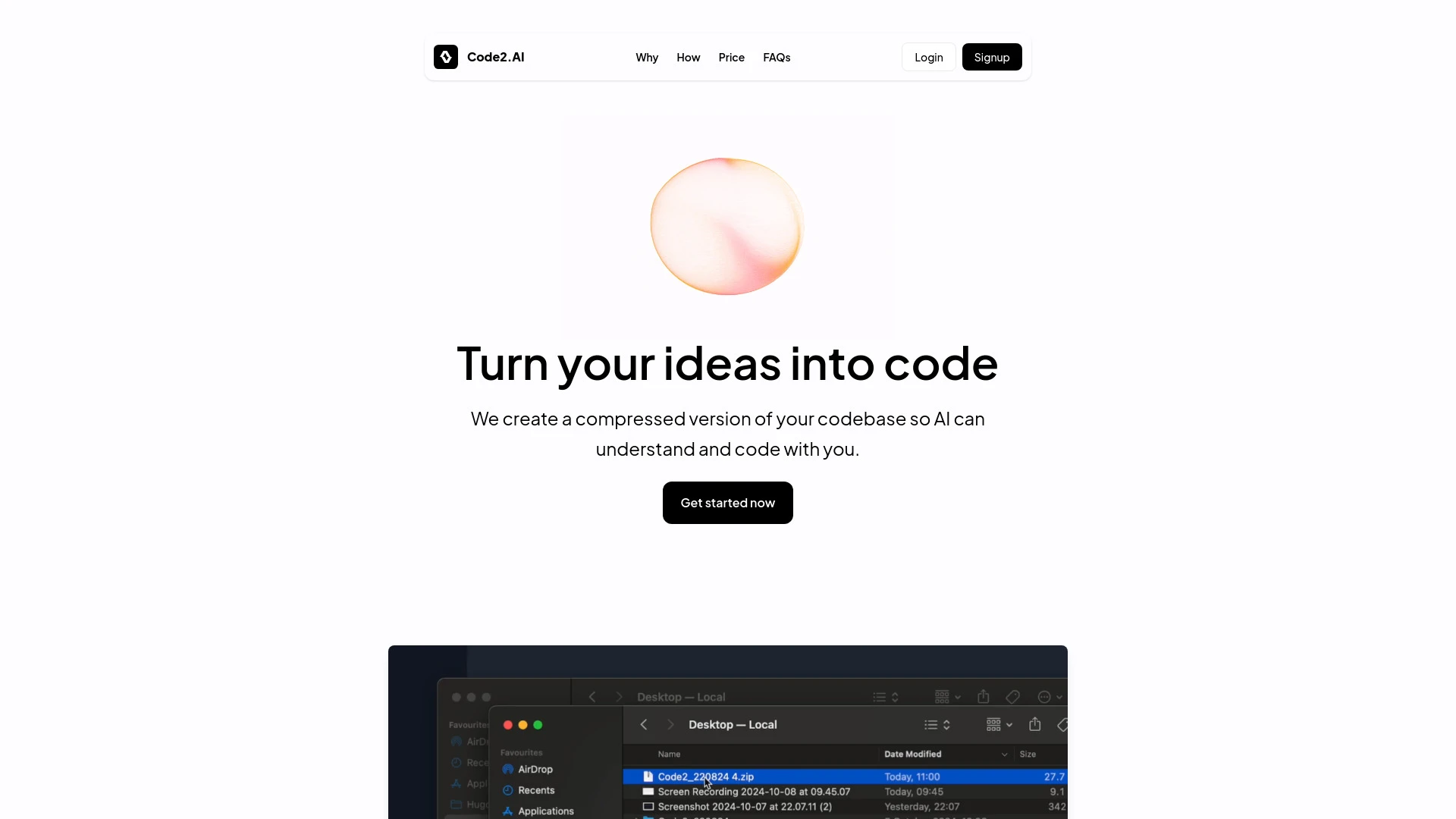
Code2.AI
KI-gesteuertes Codierassistenztool, das die Zusammenarbeit verbessert und die Entwicklung in jeder Programmiersprache beschleunigt.
- Vollständiges Kontextverständnis
- Funktioniert mit jeder Programmiersprache
- Sofortige Code-Generierung
KI-Analyse
Warum diese KI verwenden Code2.AI für Code-Assistent und Autovervollständigung?
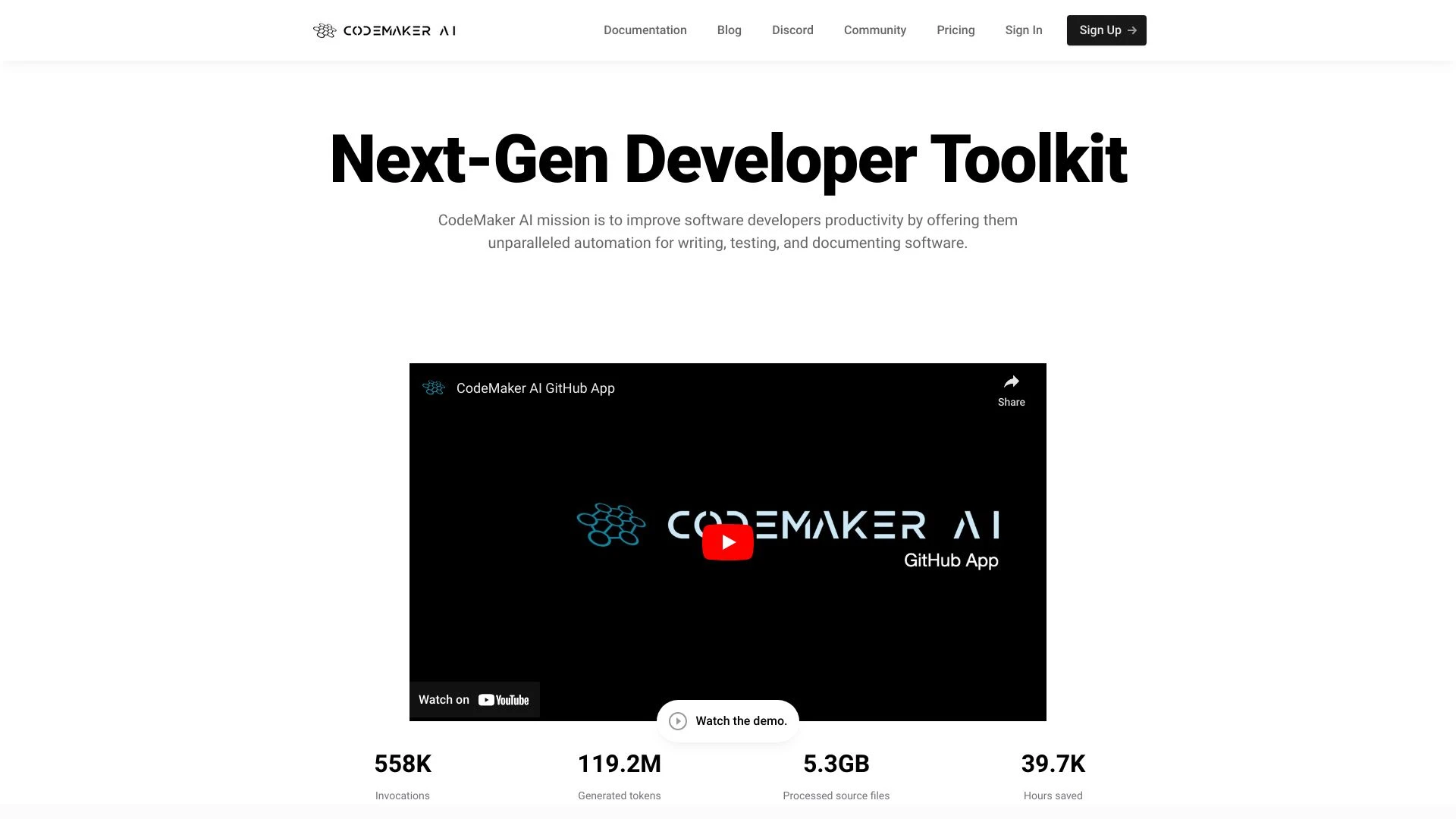
CodeMaker AI
CodeMaker KI verbessert die Softwareentwicklung mit KI-gestützten Werkzeugen, die intelligentere Programmierprozesse und verbesserte Dokumentation erm...
- AI-gesteuerte Codevervollständigung
- Inline-Dokumentationserstellung
- verzeichnisweite Operationen
KI-Analyse
Warum diese KI verwenden CodeMaker AI für Code-Assistent und Autovervollständigung?
Praktische Arbeitsabläufe
Nicht einfach Werkzeuge kaufen—baue ein System. Hier sind 3 bewährte wege AI in dein(e) integrieren code-assistent und autovervollständigung Prozess.
Workflow 1: First successful Code Assistant & Autocomplete task (Complete beginner)
- Set up a minimal project skeleton in your language of choice and enable autocomplete in your IDE.
- Open a simple function stub and ask the AI to generate full implementation with unit-test-ready code and inline comments.
- Review the generated code for correctness, run tests, and iteratively refine prompts to tailor suggestions to your coding style.
Workflow 2: Optimize daily Code Assistant & Autocomplete work (Regular user)
- Create a repository-wide coding standard and feed it to the AI tool for consistent style and patterns.
- Use AI to generate boilerplate, refactors, and quicker bug fixes while salting prompts with your project’s context and dependencies.
- Set up short, frequent review prompts to validate suggestions against lint rules and unit tests before merging.
Workflow 3: Full Code Assistant & Autocomplete automation (Power user)
- Configure AI-assisted CI hooks to auto-suggest changes on pull requests with rationale and performance notes.
- Define templates for common tasks (API clients, data mappers, test doubles) and generate them automatically.
- Create a dashboard of AI-generated improvements, track time saved, and iteratively tune prompts for precision and reliability.
Effektive Aufforderungen für Code-Assistent und Autovervollständigung
Kopieren und passen Sie diese bewährten Aufforderungen an, um bessere Ergebnisse von Ihren KI-Tools zu erzielen.
Anfänger
Code Assistent, vollständige diese Python-Funktion zur Berechnung der Fakultät von n mit ordentlicher Fehlerbehandlung und Unit-Tests. Gib nur die Funktion und eine kurze Test-Suite aus.Fortgeschritten
Rolle: Senior Software Engineer. Kontext: Sie verwalten ein TypeScript-Projekt mit einem großen Monorepo. Einschränkungen: Typen erhalten, auf Leistung optimieren, projektweite Konventionen einhalten. Aufgabe: Erzeuge ein leistungsgesteuertes API-Client-Modul mit Tests und inline-Dokumentation. Format: Codeblock bereitstellen, dann eine Zusammenfassung der Änderungen.Analyse
Evaluiere die folgenden AI-Vorschläge für einen REST API-Client in Node.js Vergleiche Korrektheit Lesbarkeit und Leistung Empfehle den besten Ansatz und gib konkrete Refactor-Schritte anWas ist Code Assistant & Autocomplete AI?
Vorteile der Nutzung von KI für Code-Assistenten und Autovervollständigung
- Schnelleres Programmieren mit Echtzeit- und kontextabhängigen Vervollständigungen, die auf dein Projekt zugeschnitten sind.
- Verbesserte Codequalität durch konsistente Muster und automatische Fehlererkennung.
- Schnellere Einarbeitung neuer Teammitglieder durch klare, standardisierte Snippets und Vorlagen.
- Zeiteinsparungen bei Boilerplate, Tests und Refaktorisierungen, die dich für hochwertigere Arbeit freimachen.
- Bessere Zusammenarbeit durch gemeinsame KI-generierte Vorlagen und Prompts, die sich an Teamstandards orientieren.
Wie man die richtige Code-Assistentin & Autocomplete-KI auswählt
- Sprach- und Framework-Abdeckung: gewährleiste starke Unterstützung für die von dir verwendeten Sprachen (z. B. Python, JavaScript, TypeScript, Java).
- Kontextbeibehaltung: suche nach Tools, die projektdurchschnittlichen Kontext über Sitzungen hinweg bewahren.
- Anpassung: Fähigkeit, Codestandards, Lint-Regeln und projektspezifische Vorlagen zu injizieren.
- Sicherheit und Privatsphäre: Richtlinien zum Umgang mit Daten, On-Premise-Optionen und Vertraulichkeit des Codes.
- Teamzusammenarbeit: geteilte Aufforderungen, Vorlagen und versionierte Vorschläge für Konsistenz.
- Leistung und Zuverlässigkeit: geringe Latenz, stabile Vervollständigungen und robuste Fehlererkennung.
Best Practices für die Implementierung von Code-Assistent und Auto-Vervollständigung KI
- Anfangen mit klaren Vorgaben die Ziele Einschränkungen und bevorzugten Stil definieren.
- KI-Ausgaben mit automatisierten Tests integrieren um Korrektheit vor dem Merge zu verifizieren.
- Menschliche Überprüfung im Loop beibehalten um Grenzfälle zu erfassen und Codeintention zu wahren.
- Regelmäßig KI-Vorlagen aktualisieren um sich entwickelnde Standards und Bibliotheken abzubilden.
- Metriken wie Time-to-Ship Fehlerquote und Nacharbeiten überwachen um Auswirkungen zu messen.
KI für Code-Assistent und Autovervollständigung: Schlüsselstatistiken
Globale Einführung von Code-Assistent und Autocomplete-KI wuchs bis 2025 auf 68% professioneller Entwickler, stieg 2026 auf 77% an.
Durchschnittlich eingesparte Zeit pro Entwicklertag mit Code Assistant & Autocomplete AI: 1,2 Stunden.
Teams berichten von einer 24-prozentigen Reduktion der Code-Review-Zyklen durch den Einsatz KI-unterstützter Vorschläge.
Freier Code-Assistent und Autocomplete KI-Optionen erfassen 42 Prozent neuer Benutzer; kostenpflichtige Tools ziehen 58 Prozent für den Unternehmenseinsatz an.
Sprachen mit der stärksten KI-Unterstützung: JavaScript/TypeScript, Python, Java und Go (in dieser Reihenfolge).
Bug-bezogene Defektquoten sinken nach der Einführung von KI-unterstütztem Autovervollständigen und Inline-Korrekturen schätzungsweise um 18–25%
Häufig gestellte Fragen
Erhalte Antworten auf die häufigsten Fragen zur Nutzung von KI-Werkzeugen für code-assistent und autovervollständigung .
Code-Assistent und Autocomplete KI bezieht sich auf KI-gestützte Werkzeuge, die in Entwicklungsumgebungen integriert sind und Echtzeitcodevervollständigungen, Empfehlungen, Fehlererkennung und kontextbewusste Snippets bereitstellen, um das Schreiben, Debuggen und Refaktorisieren von Code über Sprachen und Frameworks hinweg zu beschleunigen.
Installieren Sie ein KI-unterstütztes Code-Assistent-Plugin oder IDE-Erweiterung, verbinden Sie es mit Ihrem Projekt, definieren Sie Codierungsstandards und beginnen Sie mit kleinen Aufforderungen, um Funktionen oder Tests zu generieren. Erhöhen Sie allmählich die Komplexität, indem Sie Projektkontext, Abhängigkeiten und Leistungsziele teilen.
Kostenlose Codeunterstützung und Autocomplete-KI-Optionen sind großartig zum Lernen und für kleine Projekte, aber kostenpflichtige Werkzeuge bieten typischerweise eine tiefere Sprachunterstützung, einen reicheren Kontextbezug, Teamzusammenarbeit-Funktionen und priorisierten Support. Wählen Sie basierend auf der Projektgröße, den Kollaborationsbedürfnissen und der erforderlichen Zuverlässigkeit.
Ungenaue Ergebnisse können aus unzureichendem Kontext, zu breiten Prompts, fehlenden Projektabhängigkeiten oder Schemaänderungen resultieren. Verbessern Sie die Genauigkeit, indem Sie klare Einschränkungen, relevante Code-Schnipsel und Beispiele bereitstellen und Ausgaben mit Tests und Lint-Regeln validieren.
Verwandte KI-Toolkategorien
Erkunden Sie andere KI-Toolkategorien ähnlich wie Code-Assistent und Autovervollständigung das könnte dich interessieren
AI Entwickler-Tools
AI Developer Tools empower developers to create intelligent applications by providing libraries, APIs, and frameworks. F...
KI-Roadmap-Generator
The AI Roadmap Generator leverages AI to create tailored strategies for implementing AI solutions across industries. By...
AI Produktivitätstools
AI productivity tools enhance efficiency by automating repetitive tasks, analyzing data, and facilitating decision-makin...
AI-Code-Generator
AI Code Generators leverage machine learning to automatically produce code snippets from natural language inputs. Tools...
Kein-Code & Niedrig-Code
No-Code and Low-Code platforms enable users to build applications without extensive programming skills, leveraging AI to...
AI-Code-Assistent
AI Code Assistants leverage machine learning to enhance software development by providing intelligent code suggestions,...