Recommended AI Tools
5We've analyzed the market. These tools offer specific features for create white noise & ambience.
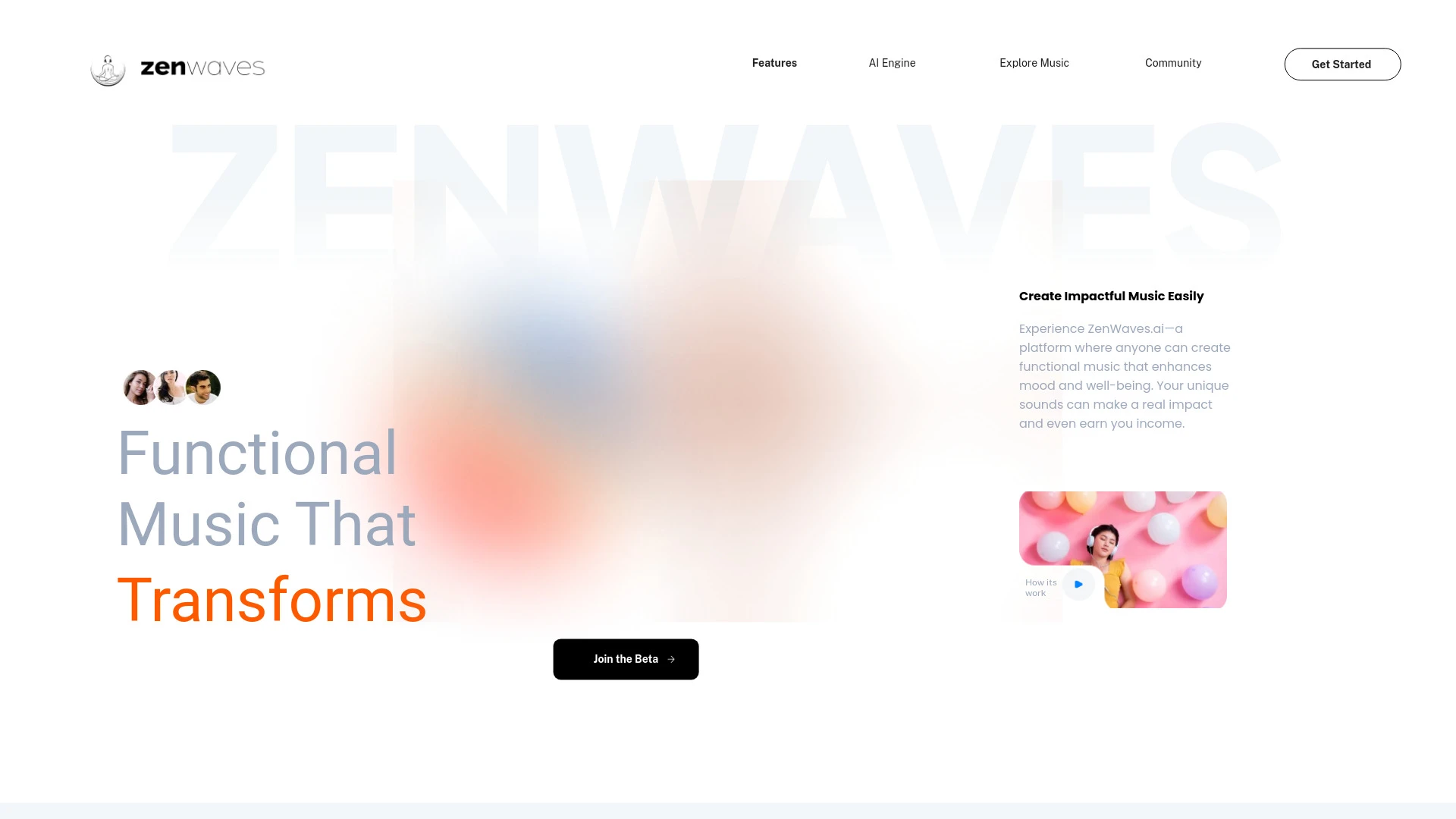
ZenWaves.ai
ZenWaves.ai is an innovative platform that generates personalized AI music for meditation, focus, and relaxation, enabling users to share and earn fro...
- Personalized music generation
- Revenue earning system
- Collaborative music editing
AI Analysis
Why use this AI ZenWaves.ai for Create White Noise & Ambience?

Beatoven.ai
Beatoven.ai is an innovative AI music generator designed to create unique, mood-based music for various content types.
- Advanced AI music generation
- 8 different genres/styles
- Customizable mood settings
AI Analysis
Why use this AI Beatoven.ai for Create White Noise & Ambience?
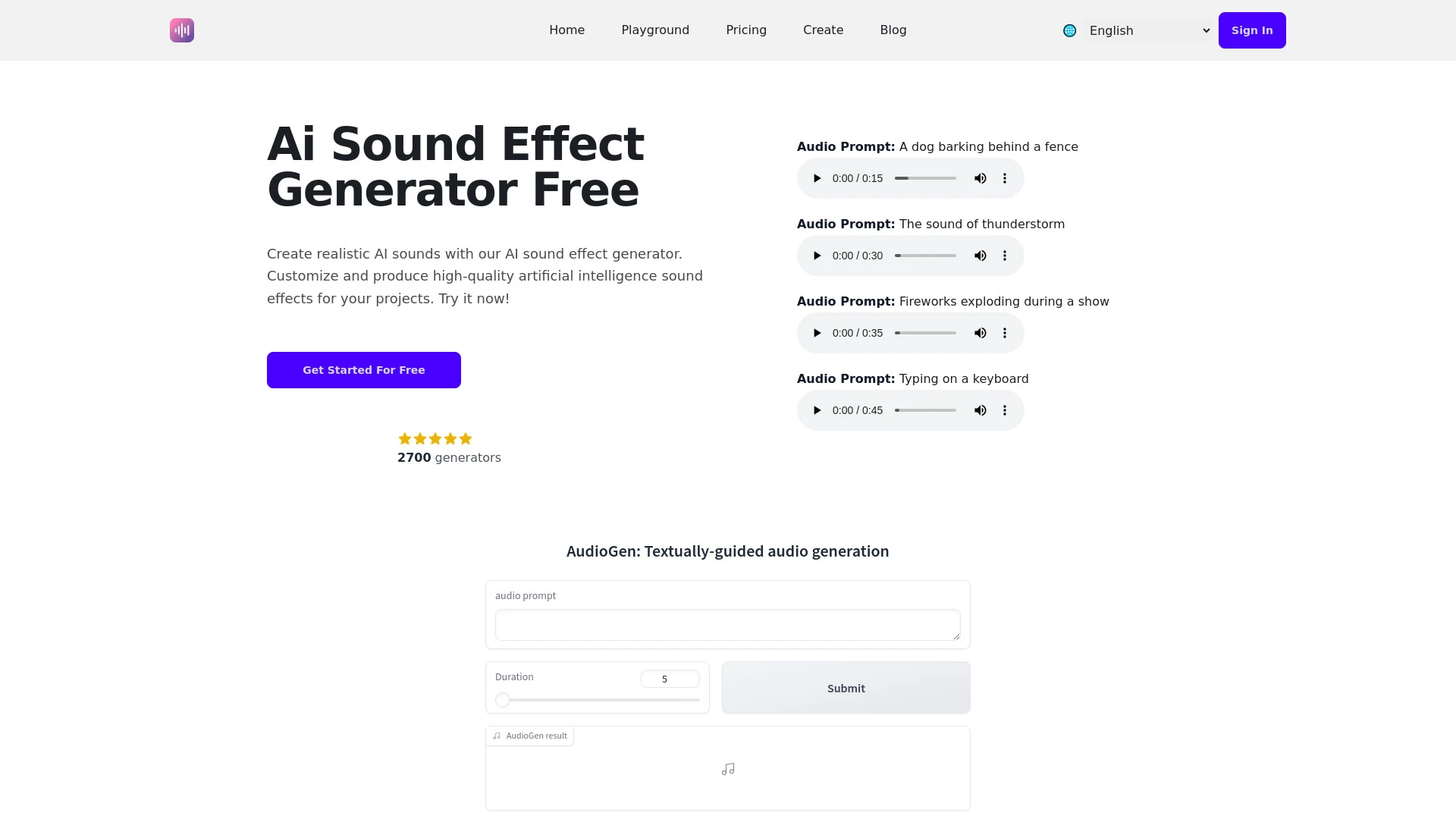
An advanced AI tool designed to generate and manipulate sound effects for various media projects.
- Diverse audio effects generation
- User-friendly interface
- Customizable sound duration
AI Analysis
Why use this AI AI Sound Effect Generator for Create White Noise & Ambience?
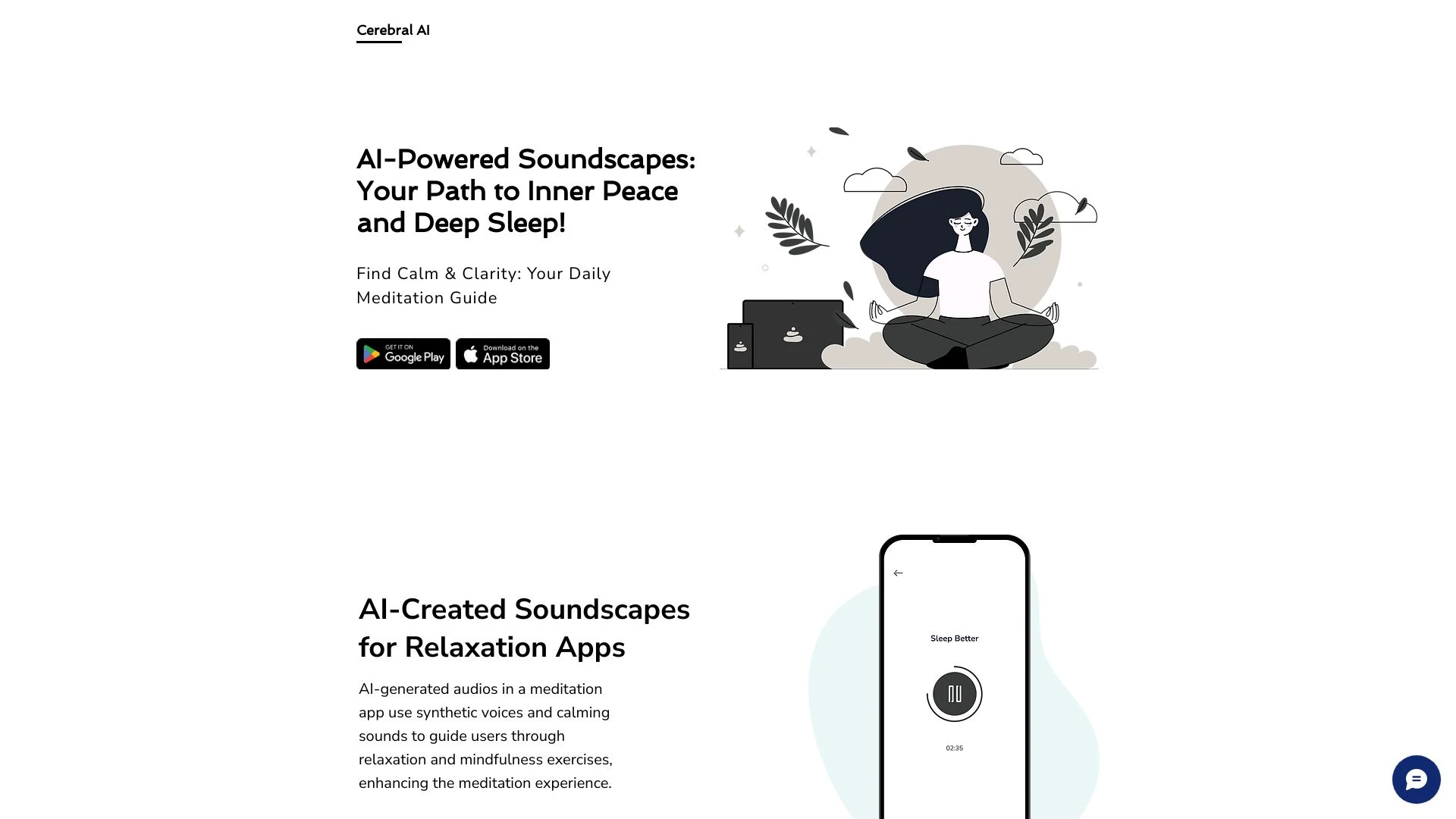
Cerebral AI
Cerebral AI creates AI-generated audio to enhance meditation and promote restful sleep.
- Synthetic voices
- Calming sounds
- Mobile application integration
AI Analysis
Why use this AI Cerebral AI for Create White Noise & Ambience?
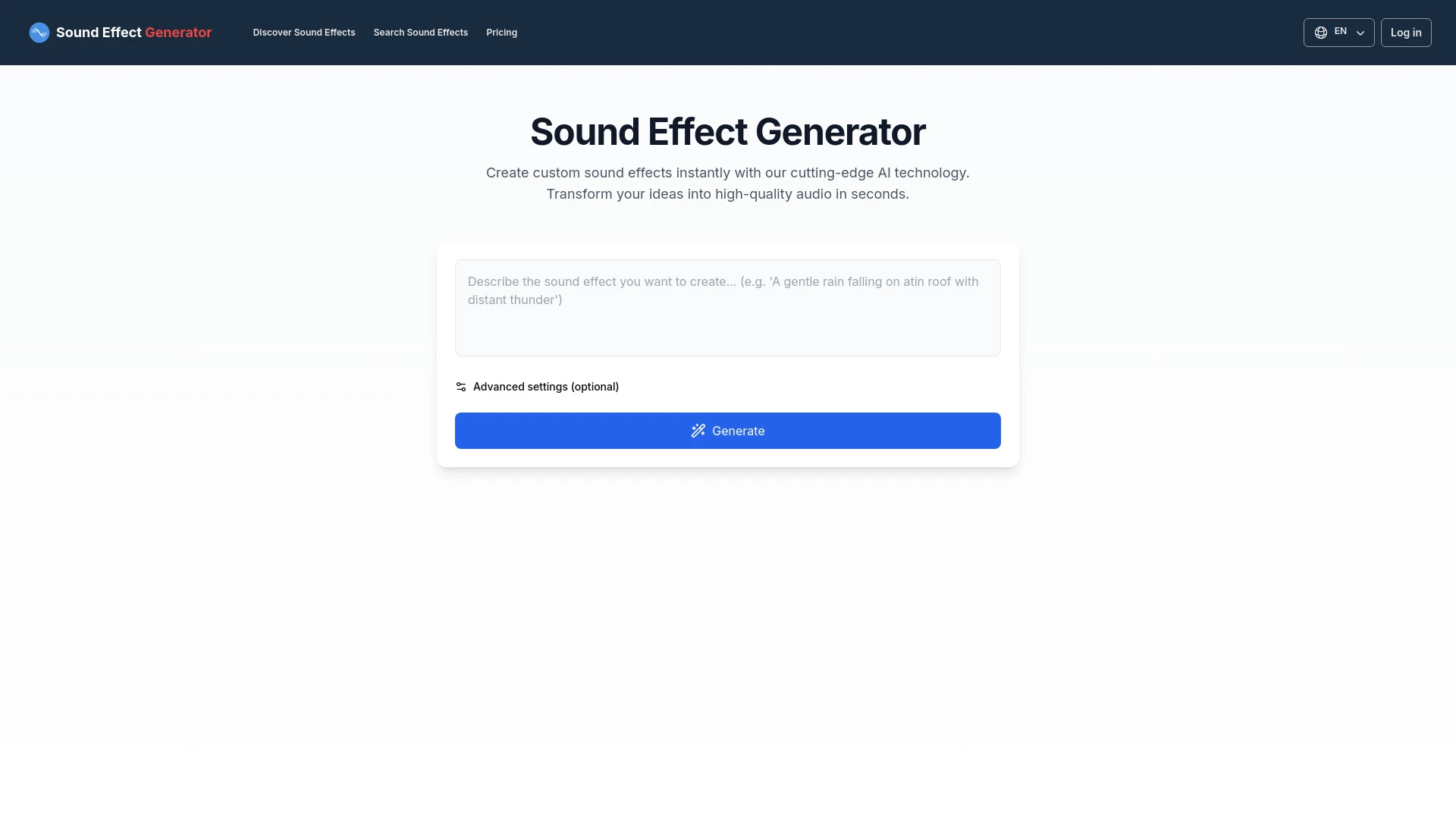
An AI tool for creating unique sound effects based on text prompts.
- Custom sound effect generation
- User-friendly interface
- Quick audio creation
AI Analysis
Why use this AI Sound Effect Generator for Create White Noise & Ambience?
Practical Workflows
Don't just buy tools—build a system. Here are 3 proven ways to integrate AI into your create white noise & ambience process.
Workflow 1: Quick start for complete beginners to generate a usable white noise track
- Define the target ambience (e.g., ocean waves with soft rain) and desired duration (30–60 minutes).
- Open the Create White Noise & Ambience AI tool and select a base sample or generator template tuned for ambient soundscapes.
- Adjust parameters: noise density, reverb level, and subtle EQ; render a 60-minute loop and export as WAV/MP3.
- Preview on headphones, test loop stability, and save as a project preset for future use.
Workflow 2: Daily optimization for regular Create White Noise & Ambience work
- Create a baseline ambience for work focus (e.g., soft pink noise with minimal wind).
- Utilize AI to compare two variants using A/B testing; measure perceived focus via listening session notes.
- Automate daily variations by scheduling slight seasonal tweaks (volume, filter sweeps) and save distinct presets.
- Organize outputs in a project folder with tags (focus, sleep, study) for rapid retrieval.
Workflow 3: Full automation for power users to generate, test, and publish ambience sets
- Define a master spec: duration, target mood, sample rate, and output formats.
- Set up AI-driven pipelines: generate multiple ambience variants, apply loudness normalization, add subtle dynamics, and batch export.
- Run automated audio quality checks for clipping, hiss, and spectral balance; route acceptable results to a publish queue.
- Auto-tag metadata (keywords, mood, tempo) and push to your audio library or CMS.
Effective Prompts for Create White Noise & Ambience
Copy and customize these proven prompts to get better results from your AI tools.
Beginner
Create a 45-minute ambient track combining soft pink noise with distant ocean waves. Output in WAV at 44.1kHz, normalize to -14 LUFS, add gentle reverb, and export as a single file.Advanced
You are an ambient sound designer. Role: Producer. Context: Produce a 60-minute sleep ambience for a clinical study. Constraints: monophonic core with subtle stereo field, dynamic range preserved, include a gentle rain layer fading in and out, format: WAV 48kHz, with metadata: mood=calm, purpose=sleep, tempo=0. Output: 1 track and a 5-second head/tail fade.Analysis
Given three generated ambiences A, B, and C, compare their spectral balance, perceived focus impact, and long-term listener comfort. Provide a concise scoring table and recommend the top two for a 2-week workplace study.
What is Create White Noise & Ambience AI?
Create White Noise & Ambience AI combines generative audio models, noise synthesis, and signal processing to produce tailored ambient soundscapes. It’s designed for professionals who need consistent, customizable environments for focus, relaxation, or clinical settings. This toolset suits editors, designers, therapists, and content creators seeking reproducible ambience with precise controls.
Benefits of Using AI for Create White Noise & Ambience
- Fast generation of varied ambience tracks with consistent quality
- Fine-grained control over density, texture, and effects
- Automation options for daily or long-running ambient sets
- Seamless exporting, tagging, and publication workflows
- Improved collaboration with presets and shareable templates
How to Choose the Right Create White Noise & Ambience AI Tool
- Output quality and sample rate options
- Parameter precision for density, reverb, and EQ
- Automation, presets, and batch export capabilities
- Integration with your current DAW, library, or CMS
- Pricing, free trials, and support resources
Best Practices for Implementing Create White Noise & Ambience AI
- Define mood and duration before tweaking parameters
- Balance loudness and spectral content to avoid listener fatigue
- Test on multiple playback devices for consistency
- Document presets with clear naming and tags
- Back up projects and maintain versioned history
AI for Create White Noise & Ambience: Key Statistics
Global adoption of Create White Noise & Ambience AI tools grew 38% in 2025, with enterprise teams leading.
74% of professionals report faster turnaround for ambience tasks using AI versus manual editing.
Average time to generate a 60-minute ambience drop from 90 minutes to 22 minutes with AI automation.
Top industries using Create White Noise & Ambience AI: wellness, education, productivity suites, media production.
40% of users leverage presets and templates to maintain brand-consistent ambiences across projects.
Satisfaction with AI-generated ambience improves 28% when users can audition variants via A/B testing.
Frequently Asked Questions
Get answers to the most common questions about using AI tools for create white noise & ambience .
Create White Noise & Ambience AI refers to AI-powered tools that generate, mix, and tailor ambient sounds and white noise. These tools help professionals craft consistent soundscapes for focus, relaxation, sleep, or therapy, reducing manual editing time and enabling rapid experimentation.
Begin by selecting a templated ambience or base noise, set target duration and mood, then adjust parameters like density, tempo, and reverb. Export a usable track and save your preferred presets for future sessions.
Free tools are great for exploration and small projects, but paid AI tools typically offer higher-quality cores, more precise parameter control, and better exporting options. For professional needs, evaluate: output quality, customization depth, and automation capabilities.
Common issues include loudness normalization problems, clipping, or mismatched sample rates. Recheck target loudness (LUFS), ensure proper dithering on export, validate sample rate compatibility with your playback system, and adjust EQ/reverb settings before re-exporting.
Related AI Tool Categories
Explore other AI tool categories similar to Create White Noise & Ambience that might interest you.
AI Video Generator
AI Video Generators utilize algorithms to create videos from text, images, or audio, enhancing content creation. Applica...
AI Speech Synthesis
AI Speech Synthesis transforms text into natural-sounding speech using advanced algorithms, deep learning, and neural ne...
AI Audio Enhancer
AI Audio Enhancer leverages machine learning algorithms to improve sound quality by reducing noise, enhancing clarity, a...
AI Art Generator
AI Art Generators utilize deep learning algorithms to create visuals based on user input or existing art styles. Tools l...
AI User-Generated Content Video Generator
The AI User-Generated Content Video Generator leverages artificial intelligence to automate video creation from user inp...
AI Music Generator
AI Music Generators leverage algorithms to create original compositions, transforming music production by enabling perso...