Empfohlene KI-Tools
5Wir haben den Markt analysiert. Diese Werkzeuge bieten spezifische Funktionen für verbessere audioqualität (denoise).
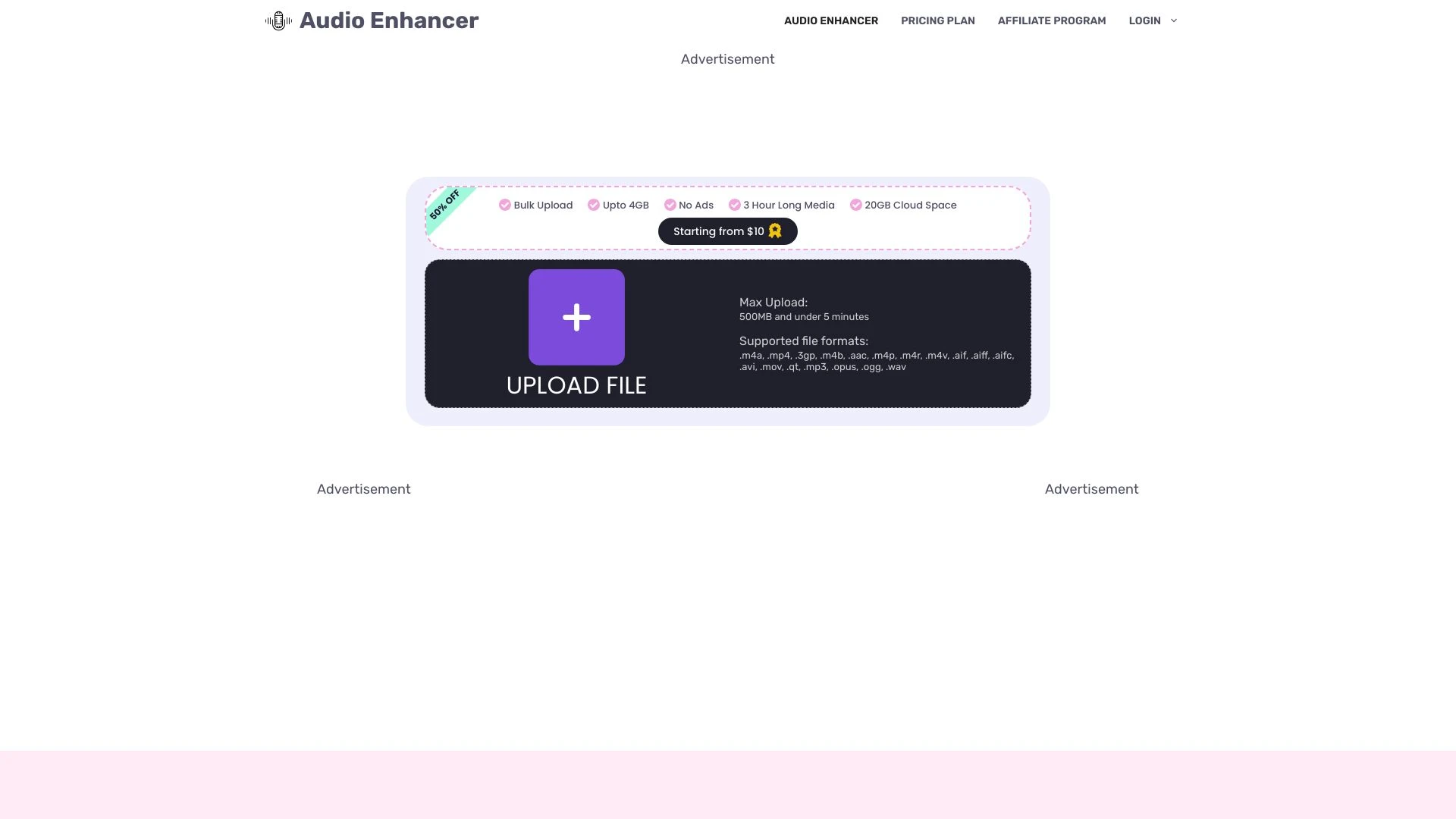
Audio Enhancer
Audio Enhancer ist ein KI-basiertes Tool, das die Audioqualität erheblich verbessert, indem es Hintergrundgeräusche eliminiert, perfekt für Inhaltsanb...
- KI-gesteuerte Audioqualitätsverbesserung
- Hintergrundgeräuschunterdrückung
- Möglichkeit zum Hochladen von Dateien bis zu 500MB
KI-Analyse
Warum diese KI verwenden Audio Enhancer für Verbessere Audioqualität (Denoise)?
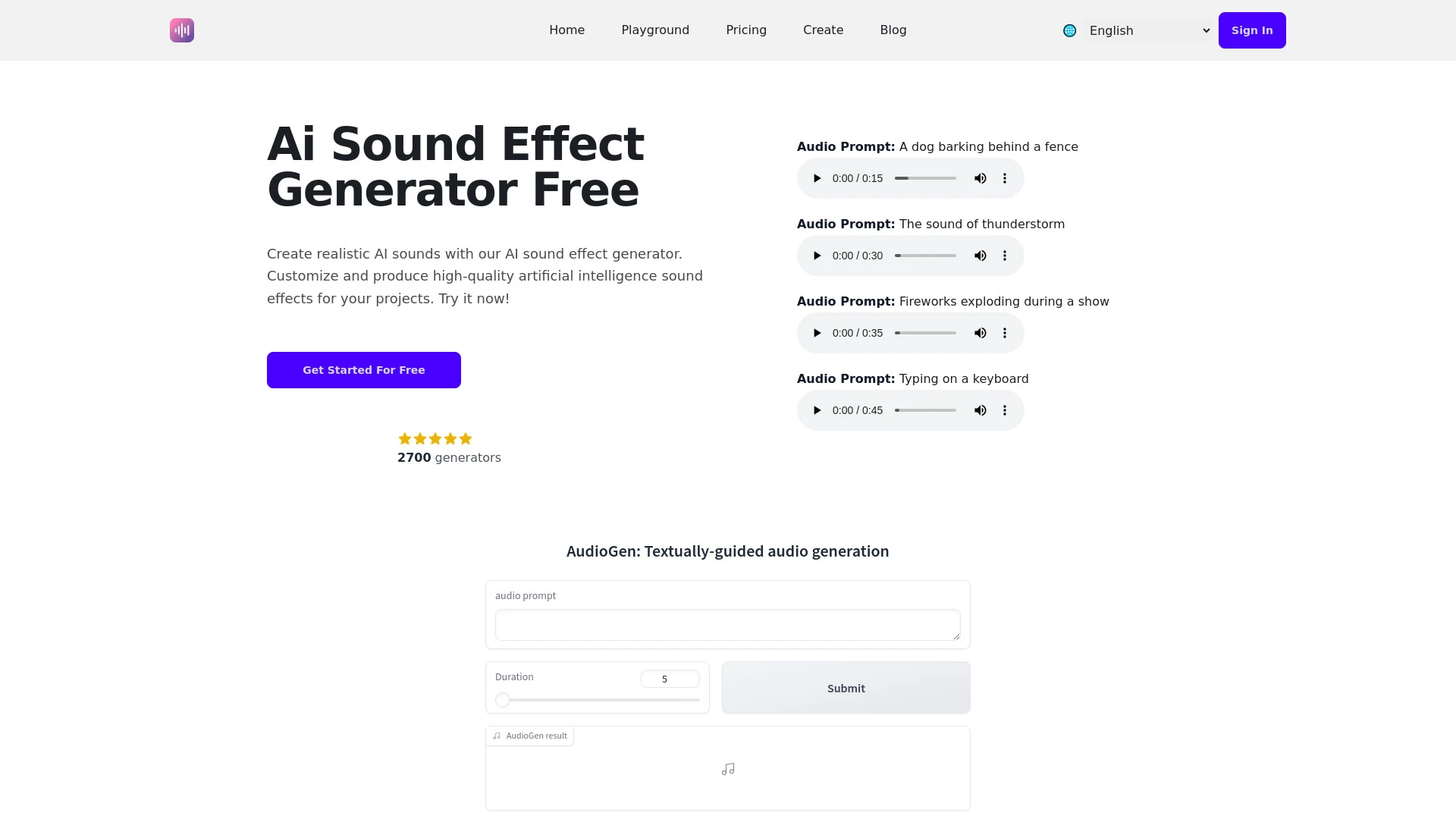
Ein fortschrittliches KI-Werkzeug, das entwickelt wurde, um Soundeffekte für verschiedene Medienprojekte zu generieren und zu manipulieren.
- Vielfältige Audioeffektgenerierung
- Benutzerfreundliche Oberfläche
- Anpassbare Klangdauer
KI-Analyse
Warum diese KI verwenden AI Sound Effect Generator für Verbessere Audioqualität (Denoise)?
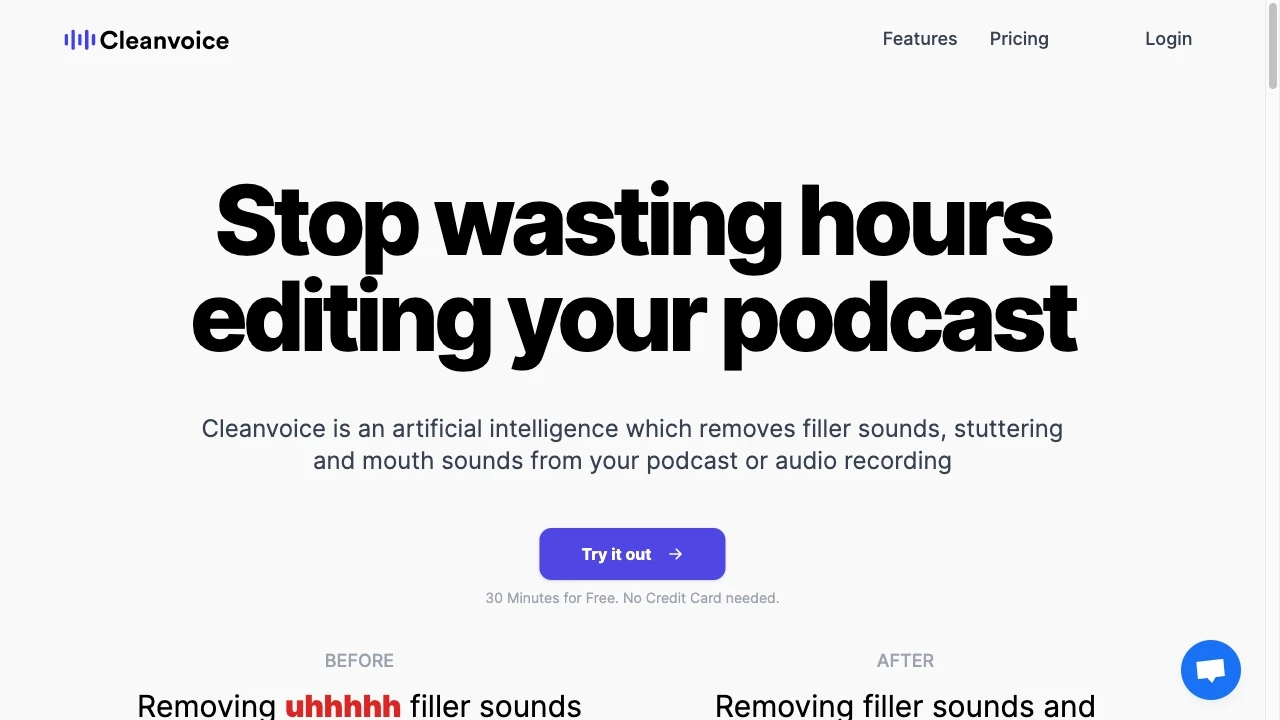
Cleanvoice AI
Cleanvoice AI ist ein fortschrittliches Audioverbesserungstool, das Füllwörter, Mundgeräusche und Stottern aus Audioaufnahmen eliminiert und den Bearb...
- Filler-Wörter-Entferner
- Mundgeräusch-Entferner
- Stotter-Entferner
KI-Analyse
Warum diese KI verwenden Cleanvoice AI für Verbessere Audioqualität (Denoise)?
AI Mastering
AI Mastering ist ein Online-Audio-Mastering-Tool, das von KI betrieben wird und kostenlose Optionen zur Verbesserung der Klangqualität bietet.
- AI-unterstützte Klangqualität Verbesserung
- Automatische Lautstärkeausgleich
- Dynamische Bereichsoptimierung
KI-Analyse
Warum diese KI verwenden AI Mastering für Verbessere Audioqualität (Denoise)?
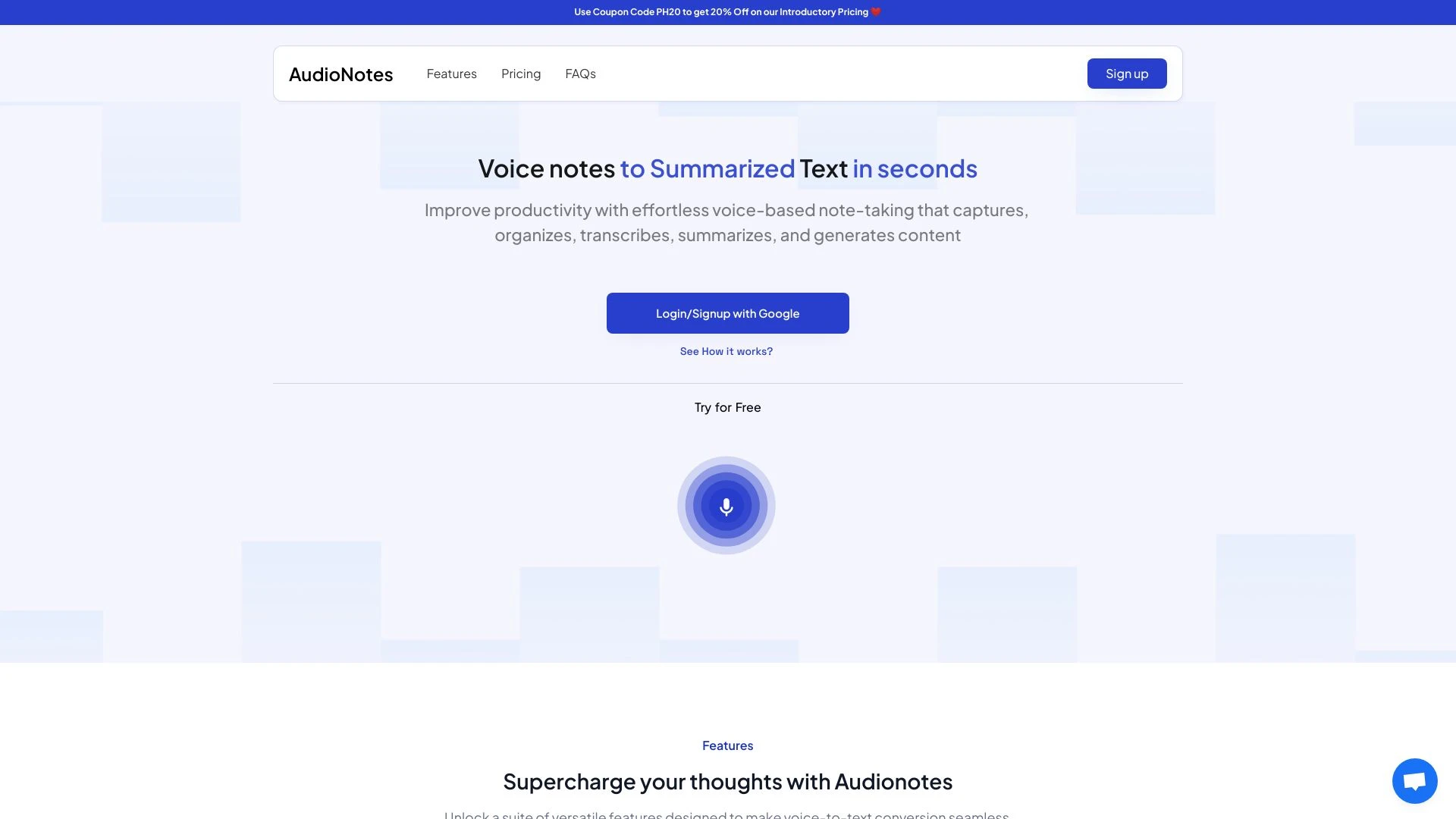
AudioNotes
AudioNotes ist eine von KI gesteuerte Notizen-App, die Sprach- und Textnotizen in organisierte Zusammenfassungen verwandelt und die Produktivität der...
- AI-gestützte Notizzusammenfassung
- Sprach- und Texteingabefunktionen
- Anpassen der Zusammenfassungseinstellungen
KI-Analyse
Warum diese KI verwenden AudioNotes für Verbessere Audioqualität (Denoise)?
Praktische Arbeitsabläufe
Nicht einfach Werkzeuge kaufen—baue ein System. Hier sind 3 bewährte wege AI in dein(e) integrieren verbessere audioqualität (denoise) Prozess.
Workflow 1 — Clear First Task for Complete Beginners
- Import the noisy WAV/MP3 file into your chosen Enhance Audio Quality (Denoise) tool and set the default denoise preset tailored for voice.
- Apply targeted noise reduction (e.g., stationary noise profile) while monitoring frequency bands 0–300 Hz and 3–8 kHz for natural clarity.
- Export a lossless or high-quality MP3/WAV, then run a quick A/B comparison against the original to confirm improvement.
Workflow 2 — Regular User Optimizing Daily Denoise
- Create a project template with consistent sample rate, bit depth, and denoise strength based on typical client material.
- Batch process a queued set of files with auto-detect noise profiles and adaptive denoise intensity per segment.
- Apply gentle de-essing and light equalization after denoise to preserve natural vocal presence; save presets for repeatability.
Workflow 3 — Power User Automating Full Denoise
- Incorporate an AI denoise step into your CI/CD-like audio pipeline, triggering on new uploads with metadata-based routing.
- Use advanced controls (spectral gating, multipass denoise, and context-aware preserving of transients) to maintain film/game/dialog realism.
- Generate a final QC report highlighting SNR improvement, perceptual scores, and optional render variations (high/medium quality) for client review.
Effektive Aufforderungen für Verbessere Audioqualität (Denoise)
Kopieren und passen Sie diese bewährten Aufforderungen an, um bessere Ergebnisse von Ihren KI-Tools zu erzielen.
Anfänger — Einfaches Rauschunterdrückungsaufgabe
Du bist ein Audio-Editor. Gegeben ist ein kurzer Podcast-Ausschnitt mit Hintergrundbrummen, wende eine sanfte Rauschunterdrückung an, um gleichmäßiges Rauschen zu reduzieren, ohne die Sprachklarheit zu beeinträchtigen. Ausgabe: eine einzige bereinigte WAV-Datei und eine kurze Notiz zu den verwendeten Einstellungen (Rauschprofil, Stärke und eventuelle EQ-Anpassungen).Fortgeschritten — Rolle + Kontext + Einschränkungen + Format
Du bist ein Audioingenieur für eine Dokumentation. In einem lauten Außengesprächsabschnitt verwende Enhance Audio Quality (Denoise) KI, um Wind- und Menschenmengenlärm zu entfernen und dabei eine natürliche Stimmlage zu bewahren. Einschränkungen: Dynamikbereich erhalten, Artefakte vermeiden, Lieferung in 48kHz WAV, Vorher/Nachher-Vergleich und eine Einstellungszusammenfassung einschließen.Analyse – Ergebnisse evaluieren
Vergleiche drei Rauschreduzierungs-Ausgaben für denselben Clip: Standardeinstellung, aggressive Rauschreduzierung und adaptive Rauschreduzierung. Beurteile Verständlichkeit, Natürlichkeit und verbleibendes Rauschen mit einer 5-Punkte-Skala; gib eine Empfehlung für das beste Gleichgewicht und Exporteinstellungen.Was Enhance Audio Quality (Denoise) AI Is
Verbessere Audioqualität (Rauschunterdrückung) KI ist spezialisierte Software, die maschinelles Lernen nutzt, um Hintergrundrauschen in Audio zu identifizieren und zu dämpfen und gleichzeitig Klarheit und natürlichen Klang zu bewahren. Sie ist ideal für Fachleute, die Podcasts, Voiceovers, Filmsprache und Musikstücke liefern, sowie für Anfänger, die einfachere Verbesserungen ohne tiefe Bearbeitungsfähigkeiten suchen.
Vorteile von KI zur Verbesserung der Audioqualität (Entfernung von Rauschen)
- Schnellere Bereinigung von lauten Aufnahmen, wodurch Stunden manueller Bearbeitung eingespart werden.
- Konsistente Ergebnisse über große Chargen hinweg durch Automatisierung.
- Erhaltung wichtiger Frequenzen für klare Sprache und Musik.
- Zugänglich für Anfänger durch geführte Voreinstellungen und Eingabeaufforderungen.
- Verbesserte Verständlichkeit in herausfordernden Umgebungen (Räume, im Freien).
Wie wähle ich das richtige Enhance Audio Quality (Denoise) AI-Tool aus
- Kompatibilität: überprüfen Sie unterstützte Formate und Abtastraten für Ihre Projekte.
- Qualitätskontrollen: suchen Sie nach spektraler Rauschunterdrückung, adaptiven Rauschprofilen und Transientenerhaltung.
- Arbeitsablaufpassung: Stapelverarbeitung, Automatisierung und Integration in Ihre Bearbeitungsumgebung.
- Preisgestaltung und Stufen: kostenlose Enhance Audio Quality (Denoise) AI-Optionen vs. kostenpflichtige Pläne mit höherer Treue.
- Support und Lernressourcen: Tutorials, Community und Reaktionsfähigkeit des Kundendienstes.
Best Practices zur Implementierung Enhancer Audioqualität (Denoise) KI
- Vergleichen Sie immer mehrere Denoise-Einstellungen an repräsentativen Mustern, bevor Sie sie auf vollständige Projekte anwenden.
- Nehmen Sie einen zweistufigen Ansatz: Zunächst den Rauschunterdrücker verwenden, dann leichte EQ/Kompression anwenden, um das Gleichgewicht wiederherzustellen.
- Originaldateien beibehalten; arbeiten Sie mit nicht-destruktiven Bearbeitungen oder führen Sie versionierte Backups.
- Testen Sie mit verschiedenen Rauscharten (Brummen, Zischen, Wind), um eine robuste Leistung sicherzustellen.
- Protokollieren Sie Einstellungen für Konsistenz über Teams und Kunden hinweg.
KI für Verbessere Audioqualität (Denoise): Schlüsselstatistiken
Im Jahr 2026 verwenden 62 Prozent der professionellen Audio-Projekte mindestens ein Enhance Audio Quality (Denoise) KI-Tool in der Nachbearbeitung.
Durchschnittliche Zeitersparnis: 40–60% pro Projekt, wenn Denoise in automatisierte Workflows integriert ist.
Cloud-basierte Rauschunterdrückung adoption wuchs um 28% gegenüber dem Vorjahr, getrieben von Kollaborationsfunktionen und skalierbarer Verarbeitung.
Anfängerbenutzer berichteten von einem 75% schnelleren Weg zu veröffentlichungsfähigem Audio mit geführten Voreinstellungen und Eingabeaufforderungen.
Durchschnittliche Benutzerzufriedenheit bei der Denoisqualität stieg über alle befragten Studios auf 4,3/5.
Bis 2026 wählten 84% der Freelancer Top Enhance Audio Quality (Denoise) KI-Tools für Kundenprojekte aufgrund der Zuverlässigkeit und der einfachen Handhabung.
Häufig gestellte Fragen
Erhalte Antworten auf die häufigsten Fragen zur Nutzung von KI-Werkzeugen für verbessere audioqualität (denoise) .
Verbesserung der Audioqualität (Rauschunterdrückung) KI bezieht sich auf Software und Dienste, die maschinelles Lernen verwenden, um unerwünschtes Hintergrundrauschen aus Audioaufnahmen zu reduzieren oder zu entfernen, während Sprache, Musik und wichtige Inhalte erhalten bleiben. Sie ist für Fachleute und Anfänger konzipiert, die saubereres Audio mit minimalem manuellem Bearbeitungsaufwand benötigen.
Beginnen Sie damit, ein Denoise-Tool mit Test- oder kostenlosem Tarif auszuwählen, Ihre Audiodatei zu importieren, eine Denoise-Vorgabe auszuwählen oder nur das Rauschprofil anzupassen, dann vergleichen Sie Vorher/Nachher. Verfeinern Sie schrittweise Parameter wie Rauschreduzierung, spektrale Durchdringung und EQ, um Verständlichkeit und natürlichen Ton zu balancieren.
Beide haben Vorzüge. Eigenständige Software bietet Offline-Privatsphäre und präzise Kontrolle, während Cloud-KI eine schnelle Verarbeitung, Kollaborationsfunktionen und laufende Modellverbesserungen ermöglicht. Für sensible Materialien zunächst offline arbeiten und Cloud-Optionen anhand nicht sensibler Testdateien bewerten.
Überübermäßige Rauschunterdrückung kann Klangfarbe flattenieren und Transienten auslöschen. Reduziere die Rauschreduzierung, aktiviere sanfte spektrale Reparatur, wende eine leichte EQ an, um Präsenz wiederherzustellen, und verwende, falls verfügbar, einen transienterhaltenden Modus.
Verwandte KI-Toolkategorien
Erkunden Sie andere KI-Toolkategorien ähnlich wie Verbessere Audioqualität (Denoise) das könnte dich interessieren
AI Video Generator
AI Video Generators utilize algorithms to create videos from text, images, or audio, enhancing content creation. Applica...
KI Musikvideo Generator
AI Music Video Generators leverage machine learning to create visuals that sync with music, enhancing creativity and acc...
Stimme und Audio Bearbeitung
AI in voice and audio editing revolutionizes the industry by enhancing quality, automating processes, and personalizing...
KI-Musikgenerator
AI Music Generators leverage algorithms to create original compositions, transforming music production by enabling perso...
AI-Audio-Verbesserer
AI Audio Enhancer leverages machine learning algorithms to improve sound quality by reducing noise, enhancing clarity, a...
KI Video-Verbesserer
AI Video Enhancer utilizes machine learning algorithms to upscale video resolution, improve clarity, and stabilize image...