Sponsored by BrandGhost BrandGhost is a social media automation tool that helps content creators efficiently manage and schedule their social media... Visit now

AutoCode versus Continue

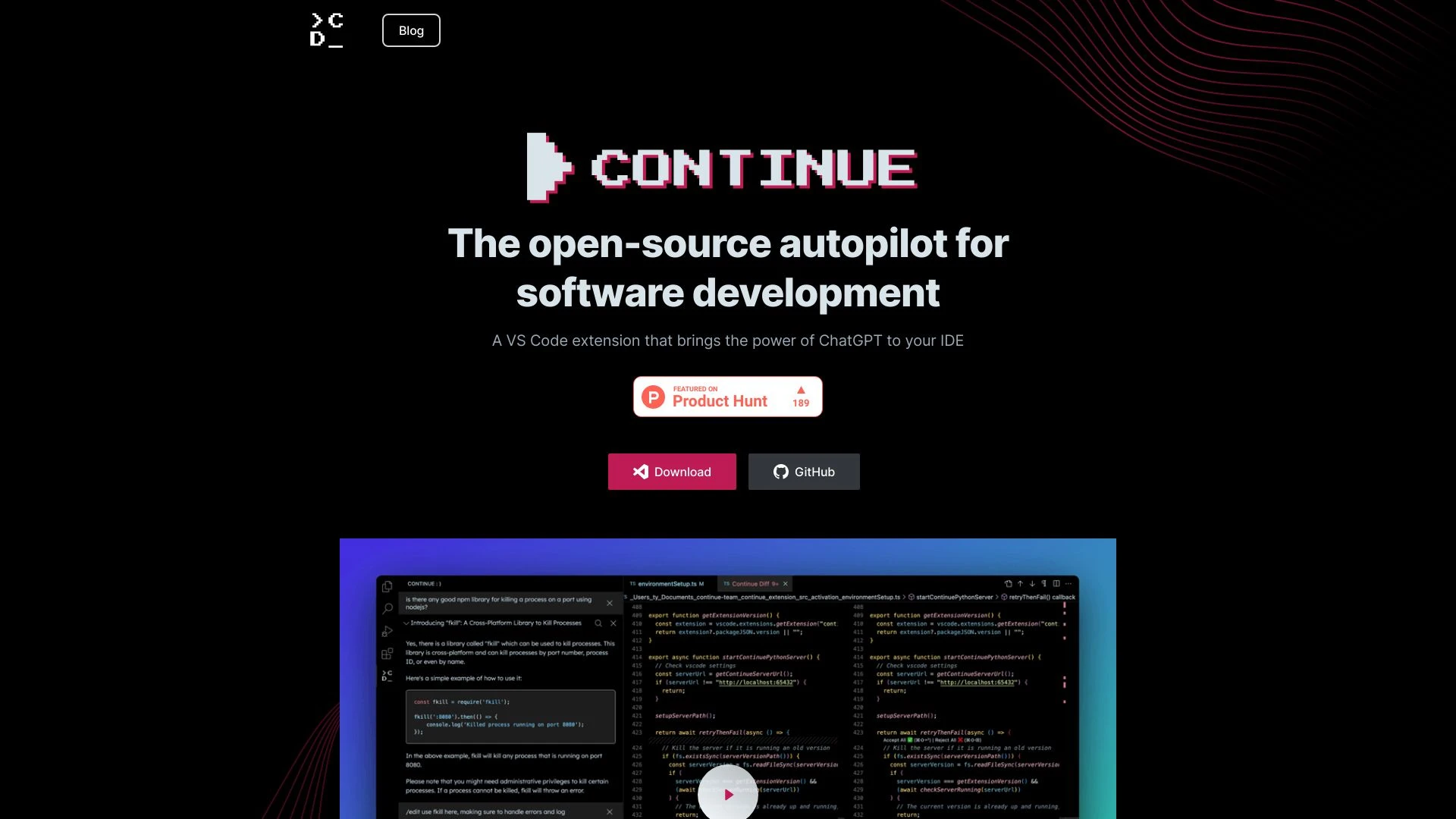
Continue and AutoCode address different stages of software development. Continue embeds in Visual Studio Code to accelerate coding with AI driven text generation, while AutoCode focuses on bootstrapping complete projects from README files via an API. Both aim to improve productivity, but excel in distinct workflows.

AutoCode vs Continue Overview

Last updated: May 2026

AutoCode

0

Ideal For

    Generate a fully functional software project from existing README.md files

    Create code quickly for MVPs

    Streamline project documentation processes

    Facilitate learning for coding beginners

Key Strengths

    Saves time on project setup

    Reduces coding errors

    Offers a collaborative development environment

Core Features

    Automatic Code Generation

    Multi-Language Support

    Incremental Building

    Automated Documentation

    User-Friendly Interface

Continue

0

Ideal For

    Generating, refactoring, and explaining code sections

    Answering coding questions

    Seeking alternative perspectives on code

    Refactoring code with natural language instructions

Key Strengths

    Streamlines coding processes

    Enhances productivity with AI assistance

    Supports various programming languages

Core Features

    Task-based auto-complete

    Code generation and refactoring

    Code explanation

    Editing code using natural language

    File generation for different programming languages

Popularity

Very Low Unknown number of visitors
Growing popularity
Very High 280,900 visitors
Growing popularity

At a Glance

Overall, Continue is the go to option for IDE centered coding velocity, especially for solo developers or teams seeking zero upfront cost. AutoCode excels when you need rapid project bootstrap from a README with automated docs and multi language scaffolding under a subscription. The right choice depends on your workflow: in IDE coding efficiency versus end to end project initiation and docs automation. A blended approach can offer strong coverage for modern development teams.

Pricing and Subscription Plans

Continue is free with a perpetual license, meaning there are no ongoing charges for use. AutoCode operates on a freemium model with a monthly subscription, priced at 10.00, which unlocks incremental building and automated documentation. If you prioritize zero upfront cost and in IDE coding efficiency, Continue wins; if you need project bootstrap, incremental builds, and documentation automation, AutoCode provides greater value for teams over time.

Performance Metrics

No formal speed benchmarks are published for either tool. Continue relies on a ChatGPT based generation flow within the VS Code workflow, while AutoCode leverages the Claude 3.5 Sonnet API for project creation; both emphasize reliability through mature AI backends and incremental building.

User Experience

Continue delivers an in IDE experience inside Visual Studio Code with natural language prompts for code generation, refactoring, and file creation across languages; onboarding centers on installing the VS Code extension and learning prompt patterns. AutoCode provides a web based, easy to start workflow with a README driven path to code plus incremental building and automated docs; this makes it accessible to newcomers and teams. Both tools rely on clear prompt design and responsive results, though maturity differs between the open source option and the API driven service.

Integrations and Compatibility

Continue is tightly integrated with Visual Studio Code, ideal for in IDE coding tasks; AutoCode is web based and relies on Claude API, with multi language support and cross platform capabilities.

Limitations and Drawbacks

Continue as an open source option may have variable community support and documentation; AutoCode's reliance on a subscription and Claude API introduces ongoing costs and API availability considerations.

Frequently Asked Questions

What is the main difference between AutoCode and Continue?
The key difference between AutoCode and Continue lies in their core use cases, pricing models, and feature depth. AutoCode typically focuses on specific workflows, while Continue offers broader capabilities suitable for different teams and scenarios.
Which is better for teams: AutoCode or Continue?
Continue is often a better fit for growing teams that need collaboration, governance, and integrations, while AutoCode can be ideal for individuals or smaller teams who want a simpler, more focused solution.
Is AutoCode more affordable than Continue?
Pricing depends on your usage and plan tiers. AutoCode may offer a lower entry price, while Continue can provide more value at scale with advanced features included in higher-tier plans.
Can I use both AutoCode and Continue together?
Yes, many teams combine both tools in their workflows to cover different use cases. Always review integrations and overlapping features to avoid paying twice for similar functionality.

Related Comparisons