Sponsored by BrandGhost BrandGhost is a social media automation tool that helps content creators efficiently manage and schedule their social media... Visit now

Barbie Selfie Generator versus Photify AI

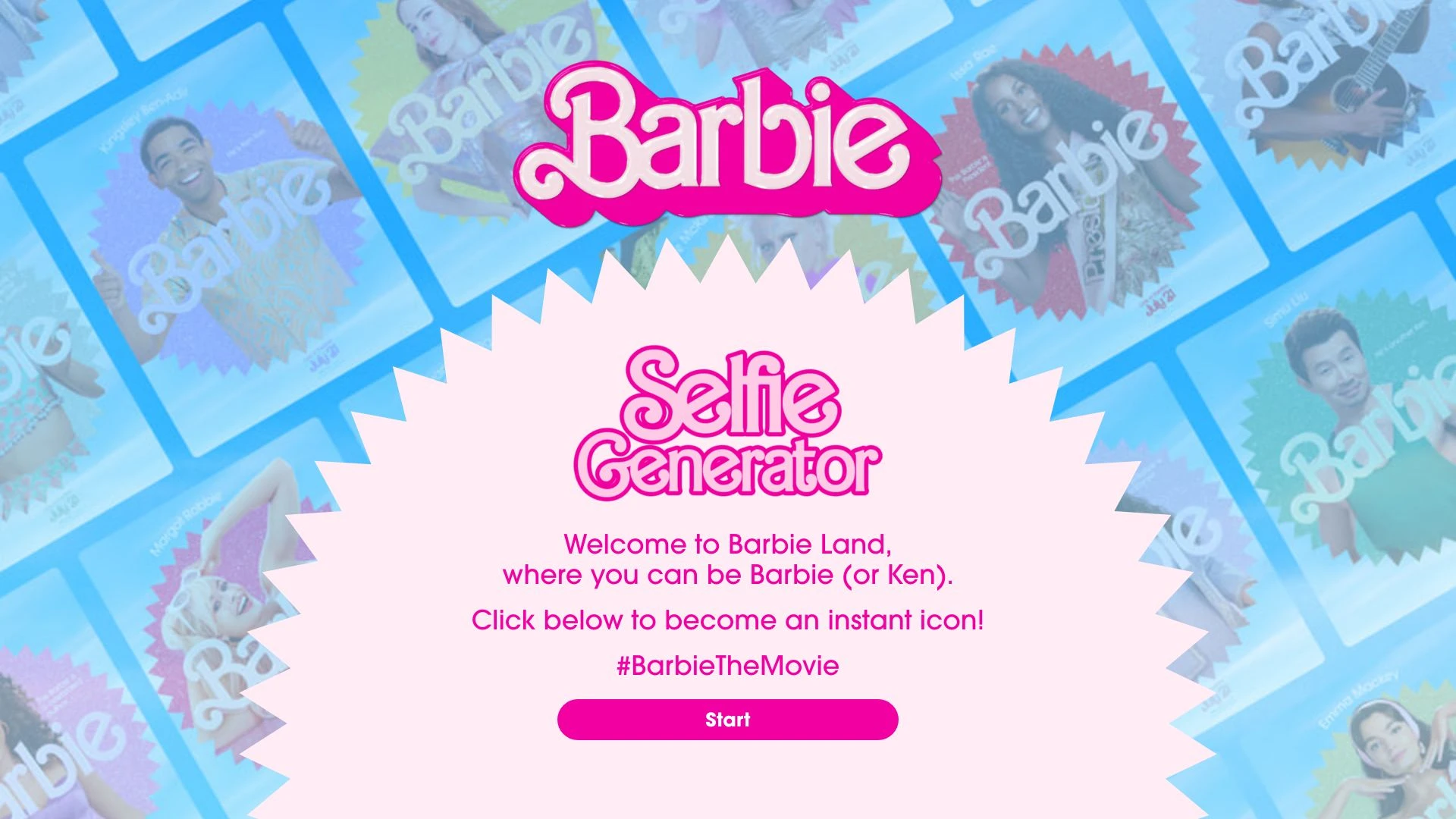
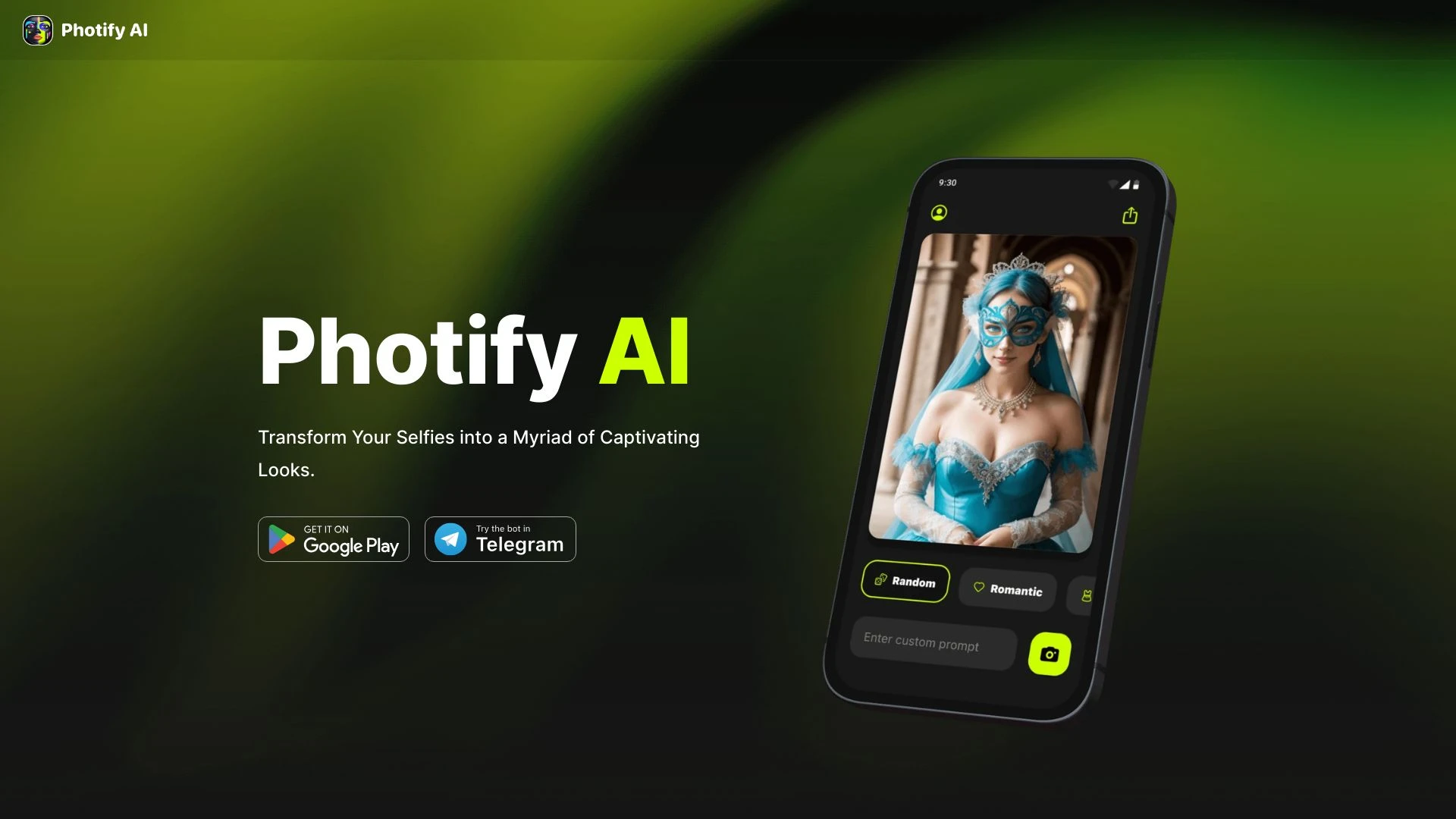
Barbie Selfie Generator and Photify AI offer rapid AI driven image transformations for social media and personal branding. Tool A focuses on turning users into iconic Barbie or Ken characters with a playful fandom vibe, while Tool B delivers broad photo makeovers and rapid multi look transformations. Both target casual creators seeking quick, shareable visuals.

Barbie Selfie Generator vs Photify AI Overview

Last updated: May 2026

Ideal For

    Creating engaging social media profiles

    Participating in themed parties

    Sharing fun images with friends

    Engaging in promotional events

Key Strengths

    Easy to use

    Instant results

    Fun and playful experience

Core Features

    Instant selfie generation

    Character personalization

    User-friendly interface

    Thematic filters and effects

    Fun social sharing options

Photify AI

0

Ideal For

    Generate diverse portraits for social media

    Create themed photos for events

    Experiment with fashion looks without commitment

    Explore historical or fantastical appearances

Key Strengths

    Quick transformation of selfies

    Wide variety of looks and styles

    User-friendly interface

Core Features

    Create multiple looks from one photo

    Effortlessly change hairstyles and skin tones

    Try on outfits inspired by popular characters

    Transport yourself to various scenarios

    Instant transformation in just 2 seconds.

Popularity

Medium 22,900 visitors
Growing popularity
Medium 32,600 visitors
Growing popularity

Decision Matrix

Factor Barbie Selfie Generator Photify AI
Ease of Use
8.0/10
8.5/10
Features
7.5/10
8.0/10
Value for Money
6.5/10
7.5/10
Interface Design
8.5/10
9.0/10
Learning Curve
8.0/10
8.0/10
Customization Options
7.0/10
7.0/10

Quick Decision Guide

Choose Barbie Selfie Generator if:
  • You want fun and engaging selfies with a pop culture twist.
  • You aim for diverse styles and themes in your images.
  • You value simple and user-friendly interfaces for quick edits.
  • You look for high-quality outputs that impress your friends.
  • You seek customization options to reflect your unique personality.
Choose Photify AI if:
  • You want stunning visuals in seconds.
  • You aim to enhance marketing campaigns easily.
  • You value user-friendly design features.
  • You look for automated photo editing solutions.
  • You seek customizable templates for branding.

What Our Experts Say

For fan centric content and quick social posts, Barbie Selfie Generator is ideal, delivering fast, share ready avatars. For broader experimentation and consistent output quality, Photify AI offers a richer toolkit with ongoing updates. Practical tips include maintaining branding consistency across looks, validating image outputs for platform guidelines, and planning content calendars to maximize each tool's strengths.
JD

Jamie Davis

Software Analyst

At a Glance

If your goal is fast fan oriented content and simple sharing, Tool A is the clear choice. If you want breadth, deeper customization, and ongoing updates for diverse portraits and looks, Tool B delivers the stronger value. Choose A for quick playful visuals, or B for scalable, varied styling over time.

Pricing and Subscription Plans

Barbie Selfie Generator is free to use with a one_time billing approach and a consumption based payment model, making it accessible for casual, on demand selfies. Photify AI operates freemium with a monthly subscription, providing ongoing access to its broader toolkit and updates. In practice, Barbie appeals to quick social posts at zero upfront cost, while Photify encourages ongoing experimentation through a predictable plan. Both emphasize value through feature depth and ease of use.

Performance Metrics

Explicit speed metrics are published for Photify AI with instant transformation in 2 seconds, while Barbie Selfie Generator mentions instant selfie generation without a numeric benchmark. In the absence of published benchmarks, you can expect responsive performance typical of modern web based AI tools, with Photify likely benefiting from its faster stated turnaround.

User Experience

Both tools are web based and designed for quick outcomes with user friendly interfaces. Barbie Selfie Generator emphasizes a playful, fandom oriented flow that supports easy character personalization for social sharing. Photify AI emphasizes rapid experimentation with multiple looks and offers an onboarding flow that remains approachable for new users while expanding as you explore different styles.

Integrations and Compatibility

Both tools are accessible on the Web across devices and require no additional integrations listed in the data.

Limitations and Drawbacks

Barbie Selfie Generator centers on Barbie and Ken personas which may limit diversity of looks. Photify AI provides broader style options but its value grows with ongoing subscriptions and feature updates.

Frequently Asked Questions

What is the main difference between Barbie Selfie Generator and Photify AI?
The key difference between Barbie Selfie Generator and Photify AI lies in their core use cases, pricing models, and feature depth. Barbie Selfie Generator typically focuses on specific workflows, while Photify AI offers broader capabilities suitable for different teams and scenarios.
Which is better for teams: Barbie Selfie Generator or Photify AI?
Photify AI is often a better fit for growing teams that need collaboration, governance, and integrations, while Barbie Selfie Generator can be ideal for individuals or smaller teams who want a simpler, more focused solution.
Is Barbie Selfie Generator more affordable than Photify AI?
Pricing depends on your usage and plan tiers. Barbie Selfie Generator may offer a lower entry price, while Photify AI can provide more value at scale with advanced features included in higher-tier plans.
Can I use both Barbie Selfie Generator and Photify AI together?
Yes, many teams combine both tools in their workflows to cover different use cases. Always review integrations and overlapping features to avoid paying twice for similar functionality.

Related Comparisons