Skip to main content -> Überspringen Sie zum Hauptinhalt
Gesponsert von BrandGhost BrandGhost ist ein Tool zur Automatisierung von sozialen Medien, das Content-Erstellern hilft, ihre sozialen Medienbeiträge... Besuchen Sie jetzt
Onit
VS
S
Onit
Onit
bei getonit.ai
VS
S
Snapdown
bei snapdown.app
Automatisierter Vergleich

Onit and Snapdown are both popular AI tools, but they serve different needs. This automated comparison highlights the key differences to help you decide.

Letzte Aktualisierung:
Onit
Onit ⭐ 5.0 · 2 bewertungen

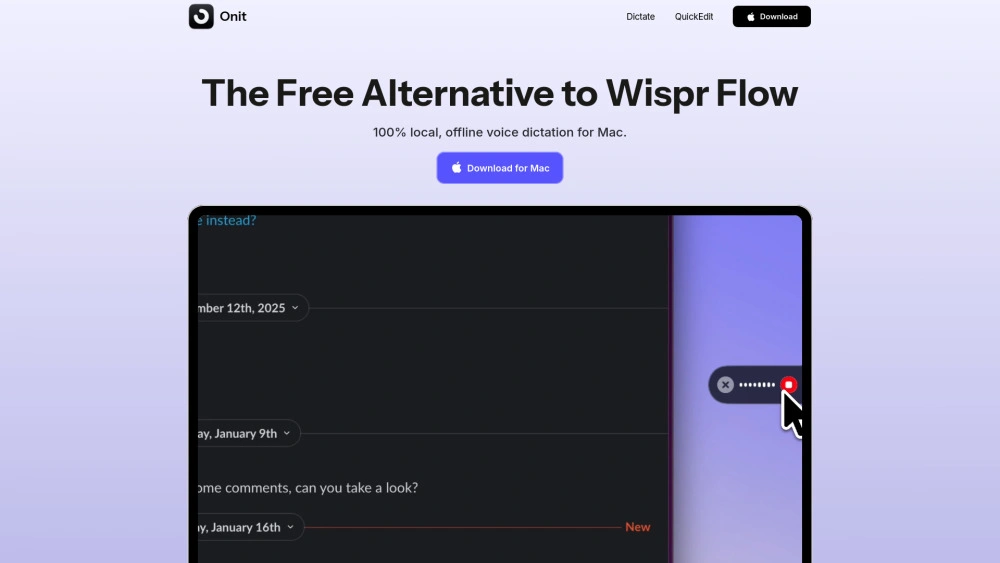
Kostenlose On-Device macOS-Spracherkennung-Textumwandlung für private Transkription, ideal für Forscher und Schriftsteller.

Free Sprache-zu-Text Text-zu-Sprache
S
Snapdown ⭐ 4.5 · 2 bewertungen

Snapdown wandelt On-Device-Bildschirmregionen in strukturiertes Markdown für Entwickler und Schriftsteller um

Free Zusammenfasser Übersetzer

Onit

0

Ideal Für

    Ausführliche SEO-freundliche Blogbeiträge erstellen

    Besprechungsnotizen und Aufgaben generieren

    Dokumente in Google Docs oder Notion schreiben

    E-Mails und Nachrichten in Gmail, Outlook, Slack diktieren

Wichtige Stärken

    100% lokale Verarbeitung

    100% kostenlos

    Systemweit funktionsfähig in macOS-Apps

Kernfunktionen

    Schnelltext-zu-Sprache: Funktioniert in jeder App und Textfeld

    100% kostenlos: Kein Abonnement oder Zahlung erforderlich

    100% lokale Verarbeitung: Deine Stimme verlässt dein Gerät nie

    Intelligente Transkriptionsverbesserung: KI auf dem Gerät bereinigt Sprache

    Lernt deinen Wortschatz: Passt sich deinen Begriffen an

Ideal Für

    Entwurf Markdown-Dokumentation

    UI-Verweise für Issue-Tracker erfassen

    Freigabeblätter erstellen

    Prompts für LLMs erstellen

Wichtige Stärken

    Vor-Ort Datenschutz-first

    Kein Konto erforderlich

    Bewahrt Überschriften, Listen und Tabellen

Kernfunktionen

    On-device Verarbeitung: Privatsphäre zuerst, keine Uploads

    Regionsbasierte Aufnahme: Beliebigen Bildschirmbereich erfassen, um Markdown zu erzeugen

    Struktur erhalten: Beibehaltung von Überschriften, Listen, Tabellen und Leseordnung

    Tastenkombination: Schnell erfassen mit einer einzigen Aktion

    Aggregatmodus: Mehrere Aufnahmen zu einem strukturierten Dokument zusammenführen

Integrationen und Kompatibilität

Onit supports Keine direkten Integrationen verfügbar. Snapdown offers Keine direkte Integration verfügbar. Check compatibility with your existing tools before committing.

Was Unsere Experten Sagen

"This is an automated comparison. Onit and Snapdown each have unique strengths. Choose based on your specific needs, budget, and preferred user experience."

Endgültiges Urteil

Both Onit and Snapdown are capable tools. either tool has a slight edge based on our evaluation criteria. We recommend trying both to see which fits your specific workflow better.

Funktionsvergleich
Eigenschaft Onit Snapdown
Kostenloser Plan
Kostenlose Probezeit
API Zugriff
Preise
Eintrittspreis Beide beginnen bei $0.00/Monat
Onit is available as free (free). Snapdown is available as free (free). Choose based on your budget and the features included in each plan.
Leistung
Onit
Very Low Unknown number of besucher
Growing popularity
Snapdown
Very Low Unknown number of besucher
Growing popularity

Welche Werkzeug bevorzugen Sie?

Based on our evaluation, Onit scores N/A/10 and Snapdown scores N/A/10 in key performance areas. Both tools offer solid performance for their target use cases.
Bewertungen
Onit
5.0 / 5.0
2 bewertungen
Snapdown
4.5 / 5.0
2 bewertungen
Onit is known for 100% lokale Verarbeitung, 100% kostenlos, Systemweit funktionsfähig in macOS-Apps. Snapdown excels at Vor-Ort Datenschutz-first, Kein Konto erforderlich, Bewahrt Überschriften, Listen und Tabellen. Your choice depends on which strengths align better with your workflow.
Onit may have limitations with some limitations. Snapdown may have limitations with some limitations. Consider these trade-offs when making your decision.
Häufige Fragen
What is the main difference between Onit and Snapdown?
The key difference between Onit and Snapdown lies in their core use cases, pricing models, and feature depth. Onit typically focuses on specific workflows, while Snapdown offers broader capabilities suitable for different teams and scenarios.
Which is better for teams: Onit or Snapdown?
Snapdown is often a better fit for growing teams that need collaboration, governance, and integrations, while Onit can be ideal for individuals or smaller teams who want a simpler, more focused solution.
Is Onit more affordable than Snapdown?
Pricing depends on your usage and plan tiers. Onit may offer a lower entry price, while Snapdown can provide more value at scale with advanced features included in higher-tier plans.
Can I use both Onit and Snapdown together?
Yes, many teams combine both tools in their workflows to cover different use cases. Always review integrations and overlapping features to avoid paying twice for similar functionality.
Verwandte Vergleiche
Bereit deine Entscheidung zu treffen

Hast du deine Wahl getroffen? Halte beide griffbereit.