Outils d IA recommandés
5Nous avons analysé le marché. Ces outils offrent des fonctionnalités spécifiques pour automatiser les tâches de saisie de données.

Outils Excel IA offre une suite de visualisation de données avancée et de fonctionnalités IA spécifiquement pour optimiser les flux de travail dans Ex...
- Générateur de Formules Excel
- Explicateur de Formules Excel
- Générateur de Scripts Google Apps
Analyse IA
Pourquoi utiliser cette IA AI Excel Tools & Google Sheets - AI Excel Formula Generator - Bot pour Automatiser les tâches de saisie de données?
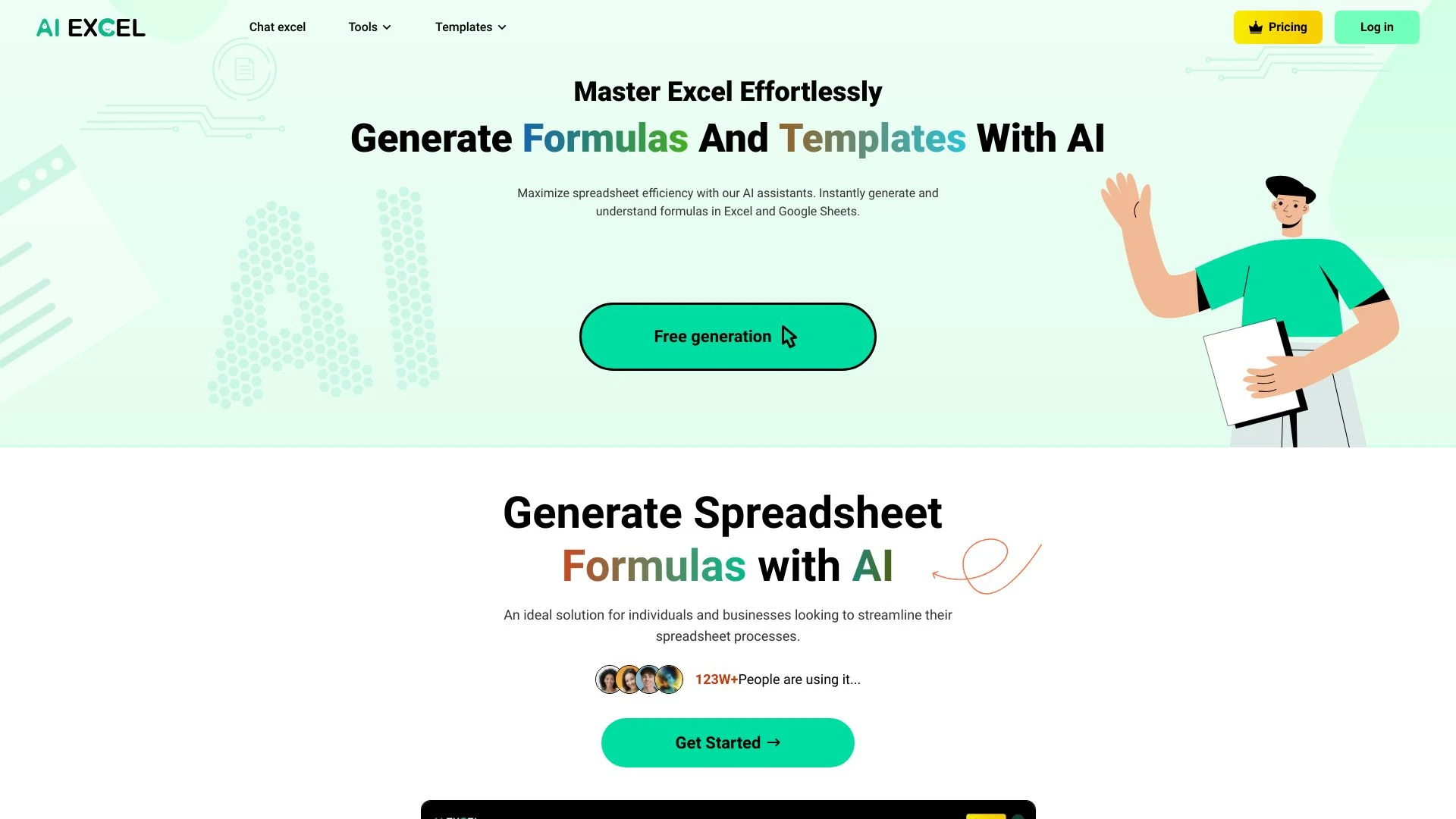
AIexcelsheet.com
Optimisez les tâches de feuille de calcul avec l'IA pour une génération instantanée de formules et une analyse des données.
- Génération de formules pilotée par l'IA
- outils IA pour Excel et Google Sheets
- analyse de données complète
Analyse IA
Pourquoi utiliser cette IA AIexcelsheet.com pour Automatiser les tâches de saisie de données?
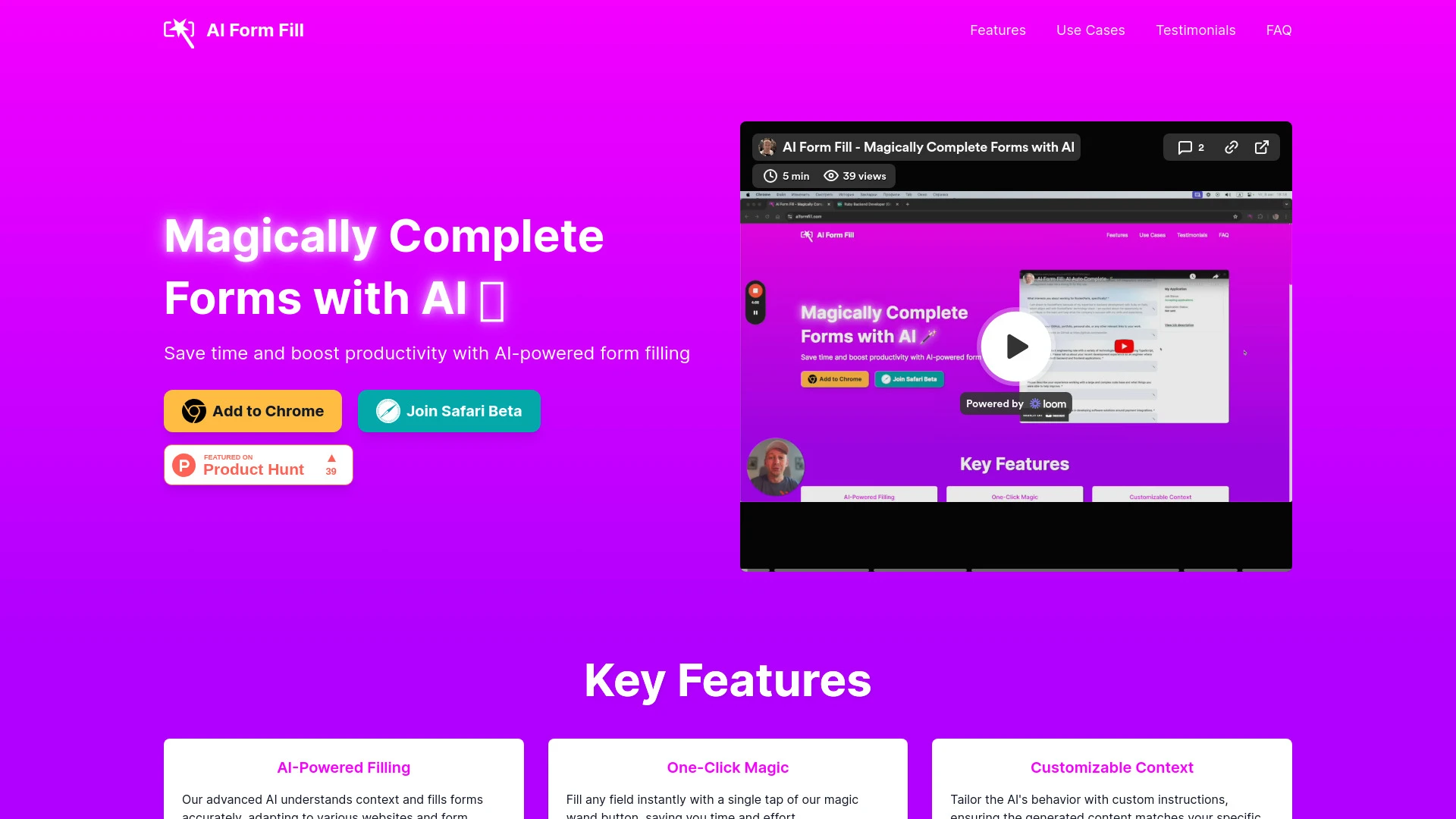
AI Form Fill
AI Form Fill est une extension de navigateur pilotée par l'IA conçue pour automatiser le remplissage de formulaires, améliorant la productivité et l'e...
- Remplissage Alimenté par IA
- Magie en Un Clic
- Contexte Personnalisable
Analyse IA
Pourquoi utiliser cette IA AI Form Fill pour Automatiser les tâches de saisie de données?
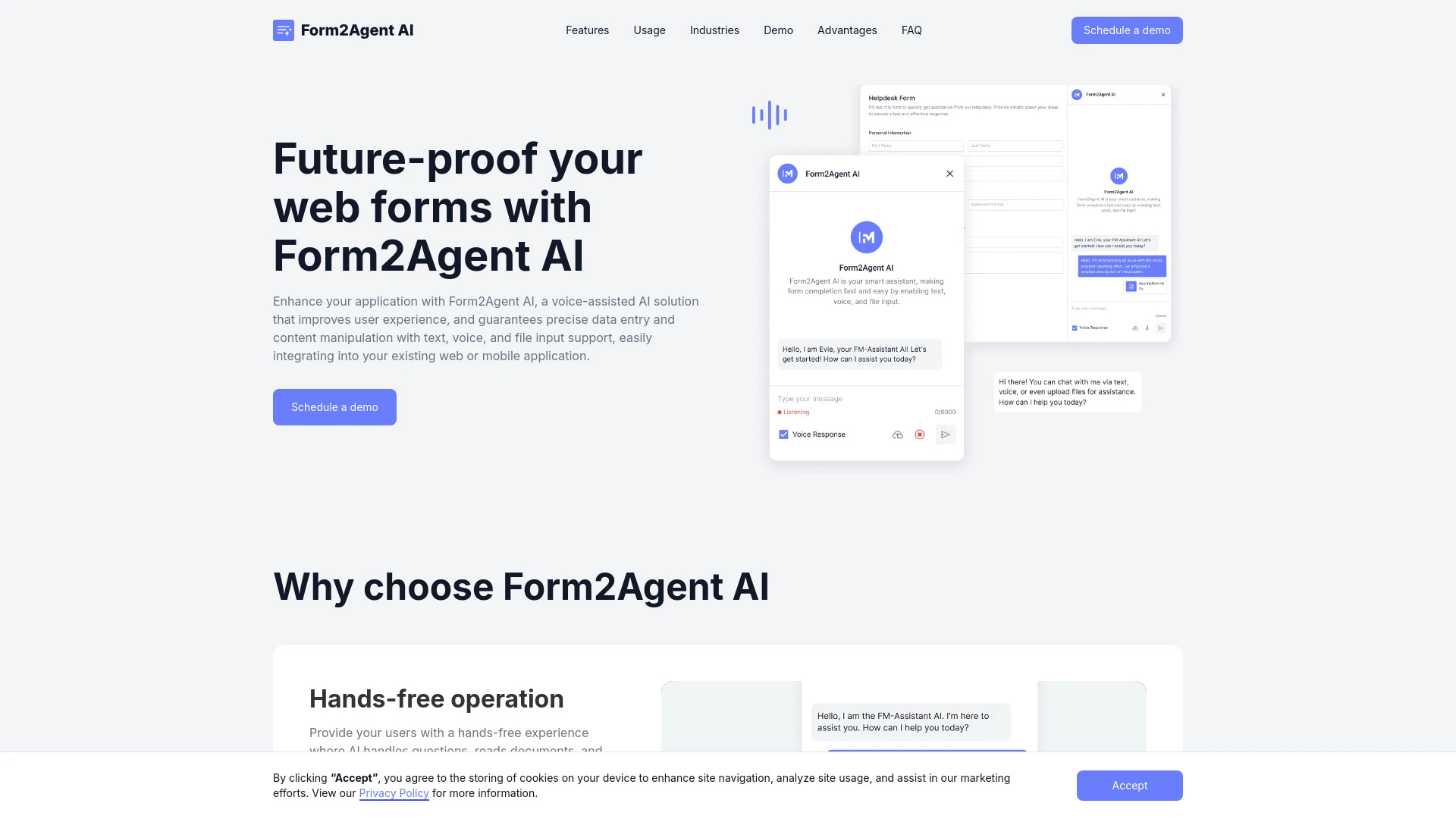
Form2Agent AI
Form2Agent AI propose une solution IA assistée par la voix qui améliore les interactions utilisateur en automatisant les complétions de formulaires et...
- Opération mains libres
- Amélioration de la productivité
- Support multilingue
Analyse IA
Pourquoi utiliser cette IA Form2Agent AI pour Automatiser les tâches de saisie de données?

Leap AI
Leap AI permet aux utilisateurs de créer des flux de travail IA puissants rapidement et efficacement.
- Automatisation sans effort
- Accélérez les outils existants
- Aucune maintenance
Analyse IA
Pourquoi utiliser cette IA Leap AI pour Automatiser les tâches de saisie de données?
Pratiques de travail
Ne vous contentez pas dacheter des outils—construisez un système. Voici 3 preuves pour intégrer l’IA dans votre automatiser les tâches de saisie de données processus
Workflow 1: First automated data entry task for complete beginner
- Identify a single repetitive data-entry task (e.g., moving vendor invoices from PDF to a spreadsheet) and map the fields to a template.
- Choose a beginner-friendly Automate Data Entry Tasks AI tool with a guided setup and create a new automation workflow.
- Record or upload sample data, configure field mappings, and run a dry run to verify accuracy before activating the automation.
Workflow 2: Daily optimization for regular users
- Consolidate multiple entry sources (emails, forms, PDFs) into a single intake queue using a routing rule.
- Set up data validation rules (formats, duplicates, mandatory fields) and add automated error handling.
- Schedule the automation to run during off-peak hours, monitor dashboards, and iteratively refine mappings for speed and accuracy.
Workflow 3: Full automation for power users
- Create end-to-end pipelines that extract data from diverse sources (scanned documents, web forms, APIs) into a centralized database.
- Implement exception handling with auto-approval for low-risk entries and human-in-the-loop for complex cases.
- Set up reporting and audits, export logs, and implement KPI-driven optimizations (time saved, accuracy rate, throughput).
Mots efficaces pour Automatiser les tâches de saisie de données
Copiez et personnalisez ces invites éprouvées pour obtenir de meilleurs résultats avec vos outils d’IA
Débutant
Tâche : Extraire les données de commande client à partir d’un ensemble de PDFs standardisés et remplir une feuille Google avec les colonnes : ID de commande, Nom du client, Article, Quantité, Prix, Date de commande. Inclure une brève vérification de la qualité des données et signaler les champs manquants.Avancé
Vous êtes un assistant IA pour automatiser les tâches dentrée de données Rôle Ingénieur en automatisation Contexte Construire un pipeline d ingestion multi source qui récupère les soumissions de formulaire depuis Typeform, les PDFs d une boîte de réception partagée et les données de commande fournies par API, transforme les champs en un schéma normalisé, gère la déduplication et produit un CSV consolidé avec les champs : OrderID, CustomerID, ProductCode, Quantity, TotalPrice, OrderDate Contraintes maintenir l intégrité des données journaliser chaque transformation et produire un rapport récapitulatifAnalyse
Évaluer trois sorties d Automate Data Entry Tasks : (A) précision, (B) vitesse, (C) cohérence. Comparer les correspondances de champs, les règles de validation et la gestion des erreurs. Recommander des optimisations pour améliorer la qualité globale des données d au moins 15 % et réduire le temps de retouche de 20 %.
Qu est ce que l automatisation des taches de saisie de donnes par IA
Automatiser les tâches de saisie de données l IA désigne des logiciels et des plateformes qui utilisent l intelligence artificielle pour extraire des données de diverses sources (formulaires, PDF, e mails, images) et alimenter les systèmes cibles (CRM, ERP, feuilles de calcul) avec une intervention humaine minimale. Il est conçu pour les professionnels et les équipes gérant la saisie de données répétitive, permettant un traitement plus rapide, moins d erreurs et des flux de travail évolutifs. Il convient aux petites entreprises, aux équipes du marché moyen et aux grandes entreprises souhaitant réduire le travail manuel sur les données tout en maintenant l intégrité des données.
Avantages de l IA pour automatiser les tâches de saisie de données
- Traitement des données plus rapide avec extraction en temps réel et remplissage automatique
- Plus de précision grâce à la validation, à la déduplication et à la détection d anomalies
- Formats de données cohérents et enregistrements standardisés entre les systèmes
- Évolutivité pour gérer les pics de volumes sans ajout de personnel
- Économies de coûts liées à la réduction du travail manuel et à la rectification des erreurs
- Pistes d’audit pour la conformité et la traçabilité
Comment choisir le bon outil d automate des tâches dentrée de données AI
- Support de sources de données: PDFs, images, formulaires, e-mails, APIs
- Précision et fonctionnalités de validation: qualité OCR, mapping des champs et règles
- Facilité de mise en place: modèles, assistants et flux de travail guidés pour les débutants
- Écosystème d’intégration: connexions transparentes à votre CRM, ERP et bases de données
- Sécurité et conformité: chiffrement des données, contrôles d’accès et journaux d’audit
- Coût et retour sur investissement: modèles de tarification, par tâche vs par utilisateur vs capex vs opex
- Support et communauté: documentation, modèles et forums utilisateur
Meilleures pratiques pour la mise en œuvre de l’automatisation des tâches de saisie de données IA
- Commencez par des tâches à haut volume et faible variance pour renforcer la confiance
- Définir des mappings de champ clairs et des règles de validation dès le premier jour
- Intégrer l humain dans la boucle pour les tâches à exceptions importantes
- Surveiller les métriques telles que le temps d entrée, la précision et les taux de retouche
- Assurer la traçabilité des données et les pistes d audit pour la conformité
- Planifier un déploiement progressif avec des critères de réussite explicites
IA pour Automatiser les tâches de saisie de données: Statistiques clés
En 2026, 68% des équipes de milieu de marché constatent une augmentation mesurable de la vitesse de saisie des données après l’adoption d’outils d’IA d’automatisation des tâches de saisie de données dans les 3 mois
Les entreprises utilisant une saisie de données assistée par IA réduisent le travail manuel de réexpédition d’en moyenne 32% et réduisent les erreurs de saisie de données de 41%
En moyenne, les organisations constatent un ROI de 2,5x au cours de la première année de mise en œuvre du logiciel IA dAutomate Data Entry Tasks 2026
Les meilleures automatisations gèrent 60–80% des tâches répétitives de saisie de données sans intervention humaine pendant les périodes de pointe
OCR et l’automatisation de formulaires hybrides atteignent 12–18% de précision de plus lorsqu’ils sont combinés avec des règles de validation et de déduplication
Les petites équipes constatent des économies de temps de 6–9 heures par semaine par projet d’automatisation après la configuration initiale
Questions Fréquemment Posées
Obtenir des réponses aux questions les plus fréquentes sur l’utilisation des outils d’IA pour automatiser les tâches de saisie de données .
Automatiser les tâches de saisie de données les outils et plateformes alimentés par l IA conçus pour extraire, transformer et charger automatiquement les données de plusieurs sources vers des systèmes cibles, réduisant la saisie manuelle, les erreurs et le temps de traitement pour les tâches d’entrée répétitives
Commencez par une tâche simple, choisissez un outil convivial pour les débutants, connectez vos sources de données, configurez les correspondances de champs, lancez un test et évoluez progressivement vers des formulaires et des sources supplémentaires à mesure que vous validez la précision et le retour sur investissement
Les outils basés sur OCR excellent avec des documents non structurés ou numérisés, tandis que les outils d’automatisation de formulaires fonctionnent mieux avec des formulaires structurés et des API. Le meilleur choix combine souvent les deux, selon les sources de données et les besoins en précision
Les causes courantes incluent une mauvaise qualité des données, des mappages de champs mal alignés, des règles de validation manquantes ou une gestion des exceptions insuffisante. Examiner les mappages, ajouter la validation, tester avec des données représentatives et itérer.
Catégories d’outils d’IA liées
Explorer d autres catégories d out ils similaires à Automatiser les tâches de saisie de données cela pourrait vous intéresser
Assistant Email IA
An AI Email Assistant automates email management, enhancing productivity and communication. It uses natural language pro...
Générateur d'idées commerciales d'IA
The AI Business Ideas Generator harnesses machine learning algorithms to analyze market trends, consumer behavior, and e...
Outils de productivité IA
AI productivity tools enhance efficiency by automating repetitive tasks, analyzing data, and facilitating decision-makin...
Assistant de réponse AI
The AI Reply Assistant leverages natural language processing to enhance communication efficiency. It automates responses...
Formulaires et Enquêtes IA
AI Forms & Surveys leverage machine learning to optimize data collection and analysis. By automating responses, personal...
Assistant d'Analytique IA
The AI Analytics Assistant leverages machine learning to analyze data, uncover patterns, and generate insights faster th...