Empfohlene KI-Tools
5Wir haben den Markt analysiert. Diese Werkzeuge bieten spezifische Funktionen für erstelle how-to tutorials.
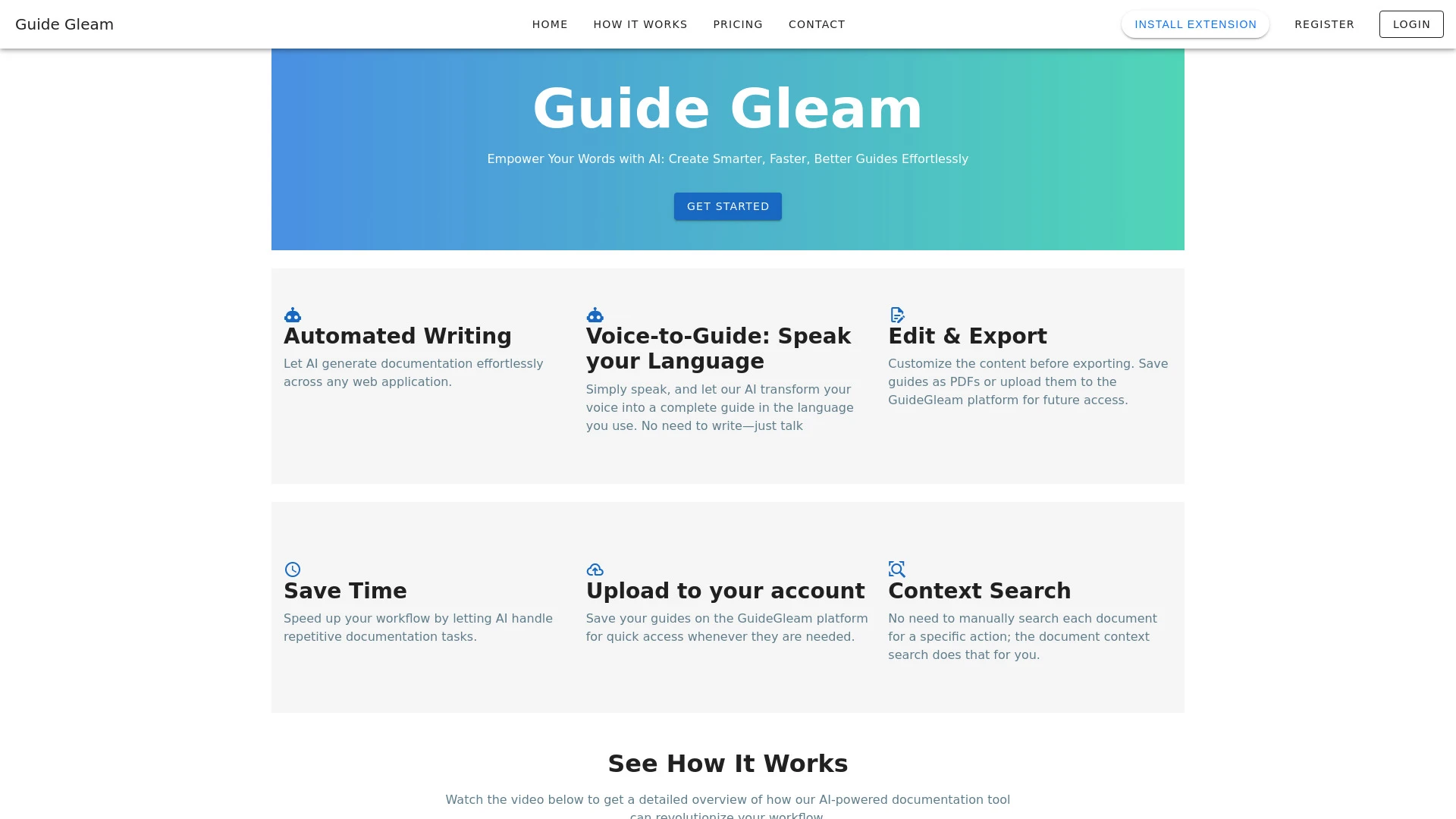
GuideGleam
GuideGleam ist ein benutzerfreundliches KI-Tool, das Bilder in detaillierte visuelle Anleitungen und Schritt-für-Schritt-Anweisungen umwandelt.
- KI-gestützte Leitfaden-Erstellung
- Anpassbare visuelle Inhalte
- Exportoptionen zu PDF
KI-Analyse
Warum diese KI verwenden GuideGleam für Erstelle How-To Tutorials?
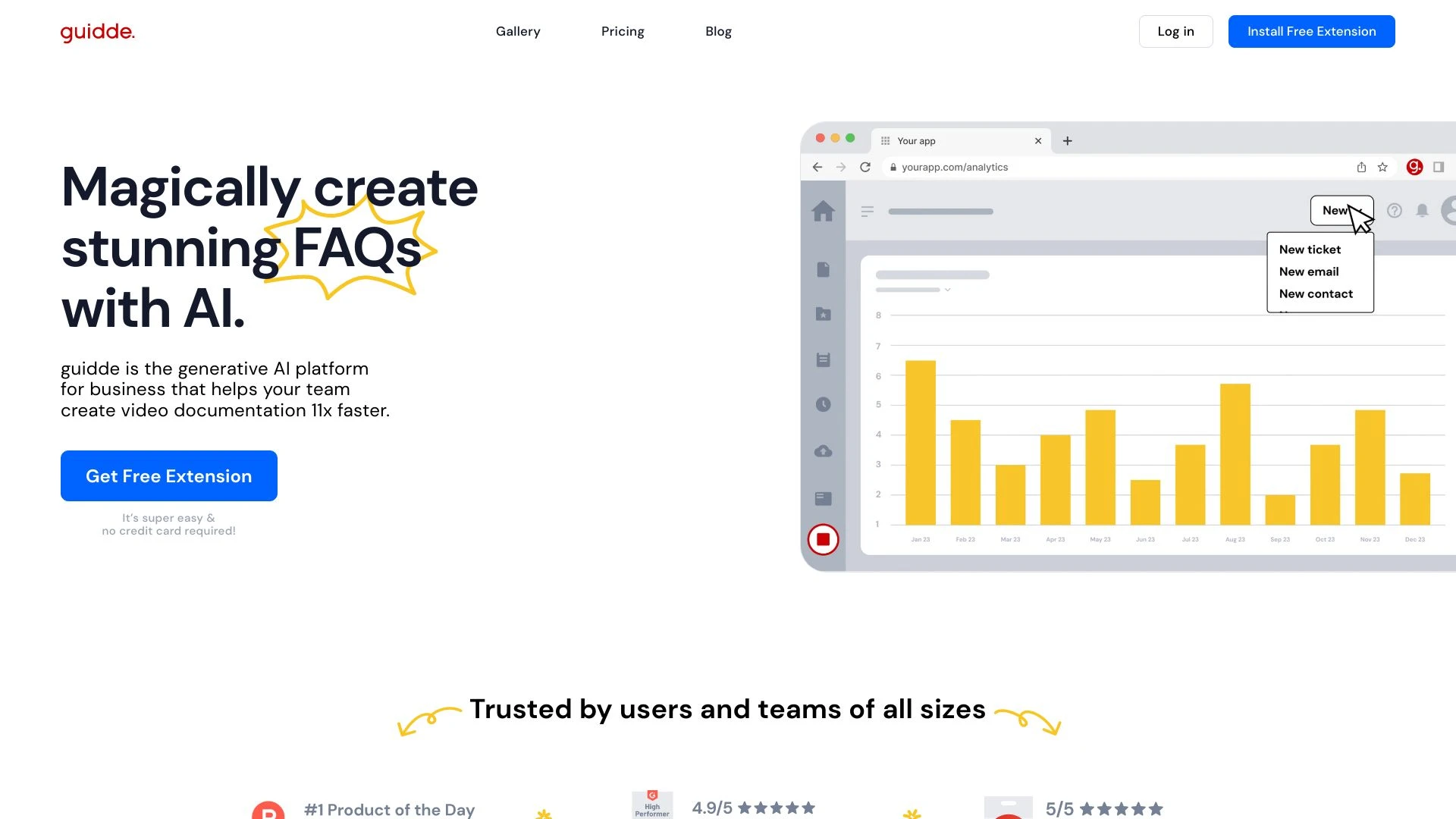
Guidde
Guidde ist eine generative KI-Plattform, die für Unternehmen entwickelt wurde, um mühelos Video-Dokumentation für Schulung, Einarbeitung und Unterstüt...
- AI-generierte Video-Dokumentation
- Schritt-für-Schritt-Beschreibungen
- Anpassbare Sprachansagen in mehreren Sprachen
KI-Analyse
Warum diese KI verwenden Guidde für Erstelle How-To Tutorials?
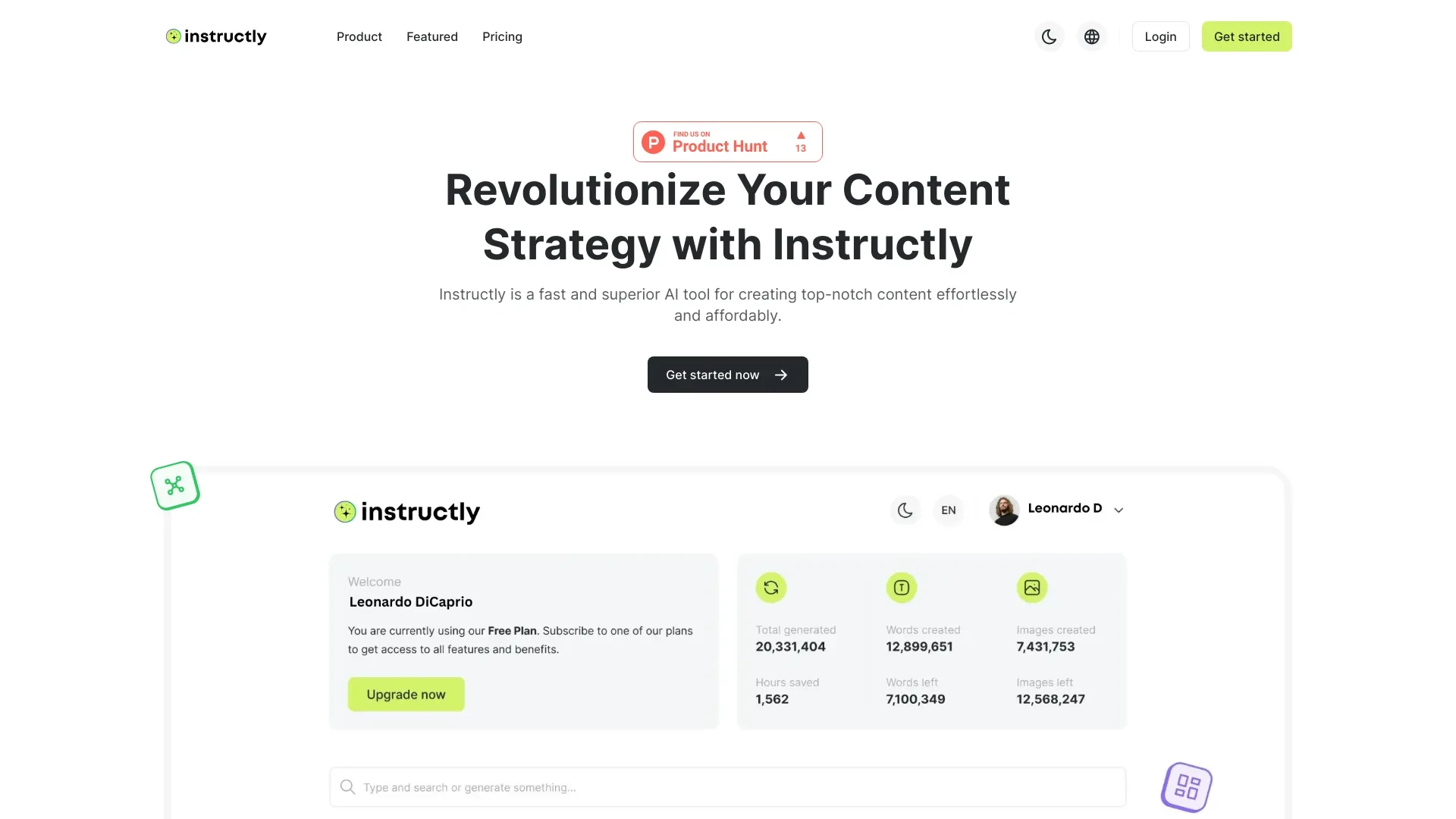
Instructly
Instructly ist ein KI-basiertes Tool zur Erstellung von Inhalten, das Benutzern hilft, mühelos hochqualitative Inhalte zu generieren.
- AI Schriftsteller
- AI Code Generator
- AI Bildgenerator
KI-Analyse
Warum diese KI verwenden Instructly für Erstelle How-To Tutorials?
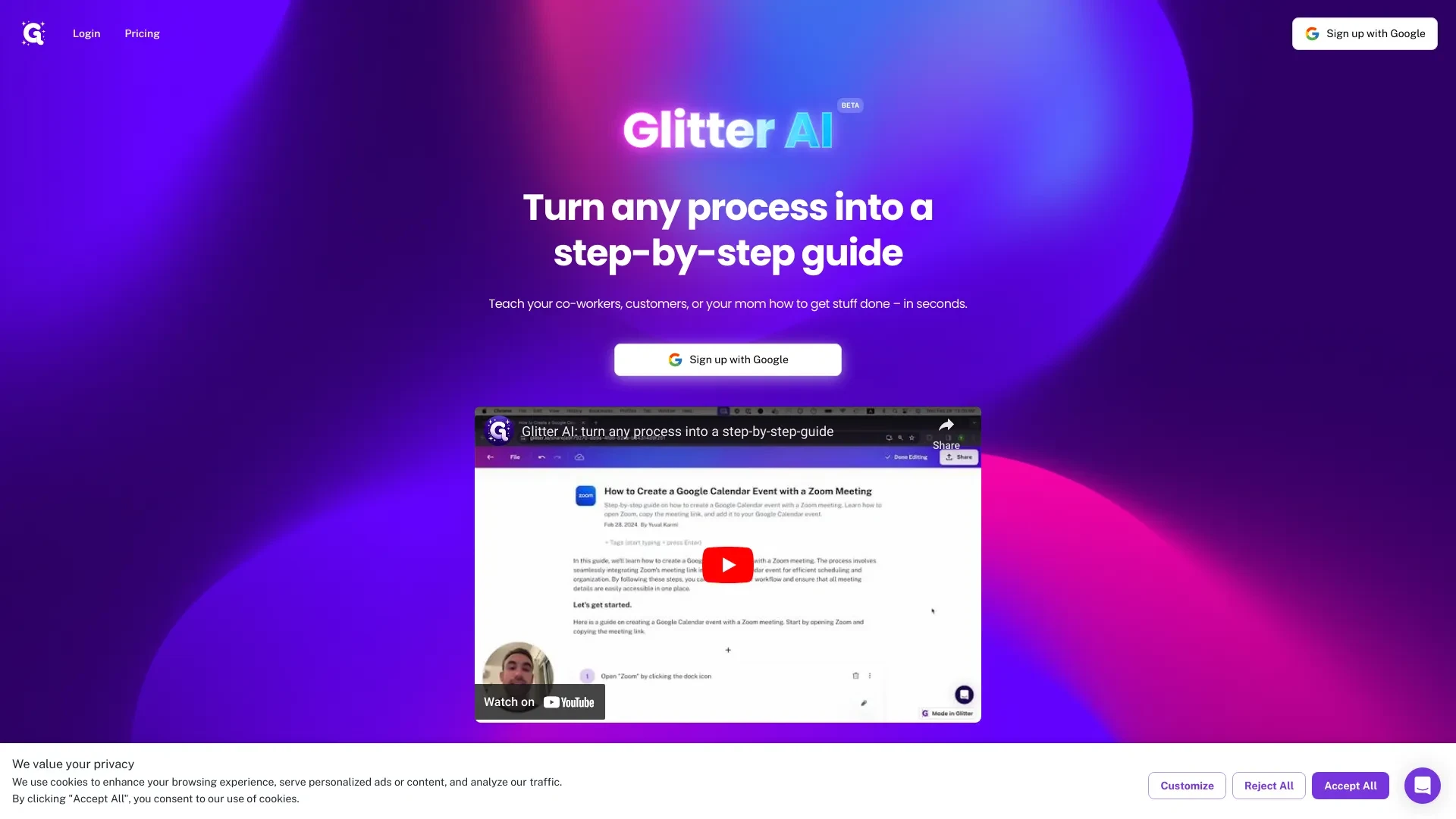
Glitter AI
Glitter AI vereinfacht die Erstellung von Schritt-für-Schritt-Anleitungen, indem gesprochene Anweisungen in schriftliche Dokumentation umgewandelt wer...
- Automatisierte Dokumentationsgenerierung
- Sprachaktivierte Erstellung von Anleitungen
- Sofortige Screenshot-Integration
KI-Analyse
Warum diese KI verwenden Glitter AI für Erstelle How-To Tutorials?

Wizardshot
Easily create step-by-step tutorials by recording your screen with Wizardshot's AI technology.
- Automatisierte Tutorialerstellung
- Bildschirmaufnahme-Integration
- Flexible Exportoptionen (PDF/DOC)
KI-Analyse
Warum diese KI verwenden Wizardshot für Erstelle How-To Tutorials?
Praktische Arbeitsabläufe
Nicht einfach Werkzeuge kaufen—baue ein System. Hier sind 3 bewährte wege AI in dein(e) integrieren erstelle how-to tutorials Prozess.
Workflow 1 — From idea to first tutorial (Beginner)
- Define the tutorial topic and target audience within the AI tool using a concise prompt.
- Generate a structured outline with sections: objective, prerequisites, step-by-step actions, and visuals.
- Create draft content for each step, then request automated checks for accuracy and accessibility.
- Publish a basic tutorial and collect learner feedback for refinement.
Workflow 2 — Daily tutorial production sprint (Regular user)
- Set a reusable template for tutorials (title, objective, prerequisites, steps, visuals, QA).
- Queue 3–5 topic ideas and generate consistent outlines with audience-friendly language.
- Automatically generate visuals, captions, and alt text; run grammar and readability checks.
- Schedule weekly reviews and optimize based on engagement analytics.
Workflow 3 — End-to-end automation (Power user)
- Create a master automation script: topic intake, outline generation, script drafting, and asset creation.
- Integrate with a content calendar and downstream publishing tools to push tutorials to platforms.
- Set quality gates: fact-check, accessibility, and brand voice compliance before publishing.
- Monitor performance metrics and iteratively improve prompts and templates.
Effektive Aufforderungen für Erstelle How-To Tutorials
Kopieren und passen Sie diese bewährten Aufforderungen an, um bessere Ergebnisse von Ihren KI-Tools zu erzielen.
Anfänger
Erstelle ein 5-schrittiges anfängerfreundliches Tutorial mit dem Titel How to Use a Screen Recording Tool for a Product Demo. Feld: Software-Onboarding. Ausgabeformat: Titel, Ziel, Voraussetzungen, Schritt-für-Schritt-Anleitung (jeweils mit erwartetem Ergebnis), benötigte visuelle Hilfsmittel, sowie eine kurze QA-Prüfung.Fortgeschritten
Du bist ein Tutorial-Designer. Kontext: Erstelle eine 10-Schritte-Anleitung zum Erstellen eines How-To Tutorials für das „Einrichten eines Kundeneinführungsprozesses“ in einer SaaS-Plattform. Einschränkungen: unternehmensmäßiger Ton, eingeschlossen Screenshots-Beschreibungen, Alt-Text und eine herunterladbare Checkliste. Format: Abschnittsgliederte Gliederung, dann detailliertes Skript pro Schritt.Analyse
Vergleiche zwei Create How-To Tutorials KI-Ausgaben zum Thema Bau eines Wissensformulars. Bewerte Klarheit, Struktur, Genauigkeit und Zugänglichkeit. Gib eine Bewertungsrubrik und empfohlene Optimierungen an. Ausgabe: Vergleichstabelle mit vorgeschlagenen Änderungen und Begründung.Was ist Create How-To Tutorials KI?
Erstelle How-To Tutorials AI ist eine Reihe KI-gesteuerter Werkzeuge und Arbeitsabläufe, die speziell entwickelt wurden, um schrittweise Anleitungen zu erstellen. Es richtet sich an Fachleute, die skalierbare, genaue und ansprechende Tutorials benötigen, sowie an Anfänger, die geführtes, zugängliches Lernmaterial wünschen. Es hilft Ihnen, Themen zu strukturieren, Skripte, visuelle Darstellungen zu erstellen und Klarheit sowie Konsistenz über Tutorials hinweg sicherzustellen.
Vorteile der Verwendung von KI zum Erstellen von Anleitungsvideos
- Schnellere topic-to-tutorial Zyklen, Reduzierung der Produktionszeit um bis zu 60%
- Konsistente Struktur und Stimme über alle Tutorials hinweg für Markenabgleich
- Automatisierte visuelle Inhalte, Untertitel und Barrierefreiheit-Checks verbessern Lernwirkung
- Skalierbare Inhaltserstellung für mehrere Plattformen und Formate
- Iterative Verbesserung durch Analytik und KI-gestützte Optimierung
Wie man das richtige Create How-To Tutorials AI Tool auswählt
- Vorlagenqualität: Achten Sie auf Themenvorlagen und fertige Schrittformate.
- Automatisierungstiefe: Bewertung von Entwurf, Visuals, QA und Veröffentlichungskapazitäten.
- Qualitätskontrollen: Faktenprüfung, Zitierverwaltung, Grammatik und Barrierefreiheitstests.
- Zusammenarbeit: Mehrbenutzerbearbeitung, Freigabe-Workflows und MarkenstimmenDurchsetzung.
- Integrationen: Veröffentlichungsplattformen, Lernmanagementsysteme, CMS, Analytik und Inhaltskalender.
Best Practices for Implementing Create How-To Tutorials AI
KI für Erstelle How-To Tutorials: Schlüsselstatistiken
Im Jahr 2026 verwenden 68% der mittelständischen Teams eine Form von Create How-To Tutorials KI in ihren Inhaltsworkflows.
Durchschnittliche Zeit zur Erstellung eines vollständigen Tutorials mit KI-Unterstützung sinkt von 6 Stunden auf 2,5 Stunden.
69% der Nutzer berichten von einer verbesserten Lernzufriedenheit nach der Einführung KI-generierter Tutorials
Kostenlos Erstellen Wie-Man-Anleitungen KI-Tools machen 22% der Gesamt-Nutzung aus, wobei bezahlte Tarife die Unternehmensakzeptanz dominieren.
Automatisierte Autoren veröffentlichen durchschnittlich 3-mal mehr Tutorials pro Monat.
85% der Teams messen Tutorials nach Abschlussquote und feststellen, dass KI-unterstützte Inhalte die Bindung um 14% verbessern.
Häufig gestellte Fragen
Erhalte Antworten auf die häufigsten Fragen zur Nutzung von KI-Werkzeugen für erstelle how-to tutorials .
Erstelle Wie man Tutorials AI bezieht sich auf KI-gestützte Tools und Workflows, die dazu gedacht sind, klare, lehrreiche Inhalte zu produzieren, die Benutzer Schritt für Schritt durch einen Prozess führen. Es richtet sich an Fachleute und Anfänger, die konsistente, umsetzbare Tutorials mit visuellen Elementen, Skripten und zugänglicher Sprache benötigen.
Identifizieren Sie Ihre Zielgruppe, wählen Sie ein KI-Tool mit Tutorialvorlagen, erstellen Sie eine knappe Themenabfrage, erstellen Sie eine Gliederung, entwerfen Sie Schritte, fügen Sie Bilder und Beschriftungen hinzu, führen Sie Qualitätsprüfungen durch und veröffentlichen Sie. Beginnen Sie mit einem einfachen Projekt und skalieren Sie, während Sie Prompts und Vorlagen verfeinern.
Kostenlose Erstellen How-To-Tutorials KI-Optionen sind großartig für Experimente, aber kostenpflichtige Tools bieten typischerweise tiefere Vorlagen, bessere Automatisierung, höhere Ausgabequalität und robuste Unterstützung. Wählen Sie basierend auf Ihrem Volumen, benötigten Funktionen und Marken Konsistenz Anforderungen.
Häufige Probleme sind vage Aufforderungen, zu breit gefasste Themen, fehlende fachspezifische Details oder unzureichende Faktenprüfung. Verbessern Sie dies, indem Sie präzise Aufforderungen formulieren, Quellmaterialien bereitstellen, integrierte QA-Prüfungen ermöglichen und vor der Veröffentlichung von einem menschlichen Redakteur überprüfen lassen.
Verwandte KI-Toolkategorien
Erkunden Sie andere KI-Toolkategorien ähnlich wie Erstelle How-To Tutorials das könnte dich interessieren
KI-Illustrationsgenerator
The AI Illustration Generator creates visuals from text prompts, transforming ideas into images using neural networks. A...
KI Video-Editor
AI Video Editors leverage machine learning algorithms to automate video editing tasks, enhancing efficiency and creativi...
KI Wiederverwendungsassistent
The AI Repurpose Assistant employs advanced algorithms to transform content across formats, enhancing creativity and eff...
KI-Personalisierter Video-Generator
The AI Personalized Video Generator leverages AI algorithms to create tailored video content for users, analyzing prefer...
KI-Design-Generator
The AI Design Generator leverages advanced algorithms to automate and optimize design processes. By analyzing vast datas...
KI-Videoproduktion
AI video recording utilizes machine learning and computer vision to enhance video content creation and analysis. It auto...