Sponsored by BrandGhost BrandGhost is a social media automation tool that helps content creators efficiently manage and schedule their social media... Visit now

KnowledgeGPT versus VerbaGPT

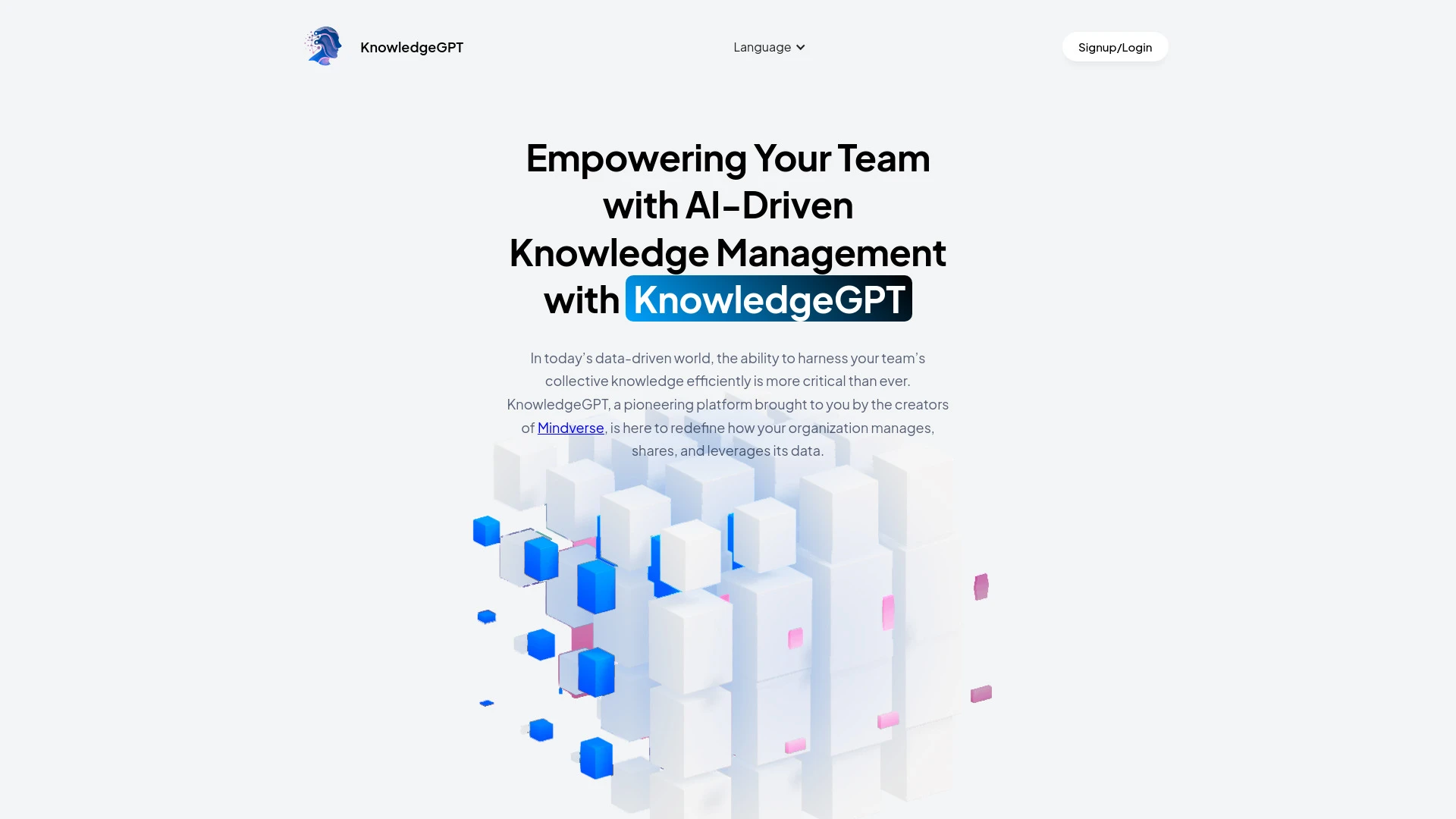
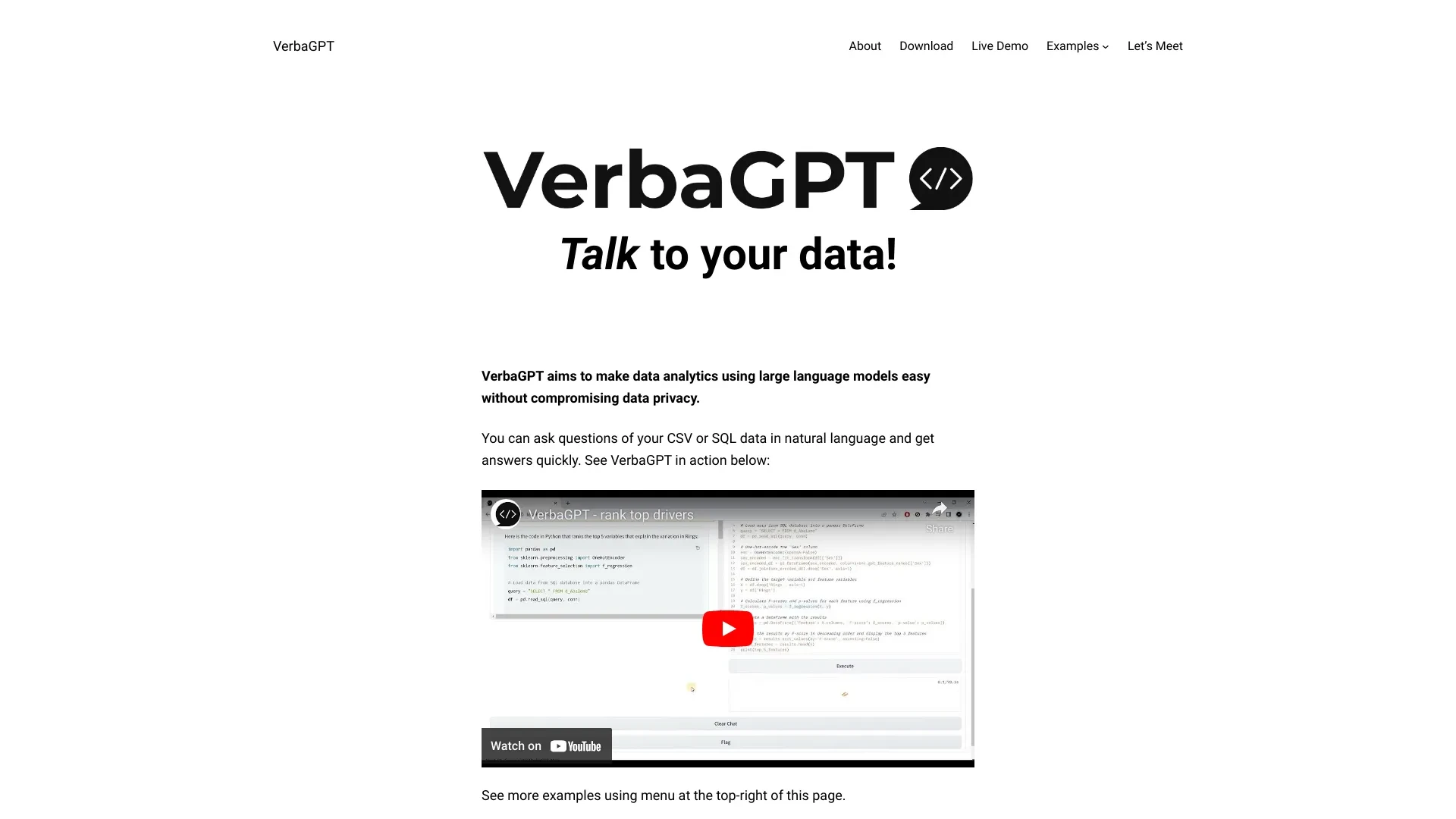
VerbaGPT and KnowledgeGPT are two AI tools designed for different user journeys. VerbaGPT excels at analyzing SQL and CSV data in the browser with strong privacy and local processing, while KnowledgeGPT targets organizational knowledge management with real time insights and collaborative analytics.

KnowledgeGPT vs VerbaGPT Overview

Last updated: May 2026

KnowledgeGPT

0

Ideal For

    Extract insights for product launches

    Analyze market trends efficiently

    Improve team collaboration on data-driven projects

    Enhance decision-making processes

Key Strengths

    Instant access to insights

    Enhanced collaboration among teams

    Ability to handle large datasets efficiently

Core Features

    Real-time data processing

    Collaborative knowledge management

    Advanced analytics

    Seamless integration with existing tools

    Secure data handling

VerbaGPT

0

Ideal For

    Create histograms

    Perform multi-join queries

    Generate reports

    Predict with neural networks

Key Strengths

    User-friendly natural language processing

    Secure local data interaction

    Versatile data manipulation options

Core Features

    Natural language queries

    Data aggregation

    Plotting

    Data modeling

    Local data processing

Popularity

Very Low Unknown number of visitors
Growing popularity
Very Low Unknown number of visitors
Growing popularity

At a Glance

For privacy focused, cost sensitive scenarios VerbaGPT is the winner. For teams needing real time insights, collaboration and enterprise scale KnowledgeGPT is the winner. In mixed environments, consider a staged approach or pilot both to assess fit.

Pricing and Subscription Plans

VerbaGPT is free with perpetual licensing and one time billing. KnowledgeGPT is priced at 49.00 per month under a subscription model. Both platforms are web based and aim to deliver accessible analytics in their respective domains.

Performance Metrics

Exact speed metrics are not provided. VerbaGPT emphasizes privacy and local data processing in the browser which tends to deliver responsive natural language queries. KnowledgeGPT promotes real time data processing for instant insights and collaborative analytics.

User Experience

VerbaGPT offers an intuitive and user friendly interface for analyzing SQL and CSV data in the browser. KnowledgeGPT provides a user friendly interface with collaborative features and real time analytics. Both are web based platforms designed to streamline data to insights and onboarding.

Integrations and Compatibility

KnowledgeGPT highlights seamless integration with existing tools and supports collaborative workflows. VerbaGPT notes support for various data formats and local processing in a web platform.

Limitations and Drawbacks

VerbaGPT prioritizes privacy and local processing which may limit cross team collaboration features. KnowledgeGPT requires an ongoing monthly subscription which may be a barrier for smaller teams.

Frequently Asked Questions

What is the main difference between KnowledgeGPT and VerbaGPT?
The key difference between KnowledgeGPT and VerbaGPT lies in their core use cases, pricing models, and feature depth. KnowledgeGPT typically focuses on specific workflows, while VerbaGPT offers broader capabilities suitable for different teams and scenarios.
Which is better for teams: KnowledgeGPT or VerbaGPT?
VerbaGPT is often a better fit for growing teams that need collaboration, governance, and integrations, while KnowledgeGPT can be ideal for individuals or smaller teams who want a simpler, more focused solution.
Is KnowledgeGPT more affordable than VerbaGPT?
Pricing depends on your usage and plan tiers. KnowledgeGPT may offer a lower entry price, while VerbaGPT can provide more value at scale with advanced features included in higher-tier plans.
Can I use both KnowledgeGPT and VerbaGPT together?
Yes, many teams combine both tools in their workflows to cover different use cases. Always review integrations and overlapping features to avoid paying twice for similar functionality.

Related Comparisons