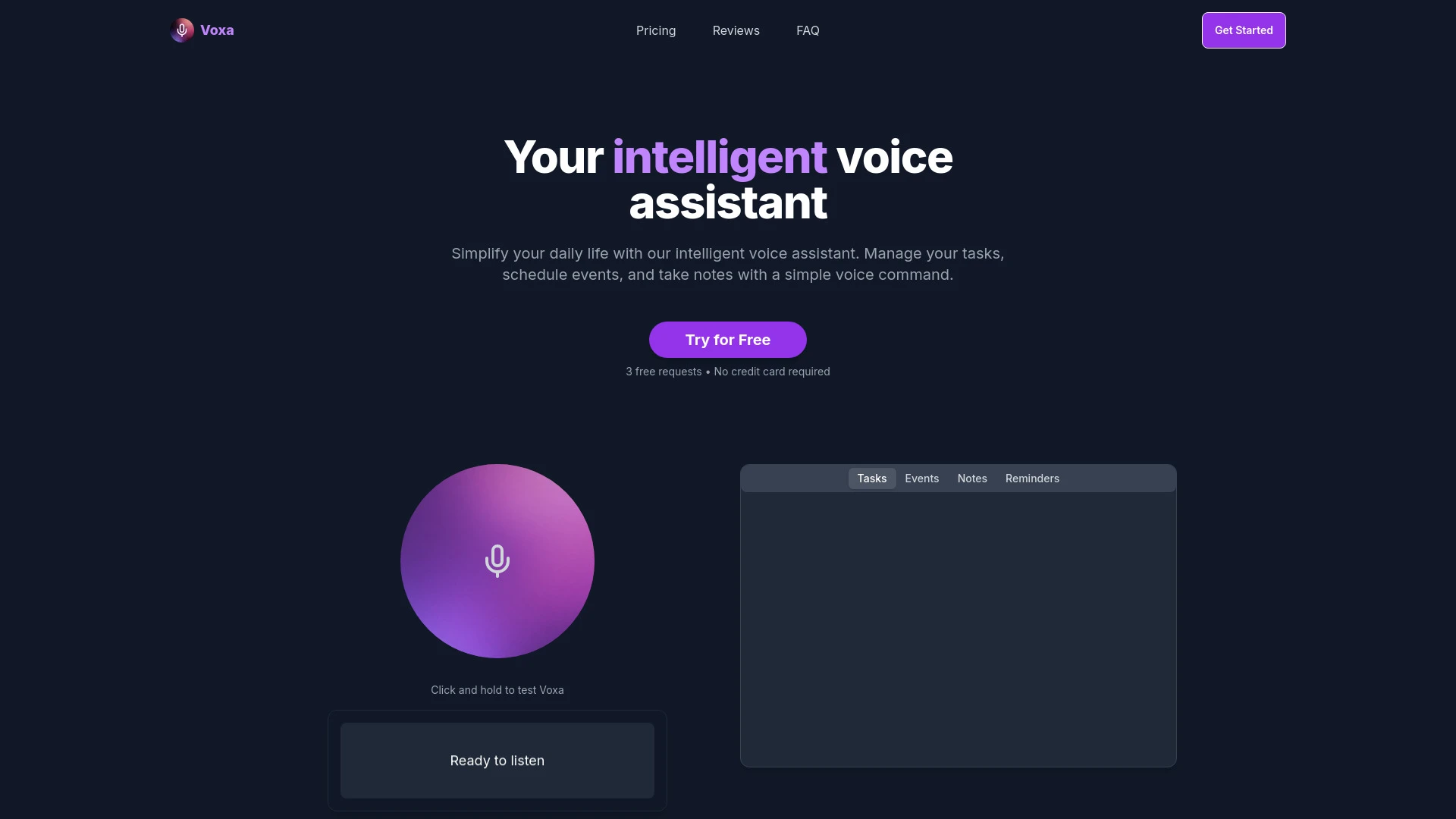
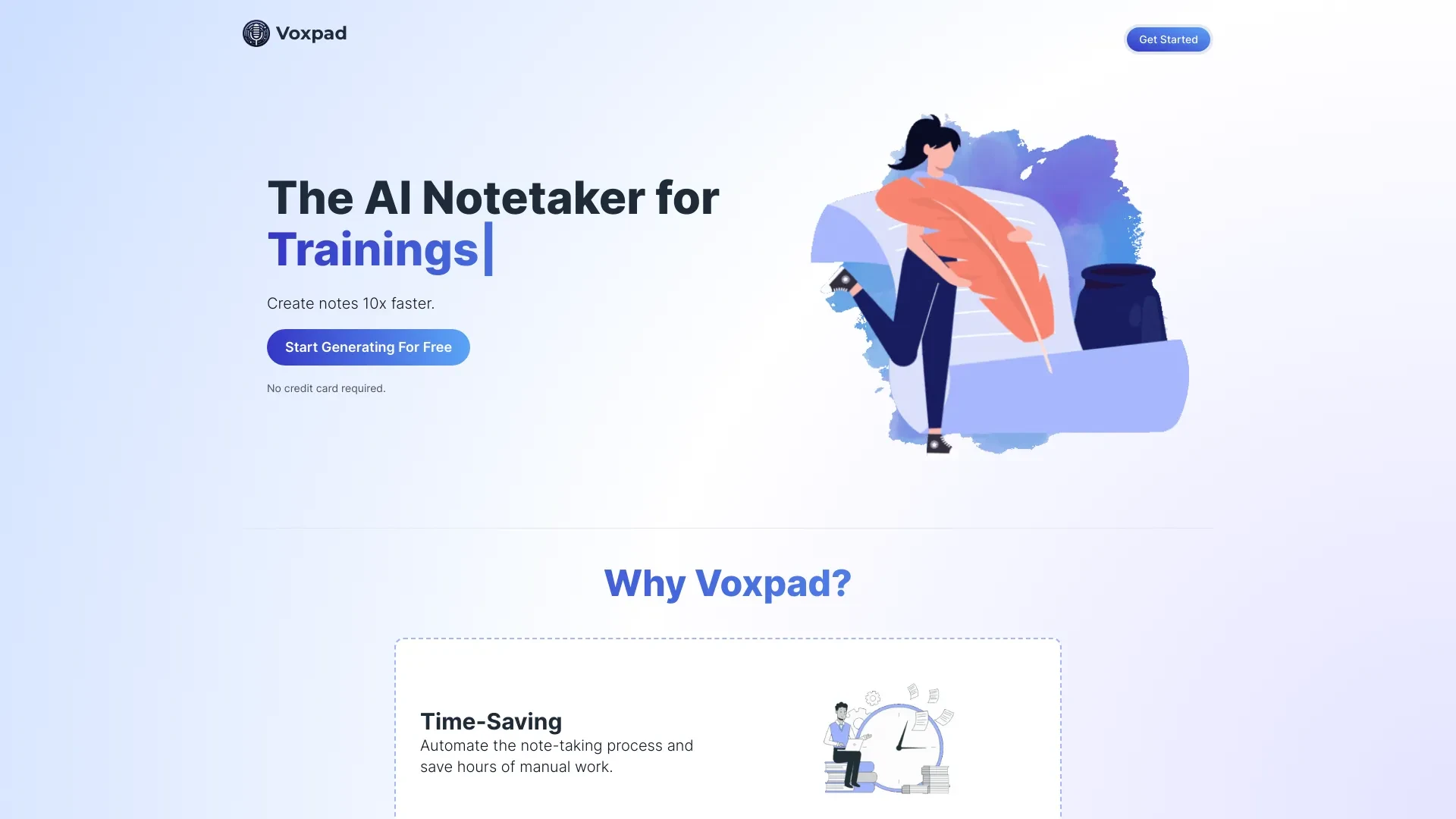
Voxpad and Voxa offer distinct AI driven productivity approaches. Voxpad excels at turning video and audio into customizable notes for study and documentation, while Voxa enables hands free management of tasks events and notes through voice and Google tool integrations.
Add and modify tasks using voice commands
Plan events quickly with speech input
Take notes during meetings seamlessly
Set reminders effortlessly
Hands-free task management
Enhanced productivity through voice commands
Seamless integration with Google tools
Voice Task Management
Event Planning
Flexible Note Taking
Integration with Google Tasks and Calendar
Advanced Voice Recognition
Create notes 10x faster for lectures
Store and access generated notes conveniently
Enhance research documentation
Prepare for meetings with detailed notes
Saves time on note-taking
Customizable notes fit user needs
AI editing improves accuracy
Automated note-taking
Customizable notes
Timestamps for easy reference
AI editing with autocomplete
Token-based storage system
Voxpad is ideal for media driven note taking and research workflows while Voxa excels in hands free productivity within the Google tools ecosystem. If your work centers on capturing lectures or videos into organized notes, Voxpad stands out as the better fit. If you need hands free task management and event planning integrated with Google, Voxa is the clear choice.
Voxpad operates on a monthly subscription priced at 10.00 and billed monthly. Voxa uses a perpetual license with a one time payment of 9.00. These pricing models influence ongoing cost versus upfront investment, with Voxpad providing ongoing value through regular updates and Voxa delivering ownership upfront. Both tools aim to be accessible to individuals and teams depending on preferred payment model.
No quantitative performance metrics are provided. Voxpad relies on automated note taking and AI editing with timestamps backed by a token based storage approach while Voxa emphasizes advanced voice recognition and multi device synchronization. Depending on your environment you may want to test input sizes and network conditions to assess responsiveness and reliability.
Voxpad provides a straightforward web based workflow where users upload media and select a note format aided by AI autocomplete to edit notes. The process is designed to produce concise customizable notes and then store them for easy access with organized storage. Voxa emphasizes hands free interaction through natural voice commands and smooth integration with Google Tasks Calendar and Notion enabling quick note taking during meetings and fast task creation. A brief setup to connect accounts and configure voice profiles can optimize the experience.
Voxpad runs on Web and supports multiple audio and video formats for input. Voxa integrates with Google Tasks Calendar and Notion and offers multi device synchronization reinforcing its Google centric workflow.
Voxpad relies on ongoing subscription pricing and may be bound to media input quality; Voxa is deeply integrated with Google tools which may limit portability outside that ecosystem.