On this page
Renderfire
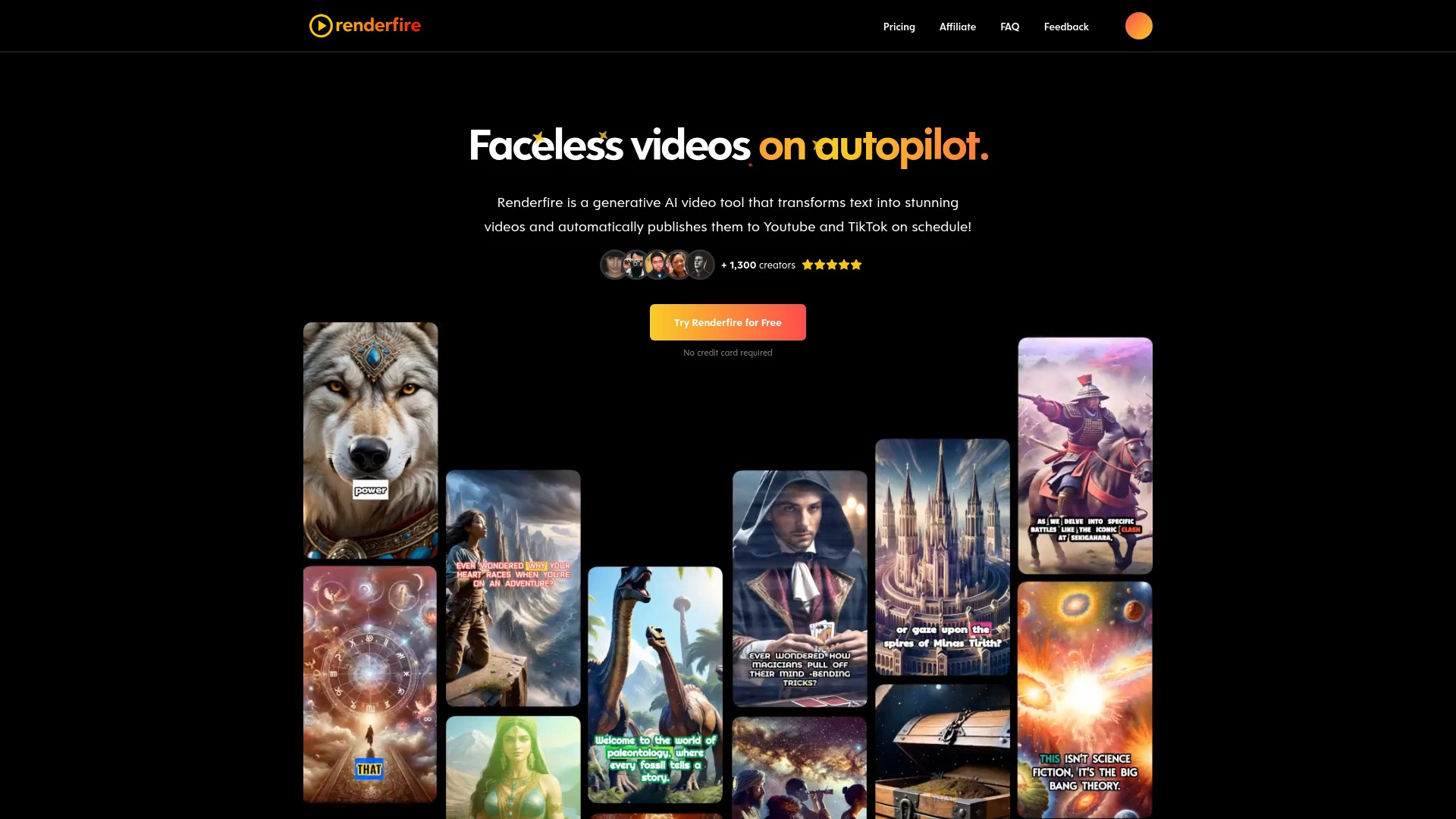
FreemiumRenderfire is a generative AI tool that converts text into engaging videos and publishes them automatically on social media platforms like YouTube and TikTok.
Discussion
Ask questions, share feedback, and discuss this tool.
Start with one of these:
No discussion yet. Start the conversation.
Price History
How Renderfire's price has moved over time.
Availability
Is Renderfire up or down? Weekly reachability checks of its website.
Uptime
100%
Currently reachable
Over the last 5 weekly checks
How it works
How Renderfire Works In 3 Steps?
-
Step 1
Input Your Topic
Enter a relevant topic for your video content creation.
-
Step 2
Preview and Edit Video
Review the generated video and make any necessary edits.
-
Step 3
Schedule for Publishing
Set a time for your video to be automatically published.
Renderfire: Features, Advantages & FAQs
Explore everything you need to know about Renderfire
-
Core Features
-
- Automated video creation from text
- Scheduled publishing on Youtube and TikTok
- Easy topic-based video generation
- Preview and editing capabilities before publishing
- HD resolution output
- No watermark on published videos
-
Advantages
-
- Saves time in video production
- Enhances engagement with multimedia content
- Allows easy scheduling of posts
- Offers high-quality video output
- No watermark on videos even for free users
- User-friendly interface for everyone
-
Use Cases
-
- Daily content creation for YouTube and TikTok
- Effortless management of video series
- Automated video publication schedules
- Regular social media content updates
- Enhanced engagement through visual storytelling
- Simplified content strategy implementation
-
Platform & Licensing
-
Web
Ask AI about Renderfire
A straight answer grounded in our directory — alternatives, pricing, fit for your workflow.
Frequently Asked Questions
How does Renderfire work?
Renderfire takes your text input and uses advanced AI algorithms to generate a video, which you can then preview and edit before automatic publication.
Can I try Renderfire for free?
Yes, Renderfire offers a free tier that allows you to create and publish videos with basic features.
What is the pricing structure?
Renderfire has various pricing tiers, starting from a free option to paid plans at $29, $59, and $99 per month, offering more features and credits as you go up.
Top Alternatives to Renderfire
Curated options ranked by similarity, features, and value.
Get personal picks
Take the 2-min quiz for tools matched to your work.
Promoted tools worth a look.
- No stacks yet
-
- No similar tools found.
- No stacks yet
-
- No similar tools found.
- No stacks yet
-
- No similar tools found.
- No stacks yet
-
- No similar tools found.
- No stacks yet
-
- No similar tools found.
- No stacks yet
-
- No similar tools found.
- No stacks yet
-
- No similar tools found.
- No stacks yet
-
- No similar tools found.
- No stacks yet
-
- No similar tools found.
- No stacks yet
-
- No similar tools found.
- No stacks yet
-
- No similar tools found.
- No stacks yet
-
- No similar tools found.
- No stacks yet
-
- No similar tools found.
- No stacks yet
-
- No similar tools found.
- No stacks yet
-
- No similar tools found.
Best Primary Tasks for Renderfire — Top Use Cases & Workflows
Discover the most common tasks where Renderfire excels: curated, high-relevance suggestions to help you get started faster.
Rate this tool
Help others by sharing your experience with Renderfire
Anything to add? (optional)
Weekly AI Digest: Tools, Cases, Guides
-
Top 5 Tools 01
Save your time
-
Practical Use Cases 02
Applying AI in your workflow
-
Quick Guides 03
Try it in 5 minutes
Customer Reviews for Renderfire
Overall Analytics
Comprehensive review insights and historical performance
6-month timeline
Recent Review Statistics
Sentiment analysis and trends from the last Last 30 days
No reviews yet in this period
Be the first to share your experience!
Write a Review
Share your experience to help others make better decisions