Recommended AI Tools
5We've analyzed the market. These tools offer specific features for create a quiz with multiple-choice questions.
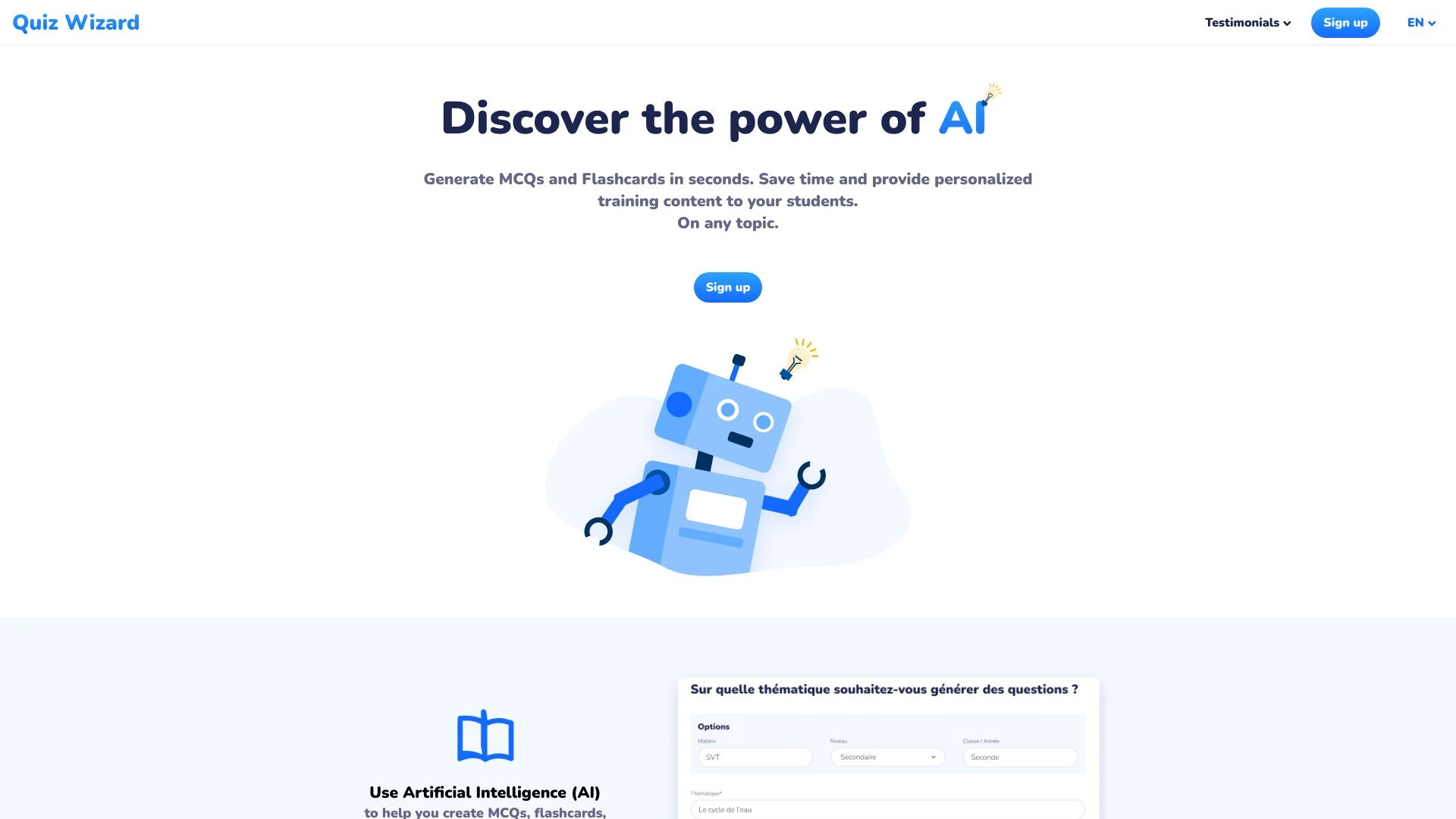
Quiz Wizard
Quiz Wizard is an AI-driven platform that generates personalized MCQs, flashcards, and study materials swiftly, streamlining the content creation proc...
- Instant MCQ and flashcard generation
- Customizable educational materials
- AI-based question formulation
AI Analysis
Why use this AI Quiz Wizard for Create A Quiz With Multiple-Choice Questions?
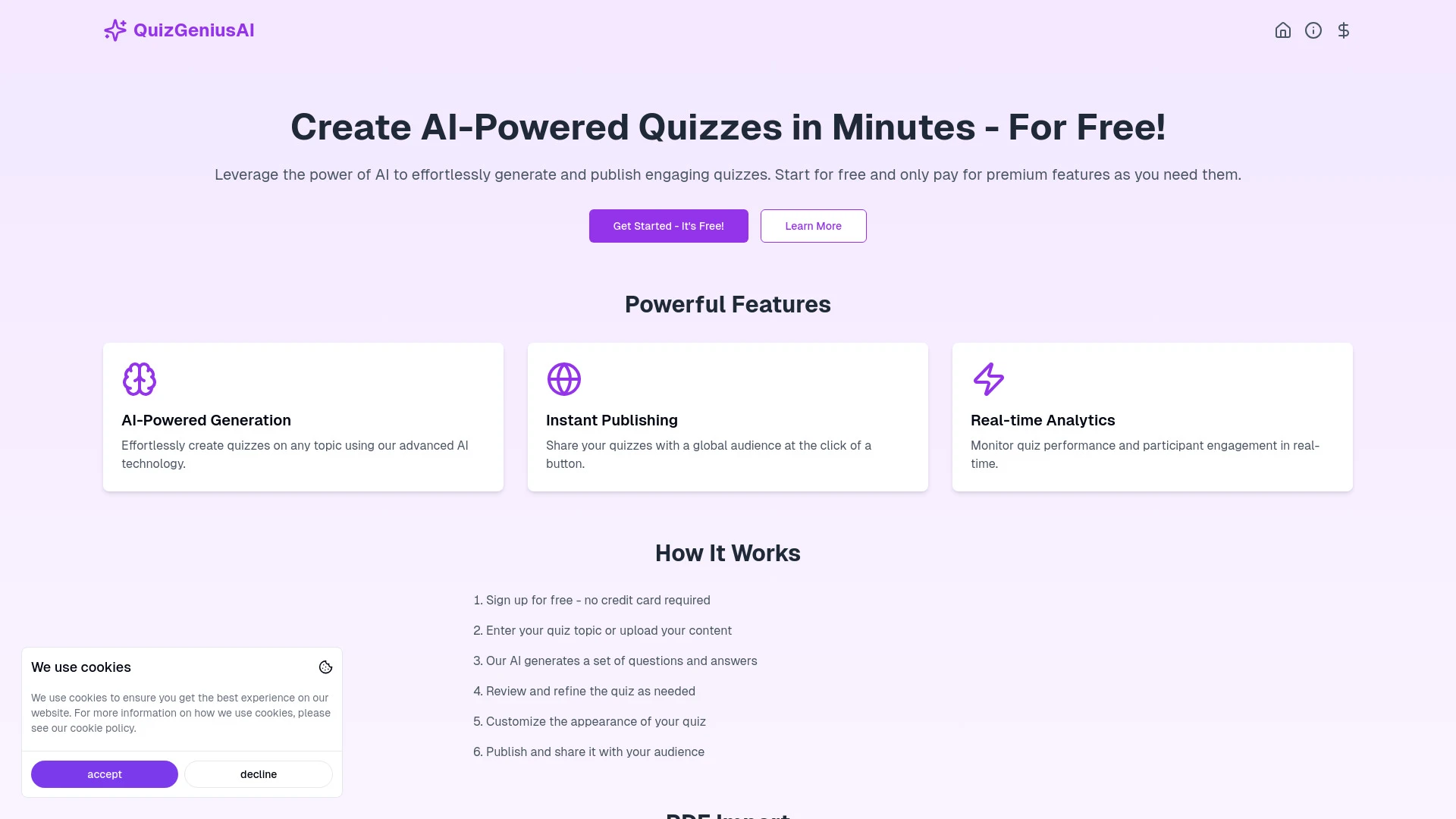
QuizGeniusAI
QuizGeniusAI is an AI-driven platform designed for effortless creation of educational quizzes.
- AI-Powered Generation
- Instant Publishing
- Real-time Analytics
AI Analysis
Why use this AI QuizGeniusAI for Create A Quiz With Multiple-Choice Questions?
QuizBot.ai
QuizBot.ai is an advanced AI tool designed for effortlessly generating high-quality questions tailored for quizzes, tests, and educational content.
- AI question creation
- Support for multiple question types (multiple-choice, true-false)
- Integration with Bloom's Taxonomy
AI Analysis
Why use this AI QuizBot.ai for Create A Quiz With Multiple-Choice Questions?
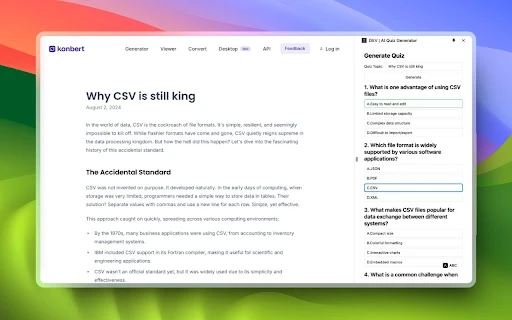
AI Quiz Generator is a Chrome extension that crafts quizzes from any website's content, promoting user interaction and learning.
- Generates quizzes automatically from web content
- supports a variety of question formats
- user-friendly interface for easy quiz creation
AI Analysis
Why use this AI AI Quiz Generator for Create A Quiz With Multiple-Choice Questions?
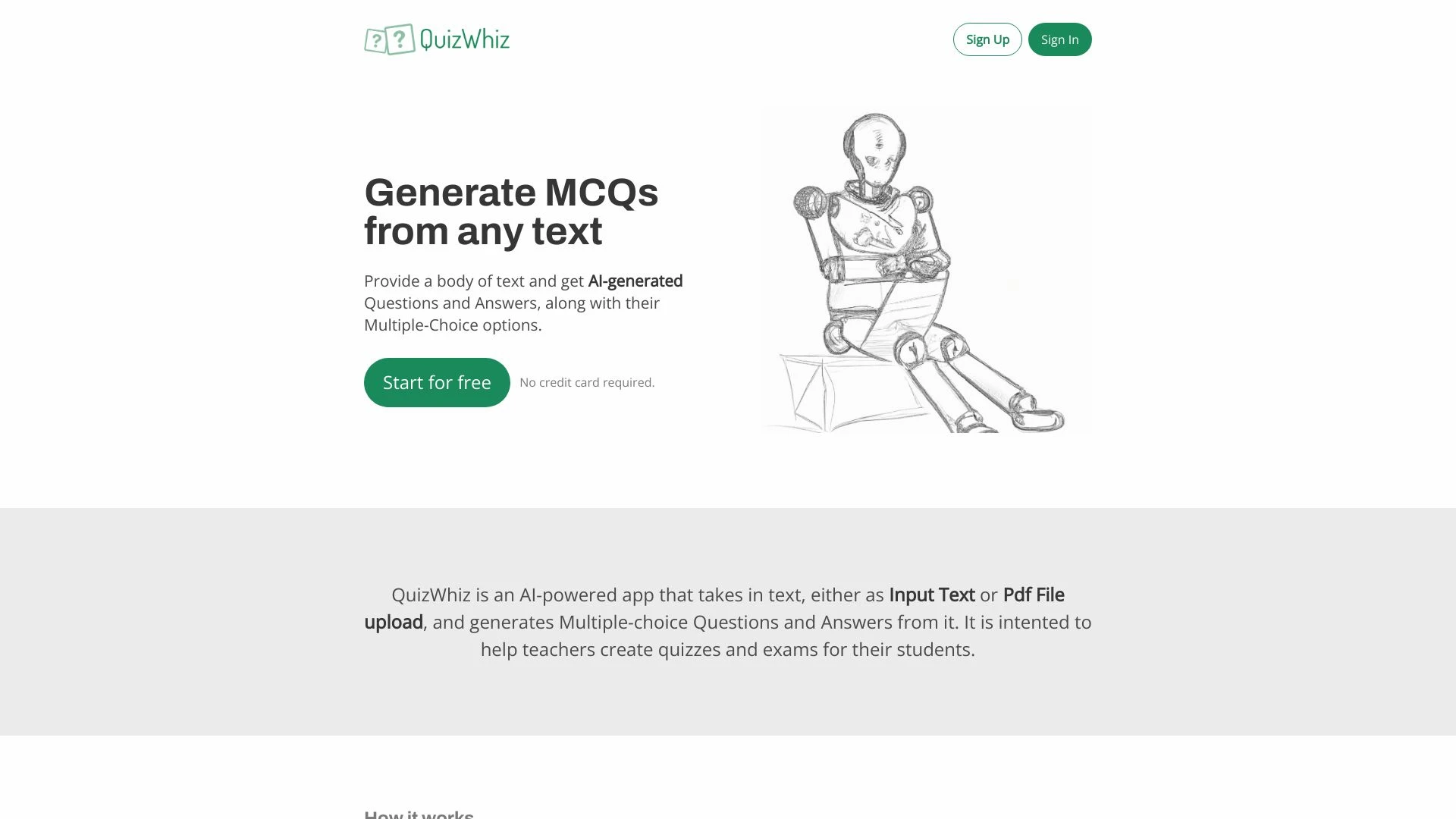
QuizWhiz
QuizWhiz is an AI-driven application that generates multiple-choice questions (MCQs) from any given text, facilitating quiz creation for educators.
- AI-generated multiple-choice questions
- Text and PDF input options
- Customizable quiz settings
AI Analysis
Why use this AI QuizWhiz for Create A Quiz With Multiple-Choice Questions?
Practical Workflows
Don't just buy tools—build a system. Here are 3 proven ways to integrate AI into your create a quiz with multiple-choice questions process.
Workflow 1: Quick Start for Complete Beginners
- Define quiz objectives and audience for the Create A Quiz With Multiple-Choice Questions task.
- Use an AI tool to generate 10 relevant MCQs with 4 options and a clear correct answer for each.
- Review and adjust explanations for each option, then publish the quiz to your LMS or website.
Workflow 2: Daily Optimization for Regular Users
- Import existing questions and tag them by difficulty in the Create A Quiz With Multiple-Choice Questions workflow.
- Set up AI-powered question rotator to refresh 2-3 new MCQs weekly while preserving core learning goals.
- Automate feedback generation after user attempts and integrate analytics to improve future quizzes.
Workflow 3: Full Automation for Power Users
- Create a reusable template for Create A Quiz With Multiple-Choice Questions with predefined sections and scoring rubrics.
- Configure AI to generate, review, and publish a full module of MCQs (50-100) across topics on a schedule.
- Enable automation to monitor performance, flag ambiguities, and regenerate questions with improved distractors.
Effective Prompts for Create A Quiz With Multiple-Choice Questions
Copy and customize these proven prompts to get better results from your AI tools.
Beginner
Task: Create 10 MCQs for a beginner audience on the topic of 'Basics of Data Privacy'. Provide 4 options per question, clearly identify the correct answer, and write brief explanations for all options. Output as a clean bullet list with question, options labeled A-D, and the correct answer.Advanced
Role: Content strategist for corporate training. Context: You are designing a module on 'Cybersecurity Awareness' for mid-level employees. Constraints: 50 MCQs, 4 options each, ensure plausible distractors based on common misconceptions, include difficulty tags (easy, medium, hard) and a short rationale for each item. Output in JSON with fields: id, question, options[], answerKey, and rationale.Analysis
Task: Evaluate a batch of 20 MCQs generated for a Create A Quiz With Multiple-Choice Questions AI test. Compare each item’s clarity, accuracy, and distractor quality against a rubric. Provide scores, notes, and recommended edits for 5 items most in need of improvement.
What Create A Quiz With Multiple-Choice Questions AI Is and Who It’s For
Create A Quiz With Multiple-Choice Questions AI refers to software and platforms that automatically generate quiz items, structure MCQs, and optimize scoring for educational or training programs. It’s ideal for educators, training departments, content creators, and marketing teams who need scalable, consistent quizzes with human oversight when needed.
Benefits of Using AI for Create A Quiz With Multiple-Choice Questions
- Speed: generate hundreds of MCQs in minutes, not hours.
- Consistency: uniform question quality and scoring across modules.
- Distraction quality: AI can craft plausible distractors aligned to learning goals.
- Personalization: tailor quizzes to learner levels and topics.
- Analytics: track item difficulty, pass rates, and topic coverage for continuous improvement.
How to Choose the Best AI Tools for Create A Quiz With Multiple-Choice Questions
- Question Quality: look for prompt templates that emphasize stem clarity, single correct answer, and high-quality distractors.
- Topic Coverage: ensure the tool supports your subject areas and can handle domain-specific vocab.
- Accessibility: check output formats (SCORM/LMS-ready) and alt text for inclusivity.
- Analytics: prioritize items, difficulty metrics, and item response patterns.
- Team Collaboration: features for review cycles, commenting, and version control are key for teams.
Best Practices for Implementing Create A Quiz With Multiple-Choice Questions AI
- Do define learning objectives before generating questions to guide AI prompts.
- Do run a human review pass to confirm accuracy and bias checks.
- Do test quizzes with real users to gather feedback on readability and question clarity.
- Don’t rely on AI to produce content without subject-matter validation for high-stakes assessments.
- Do establish a publishing cadence and versioning so updates stay aligned with curricula.
AI for Create A Quiz With Multiple-Choice Questions: Key Statistics
In 2026, 67% of educational teams report using AI to generate MCQs for training modules.
Average time to produce a 50-question MCQ quiz drops from 6 hours to under 90 minutes with AI tooling.
40% increase in learner satisfaction scores when AI-reviewed MCQs are added to quizzes.
Top AI tools for Create A Quiz With Multiple-Choice Questions cite 3-5x faster revision cycles.
83% of organizations run automated quality checks on MCQ distractors before deployment.
Future adoption projections show 78% of new quizzes will leverage AI-driven item-writing within two years.
Frequently Asked Questions
Get answers to the most common questions about using AI tools for create a quiz with multiple-choice questions .
Create A Quiz With Multiple-Choice Questions AI refers to AI-powered tools that generate, validate, and optimize multiple-choice questions for quizzes, ensuring clear stems, plausible distractors, and accurate answer keys tailored to the target audience.
Begin by outlining quiz goals and audience, choose an AI tool with MCQ generation capabilities, input topic prompts, review generated questions for accuracy, and publish to your LMS or learning platform.
Free tools are a good starting point for simple MCQ generation, but paid AI tools often offer advanced item-writing, analytics, and better quality control, which are important for scalable Create A Quiz With Multiple-Choice Questions systems in 2026.
Issues often come from prompts lacking context or subject specificity. Provide clear learning objectives, include topic vocab, and request distractors that reflect common misconceptions to improve quality.
Related AI Tool Categories
Explore other AI tool categories similar to Create A Quiz With Multiple-Choice Questions that might interest you.
AI Presentation Generator
The AI Presentation Generator utilizes artificial intelligence to create visually appealing and structured presentations...
AI Forms & Surveys
AI Forms & Surveys leverage machine learning to optimize data collection and analysis. By automating responses, personal...
AI Quizzes
AI Quizzes leverage artificial intelligence to create personalized, adaptive learning experiences for users. Application...
AI Response Generator
The AI Response Generator uses machine learning to create context-aware responses in real-time. Enhanced by natural lang...
AI App Builder
The 'AI App Builder' streamlines app development using AI tools, automating coding, design, and testing. Examples includ...
AI Content Generator
AI Content Generators leverage machine learning to create text, images, and videos, transforming content creation by imp...