Recommended AI Tools
5We've analyzed the market. These tools offer specific features for create tattoo designs.
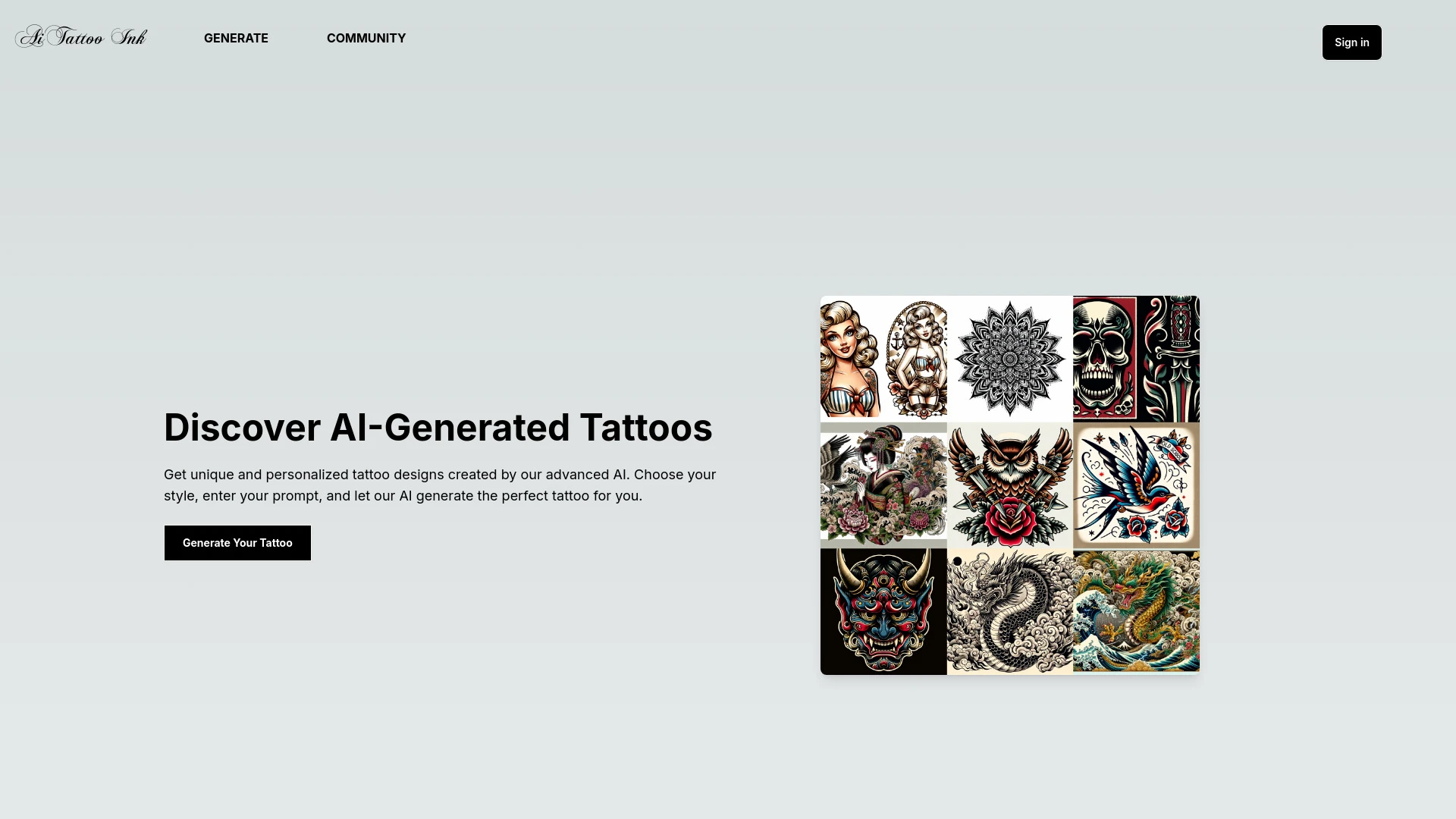
AiTattoo Ink
AiTattoo Ink is an AI platform that creates personalized and unique tattoo designs tailored to user preferences.
- AI-generated custom tattoo designs
- Variety of tattoo styles
- Personalized tattoo ideas
AI Analysis
Why use this AI AiTattoo Ink for Create Tattoo Designs?
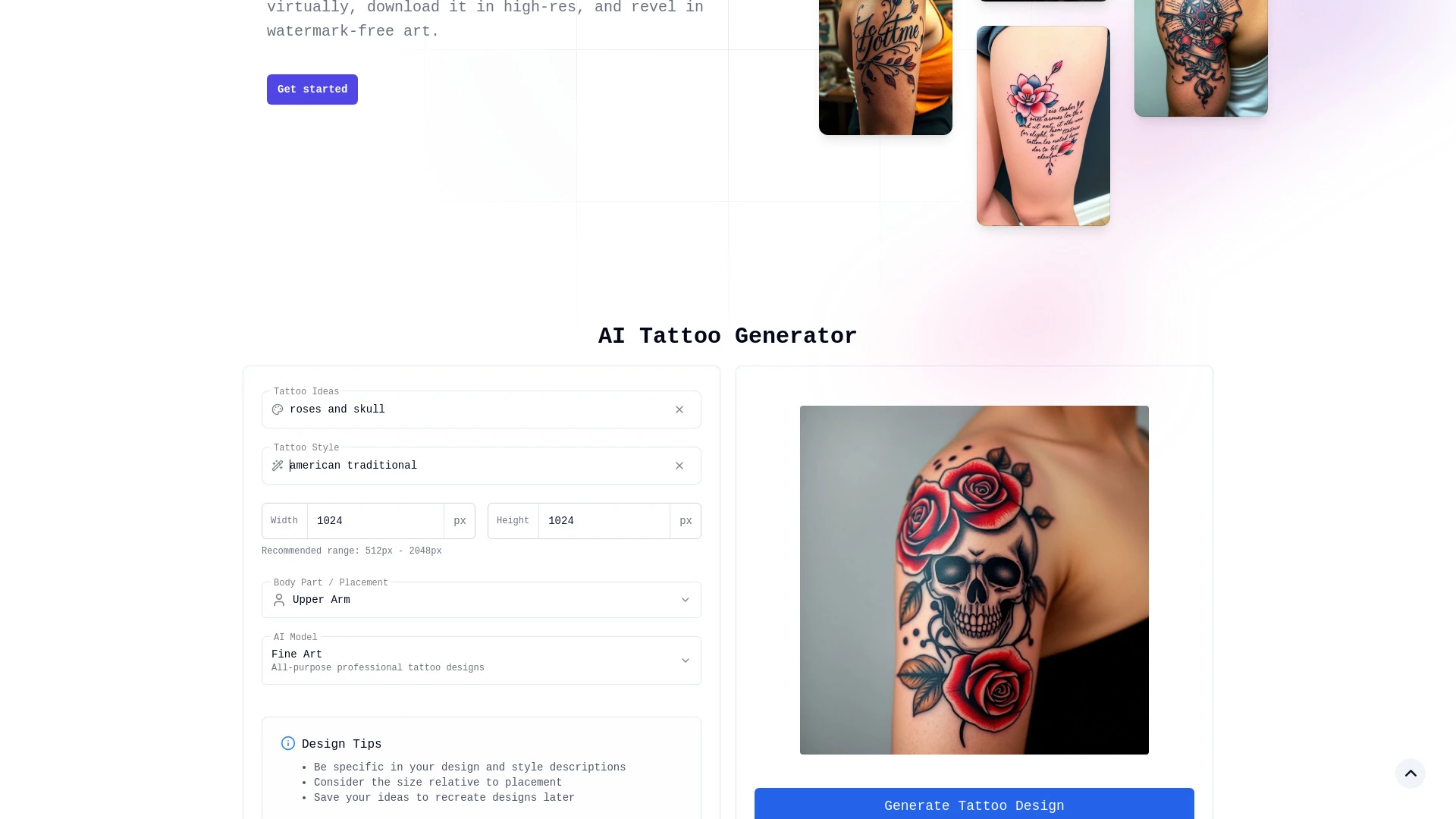
TattooGen.ai
TattooGen.ai is a free AI-driven platform that allows users to design unique tattoo art quickly, utilizing advanced algorithms trained on a vast datab...
- Instant tattoo design generation
- High-resolution downloads
- Variety of styles
AI Analysis
Why use this AI TattooGen.ai for Create Tattoo Designs?
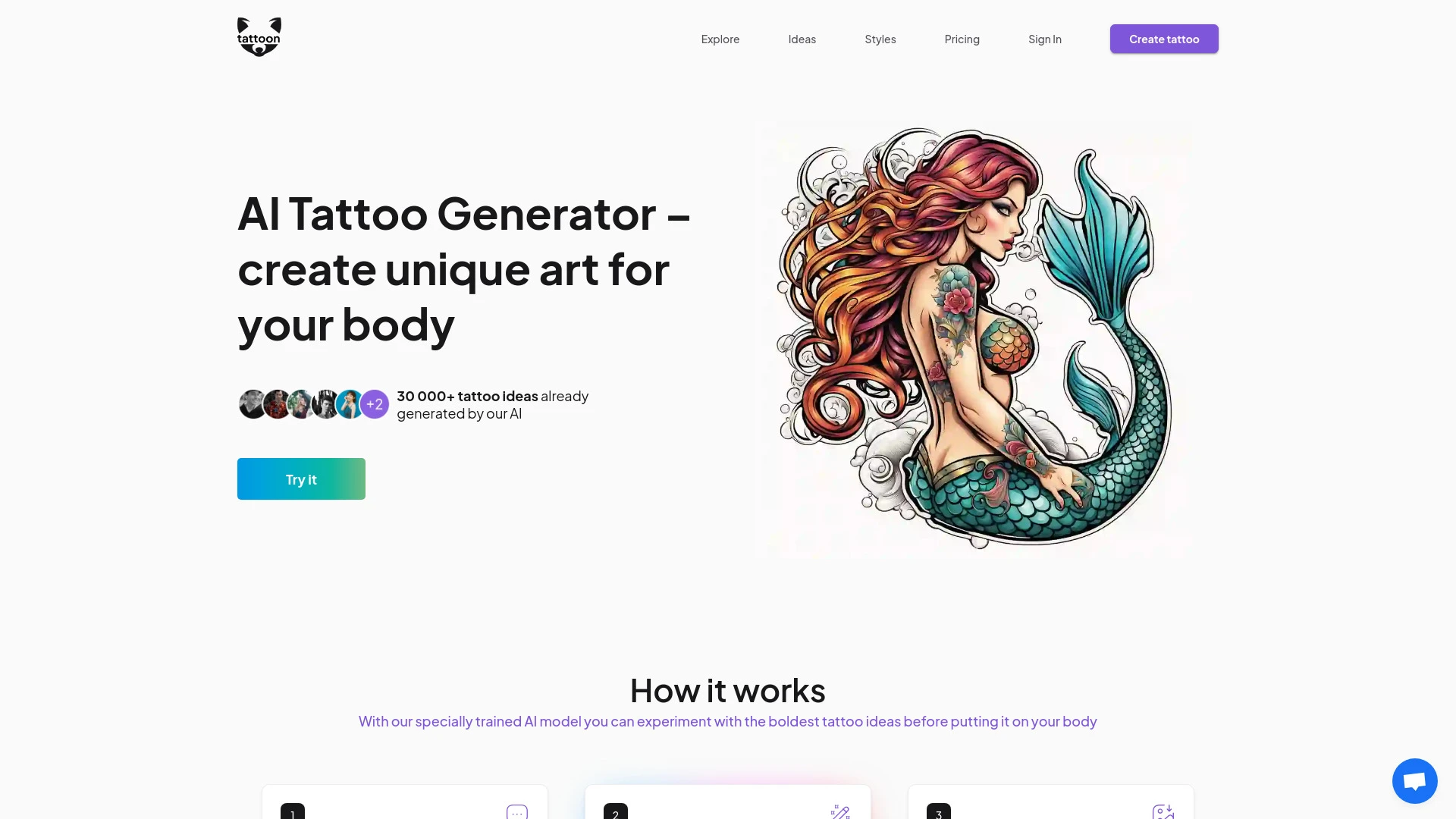
Tattoon.ai
Tattoon.ai is a cutting-edge AI Tattoo Generator that crafts personalized tattoo designs tailored to your unique preferences.
- Generates 1-20 unique tattoo designs from user input
- Downloadable designs tailored for tattoo artists
- Access to a large and diverse community tattoo library
AI Analysis
Why use this AI Tattoon.ai for Create Tattoo Designs?
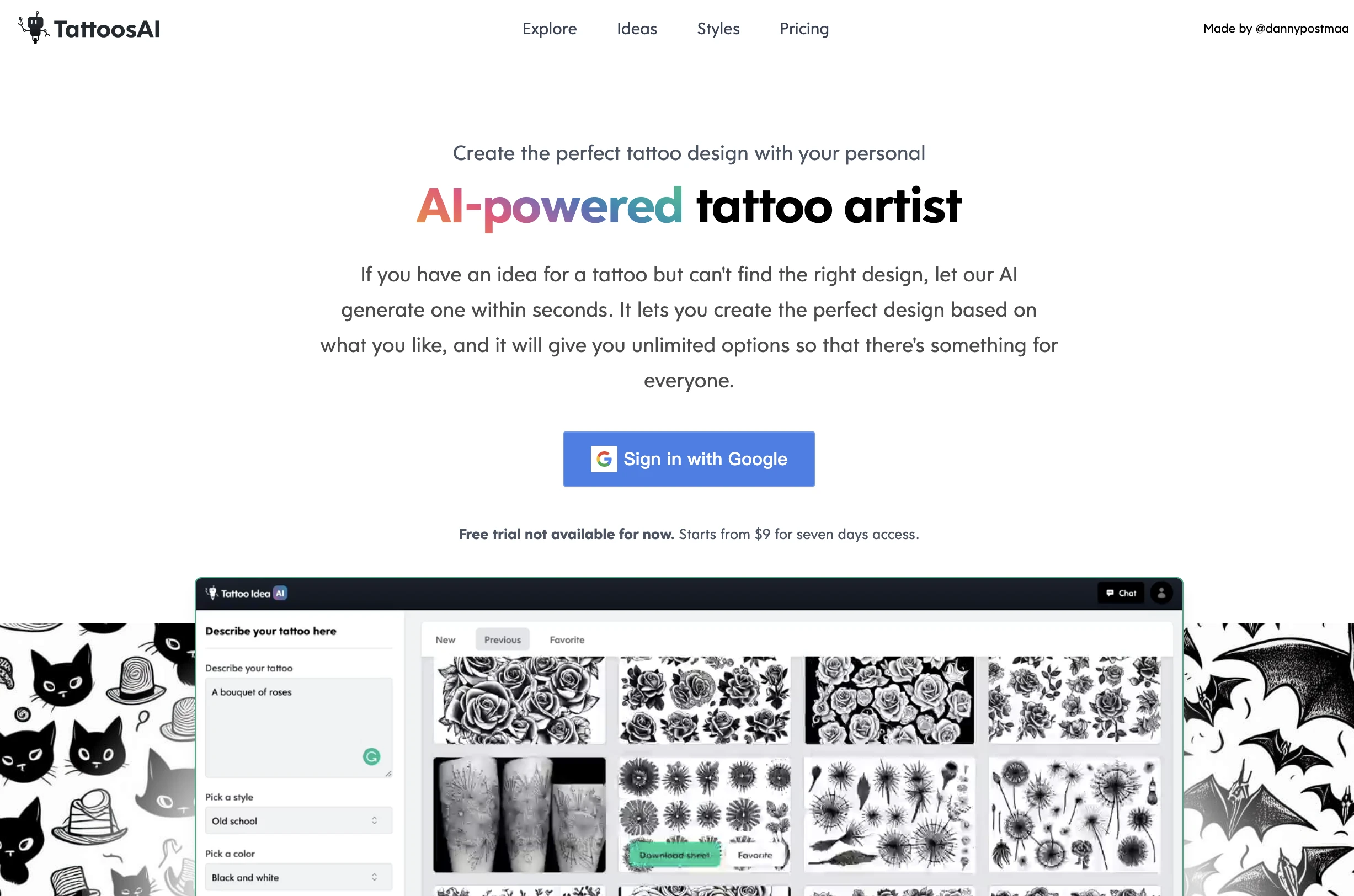
TattoosAI
A unique AI tool that helps you design custom tattoos tailored to your preferences.
- AI-generated tattoo designs
- unlimited customization options
- user-friendly interface
AI Analysis
Why use this AI TattoosAI for Create Tattoo Designs?
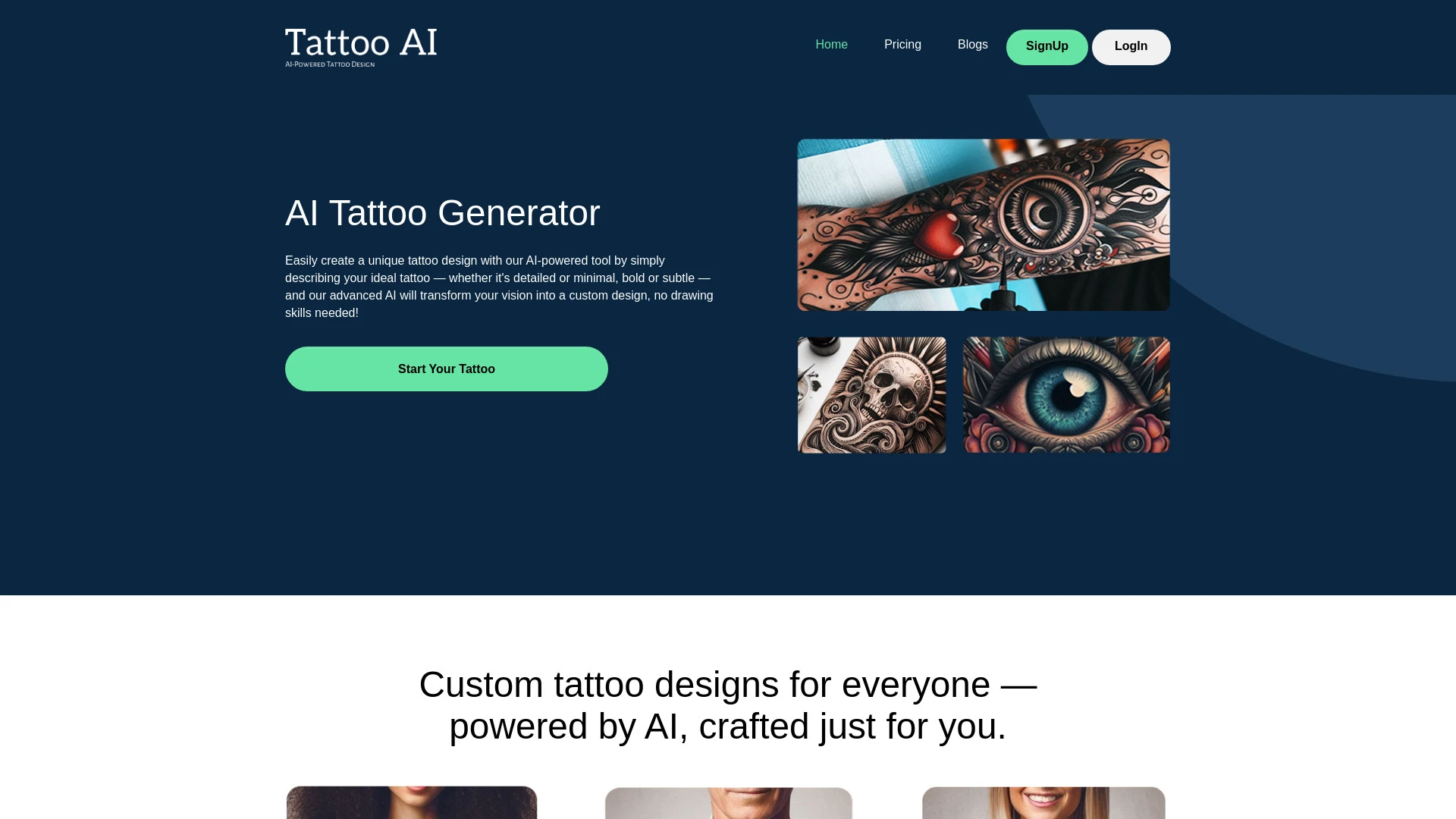
TattooAI.net
TattooAI.net is an AI-driven platform that effortlessly creates custom tattoo designs based on user input, allowing anyone to visualize their tattoo i...
- No artistic skills required
- Instant delivery of unique designs
- Unlimited designs with subscription plans
AI Analysis
Why use this AI TattooAI.net for Create Tattoo Designs?
Practical Workflows
Don't just buy tools—build a system. Here are 3 proven ways to integrate AI into your create tattoo designs process.
Workflow 1: From concept to first tattoo sketch (Complete beginner) for Create Tattoo Designs
- Define a specific tattoo theme and constraints (size, placement, style) in the AI tool’s prompt for Create Tattoo Designs.
- Upload any reference images (style boards, color palettes) and generate 5 initial concept sketches for Create Tattoo Designs.
- Select 1 concept, refine line work and shading with medium-level prompts, and export a print-ready vector or PNG for client review.
Workflow 2: Daily optimization for Create Tattoo Designs (Regular user)
- Create a reusable prompt template for recurring clients to ensure consistency in style and vocabulary for Create Tattoo Designs.
- Batch-generate 3-5 iterations per client brief, then rank by coherence, silhouette clarity, and tattoo-age suitability.
- Automate color studies and revision cycles by locking preferred palettes and adjusting contrast for skin tones within Create Tattoo Designs AI.
Workflow 3: End-to-end automation for Create Tattoo Designs (Power user)
- Define an automation script that ingests client briefs, mood boards, and reference images for Create Tattoo Designs.
- Run iterative prompts to produce 10-15 concept groups, cluster them by style, and auto-export final selects with layered vectors.
- Integrate with client approval workflow and hand off editable files (SVG/AI) and color specs for production-ready tattoo design sets.
Effective Prompts for Create Tattoo Designs
Copy and customize these proven prompts to get better results from your AI tools.
Beginner: Simple task for Create Tattoo Designs AI
Create a clean black-lined tattoo concept in a traditional style, size 4x6 inches on forearm, with a bold single motif and minimal shading. Provide a vector outline (SVG) and a PNG preview.Advanced: Role + context + constraints for Create Tattoo Designs AI
You are a veteran tattoo designer. In the Neo-Traditional style, design a sleeve concept centered on a stylized compass with floral accents. Constraints: line weight 0.5-1.2 mm, color palette limited to teal, coral, and gold, skin-tone-aware shading. Output: layered vector (AI/SVG) and high-res PNG with separate stencil layer.Analysis: Evaluate/Create Tattoo Designs AI outputs
Given 10 generated tattoo concepts in Neo-Traditional style, rate each on originality, clarity of silhouette, and suitability for forearm placement. Then select top 3 for client review and provide revised prompts to improve the remaining 7.
What is Create Tattoo Designs AI?
Create Tattoo Designs AI is a set of intelligent tools that assist tattoo designers and studios in generating concepts, refining compositions, and producing production-ready artwork. It serves professionals evaluating AI-enabled workflows and beginners exploring how AI can speed idea generation for tattoos.
Benefits of Using AI for Create Tattoo Designs
- Faster ideation with diverse style variations tailored to tattoo genres (traditional, neo-traditional, minimalist, dotwork).
- Consistent branding across client briefs through reusable prompts for Create Tattoo Designs.
- Enhanced collaboration: quick previews for client approvals and revised iterations without starting from scratch.
- Optimized color studies and skin-tone considerations to ensure tattoo readability on different bodies.
- Export-ready outputs including vectors for clean line work and scalable designs for stencils.
How to Choose the Right Create Tattoo Designs AI Tool
- Assess style libraries: Ensure the AI tool supports your tattoo genres and can preserve line precision for outlines.
- Check export formats: Look for vector (SVG/AI) and high-res raster outputs suitable for stencil creation.
- Evaluate customization: Prefer tools with prompt templates, style presets, and client-specific briefs for Create Tattoo Designs.
- Consider collaboration features: Multi-user access, annotation, and version tracking streamline client reviews.
- Security and ownership: Confirm licensing terms and ownership rights for generated tattoo designs.
Best Practices for Implementing Create Tattoo Designs AI
- Start with clear briefs: specify style, size, placement, and skin-tone context in prompts.
- Iterate with intent: generate multiple angles, then refine the most cohesive options for client presentation.
- Preserve artist voice: customize prompts to reflect your signature line work and shading techniques.
- Verify legibility on all skin tones: test contrast and line weight in previews before finalizing.
- Maintain source files: keep editable vector files for future revisions and stencil production.
AI for Create Tattoo Designs: Key Statistics
AI adoption in Create Tattoo Designs rose from 28% in 2023 to 64% in 2025 across studios.
88% of professionals report faster concept-to-approval cycles when using Create Tattoo Designs AI.
Average time saved per project with Create Tattoo Designs AI: 6.5 hours.
Top 3 benefits cited: faster ideation, consistent branding, higher client satisfaction.
Pricing impact: studios using AI report a 15-25% increase in output capacity without extra hires.
Beginner onboarding time for Create Tattoo Designs AI: typically 2-3 hours for basics, 1-2 days for full proficiency.
Frequently Asked Questions
Get answers to the most common questions about using AI tools for create tattoo designs .
Create Tattoo Designs AI refers to artificial intelligence tools that assist designers in generating, refining, and visualizing tattoo concepts. It aids ideation, composition, and color studies while preserving artist voice and client requirements.
Begin by choosing a tattoo-focused AI tool, define clear briefs (style, placement, size), provide reference images, and iteratively refine outputs using targeted prompts until you reach a design ready for client review.
Vector outputs (SVG, AI) are preferable for line quality, scalability, and clean editing in tattoo prep, while high-resolution rasters are useful for presentation and shading studies. Use both by exporting vectors and raster previews from your Create Tattoo Designs AI workflow.
Common issues include vague briefs, mismatched style prompts, or insufficient reference context. Improve results by adding explicit style references, defining skin-tone considerations, and iterating with targeted prompts and real-time feedback.
Related AI Tool Categories
Explore other AI tool categories similar to Create Tattoo Designs that might interest you.
AI Cosplay Generator
The AI Cosplay Generator uses advanced algorithms to create customized costume designs based on user inputs, such as pre...
AI Art Generator
AI Art Generators utilize deep learning algorithms to create visuals based on user input or existing art styles. Tools l...
AI Design Generator
The AI Design Generator leverages advanced algorithms to automate and optimize design processes. By analyzing vast datas...
AI Tattoo Generator
The AI Tattoo Generator uses algorithms to create unique tattoo designs by analyzing images, styles, and individual pref...