Outils d IA recommandés
5Nous avons analysé le marché. Ces outils offrent des fonctionnalités spécifiques pour créer des montages forts.
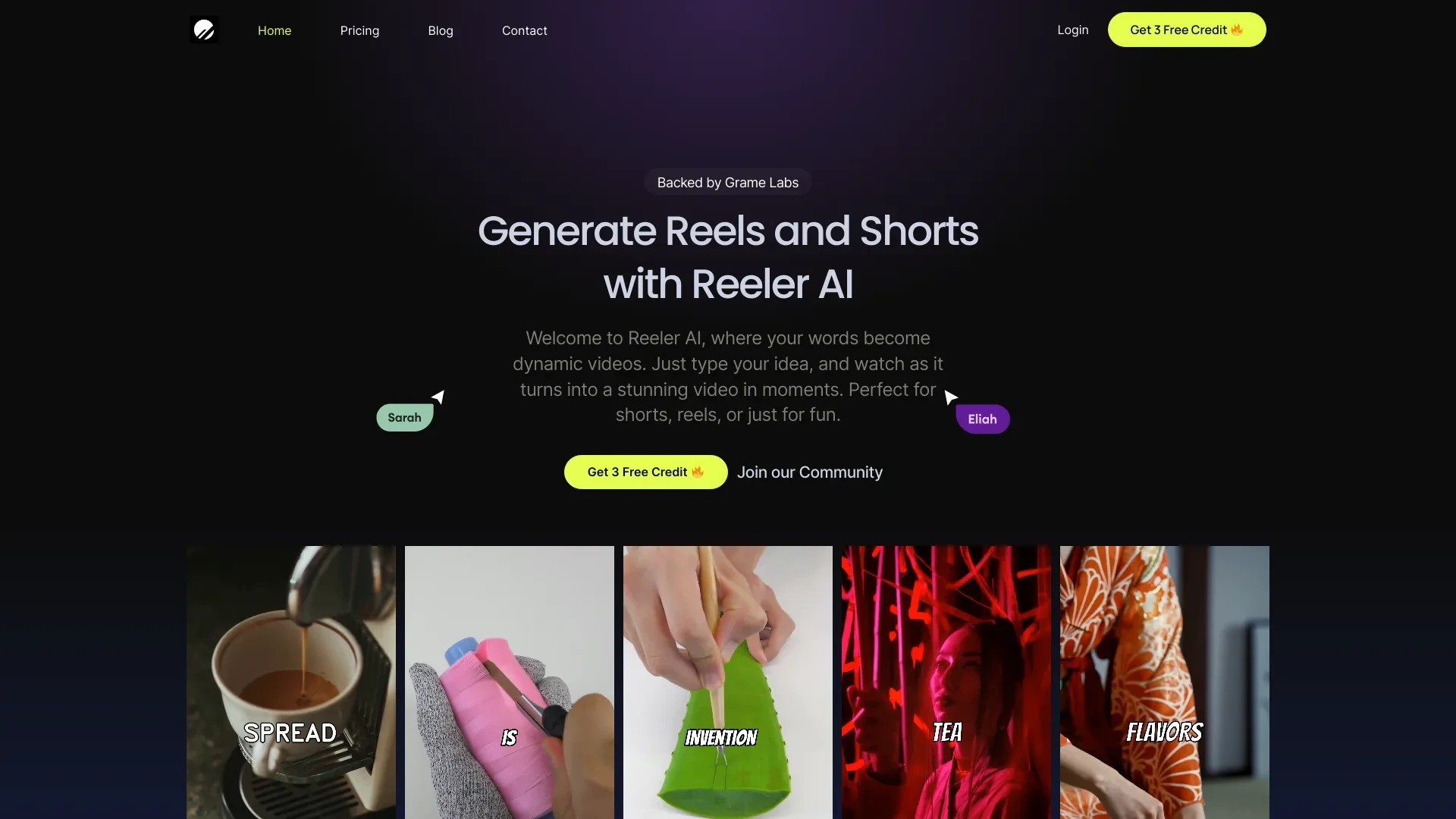
Reeler AI
Reeler AI transforme les invites textuelles en vidéos engageantes avec des fonctionnalités personnalisables.
- Génération de vidéo de haute qualité
- Modèles personnalisables
- Intégration de plusieurs options vocales
Analyse IA
Pourquoi utiliser cette IA Reeler AI pour Créer des montages forts?
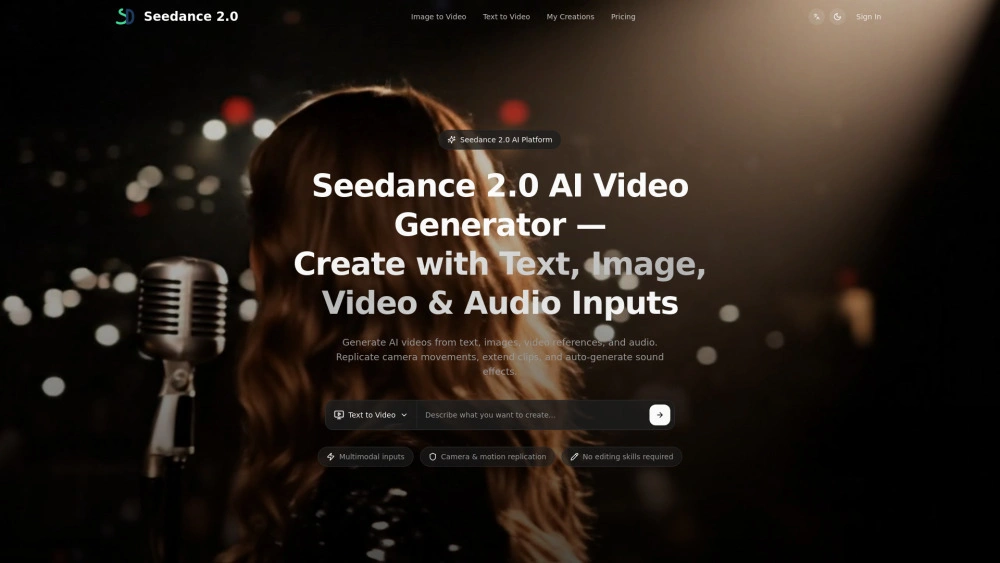
Seedance2
Seedance2: générateur vidéo alimenté par l’IA accélérant les courts clips pour les marketeurs et les créateurs
- Création de texte-à-vidéo : transformer les invites en vidéos
- Création d’image-à-vidéo : animer les entrées
- Aperçu rapide : validation rapide
Analyse IA
Pourquoi utiliser cette IA Seedance2 pour Créer des montages forts?
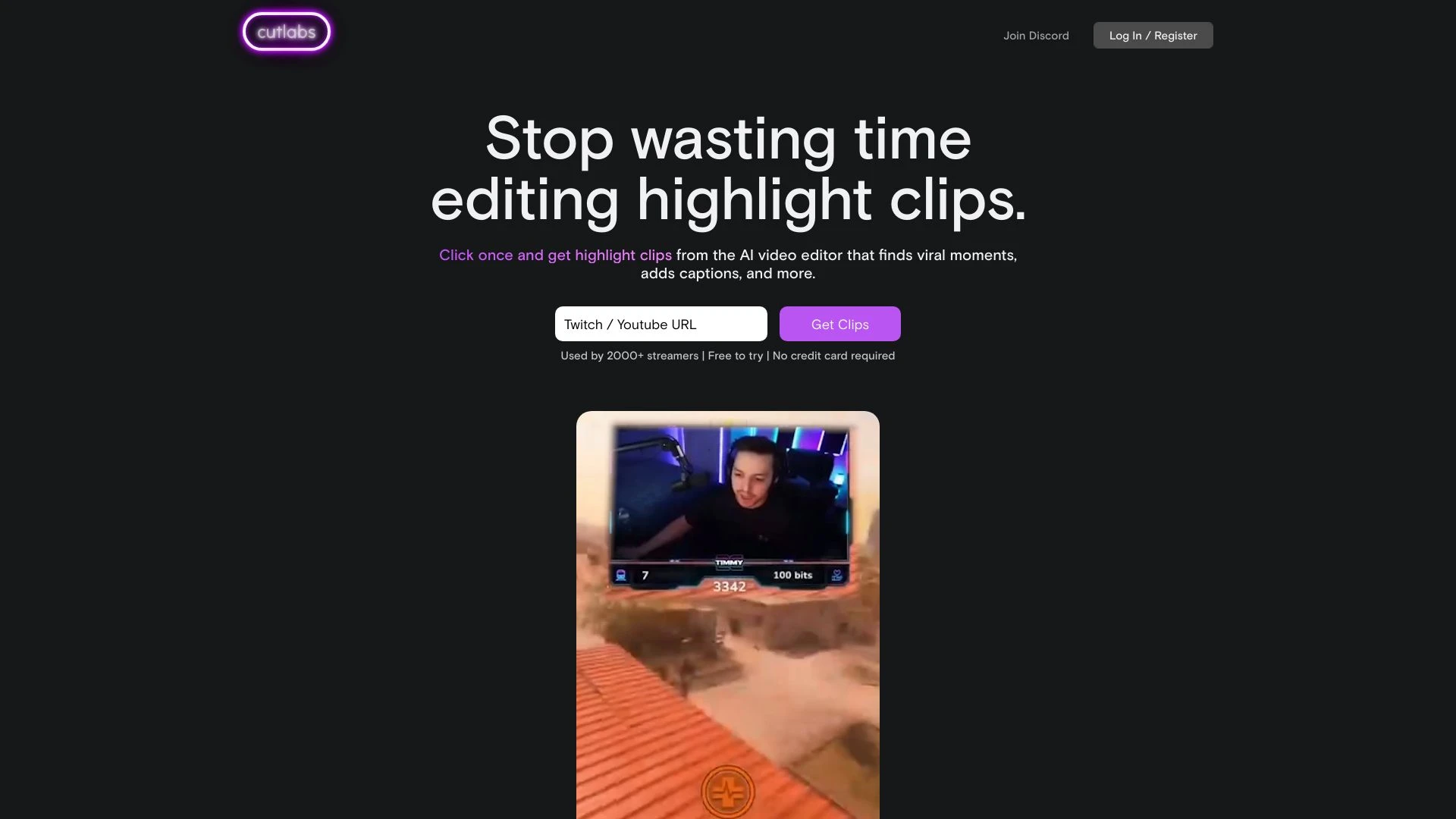
cutlabs
Cutlabs est un éditeur vidéo IA conçu pour les streamers afin de créer facilement des extraits de moments forts à partir de longs VOD en moins de 30 m...
- Montage vidéo alimenté par l'IA
- Création de clips rapides
- Montage automatisé avec assistance IA
Analyse IA
Pourquoi utiliser cette IA cutlabs pour Créer des montages forts?
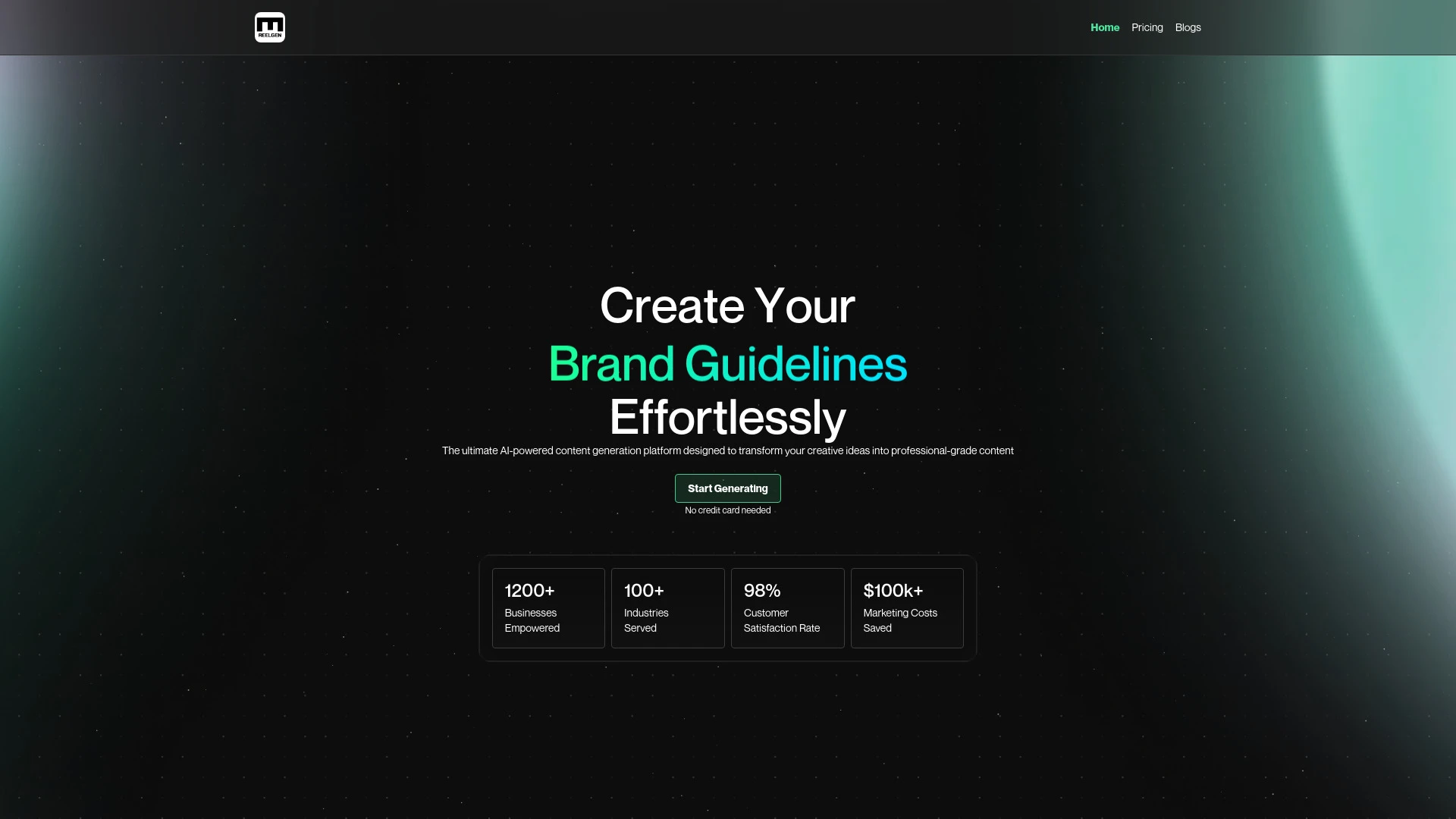
ReelGen
ReelGen simplifie la création de contenu en tirant parti de lIA permettant aux utilisateurs de générer des articles de blog des podcasts et des kits d...
- Génération de contenu pilotée par l'IA
- Sorties de contenu personnalisables
- Économies de temps significatives
Analyse IA
Pourquoi utiliser cette IA ReelGen pour Créer des montages forts?
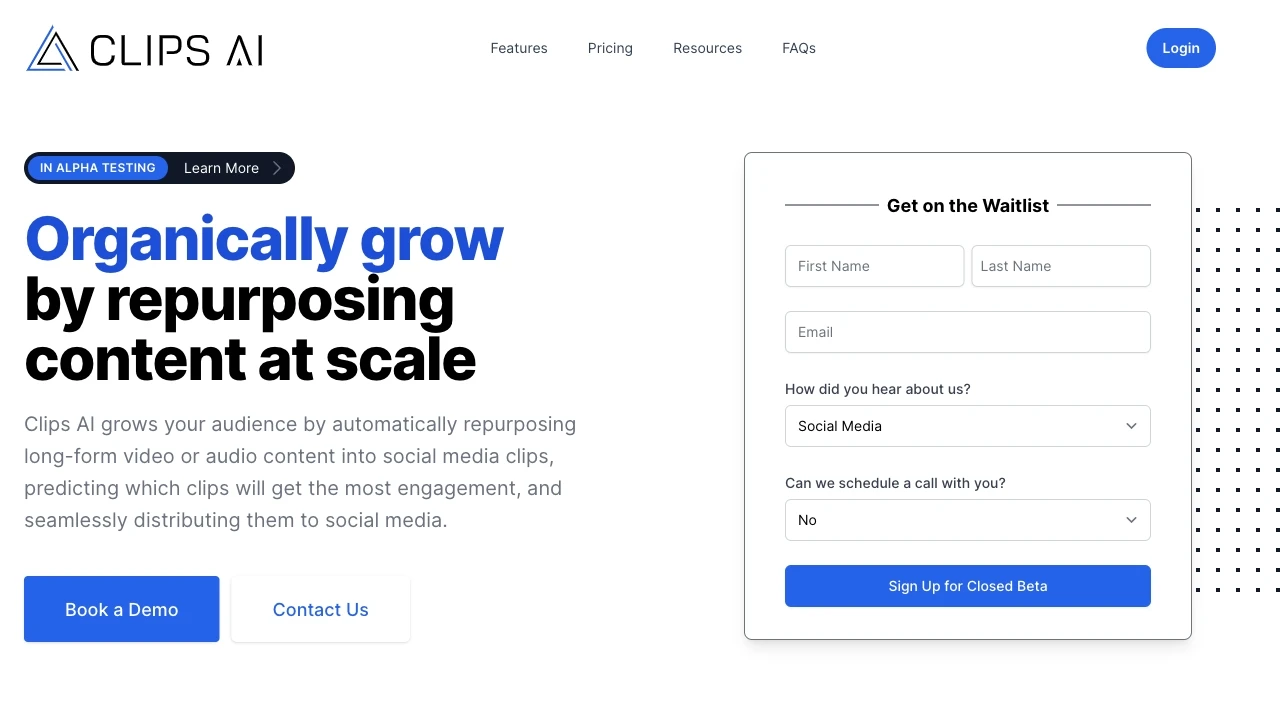
Clips AI
Clips AI simplifie la création de clips de médias sociaux à partir de vidéos longues améliore l'engagement et fait gagner du temps aux marketeurs de c...
- Création de clips alimentée par l'IA
- Flux de travail rapide
- Titres préfabriqués
Analyse IA
Pourquoi utiliser cette IA Clips AI pour Créer des montages forts?
Pratiques de travail
Ne vous contentez pas dacheter des outils—construisez un système. Voici 3 preuves pour intégrer l’IA dans votre créer des montages forts processus
Workflow 1: Quick-start for Complete Beginners to Create Your First Highlight Reel
- Import raw footage and select a 15–30 second focal moment using an AI smart clip picker.
- Apply an automated edit: AI suggests cuts, transitions, and a basic soundtrack that fits the pace of your sport, event, or moment.
- Export a share-ready highlight reel in 1080p with a provided caption and logo watermark.
Workflow 2: Regular User to Optimize Daily Create Highlight Reels Workflow
- Create a consistent template: define aspect ratio, intro shape, lower-thirds, and outro across all reels.
- Leverage AI auto-reframing and color grading presets to maintain brand look across clips.
- Batch-process daily projects: queue multiple reels, review AI-generated cuts, adjust speed ramps, then export in one go.
Workflow 3: Power User for Full Create Highlight Reels Automation
- Connect source feeds (e.g., event recordings, social clips) to an AI editor with rule-based automation.
- Configure AI to auto-tag highlights by performance moments and sentiment, with metadata, chapters, and dynamic captions.
- Set up a CI/CD-like playlist: publish automatically to multiple platforms with platform-specific specs and captions.
Mots efficaces pour Créer des montages forts
Copiez et personnalisez ces invites éprouvées pour obtenir de meilleurs résultats avec vos outils d’IA
Débutant
J’ai 10 minutes de séquences sportives. Crée un montage de 60 secondes mettant en évidence les moments de score, avec trois coupes rapides, une piste entraînante libre de droits et un filigrane logo d’ouverture. Utilise un format 16:9 et exporte en MP4 1080p.Avancé
Rôle: Chef de création. Contexte: Produire un montage de 45 secondes pour les réseaux sociaux avec un tempo rapide, une batterie de transitions et des légendes à l’écran. Contraintes: conserver les polices de la marque, inclure une intro de 5 secondes, auto-taguer les moments par noms de joueurs, et livrer les formats pour YouTube Shorts, Instagram Reels et TikTok.Analyse
Évaluer trois extraits en surbrillance générés par IA pour le potentiel d’engagement. Comparer la durée des coupures, le color grading, l’exactitude des légendes et le rythme. Fournir une fiche de score et des révisions recommandées pour maximiser le temps de visionnage et les partagesQu est ce que Create Highlight Reels AI et pour qui est il
Créer Highlight Reels LIA est un logiciel spécialisé qui identifie automatiquement les moments clés, les assemble en montages de highlights concis, et applique l’image de marque, le rythme et les légendes. Il est idéal pour les équipes sportives, les créateurs de contenus, les organisateurs d’événements et les marques recherchant une production de highlights rapide et répétable.
Avantages d utiliser l IA pour Créer des montages de temps fort
- Réalisation plus rapide : créer des reels en quelques minutes plutôt qu’en heures.
- Cohérence : image de marque uniforme, rythme et typographie sur les reels.
- Évolutivité : gérer de gros volumes sans sacrifier la qualité.
- Informations basées sur les données : étiquetage automatisé qui aide à suivre les moments de performance.
- Accessibilité : modèles conviviaux pour les débutants avec des options avancées pour les utilisateurs expérimentés.
Comment Choisir le Bon Outil d IA de Création de Highlights
- Précision en évidence: recherchez la précision de la détection de mouvement/activité et la qualité des sous-titres vocaux.
- Flexibilité du modèle: assurez des intros, outros et un étalonnage des couleurs personnalisables.
- Compatibilité plateforme: options d’exportation pour YouTube Shorts, Instagram Reels, TikTok et intégrations web.
- Niveau d’automatisation: équilibre entre édition automatique et contrôle manuel.
- Tarification et essais: commencez par un niveau gratuit ou un essai pour valider le ROI.
Meilleures pratiques de mise en œuvre pour Create Highlight Reels AI
- Définissez une règle de surbrillance claire : précisez ce qui constitue un moment digne d être mis en valeur.
- Maintenez la cohérence de la marque : utilisez des modèles et des palettes de couleurs partagés.
- Annoter et optimiser : ajoutez des légendes et des hashtags adaptés aux plateformes.
- Réviser et itérer : effectuez des tests A/B sur différentes coupures et rythmes.
- Protéger la qualité : maintenez une étape de révision humaine pour la coupe finale sur les reels importants.
IA pour Créer des montages forts: Statistiques clés
En 2026, 63% des équipes sportives utilisent Create Highlight Reels AI au moins une fois par semaine pour produire du contenu social.
Le temps moyen pour publier un extrait de 60-90 secondes passe de 90 minutes à 15-20 minutes avec l’automatisation
Les bobines assistées par IA enregistrent un taux d’engagement moyen supérieur de 28 % sur Instagram par rapport aux montages manuels
70% des créateurs utilisent des modèles pour maintenir la cohérence de la marque sur plusieurs reels
Créer des extraits en vedette gratuitement les options d’IA représentent 42% des essais de nouveaux utilisateurs au cours des 12 derniers mois
92% des utilisateurs puissants signalent une efficacité de travail améliorée après l’adoption de flux de travail de surlignage automatisés
Questions Fréquemment Posées
Obtenir des réponses aux questions les plus fréquentes sur l’utilisation des outils d’IA pour créer des montages forts .
Crée Highlight Reels Le logiciel d IA fait référence à des outils qui assemblent automatiquement des extraits courts et captivants à partir de séquences plus longues. Ces plates-formes utilisent l IA pour détecter les moments clés, appliquer le rythme, les transitions, les ajustements de couleurs et les légendes, permettant une production plus rapide de reels de highlights partageables pour les sports, les événements ou la narration de marque.
Commencez par sélectionner un outil avec détection de surbrillance, importez vos séquences, choisissez un préréglage ou un modèle, et laissez l IA proposer des coupes et de la musique. Examinez les edits suggérés, ajustez le minutage et exportez dans votre format cible. La plupart des outils offrent un essai gratuit ou un plan de démarrage pour commencer rapidement.
LAutomated AI brille par la vitesse et la cohérence, surtout pour les bobines routinières et les volumes importants. Lédition manuelle offre précision et contrôle créatif pour des bobines remarquables. La meilleure approche combine des modèles assistés par l’IA pour les coupures initiales, suivies d’un ajustement humain pour l’impact narratif.
Les problèmes courants incluent des formats d'entrée non pris en charge, des rapports d'aspect incompatibles, un débit binaire insuffisant ou des logiciels obsolètes. Vérifiez la compatibilité des fichiers, mettez à jour les codecs, vérifiez les paramètres d'exportation et passez en revue les règles d'édition automatique qui pourraient annuler vos modifications. Si les problèmes persistent, réinitialisez les modèles et réimportez les médias.
Catégories d’outils d’IA liées
Explorer d autres catégories d out ils similaires à Créer des montages forts cela pourrait vous intéresser
Générateur de vidéos IA
AI Video Generators utilize algorithms to create videos from text, images, or audio, enhancing content creation. Applica...
Éditeur de vidéo AI
AI Video Editors leverage machine learning algorithms to automate video editing tasks, enhancing efficiency and creativi...
Assistant de réaffectation AI
The AI Repurpose Assistant employs advanced algorithms to transform content across formats, enhancing creativity and eff...
Générateur de vidéos personnalisées par IA
The AI Personalized Video Generator leverages AI algorithms to create tailored video content for users, analyzing prefer...
Vidéo animée par IA
AI Animated Video leverages artificial intelligence to automate and enhance the animation process. Tools like DeepArt an...
Améliorateur de vidéo IA
AI Video Enhancer utilizes machine learning algorithms to upscale video resolution, improve clarity, and stabilize image...