Recommended AI Tools
5We've analyzed the market. These tools offer specific features for create sound design.
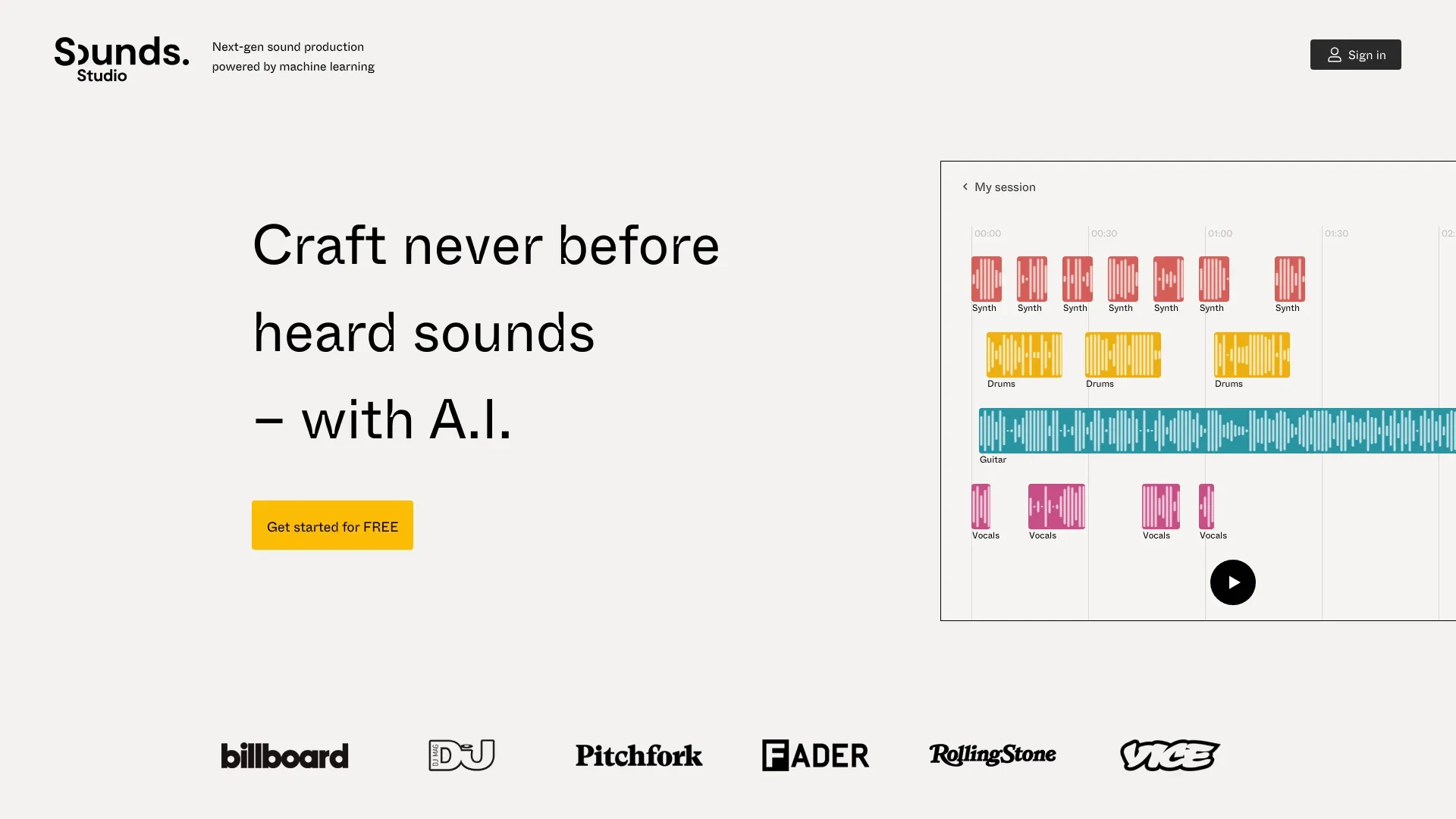
Sounds.Studio
Sounds.Studio is an innovative platform that empowers creators to leverage AI for producing unique music and audio content.
- Assistive and generative AI
- Create unique and never heard before sounds
- Collaborate with others in real-time
AI Analysis
Why use this AI Sounds.Studio for Create Sound Design?
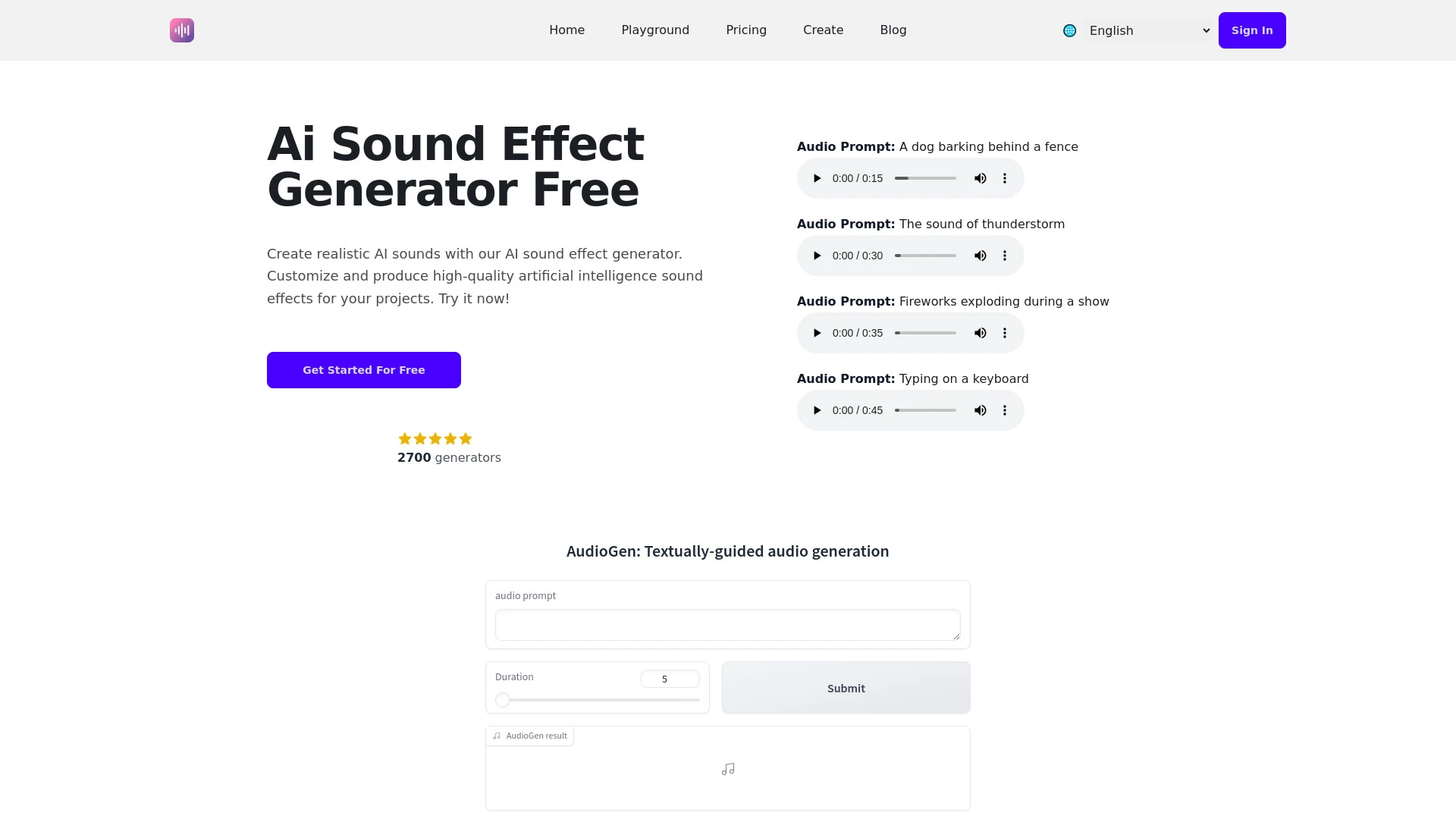
An advanced AI tool designed to generate and manipulate sound effects for various media projects.
- Diverse audio effects generation
- User-friendly interface
- Customizable sound duration
AI Analysis
Why use this AI AI Sound Effect Generator for Create Sound Design?
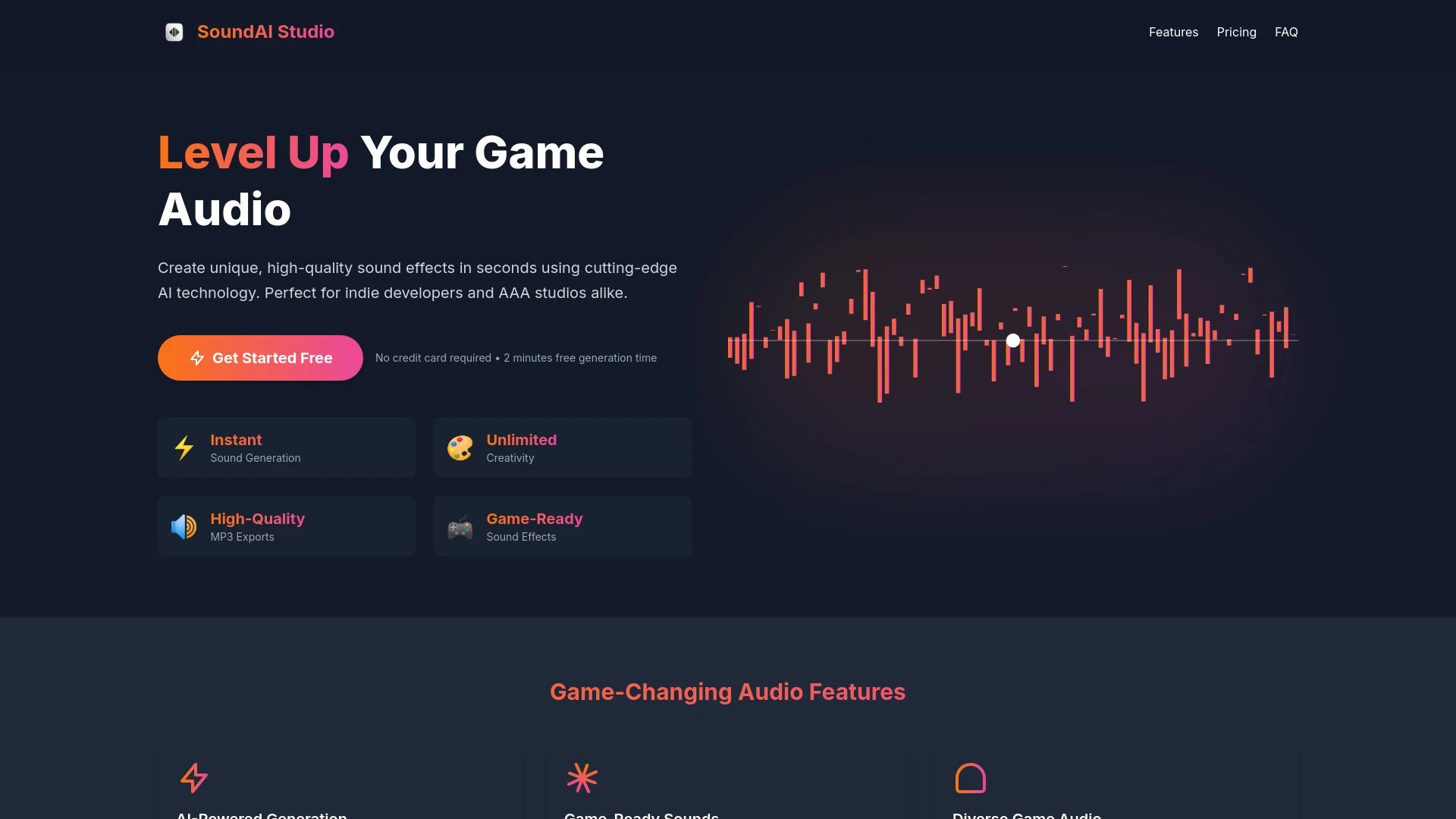
SoundAi Studio
SoundAi Studio is an AI tool that enables video game developers to create high-quality sound effects instantly.
- AI-Powered Generation
- Game-Ready Sounds
- Diverse Game Audio
AI Analysis
Why use this AI SoundAi Studio for Create Sound Design?
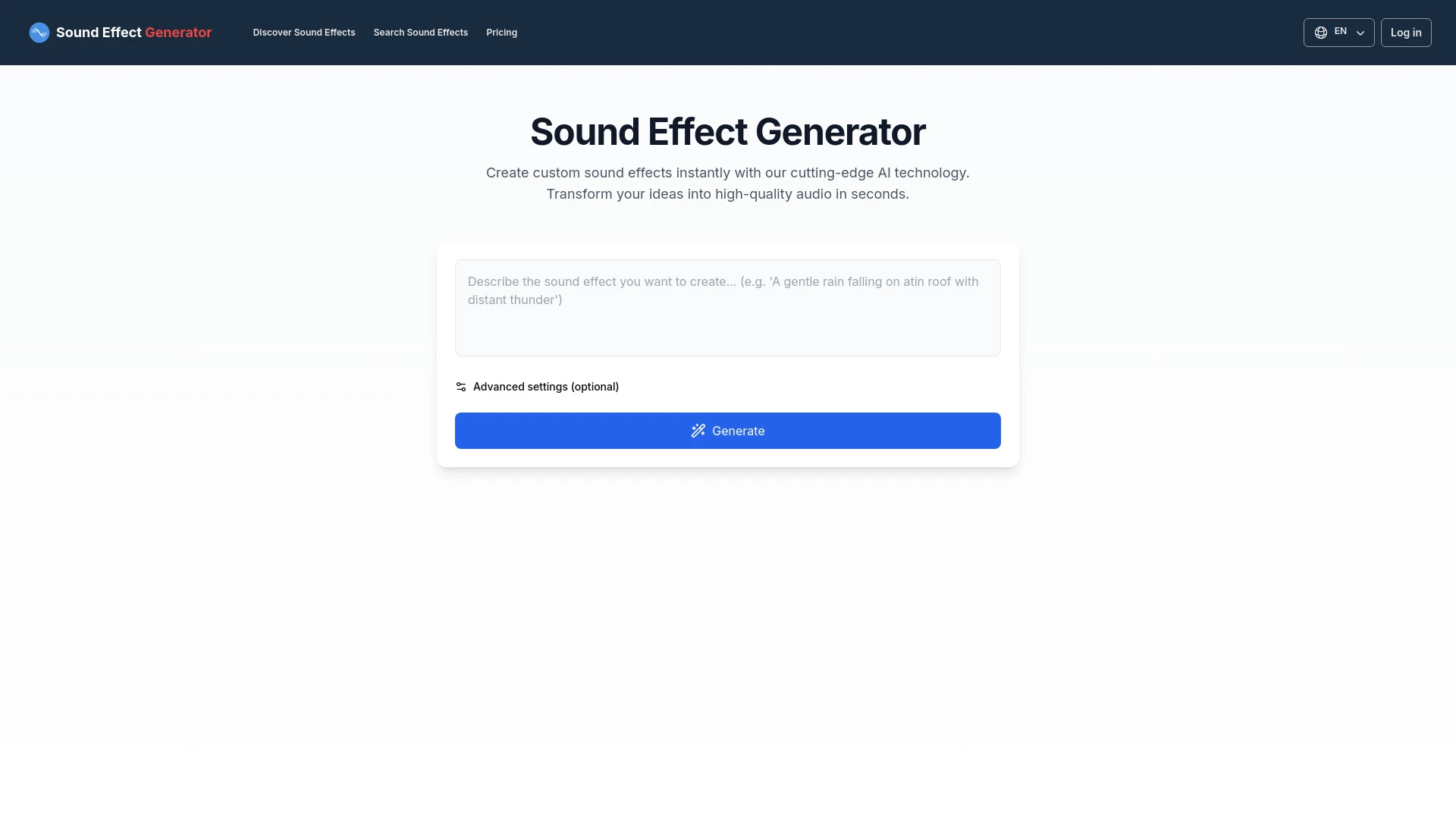
An AI tool for creating unique sound effects based on text prompts.
- Custom sound effect generation
- User-friendly interface
- Quick audio creation
AI Analysis
Why use this AI Sound Effect Generator for Create Sound Design?
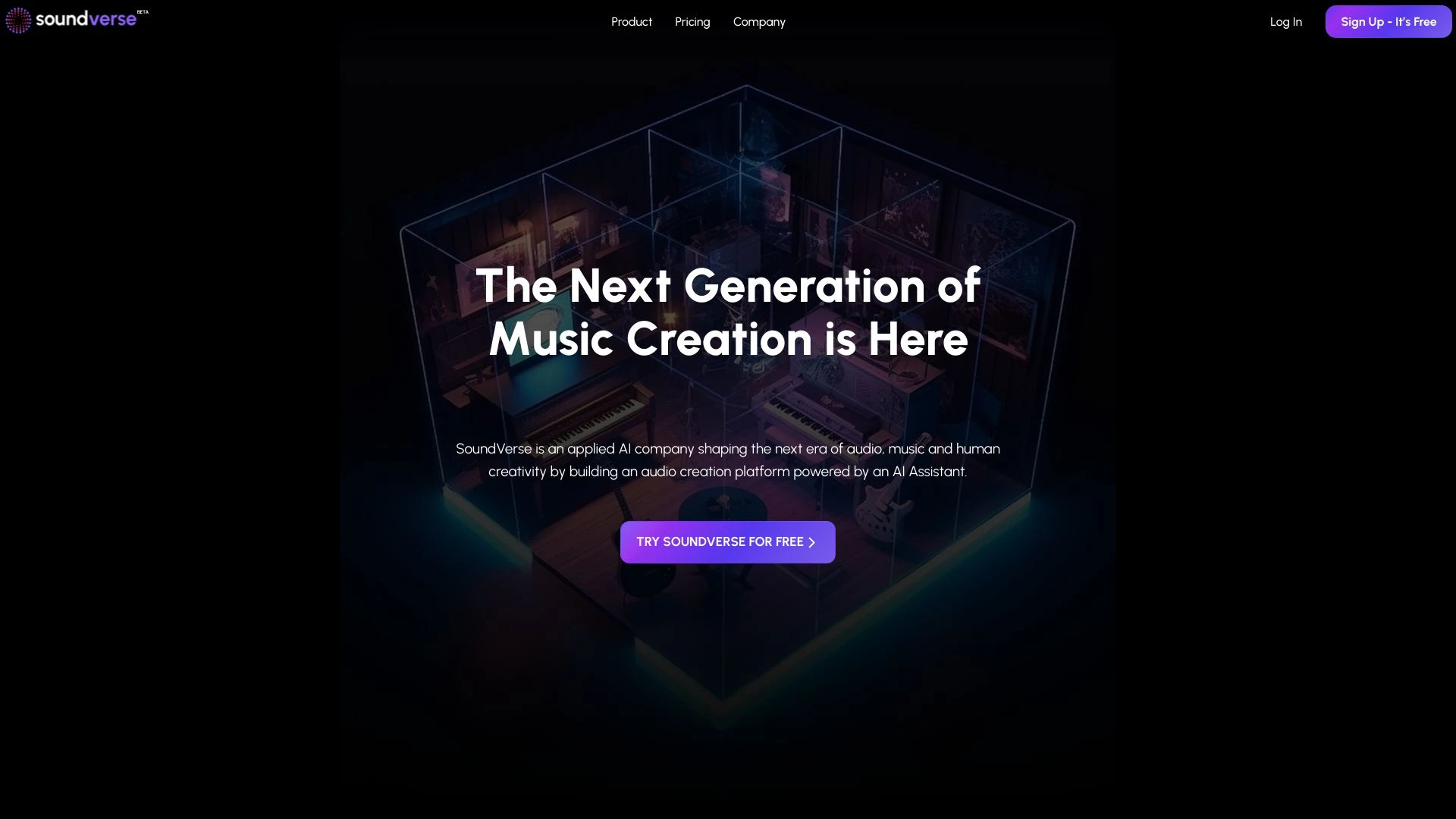
SoundVerse
SoundVerse is an advanced AI audio creation platform that empowers users to generate high-quality audio content rapidly using Generative AI.
- Generative AI Audio Creation
- Intuitive User Interface
- High-Quality Sound Generation
AI Analysis
Why use this AI SoundVerse for Create Sound Design?
Practical Workflows
Don't just buy tools—build a system. Here are 3 proven ways to integrate AI into your create sound design process.
Workflow 1: First successful Create Sound Design task for complete beginner
- Define the target mood and required atmosphere (e.g., cinematic tension, calm sci-fi) and set project constraints in your DAW session.
- Import reference tracks and select an AI tool that supports parameterized presets; generate 3 initial pass ideas for sound textures.
- Annotate each texture with intended frequency bands and dynamic ranges, then render short stems for quick audition and refinement.
Workflow 2: Daily optimization for regular Create Sound Design work
- Create a reusable template with AI-assisted layer naming, routing, and effect chains tailored to your genre.
- Use AI to analyze your recent projects and suggest 2-3 compression, EQ, and reverb settings aligned with your typical mix.
- Batch-render variations of key sounds (ambience, impacts, synths) and audition in context, selecting the best-fit variants for integration.
Workflow 3: Full automation for power users in Create Sound Design
- Set up an automation script that feeds target descriptors (emotional cue, tempo, loudness) into the AI tool to generate a complete sound palette.
- Define constraints for timbre, dynamic range, and spatialization; have AI export stems with consistent metering and metadata.
- Create a one-click render-and-integrate routine that imports AI-generated assets into your project with track templates and bounce conventions.
Effective Prompts for Create Sound Design
Copy and customize these proven prompts to get better results from your AI tools.
Beginner
Create a short 15-second sci-fi ambience with distant HUD beeps. Output a WAV file, 44.1kHz, 24-bit, in stereo. Provide 3 variation options with separate stems for texture, pad, and motion.Advanced
Role: Sound Designer for a thriller trailer. Context: Need a rain-soaked urban soundscape with rising tension. Constraints: tempo 60 BPM, dynamic range -18 to -6 LUFS, spatialized to 5.1. Output: 2 full mixes and 4 stems with metadata tags.Analysis
Evaluate three AI-generated sound designs for a combat scene. Compare timbre, dynamic range, and perceived intensity. Recommend 1 preferred option and 2 improvement steps with exact parameter tweaks.
What Is Create Sound Design AI?
Create Sound Design AI is software that assists artists in producing sound effects, atmospheres, and sonic textures. It analyzes inputs (mood, tempo, genre) to generate textures, presets, and dynamic ranges, enabling faster prototyping and more consistent results for film, games, and media production. It’s suited for professionals seeking scalable sound design workflows and beginners who want guided start points.
Benefits of Using AI for Create Sound Design
- Faster idea generation with multiple textures and ambiences in minutes.
- Consistent timbre and dynamic control across scenes and assets.
- Automated layering and routing suggestions tailored to your genre.
- Advanced matching to reference tracks or mood descriptors.
- Reusable presets and templates to accelerate future projects.
How to Choose the Right Create Sound Design AI Tool
- Genre support and texture libraries aligned with your project (film, game, music).
- DAW compatibility and export quality (WAV/AIFF, sample rate, bit depth).
- Control granularity: parameterized presets, manual tweaking, and macro controls.
- Collaboration features, metadata export, and project scalability.
- Pricing, free trials, and education licenses for teams.
Best Practices for Implementing Create Sound Design AI
- Define clear mood descriptors and sonic goals before generating; iterate with human oversight.
- Avoid over-reliance on AI: always audition in context and balance with traditional sound design techniques.
- Keep consistent naming conventions and metadata for asset management.
- Test outputs across target playback systems (headphones, cinema speakers, game engines).
- Document prompts and settings to reproduce results and train future workflows.
AI for Create Sound Design: Key Statistics
AI-assisted sound design reduces initial concepting time by 38% on average between 2024-2026.
68% of studios report faster asset turnaround when using Create Sound Design AI in per-project templates.
Top AI tools for Create Sound Design in 2026 support multi-genre libraries and 5.1/7.1 export workflows.
Beginners using AI-guided prompts achieve usable results in under 90 minutes in most cases.
Automation-enabled studios see a 22% decrease in revision cycles for sound effects libraries.
Free Create Sound Design AI options exist, but paid tiers deliver full texture generation, OS compatibility, and professional support.
Frequently Asked Questions
Get answers to the most common questions about using AI tools for create sound design .
Create Sound Design AI refers to software and algorithms that assist in generating, shaping, and optimizing sound effects, atmospheres, and sonic textures. It analyzes inputs like mood, tempo, and genre to propose presets, textures, and dynamic ranges, helping designers prototype and finalize audio faster.
Start by selecting a tool that offers genre templates and DAC/DAW compatibility. Define your target mood, import a reference, generate initial sound textures, then iteratively refine with human oversight. Save presets for repeatable tasks and establish a consistent export workflow.
Standalone AI often provides broader texture generation and experimentation, while DAW-integrated AI offers tighter workflow fidelity and direct routing. A hybrid approach—generate sounds in a dedicated AI tool and import into the DAW—balances creativity with production efficiency.
Common issues include misaligned descriptors, insufficient input references, or mismatched sample rates. Improve results by providing clearer mood notes, higher-quality reference tracks, and adjusting AI parameters for timbre, dynamics, and spatialization; validate outputs with human audition.
Related AI Tool Categories
Explore other AI tool categories similar to Create Sound Design that might interest you.
AI Video Generator
AI Video Generators utilize algorithms to create videos from text, images, or audio, enhancing content creation. Applica...
Voice and Audio Editing
AI in voice and audio editing revolutionizes the industry by enhancing quality, automating processes, and personalizing...
AI Music Video Generator
AI Music Video Generators leverage machine learning to create visuals that sync with music, enhancing creativity and acc...
AI Music Generator
AI Music Generators leverage algorithms to create original compositions, transforming music production by enabling perso...
AI Audio Enhancer
AI Audio Enhancer leverages machine learning algorithms to improve sound quality by reducing noise, enhancing clarity, a...
AI Art Generator
AI Art Generators utilize deep learning algorithms to create visuals based on user input or existing art styles. Tools l...