Ferramentas de IA Recomendadas
5Analizamos o mercado. Estas ferramentas oferecem recursos específicos para gerar páginas de livro de colorir.
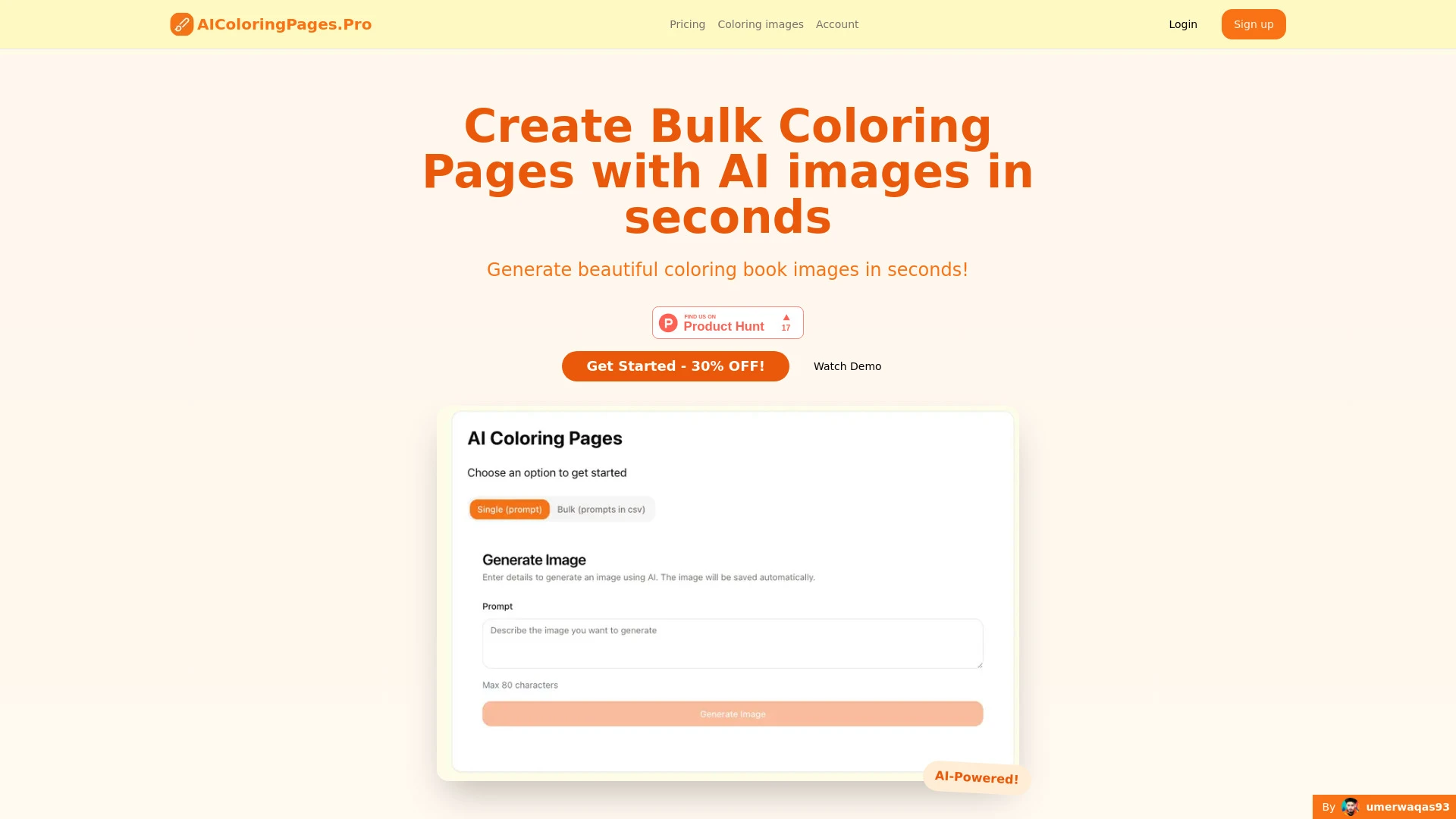
AIColoringPages
AIColoringPages é uma plataforma inovadora que utiliza tecnologia de IA para criar rapidamente imagens de livros de colorir de alta qualidade.
- Geração em massa de imagens
- Imagens de livros de colorir de alta qualidade
- Geração rápida de imagens
Análise de IA
Por que usar esta IA AIColoringPages para Gerar páginas de livro de colorir?
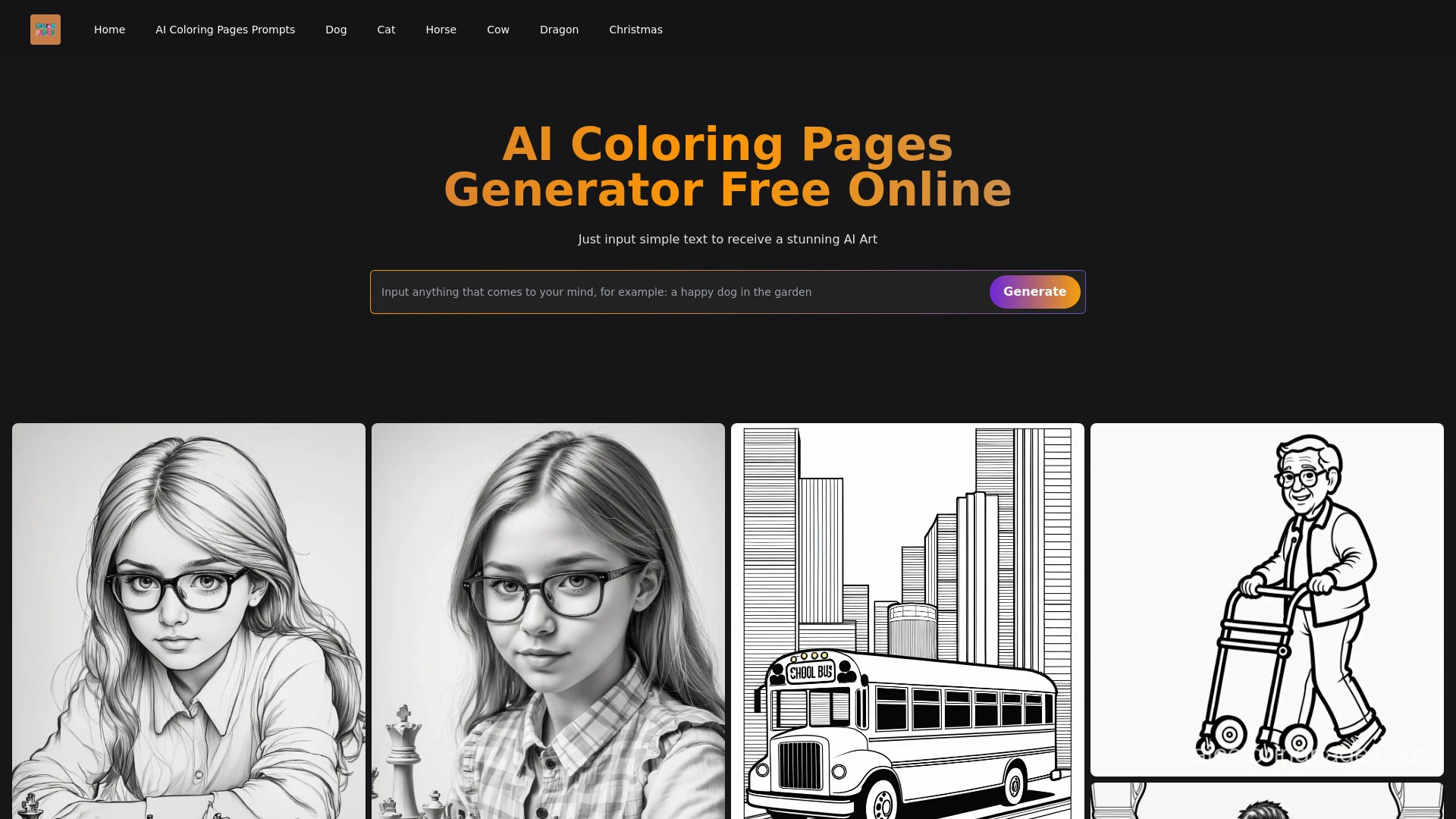
AI Coloring Pages Generator é uma ferramenta baseada na web que cria páginas de colorir únicas e de alta qualidade a partir de sugestões de texto em s...
- Criação instantânea de páginas para colorir de alta qualidade
- Personalização impulsionada por IA
- Suporta uma variedade de temas
Análise de IA
Por que usar esta IA AI Coloring Pages Generator para Gerar páginas de livro de colorir?

Páginas para Colorir AI gera páginas de colorir únicas por meio de uma interface fácil baseada em prompt, perfeita para crianças e famílias.
- Páginas de colorir geradas por IA
- Mais de 50 parâmetros para personalização
- Geração de imagens em alta resolução
Análise de IA
Por que usar esta IA Coloring Pages AI para Gerar páginas de livro de colorir?
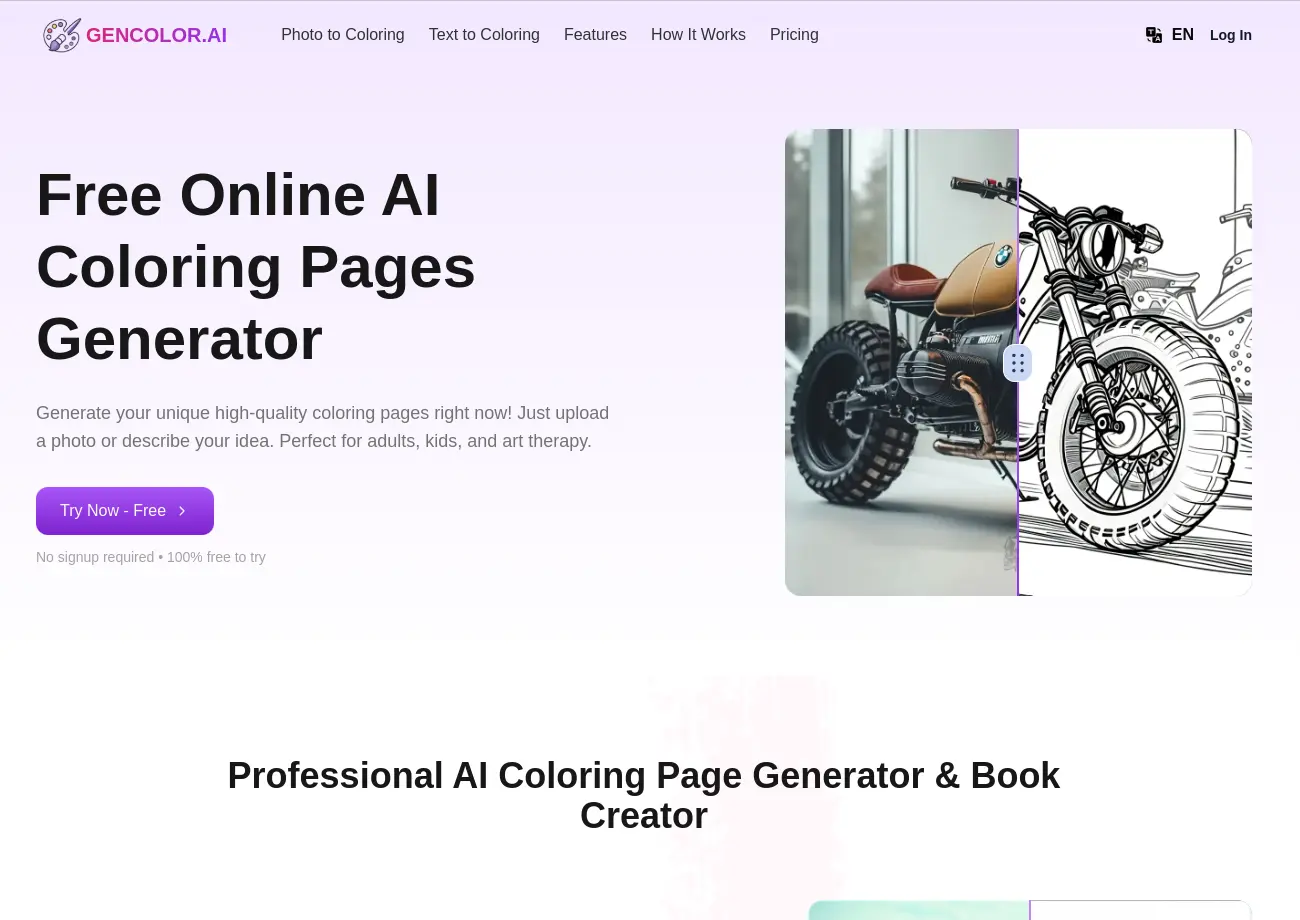
GenColor.ai
Transforme fotos e textos em páginas de colorir de alta qualidade em segundos – grátis, fácil e sem necessidade de login!
- Foto para conversão de página para colorir
- Geração de página para colorir a partir de texto
- Downloads em PNG de alta resolução
Análise de IA
Por que usar esta IA GenColor.ai para Gerar páginas de livro de colorir?
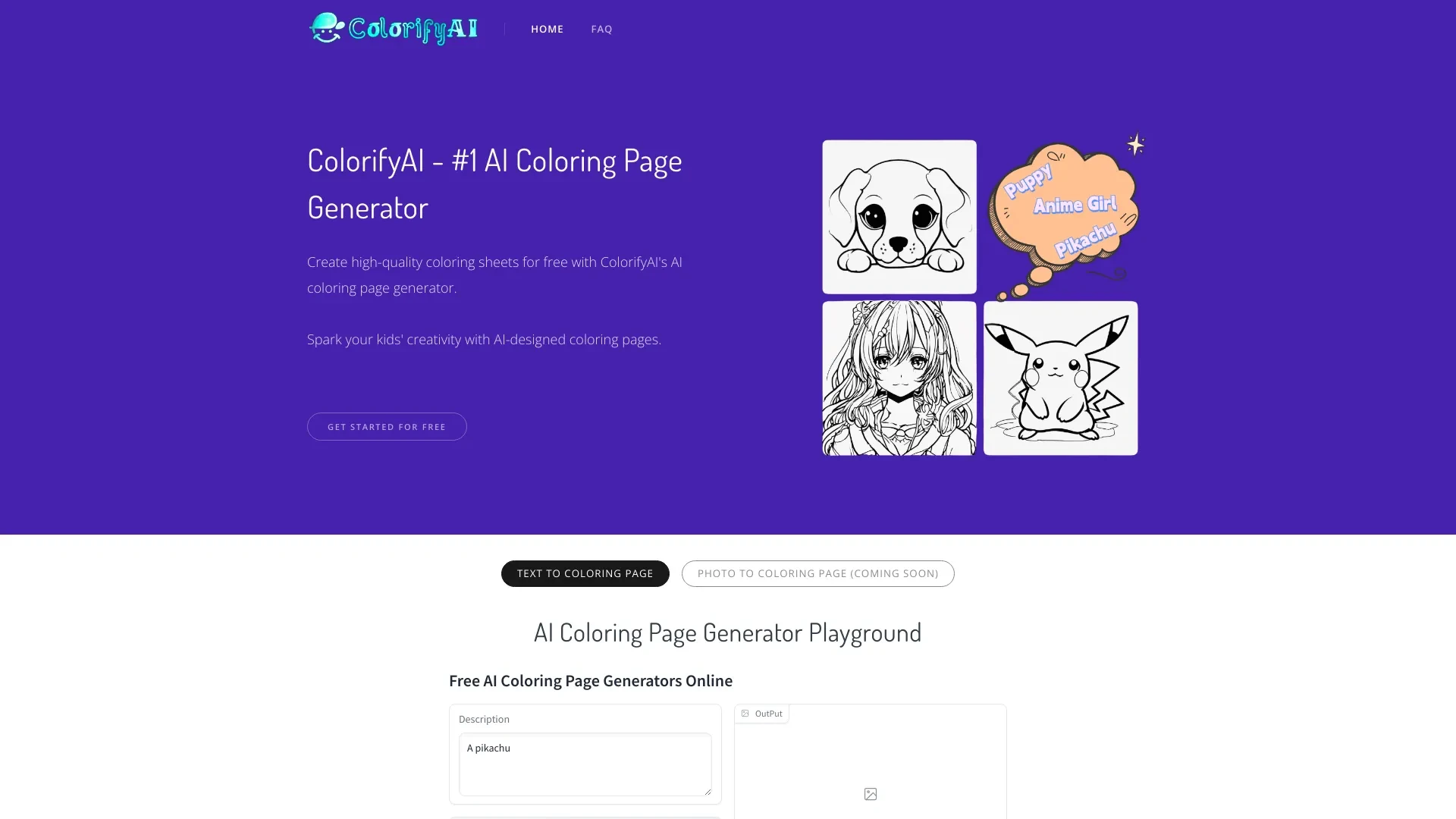
ColorifyAI
ColorifyAI é uma ferramenta gratuita de IA que transforma facilmente texto e fotos em páginas de colorir de alta qualidade.
- Geração instantânea de páginas de colorir a partir de texto
- Conversão de fotos em arte linha detalhada
- Nenhum login necessário para acesso
Análise de IA
Por que usar esta IA ColorifyAI para Gerar páginas de livro de colorir?
Fluxos de Trabalho Práticos
Não compre apenas ferramentas—construa um sistema. Aqui estão 3 maneiras comprovadas de integrar IA no seu gerar páginas de livro de colorir processo.
Workflow 1: Quick-start for Complete beginner to produce first coloring page
- Define a simple theme (e.g., animals) and set output size (e.g., 8x10 inches) in your AI tool.
- Generate a line art sketch with clear outlines and generous negative space suitable for coloring.
- Refine stroke thickness and simplify intricate areas using the AI editor, then export SVG/PNG ready for print.
- Preview with a basic coloring test, adjust contrast, and save final file for distribution.
Workflow 2: Daily optimization for Regular user creating batches
- Create a template prompt for recurring themes (e.g., seasonal scenes) and save presets.
- Batch-generate 20–50 pages, applying consistent style across the set (line weight, spacing).
- Automate naming, deliverable formats (PDF bundle, individual PNGs), and metadata for each page.
- Review a subset for consistency, then schedule automated exports to the preferred storage or CMS.
Workflow 3: Full automation for Power user with end-to-end pipeline
- Integrate AI tool with a design pipeline (content calendar, asset library, and print specs).
- Develop scripts to generate variations, apply style guides, and run QA checks for clarity and printability.
- Generate localization-friendly versions (alt text, captions) and publish-ready packages via an automation platform.
- Set up monitoring and alerts for failures, and continuously iterate on prompts based on user feedback.
Prompts Eficazes Gerar páginas de livro de colorir
Copie e personalize estes prompts comprovados para obter melhores resultados com suas ferramentas de IA
Iniciante: Rascunho simples de animal para uma página de colorir
Crie um contorno preto e branco limpo de uma raposa amigável em um cenário florestal, vetorialmente amigável, 8x10 polegadas, estilo de linha única, alto contraste, sem sombreamento, adequado para iniciantes colorirem.Avançado: prompt baseado em papéis para série consistente
Você é um ilustrador de livros infantis. Gere um conjunto de 12 silhuetas prontas para páginas de colorir com tema sazonal, cada uma com padrões de borda distintos, peso de linha consistente 0,8pt, exporte como SVG com fundo transparente, inclua legendas descritivas curtas para cada páginaAnálise: Avalie e otimize as saídas de páginas de coloração
Dado cinco desenhos para colorir gerados, classifique-os por clareza de impressão, espessura de linha e preenchimento. Forneça sugestões concretas para melhorar pelo menos três páginas, incluindo ajustes de peso de linha, simplificação de itens de fundo e recomendações de formato de exportação.
O que é Gerar Páginas de Livro de Colorir com IA?
Benefícios da IA para Gerar Páginas de Livros de Colorir
- Velocidade: produzir várias páginas em minutos, não em horas.
- Consistência: manter um estilo de linha uniforme ao longo de uma série.
- Personalizabilidade: ajustar complexidade, temas e formatos conforme necessário.
- Custos-efetividade: reduzir redescrições manuais e revisões.
- Localized: traduzir para pt? Wait need Portuguese: Localização: duplicar facilmente páginas em diferentes idiomas ou mercados.
Como Escolher Ferramentas de IA para Gerar Páginas de Livro de Colorear
- Qualidade de saída: vetor vs raster e exportações prontas para impressão (SVG, PDF, PNG).
- Flexibilidade de tema: prompts e templates para séries recorrentes.
- Licenciamento: direitos comerciais para publicação e distribuição.
- Automação: processamento em lote, agendamento e integrações.
- Facilidade de uso: acessibilidade para iniciantes vs controles avançados.
Melhores Práticas para Implementar IA na Geração de Páginas de Livro de Coloring
- Defina diretrizes de design cedo (espessura de linha, espaçamento e margens).
- Teste a impressão no tamanho real para identificar problemas de dimensionamento.
- Crie etapas de QA de revisão para garantir legibilidade e capacidade de cor.
- Mantenha uma biblioteca de ativos versionada para revisões e reutilização.
- Respeite licenças e atribuição quando exigido pelas ferramentas.
IA para Gerar páginas de livro de colorir: Principais Estatísticas
Em 2026, 68% dos editores independentes usam IA para gerar páginas de livros de colorir pelo menos uma vez por mês
Tempo médio para produzir um lote de 20 páginas de livro de colorir cai de 6 horas para 90 minutos com automação por IA
86% dos usuários relatam melhoria na consistência entre séries de páginas após adotarem prompts e modelos orientados por IA
Licenciamento comercial para páginas de colorir geradas por IA aumentou 42% YoY em 2025-2026
Ponto principal de dor: equilibrar detalhamento com coloribilidade; 57% das equipes abordam isso via prompts especializados e ajustes de peso
Até 2026, 54% dos novos títulos de livros para colorir lançados utilizam fluxos de trabalho assistidos por IA em alguma capacidade
Perguntas Frequentes
Obtenha respostas para as perguntas mais comuns sobre o uso de ferramentas de IA para gerar páginas de livro de colorir .
Gera Páginas de Livro de Colorir IA é um conjunto de ferramentas movidas por IA que criam ilustrações em linha projetadas para colorir. É ideal para editores, educadores, designers e hobistas que desejam produção de páginas escalável e consistente com complexidade e estilos ajustáveis
Escolha uma ferramenta de IA, comece com um tema simples, selecione um estilo de contorno amigável para colorir e use formatos compatíveis com exportação (SVG/PNG). Use templates, imprimais de teste e aumente gradualmente a complexidade conforme ganha confiança.
Ferramentas pagas geralmente oferecem maior confiabilidade licenças comerciais e opções de exportação mais robustas. Opções gratuitas podem ser ótimas para provas de conceito mas podem ter limites de uso e restrições de licença. Avalie necessidades como geração em lote qualidade de impressão e licença antes de decidir.
Problemas comuns incluem detalhes excessivamente apertados, contraste insuficiente ou artefatos de rasterização. Soluções: ajuste o peso da linha, simplifique áreas complexas, garanta saídas vetoriais quando possível e execute um fluxo de verificação de impressão antes de lotes finais.
Categorias de ferramenta de IA relacionadas
Explorar outras categorias de ferramentas de IA semelhantes a Gerar páginas de livro de colorir isso pode te interessar
Gerador de Ilustrações com IA
The AI Illustration Generator creates visuals from text prompts, transforming ideas into images using neural networks. A...
Cor do AI
AI Colorize uses artificial intelligence to add color to black-and-white images and videos, transforming historical visu...
Gerador de Design de IA
The AI Design Generator leverages advanced algorithms to automate and optimize design processes. By analyzing vast datas...
Gerador de Foto e Imagem de IA
AI Photo & Image Generators create visuals from text prompts or existing images using deep learning techniques. They enh...
Gerador de Arte AI
AI Art Generators utilize deep learning algorithms to create visuals based on user input or existing art styles. Tools l...
Gerador de Conteúdo de IA
AI Content Generators leverage machine learning to create text, images, and videos, transforming content creation by imp...