On this page
Tangia
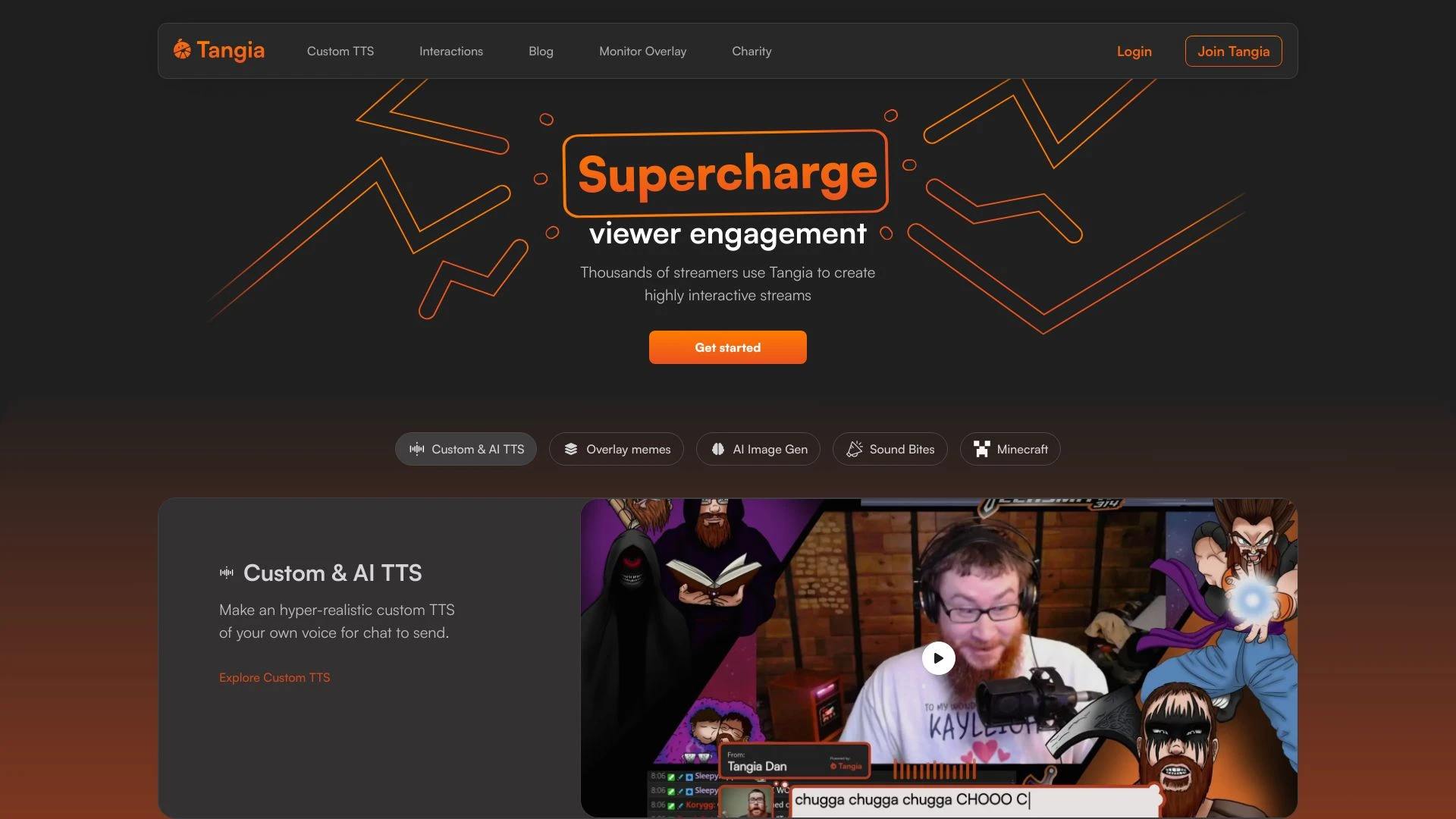
FreeEnhance your streaming experience with Tangia, an AI tool designed for engaging chat interactions and captivating audio-visual elements.
Choosing Tangia? Compare on what actually matters
- you want seamless integration with existing workflows.
- you aim for rapid insights from complex datasets.
- you value user-friendly interfaces for all skill levels.
- you look for robust support and community engagement.
- you want customizable features to fit your needs.
Discussion
Ask questions, share feedback, and discuss this tool.
Start with one of these:
No discussion yet. Start the conversation.
Price History
How Tangia's price has moved over time.
Availability
Is Tangia up or down? Weekly reachability checks of its website.
Uptime
100%
Currently reachable
Over the last 5 weekly checks
How it works
How Tangia Works In 3 Steps?
-
Step 1
Connect to Streaming Platform
Log in to your Twitch or YouTube account and link Tangia.
-
Step 2
Customize TTS Responses
Enter personalized messages to enhance viewer interaction during streams.
-
Step 3
Engage with Your Audience
Utilize real-time feedback to increase viewer engagement while streaming.
Tangia: Features, Advantages & FAQs
Explore everything you need to know about Tangia
-
Core Features
-
- Custom Text-to-Speech
- Interactive viewer overlays
- AI image generation
- Replayable sound alerts
- Charity integration
- User-friendly interface
- Streamer control over interactions
-
Advantages
-
- Enhances audience engagement
- Customizable AI features
- Easy integration with popular streaming platforms
- Makes streams more interactive and fun
- Encourages viewer participation
- Supports charity initiatives effectively
- High-quality TTS output
-
Use Cases
-
- Create custom TTS for viewer interactions
- Use memes on stream for engagement
- Enable sound alerts from Twitch clips
- Generate AI images for chat use
- Streamline charity fundraising during live events
- Engage viewers while playing games
- Foster community feedback through interactive content
-
Platform & Licensing
-
Web
Ask AI about Tangia
A straight answer grounded in our directory — alternatives, pricing, fit for your workflow.
Frequently Asked Questions
What is Tangia?
Tangia is an AI tool designed to enhance viewer interaction during live streaming through custom text-to-speech and other interactive features.
How does Tangia work?
Users create an account, connect Tangia to their Twitch or YouTube account, and set up customized interactions to engage their viewers.
What are the core features of Tangia?
Tangia offers custom TTS, interactive overlays, AI image generation, replayable sound alerts, and charity integration.
Can Tangia be used with any streaming software?
Yes, Tangia is compatible with major streaming platforms like Twitch and YouTube.
What are some use cases of Tangia?
Common use cases include creating custom TTS, overlaying memes, enabling sound alerts from Twitch clips, and generating AI images for use during streams.
Top Alternatives to Tangia
Curated options ranked by similarity, features, and value.
Get personal picks
Take the 2-min quiz for tools matched to your work.
Promoted tools worth a look.
- No stacks yet
-
- No similar tools found.
- No stacks yet
-
- No similar tools found.
- No stacks yet
-
- No similar tools found.
- No stacks yet
-
- No similar tools found.
- No stacks yet
-
- No similar tools found.
- No stacks yet
-
- No similar tools found.
- No stacks yet
-
- No similar tools found.
- No stacks yet
-
- No similar tools found.
- No stacks yet
-
- No similar tools found.
- No stacks yet
-
- No similar tools found.
- No stacks yet
-
- No similar tools found.
- No stacks yet
-
- No similar tools found.
- No stacks yet
-
- No similar tools found.
- No stacks yet
-
- No similar tools found.
- No stacks yet
-
- No similar tools found.
Best Primary Tasks for Tangia — Top Use Cases & Workflows
Discover the most common tasks where Tangia excels: curated, high-relevance suggestions to help you get started faster.
Rate this tool
Help others by sharing your experience with Tangia
Anything to add? (optional)
Weekly AI Digest: Tools, Cases, Guides
-
Top 5 Tools 01
Save your time
-
Practical Use Cases 02
Applying AI in your workflow
-
Quick Guides 03
Try it in 5 minutes
Customer Reviews for Tangia
Overall Analytics
Comprehensive review insights and historical performance
6-month timeline
Recent Review Statistics
Sentiment analysis and trends from the last Last 30 days
No reviews yet in this period
Be the first to share your experience!
Write a Review
Share your experience to help others make better decisions