Outils d IA recommandés
5Nous avons analysé le marché. Ces outils offrent des fonctionnalités spécifiques pour créer des voix-off pour l’apprentissage en ligne.
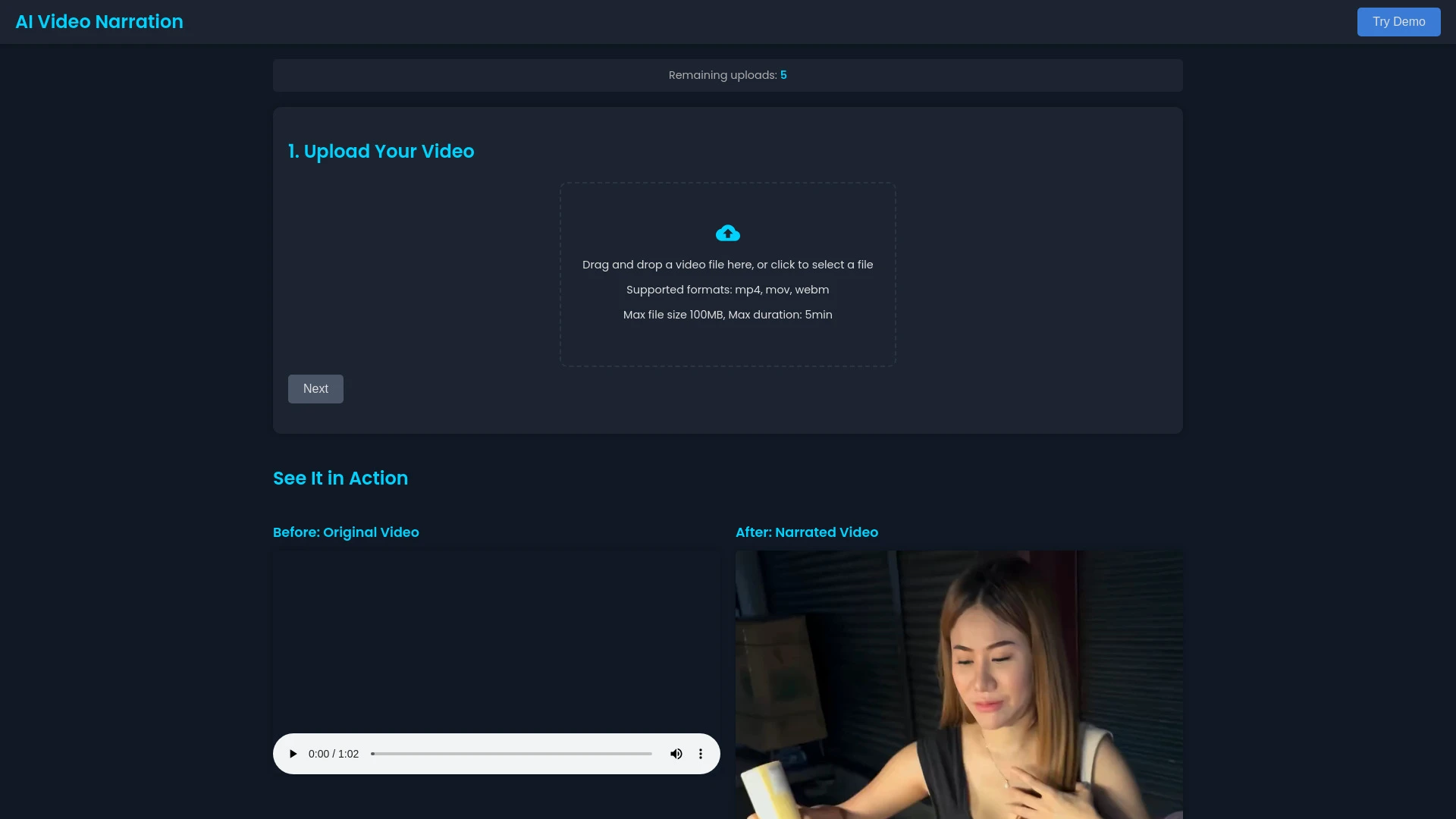
AI Video Narration permet aux utilisateurs de créer des narrations vidéo professionnelles sans effort avec la technologie AI.
- Narration générée par IA dans diverses langues
- Interface utilisateur simple ne nécessitant aucune compétence technique
- Sortie audio de haute qualité
Analyse IA
Pourquoi utiliser cette IA AI Video Narration pour Créer des voix-off pour l’apprentissage en ligne?
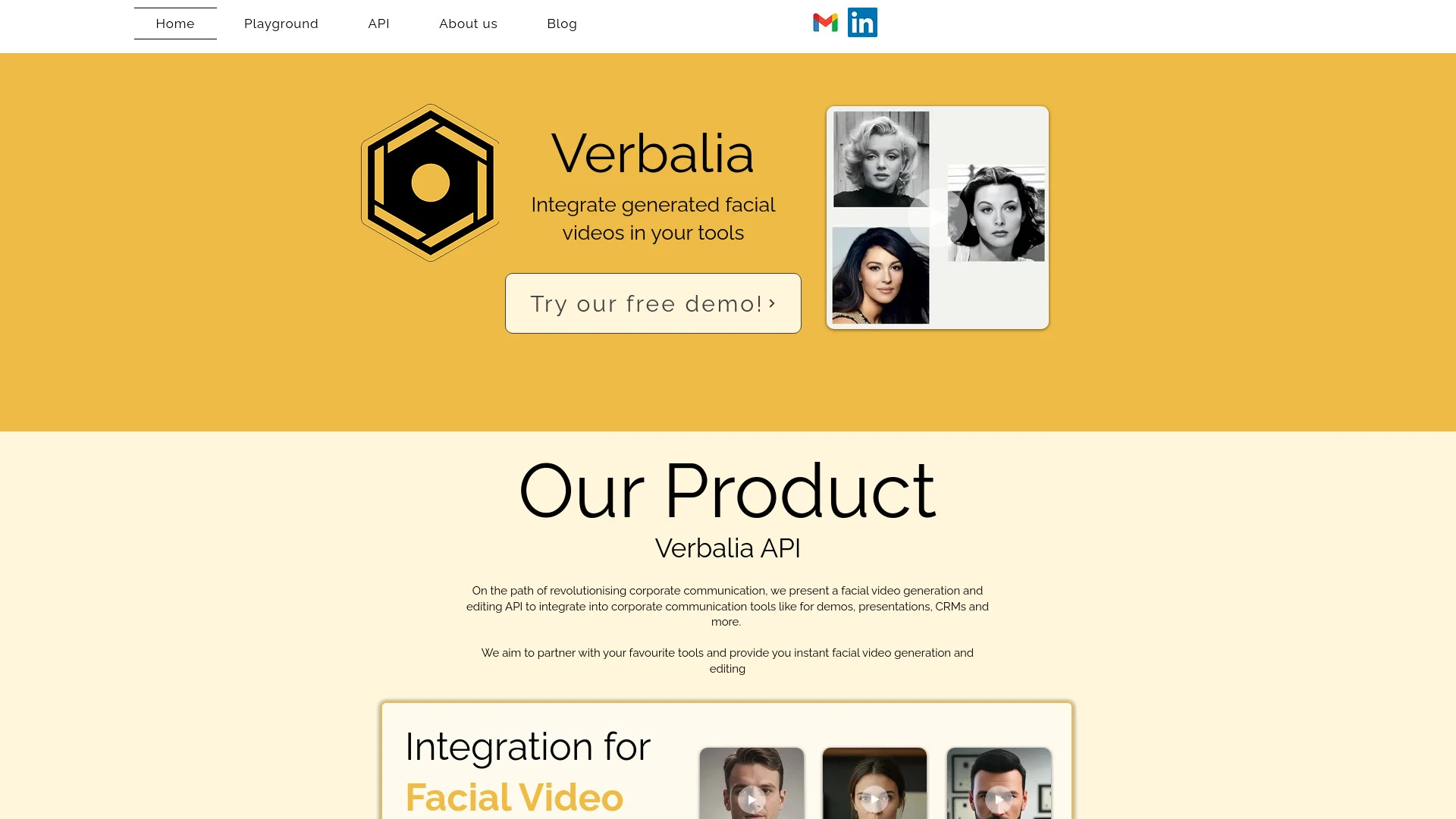
Verbalia
Verbalia est une plateforme pilotée par l'IA pour créer des vidéos engageantes avec des instructeurs IA personnalisables dans n'importe quelle langue,...
- Instructeurs générés par IA personnalisables
- Génération vidéo rapide
- Prise en charge de plusieurs langues
Analyse IA
Pourquoi utiliser cette IA Verbalia pour Créer des voix-off pour l’apprentissage en ligne?
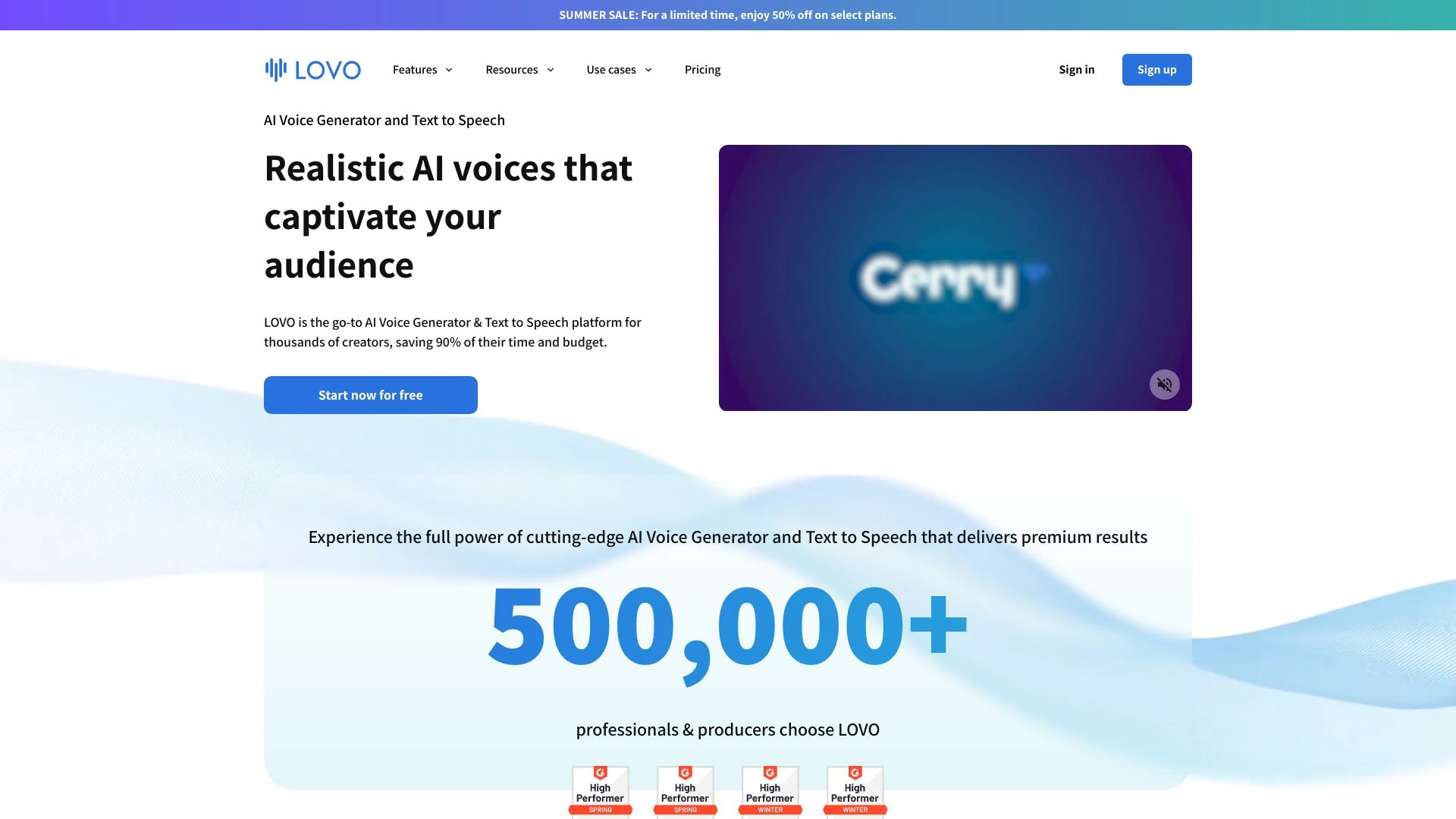
LOVO AI Voice Generator est un logiciel de synthèse vocale primé offrant des voix réalistes et humaines dans plus de 100 langues.
- 500+ voix réalistes dans 100 langues
- clonage vocal avancé par IA
- éditeur vidéo en ligne pour voix-off synchronisées
Analyse IA
Pourquoi utiliser cette IA LOVO AI Voice Generator pour Créer des voix-off pour l’apprentissage en ligne?
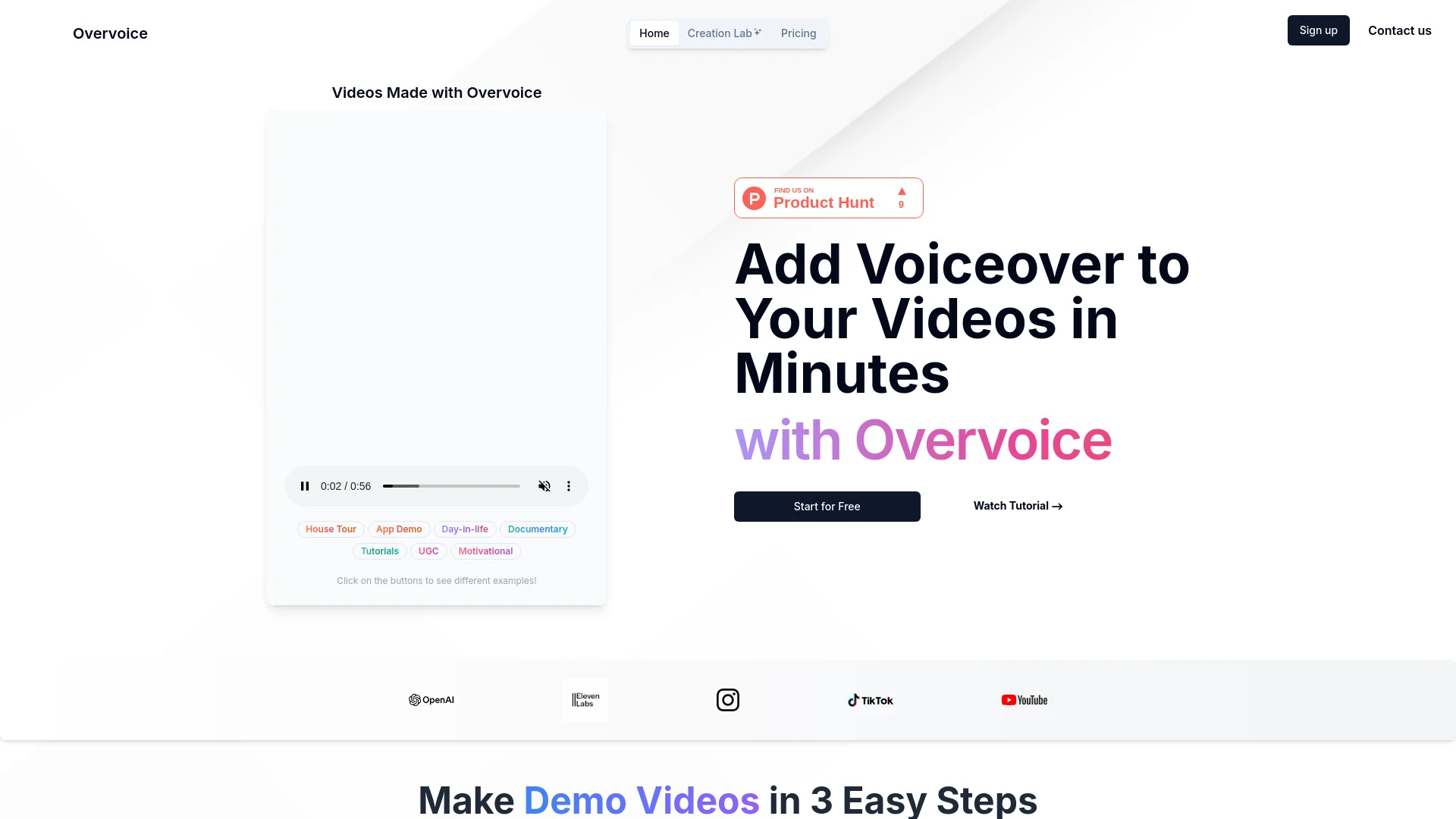
Overvoice
Overvoice ajoute sans effort des voix off professionnelles aux vidéos en utilisant la technologie IA.
- Reconnaissance de contexte
- Contrôle total sur le ton et la perspective
- Qualité vocale HD
Analyse IA
Pourquoi utiliser cette IA Overvoice pour Créer des voix-off pour l’apprentissage en ligne?
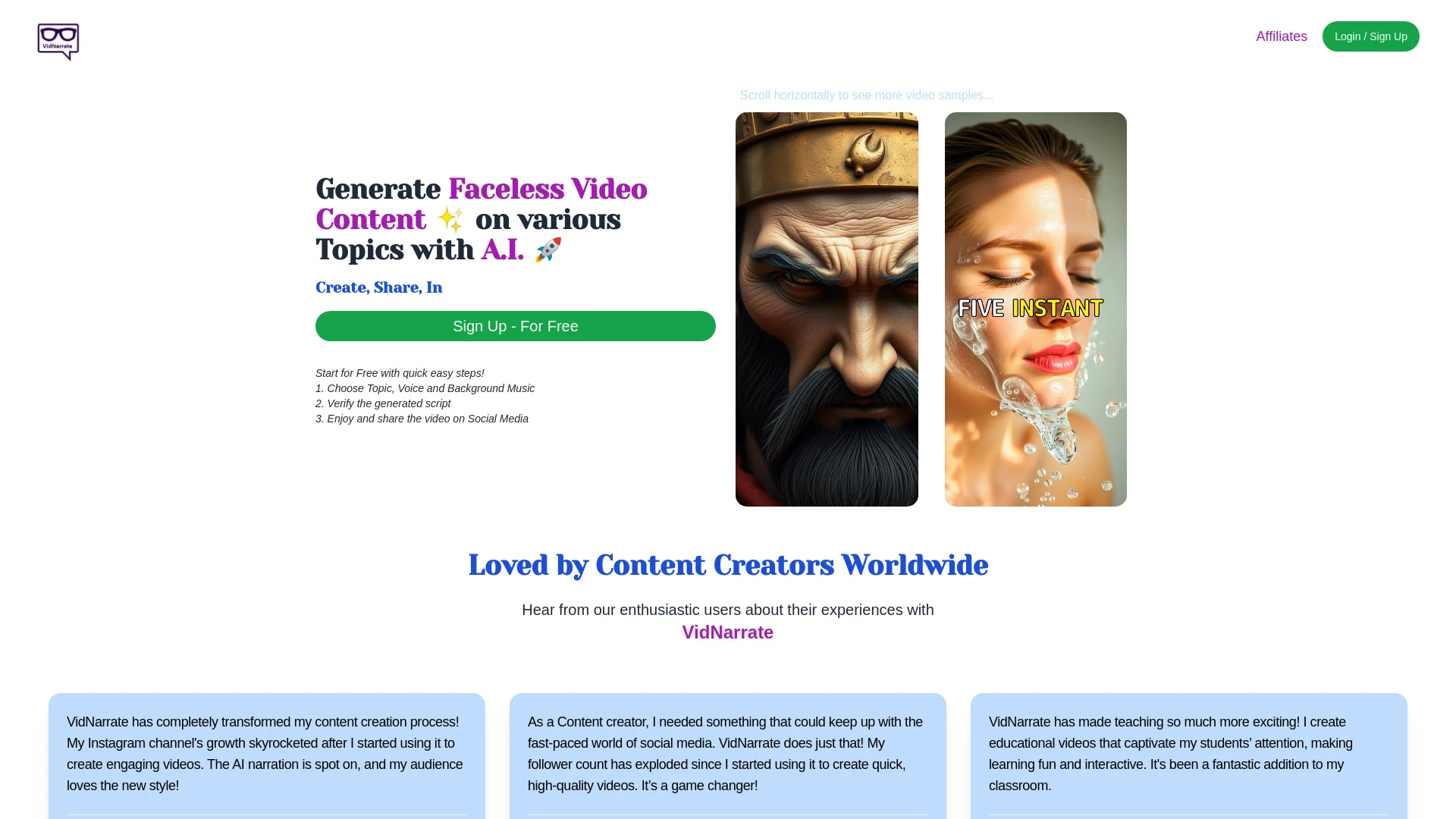
VidNarrate
VidNarrate est un outil d'IA innovant qui simplifie le processus de création de vidéos sans visage avec un minimum d'effort.
- Générer des vidéos sans visage
- Voix off personnalisables
- Sélection de musique de fond
Analyse IA
Pourquoi utiliser cette IA VidNarrate pour Créer des voix-off pour l’apprentissage en ligne?
Pratiques de travail
Ne vous contentez pas dacheter des outils—construisez un système. Voici 3 preuves pour intégrer l’IA dans votre créer des voix-off pour l’apprentissage en ligne processus
Workflow 1: From idea to first voiceover for a new module
- Outline the module narration scope, including length, tone, and target audience.
- Choose an AI voice model that matches your brand voice and language needs, then generate a 2-3 minute draft script readthrough.
- Review for pronunciation, pacing, and inclusivity; adjust audio settings (tempo, emphasis) and export a draft for stakeholder feedback.
Workflow 2: Daily voiceover production for multi-course programs
- Create a reusable voiceover template (tone, speed, and audio format) for consistency across courses.
- Batch generate scripts and AI reads in parallel for multiple modules, then perform batch quality checks for pronunciation accuracy.
- Automate file naming, metadata tagging, and delivery to the learning platform with voiceover synchronization checks.
Workflow 3: End-to-end automation for large-scale e-learning catalogs
- Ingest course outlines and convert them into structured voiceover briefs (length targets, language variants, accessibility notes).
- Use AI to generate voiceovers, then apply batch post-production (noise reduction, leveling, breath control) across all files.
- Publish with automated QA, accessibility captions alignment, and version control for future updates.
Mots efficaces pour Créer des voix-off pour l’apprentissage en ligne
Copiez et personnalisez ces invites éprouvées pour obtenir de meilleurs résultats avec vos outils d’IA
Débutant
Générez un module e apprentissage de 2 minutes voix off sur Introduction à l IA dans l éducation dans un ton clair et amical adapté aux débutants Utilisez une voix anglaise américaine neutre un rythme lent et fournissez une transcription à la finAvancé
Rôle : Concepteur pédagogique. Contexte : Créer un module de 5 minutes sur Données personnelles dans les outils d IA pour un public d'entreprise. Contraintes : ton formel, phrases concises, inclure des marqueurs d emphase pour les termes clés, sortie sous forme de : (a) fichier audio, (b) métadonnées de synchronisation, (c) transcript étiqueté.Analyse
Évaluez trois extraits de voix IA pour un cours de 3 minutes sur « Climate Change Basics ». Comparez précision de la prononciation, débit et cohérence avec la voix de marque. Fournissez un résumé classé et des améliorations recommandées avec des éditions exactes.
Qu est ce que Create Voiceovers For E Learning IA
Créer des voix off pour l’e-learning L’IA utilise des voix synthétiques pour narrer le contenu éducatif, permettant une narration de cours évolutive, cohérente et accessible pour les apprenants. Elle est idéale pour les entreprises qui créent plusieurs modules, des programmes multilingues et des équipes recherchant des cycles de production plus rapides. Cette approche profite aux enseignants, designers pédagogiques et équipes de contenu visant une narration de haute qualité et conforme à la marque.
Les avantages des voix IA pour l Apprentissage en ligne
- Uniformité entre les modules et les cours avec une voix alignée sur la marque
- Délais de traitement plus courts du script à la narration finale
- Options de voix multilingues et localisées pour les apprenants du monde entier
- Efficacité des coûts par rapport aux enregistrements en studio traditionnels
- Facilité de mises à jour et de contrôle de version pour les cours en cours
Comment choisir des outils d IA pour créer des voix off pour l e learning
- Couverture linguistique et naturel des voix
- Commandes de réglage fin: ton, rythme, emphase et respiration
- Intégration avec votre LMS et outils de création
- Formats d’exportation, qualité des fichiers et fonctions d’accessibilité (sous-titres, transcriptions)
- Licences, droits d’utilisation et protection des données
- Analyses et capacités d’assurance qualité
Meilleures pratiques pour la mise en œuvre de voix IA dans l’apprentissage en ligne
- Tester avec un petit cours pilote pour calibrer le ton et le rythme
- Maintenir une révision avec intervention humaine pour le contenu critique
- Utiliser des sorties prêtes pour l’accessibilité avec sous‑titres et transcripts
- Stocker les ressources vocales avec des noms clairs et l’historique des versions
- Surveiller les retours des apprenants pour des améliorations continues
IA pour Créer des voix-off pour l’apprentissage en ligne: Statistiques clés
D’ici 2026, 68% des nouveaux cours en ligne incorporeront des voix IA pour au moins 60% des segments de narration
Le temps moyen de production d’un module de 10 minutes passe de 4 heures à 45 minutes avec les flux de travail voix IA.
L’adoption de voix off multilingue augmente l’engagement des apprenants jusqu’à 22% lorsque des voix localisées sont utilisées.
40% des organisations signifient des économies de coût de 30-50% sur la production de voix-off utilisant des outils d’IA
80% des utilisateurs de voix-off IA citent une meilleure cohérence du ton et de la marque à travers les cours.
Les équipes soucieuses de la confidentialité obtiennent des approbations plus rapides, réduisant le temps de révision de conformité de 25% lors de l’utilisation d’actifs vocaux IA centralisés
Questions Fréquemment Posées
Obtenir des réponses aux questions les plus fréquentes sur l’utilisation des outils d’IA pour créer des voix-off pour l’apprentissage en ligne .
Crée des voix-off pour l’e-learning L’IA se réfère à l’utilisation de technologies de synthèse vocale et de voix alimentées par l’IA pour produire la narration des cours en ligne. Elle permet un ton cohérent, des options multilingues, un délai plus rapide et une localisation plus facile pour les apprenants du monde entier
Commencez par définir votre public cible et vos exigences vocales, choisissez un outil IA avec le bon support linguistique et les licences, téléchargez les scripts, générez des brouillons, vérifiez la clarté et la prononciation, puis finalisez et publiez avec des sous-titres accessibles
L’IA cloud offre généralement un support linguiste plus large des mises à jour plus fréquentes et une collaboration facilitée tandis que l’IA sur dispositif offre une latence plus faible et un contrôle des données plus strict choisir en fonction des besoins linguistiques des exigences de confidentialité et du flux de travail d équipe
La désynchronisation provient généralement de métadonnées de synchronisation temporelle incompatibles, d’un rythme de script incorrect ou des paramètres d’exportation. Assurez-vous que la longueur de votre script correspond à la durée de la vidéo, ajustez le débit de parole et réexportez avec les données de synchronisation appropriées.
Catégories d’outils d’IA liées
Explorer d autres catégories d out ils similaires à Créer des voix-off pour l’apprentissage en ligne cela pourrait vous intéresser
Générateur de vidéos IA
AI Video Generators utilize algorithms to create videos from text, images, or audio, enhancing content creation. Applica...
Éditeur de vidéo AI
AI Video Editors leverage machine learning algorithms to automate video editing tasks, enhancing efficiency and creativi...
Générateur de vidéos personnalisées par IA
The AI Personalized Video Generator leverages AI algorithms to create tailored video content for users, analyzing prefer...
Générateur de voix de célébrité IA
The AI Celebrity Voice Generator uses deep learning to create realistic voice replicas of celebrities. By analyzing voic...
Enregistrement vidéo IA
AI video recording utilizes machine learning and computer vision to enhance video content creation and analysis. It auto...
Vidéo animée par IA
AI Animated Video leverages artificial intelligence to automate and enhance the animation process. Tools like DeepArt an...