Recommended AI Tools
5We've analyzed the market. These tools offer specific features for design stickers & emojis.
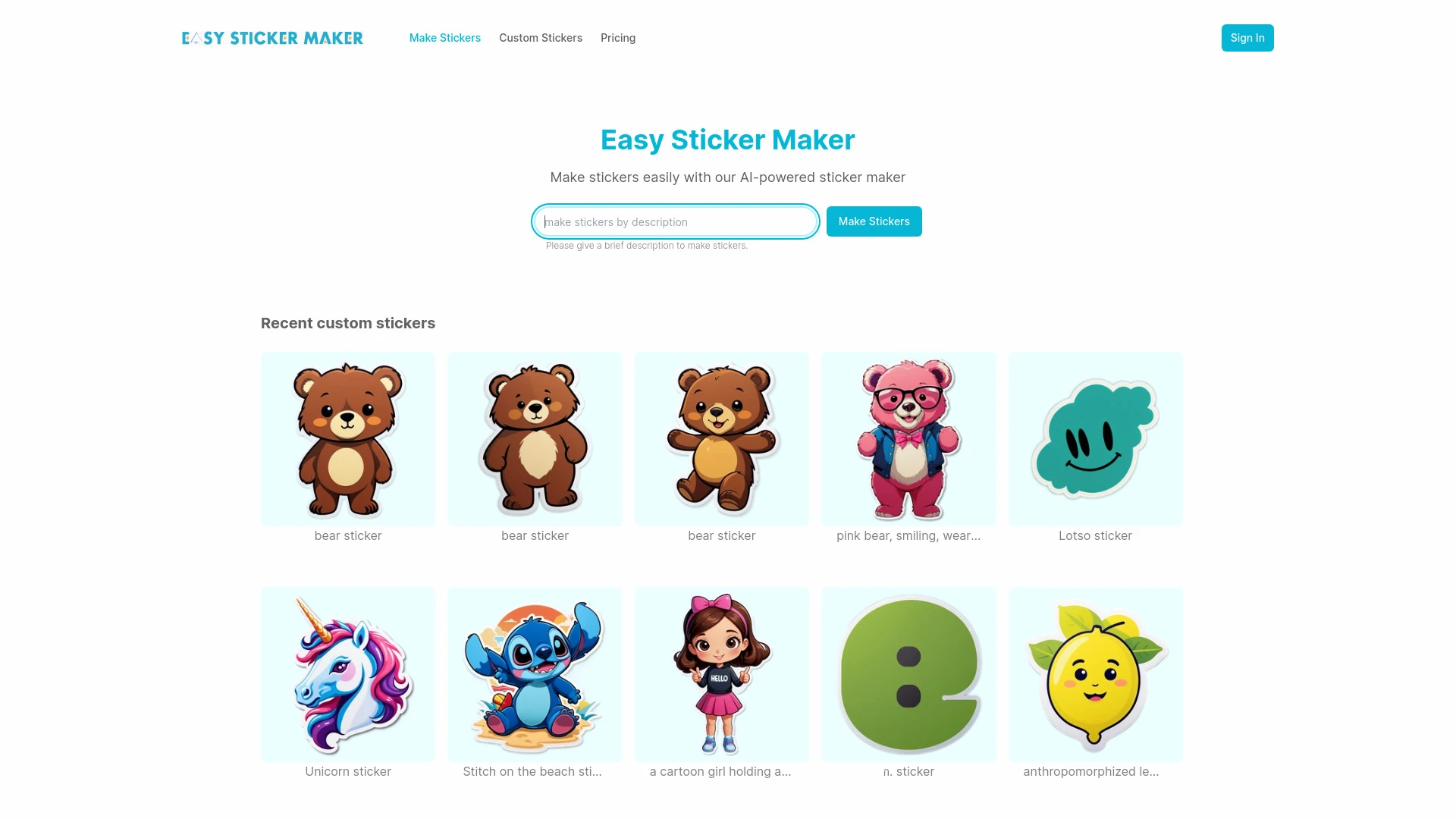
An intuitive AI tool for crafting personalized stickers effortlessly.
- AI-driven design generation
- user-friendly interface
- extensive customization options
AI Analysis
Why use this AI Easy Sticker Maker for Design Stickers & Emojis?
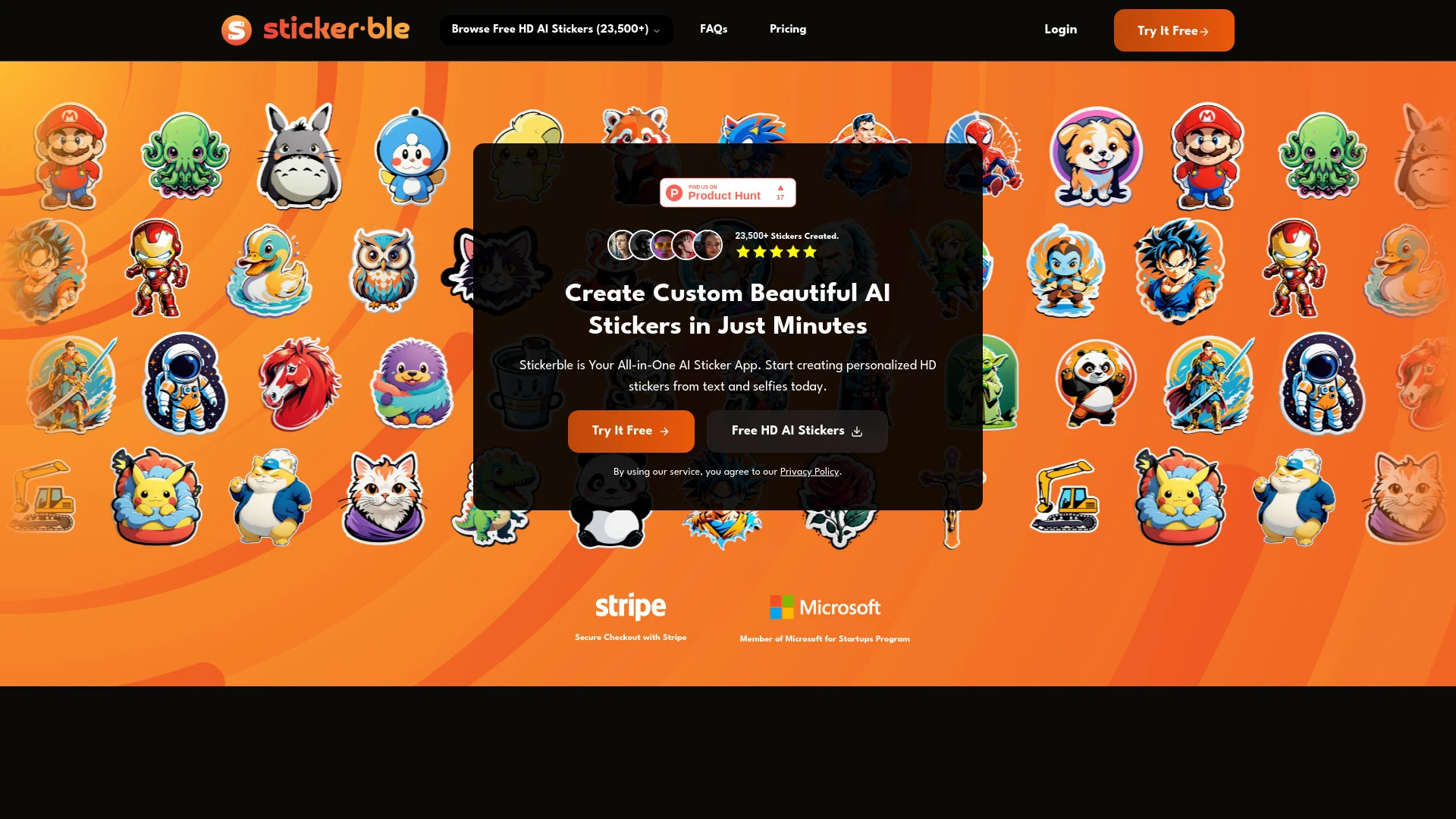
Stickerble
Stickerble is an AI tool that enables users to create personalized stickers from text prompts and selfies, offering a fun way to express creativity.
- Standard, Emoji, and Face sticker types
- Magic Tools for Style Transfer and Variants
- Personalized HD stickers
AI Analysis
Why use this AI Stickerble for Design Stickers & Emojis?
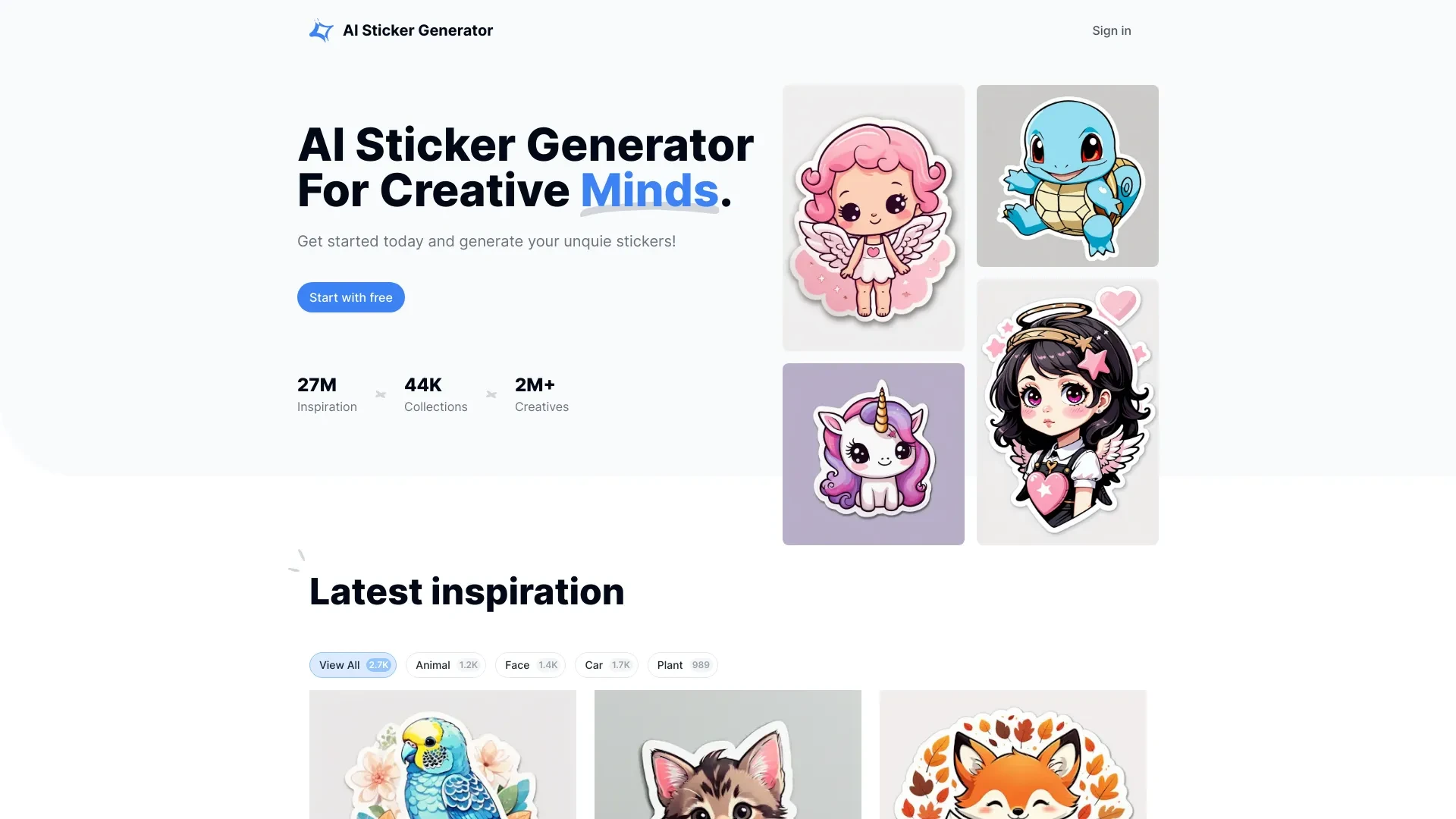
AI Sticker Generator: Create unique stickers effortlessly using advanced AI technology.
- AI-powered sticker creation
- Customizable design options
- High-quality image output
AI Analysis
Why use this AI AI Sticker Generator for Design Stickers & Emojis?
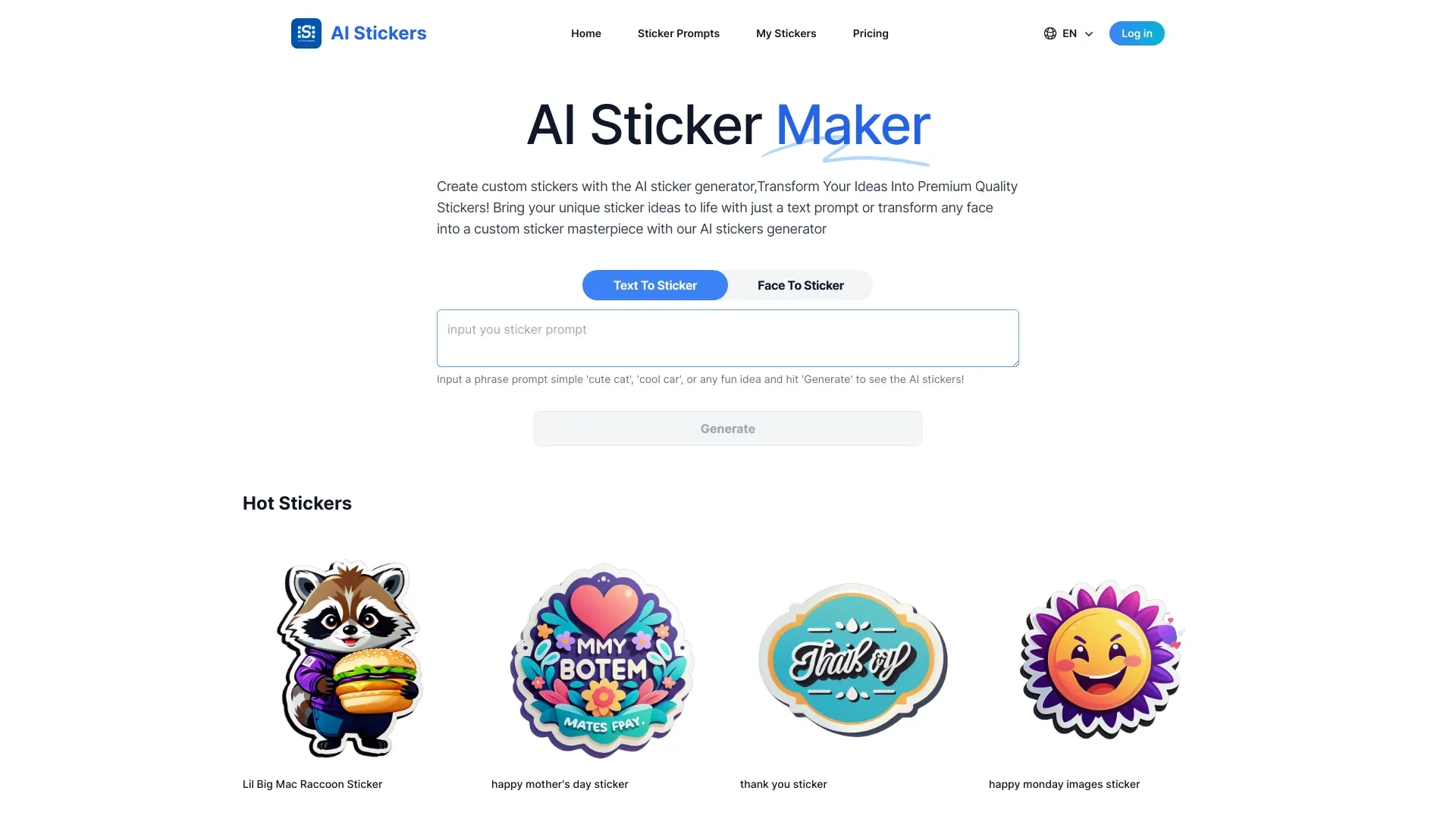
AI Stickers
AI Stickers lets you create custom stickers from text or selfies effortlessly.
- Create stickers from text or selfies
- High-resolution, print-ready stickers
- User-friendly interface for easy operation
AI Analysis
Why use this AI AI Stickers for Design Stickers & Emojis?

img2.ai
Img2.ai is an AI-powered platform turning images into art and animated videos for creators.
- Image to Image AI: Style transform with subject consistency
- Image to Video AI: Animate photos into short clips
- Text to Image: Generate visuals from prompts
AI Analysis
Why use this AI img2.ai for Design Stickers & Emojis?
Practical Workflows
Don't just buy tools—build a system. Here are 3 proven ways to integrate AI into your design stickers & emojis process.
Workflow 1: Create your first sticker pack from scratch
- Define your sticker set theme and required dimensions (e.g., 512x512 PNG with transparent background).
- Use an AI design tool to generate 10-15 sticker concepts based on your theme and a provided mood board.
- Refine lines, colors, and typography with vector editing in-app or export for downstream edits.
- Export assets in multiple sizes for social platforms and messaging apps, and archive variations for A/B testing.
Workflow 2: Automate daily emoji concepts for socials
- Create a reusable prompt template: theme, brand voice, allowed color palette, and emoji style (flat, skeuomorphic, minimal).
- Run batch generation to produce 20 emoji ideas, then filter by novelty and brand fit.
- Batch-tweak selected emojis for consistency, add accessibility-friendly color contrasts, and generate variations.
- Publish optimized assets with alt text and metadata for searchability and app store previews.
Workflow 3: Full Design Stickers & Emojis automation for teams
- Define workflow rules: naming conventions, file formats (PNG/SVG), and export presets for web, iOS, Android.
- Integrate AI with your design system to auto-apply brand tokens (colors, stroke width, corner radii) across assets.
- Set up a review queue with AI-suggested improvements (contrast, legibility, and consistency) before handoff.
- Schedule nightly exports and automated QA checks to ensure correct packaging and licensing.
Effective Prompts for Design Stickers & Emojis
Copy and customize these proven prompts to get better results from your AI tools.
Beginner: Simple sticker pack concept
You are a Design Stickers & Emojis AI assistant. Create a cohesive sticker pack around the theme 'summer vibes' in a playful rounded style. Use brand colors #1A73E8, #FFC107, #34A853. Output: 12 PNG stickers (512x512, transparent background) with simple line work and bold contrast. Include suggested alt text for accessibility.Advanced: Role + context + constraints + format
Role: Senior UI designer. Context: Design Stickers & Emojis for a messaging app with brand tokens already established. Constraints: vector-friendly strokes, max 2px stroke, color palette limited to 4 tokens, export as SVG and PNG at 256x256 and 512x512. Task: Generate 8 emoji glyphs and 6 stickers that express celebration and consent themes, ensuring legibility at small sizes and consistent corner radii.Analysis: Evaluate outputs for optimization
You are an evaluation engine for Design Stickers & Emojis AI outputs. Given a set of 20 generated emoji and 10 stickers, assess: 1) brand alignment score, 2) color contrast compliance, 3) naming and asset packaging readiness, 4) export readiness for iOS/Android/web. Provide top 3 improvement actions and a scorecard.
What is Design Stickers & Emojis AI?
Design Stickers & Emojis AI combines generative design models and asset automation to produce sticker sheets and emoji sets that align with a brand's visual language. It’s ideal for marketing teams, app developers, and creators who need fast iteration, scalable assets, and consistent styling across platforms.
Who it's for: designers, product teams, marketing pros, and freelance creators focused on sticker packs and emoji sets for apps, social media, and user interfaces.
Benefits of AI for Design Stickers & Emojis
- Faster concept-to-export cycles for sticker packs and emoji sets.
- Consistent brand styling across all assets via tokens and presets.
- Scalable production with batch generation and automated variations.
- Accessibility-friendly outputs (contrast, legible typography, alt text).
- Seamless integration with design systems and asset management.
How to Choose AI Tools for Design Stickers & Emojis
- Export versatility: SVG/PNG/PDF and platform-specific sizes.
- Brand token support: color, typography, stroke, and shape tokens.
- Workflow automation: batch generation, review queues, and asset packaging.
- Ease of use for beginners with solid onboarding and templates.
- Collaboration features: shared libraries, versioning, and permissions.
Best Practices for Implementing AI in Design Stickers & Emojis
- Lock brand tokens early and reuse them across all prompts.
- Start with small batches to learn prompts that yield consistent results.
- Run accessibility checks and include alt text for all assets.
- Maintain a centralized asset library with version control.
- Test outputs across platforms to ensure proper rendering and sizing.
AI for Design Stickers & Emojis: Key Statistics
Global adoption of Design Stickers & Emojis AI tools reached 27% in 2025 with 42% projected growth in 2026.
87% of teams report faster sticker/emoji iteration cycles after adopting AI automation.
Average time to produce a complete sticker pack dropped from 6 hours to 2.5 hours using AI-assisted workflows.
68% of designers use AI to enforce brand tokens across emoji sets monthly.
Top reasons for using Design Stickers & Emojis AI: speed (74%), consistency (69%), and scalability (63%).
Free Design Stickers & Emojis AI options saw a 33% increase in users in 2025, with premium tools growing at 21%.
Frequently Asked Questions
Get answers to the most common questions about using AI tools for design stickers & emojis .
Design Stickers & Emojis AI refers to AI-powered tools and software that help create, customize, and automate stickers and emoji graphics for messaging apps, social media, and branding. These tools can generate concepts, refine styling, and scale asset production for teams and brands.
Begin by selecting a beginner-friendly AI design tool, define your sticker/emoji style, and upload a mood board or brand guidelines. Generate initial concepts, fine-tune with vector editors, and export in required formats. Practice with small batches to learn prompts and preferences.
Specialized sticker/emoji tools often offer more focused templates, export presets, and asset packing that match platform requirements. All-in-one design suites provide broader workflows but may require more manual setup for optimal sticker and emoji outputs.
Common issues include mismatched color tokens, incorrect stroke widths, or typography that conflicts with brand voice. Resolve by locking brand tokens, enforcing style guides in prompts, and using a review pass before export to maintain consistency.
Related AI Tool Categories
Explore other AI tool categories similar to Design Stickers & Emojis that might interest you.
AI GIF Generator
AI GIF Generators leverage machine learning algorithms to create animated GIFs from images, videos, or text. They automa...
AI Ad Creative Assistant
The AI Ad Creative Assistant leverages machine learning to generate tailored ad content, optimizing messaging for target...
AI Photo Enhancer
AI Photo Enhancers utilize machine learning algorithms to automatically improve image quality, clarity, and aesthetics....
AI Logo Generator
AI Logo Generators utilize machine learning algorithms to create unique logos based on user input and design trends. The...
AI Photo & Image Generator
AI Photo & Image Generators create visuals from text prompts or existing images using deep learning techniques. They enh...
AI Art Generator
AI Art Generators utilize deep learning algorithms to create visuals based on user input or existing art styles. Tools l...