Recommended AI Tools
5We've analyzed the market. These tools offer specific features for animate static photos.
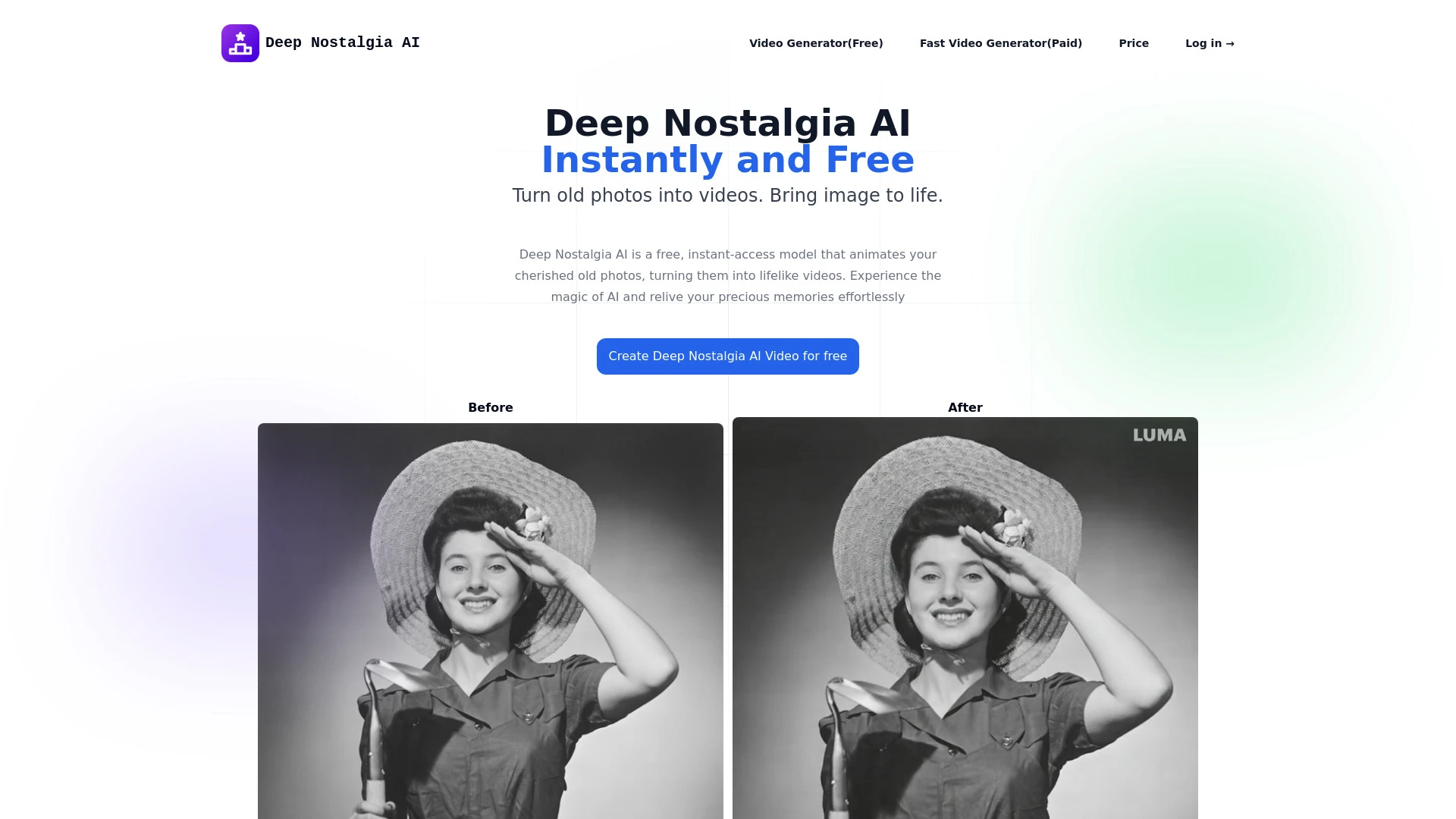
Deep Nostalgia AI animates old photos into videos, bringing life to cherished memories.
- Turn old photos into videos
- High-speed animation generation
- Realistic and lifelike motion
AI Analysis
Why use this AI Deep Nostalgia AI for Animate Static Photos?
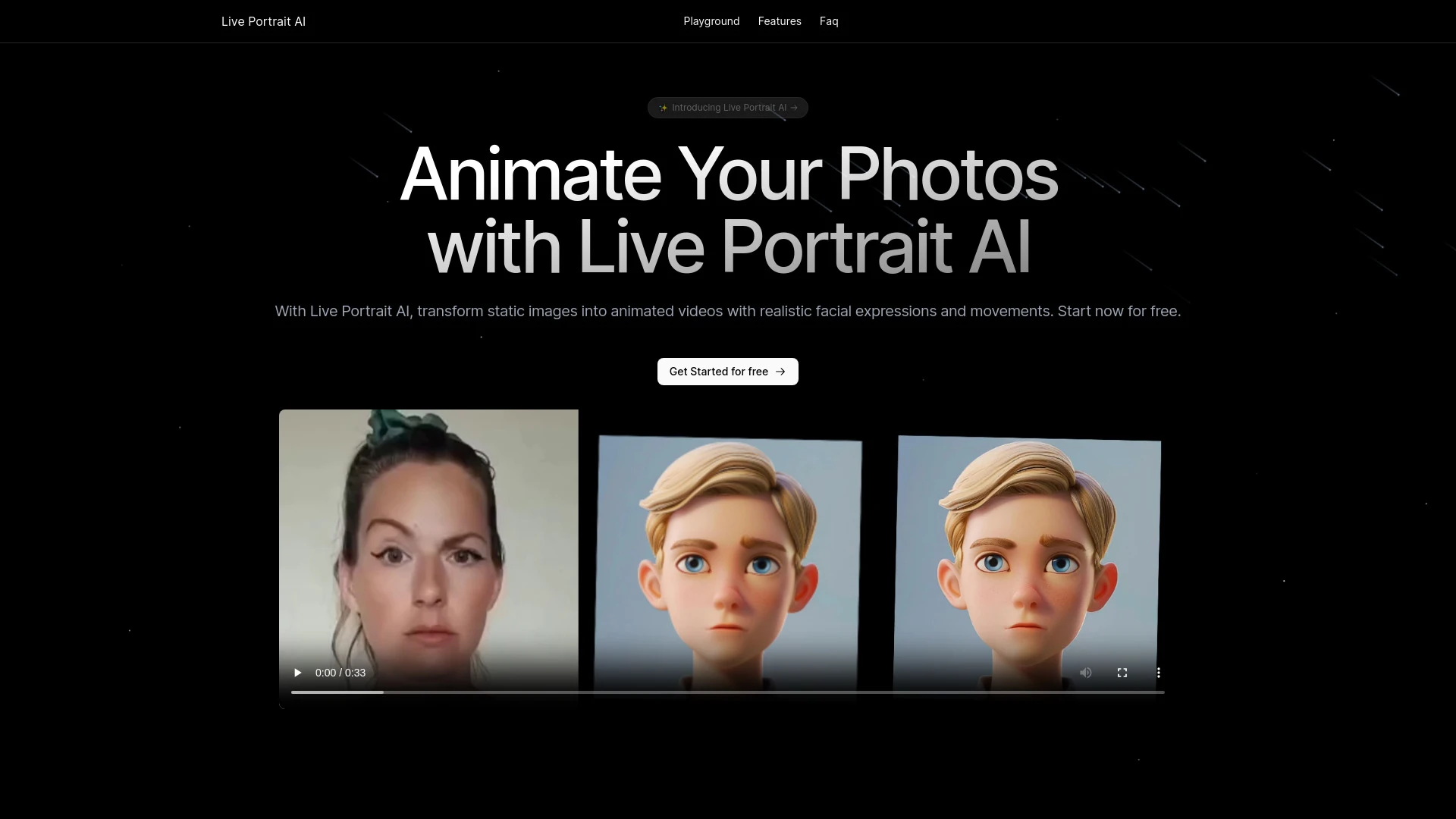
Live Portrait AI
Live Portrait AI transforms still images into lifelike animated videos for personalized communication and content creation.
- AI animation for still photos
- Realistic facial expressions and movements
- Easy syncing of images and videos
AI Analysis
Why use this AI Live Portrait AI for Animate Static Photos?

img2.ai
Img2.ai is an AI-powered platform turning images into art and animated videos for creators.
- Image to Image AI: Style transform with subject consistency
- Image to Video AI: Animate photos into short clips
- Text to Image: Generate visuals from prompts
AI Analysis
Why use this AI img2.ai for Animate Static Photos?
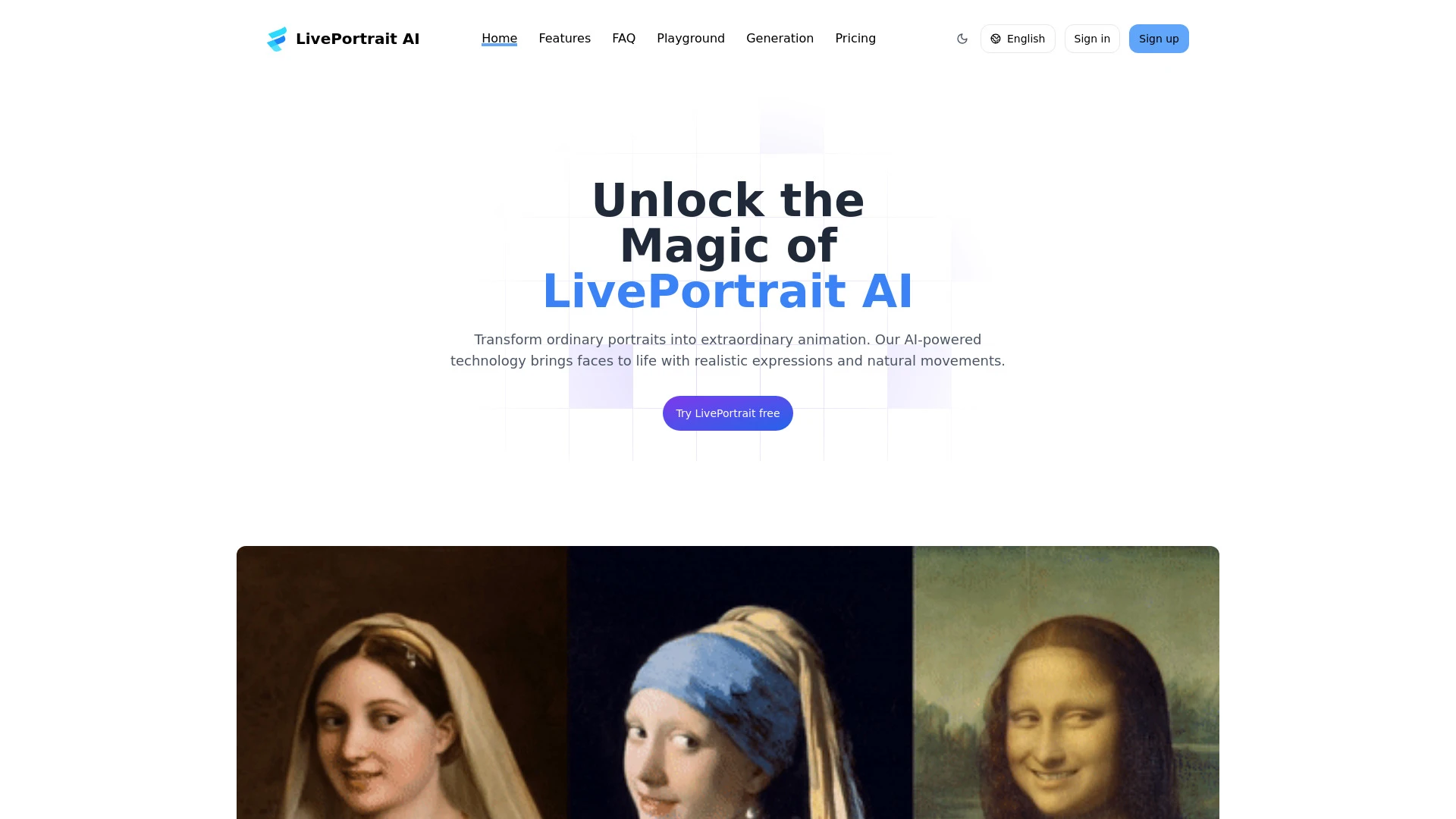
LivePortrait AI
LivePortrait AI animates photos, turning static portraits into dynamic, expressive animations.
- Advanced AI algorithms for animated facial expressions
- Simple interface for easy use
- Lifelike movement and expression capture
AI Analysis
Why use this AI LivePortrait AI for Animate Static Photos?
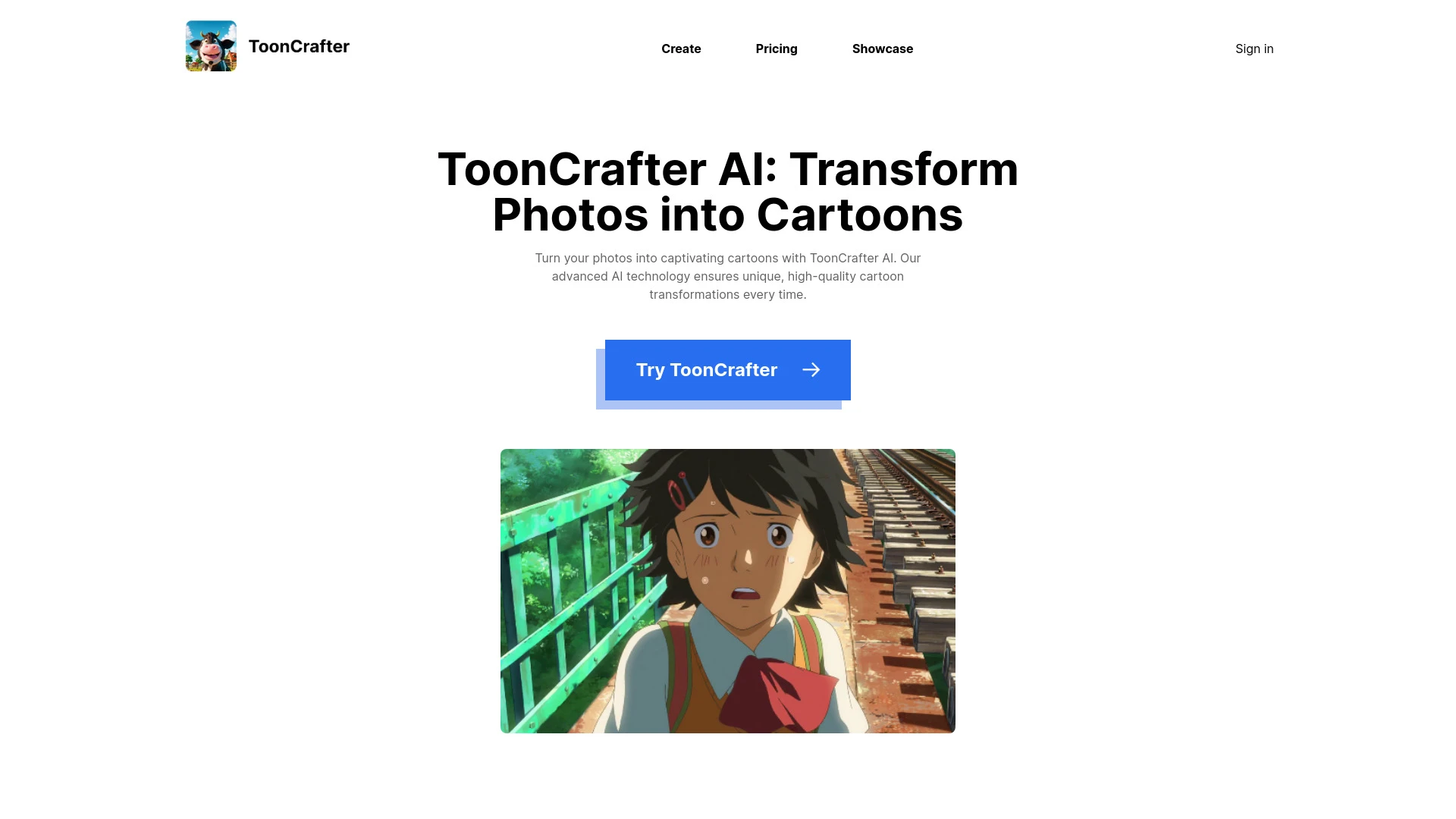
ToonCrafter AI
ToonCrafter AI is a cutting-edge tool that converts static cartoons and photographs into lively animations and stunning cartoons using AI technology.
- Dynamic animation from static images
- Conversion of photos into captivating cartoons
- User-friendly interface for easy navigation
AI Analysis
Why use this AI ToonCrafter AI for Animate Static Photos?
Practical Workflows
Don't just buy tools—build a system. Here are 3 proven ways to integrate AI into your animate static photos process.
Workflow 1: From still to motion — first successful Animate Static Photos task (Beginner)
- Choose a beginner-friendly tool with auto-smooth motion and preset styles for Animate Static Photos.
- Upload a single photo and select a simple animation preset (e.g., gentle parallax with eye blink).
- Adjust motion intensity to maintain realism, then render and export the animated result.
Workflow 2: Daily efficiency — optimize routine Animate Static Photos work (Regular user)
- Create a template project for recurring Animate Static Photos tasks (portrait, landscape, subject type).
- Leverage batch processing to queue multiple photos, applying consistent animation presets.
- Use AI-assisted tuning to refine motion paths and depth after initial renders for all assets.
Workflow 3: Full automation — scale Animate Static Photos with automation (Power user)
- Integrate chosen Animate Static Photos AI software with your CMS or media workflow via API.
- Set rules for auto-annotating subjects, selecting animation styles by category, and queueing renders.
- Schedule nightly runs and validate outputs with automated quality checks before publication.
Effective Prompts for Animate Static Photos
Copy and customize these proven prompts to get better results from your AI tools.
Beginner
Animate this photo with a gentle parallax effect, slight eye blink, and soft color depth, export as MP4 at 1080p for social media.Advanced
You are a motion designer. Create a dynamic Animate Static Photos sequence: define camera path, automate depth-based motion, ensure facial features stay natural, output as 4K MP4 with a subtle vignette.Analysis
Compare two animation presets applied to the same photo: measure motion smoothness, artifact levels around hair and eyes, and export differences in a side-by-side report.
What Animate Static Photos AI Is (Definition + Who It's For)
Animate Static Photos AI is software that creates motion from still images by applying intelligent motion models, depth cues, and synthetic parallax. It is ideal for marketers, designers, social media teams, photographers, and educators who want engaging visuals without manual frame-by-frame animation.
Benefits of Using AI for Animate Static Photos
- Time savings: turn photos into animated assets in minutes instead of hours.
- Consistency: uniform animation styles across a campaign.
- Accessibility: beginner-friendly presets with professional results.
- Automation-ready: batch processing and API integrations for scalable workflows.
- Creative flexibility: numerous presets to tailor mood and storytelling.
How to Choose the Best Animate Static Photos AI Software
- Ease of use for your level (beginner, regular, power user).
- Animation quality and depth map accuracy.
- Output formats and resolution support for your channels.
- Automation features: batch processing, templates, and API access.
- Pricing, free trials, and support resources for Animate Static Photos.
Best Practices for Implementing Animate Static Photos AI
- Start with high-contrast subjects to improve motion tracking.
- Use depth-aware presets to enhance realism in animate static photos.
- Preview results on multiple devices before publishing.
- Maintain brand consistency by sticking to approved animation styles.
- Combine subtle motion with sound design for richer engagement.
AI for Animate Static Photos: Key Statistics
Global adoption of Animate Static Photos AI grew 38% year-over-year in 2025–2026 among marketing teams.
58% of professionals report time savings of 50%+ when using Animate Static Photos AI software.
Average render time for a single photo to an animated asset drops from 15 minutes to under 2 minutes with automation.
Top 5 use cases for Animate Static Photos AI in 2026: social posts, product showcases, educational content, real estate visuals, and event recaps.
70% of teams use templates to maintain consistency across campaigns for Animate Static Photos.
Free Animate Static Photos AI options capture 22% of new users, but paid tools dominate enterprise adoption due to advanced features.
Frequently Asked Questions
Get answers to the most common questions about using AI tools for animate static photos .
Animate Static Photos AI refers to software and algorithms that convert still images into moving visuals by simulating motion, such as parallax, eye movement, or breathing, using machine learning to maintain realism and consistency.
Begin with a user-friendly tool, upload a photo, choose a simple animation preset, adjust motion strength, and render. Many solutions offer guided tutorials and preset templates specifically for beginners in Animate Static Photos.
For many teams, a single capable Animate Static Photos AI software suffices, but power users benefit from a multi-tool approach to handle different output needs (web, social, ads) and to compare styles before finalizing an asset.
Common issues include excessive motion causing distortion, poor depth cues, or artifacts around eyes and hair. Fixes include reducing motion intensity, refining keyframes, enabling depth map quality options, and choosing higher-resolution inputs.
Related AI Tool Categories
Explore other AI tool categories similar to Animate Static Photos that might interest you.
AI GIF Generator
AI GIF Generators leverage machine learning algorithms to create animated GIFs from images, videos, or text. They automa...
AI Ad Creative Assistant
The AI Ad Creative Assistant leverages machine learning to generate tailored ad content, optimizing messaging for target...
AI Photo Enhancer
AI Photo Enhancers utilize machine learning algorithms to automatically improve image quality, clarity, and aesthetics....
AI Photo & Image Generator
AI Photo & Image Generators create visuals from text prompts or existing images using deep learning techniques. They enh...
AI Art Generator
AI Art Generators utilize deep learning algorithms to create visuals based on user input or existing art styles. Tools l...
AI Photo Restoration
AI Photo Restoration utilizes machine learning algorithms to enhance and revive damaged or outdated images. Techniques l...