Outils d IA recommandés
5Nous avons analysé le marché. Ces outils offrent des fonctionnalités spécifiques pour automatiser les tâches du navigateur.
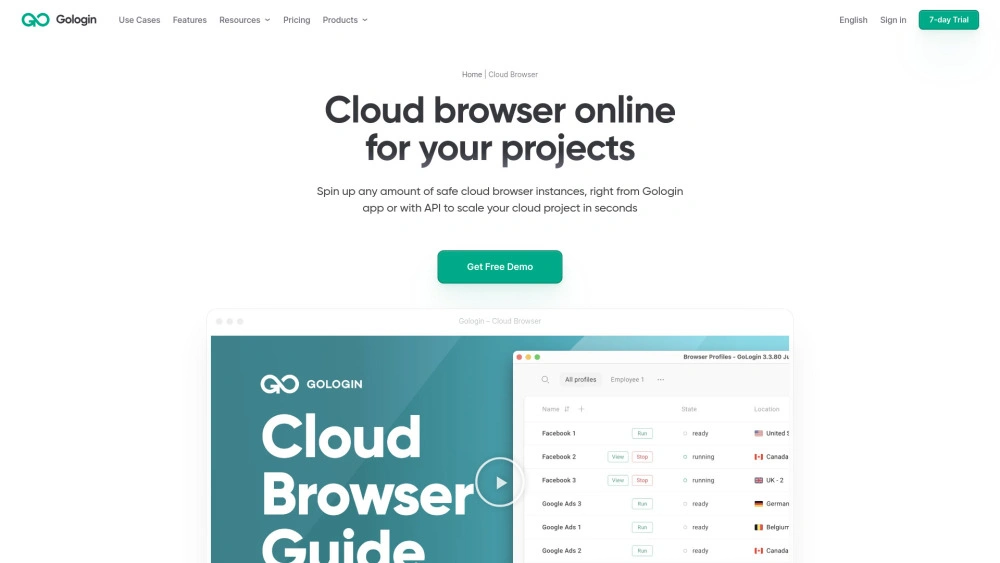
Gologin Cloud Browser
Sessions de navigateur en nuage dans le nuage pour une automatisation IA fiable, pour les équipes.
- Sessions réels de navigateur dans le cloud: Exécutez de vrais navigateurs dans le cloud pour une automatisation évolutive
- Profils isolés avec des empreintes uniques: Améliorer la sécurité et réduire les fuites entre sessions
- Contrôle API pour l’automatisation: Orchestrer les sessions par programme
Analyse IA
Pourquoi utiliser cette IA Gologin Cloud Browser pour Automatiser les tâches du navigateur?
SiteScripter AI
SiteScripter AI améliore la navigation web avec des résumés de page instantanés, le remplissage automatique de formulaires, la création de réseaux soc...
- Intégration avec Chrome pour un accès immédiat
- Interface conviviale pour une configuration facile des commandes
- Algorithmes intelligents pour une automatisation des tâches contextuelles
Analyse IA
Pourquoi utiliser cette IA SiteScripter AI pour Automatiser les tâches du navigateur?
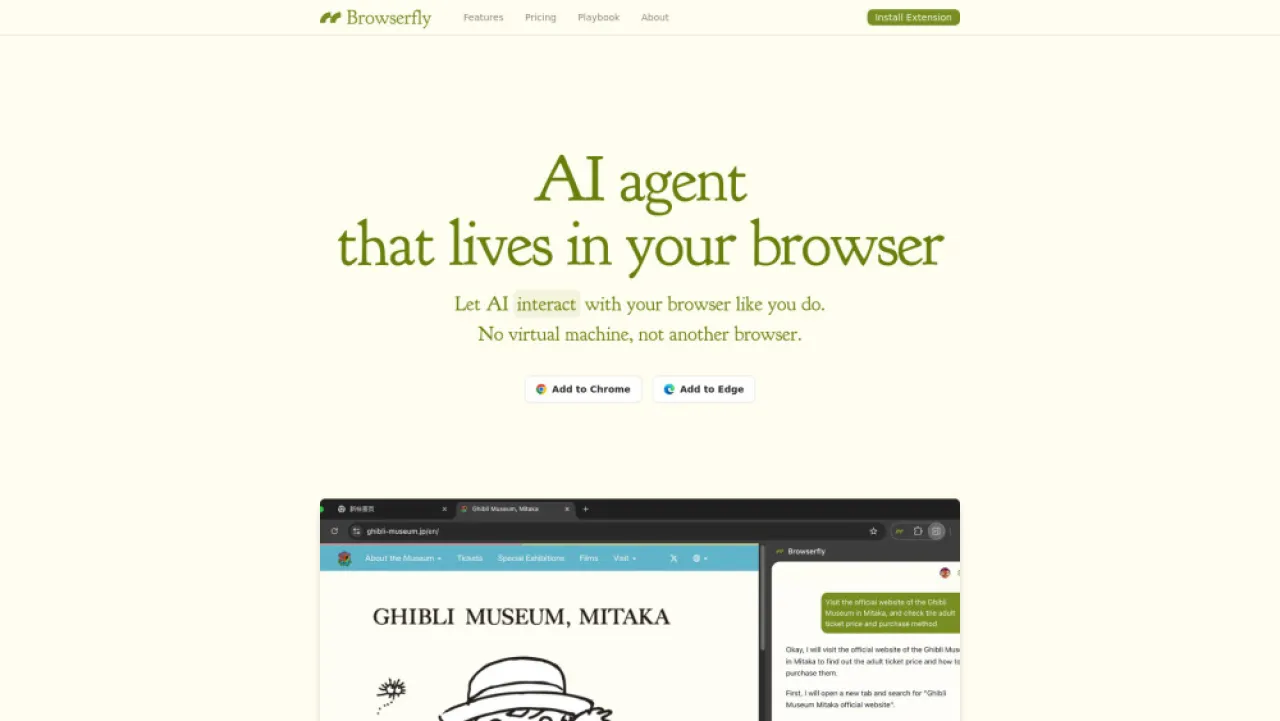
Browserfly
Browserfly est un outil dautomatisation de navigation par intelligence artificielle pour améliorer la productivité web
- Automatisation de navigateur alimentée par IA : Automatise efficacement les tâches
- Interaction avec les éléments via des commandes en langage naturel : Simplifie les opérations web complexes.
Analyse IA
Pourquoi utiliser cette IA Browserfly pour Automatiser les tâches du navigateur?
Design In The Browser
AI puissant editeur visuel frontend pour les developpeurs afin de modifier les interfaces utilisateur dans le navigateur via le langage naturel
- Édition point & clic : appliquer instantanément les changements d’interface avec des invites en langage naturel
- Intégration d’éditeur de code : accéder directement au code source
- Mise en file d’attente multi-modifications : gérer plusieurs changements en séquence
Analyse IA
Pourquoi utiliser cette IA Design In The Browser pour Automatiser les tâches du navigateur?
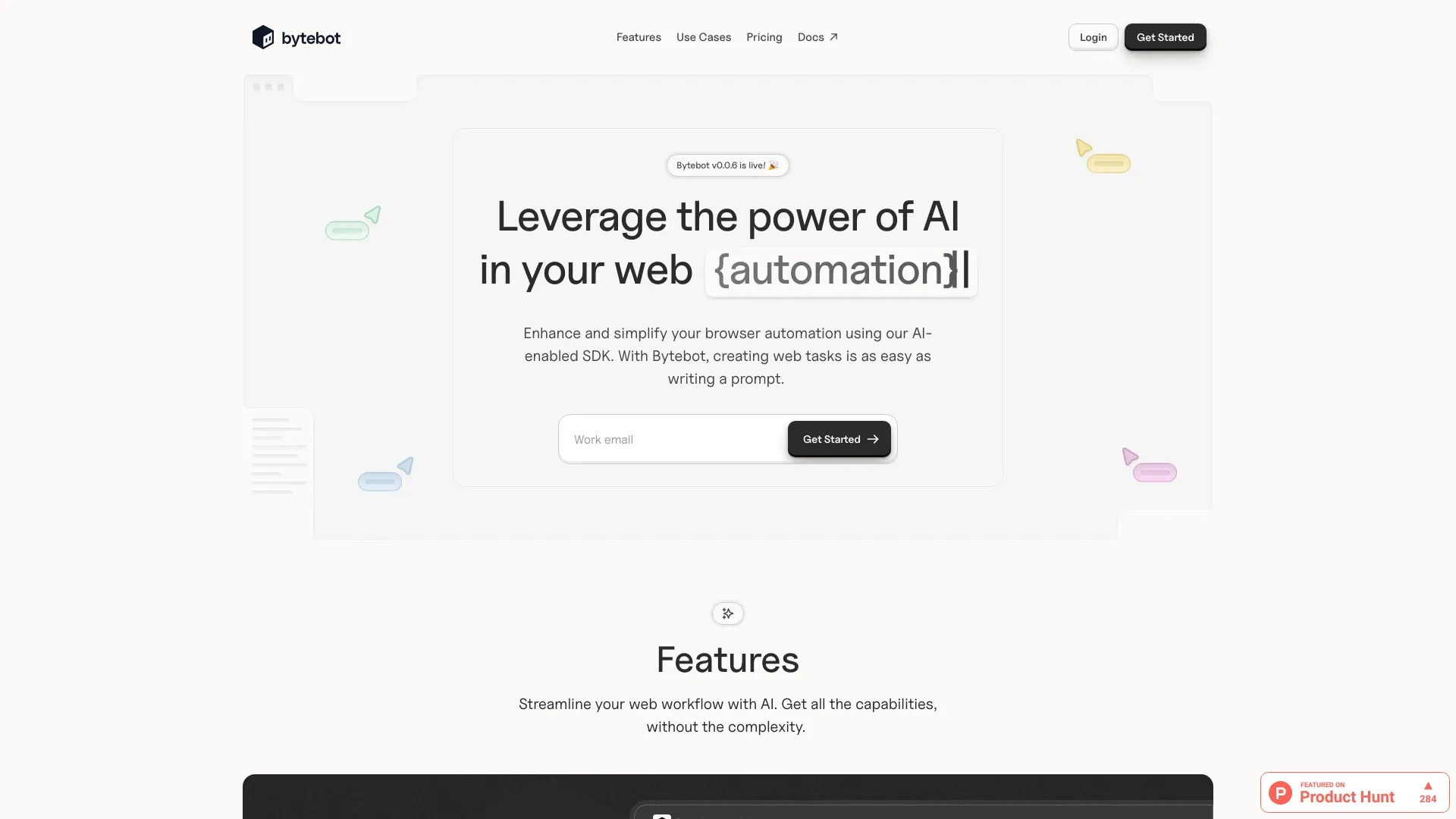
Bytebot
Bytebot est un outil d'IA avancé qui automatise les tâches de navigateur avec des invites en langage naturel, améliorant les interactions web grâce à...
- Création de tâches en langage naturel
- Remplissage de formulaires alimenté par l'IA
- Extraction de données automatisée
Analyse IA
Pourquoi utiliser cette IA Bytebot pour Automatiser les tâches du navigateur?
Pratiques de travail
Ne vous contentez pas dacheter des outils—construisez un système. Voici 3 preuves pour intégrer l’IA dans votre automatiser les tâches du navigateur processus
Workflow 1 — Complete beginner: First successful Automate Browser Tasks task
- Install a beginner-friendly Automate Browser Tasks AI tool with a guided setup wizard.
- Record a simple browser task (e.g., auto-fill form data and submit) using the tool's macro recorder.
- Test the task with sample data, then run it on a real page and review the generated logs to confirm success.
Workflow 2 — Regular user: Optimize daily Automate Browser Tasks work
- Create a daily task template to scrape a few web pages and aggregate results into a spreadsheet.
- Set error handling and retry logic for flaky pages (e.g., 5-second retry, max 3 attempts).
- Schedule the automation to run during off-peak hours and build a dashboard summarizing run times and outcomes.
Workflow 3 — Power user: Full Automate Browser Tasks automation
- Develop multi-step workflows across authentication, data extraction, and export to a CRM or data warehouse.
- Implement conditional branching (e.g., if a page shows a captcha, pause and notify) and modularize tasks into reusable components.
- Audit and version-control automations, then set up CI-like testing to validate changes before deployment.
Mots efficaces pour Automatiser les tâches du navigateur
Copiez et personnalisez ces invites éprouvées pour obtenir de meilleurs résultats avec vos outils d’IA
Débutant
Tâche : Autocompléter et soumettre un formulaire sur exemple.com/contact. Sortie : une ligne CSV avec horodatage, champs du formulaire et statut de réussite. Contraintes : exécuter une seule fois, effectuer une validation de base, pas de connexion requise.Avancé
Rôle: Architecte d’automatisation. Contexte: Construire une tâche navigateur en plusieurs étapes pour se connecter au siteX, naviguer vers les pages produit, extraire le prix et la disponibilité, et exporter vers une feuille Google. Contraintes: étapes modulaires et maintenables, gestion des erreurs et journaux clairs.Analyse
Étant donné trois sorties d Automate Browser Tasks provenant de pages différentes comparer la fiabilité par taux de réussite durée d exécution moyenne et exactitude des données Recommander quel flux de travail fusionner pour un rapport trimestriel
Qu est ce qu automatiser les tâches du navigateur IA
Avantages de lAutomatisation des Tâches de Navigateur IA
- Économies de temps : éliminer les clics manuels et la saisie de données pour les pages de routine.
- Cohérence : réduire les erreurs humaines sur des tâches de navigateur à grande échelle.
- Évolutivité : exécuter des flux de travail complexes en plusieurs étapes sur plusieurs sites automatiquement.
- Analytique : suivre les temps dexécution, les taux de réussite et les sorties pour optimiser les processus.
- Accessibilité : permet aux débutants danimer des tâches simples rapidement avec des configurations guidées.
Comment choisir le bon outil IA d’automatisation des tâches de navigateur
- Facilité dutilisation pour votre équipe en privilégiant des interfaces à faible code pour des gains rapides contre la flexibilité du code pour lautomatisation avancée.
- Sélecteurs robustes et gestion du contenu dynamique pour faire face aux sites web modernes.
- Gestion des erreurs, tentatives de réexécution et fonctionnalités de surveillance pour faire confiance à des automatisations de longue durée.
- Politiques de sécurité et de traitement des données pour protéger les informations sensibles.
- Communauté, support et mises à jour pertinentes pour le logiciel Automate Browser Tasks AI 2026.
Meilleures pratiques pour implémenter l automatisation des tâches de navigateur avec IA
- Commencez petit avec une seule tâche mesurable et itérez chaque semaine.
- Modularisez les flux de travail en composants réutilisables pour faciliter la maintenance.
- Mettez en place une gestion robuste des erreurs et une journalisation approfondie.
- Examinez régulièrement l’automatisation pour vous adapter aux changements de site et aux mesures anti-bot.
- Dokumentez les invites, les versions et les résultats des exécutions pour la transparence.
IA pour Automatiser les tâches du navigateur: Statistiques clés
L’adoption mondiale des outils IA d’automatisation des tâches de navigateur est passée de 28% en 2024 à 52% en 2025 parmi les équipes du marché intermédiaire
Temps moyen économisé par tâche automatisée de navigateur : 3,2 heures par semaine chez les utilisateurs interrogés
96% des organisations signalent une amélioration de la précision des données après la mise en œuvre des flux de travail IA Automate Browser Tasks
Cas d’utilisation principaux: extraction de données, traitement des formulaires et automatisation de la navigation multi-site
Temps pour valeur réelle pour une configuration IA de tâches automatisées du navigateur de base en moyenne 2,5 jours pour les débutants et 2 heures pour les utilisateurs avancés
ROI annuel rapporté par les utilisateurs : jusqu'à 240 % en 12 mois après le déploiement.
Questions Fréquemment Posées
Obtenir des réponses aux questions les plus fréquentes sur l’utilisation des outils d’IA pour automatiser les tâches du navigateur .
Automatiser les tâches de navigateur LIA fait référence à l’utilisation d’outils activés par l’intelligence artificielle pour automatiser des actions répétitives effectuées dans les navigateurs Web, telles que le remplissage de formulaires, l’extraction de données, la navigation sur les pages et l’exportation de données. Il vous permet de créer des flux de travail réutilisables qui font gagner du temps et réduisent les erreurs humaines.
Choisissez un outil d automatisation des tâches de navigateur installez le et commencez par une petite tâche Utilisez l enregistreur de l outil pour capturer les actions définir les déclencheurs et les conditions tester l automatisation sur de vraies pages et ajouter progressivement de la complexité avec la gestion des erreurs et les sorties de données
Les outils à faible code sont généralement plus rapides pour les débutants et offrent des flux de travail visuels, tandis que les options basées sur le code permettent une personnalisation et une évolutivité plus approfondies. Pour la plupart des équipes qui débutent, un outil d’automatisation IA de tâches de navigateur à faible code capable est préférable, puis migrez vers des solutions basées sur le code à mesure que les besoins se développent.
Les problèmes courants incluent des écarts de temps de chargement des pages, des changements de contenu dynamiques, des sélecteurs d’éléments qui se cassent et des protections anti-bot. Dépannez en ajoutant des attendre, en utilisant des sélecteurs robustes, en gérant les délais d’attente et en validant avec des exécutions de test sur des pages représentatives.
Catégories d’outils d’IA liées
Explorer d autres catégories d out ils similaires à Automatiser les tâches du navigateur cela pourrait vous intéresser
Documentation pour les développeurs en IA
AI Developer Documentation provides essential guidelines for creating, integrating, and maintaining AI systems. It enhan...
Concepteur de site Web IA
AI Website Designers leverage machine learning and algorithms to automate web development, enabling users to create webs...
Outils de développement AI
AI Developer Tools empower developers to create intelligent applications by providing libraries, APIs, and frameworks. F...
Assistant Email IA
An AI Email Assistant automates email management, enhancing productivity and communication. It uses natural language pro...
Générateur d'idées commerciales d'IA
The AI Business Ideas Generator harnesses machine learning algorithms to analyze market trends, consumer behavior, and e...
Outils de productivité IA
AI productivity tools enhance efficiency by automating repetitive tasks, analyzing data, and facilitating decision-makin...