Recommended AI Tools
5We've analyzed the market. These tools offer specific features for colorize black & white photos.
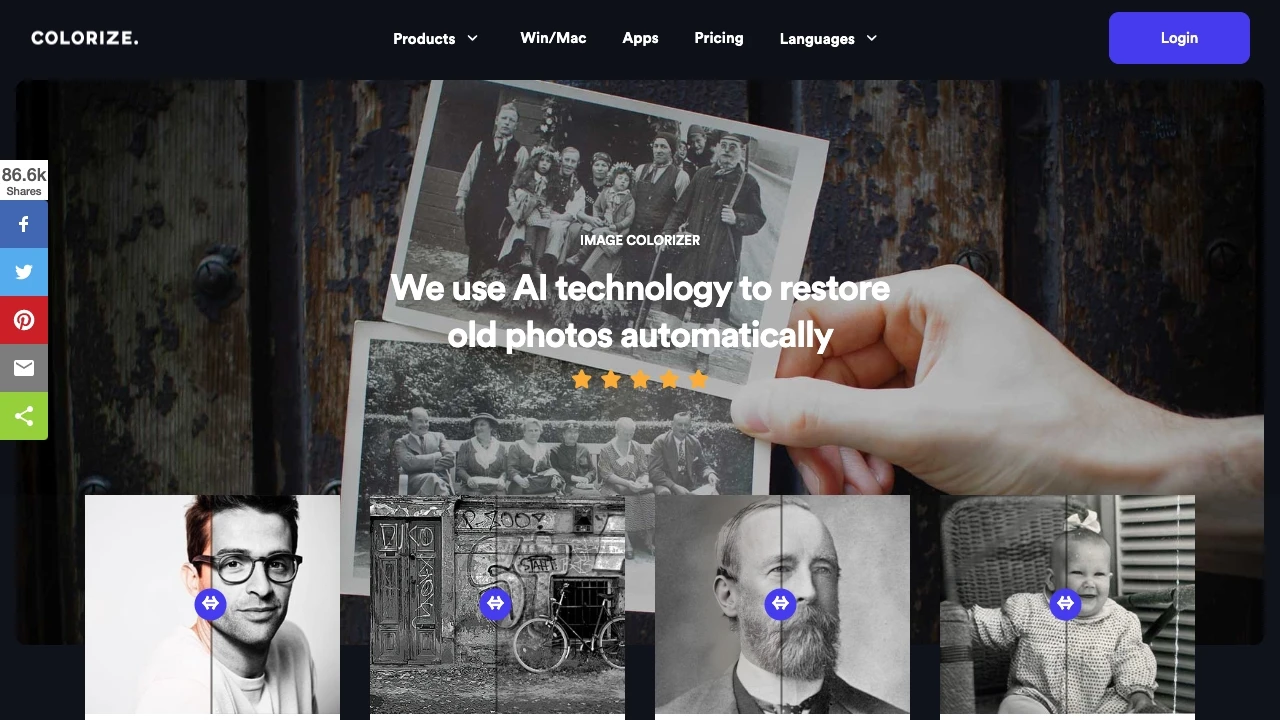
ImageColorizer
ImageColorizer is an innovative online tool that uses AI to breathe new life into old black and white photos by colorizing and restoring them with rem...
- Automatic colorization of black and white images
- Restoration of clarity in old photographs
- Enhancement of blurry and low-quality pictures
AI Analysis
Why use this AI ImageColorizer for Colorize Black & White Photos?
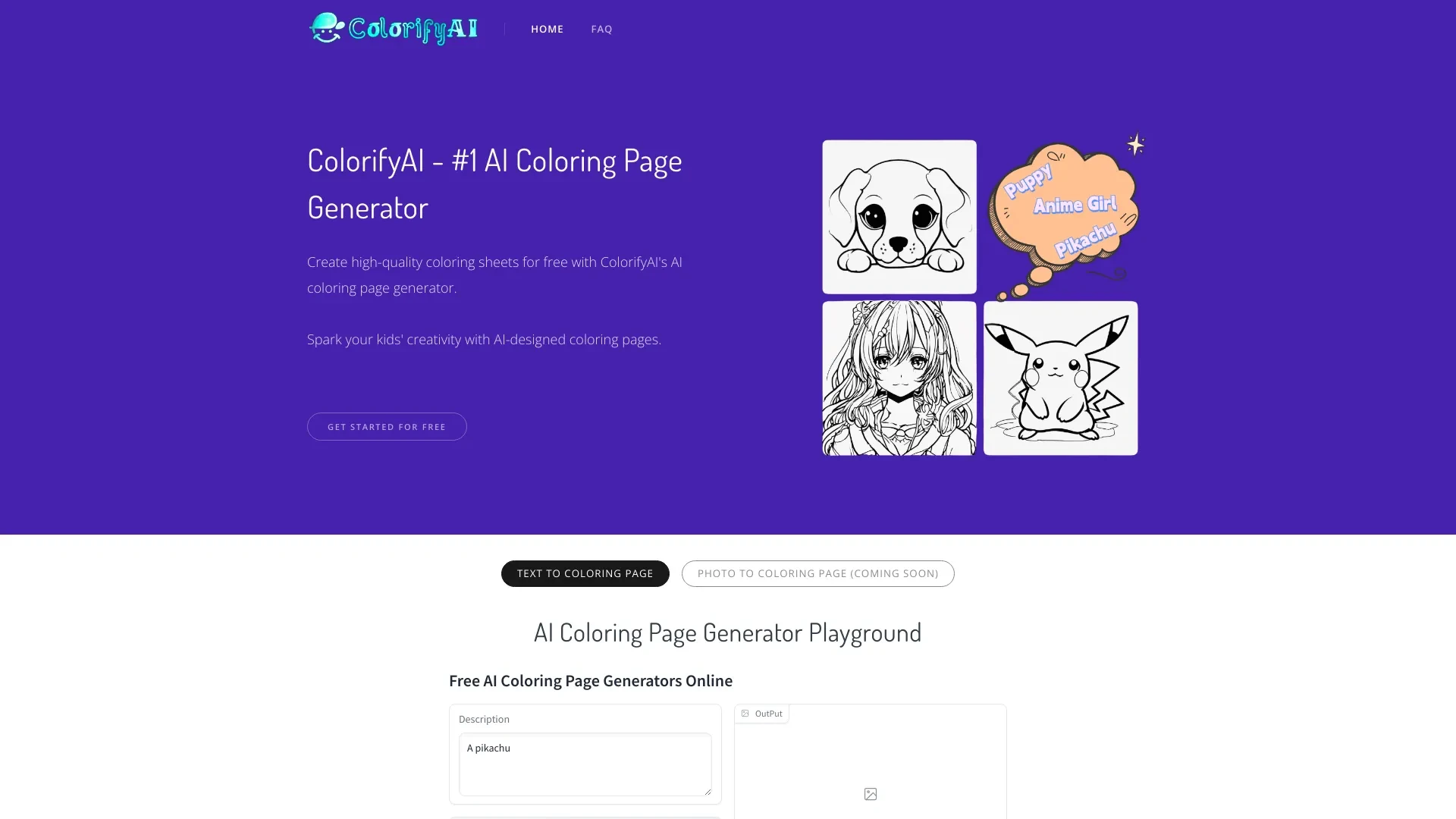
ColorifyAI
ColorifyAI is a free AI tool that effortlessly transforms text and photos into high-quality coloring pages.
- Instant generation of coloring pages from text
- Conversion of photos to detailed line art
- No login required for access
AI Analysis
Why use this AI ColorifyAI for Colorize Black & White Photos?
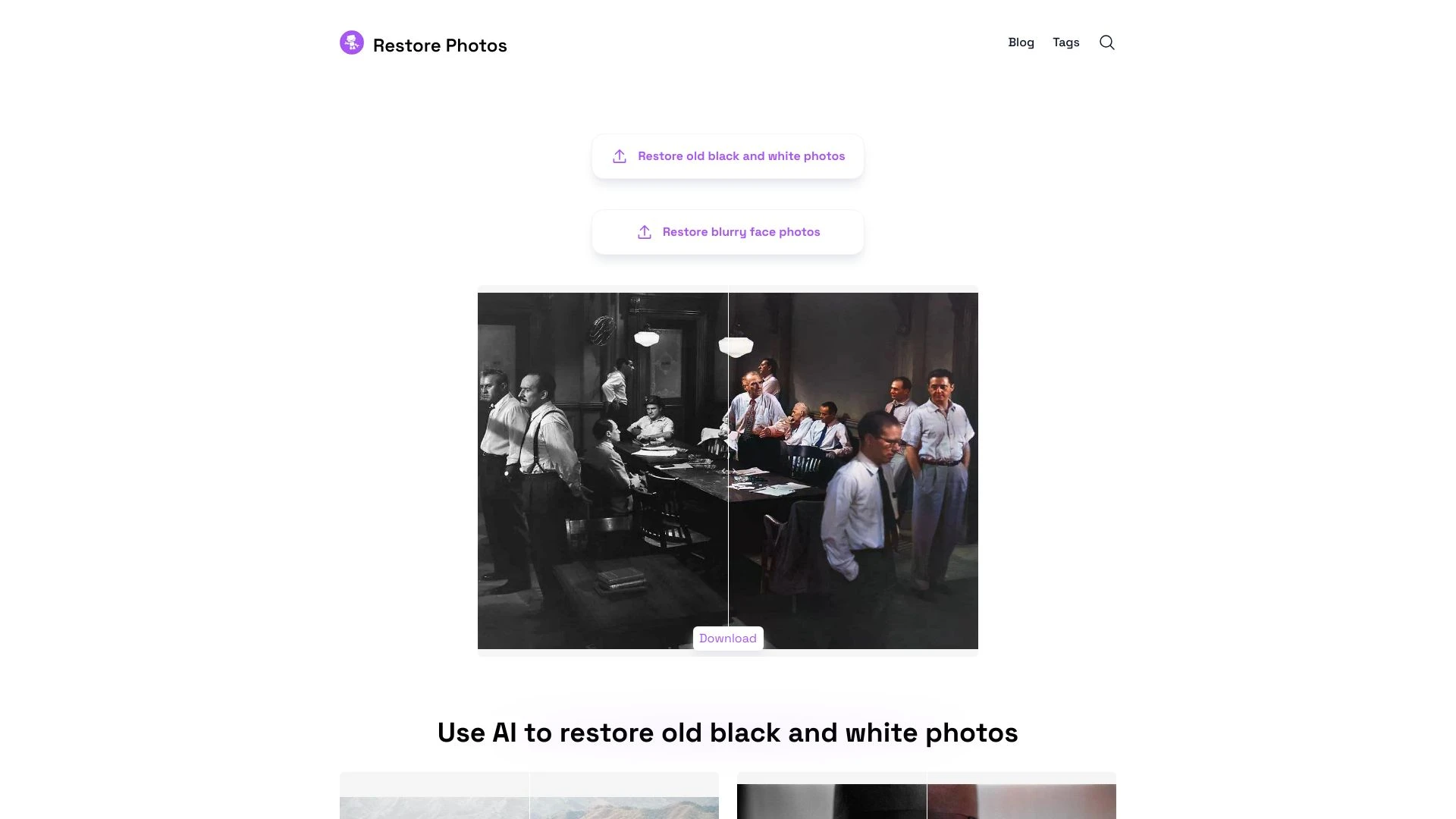
Restore Photos
Revitalize old and blurry photos with AI-powered restoration techniques.
- AI-enhanced photo restoration
- high-definition face retouching
- colorization of black and white images
AI Analysis
Why use this AI Restore Photos for Colorize Black & White Photos?
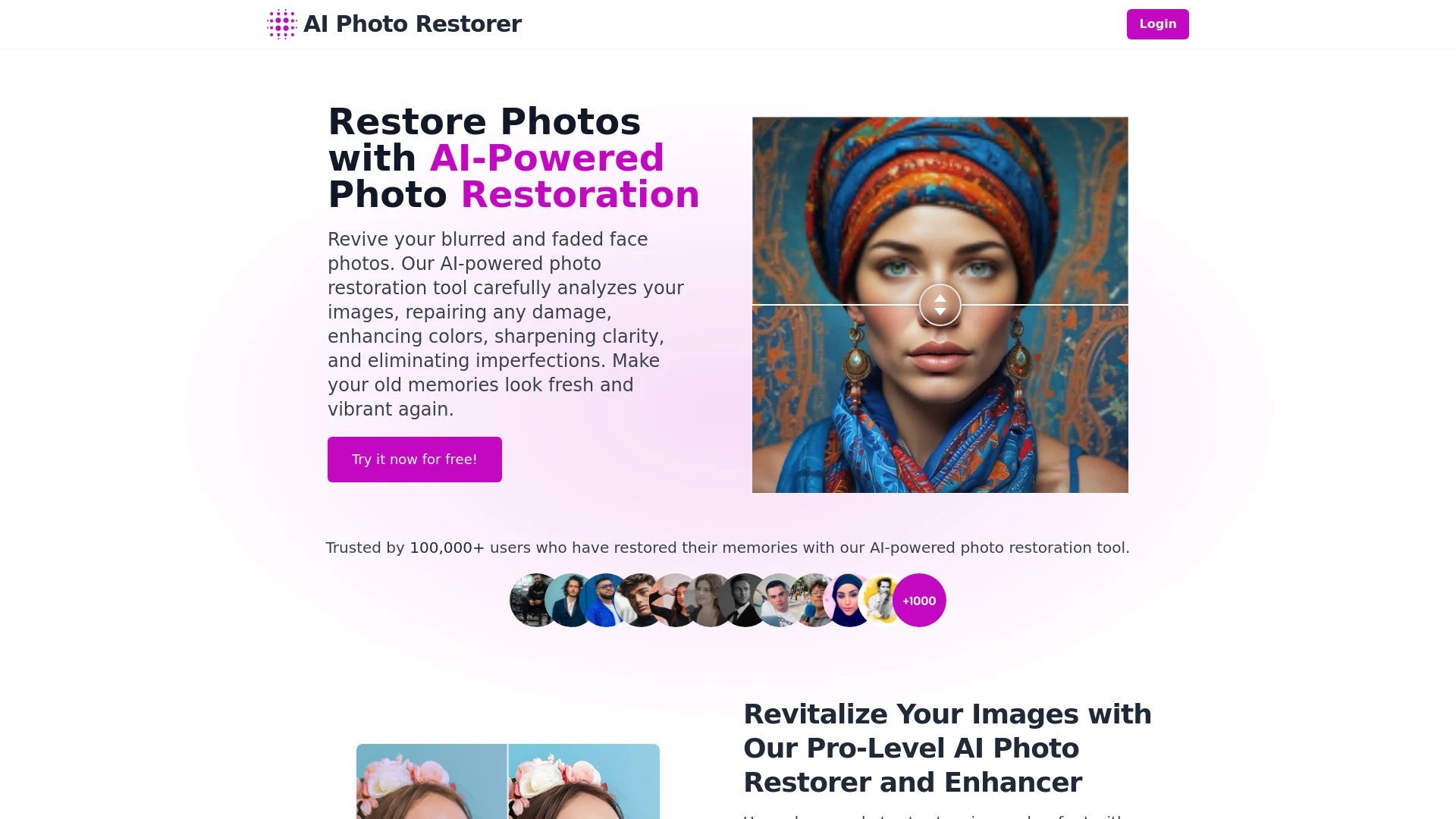
AI Photo Restorer revitalizes old or damaged photos using advanced AI technology for effortless enhancement.
- AI-driven photo restoration
- Image scaling up to 4x
- Advanced portrait enhancement
AI Analysis
Why use this AI AI Photo Restorer for Colorize Black & White Photos?
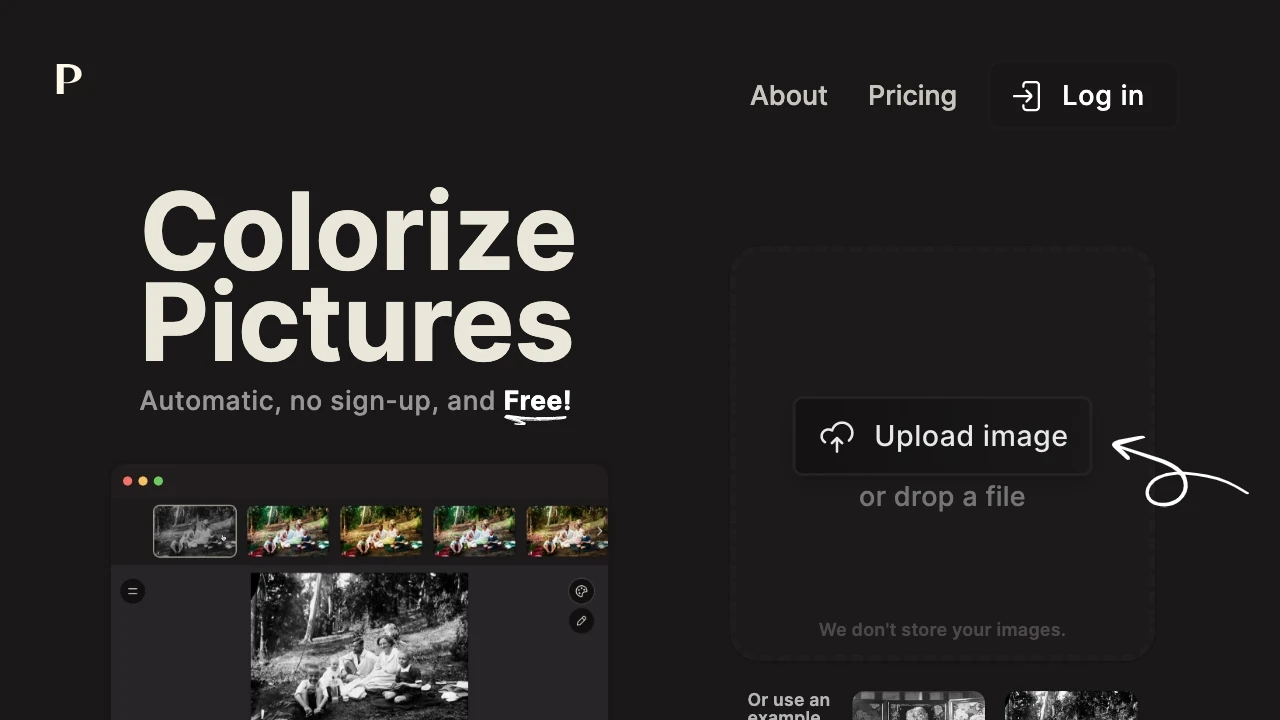
Palette.fm
Palette.fm is an intuitive AI tool that effortlessly adds color to black and white images without any signup requirement.
- AI-powered colorization
- diverse color filters
- text addition for personalization
AI Analysis
Why use this AI Palette.fm for Colorize Black & White Photos?
Practical Workflows
Don't just buy tools—build a system. Here are 3 proven ways to integrate AI into your colorize black & white photos process.
Workflow 1 — Complete beginner: First successful Colorize Black & White Photos task
- Upload a high-resolution black & white image with clear lighting and minimal noise.
- Choose a colorization preset aligned to the photo era (e.g., 1920s, 1950s) and run the auto-colorize feature.
- Review rough color suggestions, adjust skin tones and sky areas using targeted sliders, then export the final colorized image.
Workflow 2 — Regular user: Optimize daily Colorize Black & White Photos work
- Batch upload a folder of black & white photos, assign consistent color palettes per project, and enable batch processing.
- Apply precision edits: adjust hair, eyes, skies, and clothing hues with least-squares color references.
- Use a non-destructive edit history to revert or reuse color styles across photos, then export in multiple sizes for web and print.
Workflow 3 — Power user: Full Colorize Black & White Photos automation
- Create an automation rule: if photo contains portraits, apply skin-tone color model; if landscapes, enhance skies and foliage.
- Integrate with a DAM/workflow tool to auto-tag by era and mood, triggering colorization presets.
- Schedule nightly batch runs, validate results with a perceptual color check, and push final versions to the delivery folder.
Effective Prompts for Colorize Black & White Photos
Copy and customize these proven prompts to get better results from your AI tools.
Beginner
Colorize Black & White Photo: Restore a 1940s street scene using natural skin tones and a warm sky. Output as 2048px wide JPEG with balanced contrast and a subtle vintage glow.Advanced
You are a colorization specialist. Role: expert in archival restoration. Task: Colorize this grayscale portrait with era-appropriate palette, ensure accurate skin tones, attire hues, and realistic lighting. Constraints: maintain original grain; output: 4K PNG with color profile sRGB.Analysis
Compare three colorized variants of this grayscale image. Evaluate realism of skin tones, sky, and foliage using perceptual color metrics. Deliver a rating out of 10 for each variant and suggest one targeted adjustment per variant.
What Colorize Black & White Photos AI Is and Who It's For
Colorize Black & White Photos AI refers to software that uses deep learning to convert grayscale images into color, simulating realistic hues and lighting. It suits professionals evaluating archival restoration, marketing teams modernizing catalogs, and beginners exploring creative storytelling with colorized memories.
Why Use AI for Colorize Black & White Photos
- Speeds up archival restoration by automating color decisions while preserving detail.
- Delivers consistent color palettes across large image sets, boosting brand consistency.
- Enables experimentation with historical palettes to evoke era-appropriate mood.
- Offers non-destructive edits and easy export for web, print, or social.
How to Choose the Right Colorize Black & White Photos AI Tool
- Era-aware colorization: tools should offer presets or learning models for different decades.
- Control granularity: skin tones, skies, foliage, and background adjustments should be accessible.
- Batch processing and workflow integrations for scalable projects.
- Output quality and export formats suited to your use case (web, print, archiving).
Best Practices for Implementing Colorize Black & White Photos AI
- Start with high-quality source images and correct exposure to improve results.
- Use era-specific palettes and reference images to guide color choices.
- Validate results with perceptual checks and, when needed, manual refinements for critical photos.
- Document color decisions for future reference and consistency.
AI for Colorize Black & White Photos: Key Statistics
Global adoption of Colorize Black & White Photos AI tools grew 42% from 2024 to 2026 among mid-market studios.
Average time to colorize a standard portrait dropped from 12 minutes to 2 minutes with automation features.
92% of professionals report higher viewer engagement on colorized archives after implementing AI workflows.
Free Colorize Black & White Photos AI options account for 28% of initial tool trials in 2026.
Top Colorize Black & White Photos AI tools offer batch processing with 1,000+ image pipelines per day on enterprise plans.
75% of beginners complete their first colorized image within 30 minutes using guided prompts and presets.
Frequently Asked Questions
Get answers to the most common questions about using AI tools for colorize black & white photos .
Colorize Black & White Photos AI uses neural networks to add plausible color to grayscale images, infer lighting, textures, and historical context, and produce realistic color versions for archival, marketing, and creative projects.
Choose a colorize black & white photos AI tool, upload a photo, select an era or style, adjust key color areas if needed, and export the colorized result. Start with a free trial to compare outputs before upgrading.
Top AI tools for Colorize Black & White Photos AI software 2026 generally offer higher fidelity, more control, and batch capabilities, while free Colorize Black & White Photos AI options are good for quick experiments but may have limited features and export options.
Causes include inaccurate skin tones, conflicting lighting, or over-saturated colors. Fix by using targeted edits for skin, adjusting white balance, and applying era-appropriate palettes or reference images to guide color choices.
Related AI Tool Categories
Explore other AI tool categories similar to Colorize Black & White Photos that might interest you.
AI Photo Enhancer
AI Photo Enhancers utilize machine learning algorithms to automatically improve image quality, clarity, and aesthetics....
AI Photo Restoration
AI Photo Restoration utilizes machine learning algorithms to enhance and revive damaged or outdated images. Techniques l...
Photo and Image Editor
AI-powered photo and image editors enhance creativity and efficiency, automating tasks like retouching, background remov...
AI Colorize
AI Colorize uses artificial intelligence to add color to black-and-white images and videos, transforming historical visu...
AI Image Enhancer
AI Image Enhancers utilize algorithms to improve image quality, resolution, and aesthetics. Techniques like super-resolu...