Recommended AI Tools
5We've analyzed the market. These tools offer specific features for create audio branding.
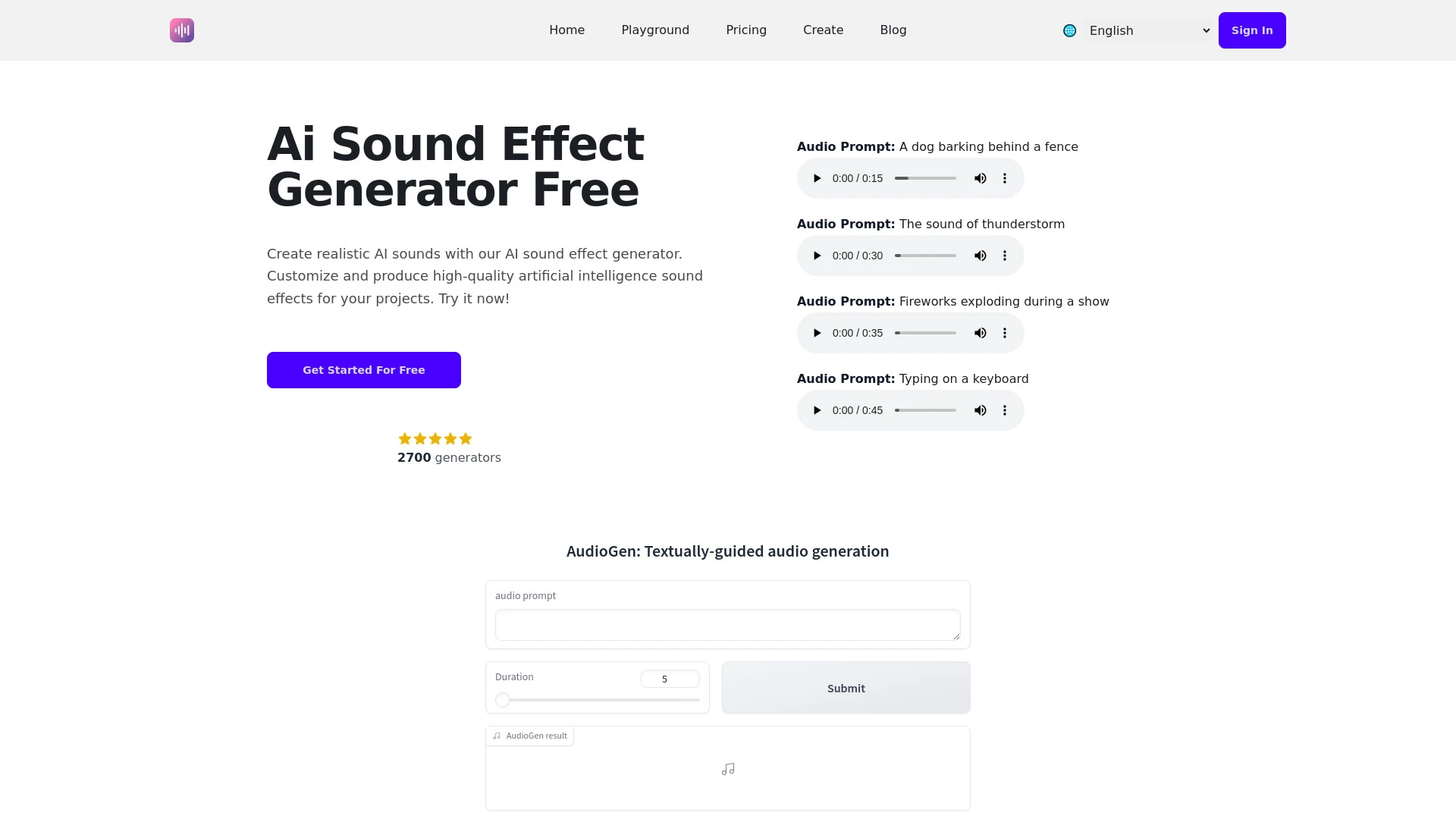
An advanced AI tool designed to generate and manipulate sound effects for various media projects.
- Diverse audio effects generation
- User-friendly interface
- Customizable sound duration
AI Analysis
Why use this AI AI Sound Effect Generator for Create Audio Branding?
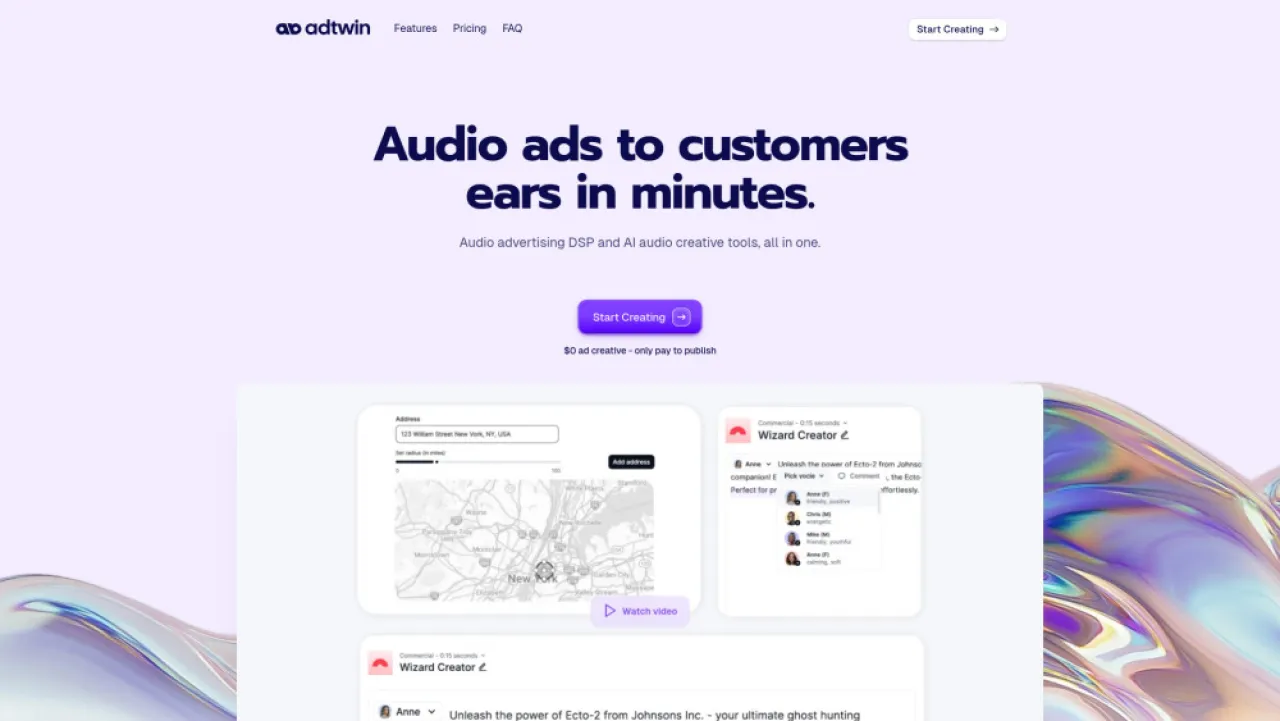
Adtwin
AI platform for effortless audio ad creation, distribution, and analytics for marketers.
- AI-powered audio script assistance: Streamlines ad creation
- Realistic AI voices: Enhances audio quality
- Integrated DSP: Expands ad distribution reach
AI Analysis
Why use this AI Adtwin for Create Audio Branding?
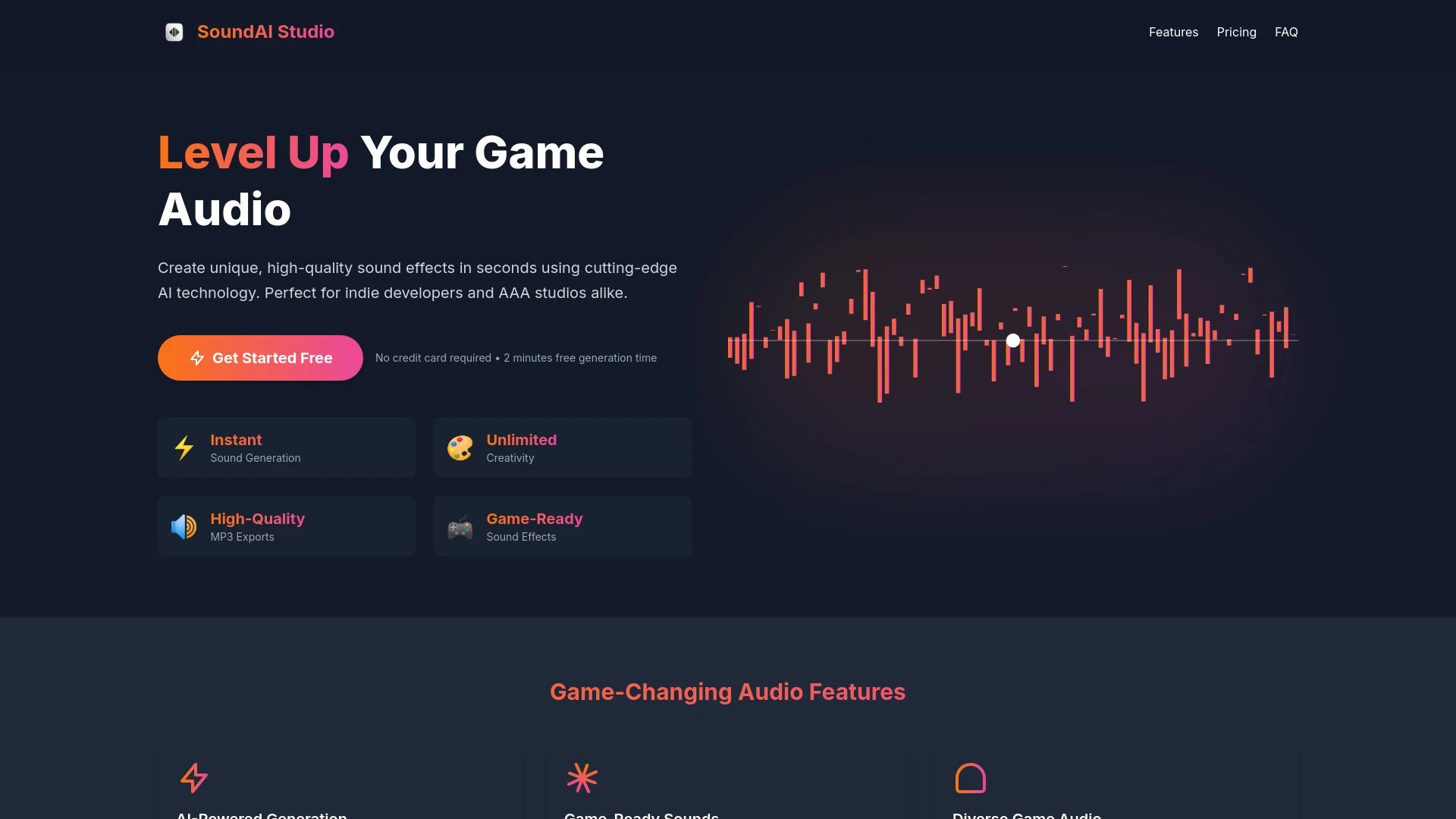
SoundAi Studio
SoundAi Studio is an AI tool that enables video game developers to create high-quality sound effects instantly.
- AI-Powered Generation
- Game-Ready Sounds
- Diverse Game Audio
AI Analysis
Why use this AI SoundAi Studio for Create Audio Branding?
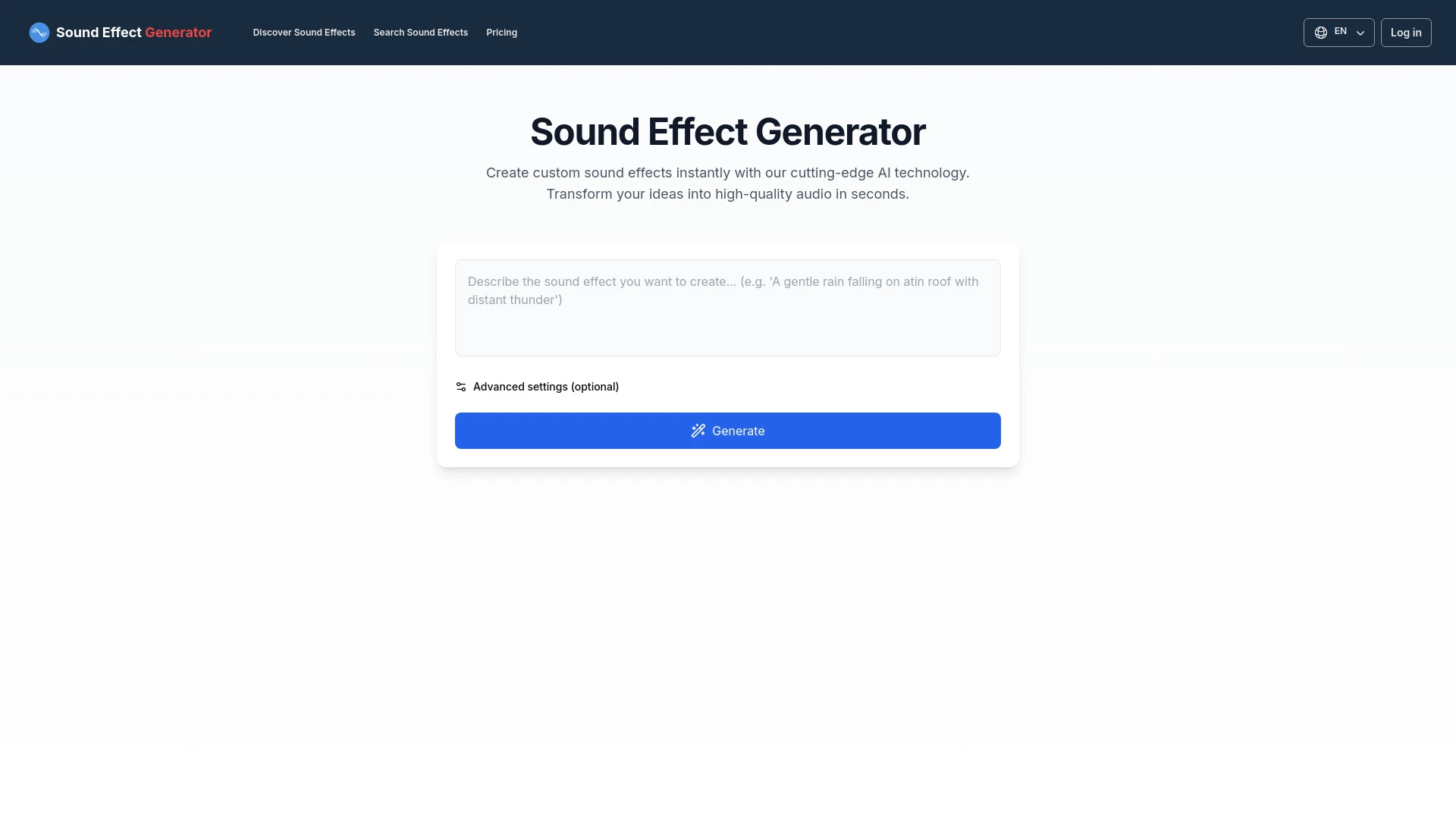
An AI tool for creating unique sound effects based on text prompts.
- Custom sound effect generation
- User-friendly interface
- Quick audio creation
AI Analysis
Why use this AI Sound Effect Generator for Create Audio Branding?
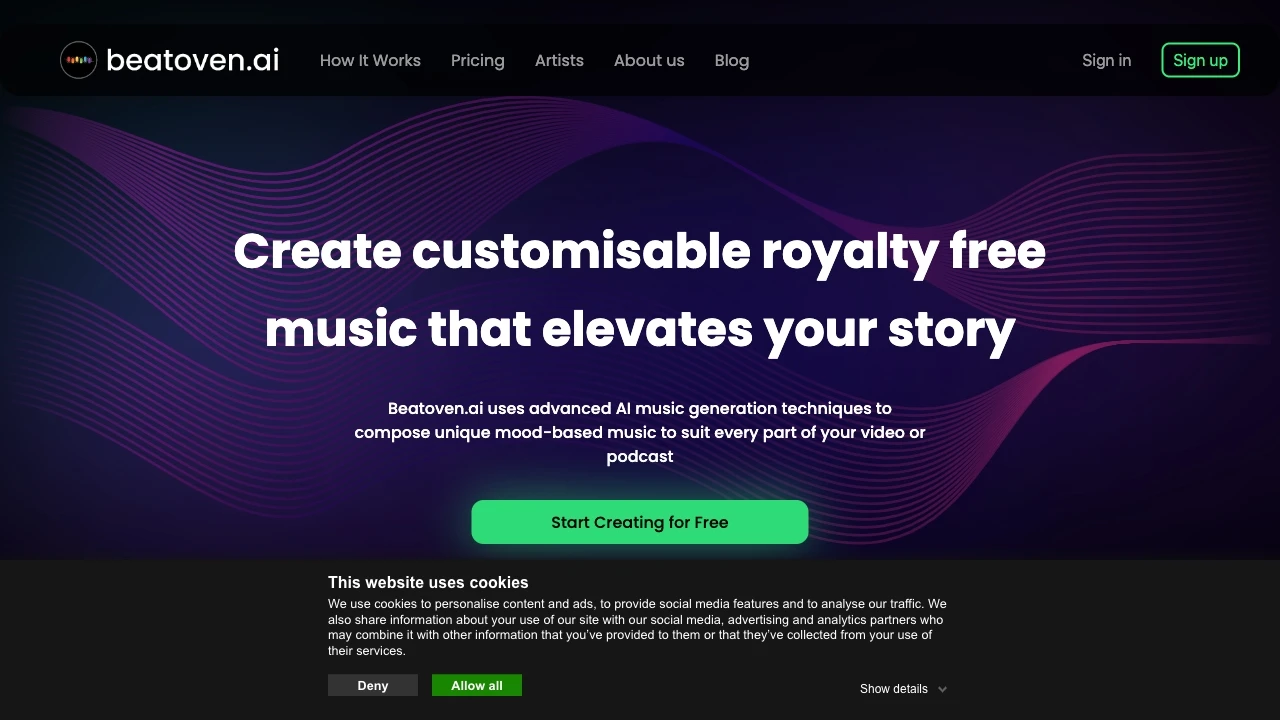
Beatoven.ai
Beatoven.ai is an innovative AI music generator designed to create unique, mood-based music for various content types.
- Advanced AI music generation
- 8 different genres/styles
- Customizable mood settings
AI Analysis
Why use this AI Beatoven.ai for Create Audio Branding?
Practical Workflows
Don't just buy tools—build a system. Here are 3 proven ways to integrate AI into your create audio branding process.
Workflow 1: Quick-start for Complete Beginners — First successful Create Audio Branding task
- Define your brand mood (tone, tempo, energy) and target audience for audio branding.
- Generate 3 short audio concepts using a beginner-friendly Create Audio Branding AI tool, selecting a preferred mood and genre.
- Choose the best concept, iterate with 1–2 adjustments (tempo, instrumentation), and export a 30–60 second brand audio logo.
Workflow 2: Regular User — Optimize daily Create Audio Branding work
- Create a reusable audio palette: upload your brand colors, voice, and brand keywords to the AI platform.
- Set up a daily batch: generate 5 variants of ad jingles or sound logos, rate feedback, and auto-tune for consistency.
- Automate versioning: save 3 iterations per project with metadata (campaign, length, target platform) for quick deployment.
Workflow 3: Power User — Full Create Audio Branding automation
- Integrate AI audio tool with your CMS/DSR: trigger brand audio assets on product pages, ads, and emails.
- Define constraints: ensure sonic branding meets duration, loudness, and accessibility standards across regions.
- Run multi-asset automation: generate long-form sonic logos, 15s stingers, and 3s audio cues, then publish to your distribution platforms.
Effective Prompts for Create Audio Branding
Copy and customize these proven prompts to get better results from your AI tools.
Beginner: Create a 30-second brand jingle
You are a brand-sound designer. Create a 30-second instrumental jingle in a warm, confident mood for a tech-savvy audience. Include a memorable hook, modern synths, and a subtle vocal line that stays under 8 seconds. Output as WAV with 44.1kHz, 16-bit.Advanced: Role = Brand Sound Architect; Context = E-commerce campaign; Constraints = 4 variations, 15s each, localized for US and EU; Format = MP3 with metadata
Act as a Brand Sound Architect. For an e-commerce campaign, generate 4 variations of a 15-second sonic logo and stingers that reflect premium, accessible, and energetic tones. Localize for US and EU audiences. Provide MP3 files with embedded metadata: brand_id, mood, duration, version, region.Analysis: Compare two brand sound palettes for optimization
Review Palette A and Palette B for a health-tech brand. Compare tempo, instrument choice, vocal presence, and perceived trust. Recommend one to adopt, plus three concrete tweaks to improve alignment with target audience and accessibility.
What is Create Audio Branding AI?
Create Audio Branding AI is specialized software that uses machine learning to generate consistent, on-brand audio elements such as jingles, sound logos, stingers, and sonic palettes. It’s designed for teams building or refreshing a brand’s sonic identity, suitable for marketers, designers, and audio teams. It helps align sound with brand personality, target audience, and campaign goals.
Benefits of Using AI for Create Audio Branding
- Consistent sonic identity across campaigns and platforms
- Faster production of audio assets with scalable outputs
- Cost-efficiency by reducing manual composition time
- Rapid iteration to test different moods and styles
- Easy collaboration with stakeholders via shareable presets
How to Choose the Right Create Audio Branding AI Tool
- Evaluate brand-mood controls and keyword-based prompts
- Check output formats, loudness normalization, and localization options
- Assess integration with your CMS/ads platforms and automation capabilities
- Review collaboration features and versioning for team workflows
- Consider freemium/free trials to test Create Audio Branding AI in practice
Best Practices for Implementing Create Audio Branding AI
- Define a clear sonic brief: mood, tempo, instrumentation, and voice characteristics
- Maintain a shared brand palette and terminology for prompts
- Run accessibility checks (loudness, clarity) for diverse listening environments
- Iterate with real users and gather feedback to refine outputs
- Document asset metadata for easy reuse and attribution
AI for Create Audio Branding: Key Statistics
By 2026, 68% of mid-to-large brands use AI-generated audio assets as part of their sonic identity workflow.
Average time to produce a 30-second brand jingle with AI tools dropped from 6 hours to 1.5 hours since 2024.
Free Create Audio Branding AI trials increased adoption by 72% among small businesses in the first half of 2025.
83% of marketers report improved consistency of brand sound across channels using AI-driven workflows.
Automation of audio asset generation reduced revision cycles by 40% for enterprise teams.
Sonic branding assets generated via AI show a 22% lift in brand recall in A/B tests conducted in 2025–2026.
Frequently Asked Questions
Get answers to the most common questions about using AI tools for create audio branding .
Create Audio Branding AI is software that leverages machine learning to generate, customize, and optimize audio assets (logos, jingles, sound cues) aligned with a brand’s identity, tone, and audience, reducing manual composition time.
Begin by defining your brand mood, select a beginner-friendly tool, generate short audio concepts, pick a favorite, and iterate with simple edits like tempo or instrumentation before exporting.
Cloud-based tools offer quicker collaboration and updates, while desktop options provide deeper customization and offline work. Compare ease of use, price, and integration with your workflow.
If outputs miss the brand voice, adjust input prompts, update the brand palette (keywords, mood descriptors), increase training samples, and verify loudness and tempo constraints align with your guidelines.
Related AI Tool Categories
Explore other AI tool categories similar to Create Audio Branding that might interest you.
AI Video Generator
AI Video Generators utilize algorithms to create videos from text, images, or audio, enhancing content creation. Applica...
AI User-Generated Content Video Generator
The AI User-Generated Content Video Generator leverages artificial intelligence to automate video creation from user inp...
AI Music Video Generator
AI Music Video Generators leverage machine learning to create visuals that sync with music, enhancing creativity and acc...
Voice and Audio Editing
AI in voice and audio editing revolutionizes the industry by enhancing quality, automating processes, and personalizing...
AI Ad Creative Assistant
The AI Ad Creative Assistant leverages machine learning to generate tailored ad content, optimizing messaging for target...
AI Music Generator
AI Music Generators leverage algorithms to create original compositions, transforming music production by enabling perso...