Recommended AI Tools
5We've analyzed the market. These tools offer specific features for create audio guides.
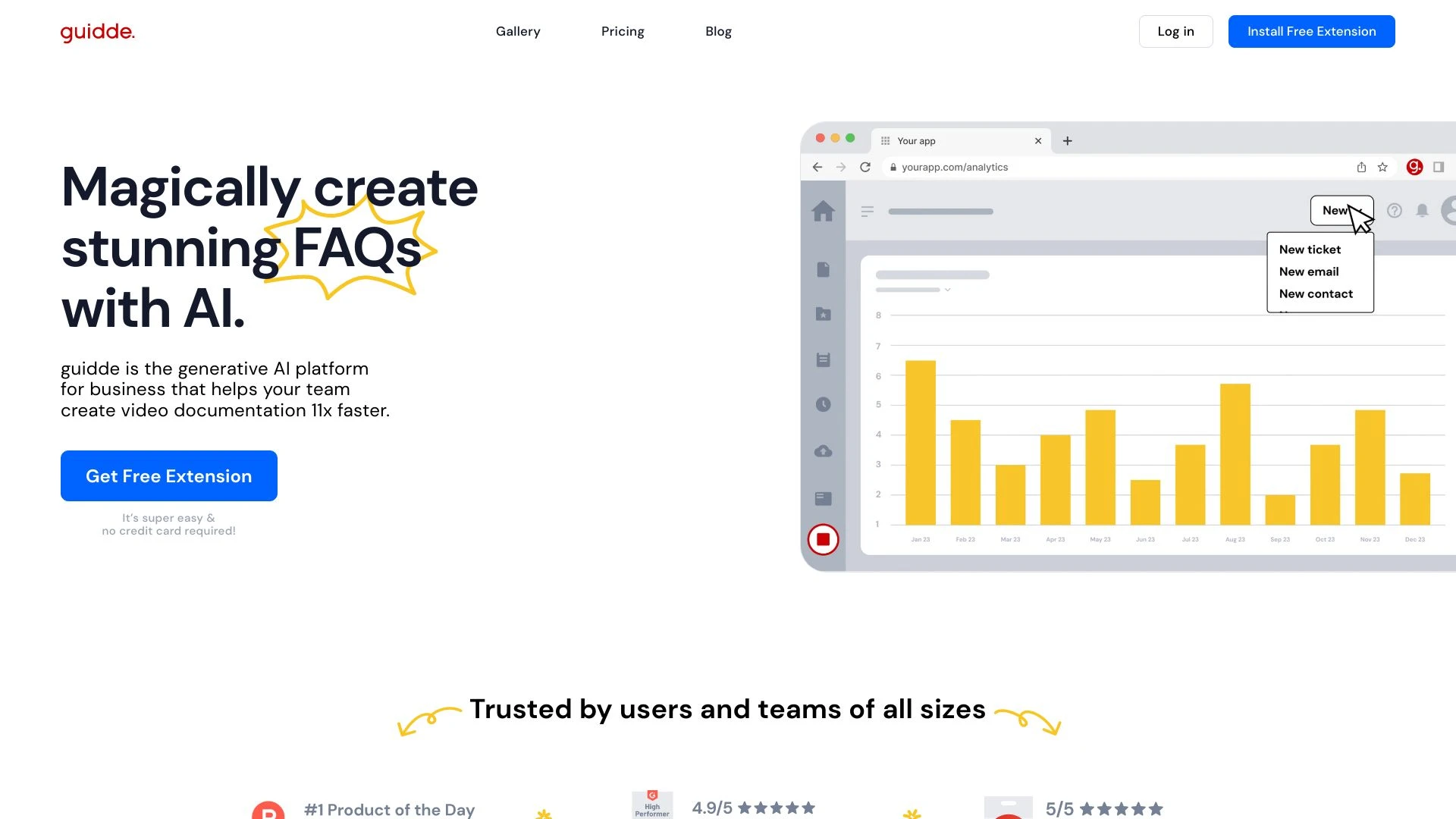
Guidde
Guidde is a generative AI platform designed for businesses to effortlessly create video documentation for training, onboarding, and support.
- AI-generated video documentation
- Step-by-step descriptions
- Customizable voiceovers in multiple languages
AI Analysis
Why use this AI Guidde for Create Audio Guides?
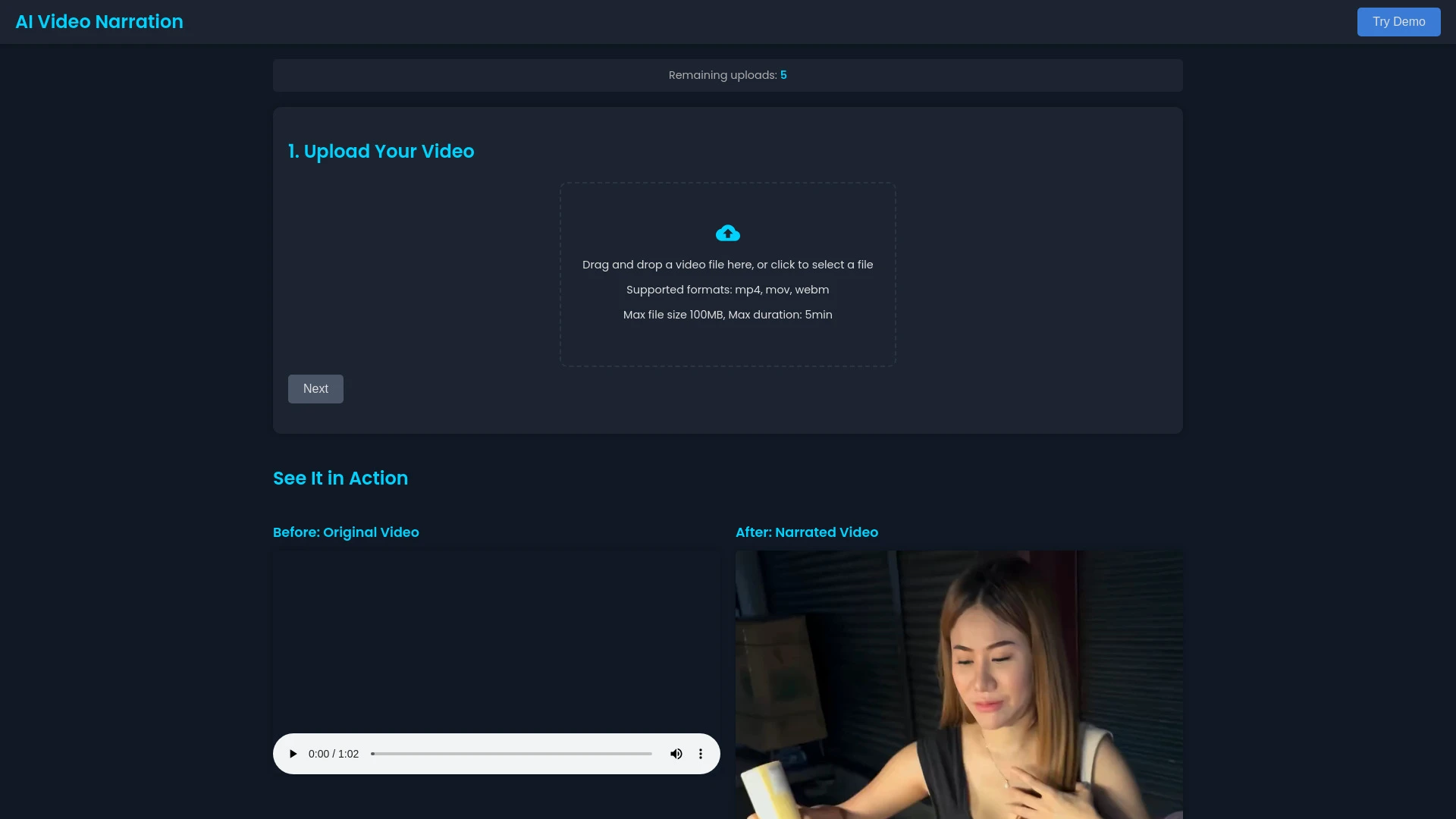
AI Video Narration allows users to create professional video narrations effortlessly with AI technology.
- AI-generated narration in diverse languages
- Simple user interface requiring no technical skills
- High-quality audio output
AI Analysis
Why use this AI AI Video Narration for Create Audio Guides?
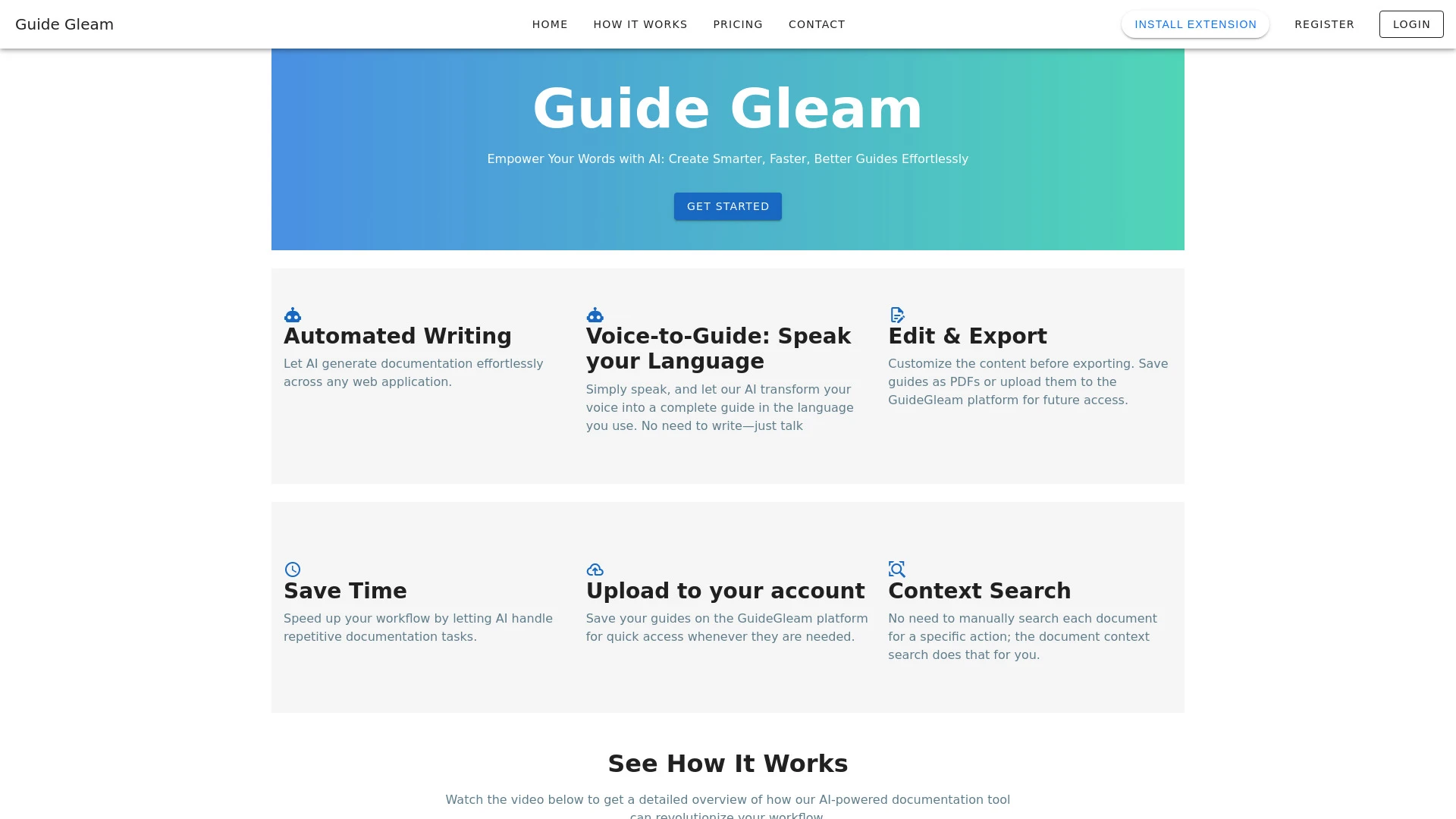
GuideGleam
GuideGleam is a user-friendly AI tool that transforms images into detailed visual guides and step-by-step instructions.
- AI-powered guide generation
- Customizable visual content
- Export options to PDF
AI Analysis
Why use this AI GuideGleam for Create Audio Guides?
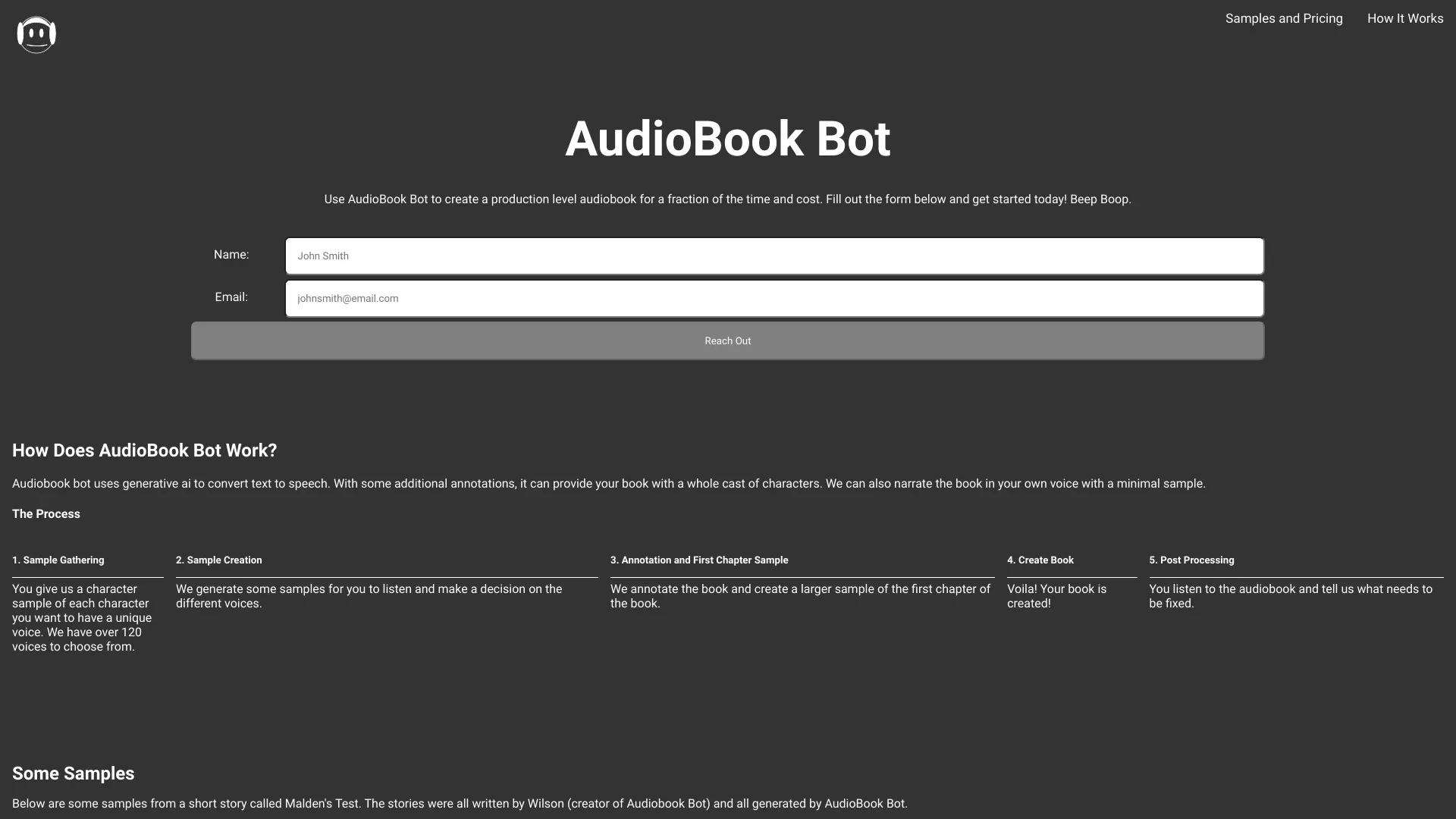
AudioBook Bot
AudioBook Bot allows users to effortlessly convert text into engaging audiobooks using generative AI technology.
- Generative AI for text-to-speech
- Multiple licensed voices
- Narration in user's voice
AI Analysis
Why use this AI AudioBook Bot for Create Audio Guides?
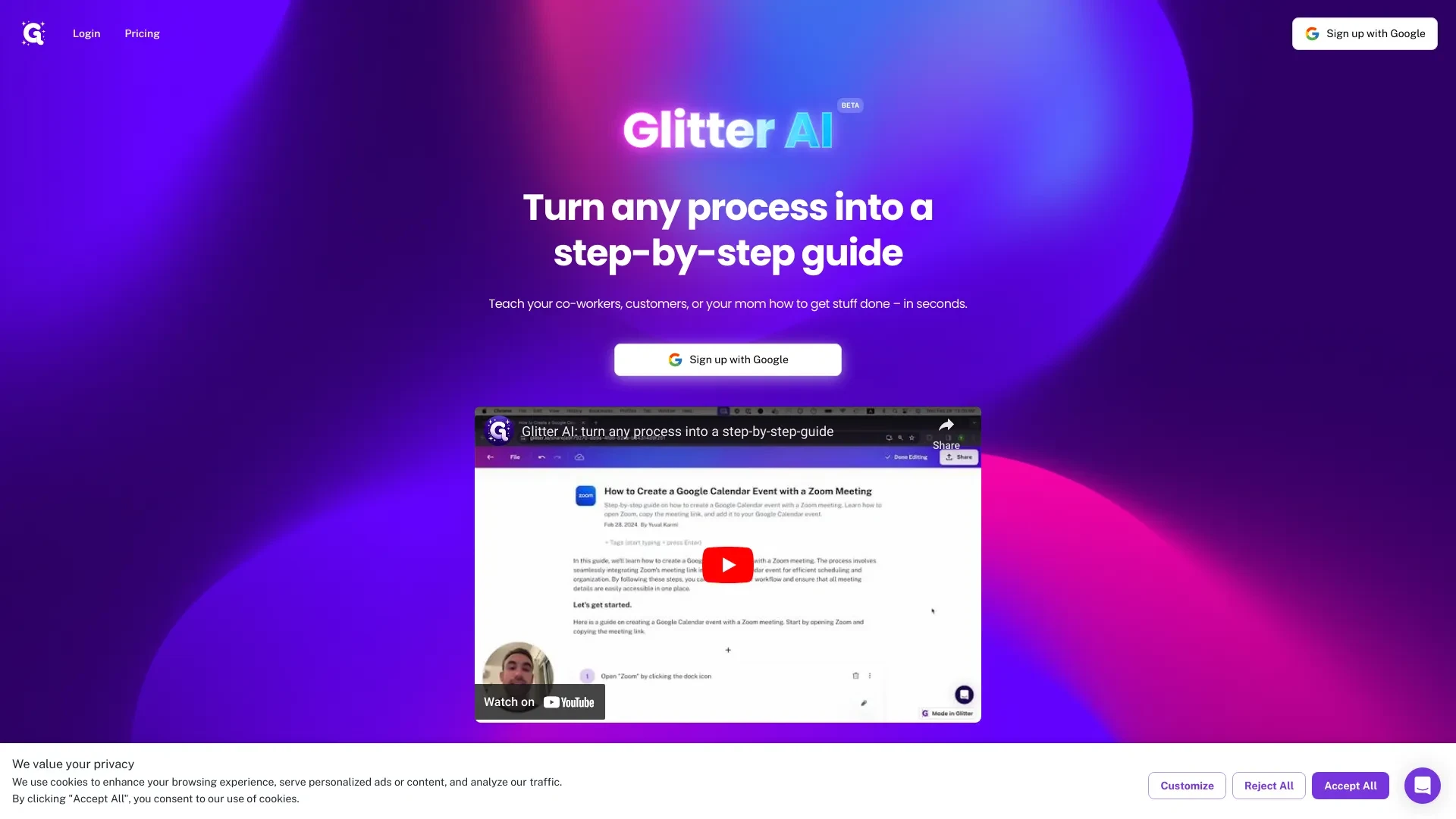
Glitter AI
Glitter AI simplifies creating step-by-step guides by converting spoken instructions into written documentation.
- Automated documentation generation
- Voice-activated guide creation
- Instant screenshot integration
AI Analysis
Why use this AI Glitter AI for Create Audio Guides?
Practical Workflows
Don't just buy tools—build a system. Here are 3 proven ways to integrate AI into your create audio guides process.
Workflow 1: Quick start for Complete Beginner to publish first audio guide
- Define your target audience and the guide topic; outline 5 key sections with timestamps.
- Use AI to generate a clear script and an engaging narration style tailored to Create Audio Guides, then export a draft script.
- Record or synthesize the narration using an accessible AI voice tool; add intro/outro and basic sound cues, then publish to a hosting platform.
Workflow 2: Regular user to streamline daily Create Audio Guides tasks
- Set up a reusable project template with branding, voice tone, and episode structure for Create Audio Guides.
- Create a content calendar; use AI to draft scripts weekly and auto-suggest visuals or audio cues aligned with each guide.
- Automate editing: normalize audio levels, remove silences, and apply noise reduction; generate show notes and transcripts for each episode.
Workflow 3: Power user to achieve full Create Audio Guides automation
- Integrate AI tools with your CMS or DAM to pull content briefs, transcripts, and asset metadata automatically.
- Set up advanced prompts for multi-voice narration, dynamic pacing, and accessibility features (captions, transcripts, audio descriptions).
- Create end-to-end automation: script generation, voice synthesis, audio editing, metadata tagging, and one-click publish to multiple platforms.
Effective Prompts for Create Audio Guides
Copy and customize these proven prompts to get better results from your AI tools.
Beginner
Create a 3-minute Create Audio Guide script about a museum exhibit for a general audience. Use a friendly, clear tone, include 5 sections with timestamps, and provide a brief narration cue for each section.Advanced
You are a tour guide producer. Role: lead narrator; Context: Create an immersive 7-minute audio guide for a science museum with two speakers (host and expert). Constraints: multi-voice pacing, optimized for quick onboarding, include accessibility notes, deliver as structured segments with timestamps, and output in SRT and script formats.Analysis
Evaluate three AI-generated audio guides for a historical site: compare pacing, clarity, and engagement; provide a ranked scorecard and concrete optimization recommendations for each guide.
What Create Audio Guides AI Is and Who It's For
Create Audio Guides AI combines scripting, voice synthesis, and audio editing to produce guided audio experiences. It’s ideal for museums, tourism boards, education providers, and corporate training teams seeking scalable, consistent, and accessible audio guides for visitors and learners.
Benefits of Using AI for Create Audio Guides
- Faster production cycles from script to publish
- Consistent tone and branding across guides
- Accessible outputs with transcripts and captions
- Cost efficiency by reducing manual voice and editing time
- Personalized experiences through audience-specific prompts
How to Choose the Right Create Audio Guides AI Tool
- Assess narration options: human-like vs. neural TTS quality
- Check integration with your CMS, hosting, and asset library
- Evaluate editing capabilities: noise reduction, normalization, silence handling
- Verify accessibility support: transcripts, captions, audio descriptions
- Test prompts for clarity, pacing, and audience fit
Best Practices for Implementing Create Audio Guides AI
- Define audience and journey before scripting
- Use templates for consistent structure across guides
- Review AI drafts with humans for tone and accuracy
- Automate metadata and accessibility outputs
- Continuously test and iterate with user feedback
AI for Create Audio Guides: Key Statistics
Global adoption of Create Audio Guides AI grew 42% year-over-year in 2025, with museums leading adoption at 58%.
Average time to publish a 5-minute audio guide dropped from 6 hours to 2.5 hours using AI-assisted workflows.
73% of organizations report improved accessibility outputs (transcripts/captions) when using Create Audio Guides AI.
Top use cases include museum exhibits, self-guided tours, and corporate training programs.
Satisfaction with AI-generated narration quality improved 29% after workflow refinements and human-in-the-loop checks.
By 2026, 64% of new Create Audio Guides projects are authored partially by AI tools, with human review ensuring accuracy.
Frequently Asked Questions
Get answers to the most common questions about using AI tools for create audio guides .
Create Audio Guides AI refers to software and workflows that generate, script, narrate, edit, and publish audio-guided content for tours, museums, education, and branded experiences. It combines natural language processing, text-to-speech, and audio editing to produce ready-to-publish audio guides.
Start by defining your guide goals and audience, then choose an AI tool that handles scripting and voice narration. Create a baseline template for structure, narration style, and accessibility features, and run a short pilot to refine prompts, pacing, and audio quality.
AI voices can accelerate production and maintain consistency, while human narration offers nuanced emotion. A blended approach—AI for drafts and human review for final polish—often yields the best balance of speed and quality in Create Audio Guides.
Common issues include vague prompts, misaligned pacing, and missing accessibility metadata. Refine prompts with clear audience and tone, specify duration and sections, and ensure metadata (transcripts, captions) is generated and checked.
Related AI Tool Categories
Explore other AI tool categories similar to Create Audio Guides that might interest you.
AI Video Generator
AI Video Generators utilize algorithms to create videos from text, images, or audio, enhancing content creation. Applica...
AI Video Editor
AI Video Editors leverage machine learning algorithms to automate video editing tasks, enhancing efficiency and creativi...
AI Repurpose Assistant
The AI Repurpose Assistant employs advanced algorithms to transform content across formats, enhancing creativity and eff...
AI Personalized Video Generator
The AI Personalized Video Generator leverages AI algorithms to create tailored video content for users, analyzing prefer...
AI Design Generator
The AI Design Generator leverages advanced algorithms to automate and optimize design processes. By analyzing vast datas...
AI Celebrity Voice Generator
The AI Celebrity Voice Generator uses deep learning to create realistic voice replicas of celebrities. By analyzing voic...