Recommended AI Tools
5We've analyzed the market. These tools offer specific features for create sound effects (sfx).
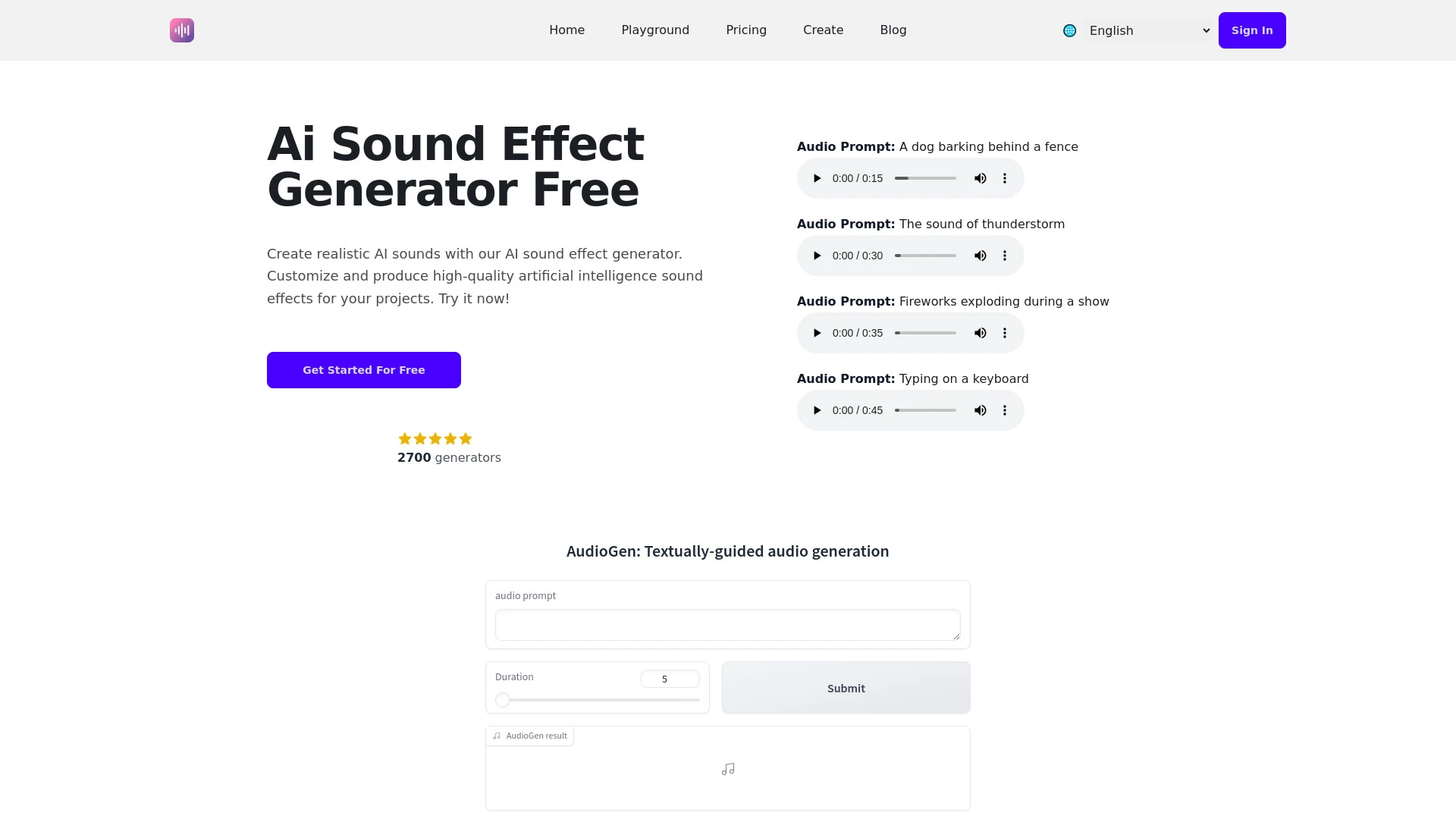
An advanced AI tool designed to generate and manipulate sound effects for various media projects.
- Diverse audio effects generation
- User-friendly interface
- Customizable sound duration
AI Analysis
Why use this AI AI Sound Effect Generator for Create Sound Effects (Sfx)?
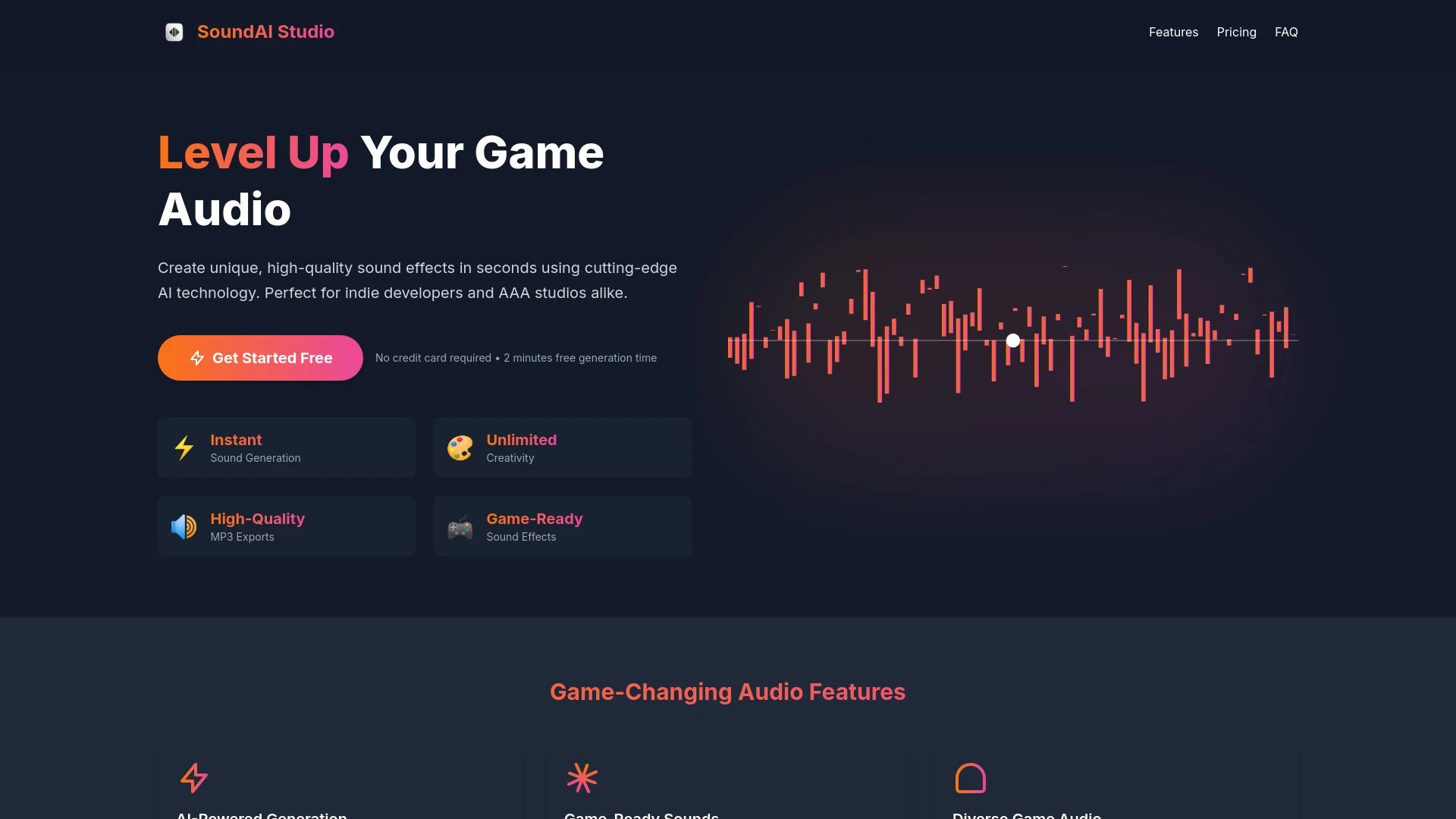
SoundAi Studio
SoundAi Studio is an AI tool that enables video game developers to create high-quality sound effects instantly.
- AI-Powered Generation
- Game-Ready Sounds
- Diverse Game Audio
AI Analysis
Why use this AI SoundAi Studio for Create Sound Effects (Sfx)?
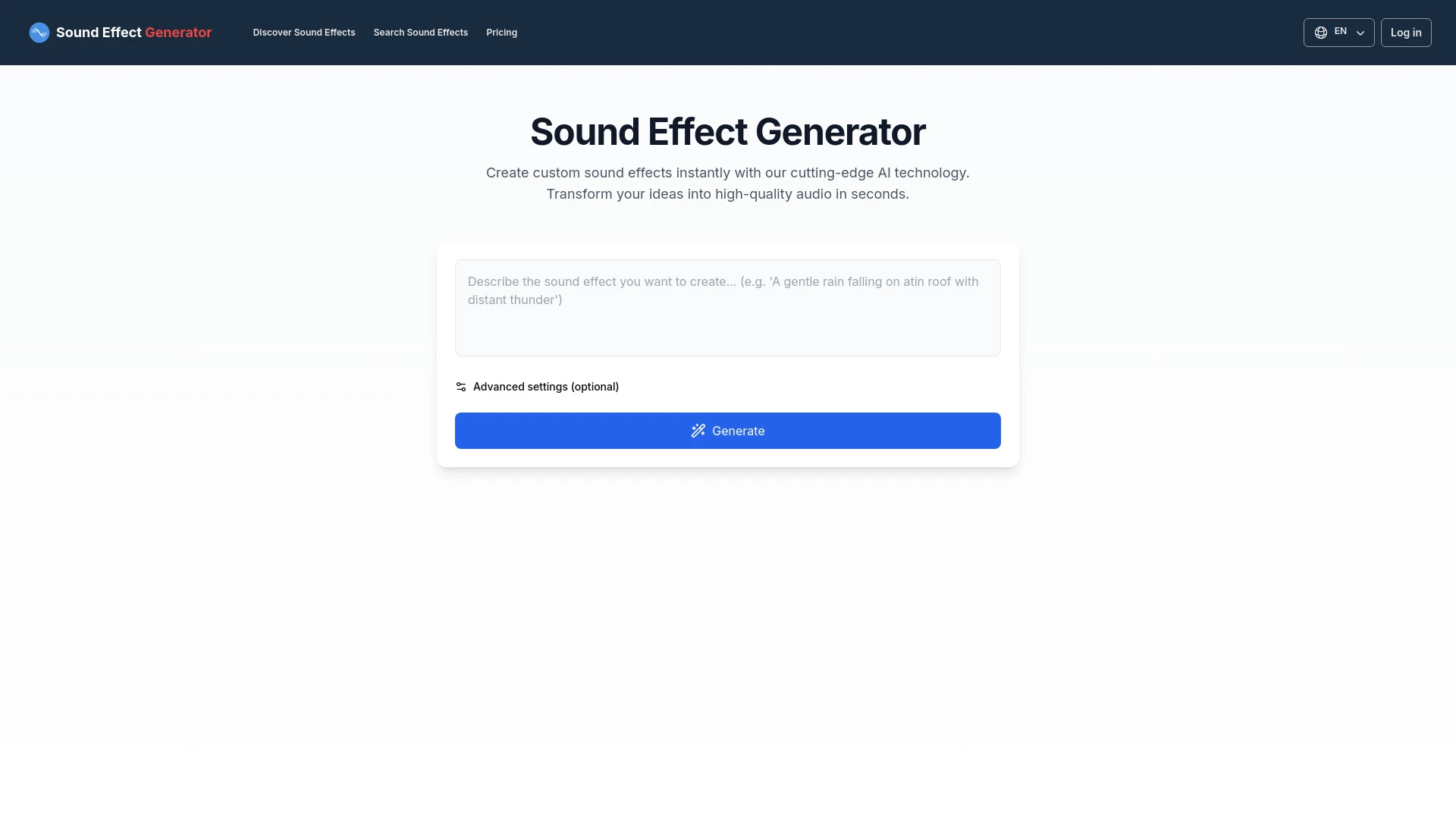
An AI tool for creating unique sound effects based on text prompts.
- Custom sound effect generation
- User-friendly interface
- Quick audio creation
AI Analysis
Why use this AI Sound Effect Generator for Create Sound Effects (Sfx)?
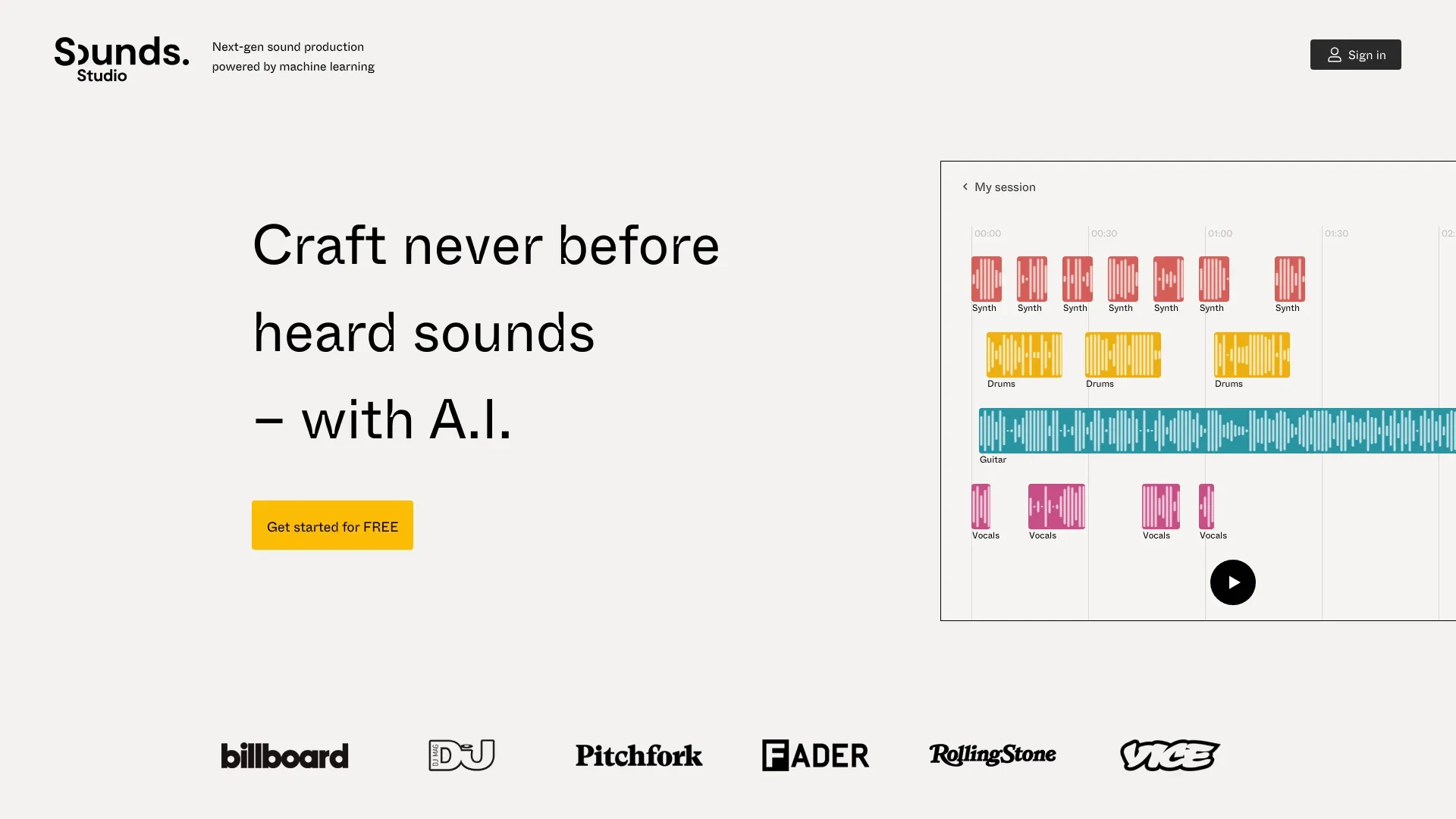
Sounds.Studio
Sounds.Studio is an innovative platform that empowers creators to leverage AI for producing unique music and audio content.
- Assistive and generative AI
- Create unique and never heard before sounds
- Collaborate with others in real-time
AI Analysis
Why use this AI Sounds.Studio for Create Sound Effects (Sfx)?
SFX Engine
SFX Engine is an AI tool that generates custom sound effects tailored for various media projects.
- Custom sound effect generation from text prompts
- Royalty-free usage for commercial projects
- Transparent pricing with no hidden fees
AI Analysis
Why use this AI SFX Engine for Create Sound Effects (Sfx)?
Practical Workflows
Don't just buy tools—build a system. Here are 3 proven ways to integrate AI into your create sound effects (sfx) process.
Workflow 1 — Complete beginner: Produce your first professional Create Sound Effects (Sfx) clip
- Define the desired Sfx (ambience, impact, or creature sound) and gather reference sounds to guide AI output.
- Select an AI Sfx tool and create a baseline sample using descriptive prompts (tone, length, and texture); adjust tempo and layering for realism.
- Iterate with targeted prompts to refine formants, overlays, and hiss/noise, then export a ready-to-use sound file and document settings for reuse.
Workflow 2 — Regular user: Optimize daily Create Sound Effects (Sfx) work
- Create a reusable Sfx template pack (base textures, reverberation profiles, and EQ curves) in your preferred DAW-friendly format.
- Batch generate variations of a single Sfx concept (e.g., wind) at different intensities and compile them into a library with tags for quick search.
- Set up an AI-assisted review step: compare outputs against reference tracks, rate similarity, and prune low-accuracy variants for final mixes.
Workflow 3 — Power user: Full Create Sound Effects (Sfx) automation
- Integrate an AI Sfx engine with your automation toolchain to trigger Sfx generation from scene metadata (e.g., action intensity, location, weather).
- Create dynamic prompts that adapt parameters in real time (length, density, latency) based on storyboard cues.
- Automate export pipelines: render multiple variants, auto-tag, and publish to your asset management system with version control.
Effective Prompts for Create Sound Effects (Sfx)
Copy and customize these proven prompts to get better results from your AI tools.
Beginner
Create a 3-second sci-fi whoosh with metallic texture, subtle wind, and light reverb. Use a clean start and soft tail. Provide a .wav at 44.1kHz, 16-bit with naming: whoosh_sci_fi_01.wavAdvanced
You are an Sfx supervisor. Generate a 6-second urban impact with layered sub bass, debris texture, and plate reverb. Context: action sequence at dawn in a rainy street. Constraints: mono, normalize to -3 dBFS, output as .wav; provide alternative variants and a brief rationale for each.Analysis
Analyze three generated Sfx clips for tonal balance, stereo width, and intelligibility. Provide a comparative report with scoring, recommended tweaks, and a suggested post-processing chain for each clip.
What Create Sound Effects (Sfx) AI Is and Who It Helps
Create Sound Effects (Sfx) AI encompasses tools that generate and refine sound effects using artificial intelligence. It serves audio professionals, game developers, filmmakers, and creators who need fast, repeatable Sfx with high consistency. Ideal for studios seeking scalable sound design, beginners looking to learn, and teams aiming to shorten production timelines.
Benefits of Using AI for Create Sound Effects (Sfx)
- Faster iteration cycles: generate multiple Sfx variations in minutes rather than hours.
- Consistent quality across scenes: standardized tone, texture, and loudness.
- Cost efficiency: reduce manual editing time and reach final mixes quicker.
- Accessible learning curve: AI assists beginners to craft professional sounds with guided prompts.
- Library scalability: auto-tagged, searchable Sfx assets for rapid reuse.
How to Choose the Right Create Sound Effects (Sfx) AI Tool
- Output fidelity: ensure the tool can produce high-fidelity, studio-grade Sfx suited for your medium.
- Prompts and context support: look for rich descriptors and scene-aware prompts.
- Export formats and integration: compatibility with your DAW, game engine, and pipeline.
- Library management: tagging, versioning, and asset organization features.
- Pricing model: assess license terms, usage limits, and scalability.
Best Practices for Implementing Create Sound Effects (Sfx) AI
- Define clear reference tracks and target descriptors before generating sounds.
- Iterate with specific, granular prompts (tone, space, density, duration) to shape results.
- Combine AI output with traditional processing (EQ, compression, reverb) to fit your mix.
- Maintain a well-structured Sfx library with metadata for fast retrieval.
- Regularly review and prune outputs to keep quality consistent as you scale.
AI for Create Sound Effects (Sfx): Key Statistics
In 2026, 62% of post-production studios report using at least one Create Sound Effects (Sfx) AI tool regularly.
Average time to produce a professional Sfx asset drops from 2.5 hours to 28 minutes with AI-assisted workflows.
50% of indie developers cite AI Sfx tools as a primary driver for faster game prototyping.
Free Create Sound Effects (Sfx) AI options gained adoption among beginners, increasing entry-level projects by 34%.
Automation-focused studios saw a 42% reduction in revision cycles after integrating Sfx AI templates.
By 2026 Q4, AI-powered Sfx libraries reach over 1.2 million unique sound assets globally.
Frequently Asked Questions
Get answers to the most common questions about using AI tools for create sound effects (sfx) .
Create Sound Effects (Sfx) AI refers to software and models that generate, modify, or combine sound effects using artificial intelligence. It helps producers craft realistic clips for film, games, and media by understanding prompts, reference sounds, and sonic context, enabling faster iteration and consistent quality.
Begin by defining the specific Sfx you need, choose an AI tool with Sfx capabilities, provide clear prompts and references, run iterations to refine tonality and texture, and integrate the outputs into your project pipeline with proper metadata and file formats.
A multi-tool approach often yields the best results: use a primary AI for core generation, a secondary tool for texture and mastering adjustments, and a third for library management. This combination balances quality, speed, and control for Create Sound Effects (Sfx).
Possible causes include mismatched reference clarity, ambiguous prompts, insufficient context, or output format limitations. Improve prompts with concrete descriptors (tone, density, space), supply more precise references, and adjust post-processing to align the result with your references.
Related AI Tool Categories
Explore other AI tool categories similar to Create Sound Effects (Sfx) that might interest you.
AI Speech Synthesis
AI Speech Synthesis transforms text into natural-sounding speech using advanced algorithms, deep learning, and neural ne...
AI Video Generator
AI Video Generators utilize algorithms to create videos from text, images, or audio, enhancing content creation. Applica...
Voice and Audio Editing
AI in voice and audio editing revolutionizes the industry by enhancing quality, automating processes, and personalizing...
AI Music Video Generator
AI Music Video Generators leverage machine learning to create visuals that sync with music, enhancing creativity and acc...
AI Music Generator
AI Music Generators leverage algorithms to create original compositions, transforming music production by enabling perso...
AI Audio Enhancer
AI Audio Enhancer leverages machine learning algorithms to improve sound quality by reducing noise, enhancing clarity, a...