Recommended AI Tools
5We've analyzed the market. These tools offer specific features for design file managers.

Designly AI
Designly AI is an intelligent web design idea generator that streamlines the creation of unique website designs.
- AI-driven website design creation
- Customizable design templates
- Effortless generation of unique concepts
AI Analysis
Why use this AI Designly AI for Design File Managers?
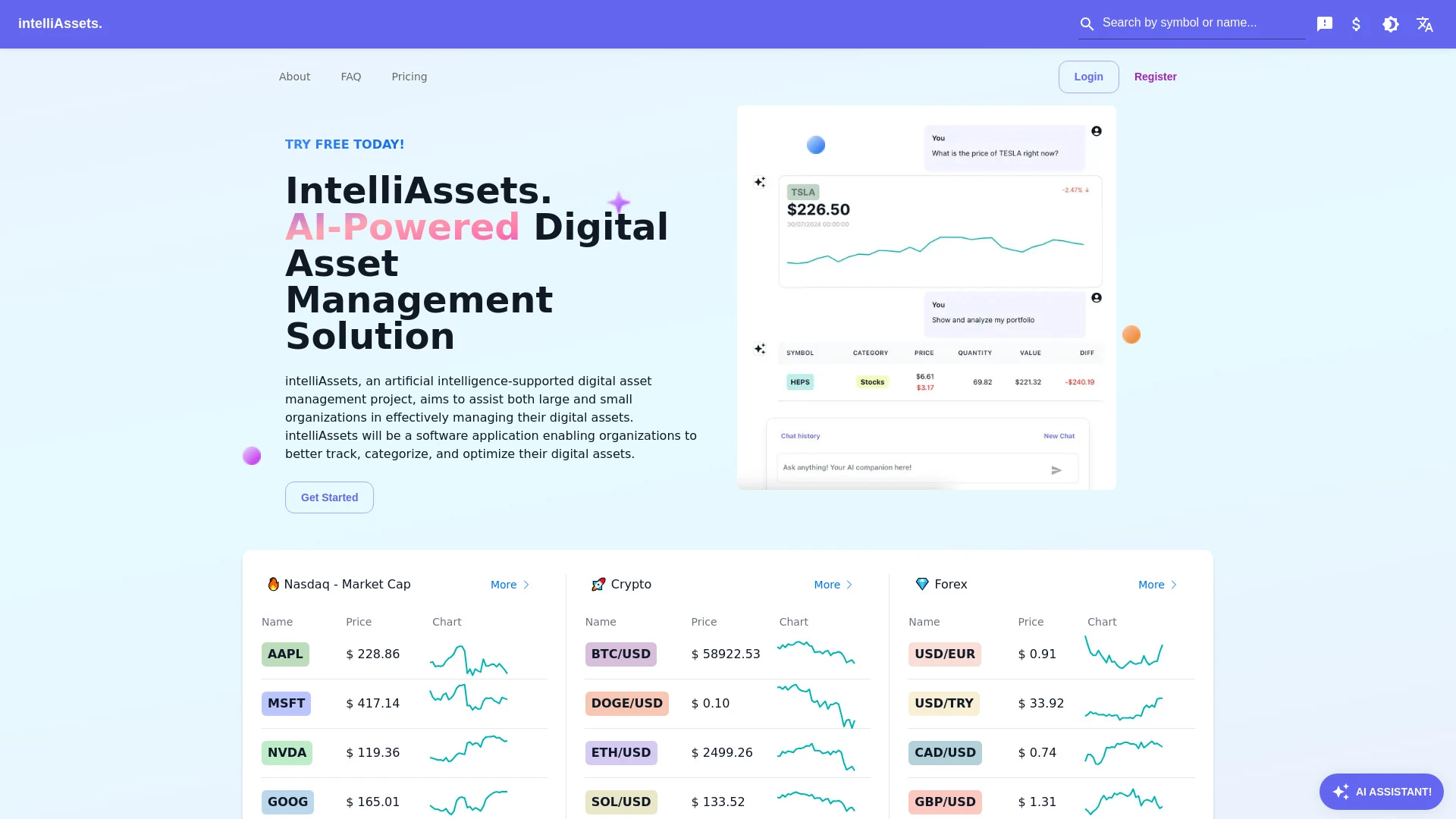
intelliAssets
intelliAssets is an AI-driven digital asset management tool designed for organizations to efficiently handle their digital assets.
- Automated classification
- Asset tracking
- Integration with existing systems
AI Analysis
Why use this AI intelliAssets for Design File Managers?
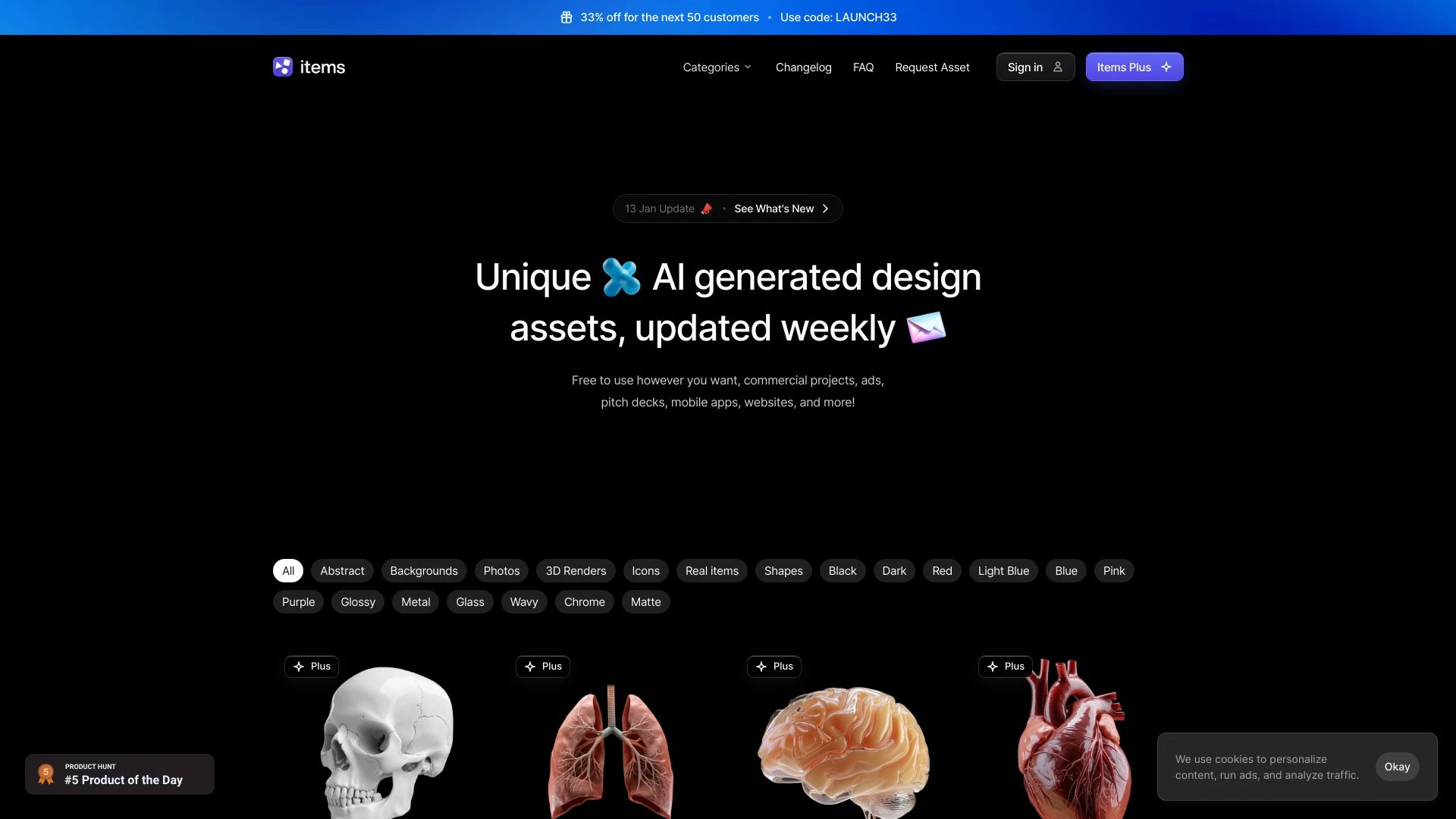
Items.Design
Items.Design is a free repository of AI-generated design assets suitable for various projects like websites and presentations.
- Vast library of AI-generated design assets
- Completely free for use
- Includes abstract backgrounds and real-world images
AI Analysis
Why use this AI Items.Design for Design File Managers?
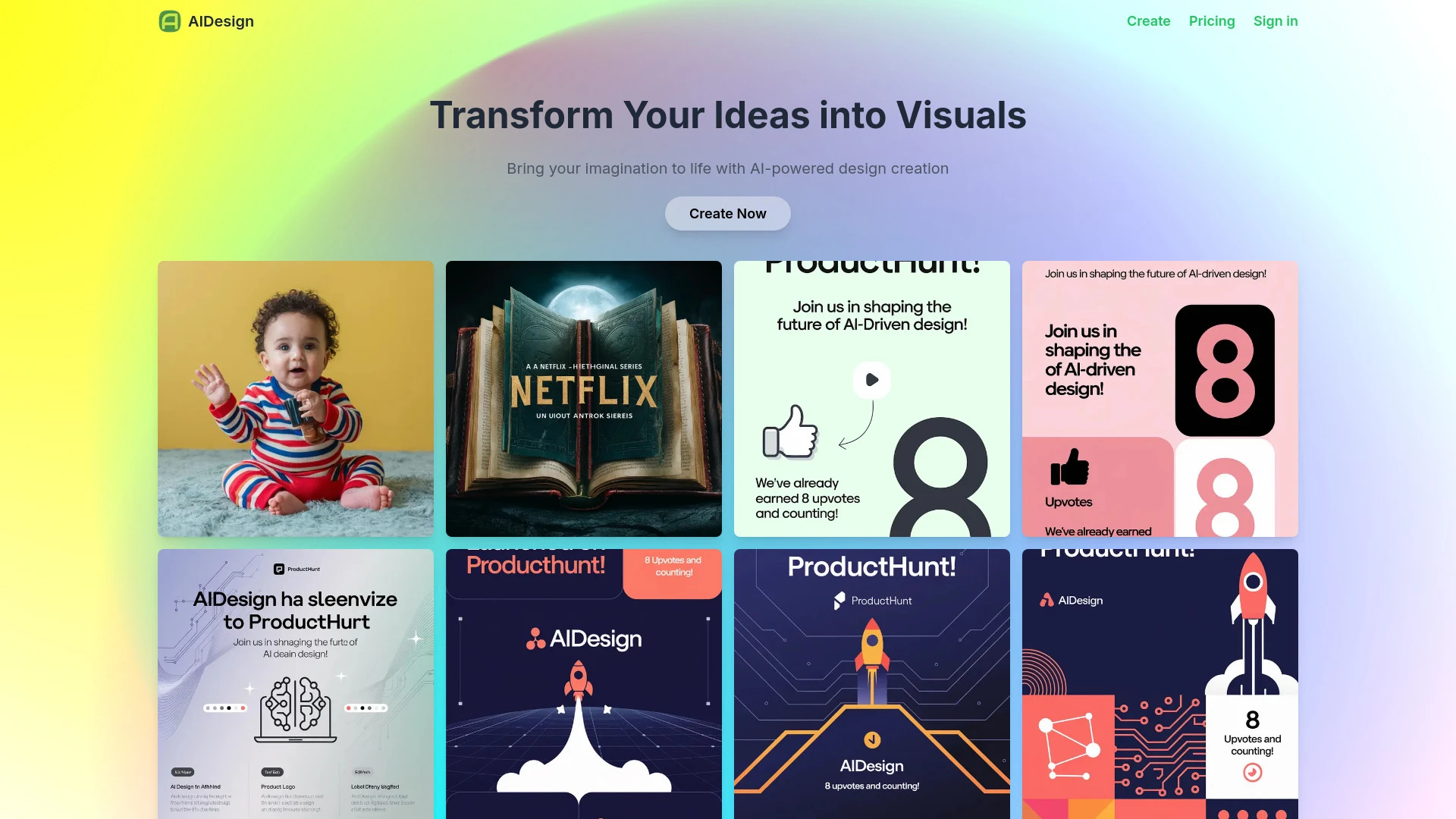
AIDesign
AIDesign is an AI-driven image generation tool that converts text descriptions into beautiful visuals, making creativity accessible for designers and...
- Text-to-image generation
- Custom model training
- High-resolution output
AI Analysis
Why use this AI AIDesign for Design File Managers?
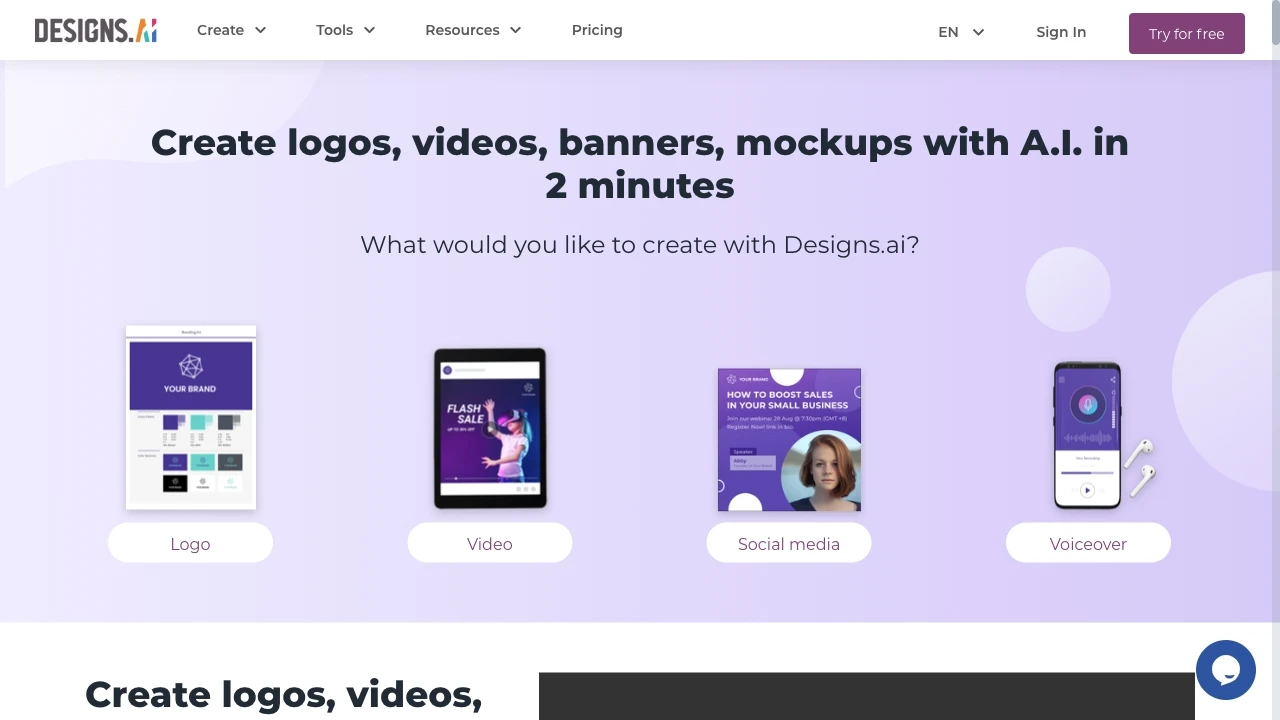
Designs.ai
Designs.ai is an AI tool that empowers users to create logos, videos, banners, and more in just two minutes, utilizing advanced technology for swift a...
- Create logos
- Create videos
- Create banners
AI Analysis
Why use this AI Designs.ai for Design File Managers?
Practical Workflows
Don't just buy tools—build a system. Here are 3 proven ways to integrate AI into your design file managers process.
Workflow 1: Create a structured asset library from a new project
- Import all design assets from the project folder into the Design File Manager with automated metadata extraction (tags, colors, typography).
- Define a project-specific taxonomy (sections, tags, and naming conventions) and apply them via AI-assisted bulk editing.
- Validate consistency using an AI model that flags naming or tagging anomalies and auto-corrects them.
- Generate a shareable Design File Manager view (collections, permissions, and links) for the design team.
Workflow 2: Automate daily asset curation and reuse
- Set up AI-driven smart playlists to surface recently used assets and frequently paired colors/fonts for ongoing projects.
- Configure automatic deduplication and duplicate resolution rules for incoming design files.
- Create templates for recurring tasks (e.g., packaging assets for dev handoff) with AI-driven metadata presets.
- Schedule daily summaries highlighting missing assets, outdated versions, and suggested re-use opportunities.
Workflow 3: End-to-end design file workflow automation
- Define a design file lifecycle policy (draft, review, approved) and map to AI-enforced transitions.
- Automate version control: AI detects changes, updates diffs, and notifies stakeholders.
- Leverage AI to generate accessibility and naming reports for each asset pack before release.
- Trigger automated exports and delivery to dev/printing pipelines with correct metadata and permissions.
Effective Prompts for Design File Managers
Copy and customize these proven prompts to get better results from your AI tools.
Beginner
You’re an AI assistant helping a design team organize a new project. Import 120 design files, auto-tag with project, color, and asset type metadata, create folders by category, and generate a shareable collection link with restricted access for stakeholders.Advanced
As a senior AI strategist for a Design File Manager, act as a workflow designer. Context: multiple design projects, shared libraries, and strict versioning. Constraints: maintain a centralized taxonomy, auto-tag 500+ assets per day, and produce a CSV report of all changes with timestamps in the required schema.Analysis
Evaluate two Design File Managers AI outputs for a packaging design library: compare tagging accuracy, version history completeness, and time-to-find assets. Recommend which tool to adopt and propose optimizations to improve future results.
What is Design File Managers AI
Design File Managers AI combines asset management with intelligent tagging, version control, and automated organization tailored for design teams. It targets professionals managing large libraries of logos, layouts, fonts, and iterations, helping them find, assemble, and distribute assets efficiently. This solution is ideal for teams seeking consistent naming, faster asset retrieval, and scalable collaboration.
Benefits of AI for Design File Managers
- Faster asset discovery through automated metadata tagging and semantic search.
- Consistent naming conventions and taxonomies across all design files.
- Automated versioning, review workflows, and permission controls.
- Smart recommendations for asset reuse, color palettes, and typography pairings.
- Reduced manual housekeeping, freeing time for creative work.
How to Choose Design File Managers AI Tools
- Integration: Ensure compatibility with your design tools (Figma, Adobe XD, Sketch) and storage (Drive, SharePoint, cloud buckets).
- Taxonomy capabilities: Look for customizable metadata fields, auto-tagging quality, and bulk-edit options.
- Versioning and audit trails: Verify clear version histories and secure permissions.
- Automation readiness: Assess workflow templates, triggers, and API access for custom automations.
- User onboarding: Favor solutions with beginner guides and intuitive UI to support AI for Design File Managers beginners.
Best Practices for Implementing AI in Design File Managers
- Start with a minimal taxonomy and iteratively expand as teams adapt.
- Pre-train AI on a representative asset set to improve tagging accuracy.
- Establish governance: ownership, access rights, and review cadences.
- Regularly review AI-generated suggestions and tune prompts for better results.
- Document workflows and share templates to accelerate adoption among Design File Managers beginners.
AI for Design File Managers: Key Statistics
The global Design File Managers AI market grew 28% year-over-year in 2025, reaching $1.1B in spending.
68% of design teams report faster asset retrieval after adopting AI-assisted tagging within 3 months.
Average time to publish a new design asset library dropped from 6 days to 2 days with AI automation.
85% of Design File Managers users cite improved consistency in asset naming and taxonomy.
Cloud-based Design File Managers AI adoption rose 44% among mid-sized studios in 2025-2026.
Only 12% of teams fully automate version control without human review, indicating high potential for growth.
Frequently Asked Questions
Get answers to the most common questions about using AI tools for design file managers .
Design File Managers AI refers to software that uses artificial intelligence to organize, tag, version, and curate design assets within a dedicated file manager for design teams. It helps designers and teams locate files faster, maintain consistency, and automate repetitive asset-management tasks.
Start by selecting a Design File Manager AI tool, connect your design repositories, enable automatic tagging and versioning, and create a simple taxonomy. Use starter templates for common workflows, then review AI suggestions and adjust rules to fit your team’s conventions.
Cloud-based Design File Manager AI tools offer faster deployment and scalable collaboration, while on-premises solutions provide tighter control over data. Choose based on data sensitivity, integration needs, and team size; most teams start with cloud-based options for agility.
Common causes include mismatched metadata schemas, insufficient training data, or conflicting rules. Check the taxonomy alignment, review the AI training prompts, and refine tagging presets to match your asset types. Cleaning sample assets helps improve accuracy.
Related AI Tool Categories
Explore other AI tool categories similar to Design File Managers that might interest you.
AI Ad Creative Assistant
The AI Ad Creative Assistant leverages machine learning to generate tailored ad content, optimizing messaging for target...
AI Email Assistant
An AI Email Assistant automates email management, enhancing productivity and communication. It uses natural language pro...
AI Photo & Image Generator
AI Photo & Image Generators create visuals from text prompts or existing images using deep learning techniques. They enh...
AI Art Generator
AI Art Generators utilize deep learning algorithms to create visuals based on user input or existing art styles. Tools l...
AI Productivity Tools
AI productivity tools enhance efficiency by automating repetitive tasks, analyzing data, and facilitating decision-makin...
AI Graphic Design
AI graphic design leverages algorithms to assist in creating visuals, automating tasks like layout generation and color...