Recommended AI Tools
5We've analyzed the market. These tools offer specific features for design user personas.

Delve AI
Delve AI offers automated persona generation, utilizing various data sources to provide businesses insights on customer behavior and preferences.
- Automatic persona creation
- Data-driven insights
- Audience intelligence
AI Analysis
Why use this AI Delve AI for Design User Personas?
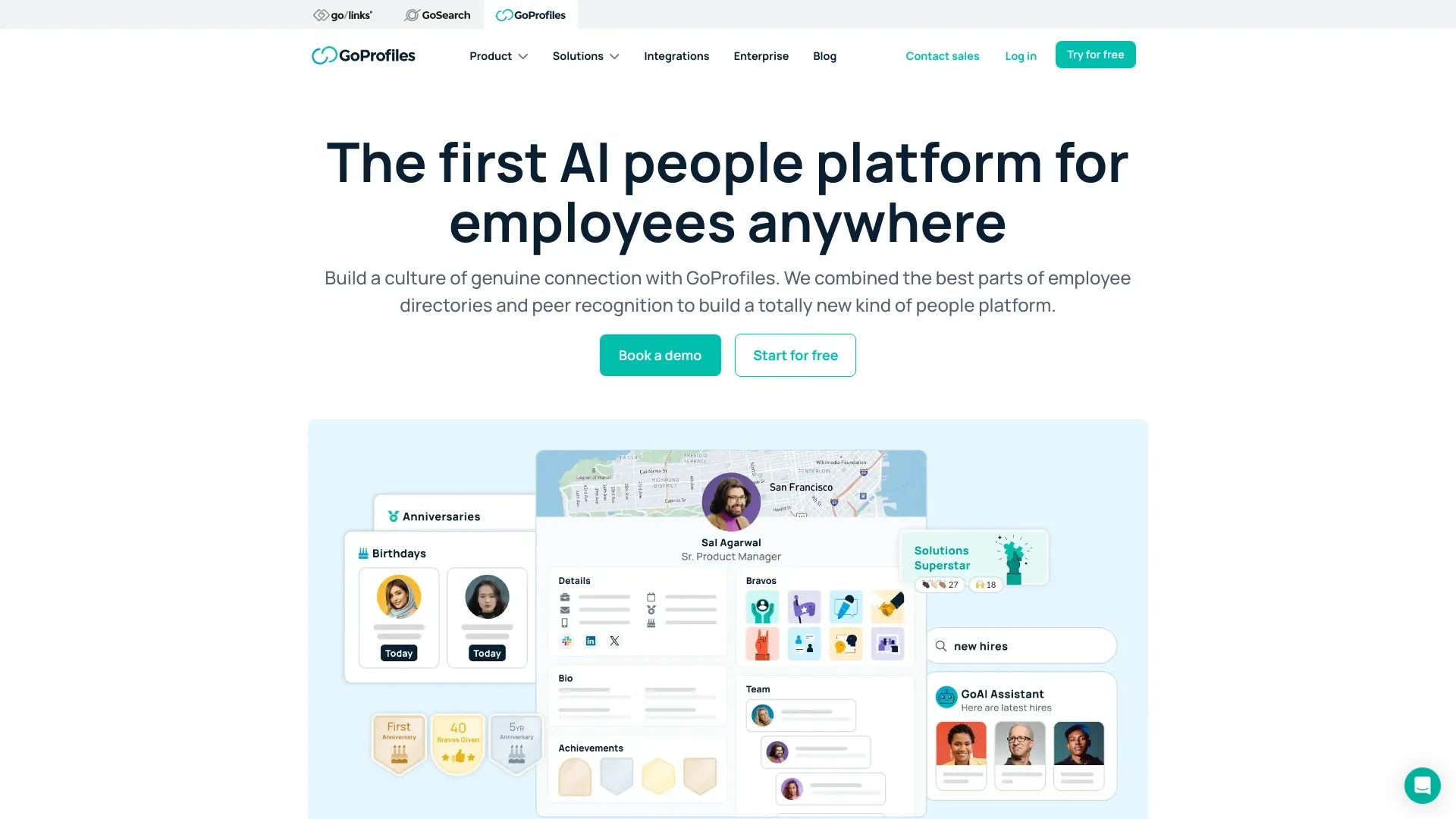
GoProfiles
GoProfiles is a generative AI-powered platform designed to enhance employee connections, recognize achievements, and boost company culture through ric...
- Generative AI-driven employee profiles
- Peer recognition tools
- Visualized employee connection maps
AI Analysis
Why use this AI GoProfiles for Design User Personas?

ai-crew
ai-crew enhances business strategies through the creation of realistic AI-generated user personas.
- Realistic AI-generated user personas
- Validation of business ideas
- Creation of tailored content
AI Analysis
Why use this AI ai-crew for Design User Personas?
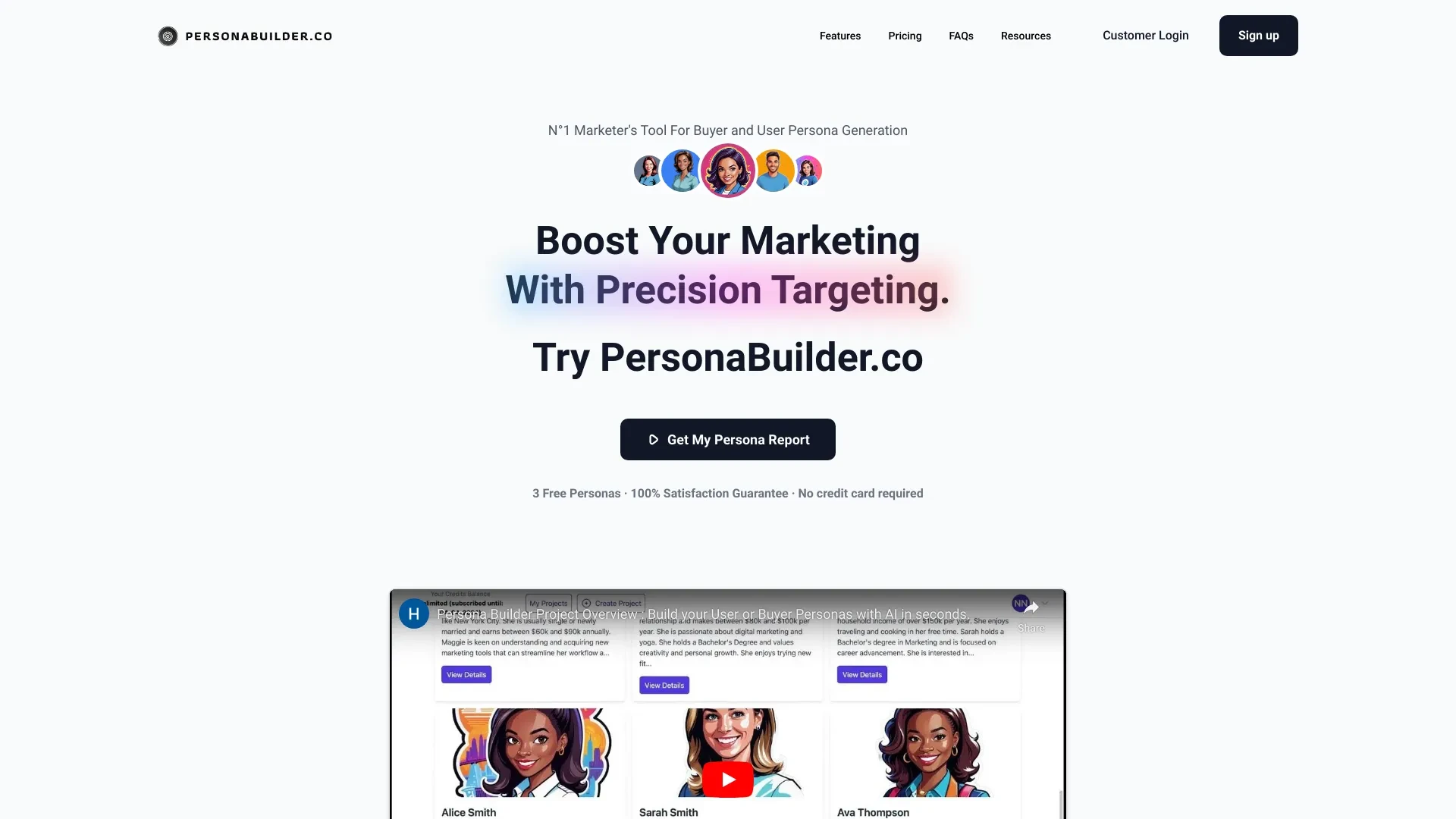
PersonaBuilder.co is a free tool for creating in-depth user personas, helping businesses grasp marketing insights for improved audience targeting.
- Generate comprehensive user personas
- Gain valuable marketing insights
- Persona needs mapping
AI Analysis
Why use this AI PersonaBuilder.co for Design User Personas?
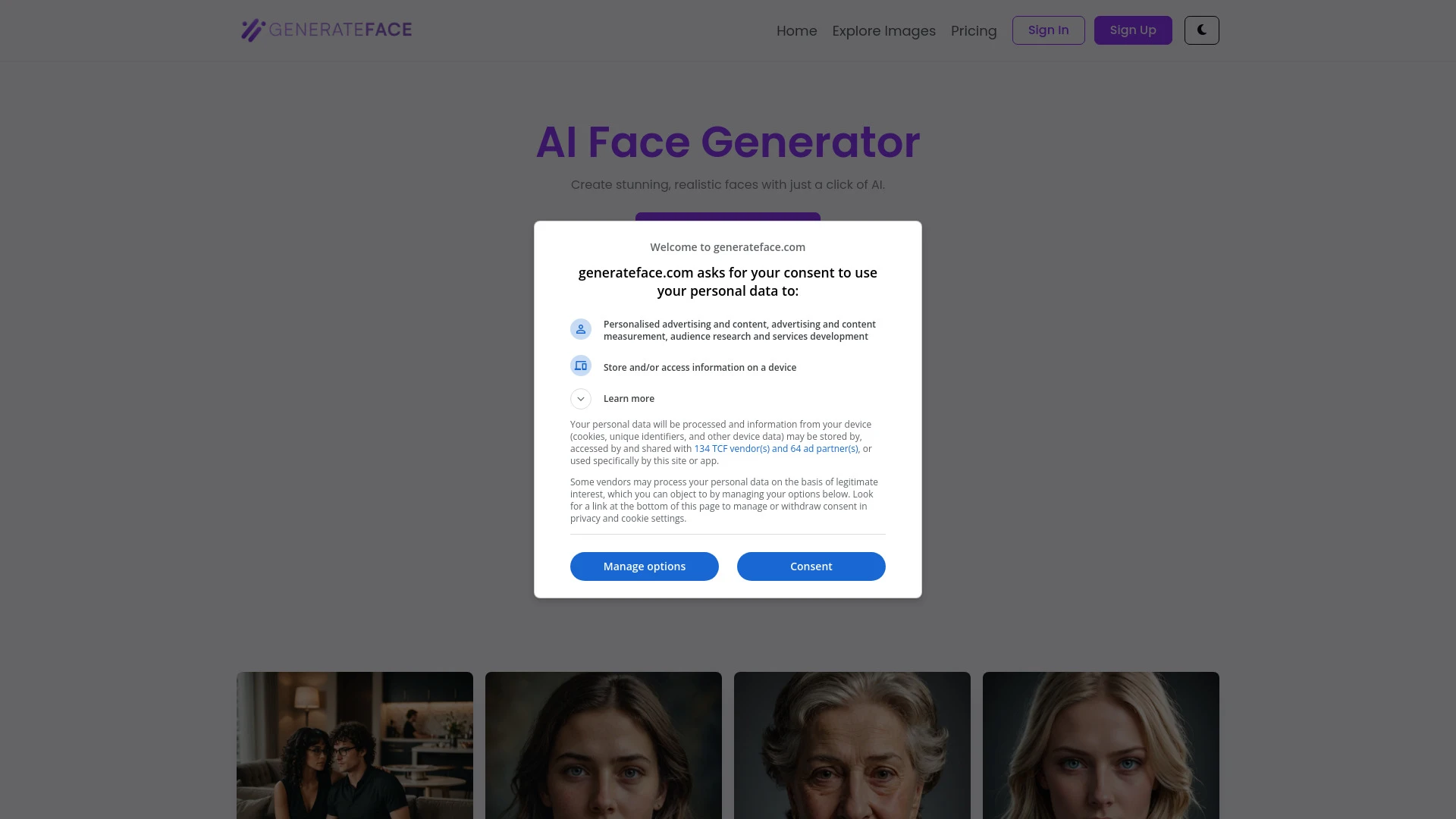
GenerateFace.com
GenerateFace.com is an advanced AI tool that facilitates the creation of realistic human faces from text descriptions effortlessly.
- High-Quality Image Generation
- Advanced AI Algorithms
- Multiple Sizes Supported
AI Analysis
Why use this AI GenerateFace.com for Design User Personas?
Practical Workflows
Don't just buy tools—build a system. Here are 3 proven ways to integrate AI into your design user personas process.
Workflow 1: Generate a complete beginner-friendly Design User Personas draft
- Import 20 user interview notes into the AI tool and tag responses by motivation, pain points, and contexts relevant to your product.
- Ask the AI to generate 3 distinct personas with names, demographics, goals, tasks, and success metrics.
- Review and adjust persona fields (needs, barriers, preferred channels) and export a one-page Persona brief for a sprint planning session.
Workflow 2: Streamline daily Design User Personas tasks for regular users
- Create a weekly data pipeline: feed fresh user feedback into the AI tool with sentiment scores and feature requests.
- Run the persona update routine: AI suggests tweaks to existing personas and flags conflicting insights.
- Publish a living persona sheet to the team drive and set automated reminders for quarterly refresh.
Workflow 3: Automate advanced, full-spectrum Design User Personas
- Ingest cross-functional data (analytics, support tickets, interviews) and categorize by job-to-be-done and context of use.
- Let AI synthesize 5 extended personas with journey maps, success metrics, and alignment to product backlog items.
- Set up automation to generate updated persona PDFs and a quarterly executive summary for product reviews.
Effective Prompts for Design User Personas
Copy and customize these proven prompts to get better results from your AI tools.
Beginner: Create a simple Design User Personas draft
You are a UX designer. Based on 12 user interview summaries and 2 surveys, generate 3 distinct Design User Personas with fields: Name, Demographics, Goals, Tasks, Pain Points, Context of Use, and Success Metrics. Provide a one-page summary for each persona.Advanced: Role-based Design User Personas with constraints
Role: Senior Product Designer. Context: B2B SaaS onboarding. Constraints: personas must include JTBD, decision criteria, and feature influence score. In addition to 4 personas, produce a user journey map for each with touchpoints and metrics. Output in a structured JSON ready for ingestion into our design system.Analysis: Evaluate and optimize Design User Personas outputs
You have 4 generated personas. Compare them for overlap in goals and pains. Recommend consolidations, identify missing demographic segments, and propose 2 new personas. Provide a JSON diff and a summary PRD for design and product teams.
What is Design User Personas AI?
Design User Personas AI is a specialized application of AI that helps teams create, update, and maintain user personas specifically for design work. It analyzes user data (interviews, surveys, analytics) to produce targeted personas that guide UX decisions, feature prioritization, and design sprints. It’s ideal for product teams, UX researchers, and designers seeking faster, more consistent personas.
Why use AI for Design User Personas
- Faster persona generation from diverse data sources
- Consistent persona structure across projects
- Ongoing persona maintenance with automated updates
- Data-driven insights for feature prioritization and UX experiments
- Improved cross-functional alignment through shareable persona briefs
How to choose Design User Personas AI tools
- Data compatibility: can it ingest interviews, surveys, analytics, and support tickets?
- Customization: can you tailor persona fields and journey maps?
- Collaboration: does it integrate with your design and product tools?
- Automation level: are updates scheduled and versioned?
- Security & privacy: does it handle sensitive user data appropriately?
Best practices for implementing Design User Personas AI
- Start with a clear persona schema and define goals for each persona
- Use diverse data sources to avoid biased personas
- Regularly validate AI outputs with real user input
- Share persona briefs in a lightweight, actionable format
- Establish a refresh cadence (monthly or quarterly)
AI for Design User Personas: Key Statistics
AI-assisted persona creation reduces design sprint time by up to 40% in 6 months.
87% of product teams report improved alignment after adopting Design User Personas AI briefs.
Average time to generate 5 robust personas drops from 2–3 days to under 4 hours.
Diversity of input sources increased by 52% with automated data ingestion pipelines.
On-going persona updates lead to a 22% increase in feature adoption within 3 months.
Teams using AI-enhanced personas refresh cadence improves stakeholder confidence by 35%.
Frequently Asked Questions
Get answers to the most common questions about using AI tools for design user personas .
Design User Personas AI refers to AI-powered tools that analyze qualitative and quantitative user data to create and update user personas specifically for design work. It helps teams capture user goals, pain points, and contexts to guide UX decisions.
Begin by collecting representative user data (interviews, surveys, analytics). Import data into the AI tool, define persona schemas (demographics, goals, tasks), and run the generation workflow to produce draft personas. Iterate with team feedback.
Integrated design-UX platforms offer smoother collaboration and alignment with workflows, while standalone AI tools may offer deeper data analysis. The best choice depends on data sources, team size, and desired automation level.
Common issues include mislabeling data, insufficient diversity in sources, or vague persona fields. Improve results by enriching inputs, refining persona schemas, and running targeted prompts that specify context and tasks.
Related AI Tool Categories
Explore other AI tool categories similar to Design User Personas that might interest you.
AI Ad Creative Assistant
The AI Ad Creative Assistant leverages machine learning to generate tailored ad content, optimizing messaging for target...
AI Data Mining
AI Data Mining leverages machine learning and advanced algorithms to extract patterns and insights from vast datasets. F...
AI Business Ideas Generator
The AI Business Ideas Generator harnesses machine learning algorithms to analyze market trends, consumer behavior, and e...
AI Productivity Tools
AI productivity tools enhance efficiency by automating repetitive tasks, analyzing data, and facilitating decision-makin...
AI Landscape Generator
The AI Landscape Generator utilizes algorithms to create complex, realistic environments for various applications, such...
AI Chatbot
AI chatbots leverage advanced natural language processing to understand and respond to user queries in real-time. Applic...