Recommended AI Tools
5We've analyzed the market. These tools offer specific features for excel formula builder & explainer.

AI Excel Tools offers a suite of advanced data visualization and AI features specifically for optimizing workflows in Excel and Google Sheets.
- Excel Formula Generator
- Excel Formula Explainer
- Google Apps Script Generator
AI Analysis
Why use this AI AI Excel Tools & Google Sheets - AI Excel Formula Generator - Bot for Excel Formula Builder & Explainer?
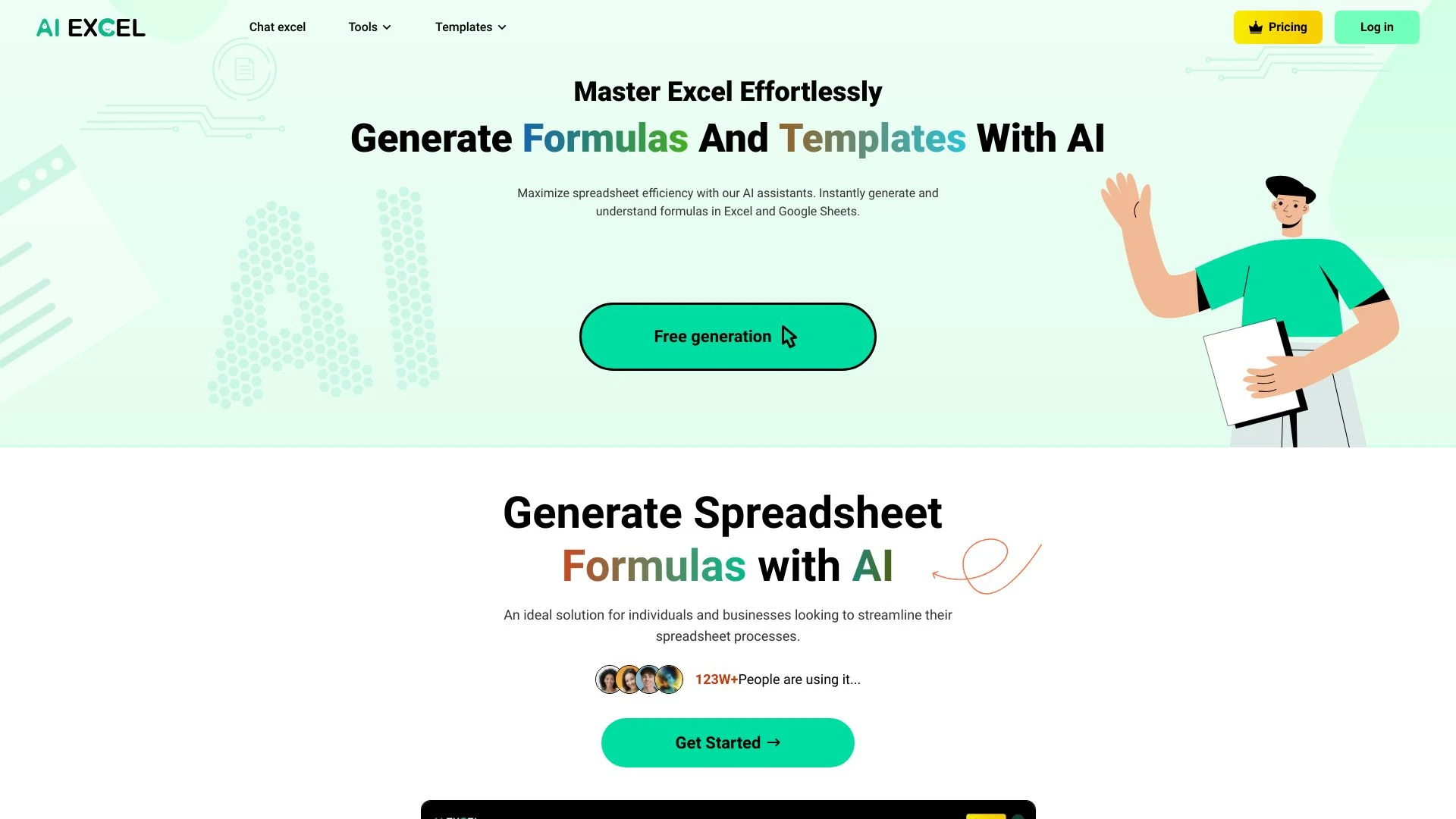
AIexcelsheet.com
Optimize spreadsheet tasks with AI for instant formula generation and data analysis.
- AI-driven formula generation
- AI tools for Excel and Google Sheets
- comprehensive data analysis
AI Analysis
Why use this AI AIexcelsheet.com for Excel Formula Builder & Explainer?
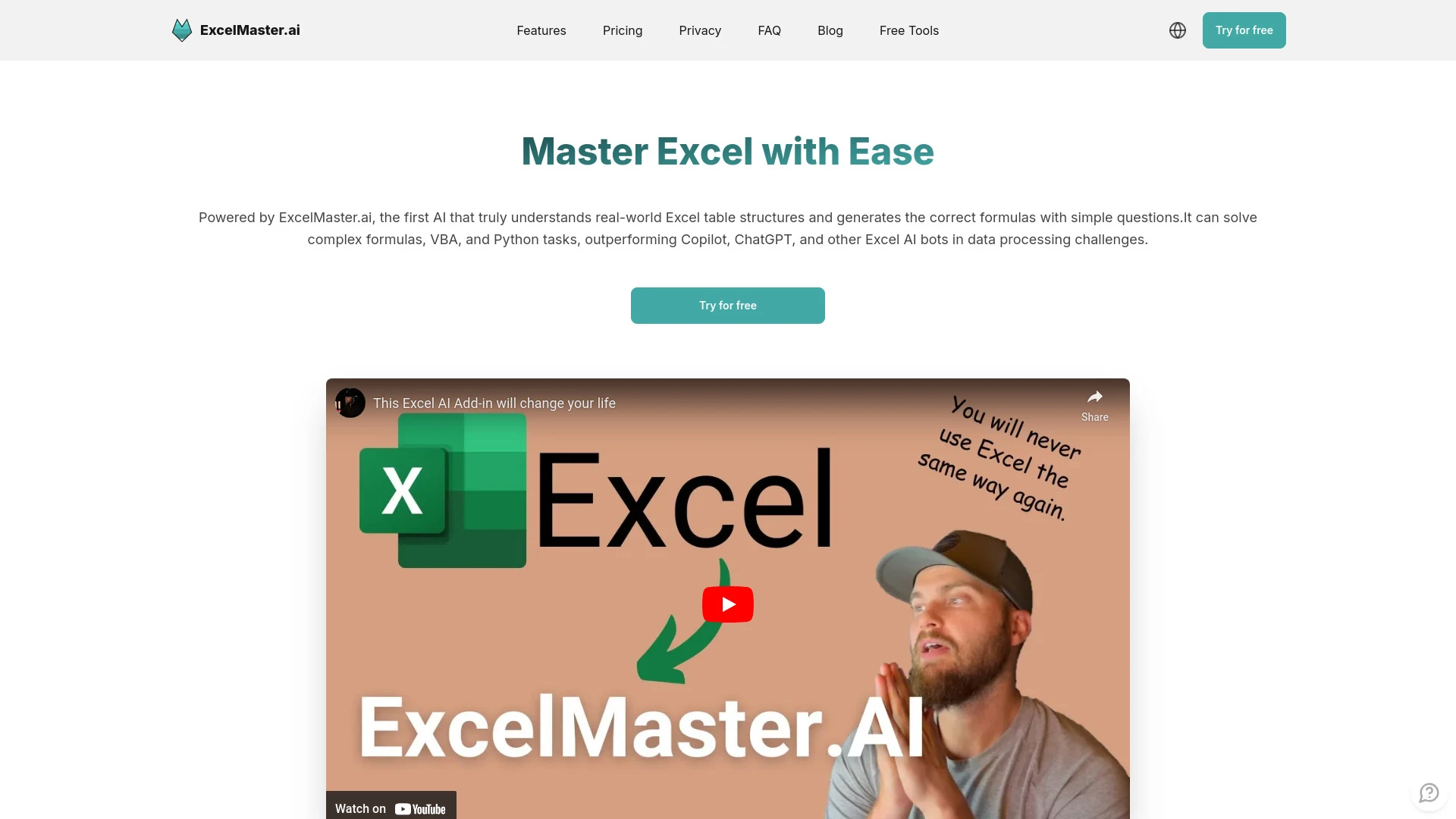
ExcelMaster.ai
ExcelMaster.ai is an AI-driven tool for crafting intricate Excel formulas, VBA codes, and Python scripts, adept at tackling complex Excel structures.
- Generates complex Excel formulas
- Creates customized VBA code
- Automates data cleaning and transformation
AI Analysis
Why use this AI ExcelMaster.ai for Excel Formula Builder & Explainer?
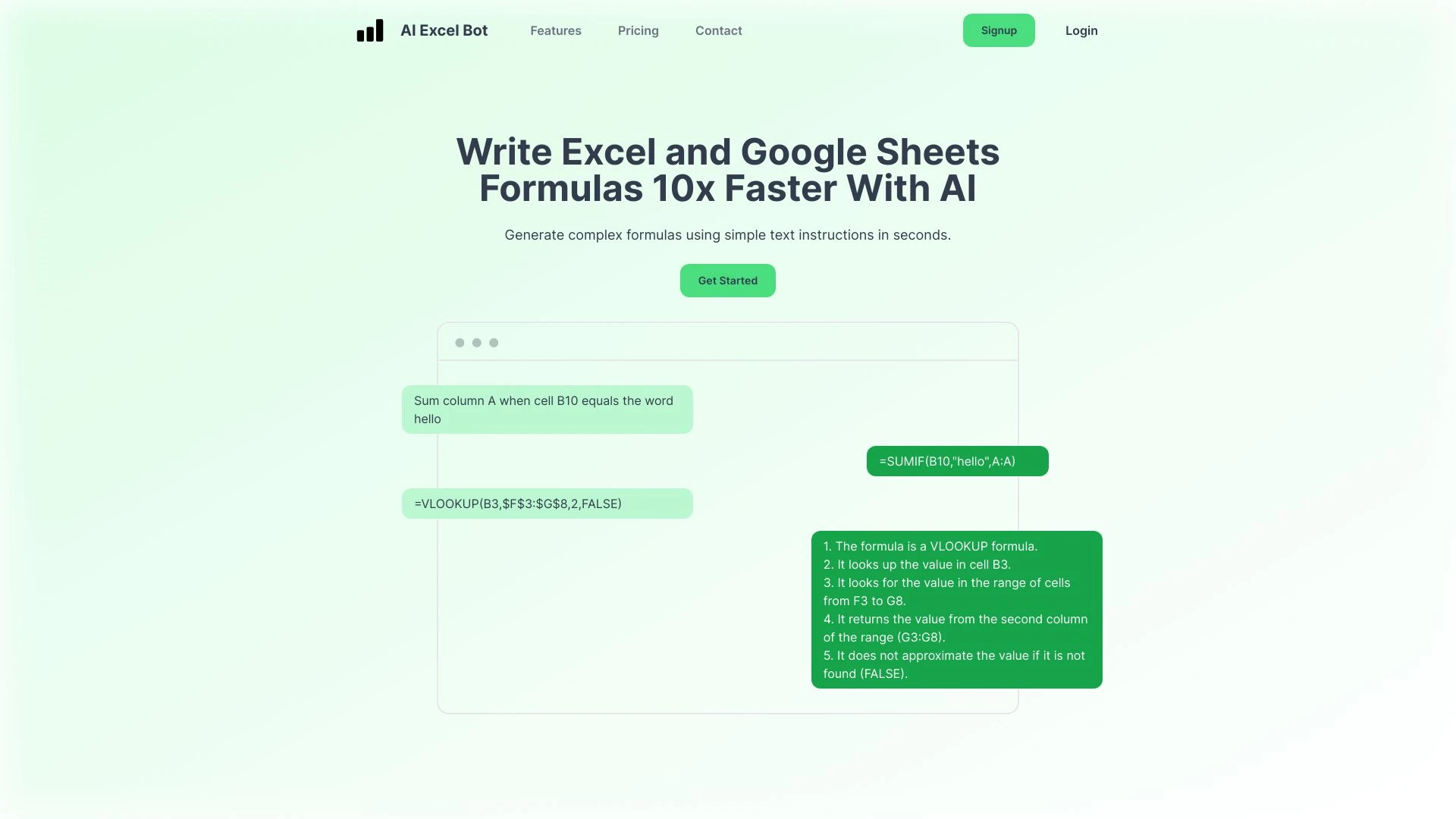
AI Formula Wizard streamlines formula creation for Excel and Google Sheets using AI technology.
- AI-driven formula generation
- Text instruction-based formula creation
- Chrome Extension compatibility
AI Analysis
Why use this AI AI Formula Wizard for Excel Formula Builder & Explainer?
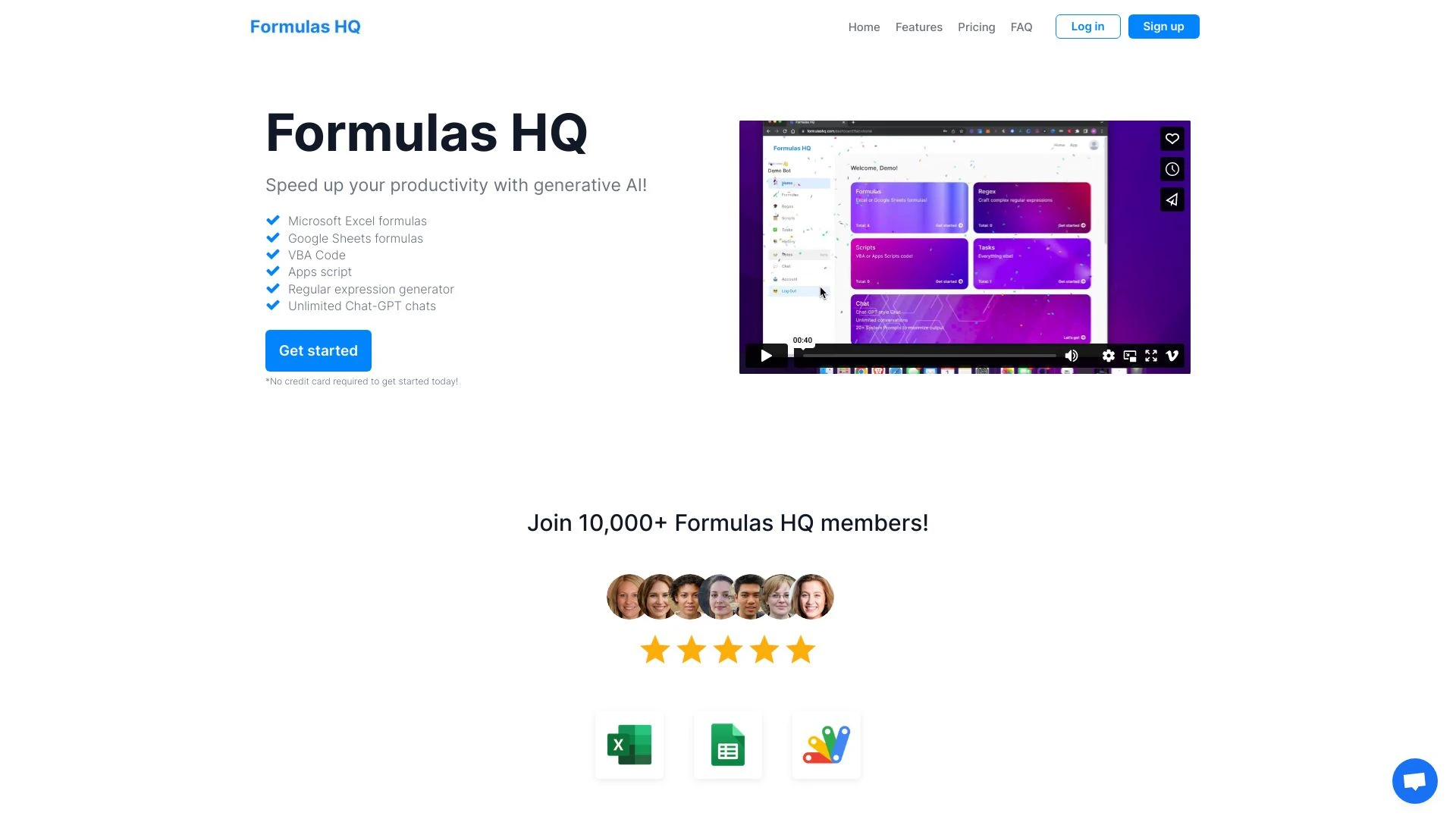
Formulas HQ
Formulas HQ is a cutting-edge AI tool designed to generate precise Excel and Google Sheets formulas, along with VBA code and ChatGPT messaging support...
- Generative AI for Excel Formulas
- Google Sheets Formula Creation
- VBA Code Generation
AI Analysis
Why use this AI Formulas HQ for Excel Formula Builder & Explainer?
Practical Workflows
Don't just buy tools—build a system. Here are 3 proven ways to integrate AI into your excel formula builder & explainer process.
Workflow 1: From zero to first formula in minutes (Complete beginner)
- Open the Excel Formula Builder & Explainer AI tool and select a simple task, e.g., calculate month-over-month growth.
- Input raw data layout and a plain-language goal; the AI suggests the initial formula and explains each component.
- Validate the result against a small test dataset, adjust the formula, and generate a plain-language explanation for audit trails.
Workflow 2: Streamline daily tasks (Regular user)
- Create a reusable template in the Excel Formula Builder & Explainer AI for common tasks (e.g., VLOOKUP with error handling).
- Set up automation rules to auto-generate explanations for each formula revision and log changes in a workbook sheet.
- Use batch explain-and-validate to review multiple formulas at once and optimize for performance.
Workflow 3: End-to-end automation (Power user)
- Define a data pipeline where data loads, transformations, and validations are described by the AI in natural language.
- The AI builds a complete Excel formula suite (SUMIFS, INDEX/MATCH, dynamic arrays) with explanations for each piece.
- Schedule periodic reviews where the AI re-optimizes formulas based on data changes and flags potential errors.
Effective Prompts for Excel Formula Builder & Explainer
Copy and customize these proven prompts to get better results from your AI tools.
Beginner
You are an Excel helper. Given a dataset with sales, dates, and regions, generate a simple formula to calculate monthly sales growth and provide a plain-language explanation of each part of the formula. Output only the formula and the explanation.Advanced
Role: Excel Formula Architect. Context: Large workbook with multiple sheets, dynamic arrays, and error-prone lookups. Task: Create a robust set of formulas to summarize quarterly revenue by region, with explanations for each function chosen, and provide a concise justification for the approach. Output: a ready-to-paste block of formulas plus explanations per formula.Analysis
Evaluate the following AI-generated Excel Formula Builder & Explainer outputs: (a) accuracy of the formulas, (b) clarity of explanations, (c) performance implications, (d) suggested optimizations. Provide a structured critique and a ranked optimization list.
What is Excel Formula Builder & Explainer AI?
Excel Formula Builder & Explainer AI is a specialized class of AI software designed to assist professionals and beginners in creating, validating, and interpreting Excel formulas. It combines automatic formula generation with natural language explanations, enabling users to understand logic, spot errors, and learn advanced techniques quickly. This tool is ideal for finance teams, data analysts, and anyone who frequently builds complex calculations in Excel.
Who it's for: professionals evaluating AI solutions for Excel Formula Builder & Explainer, teams needing auditable formula logic, and beginners exploring AI-powered learning aids for Excel formulas in 2026.
Why use AI for Excel Formula Builder & Explainer
- Faster formula creation with accurate syntax and optimized performance
- Clear, contextual explanations that aid learning and auditing
- Error detection and proactive suggestions before data is finalized
- Reusable templates and automation for repetitive Excel tasks
- Improved collaboration with shareable formula stories and rationales
Selection criteria for Excel Formula Builder & Explainer AI
- Data governance: on-device vs. cloud processing, security and compliance
- Formula coverage: support for advanced functions (dynamic arrays, XLOOKUP, LET, LAMBDA)
- Explainability: quality and depth of the generated explanations
- Template and automation capabilities: how well it fits recurring tasks
- Integrations: compatibility with your Excel version, Power BI, Teams, or other ecosystems
- Pricing and free trial availability: accessibility for beginners and teams
Implementation tips for Excel Formula Builder & Explainer AI
- Start with simple tasks to build trust in explanations before tackling complex formulas
- Always validate AI-generated formulas with real data and edge cases
- Maintain an explainer log to document decisions and rationale
- Use templates for common patterns to boost consistency and speed
- Regularly review AI outputs after data updates to catch drift
AI for Excel Formula Builder & Explainer: Key Statistics
87% of organizations adopting Excel Formula Builder & Explainer AI report faster task completion within 3 months.
Average time saved per user per week: 4.2 hours across mid-sized teams (2026 benchmark).
78% of users rely on AI-generated explanations to improve formula auditability.
Top use cases: complex lookups (XLOOKUP, INDEX/MATCH), dynamic arrays, and conditional logic with IF/LET.
Free Excel Formula Builder & Explainer AI options account for 32% of initial trials in 2026.
Companies upgrading to AI-powered Excel tools see a 22% reduction in formula-related errors.
Frequently Asked Questions
Get answers to the most common questions about using AI tools for excel formula builder & explainer .
Excel Formula Builder & Explainer AI is a specialized AI toolset that helps users create, optimize, and understand Excel formulas. It combines formula generation with clear, context-specific explanations, making it easier for professionals to verify correctness and for beginners to learn how formulas work inside Excel.
Start by connecting your Excel workbook to the AI tool, describe your desired outcome in plain language, and let the AI generate a formula with step-by-step explanations. Test the results on sample data, refine inputs, and save reusable templates for future tasks.
Both have strengths: local tools offer faster on-device processing and security for sensitive data, while cloud-based AI provides broader model access and updates. Choose based on data governance, collaboration needs, and the complexity of your Excel tasks in 2026.
Common issues include ambiguous inputs, data formatting inconsistencies, or missing data context. Ensure clear goal descriptions, validate inputs, and leverage the explainer output to pinpoint where the formula deviates from expected behavior.
Related AI Tool Categories
Explore other AI tool categories similar to Excel Formula Builder & Explainer that might interest you.
AI Email Assistant
An AI Email Assistant automates email management, enhancing productivity and communication. It uses natural language pro...
AI Productivity Tools
AI productivity tools enhance efficiency by automating repetitive tasks, analyzing data, and facilitating decision-makin...
AI Business Ideas Generator
The AI Business Ideas Generator harnesses machine learning algorithms to analyze market trends, consumer behavior, and e...
AI Trading Bot Assistant
The AI Trading Bot Assistant harnesses artificial intelligence to analyze market data, execute trades, and optimize port...
AI Analytics Assistant
The AI Analytics Assistant leverages machine learning to analyze data, uncover patterns, and generate insights faster th...
AI Email Generator
The AI Email Generator uses natural language processing to create personalized emails efficiently. By analyzing context,...