Recommended AI Tools
5We've analyzed the market. These tools offer specific features for lip-sync videos to any language.
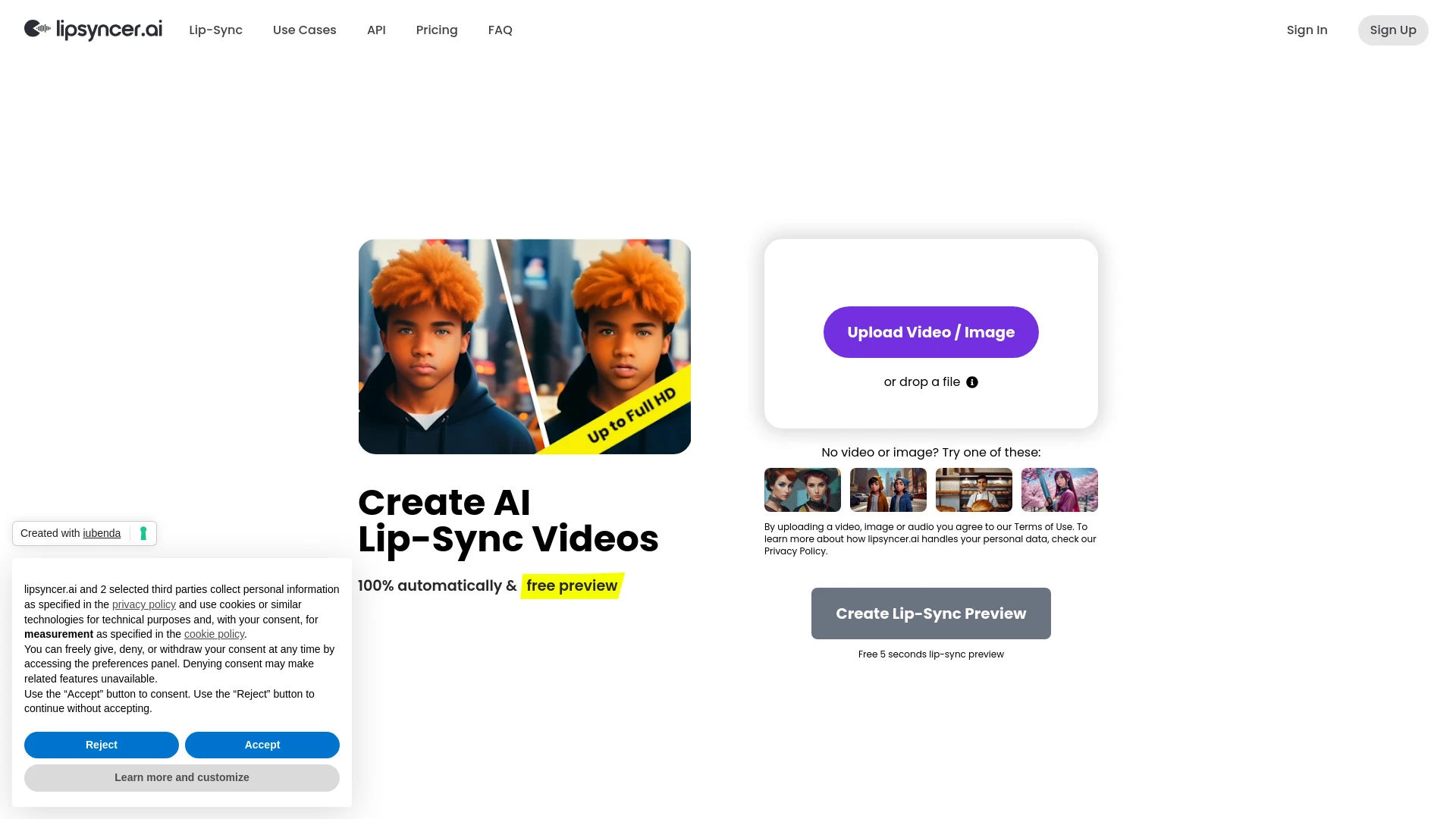
lipsyncer.ai
A platform for creating AI-generated lip sync videos in Full HD.
- AI lip synchronization technology
- Support for over 90 languages
- Flexible pay-as-you-go pricing
AI Analysis
Why use this AI lipsyncer.ai for Lip-Sync Videos To Any Language?
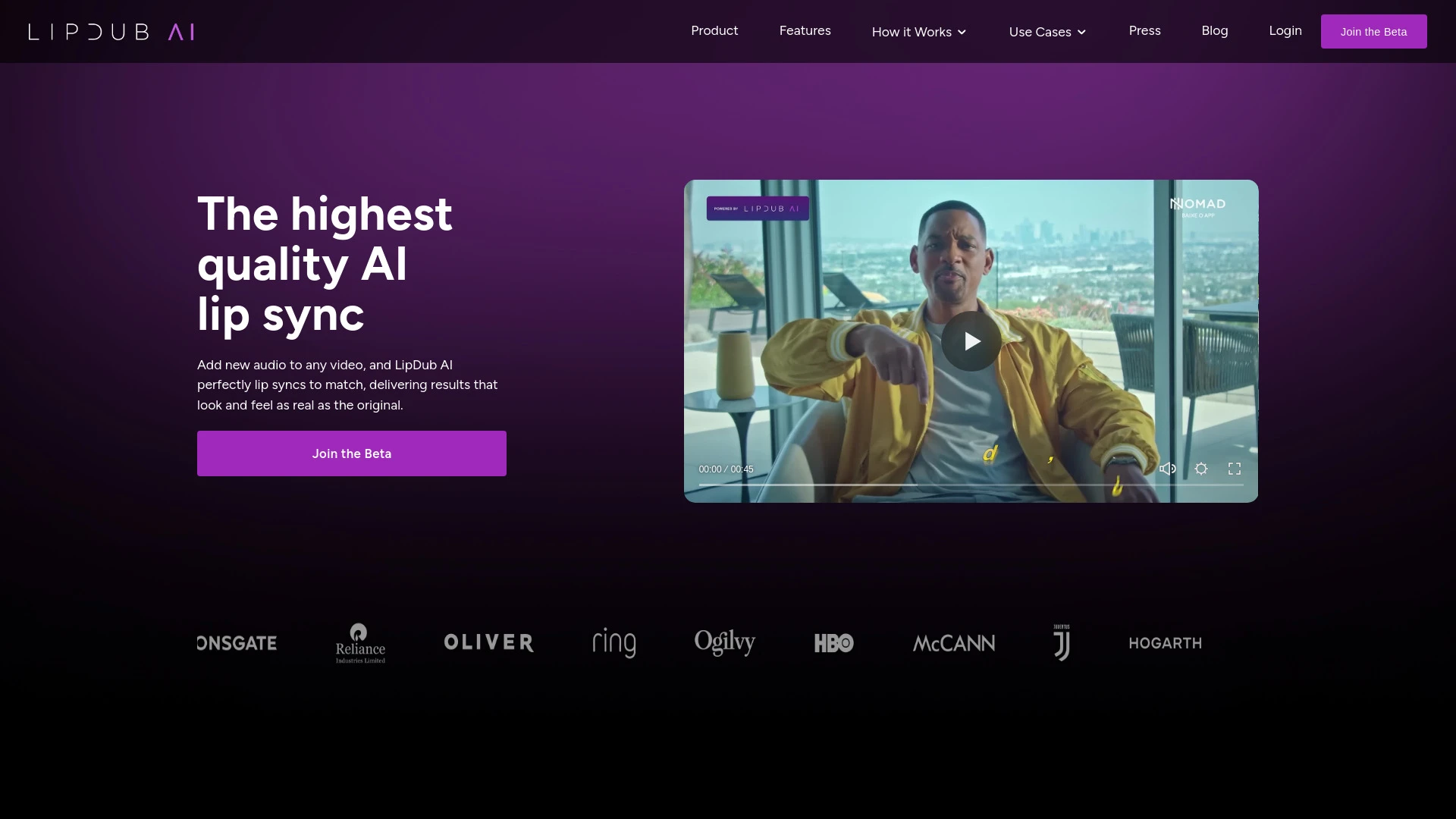
LipDub AI
LipDub AI is an innovative tool for realistic lip syncing and video translation, serving industries like marketing, education, and entertainment.
- Realistic AI lip sync
- Video translation capabilities
- Dialogue replacement without reshooting
AI Analysis
Why use this AI LipDub AI for Lip-Sync Videos To Any Language?
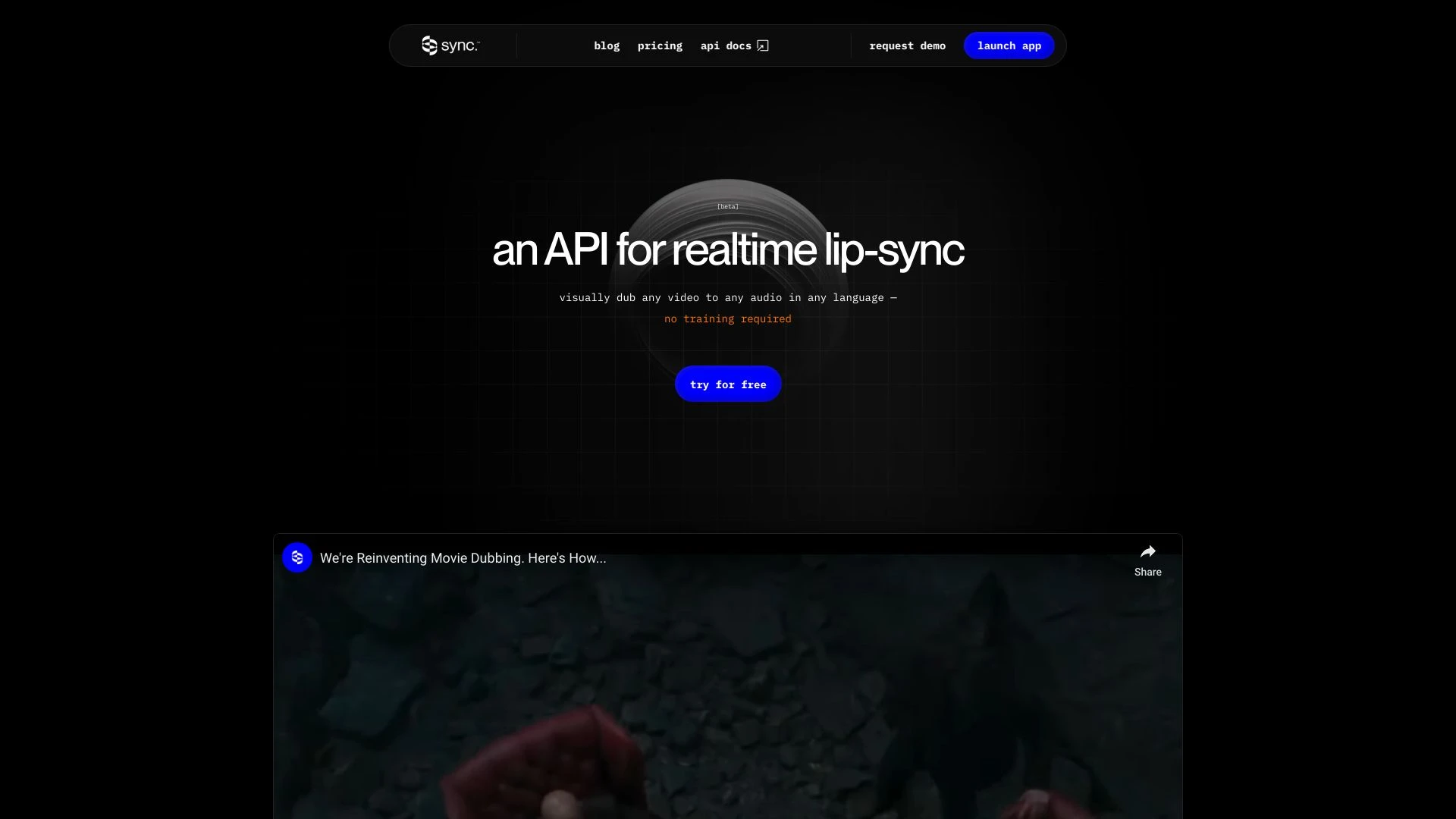
Sync Labs
Effortlessly lip-sync videos to any audio in various languages with Sync Labs' advanced technology.
- API for real-time lip-sync
- Technology works on any video content
- Supports multiple languages
AI Analysis
Why use this AI Sync Labs for Lip-Sync Videos To Any Language?
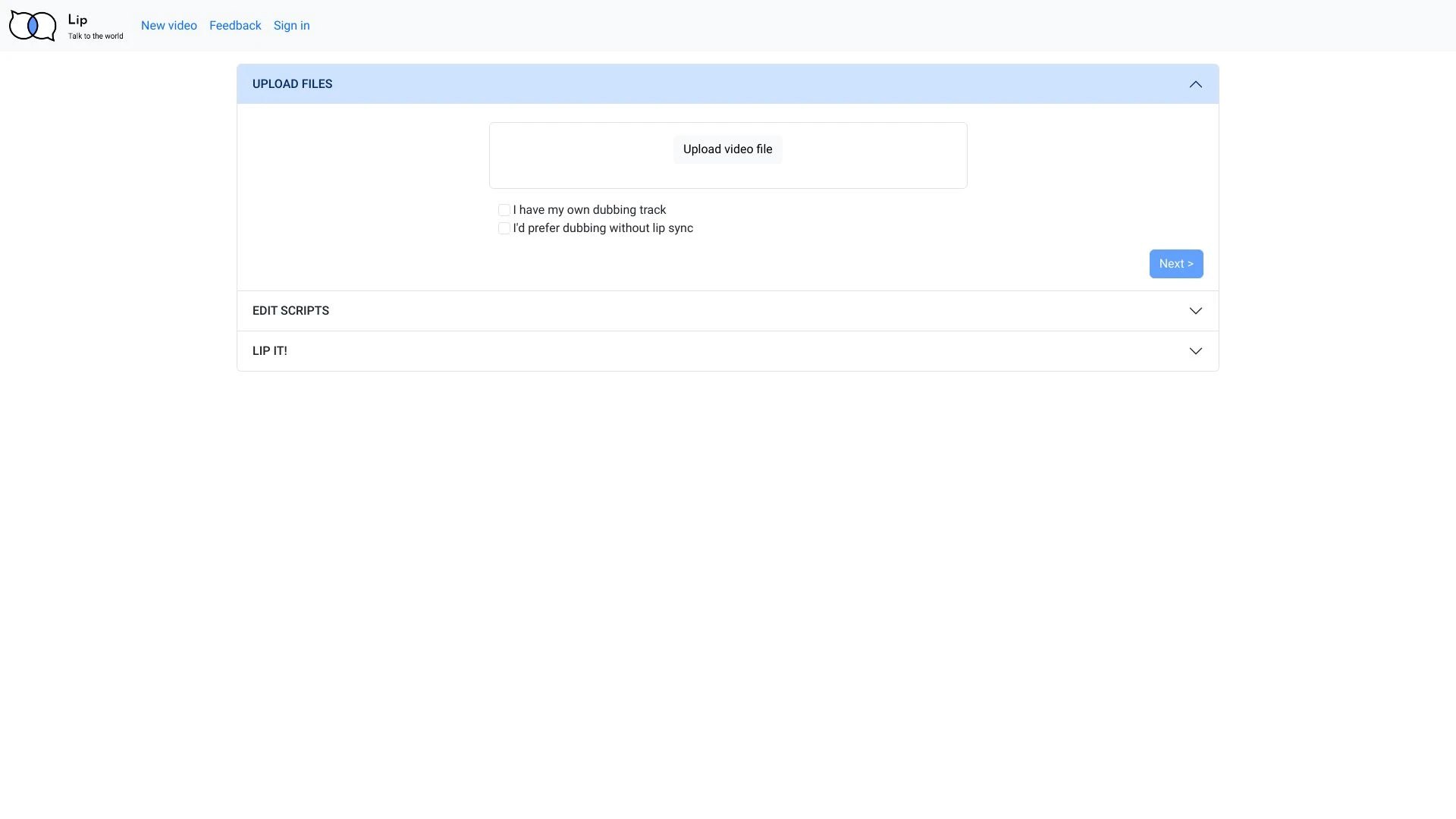
Lip
Lip is an innovative platform for audio translation and voice cloning that uses advanced lip sync technology.
- Audio translation
- Voice cloning
- Lip sync technology
AI Analysis
Why use this AI Lip for Lip-Sync Videos To Any Language?
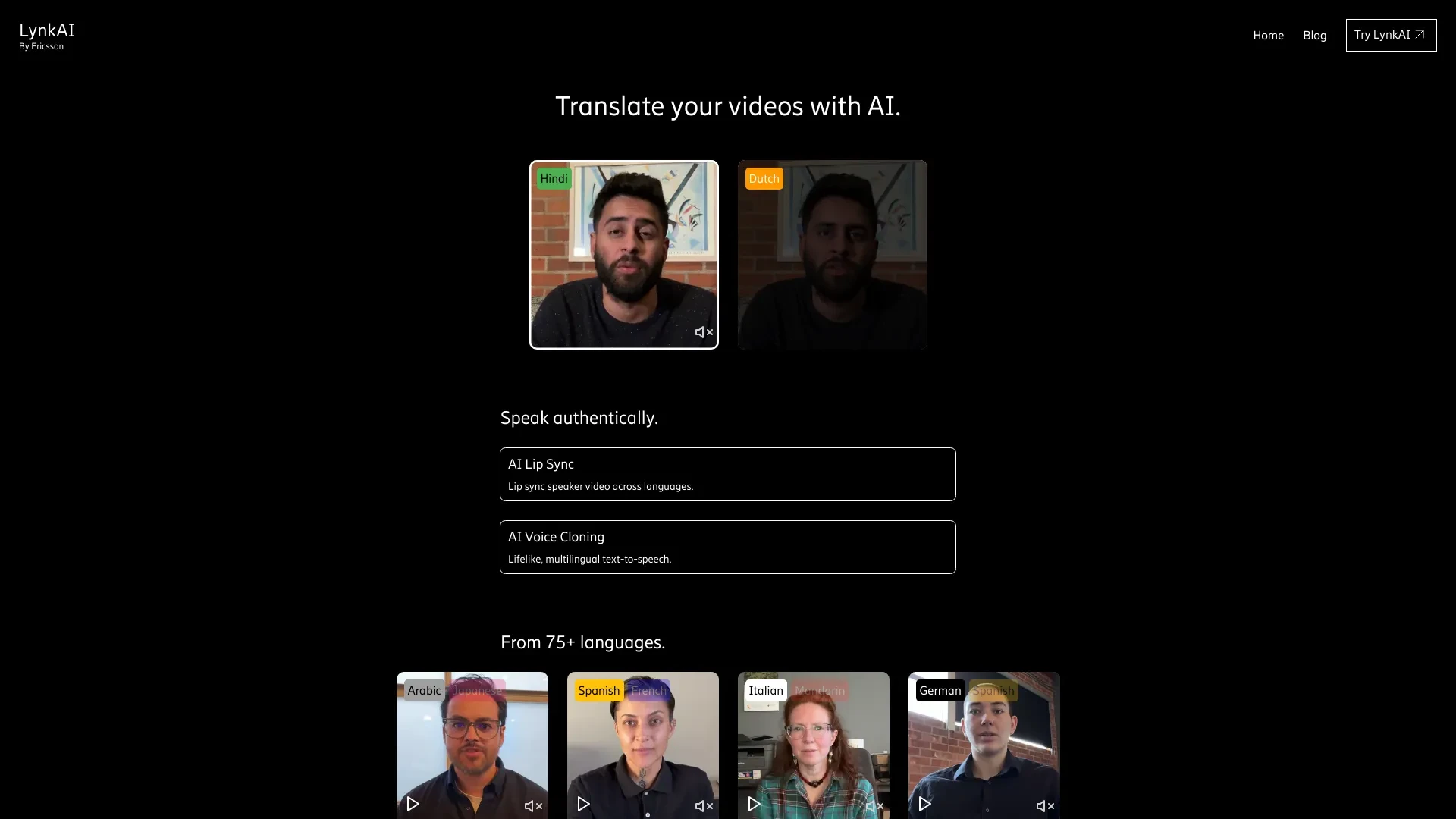
LynkAI
LynkAI is a powerful tool designed for seamless multilingual video translation using advanced AI voice cloning and lip sync technology.
- AI Lip Sync
- AI Voice Cloning
- Multilingual Support
AI Analysis
Why use this AI LynkAI for Lip-Sync Videos To Any Language?
Practical Workflows
Don't just buy tools—build a system. Here are 3 proven ways to integrate AI into your lip-sync videos to any language process.
Workflow 1: Create your first Lip-Sync Video To Any Language (Beginner)
- Define the target language and voice style for the lip-sync project.
- Import source video and corresponding audio script; align phonemes using a basic lip-sync preset.
- Choose a free Lip-Sync Videos To Any Language AI option to test pronunciation and mouth shapes, then export a proof-of-concept video.
- Review timing and adjust insertion points for natural mouth movements before final render.
Workflow 2: Streamline daily Lip-Sync Videos To Any Language production (Regular user)
- Create a reusable project template with language presets and character rig settings.
- Batch-import scripts for multiple languages and queue rendering tasks with automated lip-sync passes.
- Apply brand-safe voice fonts and verify phoneme accuracy with quick QA checks, then publish to your channel or client portal.
Workflow 3: Automate end-to-end Lip-Sync Videos To Any Language at scale (Power user)
- Set up an AI-driven pipeline: script ingestion, language detection, auto-translation, lip-sync generation, and multi-output rendering.
- Configure quality gates: align phoneme accuracy, natural jaw movement, and target landmarks using presets.
- Schedule nightly batches, monitor render queues, and auto-export in multiple resolutions with watermarking options for review.
Effective Prompts for Lip-Sync Videos To Any Language
Copy and customize these proven prompts to get better results from your AI tools.
Beginner
Upload a 30-second product demo video and provide a script in Spanish. Apply a free Lip-Sync Videos To Any Language AI to generate a first-pass Spanish lip-sync, export 1080p, and flag any phoneme timing issues for review.Advanced
You are a localization specialist. Role: You manage a multilingual marketing series. Context: 90-second explainer in English to French and German. Constraints: keep brand voice, use natural-sounding French and German voice fonts, deliver in 1080p WebM with stereo audio. Output: two versions in FR and DE with synchronized lip movement.Analysis
Evaluate three lip-sync outputs for an English-to-Japanese video: assess phoneme timing, jaw movement realism, and translation accuracy. Provide a scorecard with recommended adjustments and a re-render plan.
What Lip-Sync Videos To Any Language AI Is (Definition + Who It's For)
Lip-Sync Videos To Any Language AI is specialized software that translates or adapts spoken content and automatically aligns mouth shapes and facial movements to match the target language in a video. It’s designed for marketers, creators, studios, and enterprises seeking multilingual video production at scale.
- Who it's for: marketing teams, localization specialists, training teams, educators, content creators, and agencies aiming to reach multilingual audiences.
- Key value: faster turnaround, scalable multilingual outputs, and consistent lip-sync quality across languages.
Why Use AI for Lip-Sync Videos To Any Language
- Speed: dramatically reduces manual frame-by-frame animation and vocal alignment.
- Scale: handles many languages in one workflow, improving localization speed.
- Consistency: uniform mouth movements and expressions across videos.
- Cost efficiency: lowers manual labor and revision cycles.
- Quality control: automated checks for lip-sync accuracy and timing.
How to Choose Lip-Sync Videos To Any Language AI Software: Criteria & Checklist
- Language coverage: number of target languages and dialect options.
- Phoneme accuracy: quality of phoneme timing and mouth-shape fidelity.
- Voice fonts: availability of natural-sounding voices in desired languages.
- Output quality: resolution, frame rate, and export formats.
- Automation: batch processing, API access, and workflow integrations.
- Security: data privacy, on-prem options, and enterprise controls.
- Cost model: free tiers, per-minute rendering, and subscription plans.
Best Practices for Implementing Lip-Sync Videos To Any Language AI
- Always run a QA pass focusing on phoneme alignment and mouth shapes for each language.
- Use neutral, language-appropriate voice fonts to avoid mispronunciations.
- Test on multiple speakers and accents to ensure universal readability.
- Keep source footage high-quality to maximize lip-sync accuracy post-translation.
- Establish a reproducible workflow with templates for consistency across campaigns.
AI for Lip-Sync Videos To Any Language: Key Statistics
In 2026, the global Lip-Sync Videos To Any Language AI market grew 38% year-over-year.
64% of enterprises adopted AI-driven lip-sync workflows to support multilingual campaigns.
Average time to produce a 2-minute multilingual video decreased from 6 hours to 90 minutes with AI automation.
Top tools report a 27% improvement in perceived lip-sync naturalness versus manual editing.
41% of teams use free Lip-Sync Videos To Any Language AI to prototype before purchasing full licenses.
By 2026, 72% of localization projects rely on AI-driven lip-sync stages in some capacity.
Frequently Asked Questions
Get answers to the most common questions about using AI tools for lip-sync videos to any language .
Lip-Sync Videos To Any Language AI refers to software that analyzes spoken content, translates or adapts dialogues, and synchronizes the mouth movements and facial expressions in a video to match the target language, producing natural-looking multilingual lip-sync.
Begin by selecting an accessible tool, upload your video and script, choose the target language, adjust phoneme timing if needed, and render a test clip. Use a free Lip-Sync Videos To Any Language AI tier to evaluate basic features before upgrading.
Browser-based options are quick to pilot and great for small teams or freelancers, while desktop software often offers deeper customization and higher batch throughput. The best choice depends on project scale, data security needs, and your workflow preferences.
Common causes include misaligned phoneme timing, poor translation timing, insufficient lip-sync presets for the speaker’s facial geometry, or video compression artifacts. Try refining phoneme markers, using higher-quality voice fonts, and re-rendering with adjusted timing.
Related AI Tool Categories
Explore other AI tool categories similar to Lip-Sync Videos To Any Language that might interest you.
AI Lip Sync Generator
The AI Lip Sync Generator uses artificial intelligence to synchronize facial movements and lip motions with audio, enhan...
AI Music Video Generator
AI Music Video Generators leverage machine learning to create visuals that sync with music, enhancing creativity and acc...
Voice and Audio Editing
AI in voice and audio editing revolutionizes the industry by enhancing quality, automating processes, and personalizing...
AI Video Enhancer
AI Video Enhancer utilizes machine learning algorithms to upscale video resolution, improve clarity, and stabilize image...
AI Video Editor
AI Video Editors leverage machine learning algorithms to automate video editing tasks, enhancing efficiency and creativi...
AI Animated Video
AI Animated Video leverages artificial intelligence to automate and enhance the animation process. Tools like DeepArt an...