Recommended AI Tools
5We've analyzed the market. These tools offer specific features for turn photos into cartoons.
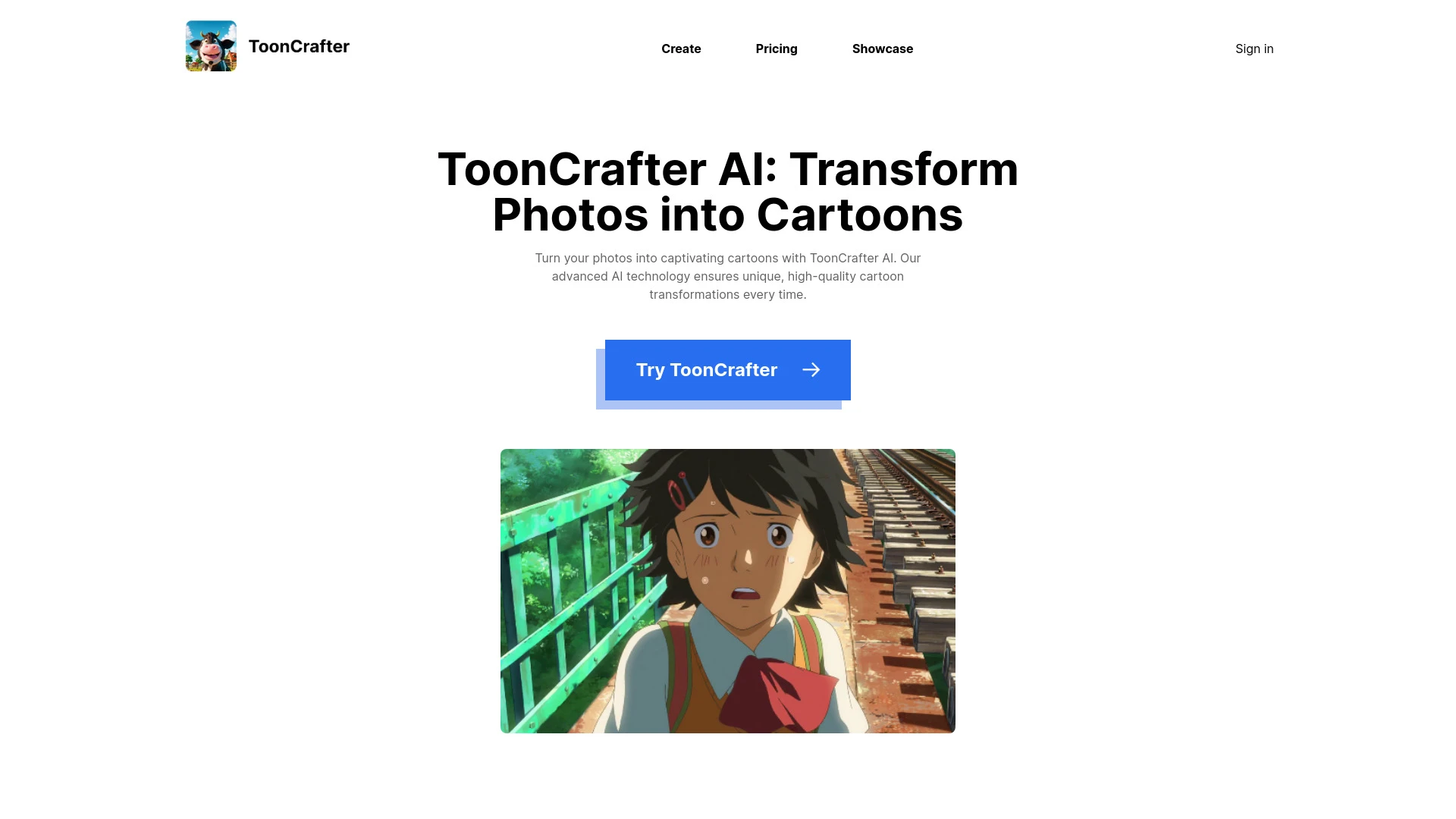
ToonCrafter AI
ToonCrafter AI is a cutting-edge tool that converts static cartoons and photographs into lively animations and stunning cartoons using AI technology.
- Dynamic animation from static images
- Conversion of photos into captivating cartoons
- User-friendly interface for easy navigation
AI Analysis
Why use this AI ToonCrafter AI for Turn Photos Into Cartoons?
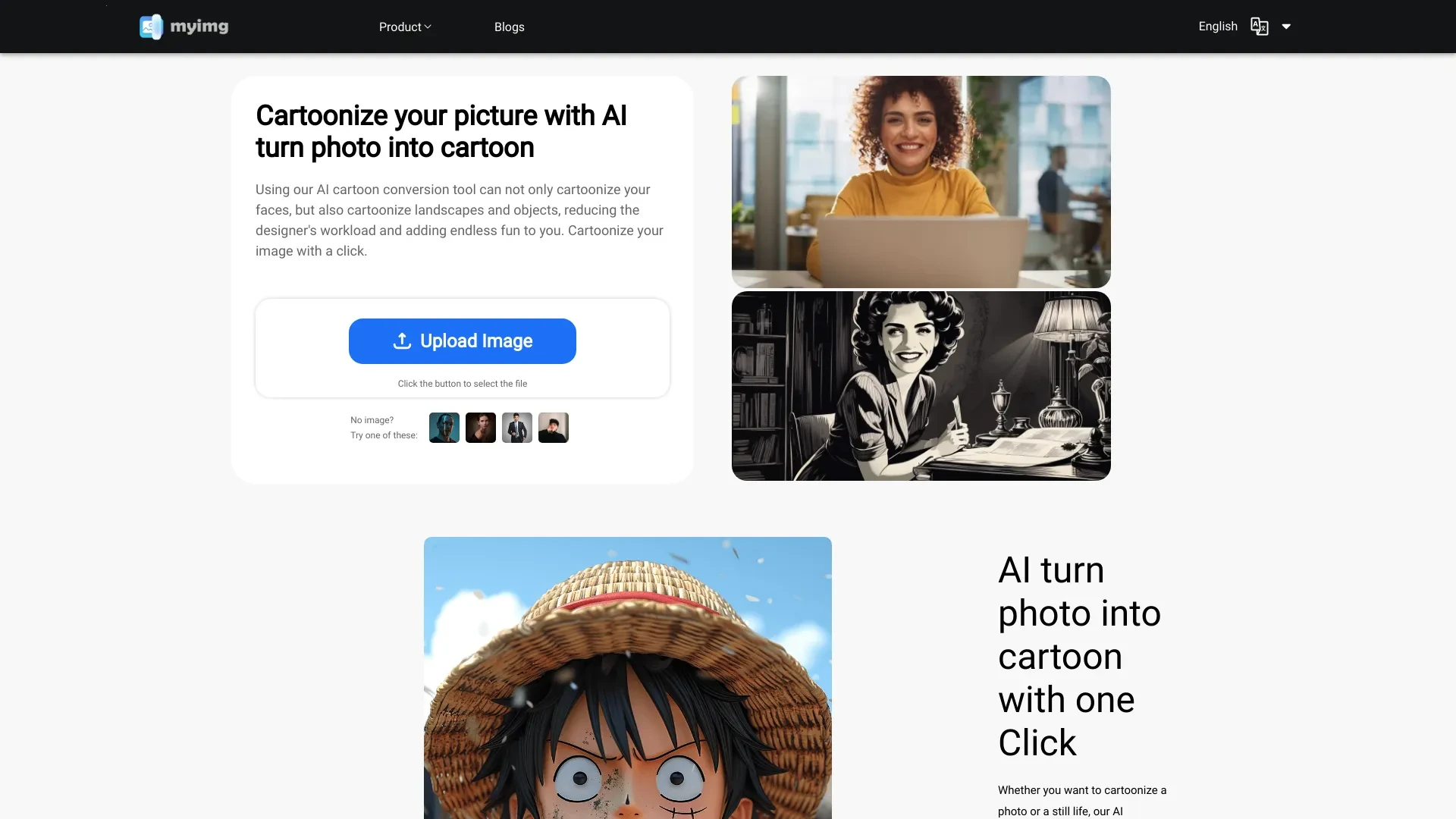
Transform images and videos into cartoon style effortlessly using advanced AI technology.
- AI-powered imaging
- Customizable cartoon styles
- User-friendly interface
AI Analysis
Why use this AI AI Turn Photo into Cartoon for Turn Photos Into Cartoons?
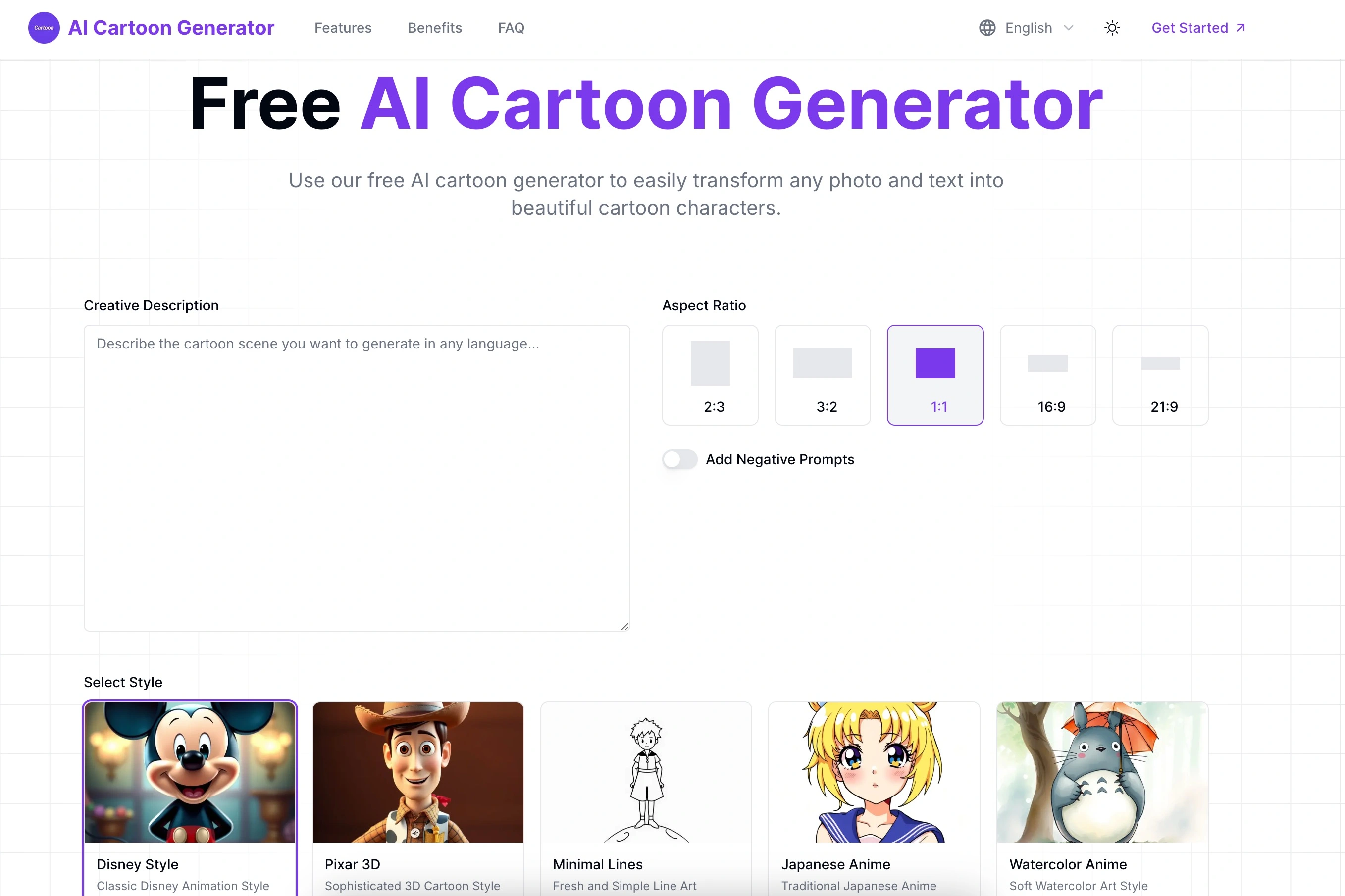
Free AI Cartoon Generator | Photo & Text to Cartoon Art
- Text to Image
- Image to Image
AI Analysis
Why use this AI AI Cartoon Generator for Turn Photos Into Cartoons?
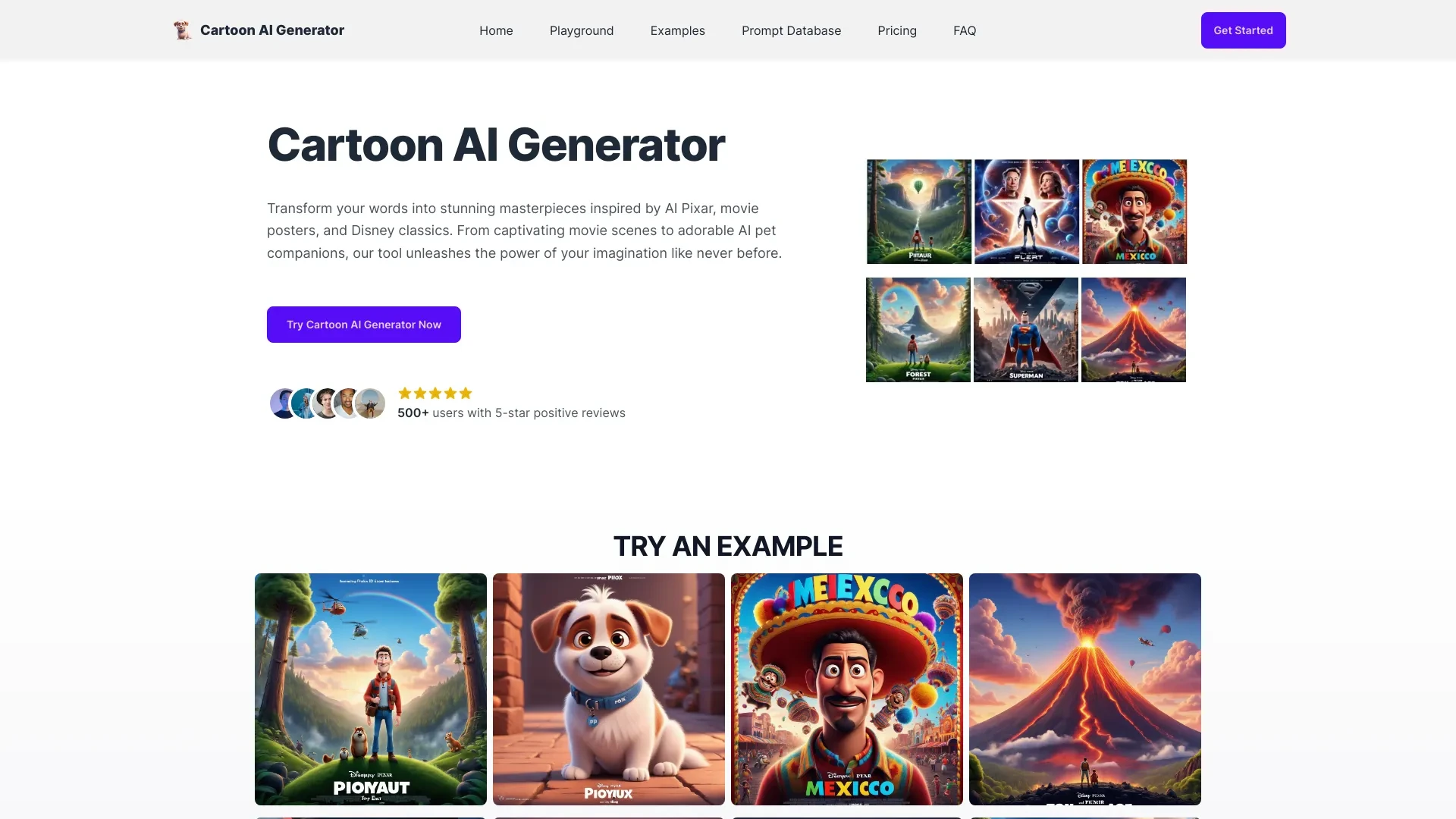
Effortlessly create stunning cartoon images and posters reminiscent of Disney and Pixar using advanced AI technology.
- AI-driven cartoon image generation
- Customizable Disney movie poster creation
- User-friendly interface
AI Analysis
Why use this AI Cartoon AI Generator for Turn Photos Into Cartoons?
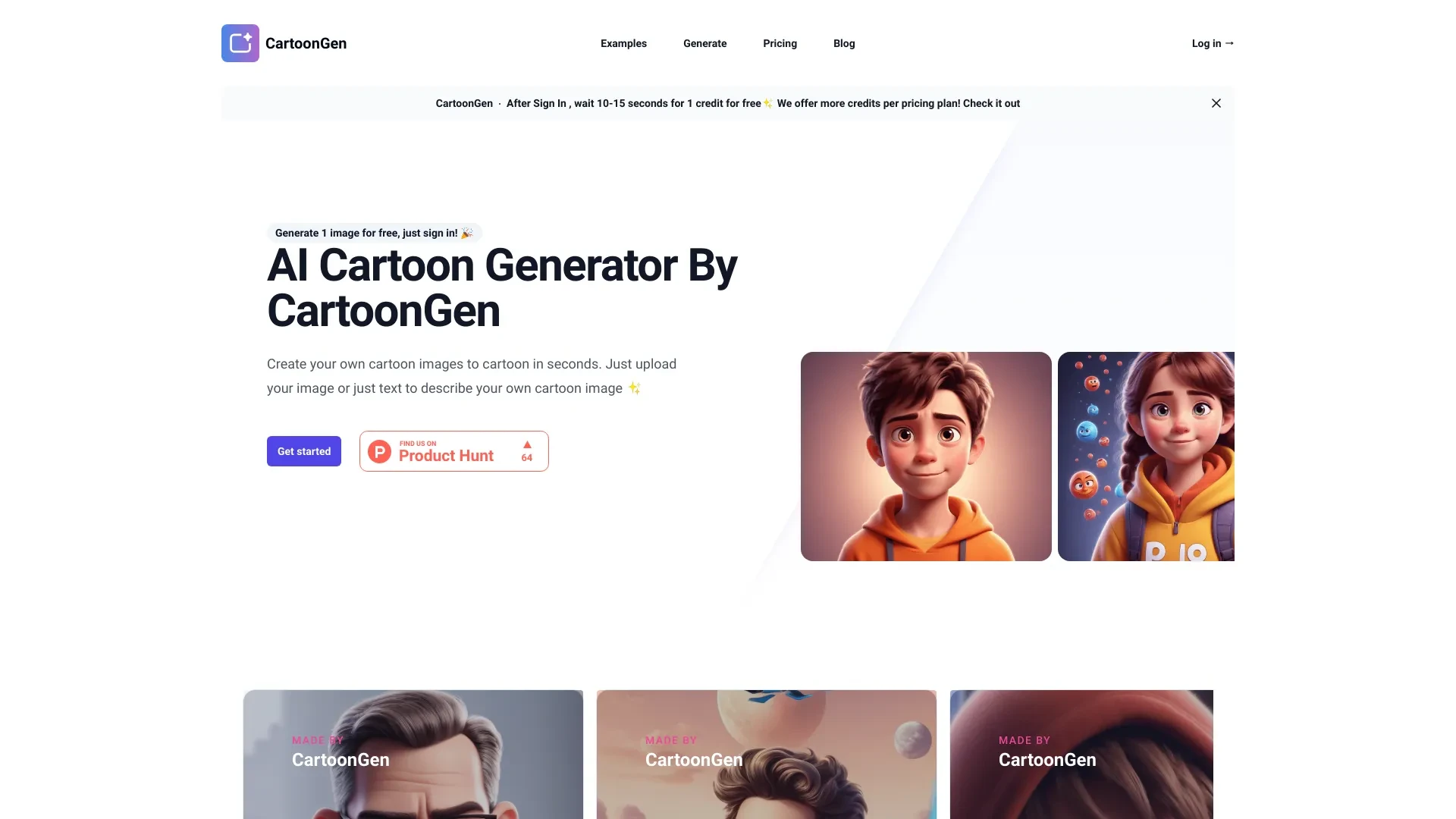
CartoonGen
CartoonGen creates detailed AI-generated cartoon images based on text or image inputs in a Pixar style.
- Image-Based AI Cartoon Generation
- Prompt-Based AI Cartoon Generation
- High-Quality Images
AI Analysis
Why use this AI CartoonGen for Turn Photos Into Cartoons?
Practical Workflows
Don't just buy tools—build a system. Here are 3 proven ways to integrate AI into your turn photos into cartoons process.
Workflow 1: Quick cartoonization for complete beginners
- Select a user-friendly tool with a guided onboarding and a cartoon style preset suitable for portrait photos.
- Upload 1-3 photos, choose a single cartoon style, and set output resolution to 2048px for social use.
- Review results, adjust line weight or color saturation using 2-3 sliders, and export in PNG with transparent background if needed.
Workflow 2: Daily optimization for regular users
- Create a project template with preferred cartoon style, color palette, and background options.
- Batch upload 10–20 photos, apply consistent profile/background settings, and enable auto-cropping for uniform framing.
- Use batch rename and watermark options, then export to a shared drive or CMS with metadata for SEO-ready imagery.
Workflow 3: Full automation for power users
- Integrate the cartooning tool with your DAM or automation platform via API or webhooks.
- Set up a nightly job: fetch new photos, apply the same cartoon style, quality-check via a rules engine, and push results to a gallery.
- Generate style reports (counts, color usage, output formats) and schedule automatic backups to cloud storage.
Effective Prompts for Turn Photos Into Cartoons
Copy and customize these proven prompts to get better results from your AI tools.
Beginner: Simple task, clear output
Turn this portrait photo into a friendly cartoon of the subject, using a single cartoon style with bold black outlines, soft shading, and a bright palette. Output as PNG 2048x2048 with transparent background for assets.Advanced: Role + context + constraints + format
You are a senior brand designer. Convert the attached product photo into a cartoon icon set in a corporate style. Maintain 4:3 aspect ratio, apply brand colors (blue #1A5A9F, orange #F5A623), use clean vector-like lines, deliver in SVG and high-res PNG, include a 3px stroke.Analysis: Evaluate/compare/optimize outputs
Compare three cartoonized versions of the same photo produced by different presets. Assess line weight, color accuracy, facial features retention, and overall brand alignment. Recommend the best option for a social carousel and provide quality scoring.
What Is Turn Photos Into Cartoons AI?
Turn Photos Into Cartoons AI is technology that converts standard photographs into stylized cartoon images using machine learning. It’s designed for marketing teams, social creators, and product studios who need consistent, engaging visuals at scale. This AI targets professionals and beginners who want fast results without sacrificing branding or personality.
Benefits of Using AI for Turn Photos Into Cartoons
- Consistent branding with repeatable cartoon styles
- Rapid production for campaigns and social posts
- Batch processing saves time on large image sets
- Flexible export options (PNG, JPEG, SVG-ready lines)
- Cost-efficient compared to hand-drawn cartoons
- Accessible to beginners via presets while offering depth for experts
How to Choose the Right Turn Photos Into Cartoons AI Tool
- Cartoon style library: breadth and uniqueness of presets
- Output quality: resolution, edge crispness, and color fidelity
- Automation capabilities: batch, API access, and workflow integrations
- Pricing and free tier availability
- Ease of use for beginners vs. extensibility for power users
Best Practices for Implementing Turn Photos Into Cartoons AI
- Start with your brand color palette and test multiple presets for cohesion
- Maintain consistent lighting and facial positioning for portrait sets
- Use a standardized export workflow and asset naming conventions
- Respect licensing and model usage rights when using stock images
- Regularly audit outputs for quality and accessibility (contrast, alt text)
AI for Turn Photos Into Cartoons: Key Statistics
Across 2024–2026, adoption of Turn Photos Into Cartoons AI grew from 18% to 44% among marketing teams.
42% of teams report time savings of 50–70% when using automated cartoonization at scale.
Average project turnaround for a cartoonized campaign dropped from 6 hours to 2 hours.
Top 5 styles account for 78% of usage in brand campaigns.
Free Turn Photos Into Cartoons AI options capture 60% of first-time users, boosting trial-to-paid conversion by 30%.
AI-powered cartoon outputs show a 25% higher engagement rate on social posts compared with non-cartoon images.
Frequently Asked Questions
Get answers to the most common questions about using AI tools for turn photos into cartoons .
Turn Photos Into Cartoons AI refers to software that uses machine learning to transform photographic images into stylized cartoon renderings, often preserving key features while applying bold lines, simplified shading, and a playful aesthetic. It’s used by creators, brands, and marketers to produce engaging visuals quickly.
Begin with a user-friendly tool offering preset cartoon styles, upload a few portrait photos, choose a style, and export. For learning, use free tiers or trials, follow guided tutorials, and gradually adjust line weight and color to match your brand.
presets are faster for bulk work and consistency, ideal for campaigns. Manual edits offer deeper control for unique characters or brand-specific aesthetics. For 2026, a hybrid approach often yields the best mix of speed and quality.
Common issues include mismatched resolution, over-aggressive edge detection, or color bans. Check input quality, adjust style strength, set consistent lighting, and ensure you’re using the correct export format and color profile.
Related AI Tool Categories
Explore other AI tool categories similar to Turn Photos Into Cartoons that might interest you.
AI GIF Generator
AI GIF Generators leverage machine learning algorithms to create animated GIFs from images, videos, or text. They automa...
AI Photo Enhancer
AI Photo Enhancers utilize machine learning algorithms to automatically improve image quality, clarity, and aesthetics....
AI Photo & Image Generator
AI Photo & Image Generators create visuals from text prompts or existing images using deep learning techniques. They enh...
AI Art Generator
AI Art Generators utilize deep learning algorithms to create visuals based on user input or existing art styles. Tools l...
Text to Image
Text to Image AI converts textual descriptions into visual content, leveraging deep learning and neural networks. It enh...
AI Anime & Cartoon Generator
The 'AI Anime & Cartoon Generator' uses advanced algorithms to create animated characters and scenes, transforming imagi...