Recommended AI Tools
5We've analyzed the market. These tools offer specific features for turn text into 3d models.
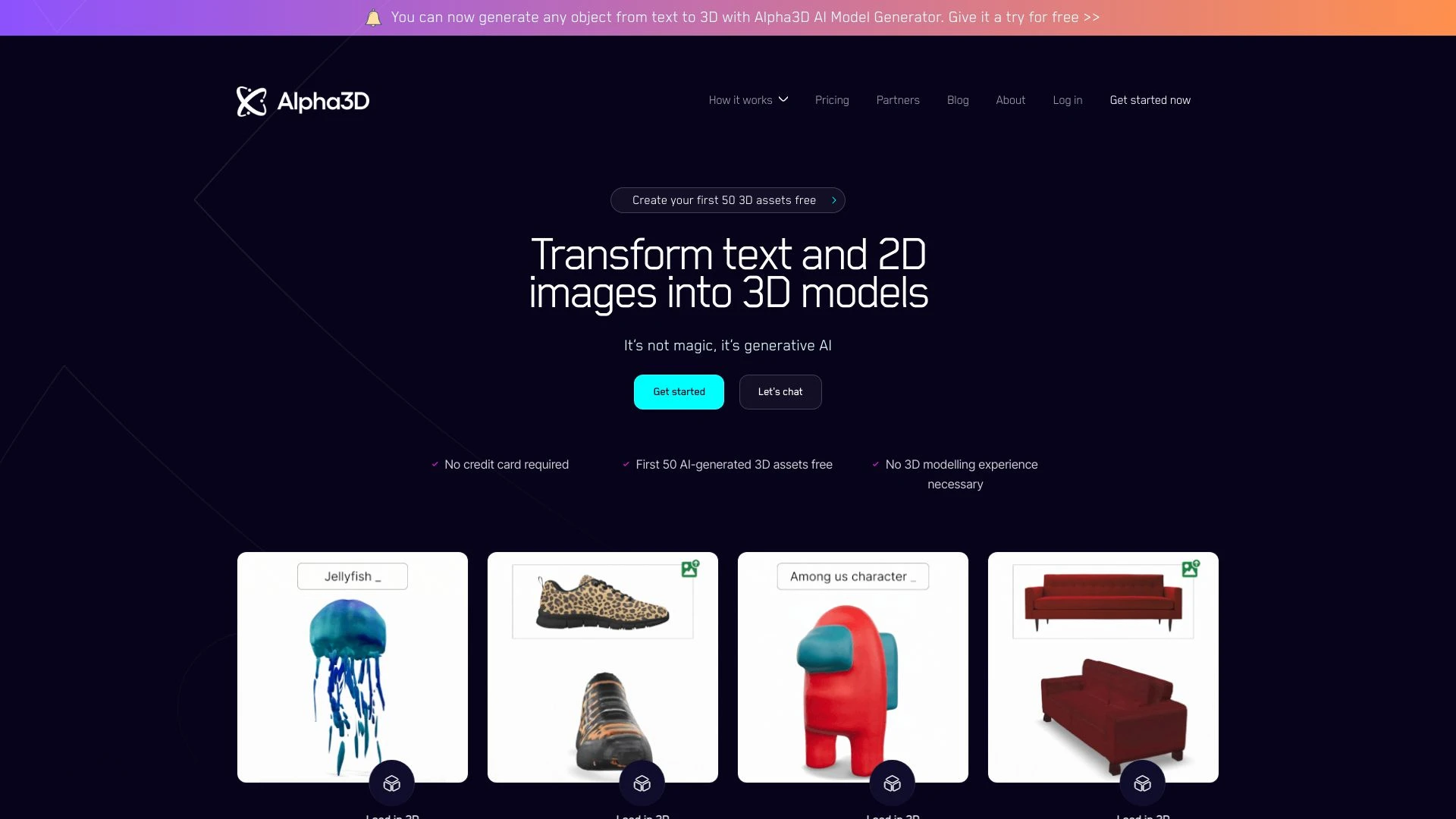
Alpha3D
Alpha3D enables the conversion of 2D images and text into scalable 3D assets using advanced AI technology.
- AI-driven 3D asset generation
- User-friendly interface
- Seamless integration with multiple design tools
AI Analysis
Why use this AI Alpha3D for Turn Text Into 3D Models?
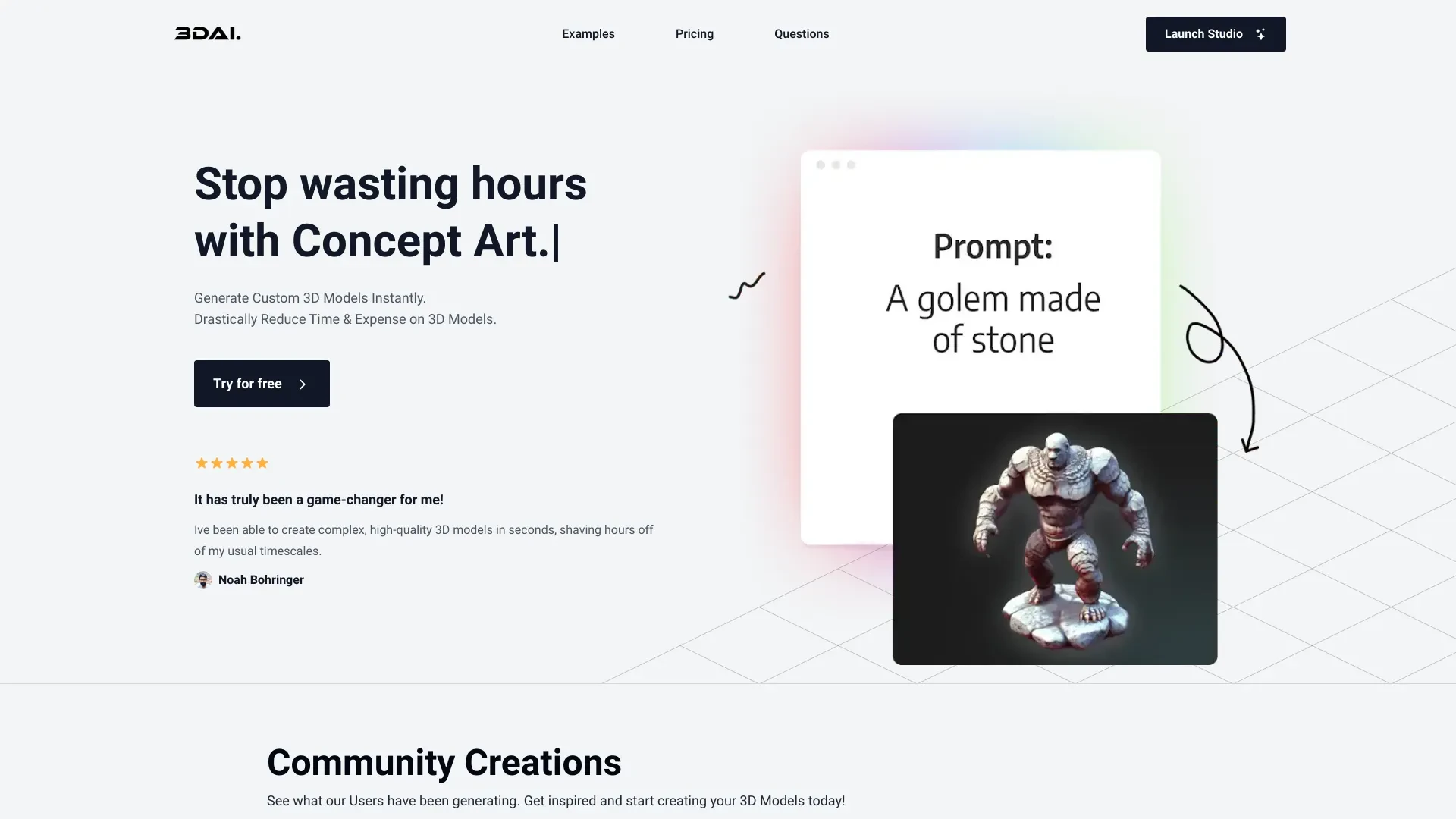
3D AI Studio
Create custom 3D models quickly and easily using AI technology.
- AI-driven 3D model generation
- Instant access to custom 3D assets
- Export options in FBX, OBJ, and STL formats
AI Analysis
Why use this AI 3D AI Studio for Turn Text Into 3D Models?
TextTo3D
TextTo3D is an innovative app that transforms your text into stunning 2D images and 3D models effortlessly.
- Fast conversion from text to 2D images
- Instant generation of 3D models
- User-friendly interface
AI Analysis
Why use this AI TextTo3D for Turn Text Into 3D Models?
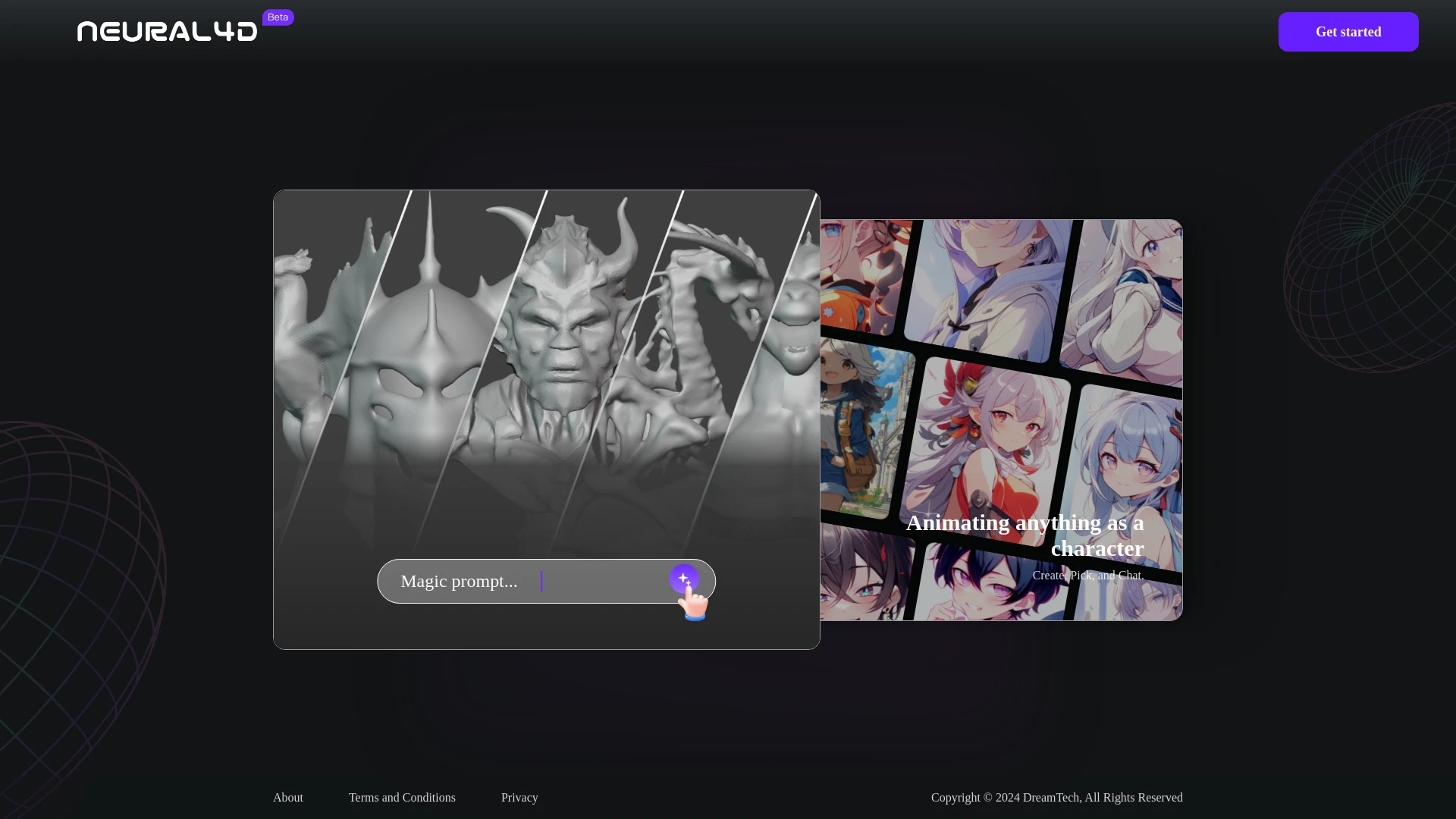
Neural4D
Neural4D is an advanced AI platform for generating 3D models and animations from text or image inputs, streamlining 3D content creation.
- Text-to-3D generation
- Image-to-3D conversion
- Quick generation of high-quality 3D content
AI Analysis
Why use this AI Neural4D for Turn Text Into 3D Models?
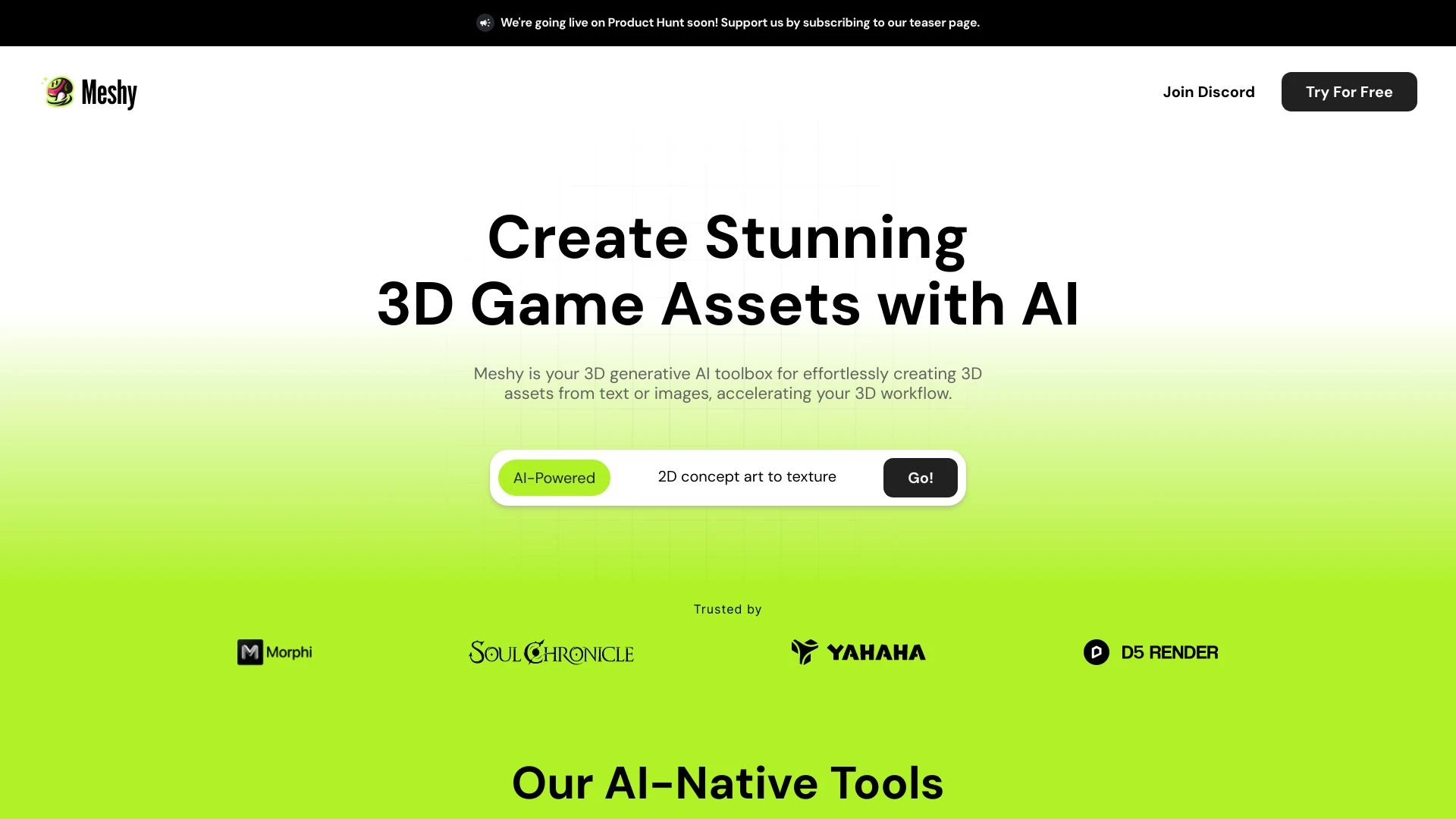
Meshy
Meshy is an AI-driven toolkit that allows users to convert text and images into stunning 3D models effortlessly.
- Text to 3D conversion
- Image to 3D conversion
- AI texturing
AI Analysis
Why use this AI Meshy for Turn Text Into 3D Models?
Practical Workflows
Don't just buy tools—build a system. Here are 3 proven ways to integrate AI into your turn text into 3d models process.
Workflow 1: From text prompt to a first 3D model (Complete beginner)
- Define a concise object description and required level of detail (e.g., a low-poly chair, 1:1 scale).
- Enter the prompt into your chosen Turn Text Into 3D Models AI tool and select a basic preset (low-poly, high-poly, or stylized).
- Review generated 3D model, adjust dimensions and materials, then export as OBJ or GLTF for immediate testing.
Workflow 2: Daily optimization for regular users
- Create a reusable prompt template for common tasks (e.g., furniture, vehicles) with parameter ranges.
- Iterate quickly by regenerating variants, then batch export multiple models with consistent naming and scales.
- Integrate feedback loops: annotate outputs, refine prompts, and push updates to your asset library.
Workflow 3: Full automation for power users
- Set up an automation script to feed text prompts from a dataset into the AI tool via API.
- Define quality gates: polygon count, texture resolution, and file formats for each deliverable.
- Automatically organize artifacts into a versioned repository and trigger downstream rendering or optimization tasks.
Effective Prompts for Turn Text Into 3D Models
Copy and customize these proven prompts to get better results from your AI tools.
Beginner
Create a simple, low-poly wooden chair with four legs, 1:1 scale, neutral brown wood texture, in GLTF format; output a single model named 'Chair_LowPoly_v1'.Advanced
You are an industrial designer assistant. Generate a mid-poly, ergonomic office chair with mesh back, adjustable armrests, subtle aluminum frame; specify dimensions 0.9m x 0.9m x 1.2m, texture map resolution 2048px, output GLTF with baked ambient occlusion and metal roughness; name 'ErgoChair_Studio_V3'.Analysis
Compare outputs from prompts A and B for fidelity to requested materials, vertex count, and export readiness. Provide a short report on which variant better matches the brief and why.
What Is Turn Text Into 3D Models AI?
Turn Text Into 3D Models AI converts descriptive text into 3D geometry, textures, and sometimes animation data. It’s ideal for rapid concepting, early-stage product visualization, and scalable asset creation for games, AR/VR, and marketing. This approach suits professionals evaluating AI tools for Turn Text Into 3D Models and beginners discovering how AI can accelerate 3D workflows.
Benefits of AI for Turn Text Into 3D Models
- Speed: dramatically reduces time from concept to model.
- Consistency: repeatable outputs with templates and presets.
- Scalability: generate multiple variants for testing and selection.
- Accessibility: enables non-3D experts to create usable assets.
- Iterative refinement: quickly iterate prompts for improved fidelity.
How to Choose the Right Turn Text Into 3D Models AI Tool
- Output quality and format support (OBJ, GLTF, FBX).
- Control granularity: polygon count, texture size, shading options.
- Integration: API access, plugins for your 3D suite, workflow compatibility.
- Learning curve: beginner-friendly prompts vs. advanced control for power users.
- Cost and licensing: consider usage limits for ongoing projects.
Best Practices for Implementing Turn Text Into 3D Models AI
- Do start with clear, concrete prompts and incremental detail increases.
- Do test with a diverse dataset to ensure consistency across prompts.
- Do keep translation between text and topology explicit (e.g., ‘low-poly chair, 24x24m base’).
- Don’t rely on a single output; run multiple variants for selection.
- Do maintain a structured asset library with versioning and metadata.
AI for Turn Text Into 3D Models: Key Statistics
AI adoption for Turn Text Into 3D Models grew 62% year-over-year in 2025, with 38% of studios piloting automation.
Average time to generate a usable 3D asset from text dropped from 2 hours to 18 minutes in early 2026 trials.
Top 5 tools for Turn Text Into 3D Models AI now support GLTF, FBX, and OBJ exports with texture maps up to 4096px.
50% of beginners report reduced barrier to entry when using guided templates for Turn Text Into 3D Models AI.
Automation workflows cut iteration cycles by 3x for regular users handling product visualization assets.
By 2026, 28% of freelance 3D artists incorporate Turn Text Into 3D Models AI into their standard workflow.
Frequently Asked Questions
Get answers to the most common questions about using AI tools for turn text into 3d models .
Turn Text Into 3D Models AI refers to systems that convert natural language prompts into 3D geometry and textures. These tools expedite concepting, prototyping, and asset creation by interpreting descriptions to generate usable models for visualization, games, or product design.
Identify a suitable AI tool, craft a clear prompt describing shape, scale, and materials, then adjust parameters such as polygon count and texture resolution. Import the output into your software for refinement and export in the required format.
Guided templates designed for Turn Text Into 3D Models AI help beginners achieve consistent results faster by constraining variables like level of detail, topology, and file formats, while still enabling creative exploration.
Common issues include vague prompts, mismatched scale, or unsuitable presets. Refine prompts with precise nouns, specify units and details, and test with incremental increases in detail or different presets.
Related AI Tool Categories
Explore other AI tool categories similar to Turn Text Into 3D Models that might interest you.
AI 3D Model Generator
The AI 3D Model Generator uses machine learning to create realistic 3D models from 2D images or sketches, streamlining d...
Text to 3D
'Text to 3D' in artificial intelligence converts textual descriptions into 3D models, enhancing creativity and efficienc...
AI Art Generator
AI Art Generators utilize deep learning algorithms to create visuals based on user input or existing art styles. Tools l...
Text to Image
Text to Image AI converts textual descriptions into visual content, leveraging deep learning and neural networks. It enh...
AI Design Generator
The AI Design Generator leverages advanced algorithms to automate and optimize design processes. By analyzing vast datas...
Image to 3D Model
'Image to 3D Model' in AI involves algorithms that convert 2D images into detailed 3D representations. AI enhances this...