Recommended AI Tools
5We've analyzed the market. These tools offer specific features for write code documentation.
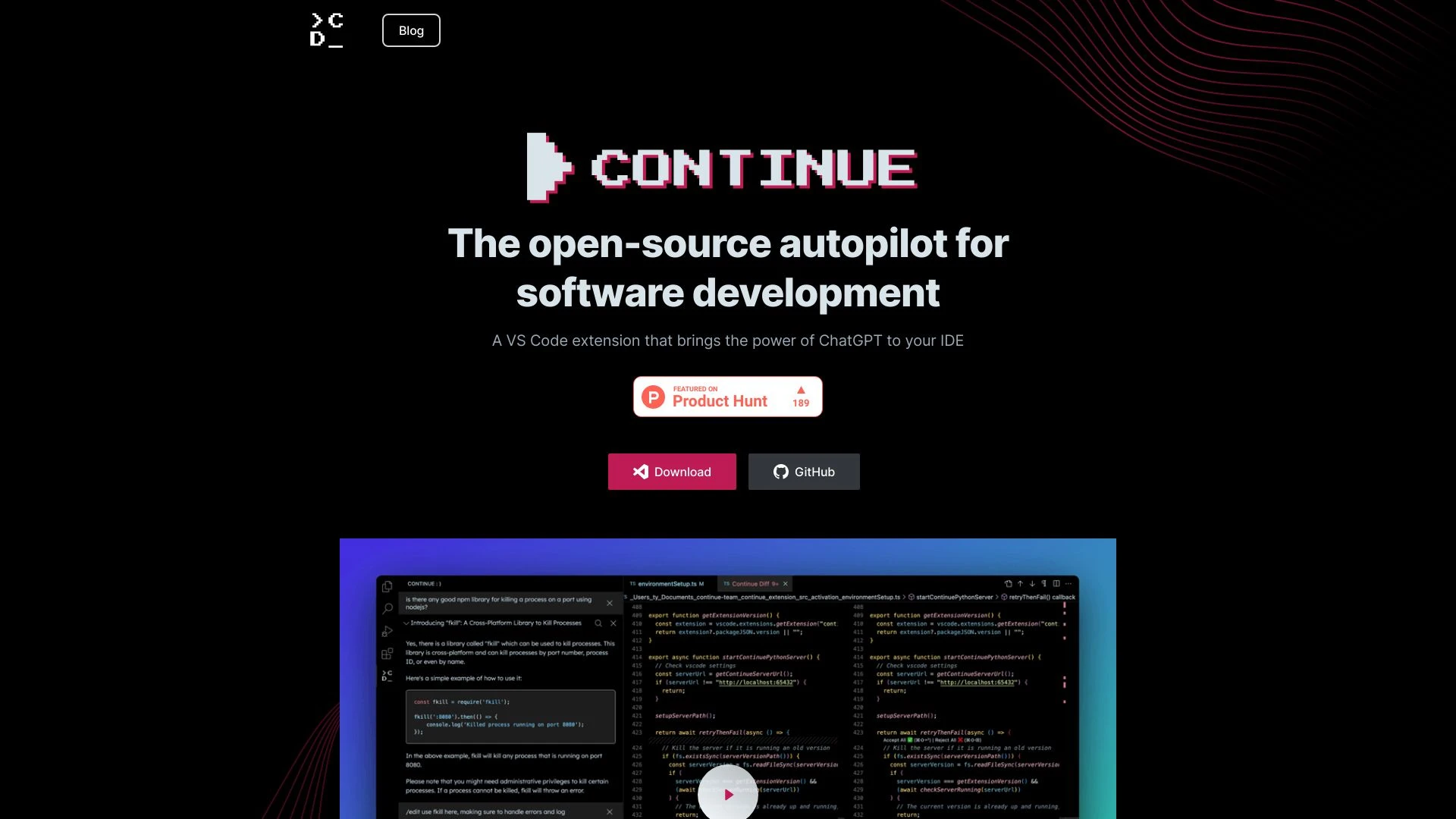
Continue
Continue is an open-source AI tool that acts as an autopilot for software development within Visual Studio Code, enhancing coding efficiency with text...
- Task-based auto-complete
- Code generation and refactoring
- Code explanation
AI Analysis
Why use this AI Continue for Write Code Documentation?

Sage AI
Sage AI transforms code knowledge management by auto-generating documentation and providing contextual insights for teams.
- Symbol-level knowledge base
- Deeply contextualized insights
- Source control integration
AI Analysis
Why use this AI Sage AI for Write Code Documentation?
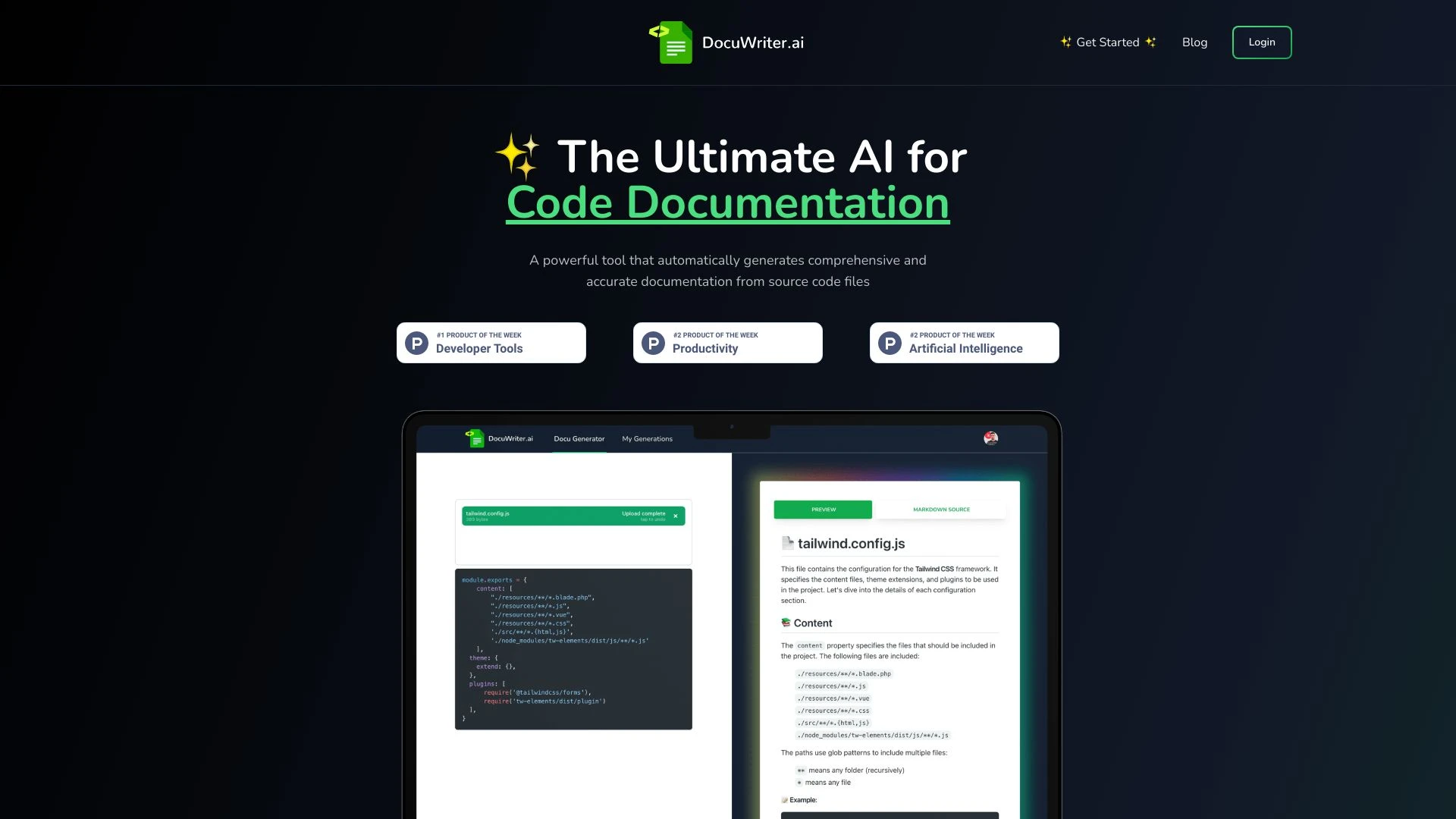
DocuWriter.ai
DocuWriter.ai automates code documentation, testing, and refactoring using advanced AI technology.
- Automated Code Documentation Generation
- AI-Powered Code Tests Suite Generation
- Intelligent Code Refactoring
AI Analysis
Why use this AI DocuWriter.ai for Write Code Documentation?

AutoCode
AutoCode is an AI-driven tool that automates software project creation from README.md files, streamlining the coding process using the Claude 3.5 Sonn...
- Automatic Code Generation
- Multi-Language Support
- Incremental Building
AI Analysis
Why use this AI AutoCode for Write Code Documentation?
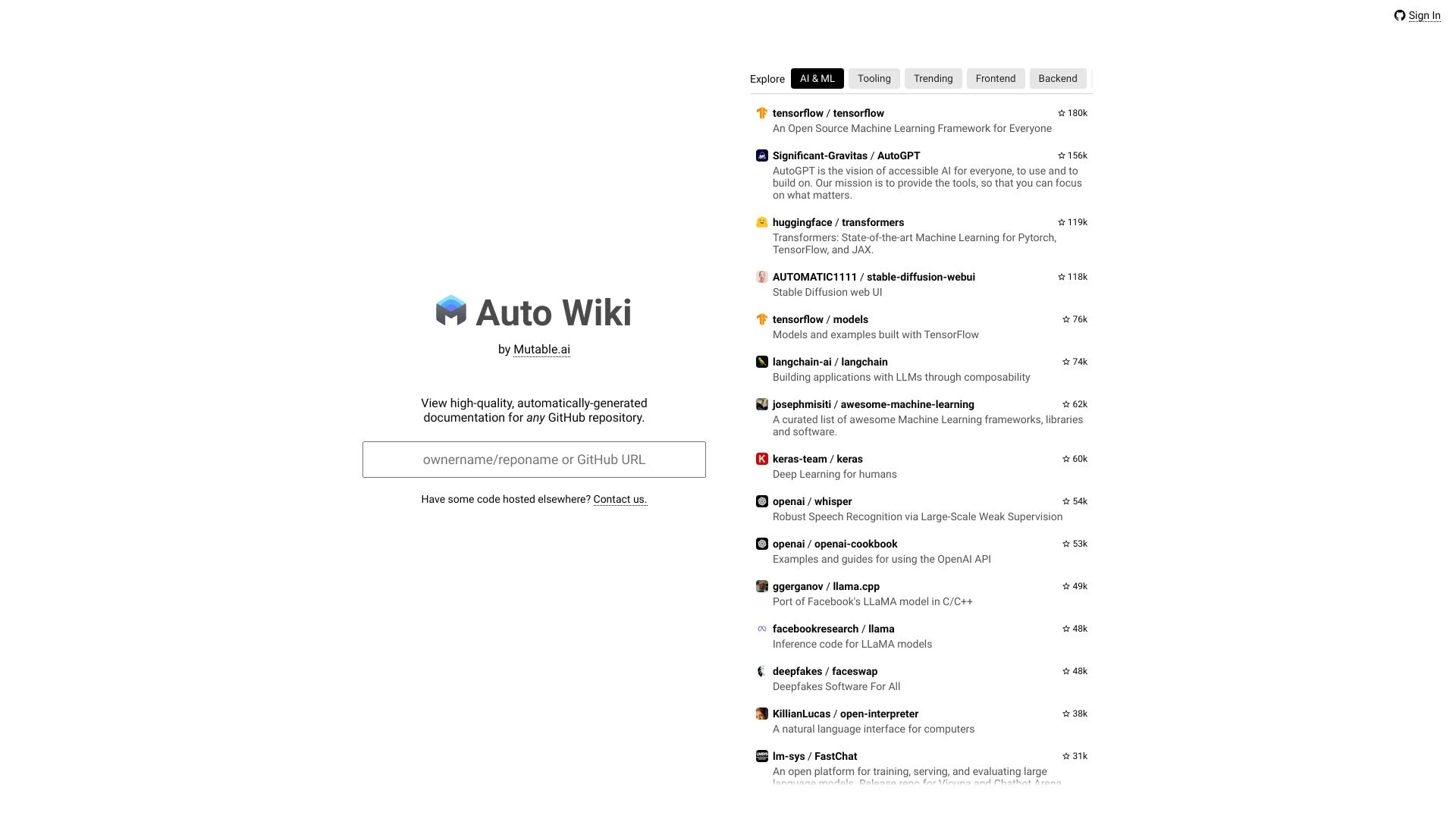
Mutable.ai Auto Wiki leverages AI to convert your codebase into well-structured Wikipedia-style articles, offering a powerful documentation solution.
- AI-generated documentation
- powerful citations system
- clickable code references
AI Analysis
Why use this AI Mutable.ai Auto Wiki for Write Code Documentation?
Practical Workflows
Don't just buy tools—build a system. Here are 3 proven ways to integrate AI into your write code documentation process.
Workflow 1: Complete beginner achieves first successful Write Code Documentation task
- Identify the target code module and its public API to document, including functions, parameters, return types, and examples.
- Input the module details into the AI tool and request a baseline API reference with concise descriptions and usage examples.
- Review AI output for accuracy, add minor edits for project-specific terminology, and export as Markdown or reStructuredText.
Workflow 2: Regular user optimizes daily Write Code Documentation work
- Create a documentation template for the project’s language and framework, including sections like Overview, Quick Start, API, and Examples.
- Set up automated doc generation triggers from code changes (e.g., commit hooks) and configure AI to update only changed sections.
- Run a quality pass: compare AI-generated docs with existing references, fix inconsistencies, and publish to the docs portal.
Workflow 3: Power user achieves full Write Code Documentation automation
- Integrate AI into CI/CD to generate API docs on each release, including changelogs and migration notes.
- Define strict style guides and semantic checks for naming, parameter descriptions, and example correctness.
- Automate review workflows with AI-assisted QA, then auto-merge documentation updates to the docs site.
Effective Prompts for Write Code Documentation
Copy and customize these proven prompts to get better results from your AI tools.
Beginner: Simple task, clear output
Write a concise API reference for the module my_module.py that exposes functions: add(a, b), subtract(a, b). Include parameter names, types, return values, and a basic usage example. Output in Markdown.Advanced: Role + context + constraints + format
You are a senior software engineer. Create a thorough API documentation section for the Python package my_package, focusing on the public classes and methods in submodule.core. Include class diagrams as ASCII, parameter details with types, return values, exceptions, and an example usage in reStructuredText. Adhere to Google-style docstrings.Analysis: Evaluate/compare/optimize outputs
Given two generated API docs for package analytics, compare accuracy, missing edge cases, and tone. Provide a ranked list of improvements and a revised version that fixes the top three issues, with changes clearly highlighted.
What is Write Code Documentation AI?
Write Code Documentation AI defines tools and workflows that automatically generate and maintain documentation for software codebases. It targets developers and technical writers, helping them produce API references, inline docs, and usage examples with accuracy and consistency.
Benefits of Using AI for Write Code Documentation
- Faster generation of API references and examples
- Consistency across modules and languages
- Automated updates on code changes
- Improved accuracy with validation against source code
- Lower maintenance burden for large projects
How to Choose the Right Write Code Documentation AI
- Language and framework compatibility
- Support for code-aware prompts and inlining
- Integration with CI/CD and docs portals
- Quality controls: reviews, style guides, and validation
- Pricing, scalability, and free trial availability
Best Practices for Implementing Write Code Documentation AI
- Define a clear documentation template early
- Use AI for first drafts, human editors for final polish
- Automate continuous updates with change detection
- Incorporate code examples and deprecation notes
- Regularly audit AI outputs against the codebase
AI for Write Code Documentation: Key Statistics
AI-assisted Write Code Documentation adoption grew 72% in 2025 among mid-to-large teams targeting API-heavy projects.
92% of developers report faster doc updates when CI-integrated AI tooling is enabled.
Average time to generate initial API docs dropped from 6 hours to 1.5 hours per module with AI assistance.
80% of teams use AI-generated snippets as a base and perform human review for critical sections.
40% reduction in documentation-related support tickets after adopting AI-driven documentation pipelines.
By 2026, 63% of new projects plan to rely on AI for baseline code documentation from inception.
Frequently Asked Questions
Get answers to the most common questions about using AI tools for write code documentation .
Write Code Documentation AI refers to AI-powered tools that generate, refine, and maintain documentation for codebases, including API references, usage examples, and inline docs, tailored to developers and technical audiences.
Begin by selecting an AI tool that supports code doc generation, provide the codebase or API surface, establish documentation templates, and run a test to compare output against your internal docs before integrating into workflows.
Auto-generated documentation accelerates coverage and consistency, while human edits ensure accuracy, project-specific terminology, and alignment with brand voice; use a hybrid approach with automated generation followed by targeted reviews.
Inaccuracies can arise from outdated code, missing context like deprecations, or misconfigured prompts. Re-sync the AI with the latest code, tighten prompts, and implement automated validation against source code.
Related AI Tool Categories
Explore other AI tool categories similar to Write Code Documentation that might interest you.
AI Code Assistant
AI Code Assistants leverage machine learning to enhance software development by providing intelligent code suggestions,...
AI Repurpose Assistant
The AI Repurpose Assistant employs advanced algorithms to transform content across formats, enhancing creativity and eff...
AI Developer Documentation
AI Developer Documentation provides essential guidelines for creating, integrating, and maintaining AI systems. It enhan...
AI Developer Tools
AI Developer Tools empower developers to create intelligent applications by providing libraries, APIs, and frameworks. F...
AI Code Refactoring
AI Code Refactoring enhances traditional code refactoring by automating the optimization process, improving code quality...
AI Roadmap Generator
The AI Roadmap Generator leverages AI to create tailored strategies for implementing AI solutions across industries. By...