Recommended AI Tools
5We've analyzed the market. These tools offer specific features for write & debug sql queries.
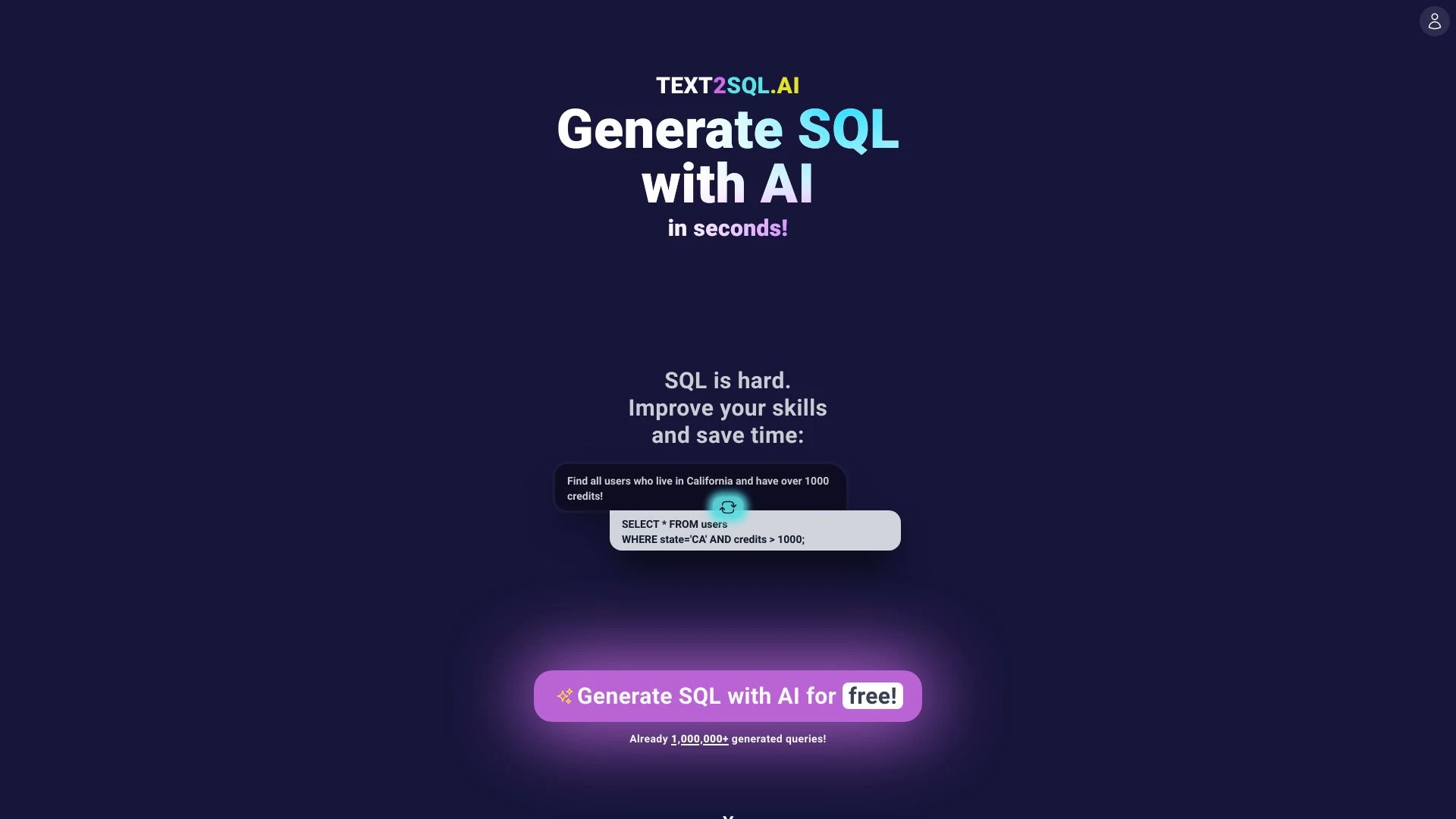
Text2SQL.AI
Text2SQL.AI simplifies SQL query generation by converting English prompts into executable SQL commands, catering to both newcomers and experienced use...
- AI-driven SQL query generation
- Custom database schema support
- Explanation and optimization of SQL queries
AI Analysis
Why use this AI Text2SQL.AI for Write & Debug Sql Queries?
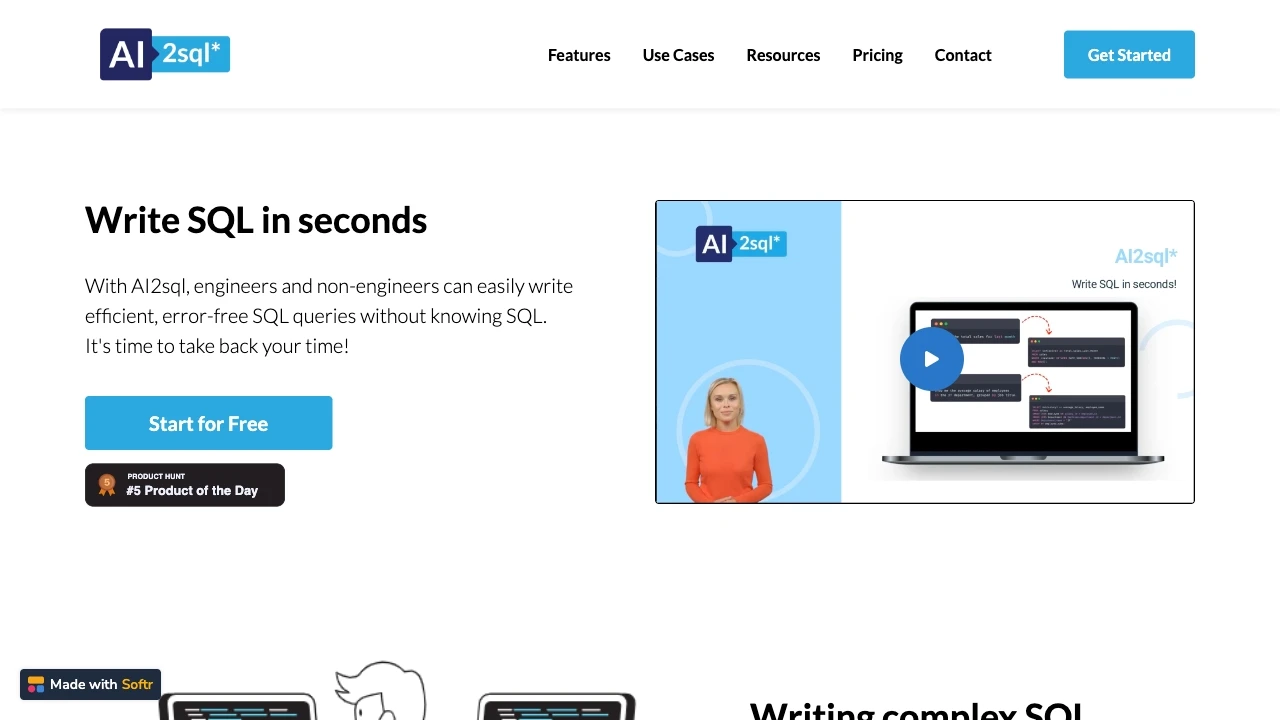
AI2sql
AI2sql simplifies SQL query creation by generating statements based on user inputs, perfect for non-SQL users.
- AI-powered SQL query builder
- Integrations with major databases
- Chrome Extension
AI Analysis
Why use this AI AI2sql for Write & Debug Sql Queries?
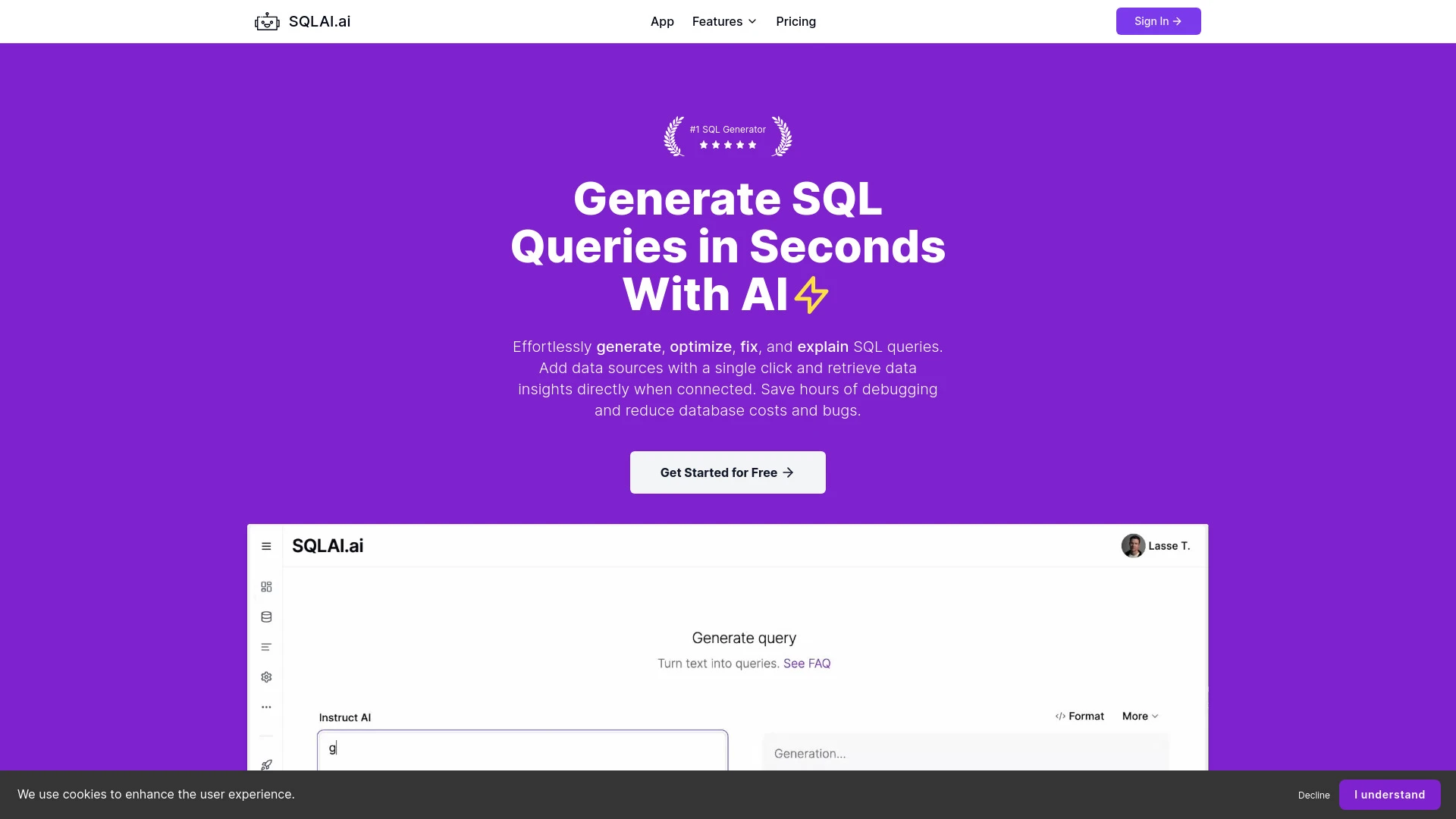
SQLAI.ai
SQLAI.ai is an innovative AI-driven platform designed to simplify SQL query generation, optimization, and explanation, enhancing productivity and savi...
- AI-generated SQL query creation
- Optimization of SQL queries for enhanced performance
- Syntax error correction for better accuracy
AI Analysis
Why use this AI SQLAI.ai for Write & Debug Sql Queries?
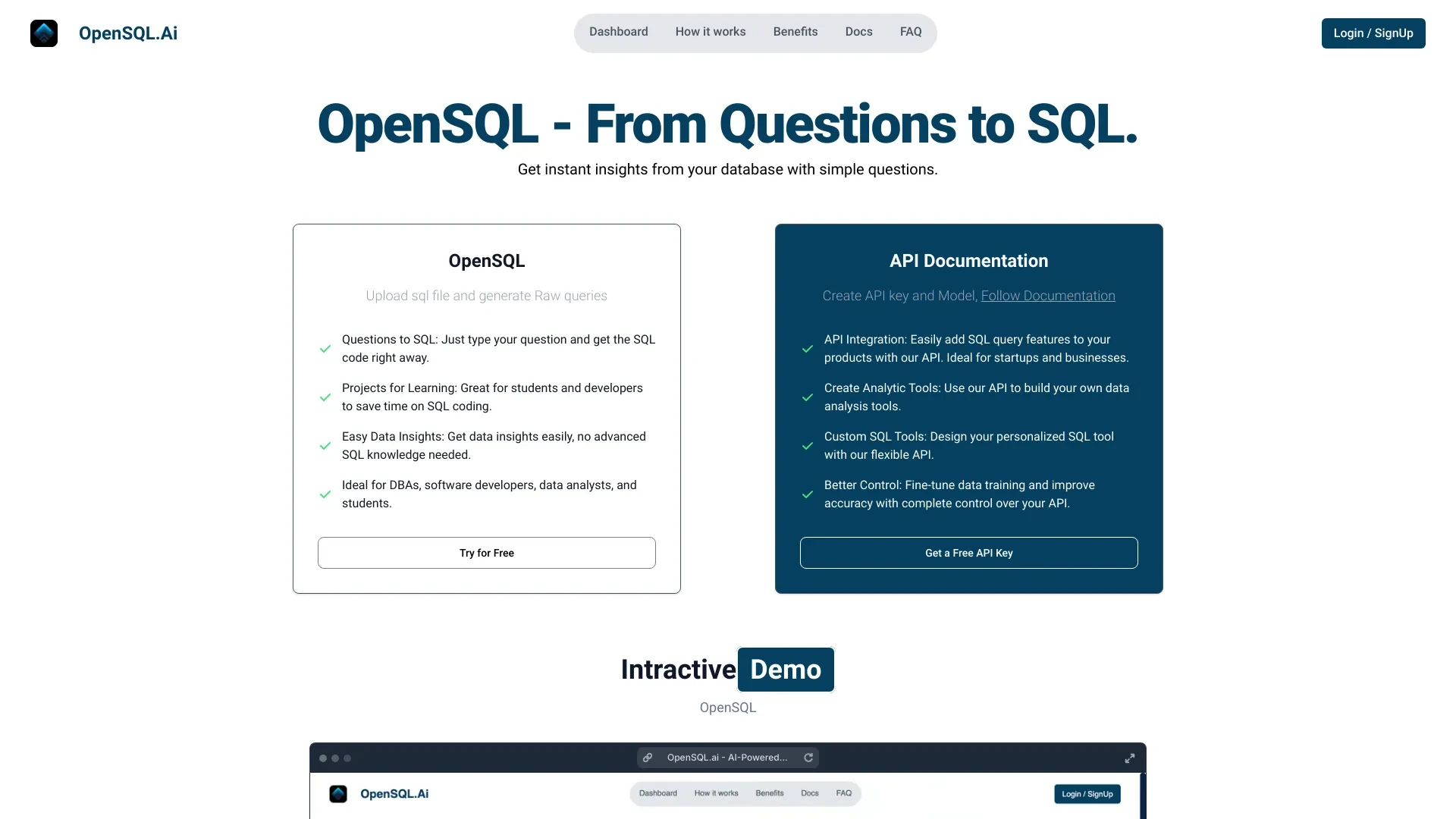
OpenSQL.ai
OpenSQL.ai is an AI-driven tool that enables users to convert natural language questions into SQL queries instantly.
- Conversational SQL tool
- Interactive SQL generation
- AI database assistant
AI Analysis
Why use this AI OpenSQL.ai for Write & Debug Sql Queries?
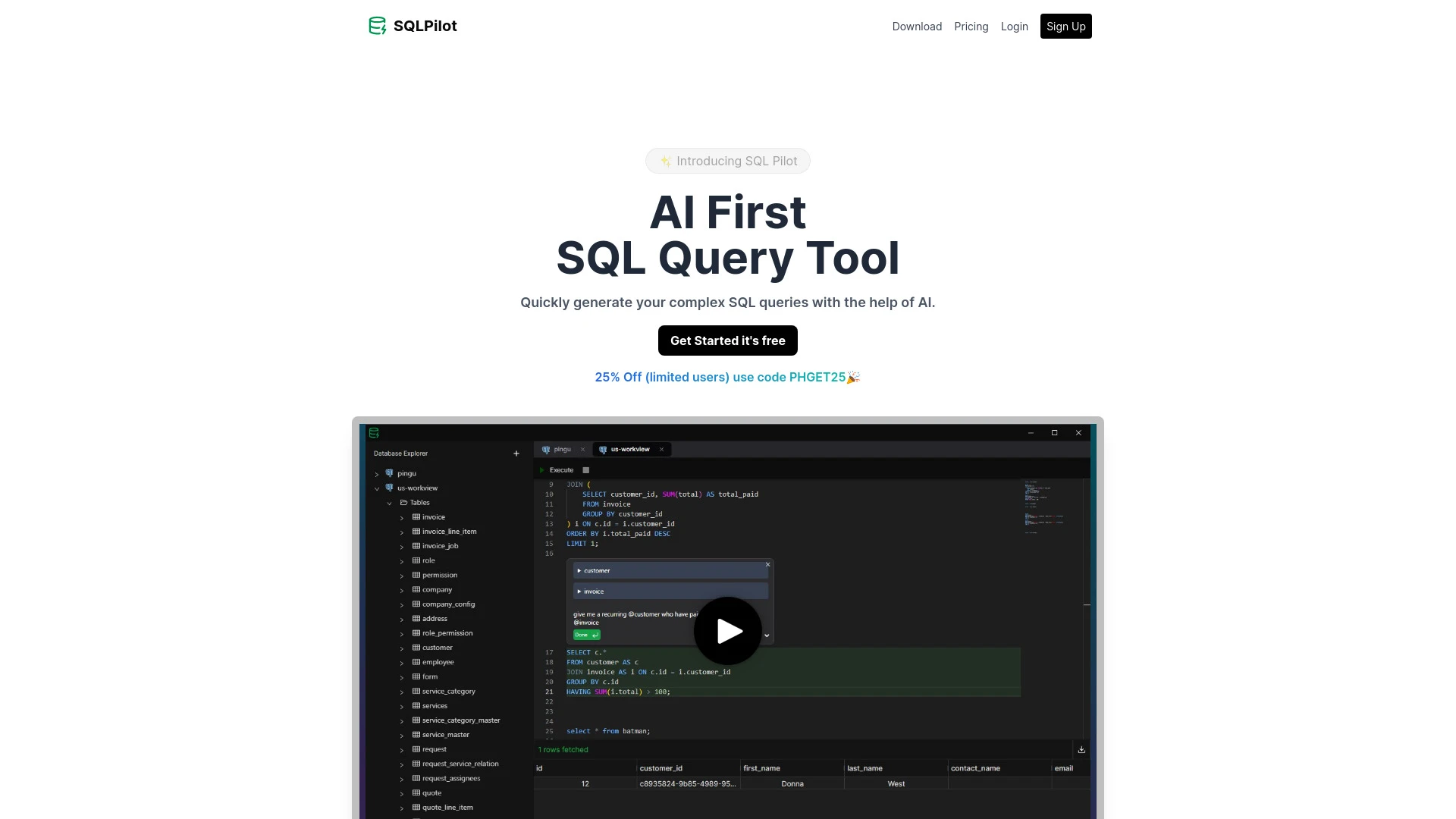
SQLPilot
SQLPilot is an AI-driven SQL editor that simplifies complex query creation with natural language processing.
- Natural language SQL query input
- AI-assisted query generation
- Support for various GPT models
AI Analysis
Why use this AI SQLPilot for Write & Debug Sql Queries?
Practical Workflows
Don't just buy tools—build a system. Here are 3 proven ways to integrate AI into your write & debug sql queries process.
Workflow 1 — Complete beginner: Achieve first successful Write & Debug Sql Queries task
- Identify a simple SELECT task and connect your SQL environment to the AI tool for context.
- Provide the table schema and sample data; prompt the AI to generate a basic SELECT with WHERE filters.
- Run the query, validate results against expected output, and iteratively refine with targeted prompts to fix syntax or logic.
Workflow 2 — Regular user: Optimize daily Write & Debug Sql Queries work
- Create a reusable prompt template for common tasks (JOINs, subqueries, and aggregations) and save it in your AI tool.
- Feed real-world pain points (slow queries, nested subqueries) and request optimized execution plans or rewritten queries.
- Benchmark query performance, apply indexing or hints as suggested, and document improvements in a shared workflow.
Workflow 3 — Power user: Full Write & Debug Sql Queries automation
- Define end-to-end tasks (data extraction, transformation, validation) and map to AI-assisted SQL scripts.
- Incorporate constraints (security, permissions, data masking) into prompts to ensure safe outputs.
- Automate generation, testing, and rollback prompts to maintain query integrity across environments.
Effective Prompts for Write & Debug Sql Queries
Copy and customize these proven prompts to get better results from your AI tools.
Beginner
You are a SQL assistant. Given a table schema and sample data, write a simple SELECT statement to return customers who placed orders in the last 30 days. Include only id, name, and order_date. Provide only the query.Advanced
Role: Senior SQL Engineer. Context: Complex analytics requiring multiple joins and window functions. Task: Generate an optimized query to compute monthly active users, including user_id, last_login, and total_purchases, from tables users, logins, and purchases. Constraints: Use PostgreSQL syntax, include appropriate indexes suggestions, and present the final query with comments outlining logic.Analysis
You are evaluating two AI-generated SQL outputs for a given report. Compare correctness, performance, and readability. Provide a brief verdict with recommended improvements and a rewritten, optimized version if needed.
What Write & Debug Sql Queries AI Is and Who It’s For
Write & Debug Sql Queries AI refers to AI-powered tools that assist professionals in constructing, validating, and optimizing SQL queries. It’s ideal for developers, data analysts, and teams that routinely write complex SQL, starting from beginners to power users who need reliable automation and error detection.
Benefits of Using AI for Write & Debug Sql Queries
- Faster query generation with accurate syntax tailored to your DB engine (PostgreSQL, MySQL, SQL Server, Oracle).
- Automated debugging that catches syntax errors and logical flaws before execution.
- Performance optimizations including indexing recommendations and query rewrites.
- Reusable prompt templates to standardize workflows for consistent results.
- Safer outputs with built-in data masking and permission-aware prompts.
How to Choose the Best Write & Debug Sql Queries AI Tool
- Database compatibility: ensure support for your DB engine and version.
- Contextual awareness: look for schema inference and data sample incorporation.
- Query optimization features: access to explain plans, indexing hints, and rewrite suggestions.
- Workflow automation: ability to save prompts, integrate with ETL pipelines, and schedule runs.
- Security and governance: data handling, masking, and role-based access controls.
Best Practices for Implementing Write & Debug Sql Queries AI
- Start with small, testable queries to validate AI behavior before scaling.
- Provide complete schema and sample data for accurate results.
- Use versioned prompts and maintain a changelog of AI-derived changes to queries.
- Always review AI outputs for business logic and edge cases.
- Establish monitoring to detect drift and performance regressions in AI-generated queries.
AI for Write & Debug Sql Queries: Key Statistics
Global adoption of Write & Debug Sql Queries AI tools grew 42% in 2025 with 28% expected growth in 2026.
69% of teams report 2x speed in writing/debugging SQL queries using AI assistants.
Average time to generate a production-ready query dropped from 42 minutes to 12 minutes with AI prompts.
30% of organizations implemented data masking integrated into AI-driven SQL generation for security.
Top benefits cited: improved accuracy (78%), faster iteration (72%), and easier onboarding for beginners (54%).
Among beginners using AI for Write & Debug Sql Queries, 64% reached a first working query within an hour.
Frequently Asked Questions
Get answers to the most common questions about using AI tools for write & debug sql queries .
Write & Debug Sql Queries AI is a specialized AI workflow that assists in composing, debugging, and optimizing SQL queries. It interprets schema, data relationships, and business rules to generate correct syntax, identify logical errors, and suggest performance improvements.
Start by connecting your database schema to the AI tool, provide sample data and the target result, and use concrete prompts for SELECT, JOIN, and WHERE conditions. Validate outputs, iterate with smaller, testable changes, and gradually scale to complex queries.
Paid AI tools generally offer stronger integration, better performance, and more robust debugging features for Write & Debug Sql Queries, but free options can be effective for simple tasks. Evaluate based on reliability, security, and support for your database engines.
Common issues include incomplete schema context, ambiguous requirements, or missing data constraints. Provide explicit table schemas, sample data, and expected outputs; narrow prompts; and run isolated tests to pinpoint where the mismatch occurs.
Related AI Tool Categories
Explore other AI tool categories similar to Write & Debug Sql Queries that might interest you.
AI Email Assistant
An AI Email Assistant automates email management, enhancing productivity and communication. It uses natural language pro...
AI Productivity Tools
AI productivity tools enhance efficiency by automating repetitive tasks, analyzing data, and facilitating decision-makin...
AI Email Writer
The AI Email Writer leverages natural language processing to craft personalized, coherent emails efficiently. Applicatio...
AI Developer Tools
AI Developer Tools empower developers to create intelligent applications by providing libraries, APIs, and frameworks. F...
AI SQL Query Builder
The AI SQL Query Builder leverages artificial intelligence to simplify and enhance SQL query creation. By using natural...