Recommended AI Tools
5We've analyzed the market. These tools offer specific features for write video scripts.

VideoGen is an AI-powered video generator that allows users to create videos quickly and effortlessly.
- AI-powered video generation
- Text-to-speech functionality with realistic voices
- Fast and user-friendly video editing interface
AI Analysis
Why use this AI VideoGen - AI Video Generator for Write Video Scripts?
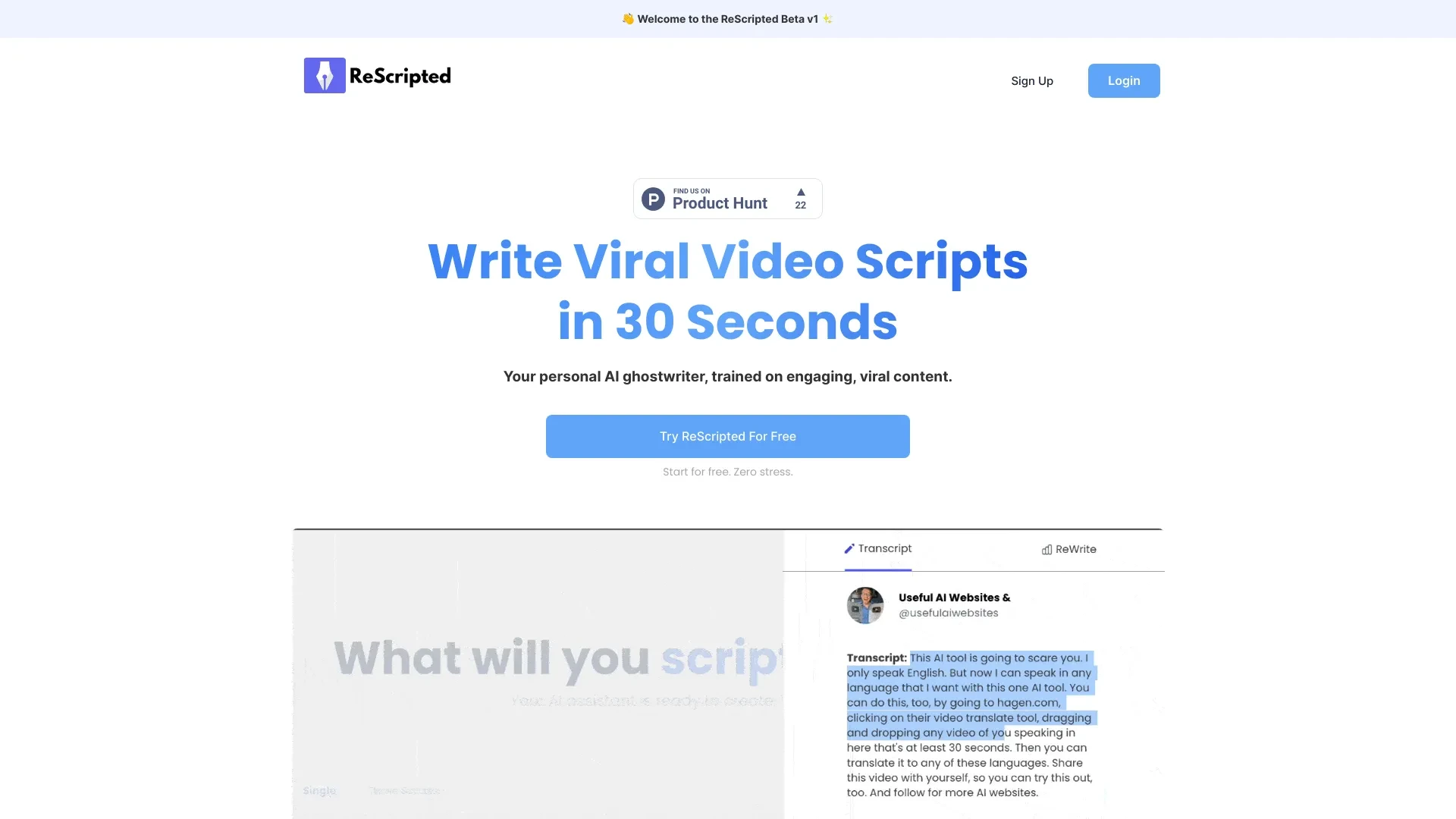
ReScripted.ai
ReScripted.ai is your AI-powered ghostwriter designed to generate viral video scripts from your ideas or links swiftly.
- AI Ghost Writer
- Content Inspiration from Top Creators
- Short-Form Script Generation
AI Analysis
Why use this AI ReScripted.ai for Write Video Scripts?

Screenwriting.AI
Screenwriting.AI harnesses AI technology to assist screenwriters in crafting compelling scripts, whether for films or TV shows.
- AI-generated plot ideas
- Character development tools
- Dialogue improvement suggestions
AI Analysis
Why use this AI Screenwriting.AI for Write Video Scripts?
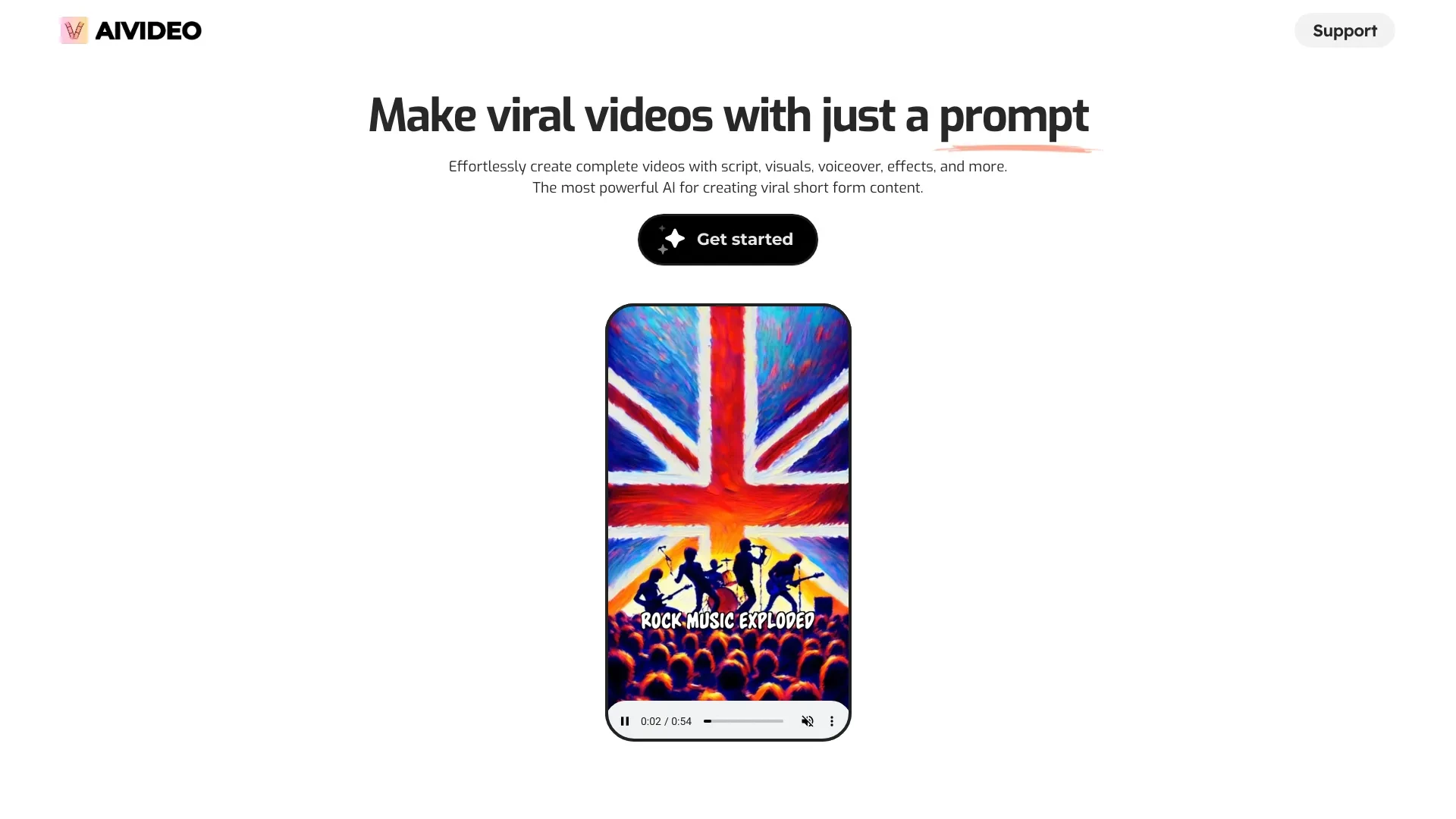
AIVideo
AIVideo is an innovative platform that harnesses AI to produce videos effortlessly, from scripts to visuals.
- Auto-generate scripts
- Voiceover production
- Visual and animation generation
AI Analysis
Why use this AI AIVideo for Write Video Scripts?

Content Studio AI streamlines video creation with personalized scripts and social media integration.
- Automated video creation
- Script customization
- Social media integration
AI Analysis
Why use this AI Content Studio AI for Write Video Scripts?
Practical Workflows
Don't just buy tools—build a system. Here are 3 proven ways to integrate AI into your write video scripts process.
Workflow 1: Create your first complete Write Video Script (Beginner)
- Define the video length and target platform (YouTube, Reels, or long-form) to tailor pacing.
- Input a clear topic, audience persona, and desired tone into the AI tool for an outline.
- Generate a 60-90 second script with an intro, 2-3 key points, and a call-to-action, then revise for natural flow.
- Export the final script with timestamp cues and suggest stock footage or visuals.
Workflow 2: Optimize daily Write Video Scripts workflow (Regular user)
- Create a reusable script template (hook, value props, CTA) and save as a preset.
- Batch generate multiple video scripts from a single topic by varying tone and length presets.
- Use AI to perform tone checks, readability scoring, and pacing adjustments for publication deadlines.
- Review, edit for brand voice, and publish with auto-generated video captions.
Workflow 3: Achieve full automation for Write Video Scripts (Power user)
- Integrate the AI tool with your content calendar to auto-create weekly scripts from topic briefs.
- Configure constraints (word count, SEO keywords, timestamp structure) per video.
- Run a single-click generation of scripts plus thumbnail and description suggestions.
- Schedule automated revisions based on audience feedback and analytics data.
Effective Prompts for Write Video Scripts
Copy and customize these proven prompts to get better results from your AI tools.
Beginner: Simple Write Video Script task
Topic: How to edit Instagram Reels for maximum engagement. Audience: Beginners, 18-34. Length: 60 seconds. Tone: friendly, concise. Output format: 1) Hook (0-5s), 2) Body (5-45s), 3) CTA (45-60s).Advanced: Role + context + constraints + format
Role: Scriptwriter for a tech channel. Context: Launch video for a product with 2-minute length. Constraints: include 3 key features, compare to an alternative, end with a strong CTA. Format: 4 sections — Hook, Problem, Solution, Call-to-Action. Brand voice: authoritative yet approachable.Analysis: Evaluate/optimize Write Video Scripts outputs
Input: Draft script for a 90-second tutorial. Task: rate clarity, audience match, SEO alignment; provide 2 revision options focusing on hook optimization and CTA strength.
What is Write Video Scripts AI?
Write Video Scripts AI refers to AI-powered tools designed to craft, structure, and optimize video scripts. It helps creators outline, draft, and polish scripts with consistent tone and pacing, making it suitable for marketers, educators, and content teams.
Who it's for: marketing teams, video producers, content creators, and beginners exploring AI-assisted scripting.
Benefits of AI for Write Video Scripts
- Faster script drafting with consistent structure and pacing.
- Brand-consistent tone and voice across videos.
- SEO-friendly scripts with platform-tailored formatting.
- Drafts for multiple lengths and styles from one topic.
- Accessibility improvements via auto-generated captions and descriptions.
How to Choose the Right Write Video Scripts AI Tool
- Define your primary use: short-form hooks vs. long-form tutorials.
- Check output quality: coherence, tone, and readability scores.
- Look for template support, tone presets, and brand voice preservation.
- Assess integration: calendar, CMS, and video editing workflows.
- Evaluate cost vs. throughput, including free Write Video Scripts AI trials.
Best Practices for Implementing Write Video Scripts AI
- Provide clear prompts with audience, goal, and length specs.
- Review AI outputs for factual accuracy and brand alignment.
- Use AI drafts as starting points, not final authority.
- A/B test script variants to optimize engagement.
- Regularly update prompts to reflect evolving topics and platform formats.
AI for Write Video Scripts: Key Statistics
AI-assisted scripting adoption rose from 28% in 2024 to 64% in 2026 among mid-market video teams.
Companies reporting time-to-publish reductions of 40-60% after adopting Write Video Scripts AI tools.
Average script quality score improvement of 18% after AI-assisted editing and tone calibration.
50% of creators use AI to generate multi-length scripts from a single topic in 2026.
Free Write Video Scripts AI trials increased user onboarding by 32% year over year.
Top 3 reasons users choose AI scripting: speed, consistency, and scalable content generation.
Frequently Asked Questions
Get answers to the most common questions about using AI tools for write video scripts .
Write Video Scripts AI is a set of AI-powered tools designed to draft, structure, and optimize video scripts. It helps create engaging intros, coherent flow, and compelling CTAs tailored to your audience, reducing manual writing time.
Start by outlining your video’s goal, length, and audience. Choose a Write Video Scripts AI tool, input topic details, select tone and length, and generate a draft. Review, edit for brand voice, and export with timestamps and captions.
AI can accelerate drafting and ensure consistency, while manual editing preserves nuanced brand voice. The best approach combines AI-generated drafts with human refinement to maintain originality and accuracy.
Common issues include vague prompts, insufficient context, or mismatched target length. Provide clear topic, audience, tone, length, and key points. Use prompts that specify sections (hook, value, CTA) to improve coherence.
Related AI Tool Categories
Explore other AI tool categories similar to Write Video Scripts that might interest you.
AI Video Generator
AI Video Generators utilize algorithms to create videos from text, images, or audio, enhancing content creation. Applica...
AI Video Editor
AI Video Editors leverage machine learning algorithms to automate video editing tasks, enhancing efficiency and creativi...
AI Personalized Video Generator
The AI Personalized Video Generator leverages AI algorithms to create tailored video content for users, analyzing prefer...
AI Script Writing
AI script writing leverages natural language processing to generate dialogues, plot outlines, and character development,...
AI User-Generated Content Video Generator
The AI User-Generated Content Video Generator leverages artificial intelligence to automate video creation from user inp...
AI Music Video Generator
AI Music Video Generators leverage machine learning to create visuals that sync with music, enhancing creativity and acc...