Recommended AI Tools
5We've analyzed the market. These tools offer specific features for design mood boards.
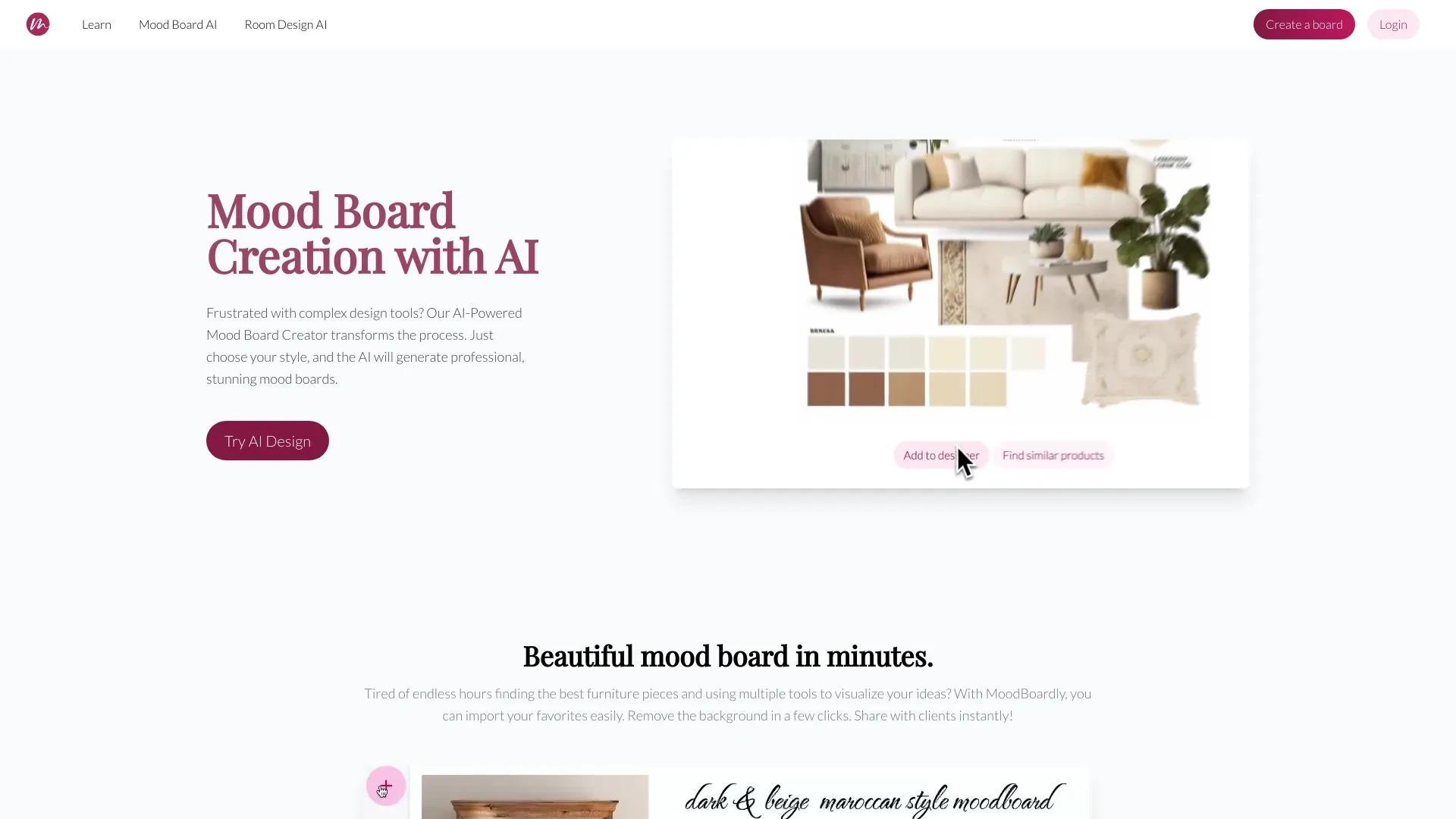
MoodBoardly
MoodBoardly is an AI-driven tool that simplifies the creation of visually appealing mood boards for various applications, including interior design an...
- AI-powered mood board creation
- Customization of mood boards
- One-click background removal
AI Analysis
Why use this AI MoodBoardly for Design Mood Boards?
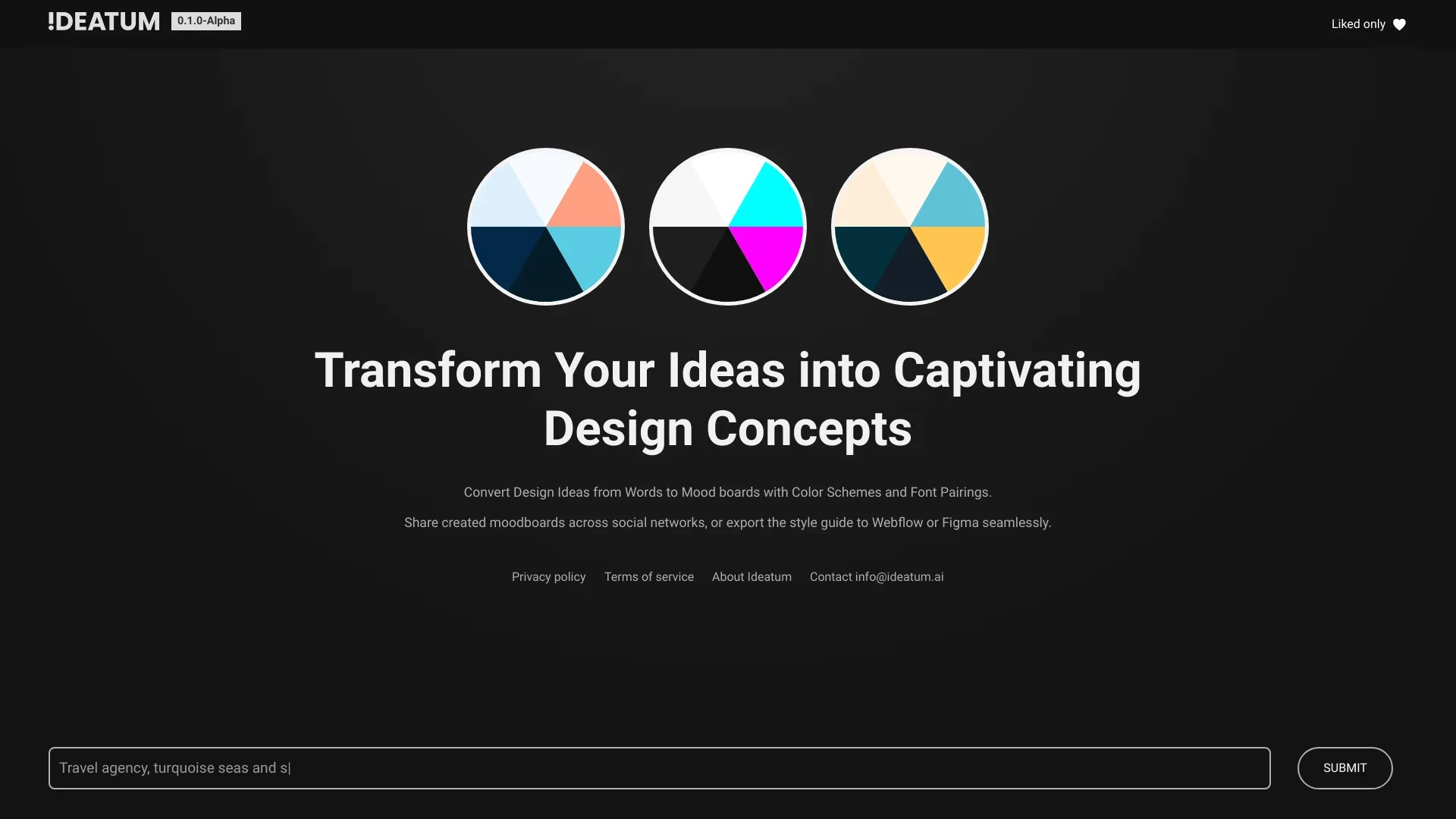
Ideatum.ai
Ideatum.ai is an AI-driven design assistant that converts text prompts into aesthetic design elements like color palettes and moodboards.
- Color Scheme Generator
- Font Pairing Tool
- User Interface Design
AI Analysis
Why use this AI Ideatum.ai for Design Mood Boards?

Designly AI
Designly AI is an intelligent web design idea generator that streamlines the creation of unique website designs.
- AI-driven website design creation
- Customizable design templates
- Effortless generation of unique concepts
AI Analysis
Why use this AI Designly AI for Design Mood Boards?
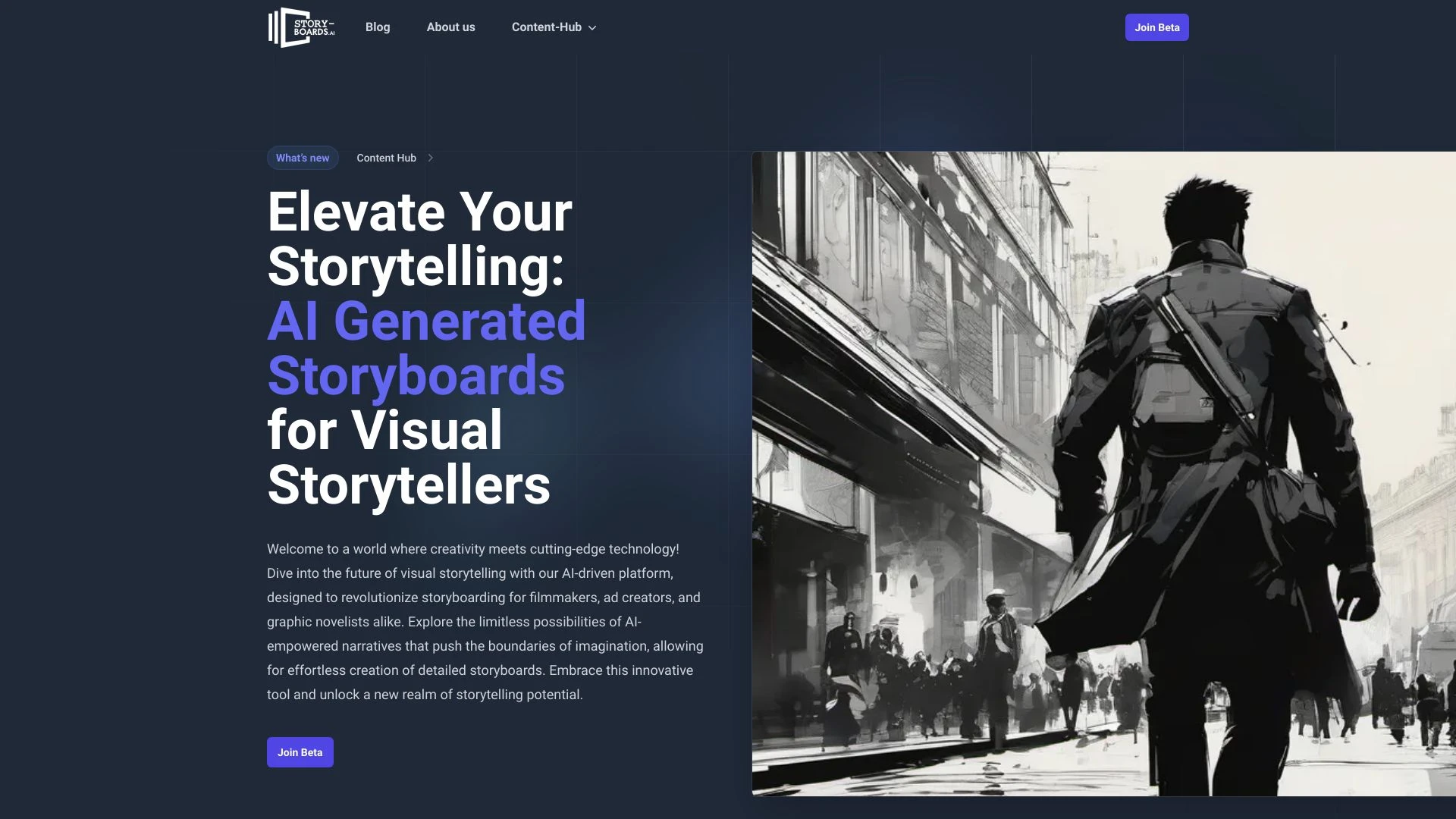
story-boards.ai
story-boards.ai is an AI-based tool that generates storyboards, empowering users to visually represent their narratives and effectively pitch creative...
- Automated Storyboarding
- AI Storyboard Generation
- Customizable Visuals
AI Analysis
Why use this AI story-boards.ai for Design Mood Boards?

MoodZ.ai
MoodZ.ai is an AI-driven platform designed for rapid creation of architectural and interior designs.
- Sketch to Image conversion
- Image Editing tools
- Image Upscaling for better quality
AI Analysis
Why use this AI MoodZ.ai for Design Mood Boards?
Practical Workflows
Don't just buy tools—build a system. Here are 3 proven ways to integrate AI into your design mood boards process.
Workflow 1: Create your first cohesive Design Mood Board
- Define the project mood (brand voice, target audience, and cultural cues) using a simple briefing template.
- Import 5-8 reference images and upload color values; use the AI mood board tool to generate a unified palette.
- Arrange a starter grid with typography, textures, and imagery; export a shareable board as a PDF or link.
Workflow 2: Optimize daily Design Mood Boards workflow
- Set up recurring projects with templates (color schemes, layout grids, and asset folders) in your AI tool.
- Automatically generate 3 variant mood boards from a single brief; compare side-by-side using the built-in comparator.
- Annotate and approve: tag stakeholders, export specs (HEX/CMYK) and create a design brief from the board.
Workflow 3: Fully automate Design Mood Boards for large campaigns
- Create a master mood framework (themes, visual language, and accessibility checks) in the AI tool.
- Ingest campaign assets (images, fonts, logos); let AI assemble multiple mood boards per channel (social, web, print).
- Schedule automated updates, versioning, and stakeholder reviews with notifications and centralized comments.
Effective Prompts for Design Mood Boards
Copy and customize these proven prompts to get better results from your AI tools.
Beginner
Create a Design Mood Board for a sustainable fashion brand. Include a cohesive color palette (5 colors), 3 font pairings, 8 lifestyle imagery, and layout options suitable for social posts. Output as a shareable board with HEX codes and font names.Advanced
Act as a Design Mood Board Lead. Given a brand brief: audience, tone, and campaign goal, generate 4 mood board variants. For each, specify color hierarchy, typography system, imagery style, and layout grid. Provide rationale and export-ready assets list.Analysis
Evaluate three Design Mood Boards for consistency with brand guidelines. Assess color harmony (Pantone/HEX), typography contrast, image mood, and accessibility. Provide a score and concrete improvement recommendations.
What is Design Mood Boards AI?
Design Mood Boards AI is specialized software that automatically curates visuals, color palettes, typography, and layout directions to create cohesive mood boards for design projects. It helps teams align on style, accelerate briefing, and ensure consistency across campaigns. Ideal for designers, brand managers, and marketing teams seeking quick, scalable mood-boarding solutions.
Benefits of using AI for Design Mood Boards
- Speed: generate multiple mood board options in minutes
- Consistency: enforce brand color, typography, and imagery rules
- Collaboration: shareable boards with annotations for stakeholders
- Accessibility: include contrast checks and accessible palettes
- Scalability: adapt mood boards for campaigns across channels
How to choose the best AI tools for Design Mood Boards
- Alignment with workflow: integrates with your design suite
- Template versatility: supports multiple themes and layouts
- Output formats: exportable assets, shareable links, and brand specs
- Ease of use: beginner-friendly interfaces and helpful prompts
- Pricing and trials: free plans or trials to validate value
Best practices for implementing Design Mood Boards AI
- Start with a clear brief: audience, mood, and constraints
- Use a consistent asset library to train style guidance
- Validate outputs with design leads before finalizing
- Document decisions and version mood boards for future reference
- Balance automation with human oversight to maintain creativity
AI for Design Mood Boards: Key Statistics
38% of design teams adopted Design Mood Boards AI tools in 2025, projected to 62% by end of 2026
Average time to produce a polished mood board reduced from 2 hours to 18 minutes with AI assistance
78% of users report improved cross-team alignment after using mood board AI
Top Design Mood Boards AI tools offer 5- to 7-day free trials for onboarding
40% of campaigns using AI mood boards saw a 15% faster time-to-market
AI-driven color harmony and typography suggestions improve visual consistency by 28%
Frequently Asked Questions
Get answers to the most common questions about using AI tools for design mood boards .
Design Mood Boards AI refers to software that automatically curates and aligns imagery, color palettes, typography, and layout ideas to create cohesive mood boards that guide design projects. It’s for designers, marketers, and teams needing quick, consistent visual direction.
Start with a simple brief, choose a beginner-friendly tool, upload 3-5 reference images, and let the AI generate a mood board. Refine colors and typography, then export a shareable board to review with your team.
For cohesive workflows, integrated suites offer seamless asset syncing and version control, while standalone mood board tools can be faster for quick explorations. Consider your team size, preferred workflows, and file formats when choosing.
Common issues include vague briefs, insufficient reference material, or misconfigured style settings. Improve results by adding clear descriptors, a larger set of visuals, and explicit typography and layout constraints.
Related AI Tool Categories
Explore other AI tool categories similar to Design Mood Boards that might interest you.
AI Mind Mapping
AI Mind Mapping leverages artificial intelligence to enhance the process of brainstorming and organizing ideas visually....
AI Interior & Room Design
AI Interior & Room Design utilizes algorithms to create optimized living spaces tailored to user preferences. Tools like...
AI Ad Creative Assistant
The AI Ad Creative Assistant leverages machine learning to generate tailored ad content, optimizing messaging for target...
AI Logo Generator
AI Logo Generators utilize machine learning algorithms to create unique logos based on user input and design trends. The...
AI Story Writing
AI story writing utilizes algorithms and natural language processing to generate narratives, enhancing creativity and ef...
AI Graphic Design
AI graphic design leverages algorithms to assist in creating visuals, automating tasks like layout generation and color...