Recommended AI Tools
5We've analyzed the market. These tools offer specific features for automate receipt scanning.
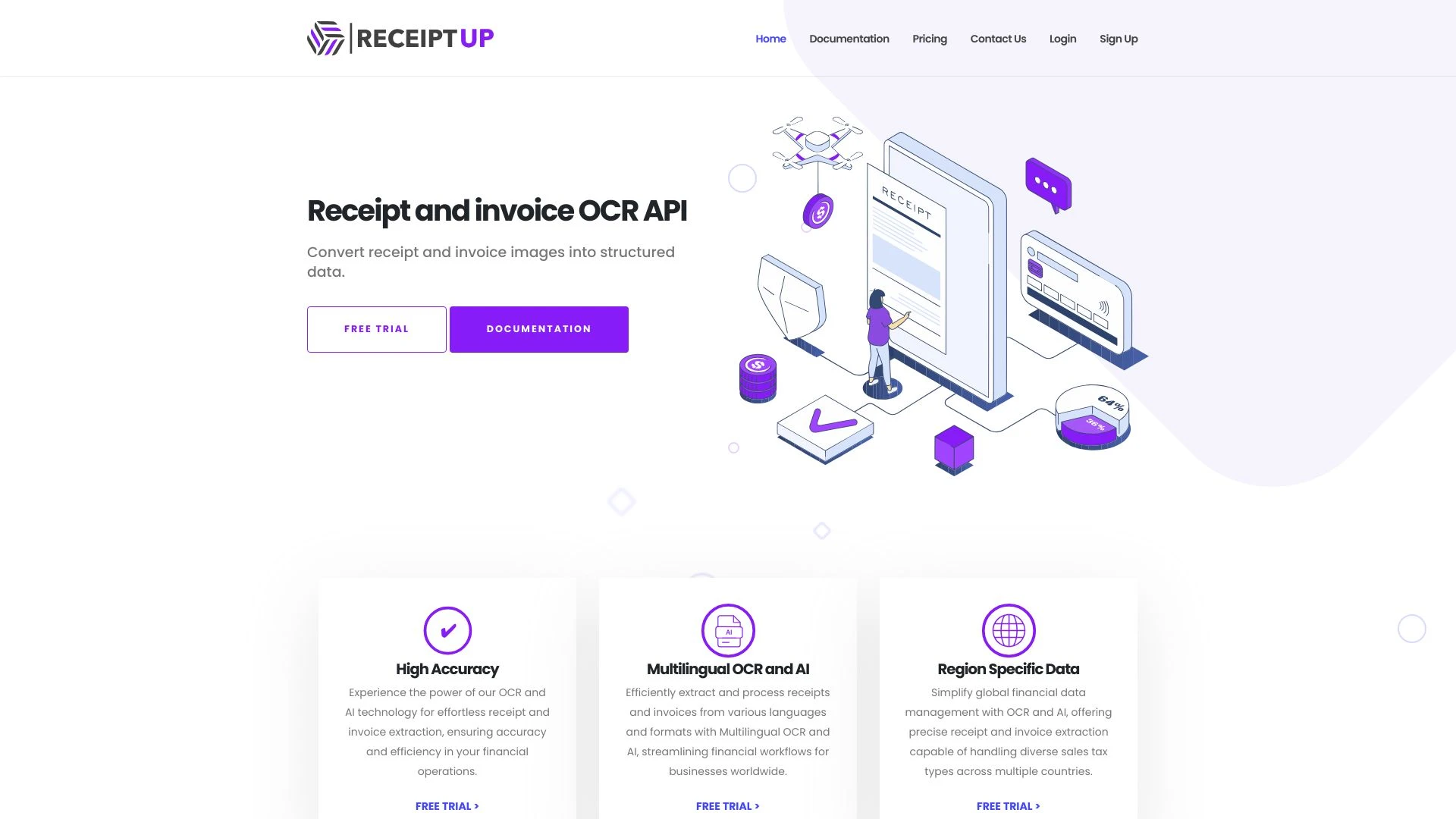
ReceiptUp
ReceiptUp is a cutting-edge OCR API that enhances receipt management by delivering rapid and precise data extraction.
- Multilingual support
- Highly accurate OCR technology
- Supports multiple formats
AI Analysis
Why use this AI ReceiptUp for Automate Receipt Scanning?
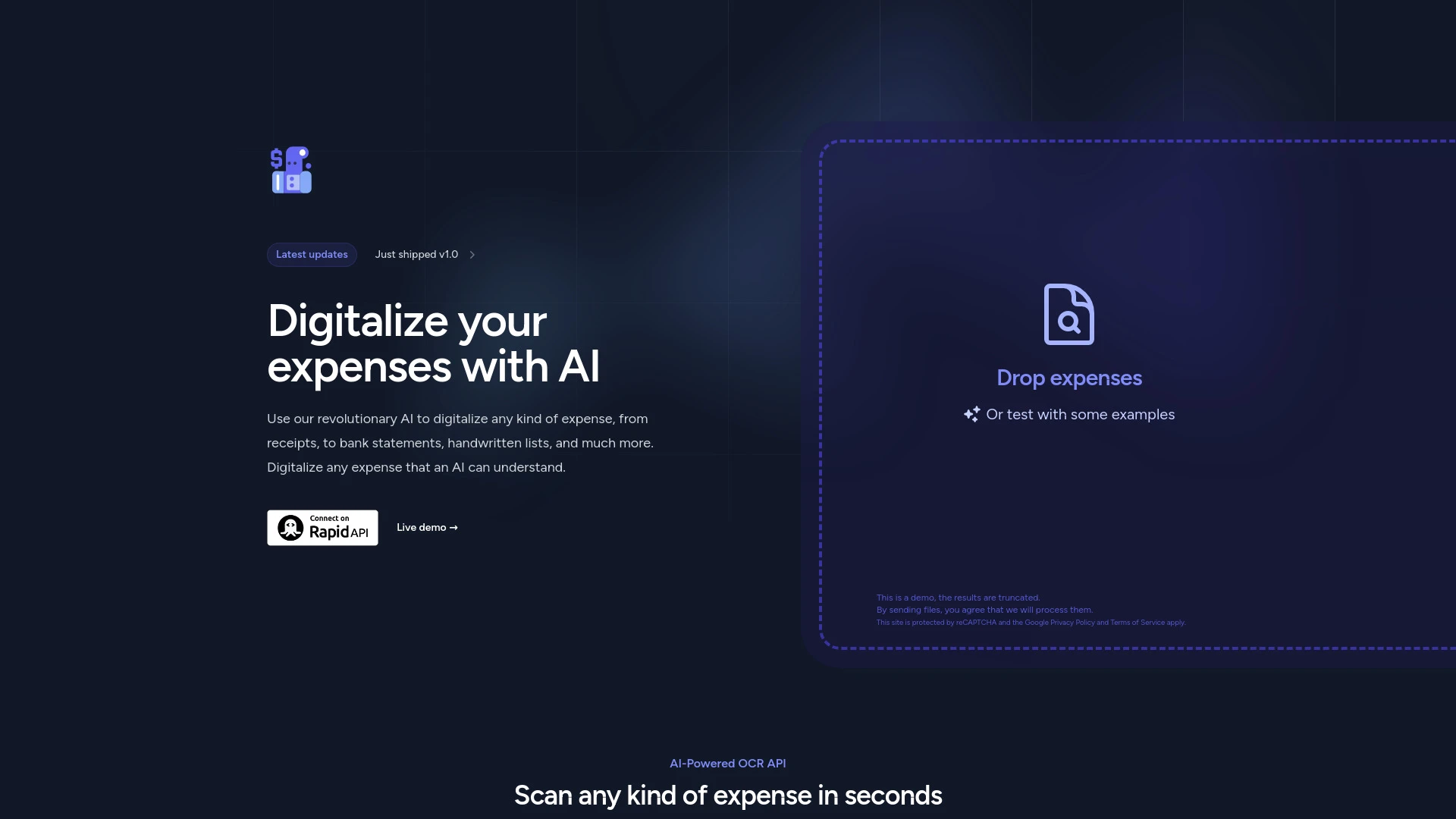
Expenses Day
Expenses Day is an AI-driven API that digitizes expense documents using advanced OCR technology.
- AI-powered OCR for document processing
- secure automatic data handling
- supports multiple expense document types
AI Analysis
Why use this AI Expenses Day for Automate Receipt Scanning?
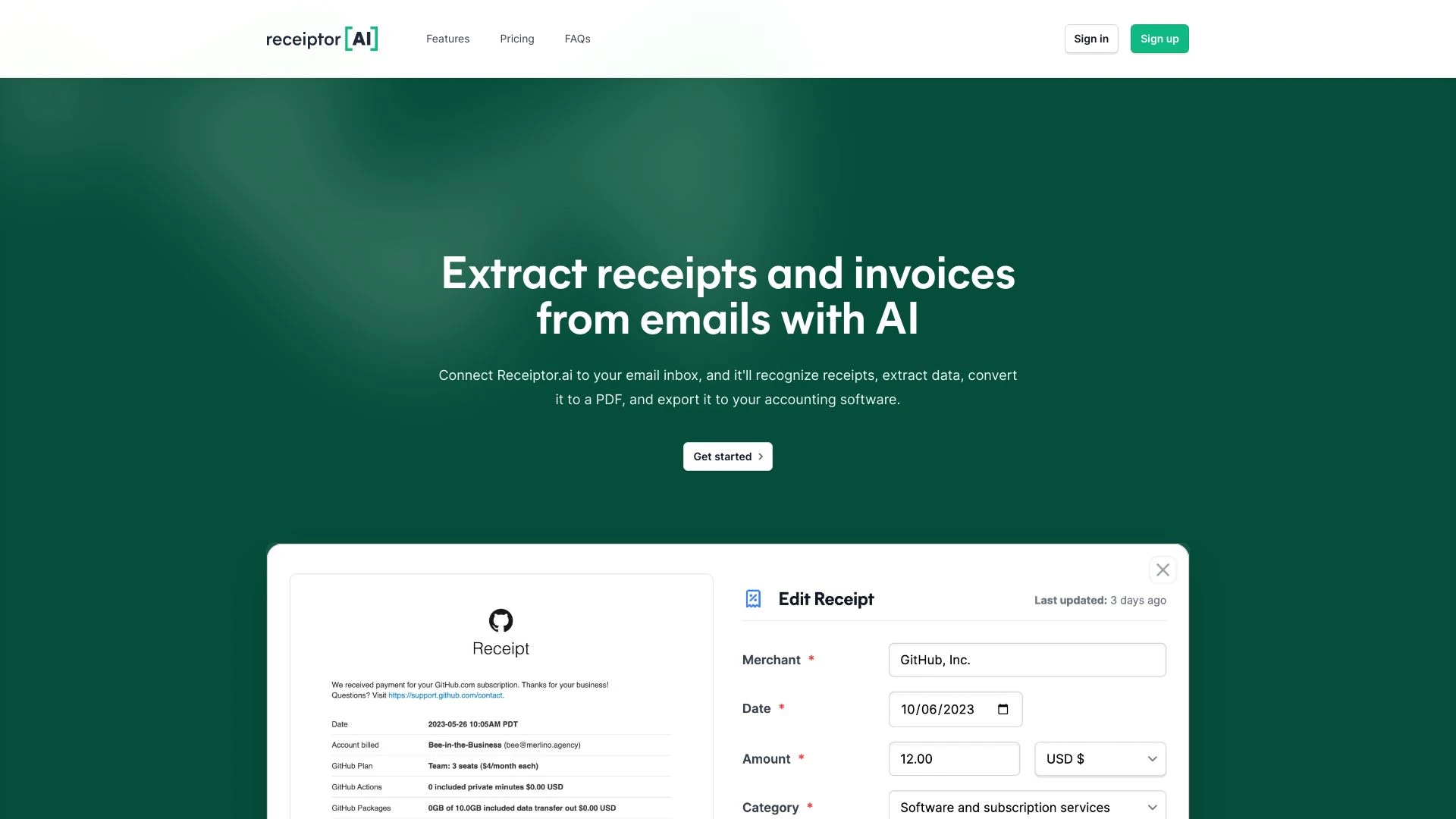
Receiptor AI
Receiptor AI automates receipt extraction, tracks expenses, and simplifies tax preparation for users, enhancing financial efficiency.
- Automated receipt and invoice extraction
- Retroactive analysis of emails
- Comprehensive detail extraction
AI Analysis
Why use this AI Receiptor AI for Automate Receipt Scanning?
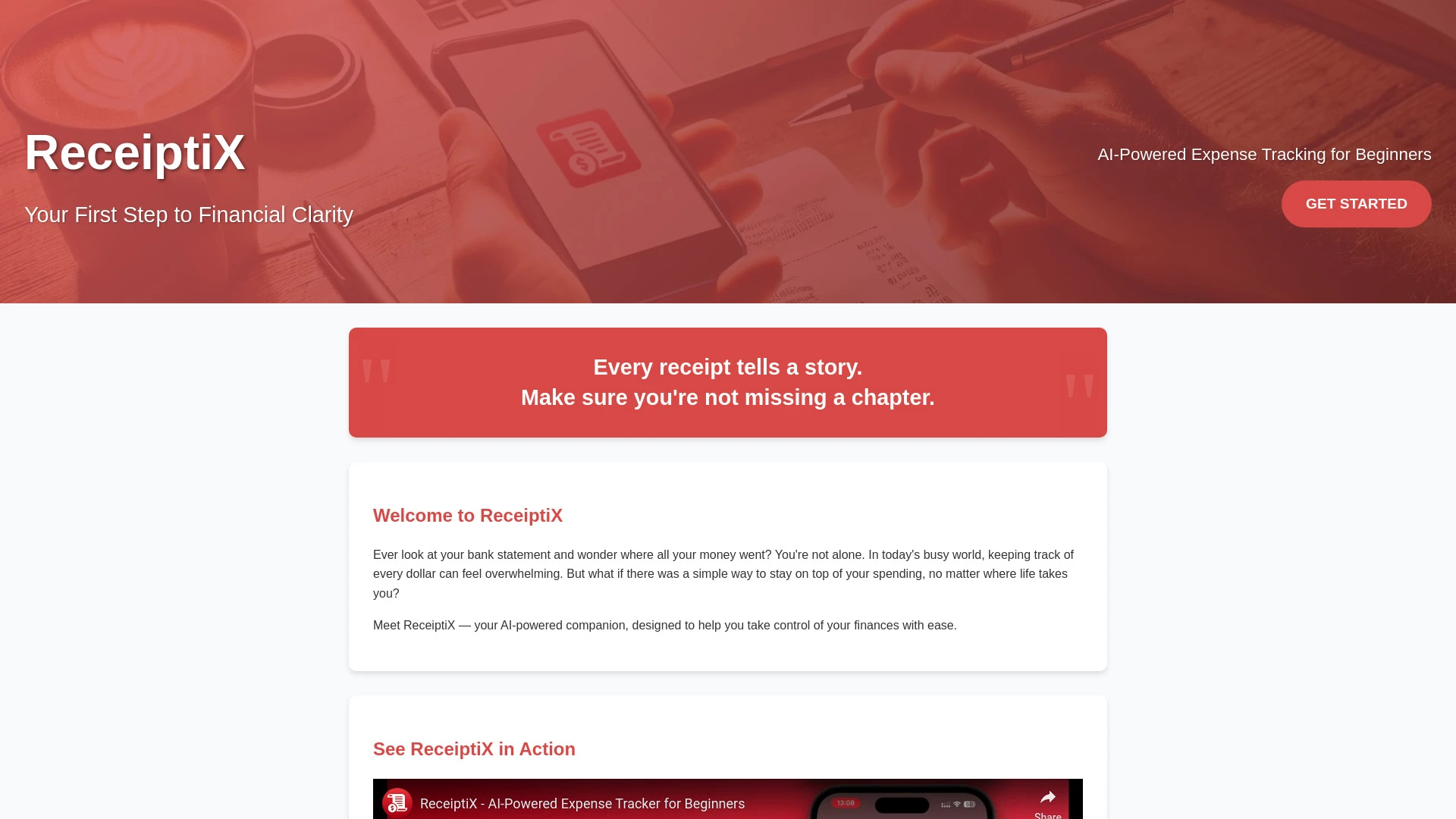
ReceiptiX
ReceiptiX is an AI-powered app designed for effortless personal expense tracking and receipt management, ideal for beginners and travelers.
- Smart receipt scanning
- Automatic categorization
- Multi-currency support
AI Analysis
Why use this AI ReceiptiX for Automate Receipt Scanning?
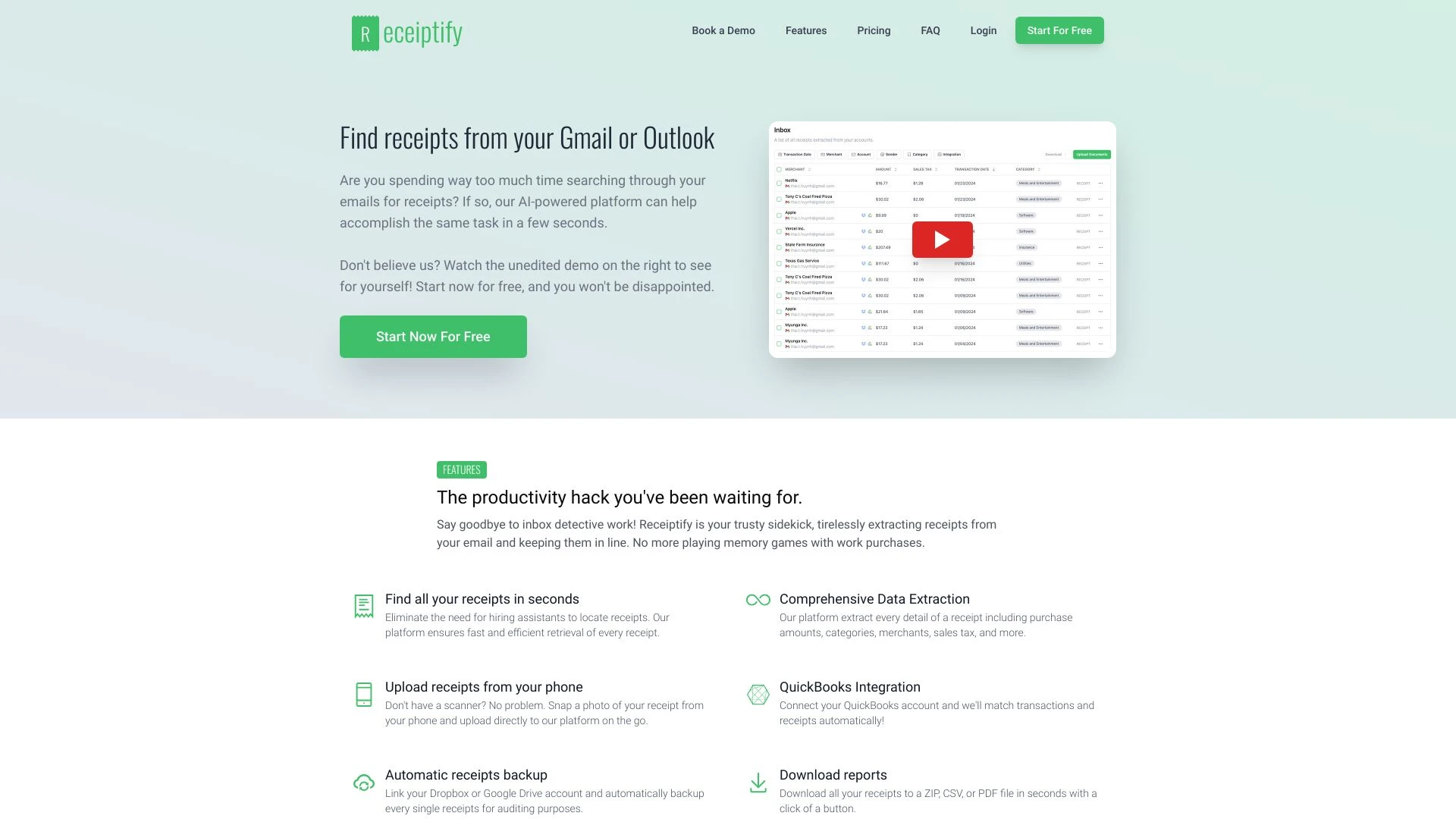
Receiptify
Receiptify efficiently organizes and retrieves receipts from Gmail or Outlook, streamlining your financial record-keeping.
- Receipt organization
- Mailbox receipt collection
- Digital receipt management
AI Analysis
Why use this AI Receiptify for Automate Receipt Scanning?
Practical Workflows
Don't just buy tools—build a system. Here are 3 proven ways to integrate AI into your automate receipt scanning process.
Workflow 1: First Successful Automate Receipt Scanning Task for Complete Beginners
- Set up a dedicated receipt inbox or folder and configure automatic file naming to standardize inputs.
- Upload 20 sample receipts with varied formats (paper, mobile, PDF) and run automated OCR to extract line items.
- Review 100% of extracted data in the validation pane, correct 5–10% of errors, and export to CSV/ERP-ready format.
Workflow 2: Regular User Optimizing Daily Automate Receipt Scanning
- Create an auto-routing rule to classify receipts by vendor and category using AI tags.
- Schedule nightly batch processing with error reporting and automatic re-scan for failed items.
- Set up automatic reconciliation by matching scanned totals with bank statements and flag discrepancies.
Workflow 3: Power User Achieving Full Automate Receipt Scanning Automation
- Integrate receipt scanning with the accounting system via API to push validated entries in real time.
- Build custom validation rules (tax codes, expense categories, mileage vs. receipt) and enforce approval workflows.
- Monitor dashboards for accuracy, run monthly audits, and generate audit trails for compliance.
Effective Prompts for Automate Receipt Scanning
Copy and customize these proven prompts to get better results from your AI tools.
Beginner: Simple task, clear output
You are an AI assistant helping with Automate Receipt Scanning. Given a set of 25 receipts in PDF or image formats, extract date, vendor, total amount, tax, and category for each and output a CSV with headers: Date, Vendor, Amount, Tax, Category, OriginalReceiptLink. Include validation notes for items requiring manual review.Advanced: Role + context + constraints + format
You are a Financial Ops AI specialized in Automate Receipt Scanning. Role: Expense Automation Manager. Context: company processes 5,000 receipts per month from diverse vendors; constraints: 99.5% accuracy, export to ERP in real-time, maintain audit trails. Output: JSON array with fields {date, vendor, amount, tax, category, receipt_id}, plus a summary report of confidence scores and any anomalies.Analysis: Evaluate/compare/optimize outputs
Review two Automate Receipt Scanning results sets from Tool A and Tool B. Compare accuracy, average time to process, and error rates. Recommend optimizations: feature tuning, additional training receipts, or rule adjustments to improve 30-day SLA compliance.
What is Automate Receipt Scanning AI?
Automate Receipt Scanning AI blends optical character recognition with machine learning to extract expense details from receipts, classify items, and import data into accounting or expense systems. It’s ideal for finance teams, bookkeepers, and small businesses seeking accuracy and efficiency in 2026.
Benefits of AI for Automate Receipt Scanning
- Drastically reduces manual data entry time for receipts of all formats
- Improves data accuracy with automated validation and error detection
- Speeds up expense reporting and reimbursement cycles
- Offers scalable processing for growing transaction volumes
- Enables seamless integration with accounting and ERP systems
How to Choose the Right Automate Receipt Scanning AI Tool
- OCR accuracy and support for diverse receipt formats
- Integration options with your accounting/ERP stack
- Automation capabilities: validation rules, workflows, approvals
- Security, data privacy, and compliance features
- What’s included in the free tier and overall total cost of ownership
Best Practices for Implementing Automate Receipt Scanning AI
- Start with a representative, diverse receipt set to train the model
- Define validation rules early to minimize downstream corrections
- Automate error handling and re-scan for failed items
- Regularly audit automated outputs and maintain an approval checkpoint
- Monitor KPI metrics like processing time, accuracy, and fallback rates
AI for Automate Receipt Scanning: Key Statistics
Global adoption of Automate Receipt Scanning AI grew 38% year-over-year in 2024–2025, reaching 62% of mid-sized finance teams by 2025 end.
Average time to process a receipt dropped from 2.4 minutes to 18 seconds after implementation in pilot programs.
Small businesses implementing AI-driven receipt scanning reported 44% reduction in data-entry errors.
53% of users cited faster reimbursement cycles as their top benefit of Automate Receipt Scanning AI.
70% of enterprises report ROI within 6 months of deployment with seamless ERP integrations.
By 2026, 81% of new AI tools for Automate Receipt Scanning offer native audit trails and compliance-ready exports.
Frequently Asked Questions
Get answers to the most common questions about using AI tools for automate receipt scanning .
Automate Receipt Scanning AI uses optical character recognition, machine learning, and data validation to extract expense information from receipts, categorize items, and feed accurate data into accounting or expense management systems. It’s designed for professionals and businesses evaluating scalable ways to reduce manual data entry and errors in 2026.
Start by choosing a tool with robust OCR, receipt templates, and API integrations. Gather 20–30 diverse receipts, set up automated ingestion, train the model with a few corrected examples, enable automatic validation rules, and connect to your accounting or ERP system for real-time data sync.
Cloud AI tools offer faster setup, scalable processing, and easier automatic updates, making them ideal for most businesses. On-prem solutions may suit organizations with strict data sovereignty, larger IT control, or custom compliance requirements. Compare accuracy, latency, and integration options to decide what’s best for your needs.
Common causes include poor image quality, non-standard receipt layouts, insufficient training data, or misconfigured validation rules. Improve by enhancing scan quality, adding diverse sample receipts to training, and refining field mappings and exception handling in your workflow.
Related AI Tool Categories
Explore other AI tool categories similar to Automate Receipt Scanning that might interest you.
AI Accounting Assistant
The AI Accounting Assistant leverages artificial intelligence to automate financial tasks like bookkeeping, invoicing, a...
AI Repurpose Assistant
The AI Repurpose Assistant employs advanced algorithms to transform content across formats, enhancing creativity and eff...
AI Documents Assistant
The AI Documents Assistant leverages artificial intelligence to streamline document creation, management, and analysis....
AI Email Assistant
An AI Email Assistant automates email management, enhancing productivity and communication. It uses natural language pro...
Tax Assistant
The 'Tax Assistant' in artificial intelligence automates and optimizes tax-related processes. Using AI, it can analyze l...
AI Reply Assistant
The AI Reply Assistant leverages natural language processing to enhance communication efficiency. It automates responses...