Recommended AI Tools
5We've analyzed the market. These tools offer specific features for create behind-the-scenes clips.
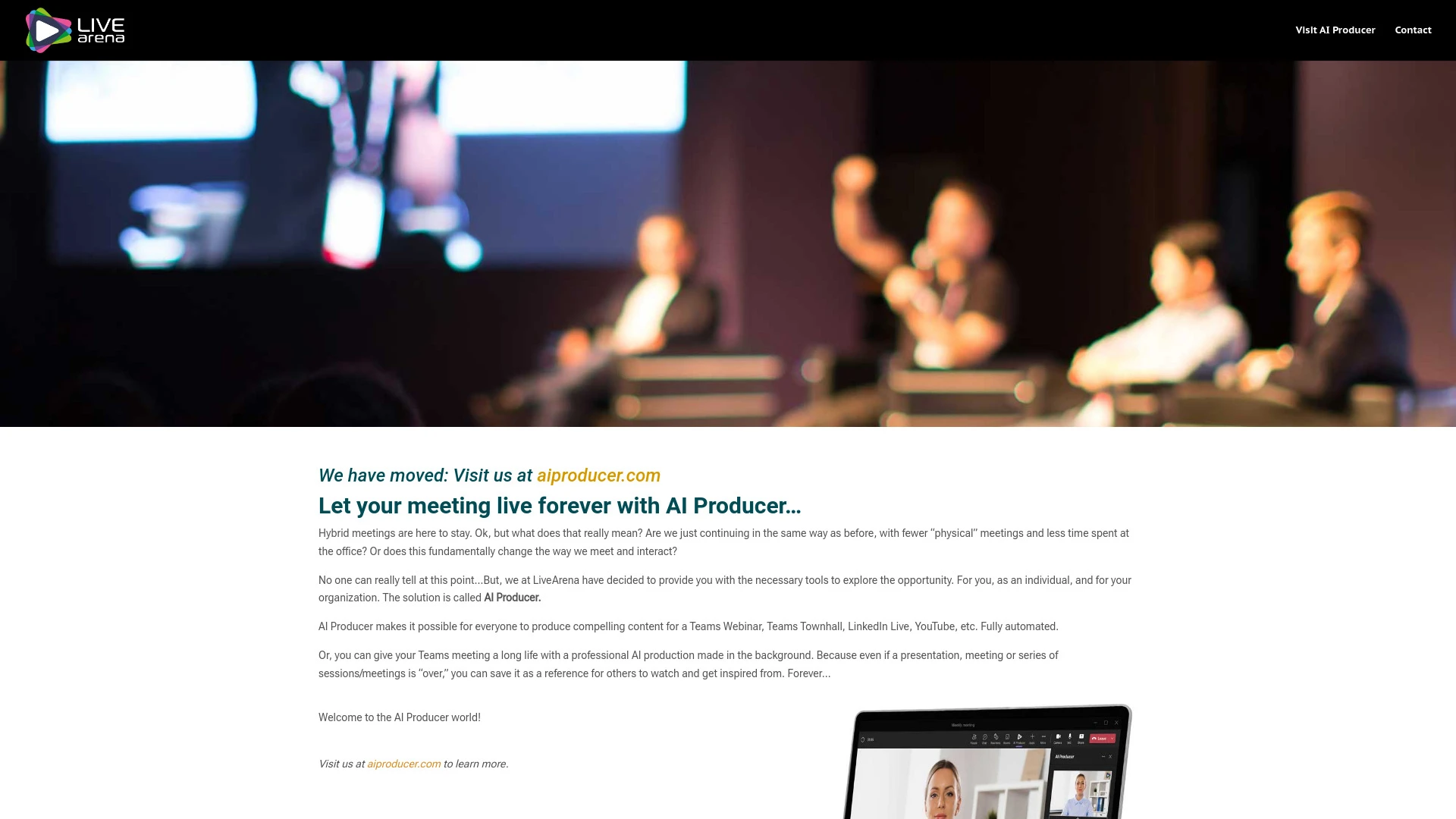
AI Producer
AI Producer is an innovative automated video creation tool by LiveArena designed for platforms like Teams and YouTube, streamlining content production...
- Automated video production
- Simple text-to-video creation
- Integration with multiple platforms
AI Analysis
Why use this AI AI Producer for Create Behind-The-Scenes Clips?
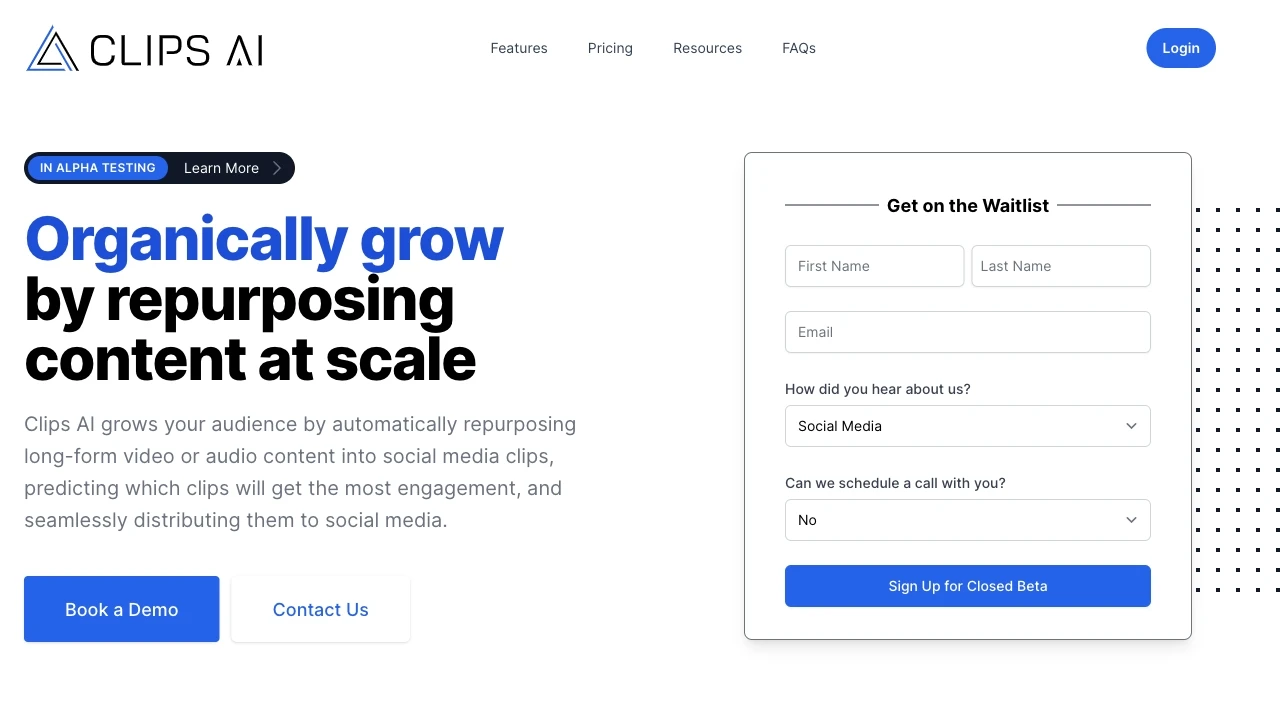
Clips AI
Clips AI simplifies the creation of social media clips from lengthy videos, enhancing engagement and saving time for content marketers.
- AI-powered clip creation
- Fast workflow
- Ready-made titles
AI Analysis
Why use this AI Clips AI for Create Behind-The-Scenes Clips?
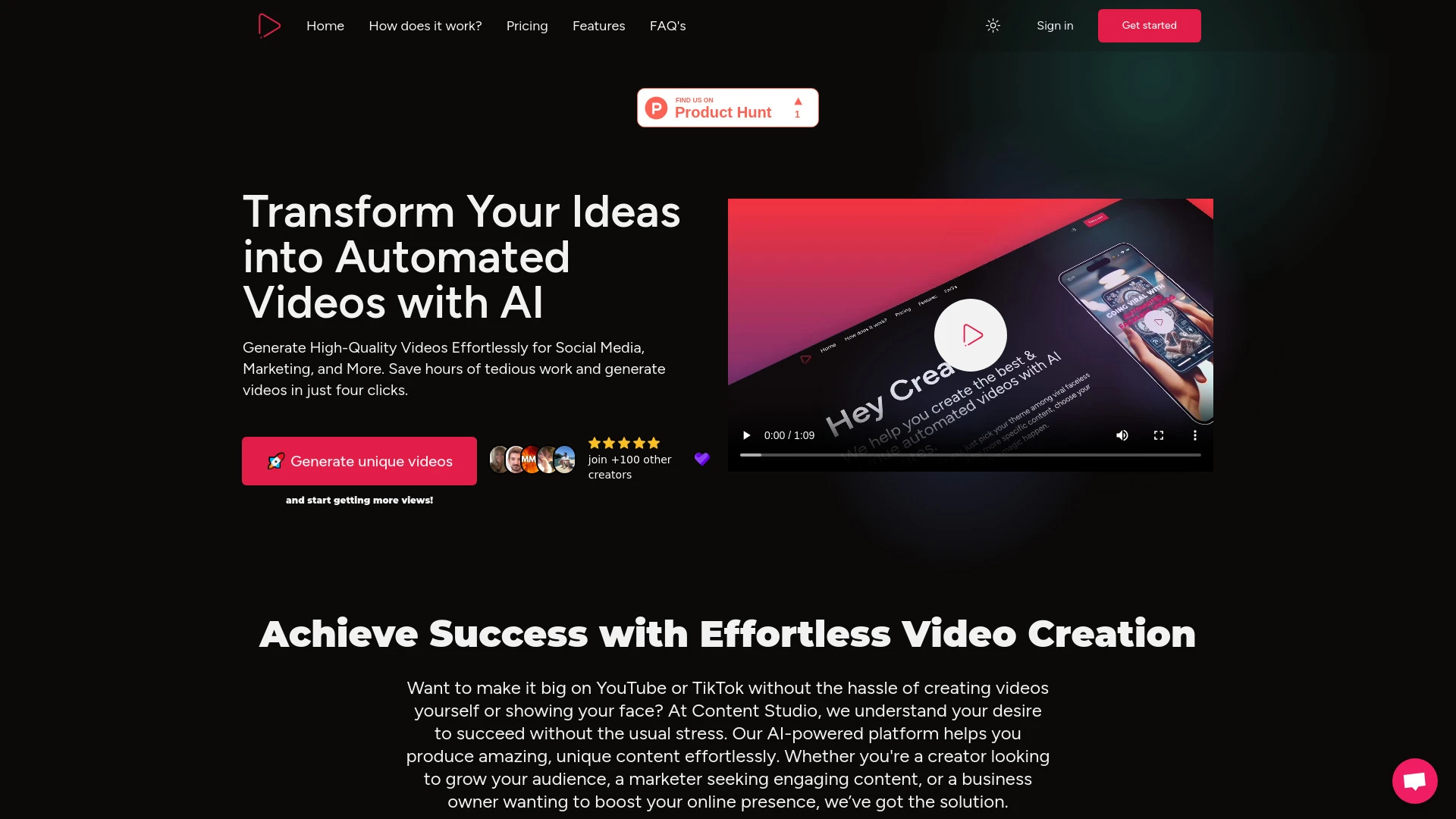
Content Studio AI streamlines video creation with personalized scripts and social media integration.
- Automated video creation
- Script customization
- Social media integration
AI Analysis
Why use this AI Content Studio AI for Create Behind-The-Scenes Clips?
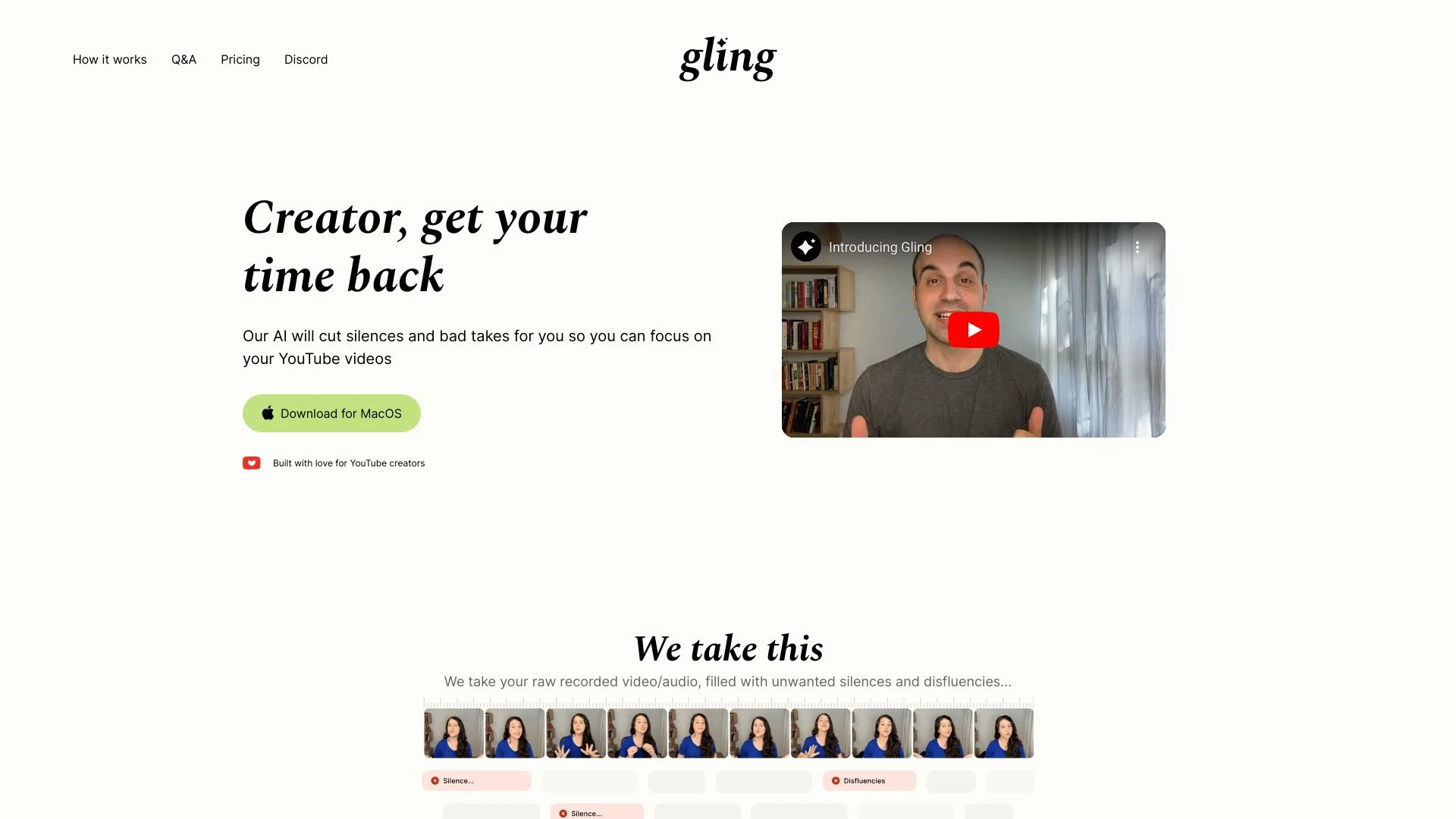
Gling AI
Gling AI is an AI-driven video editor that intelligently removes unwanted silences and bad takes, streamlining the content creation process for YouTub...
- Automatic silence detection and removal
- AI transcription for precise editing
- Export options for popular video editors
AI Analysis
Why use this AI Gling AI for Create Behind-The-Scenes Clips?
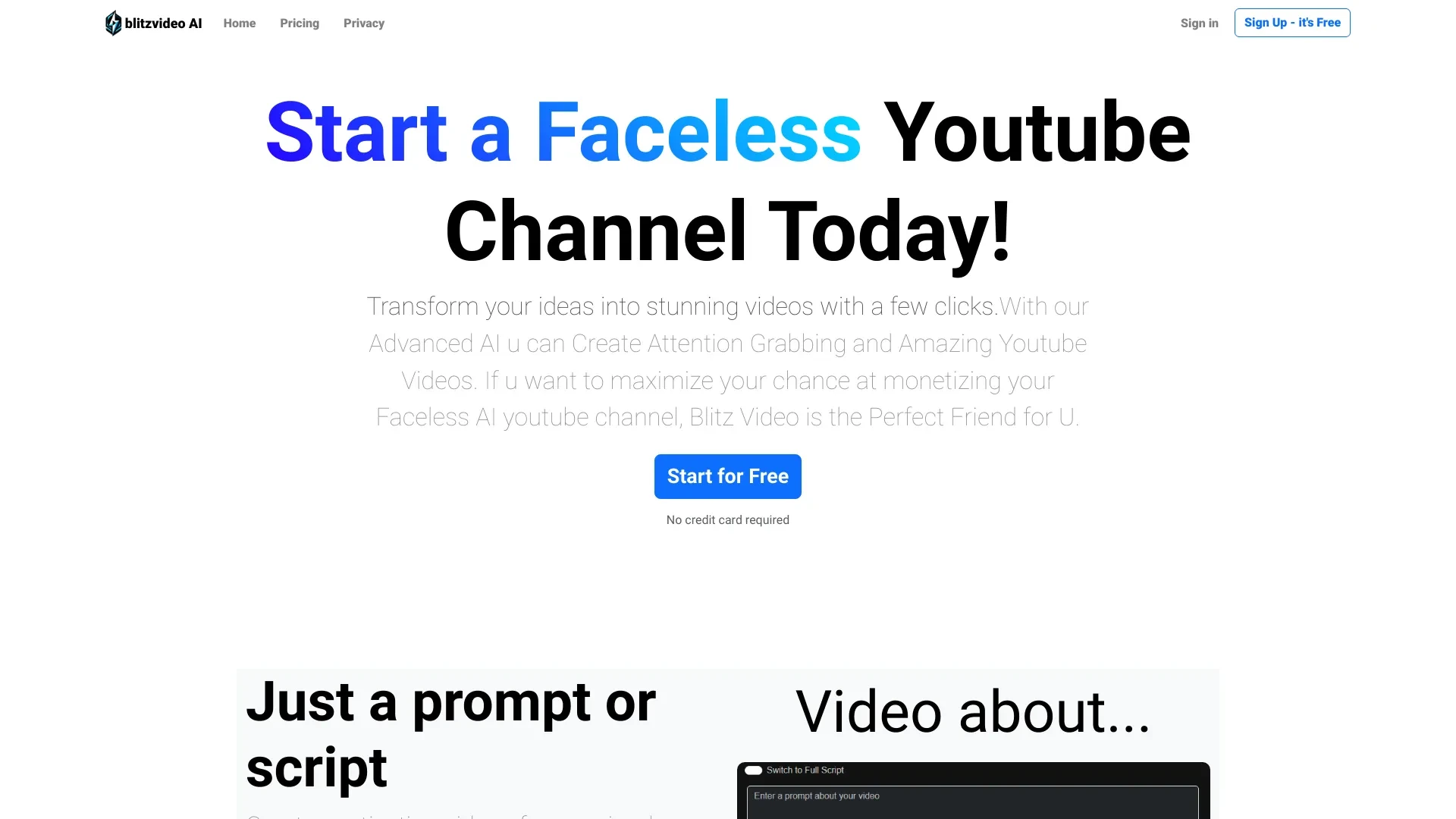
Blitz Video AI
Blitz Video AI is a revolutionary platform designed for creating captivating faceless YouTube videos using AI technology.
- AI video creation from text prompts or scripts
- selection of 6 unique AI voices
- 14 different video styles
AI Analysis
Why use this AI Blitz Video AI for Create Behind-The-Scenes Clips?
Practical Workflows
Don't just buy tools—build a system. Here are 3 proven ways to integrate AI into your create behind-the-scenes clips process.
Workflow 1: Create a first successful Behind-The-Scenes Clip (Beginner)
- Capture raw BTS footage from your latest shoot and upload to the chosen AI BTS platform.
- Apply an automated rough cut with scene detection and transitions tailored for BTS storytelling.
- Generate captions, add a subtle watermark, and export in your target aspect ratio (16:9 or 9:16) for social platforms.
Workflow 2: Optimize daily BTS clip production (Regular user)
- Create a reusable BTS template (intro card, lower-thirds, outro) within the AI tool.
- Set up auto-tagging for keywords like location, crew, equipment, and moments of interest.
- Batch-process daily shoots: auto-cut, color-match, and publish to your CMS or social channels with scheduled posts.
Workflow 3: Automate full BTS clip production (Power user)
- Integrate AI BTS tool with your project management and asset library for instant ingest.
- Leverage AI to script voiceovers, generate B-roll suggestions, and compile multi-clip sequences into a cohesive BTS story.
- Set rules for quality checks, generate SEO-friendly descriptions and hashtags, and auto-publish across platforms.
Effective Prompts for Create Behind-The-Scenes Clips
Copy and customize these proven prompts to get better results from your AI tools.
Beginner
You are a BTS editor. Create a 30-second Behind-The-Scenes clip from the provided raw footage showing the setup, crew, and camera checks. Include auto-generated captions, a lower-third with the video title, and export for Instagram Reels (9:16) with a subtle watermark.Advanced
Role: BTS Creative Producer. Context: You have 3 interview cuts, 2 setup shots, and 1 on-location showcase. Constraints: maintain brand voice in captions, add a narrative arc, insert b-roll suggestions, and produce a 60-second multi-clip BTS story with a formal intro/outro. Format: MP4 1080p, 9:16, with chapter markers.Analysis
Evaluate the three generated BTS clips for clarity, pacing, and branding. Recommend which clip best communicates production culture, justify with metrics (engagement, watch time), and propose two targeted edits to optimize for YouTube Shorts.
What Create Behind-The-Scenes Clips AI Is (Definition + Who It's For)
Create Behind-The-Scenes Clips AI enables teams to automatically generate, assemble, and polish clips that reveal production processes, workflows, and team dynamics. It’s ideal for marketing teams seeking authentic content, production houses sharing process insight, educators illustrating workflows, and brands that want continuous BTS storytelling. Suitable for beginners learning the ropes and power users pursuing scalable BTS workflows.
Benefits of Using AI for Create Behind-The-Scenes Clips
- Speed: auto-cutting, captioning, and export reduces production time by up to 60%.
- Consistency: templates ensure uniform branding across all BTS clips.
- Accessibility: auto-captioning improves reach and comprehension.
- Scalability: batch processing for daily BTS content keeps audiences engaged.
- SEO-ready: AI-generated descriptions and hashtags boost discoverability.
How to Choose the Right Create Behind-The-Scenes Clips AI Tool
- Workflow fit: look for templates tailored to BTS storytelling and platform-specific outputs.
- Brand control: ensure easy customization of logos, colors, fonts, and lower-thirds.
- Automation depth: prefer tools with auto-cut, auto-caption, auto-voiceover, and publishing options.
- Collaboration: multi-user projects and version history for team workflows.
- Analytics: built-in performance metrics to measure engagement of BTS clips.
Best Practices for Implementing BTS Clips AI
- Do start with a clear BTS brief: purpose, tone, and key moments to highlight.
- Do maintain brand templates: update fonts, colors, and logo placements regularly.
- Do test outputs: review automated captions for accuracy and adjust language models.
- Don’t rely on auto alone: add human tweaks to pacing and storytelling where needed.
- Do monitor performance: analyze engagement and iterate on templates accordingly.
AI for Create Behind-The-Scenes Clips: Key Statistics
AI adoption for Create Behind-The-Scenes Clips grew from 22% in 2023 to 58% in 2025 among mid-to-large teams.
Average time to produce a BTS clip using AI dropped from 90 minutes to 28 minutes in 2025, with 40% fewer revisions.
62% of creators report improved audience engagement after implementing BTS AI workflows in 2025.
Top BTS AI tools report 4x faster caption generation and 3.5x faster template customization year-over-year (2024–2026).
75% of teams rely on automated branding templates for BTS clips to maintain consistency across platforms.
Businesses integrating BTS AI with CMS saw a 28% increase in weekly BTS clips published without additional headcount in 2025.
Frequently Asked Questions
Get answers to the most common questions about using AI tools for create behind-the-scenes clips .
Create Behind-The-Scenes Clips AI refers to software and platforms that automatically generate, edit, and optimize footage that shows the production process, equipment, people, and workflow. It helps teams produce authentic BTS content quickly, suitable for social media, training, or marketing.
Start by identifying a BTS goal (brand authenticity, educational content, or team culture). Choose an AI tool with automatic cutting, captioning, and branding options. Upload your raw BTS footage, select a template, and iterate using the generated previews until you’re satisfied.
For speed and consistency, auto-edited BTS templates are ideal. For nuanced storytelling or complex effects, combine AI-generated edits with manual tweaks. Look for tools offering hybrid workflows and transparent AI-aided decisions.
Brand misalignment often comes from missing style guides in the AI setup. Ensure your tone, fonts, color profiles, and logo usage are defined in templates, and feed the AI consistent brand inputs. Regularly audit outputs and adjust templates accordingly.
Related AI Tool Categories
Explore other AI tool categories similar to Create Behind-The-Scenes Clips that might interest you.
AI Video Generator
AI Video Generators utilize algorithms to create videos from text, images, or audio, enhancing content creation. Applica...
AI User-Generated Content Video Generator
The AI User-Generated Content Video Generator leverages artificial intelligence to automate video creation from user inp...
AI Personalized Video Generator
The AI Personalized Video Generator leverages AI algorithms to create tailored video content for users, analyzing prefer...
AI Music Video Generator
AI Music Video Generators leverage machine learning to create visuals that sync with music, enhancing creativity and acc...
AI Repurpose Assistant
The AI Repurpose Assistant employs advanced algorithms to transform content across formats, enhancing creativity and eff...
AI Video Editor
AI Video Editors leverage machine learning algorithms to automate video editing tasks, enhancing efficiency and creativi...